


TAPI call centre connector for Creatio
Add-on to Creatio to integrate with TAPI telephony
Overview
Product overview
Product description
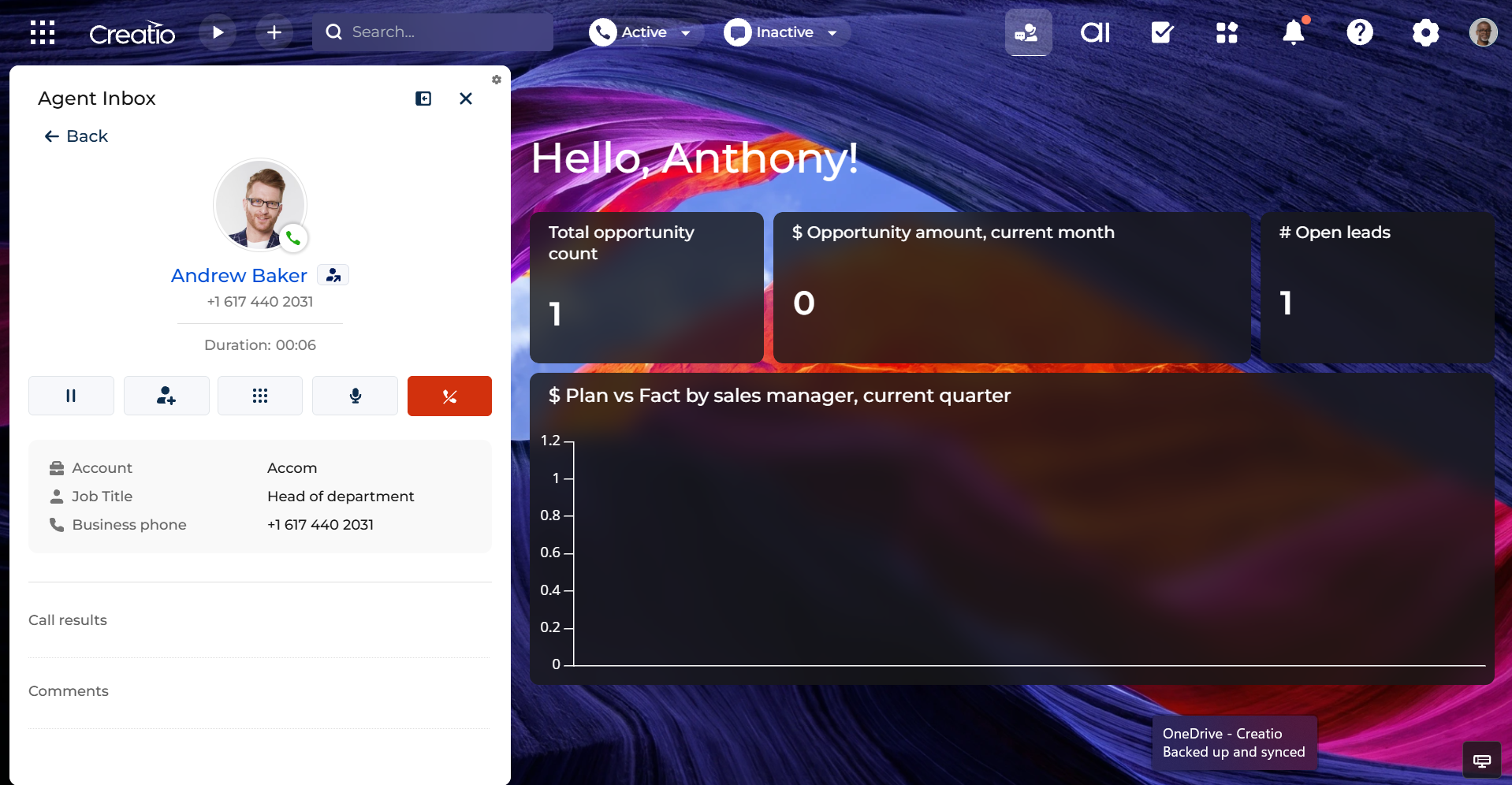
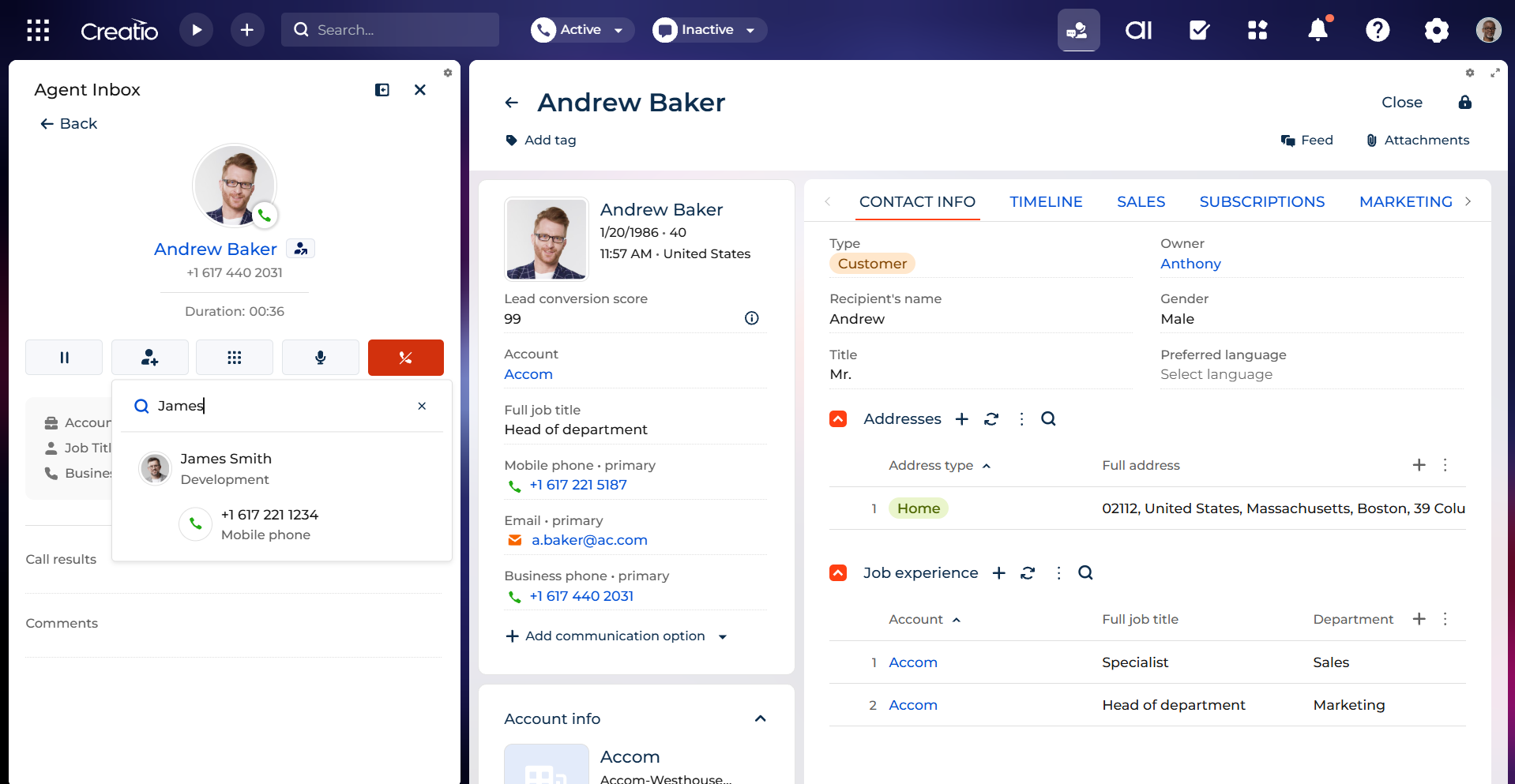
The solution allows to seamlessly integrate your VoIP system with Creatio using the TAPI-based connector. Manage calls directly within Creatio, enabling streamlined workflows, instant access to call recordings, and comprehensive call analytics. Enhance customer interactions and drive efficiency with real-time call management and detailed insights.
TAPI is a widespread protocol among VoIP service providers. The list of supported VoIP providers and systems that work with the TAPI protocol:
- 3CX
- Cisco Unified Communications Manager
- Avaya IP Office
- Alcatel-Lucent OmniPCX Enterprise
- Mitel MiVoice Business and MiCollab
- Panasonic PBX KX-NS and KX-NSX series
- Siemens Unify OpenScape
- NEC SV9100 and SV9500
Use cases:
- Sales Teams: Automatically log calls, access client history, and analyze call performance to improve conversion rates.
- Customer Support: Streamline support processes by linking call records to customer profiles, ensuring quick and personalized assistance.
- Call Centers: Centralize call data for efficient reporting, tracking agent performance and identifying trends.
- Management: Leverage call statistics and recordings to make data-driven decisions and optimize team productivity.
- Compliance: Maintain a detailed record of call logs to meet regulatory requirements effortlessly.
Key Features
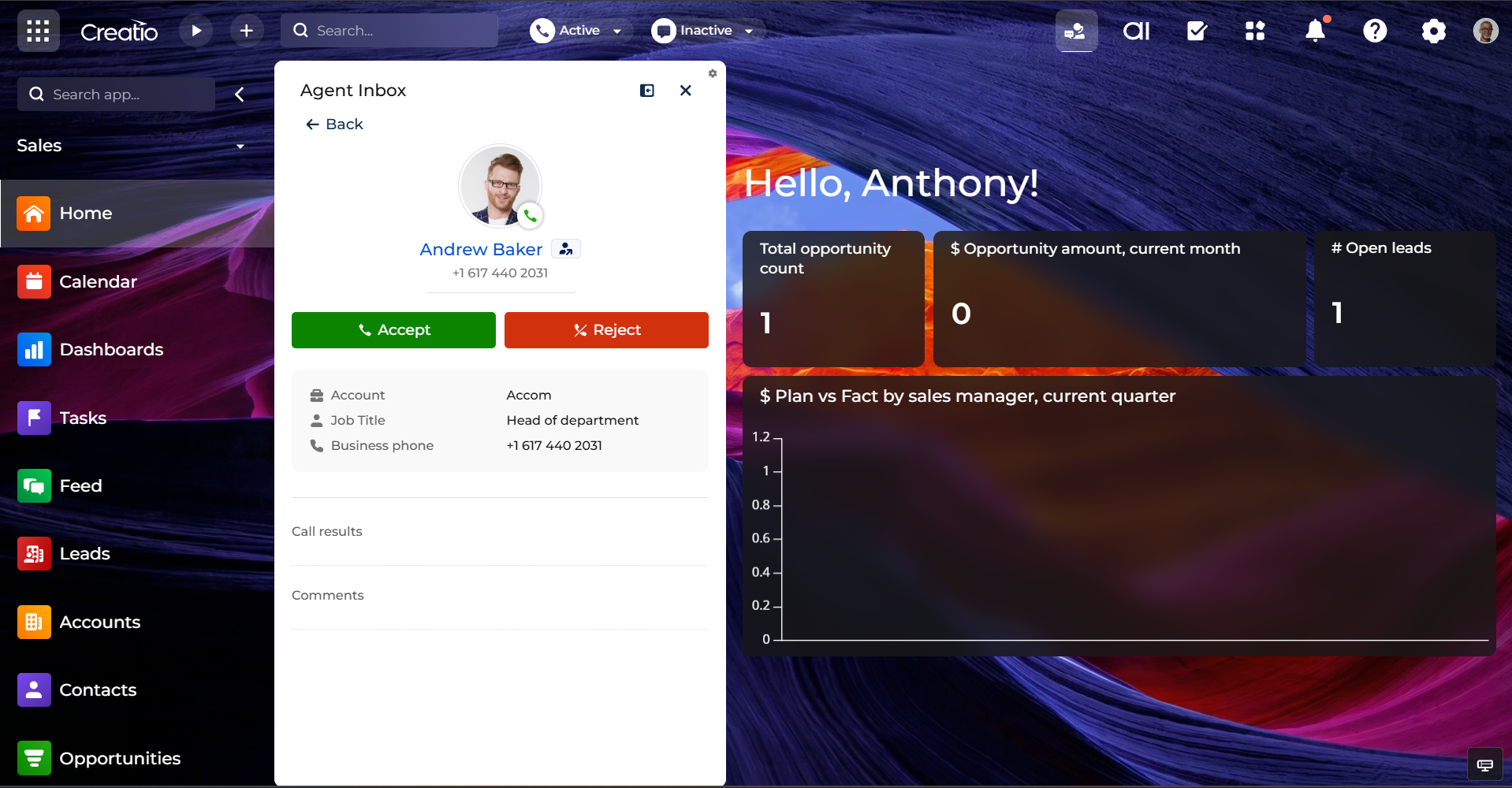
Real time call management
Handle calls directly inside Creatio with real time call management that streamlines daily workflows. Agents manage conversations without switching apps, reducing response times and improving customer interactions at every stage of the call.
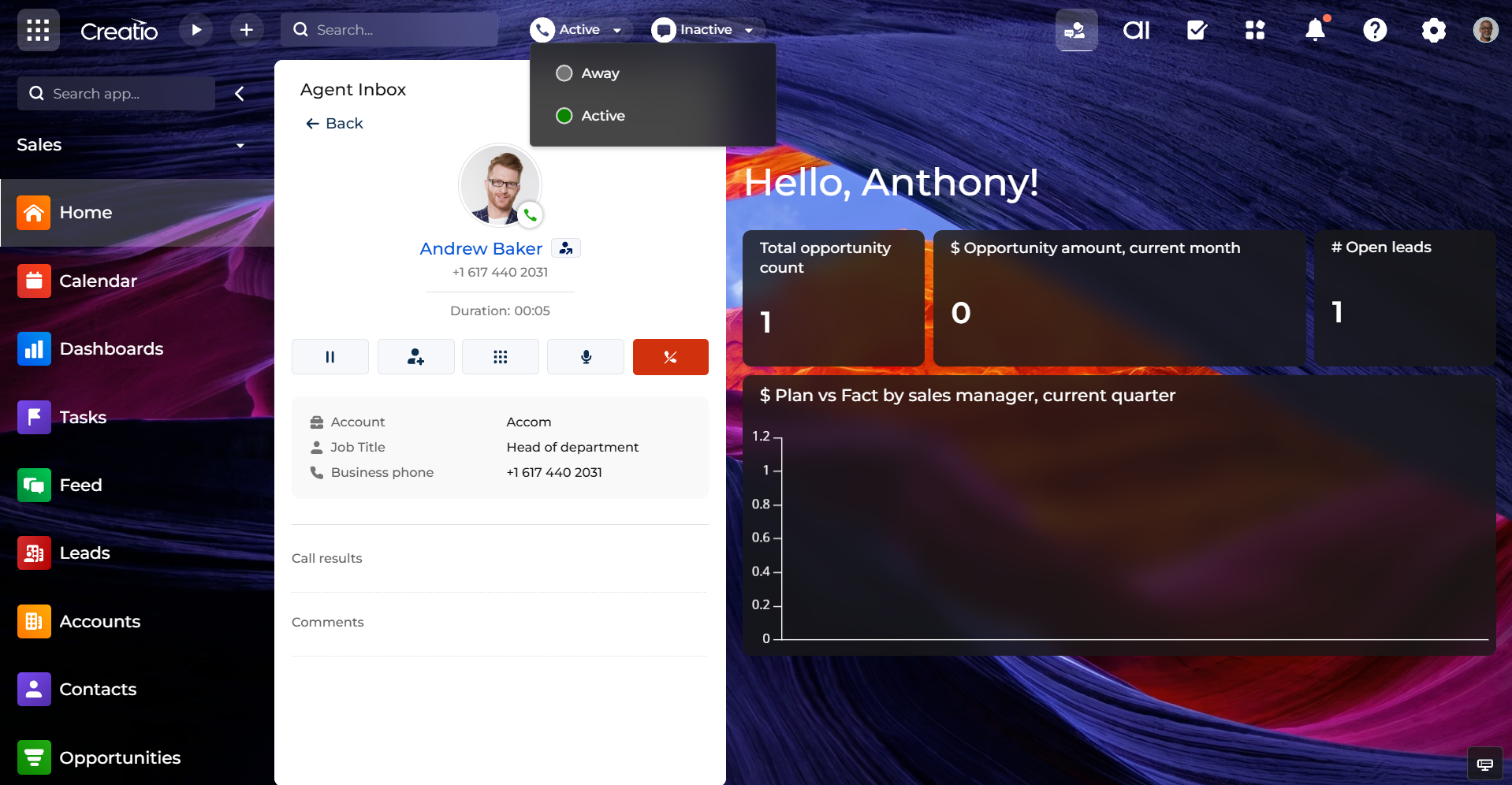
In app call controls
Give agents essential call controls within Creatio. Set availability to ready or do not disturb, place callers on hold, and transfer to colleagues with ease, ensuring smooth handoffs, fewer delays, and consistent, high quality customer service.
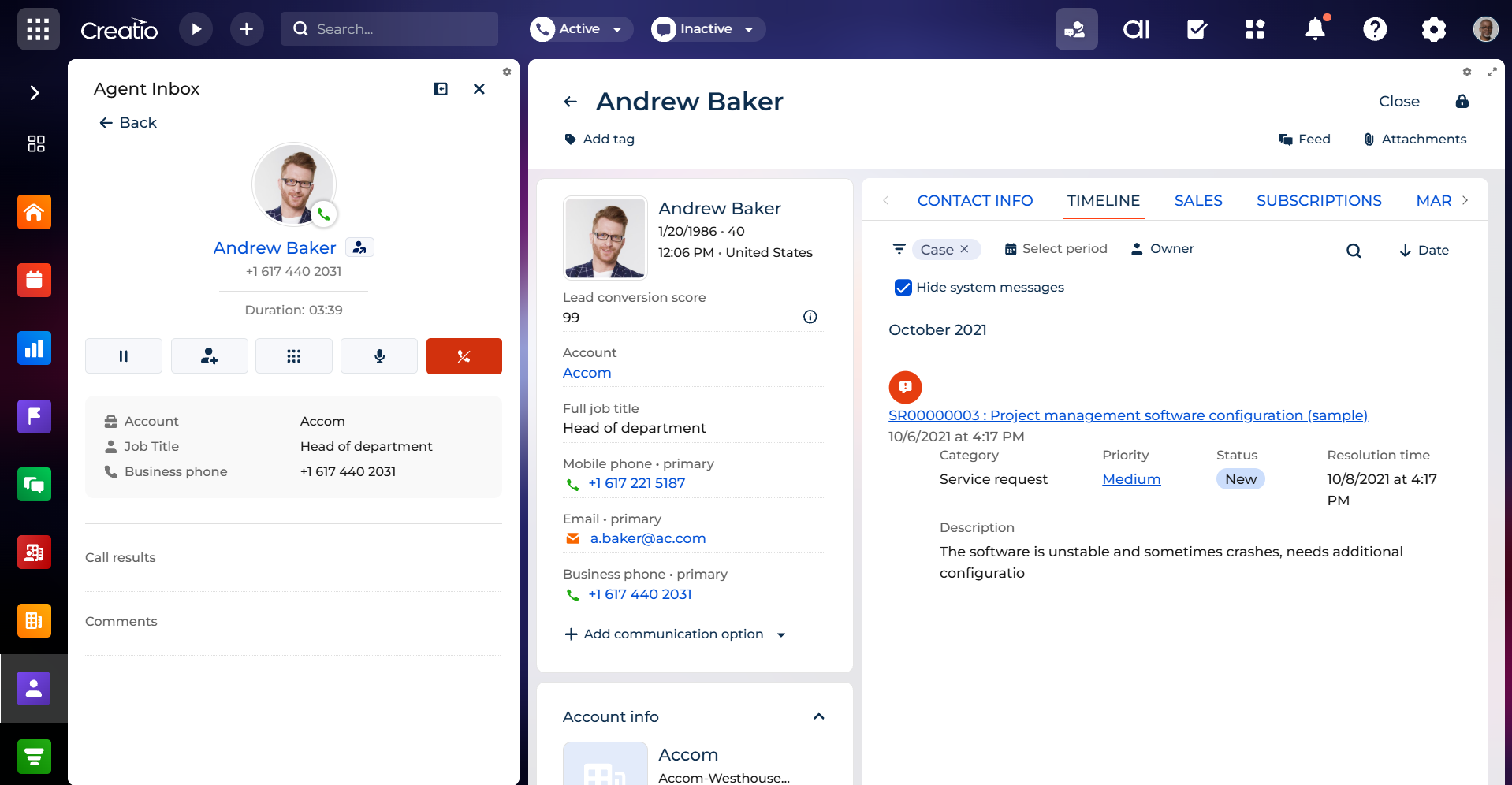
Instant caller identification
Identify callers instantly on inbound and outbound interactions and open the right customer context in a click. See linked contracts, orders, activities, and other records to personalize conversations and act on the latest account data.
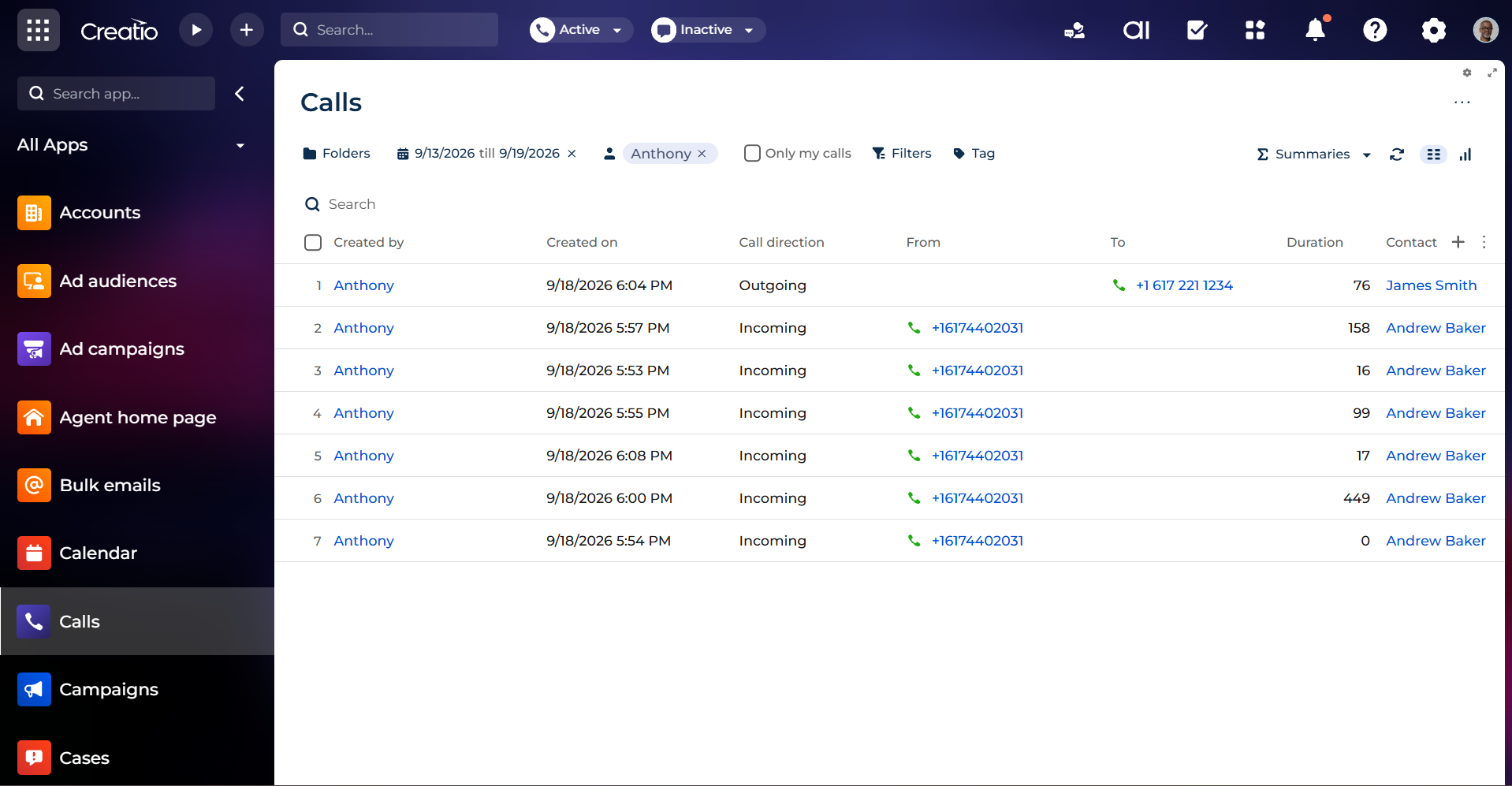
Automatic call logging and recordings
Automatically log every call against the appropriate contact or account in Creatio, capturing key details for future reference. Provide instant access to call recordings to support training, quality assurance, and faster issue resolution.
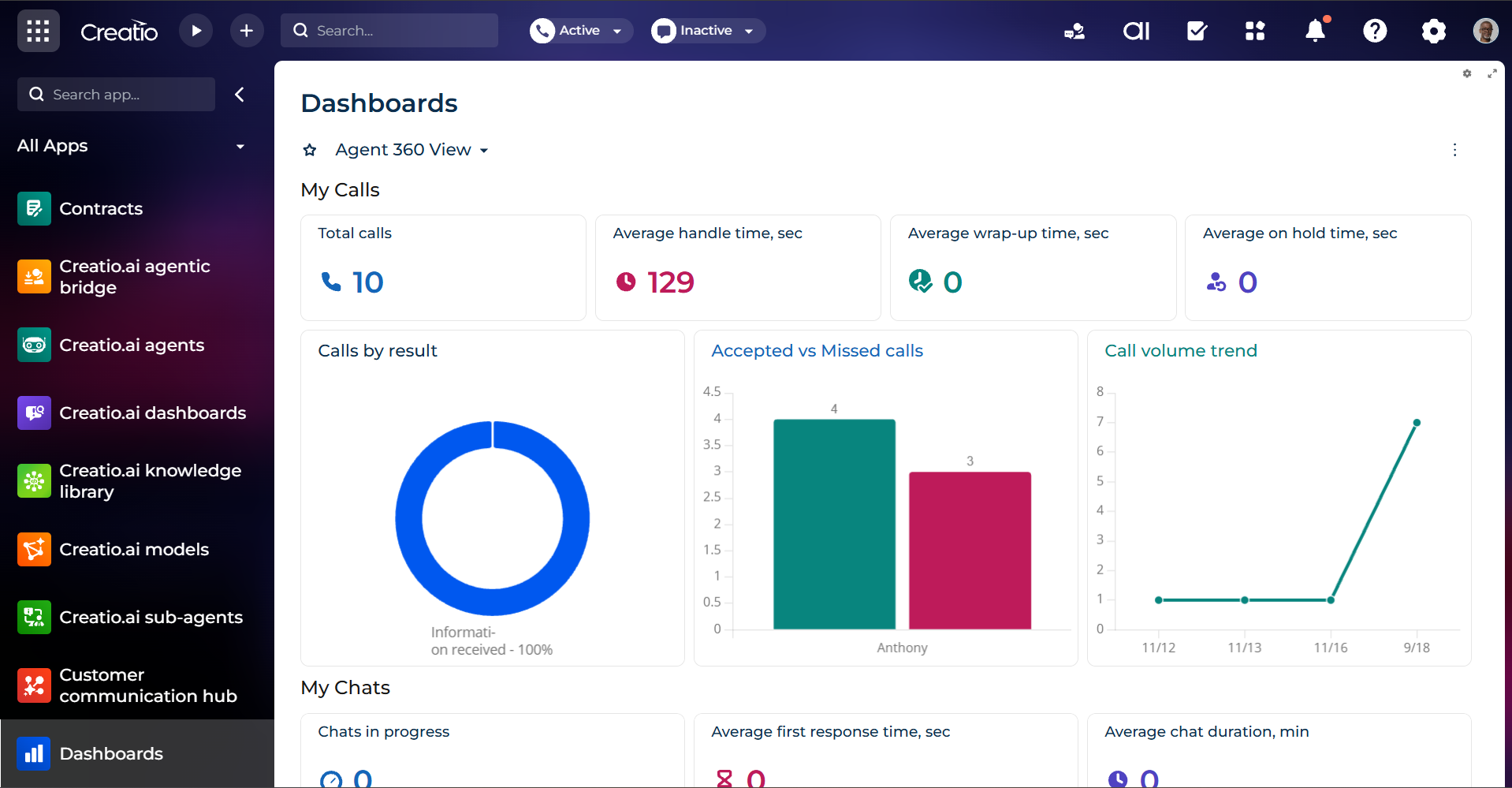
Advanced call analytics and reporting
Gain comprehensive insights into communication performance with built in analytics. Track call duration, daily volumes, agent productivity, and communication quality to uncover trends, optimize staffing, and drive data driven decisions.
Pricing
Monthly
Annual
Standard
$
4.17 user / month
billed annually
Terms and Conditions
By installing this product you agree to terms and conditions outlined in the license agreement.
Support
Support is available for this application
Support is provided by the developer within the “Basic”, “Business” and “Premium“ packages. Detailed information about the support packages and the support terms can be found on the Creatio website.
Installation
Setup guide
Find more details on how to manage calls in the article Manage calls.
Resources
Data sharing
- By installing or downloading the App, you confirm that you agree with sharing your account data (name, email, phone, company and country) with the App Developer as their End User.
- The App Developer will process your data under their privacy policy.
Versions
Manual app installation
- Open the needed app → the Packages tab - download the Markeplace app files.
- Click in the top right → Application Hub
- Click New application. This opens a window.
- Select Install from file and click Select in the window that opens.
- Click Select file on the page of the Marketplace App Installation Wizard and specify the app file path.
Compatibility notes