

Terminal Flow 360 for Creatio
Terminal Flow 360 streamlines foreign carrier delivery order management by integrating with existing tools and enhancing visibility, efficiency, and carrier management processes.
Overview
Product overview
Product description
Terminal Flow 360 streamlines the order management in terminal operations. Designed and built specifically for companies operating in the logistics sector, this add-on provides comprehensive control over all aspects of LTL order management.
Use cases:
This solution is beneficial for businesses involved in the terminal operations of LTL order management and having end to end control over their operations. Terminal Flow 360 for Creatio will be mainly used by Terminal Managers, Operators and Drivers.
Key Features
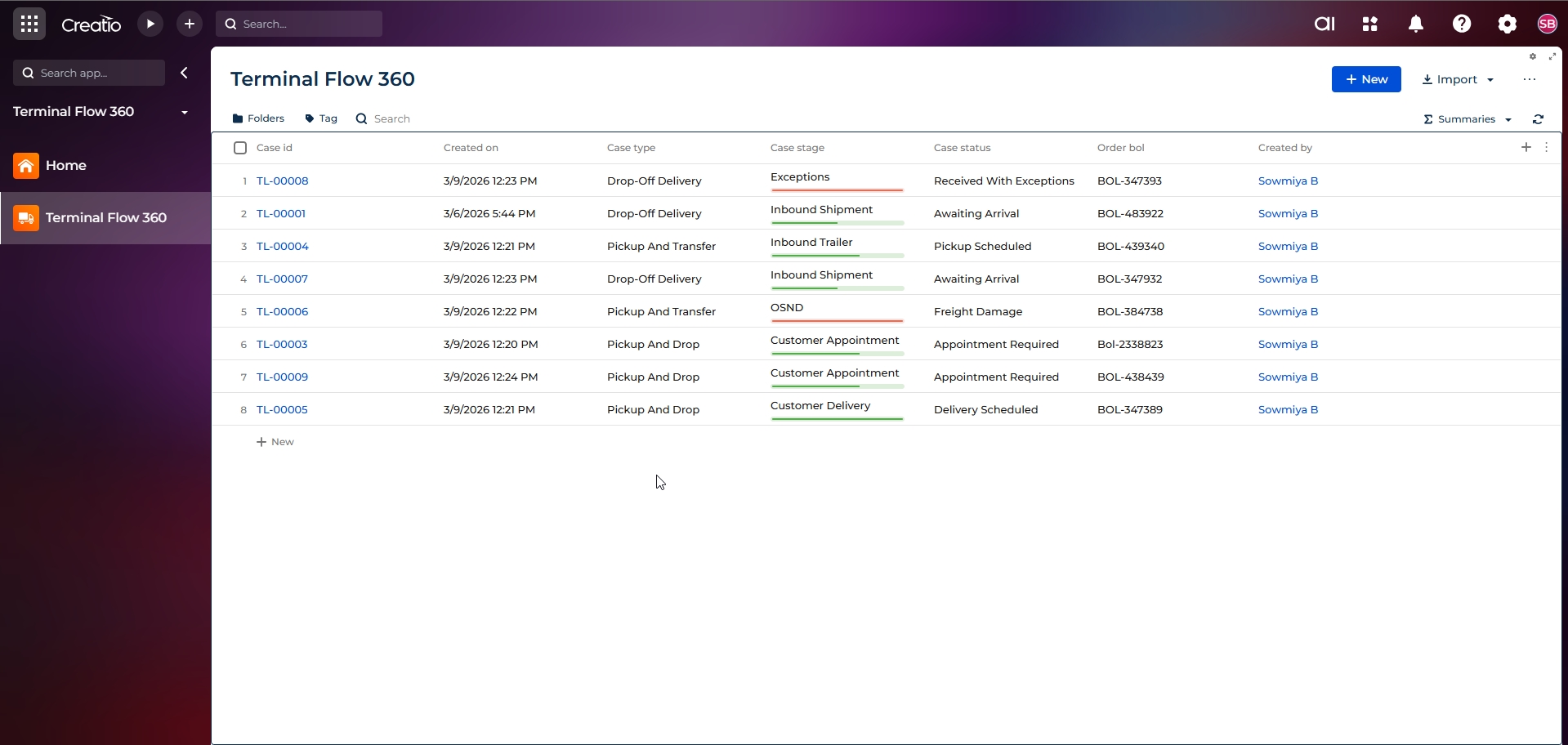
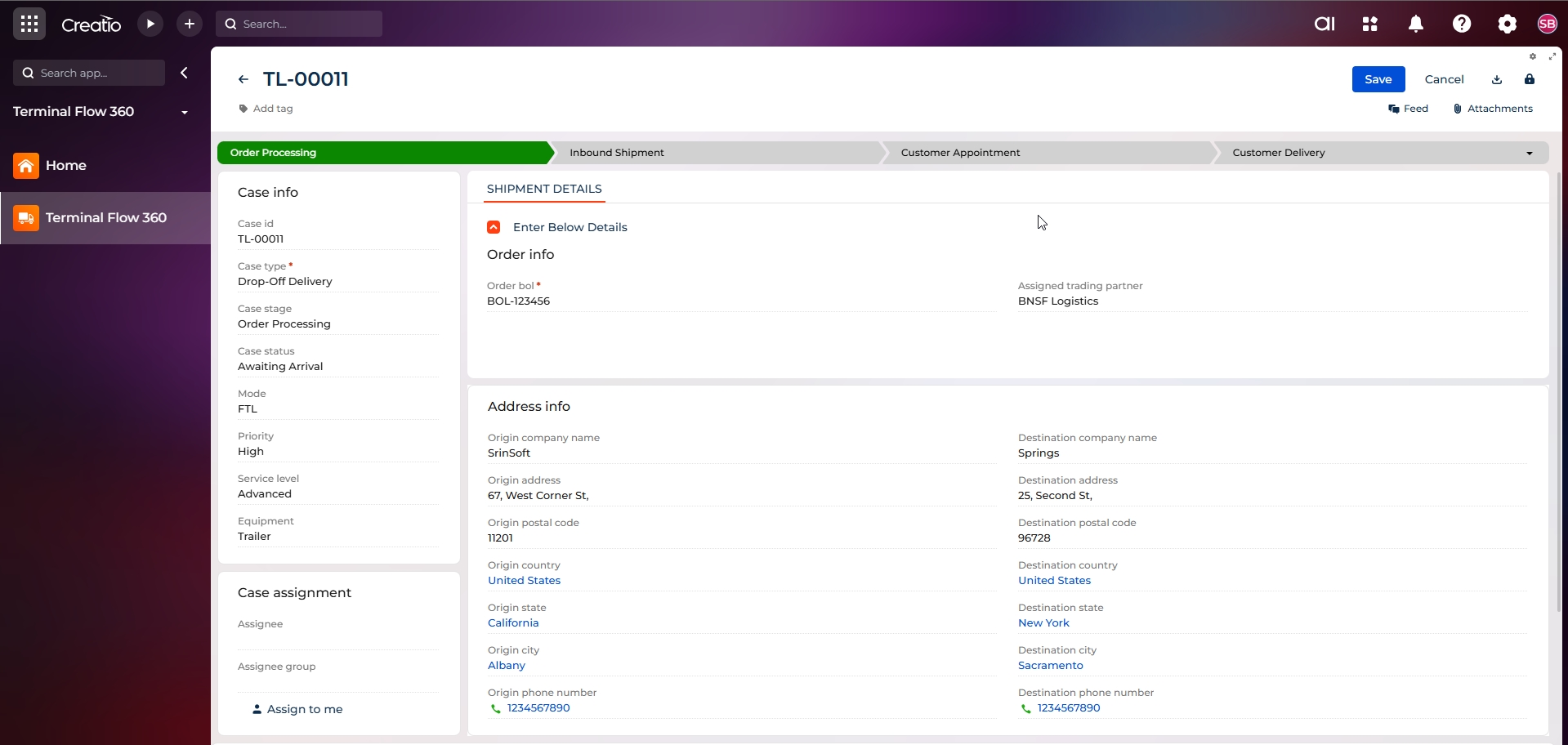
End-to-End LTL Order & Case Lifecycle Management
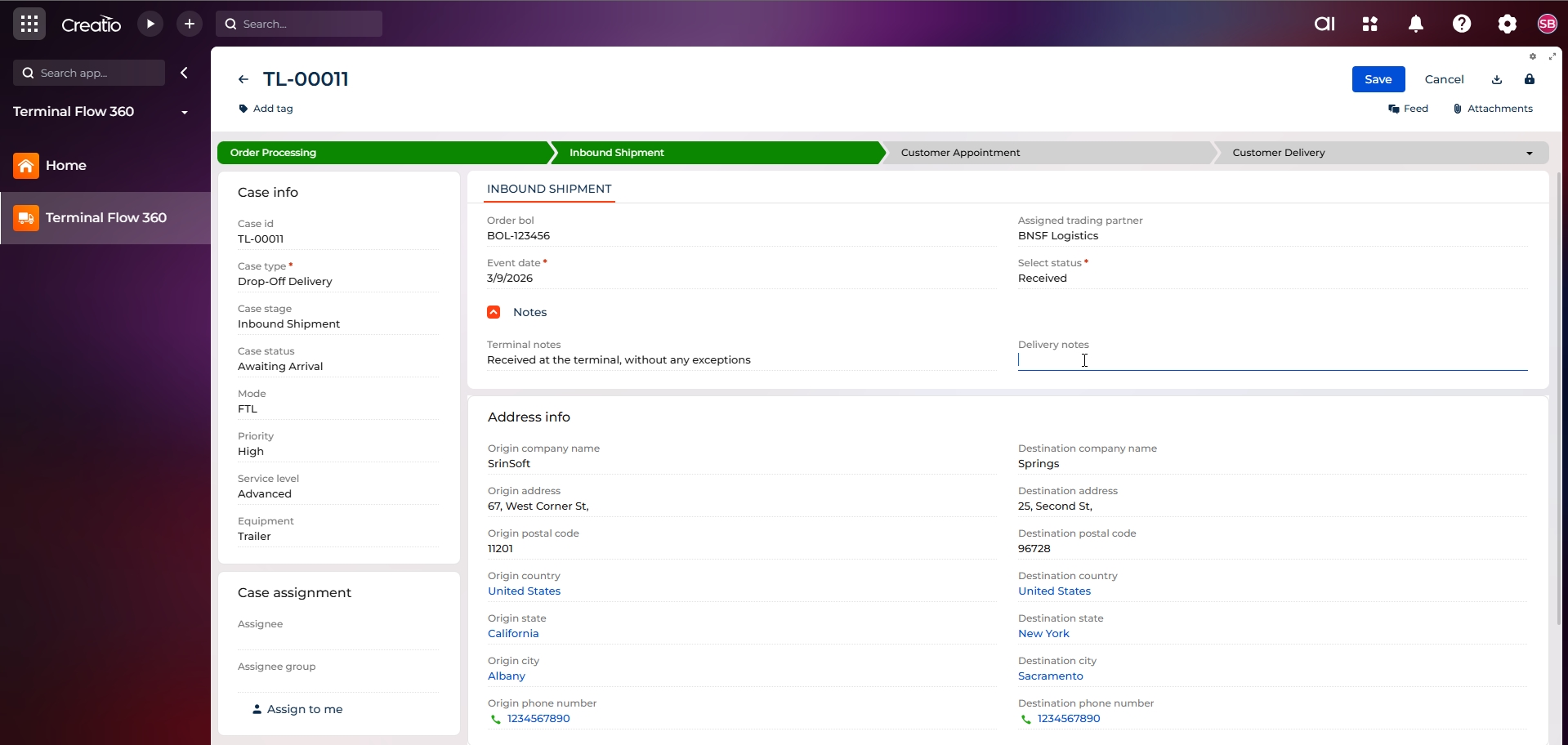
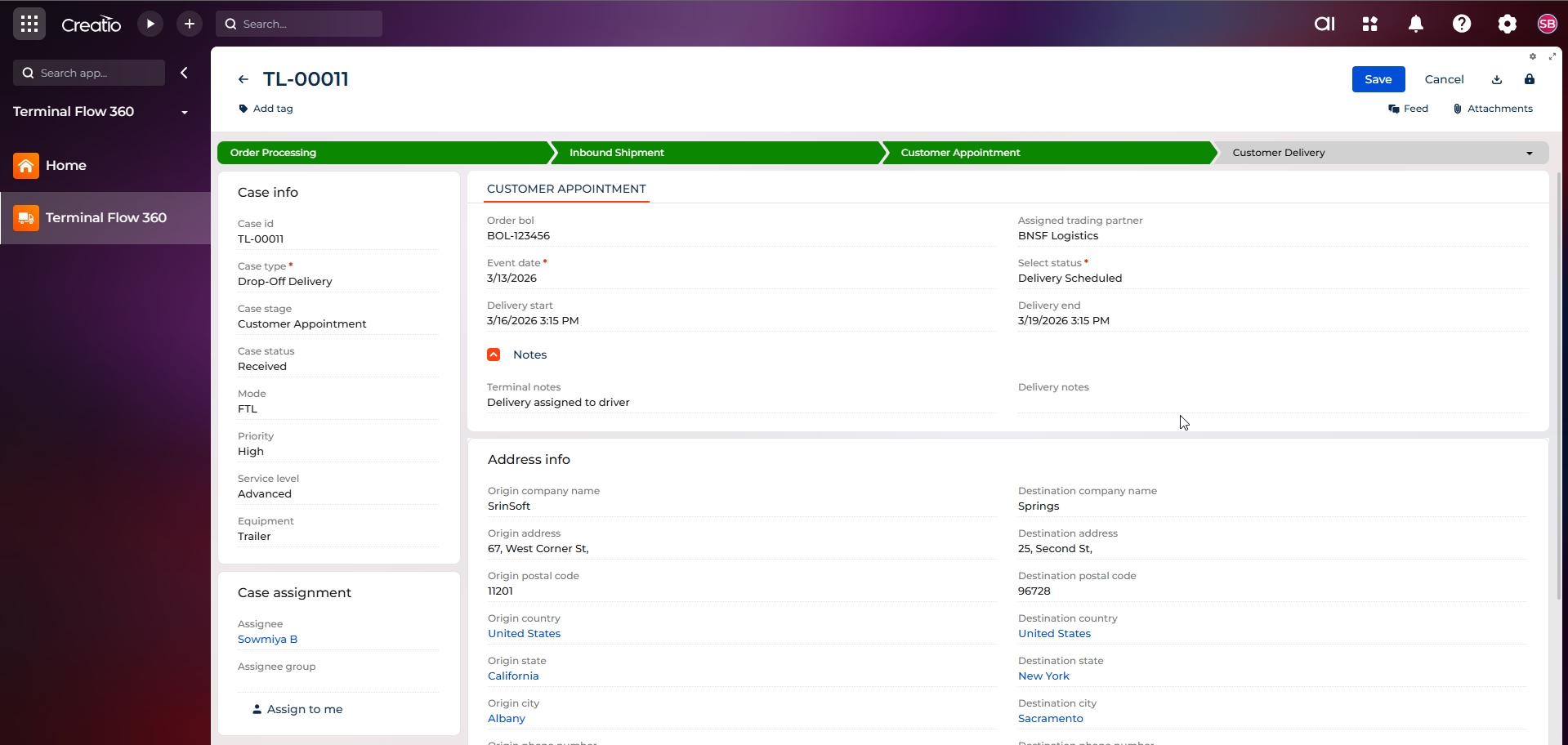
The application enables complete lifecycle management of LTL orders through structured case stages. Each shipment progresses seamlessly from order creation to inbound handling, customer appointment scheduling, and final delivery, ensuring standardized terminal operations across all shipments.
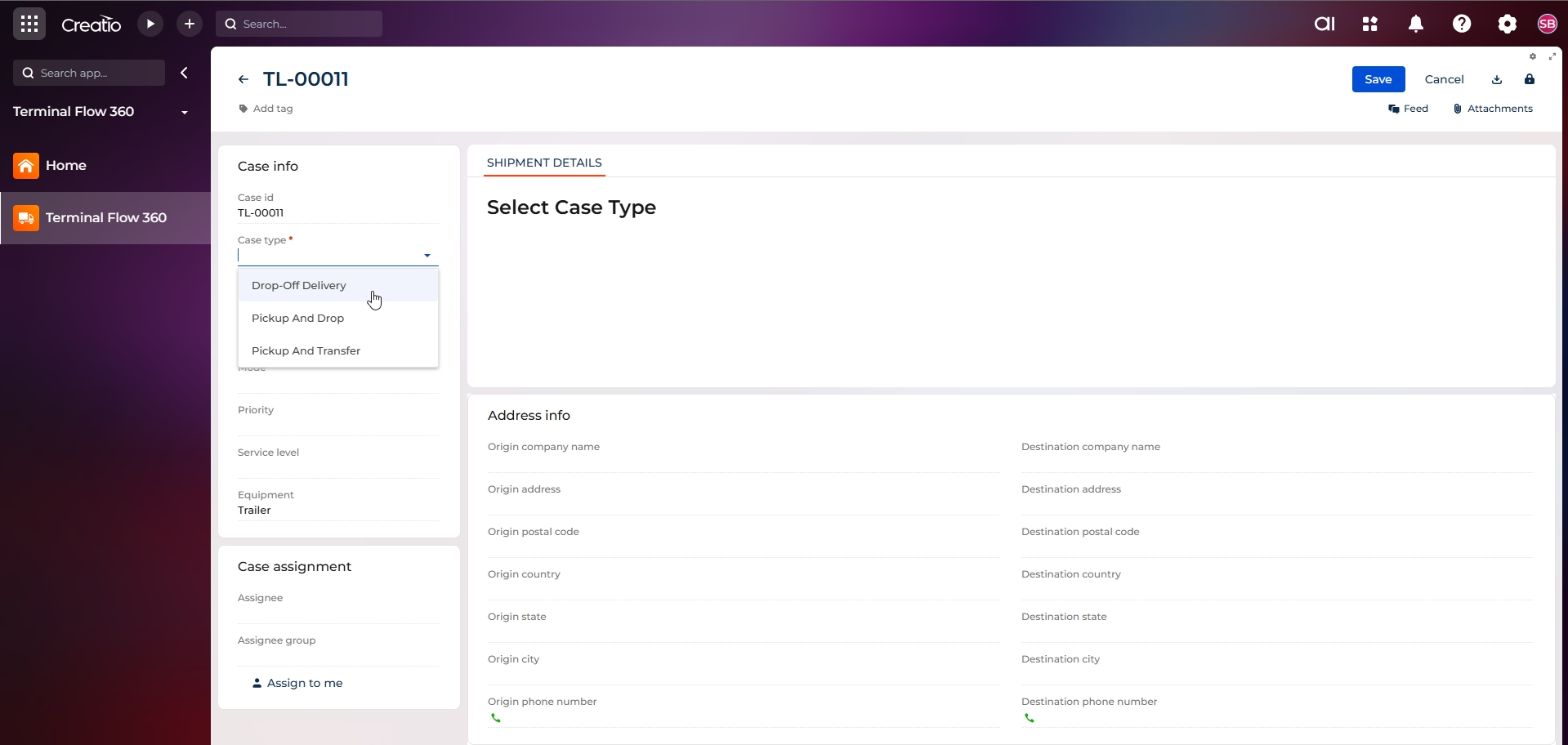
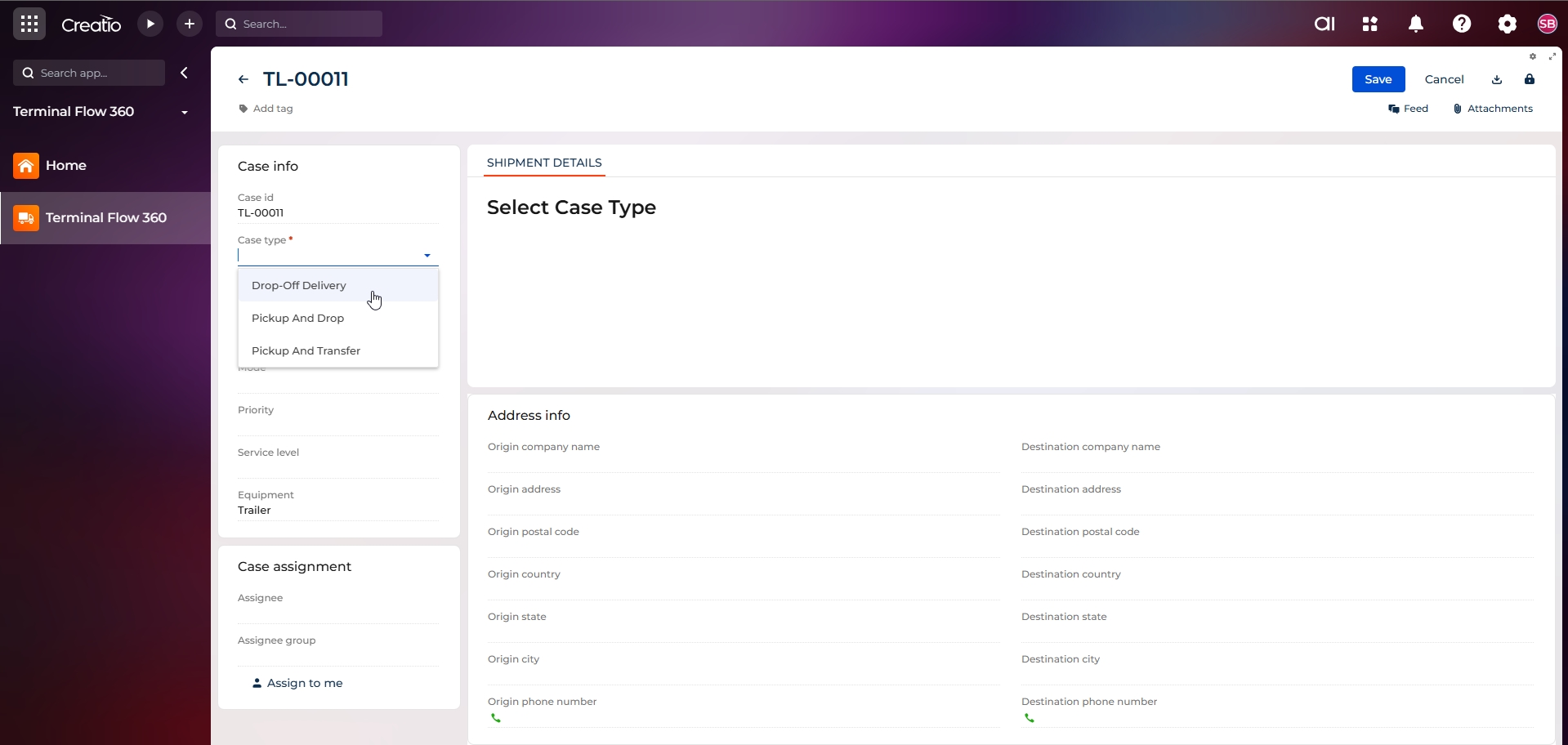
Configurable Case Types for Logistics Scenarios
The system supports multiple logistics workflows through configurable case types. Terminal users can select the appropriate case type based on operational needs, allowing flexibility for various shipment and transfer scenarios without custom development.
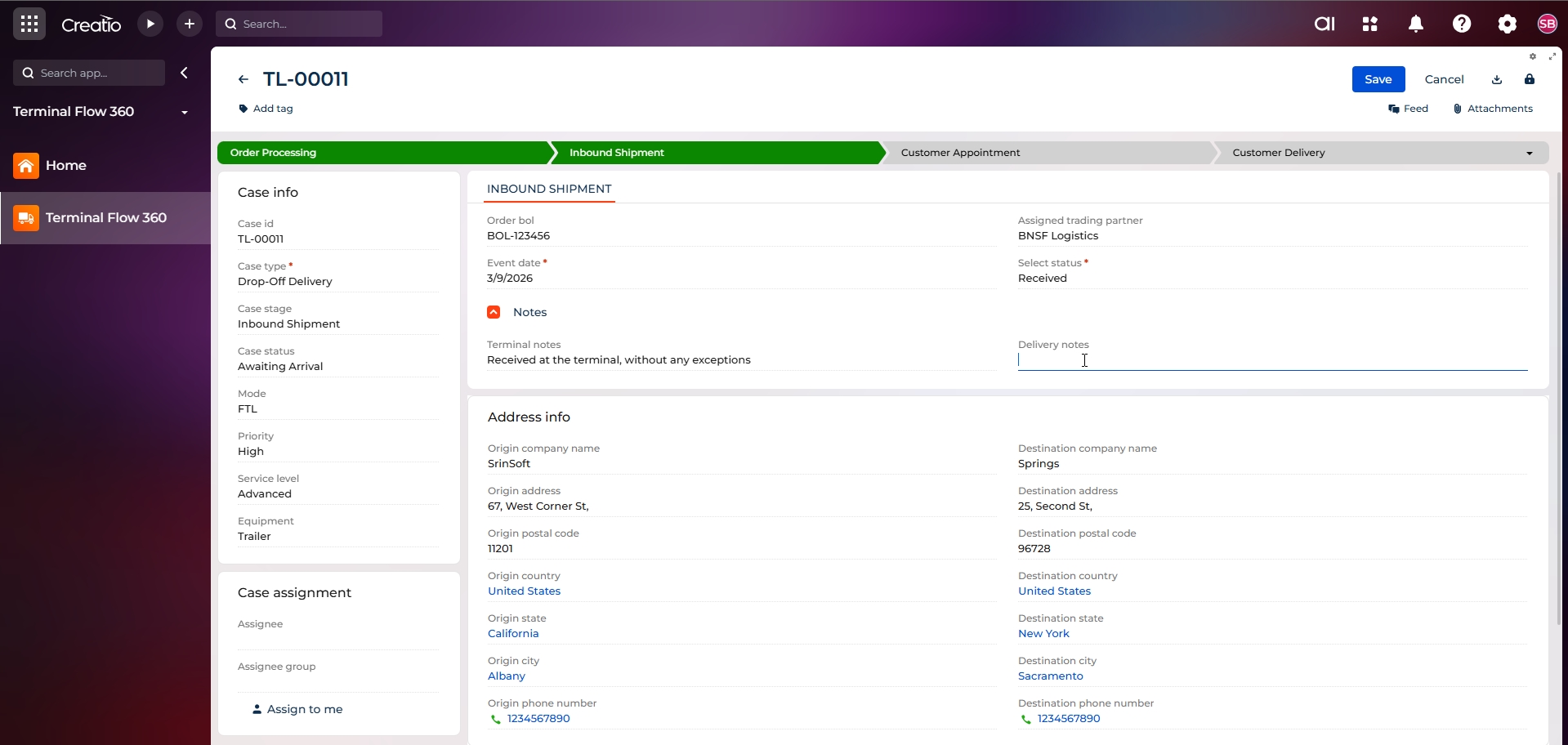
Stage-Driven Workflow Visual Progress Tracking
A visual, stage-based workflow clearly indicates the current status of each order. This enables operators, terminal managers, and drivers to instantly understand where a shipment stands and what actions are required next.
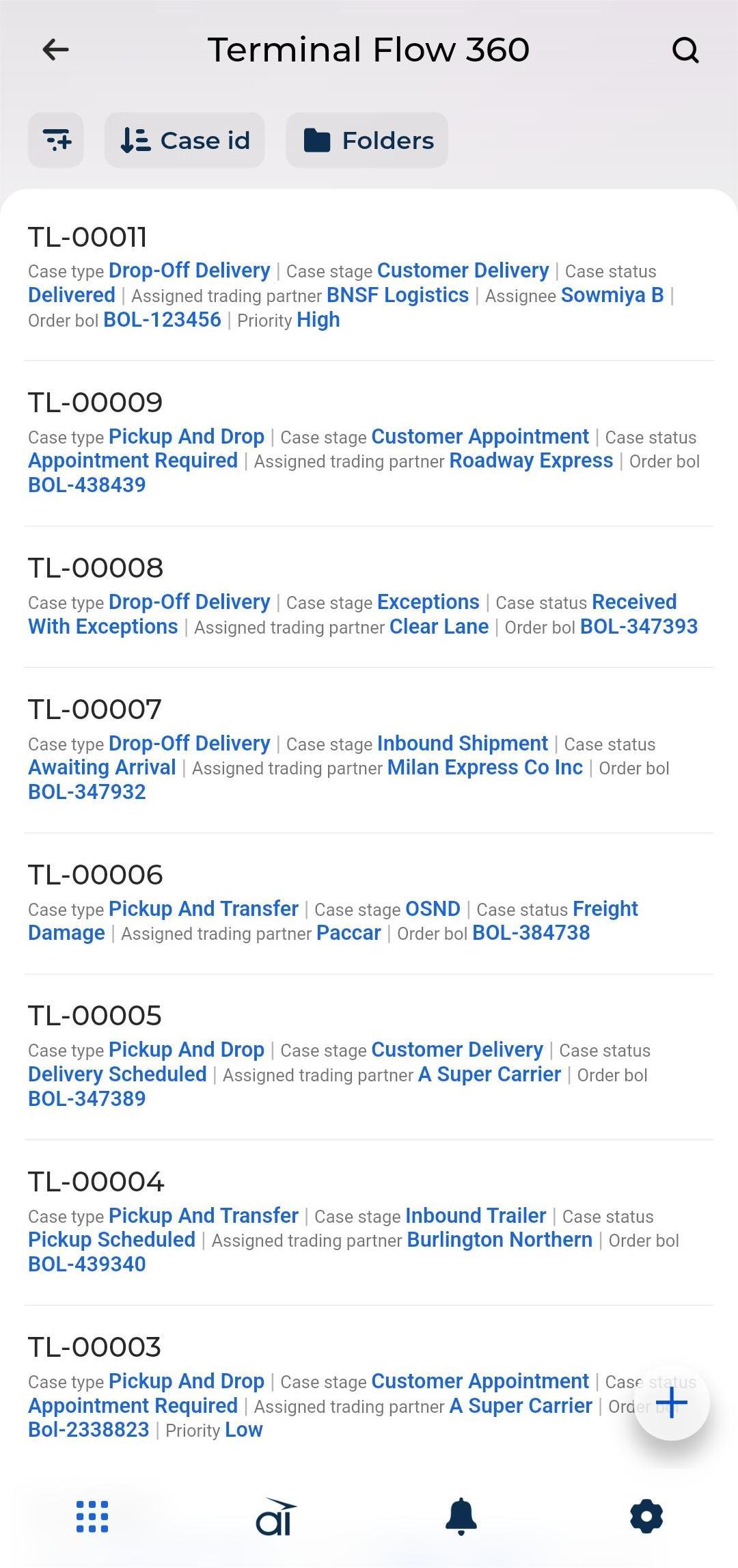
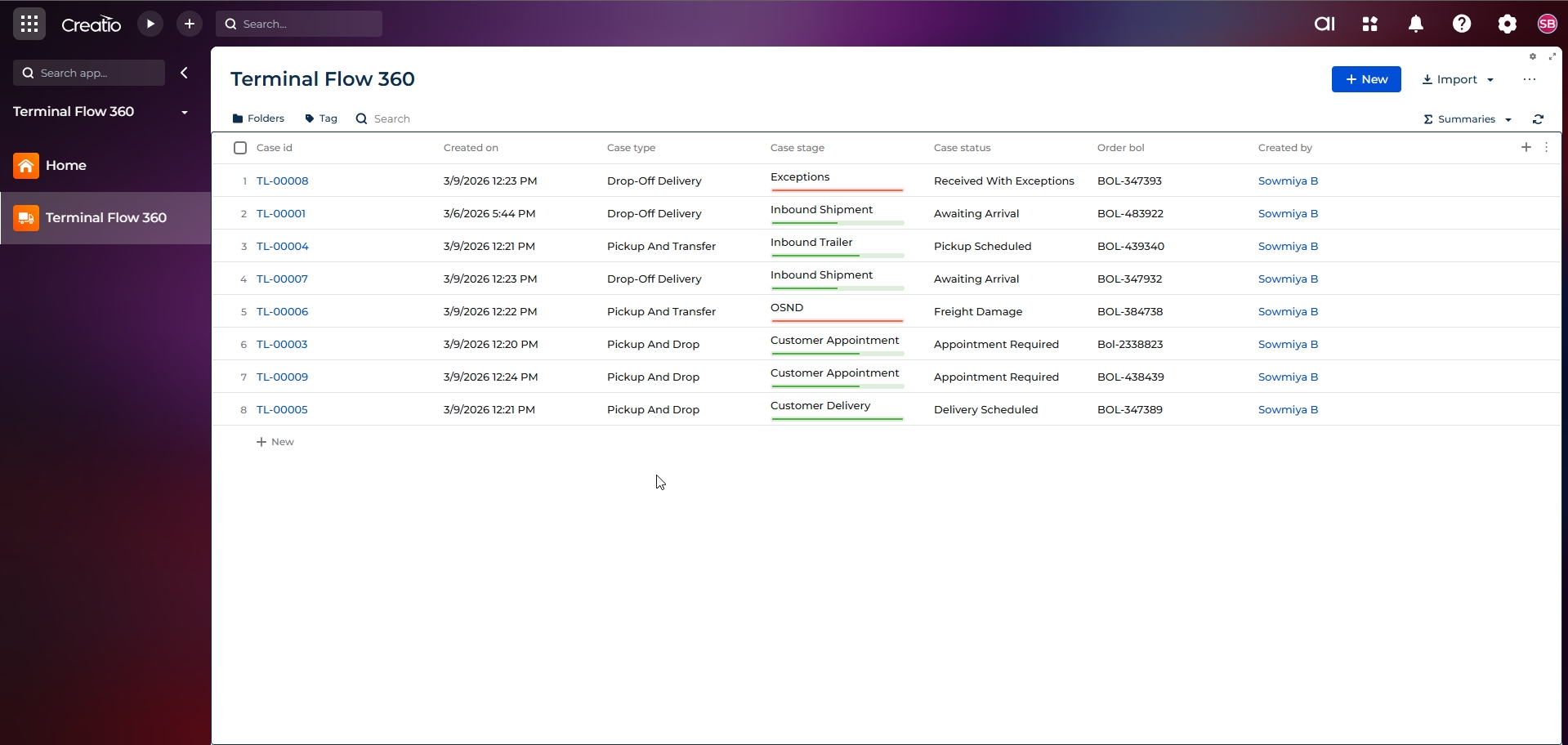
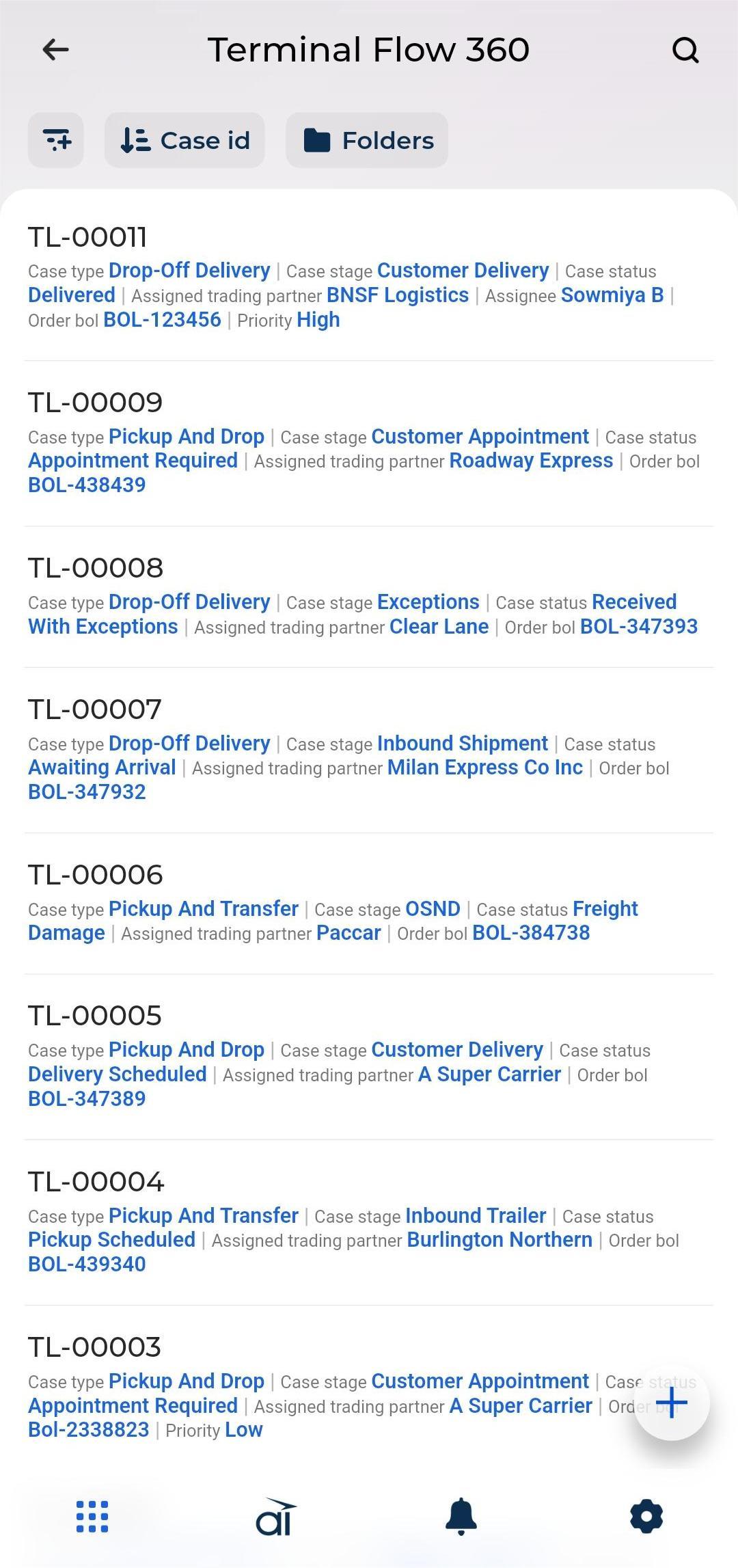
Mobile – Case List View
Real-time view of all orders across terminals, including delivery status, priorities, service levels, and assigned personnel. This supports proactive decision-making and operational control
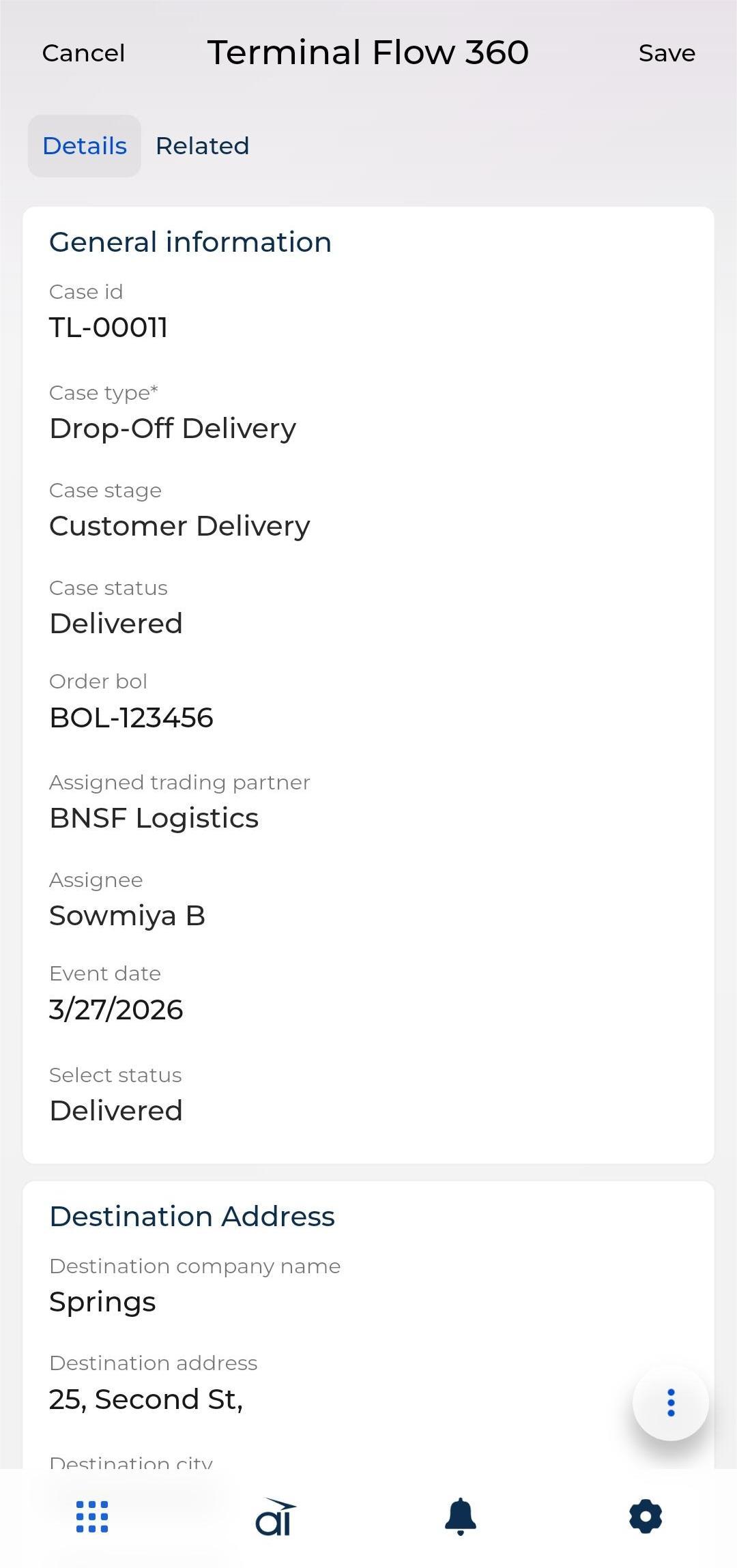
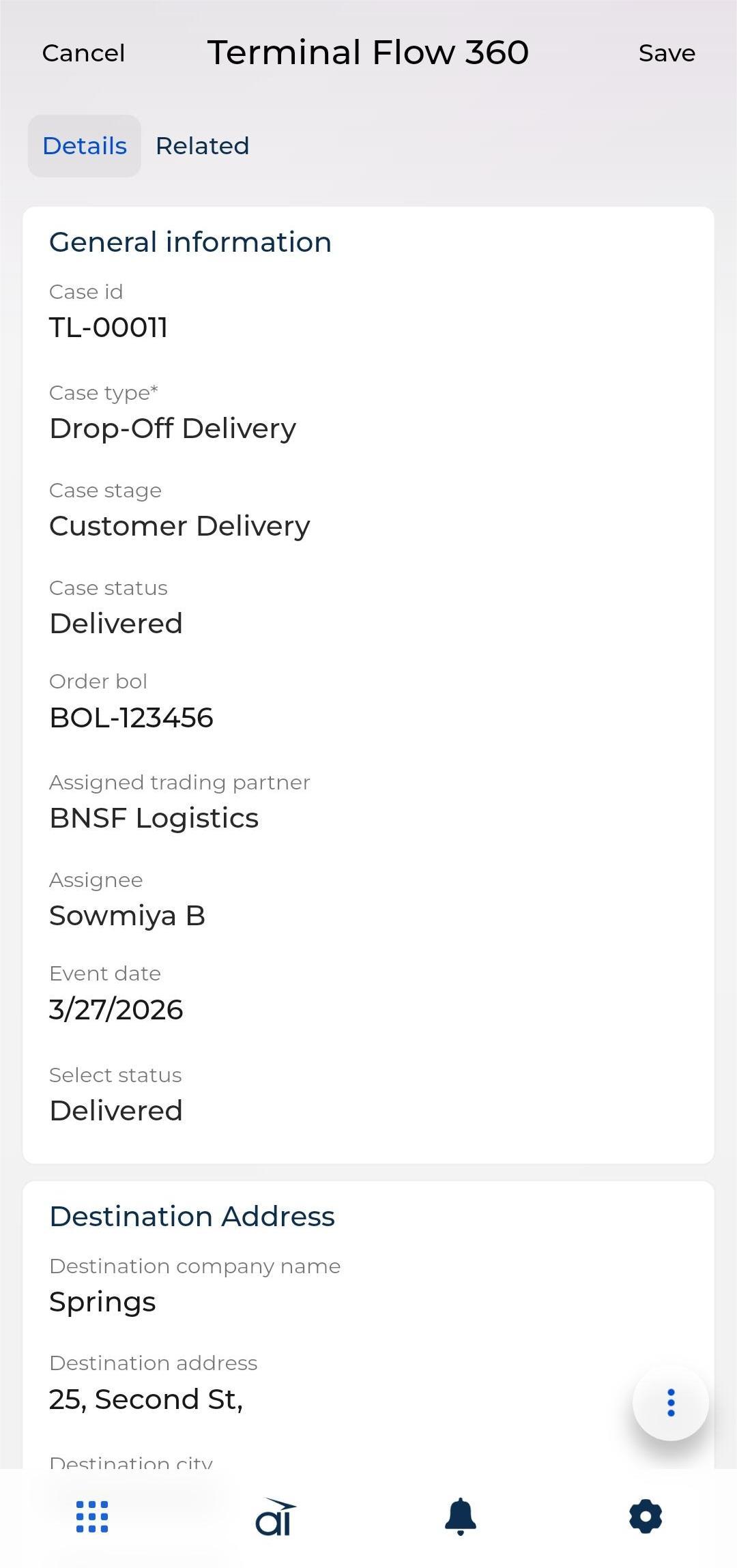
Individual Access Rights (Driver-specific cases)
Drivers see only their assigned cases with live status and dates.
Pricing
Monthly
Annual
Standard
Free
Terms and Conditions
By installing this product you agree to terms and conditions outlined in the license agreement.
Support
Support is available for this application
To keep this listing free of charge, support is provided only by email.
Installation
Data sharing
- By installing or downloading the App, you confirm that you agree with sharing your account data (name, email, phone, company and country) with the App Developer as their End User.
- The App Developer will process your data under their privacy policy.
Versions
Versions history
Version
Compatibility
Release date
1.1.0
8.1.2 and up
Release summary
1. Changed the name of the application from HTLTranslogix to Terminal Flow 360.
2. Added mobile workplace for drivers to update status of the delivery.
2. Added mobile workplace for drivers to update status of the delivery.
1.0.0
8.1.2 and up
Release summary
Initial release.
Manual app installation
- Open the needed app → the Packages tab - download the Markeplace app files.
- Click in the top right → Application Hub
- Click New application. This opens a window.
- Select Install from file and click Select in the window that opens.
- Click Select file on the page of the Marketplace App Installation Wizard and specify the app file path.