


Territory Management
 Trending
Overview
Product overview
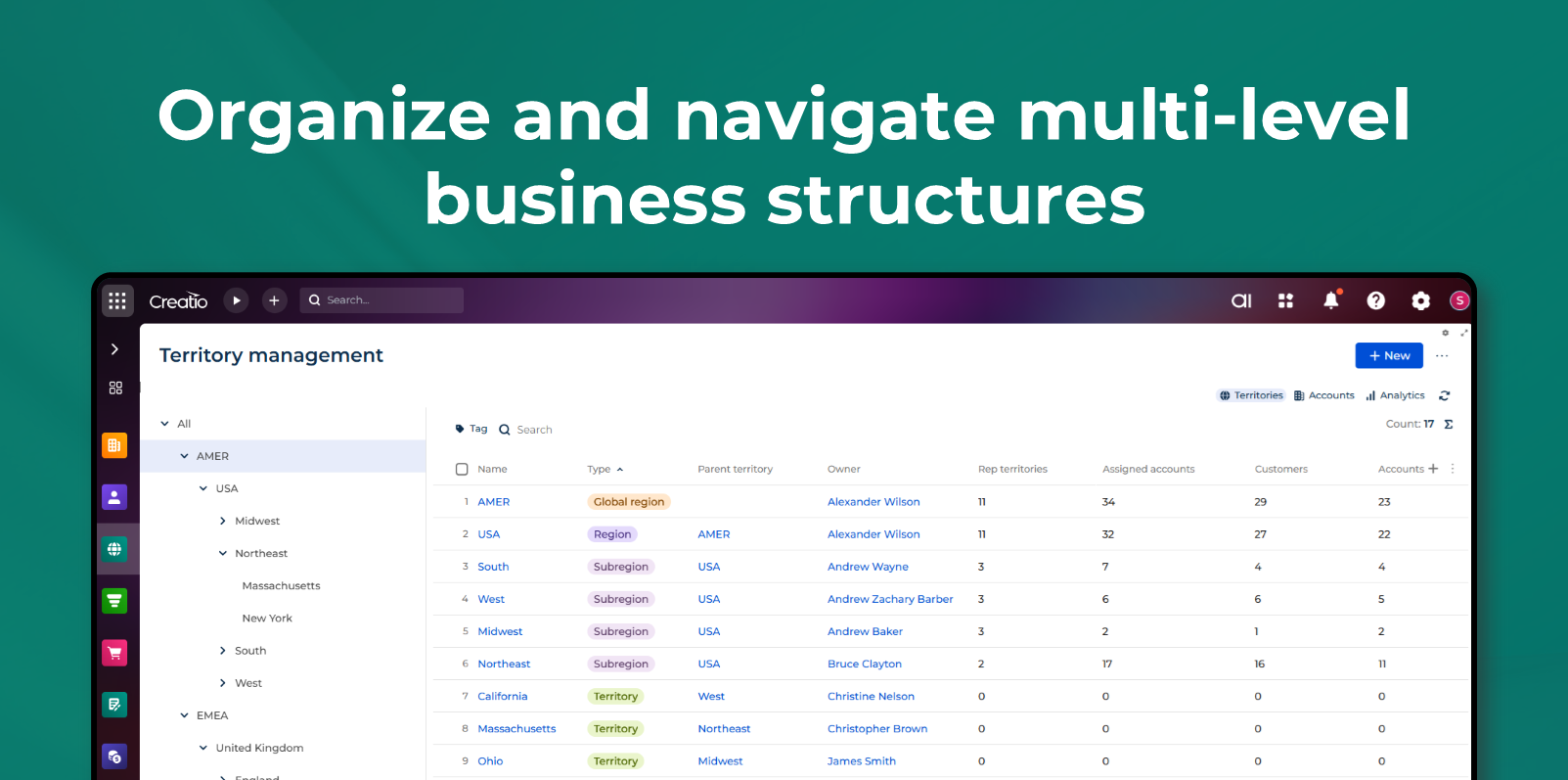
Territory Management helps organizations structure and manage complex hierarchical selling regions in a single, intuitive workspace. The app centralizes territory navigation, performance insights, team oversight, and record assignment to ensure accurate distribution of accounts, leads, and opportunities. By organizing sales data around a flexible multi-level hierarchy, the solution supports clearer territory ownership, better visibility into KPIs, and more efficient operational processes across the revenue organization.
Use Cases:
- Structure and manage sales territories. Build and maintain a multi-level territory hierarchy that reflects organizational geography or go-to-market segmentation.
- Manage accounts, leads, and opportunities by territory. View and organize all related records across a territory and its descendants to ensure accurate ownership and balanced workload distribution.
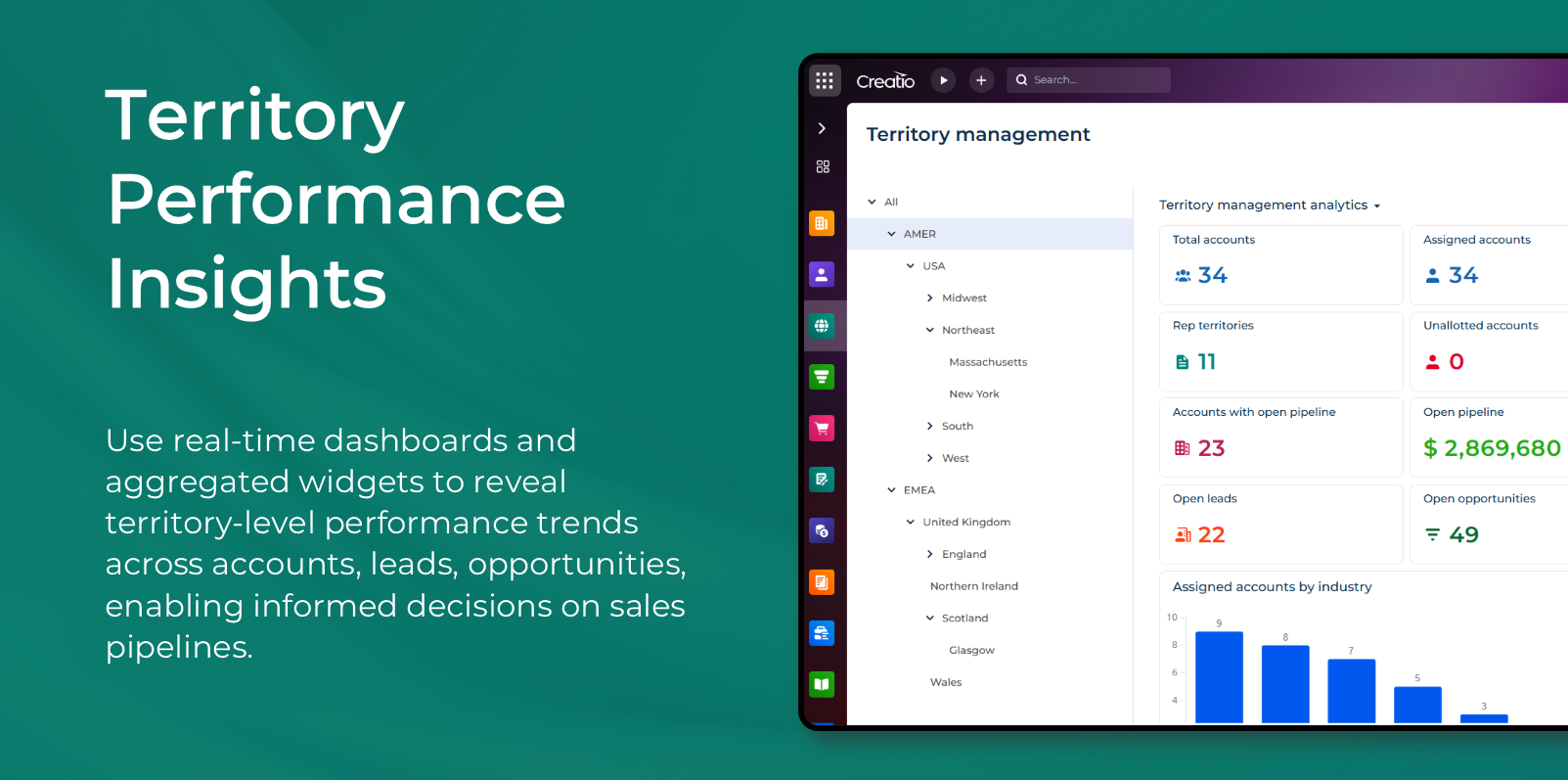
- Monitor performance with aggregated KPIs. Analyze rolled-up metrics - such as account counts, pipeline, leads, and opportunities - to assess territory health and support data-driven decisions.
- Support territory realignments and reassignment processes. Manage accounts and related records during reorganizations or optimization initiatives using a guided bulk update flow.
Key Features
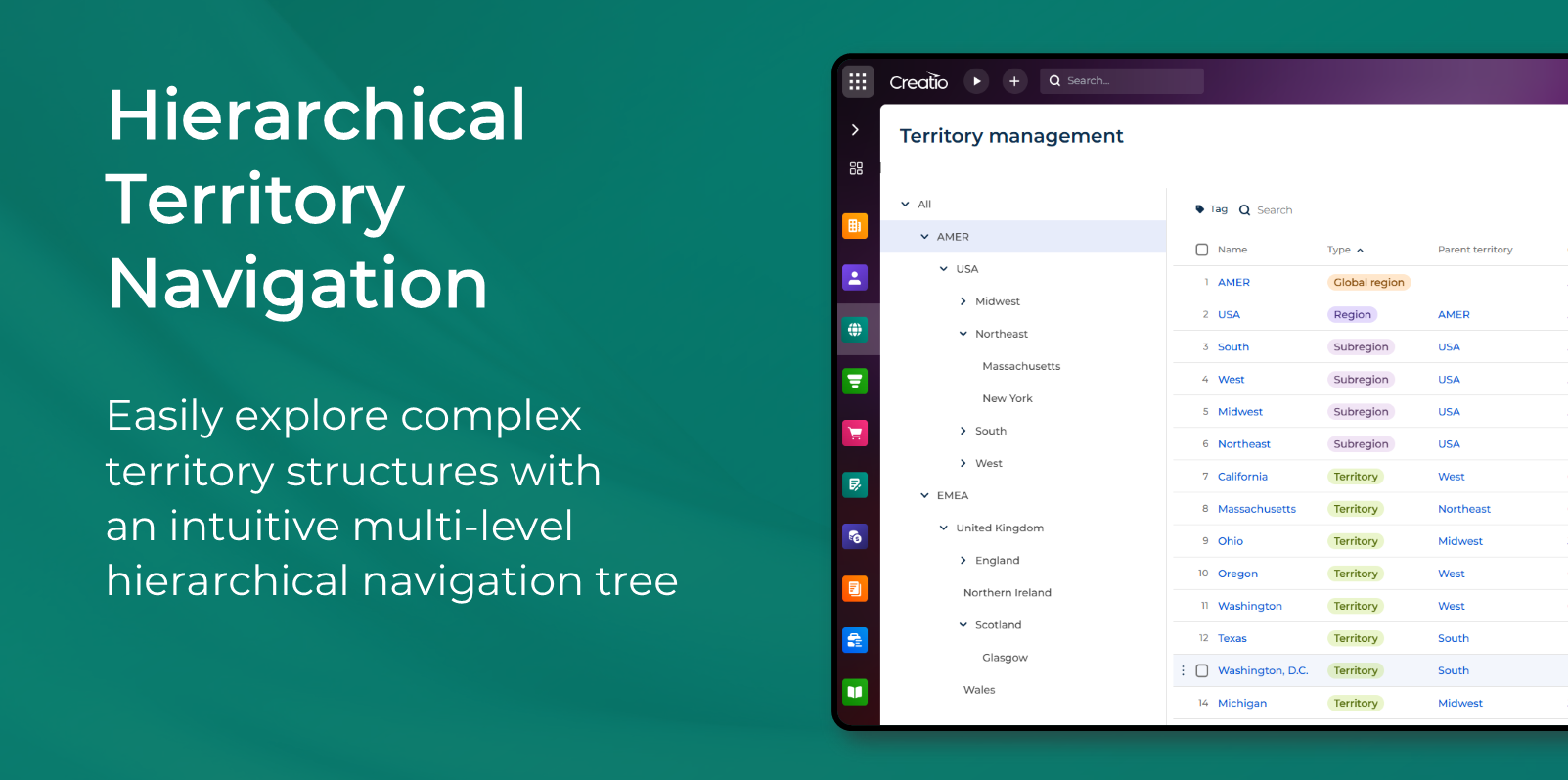
Hierarchical Territory Navigation
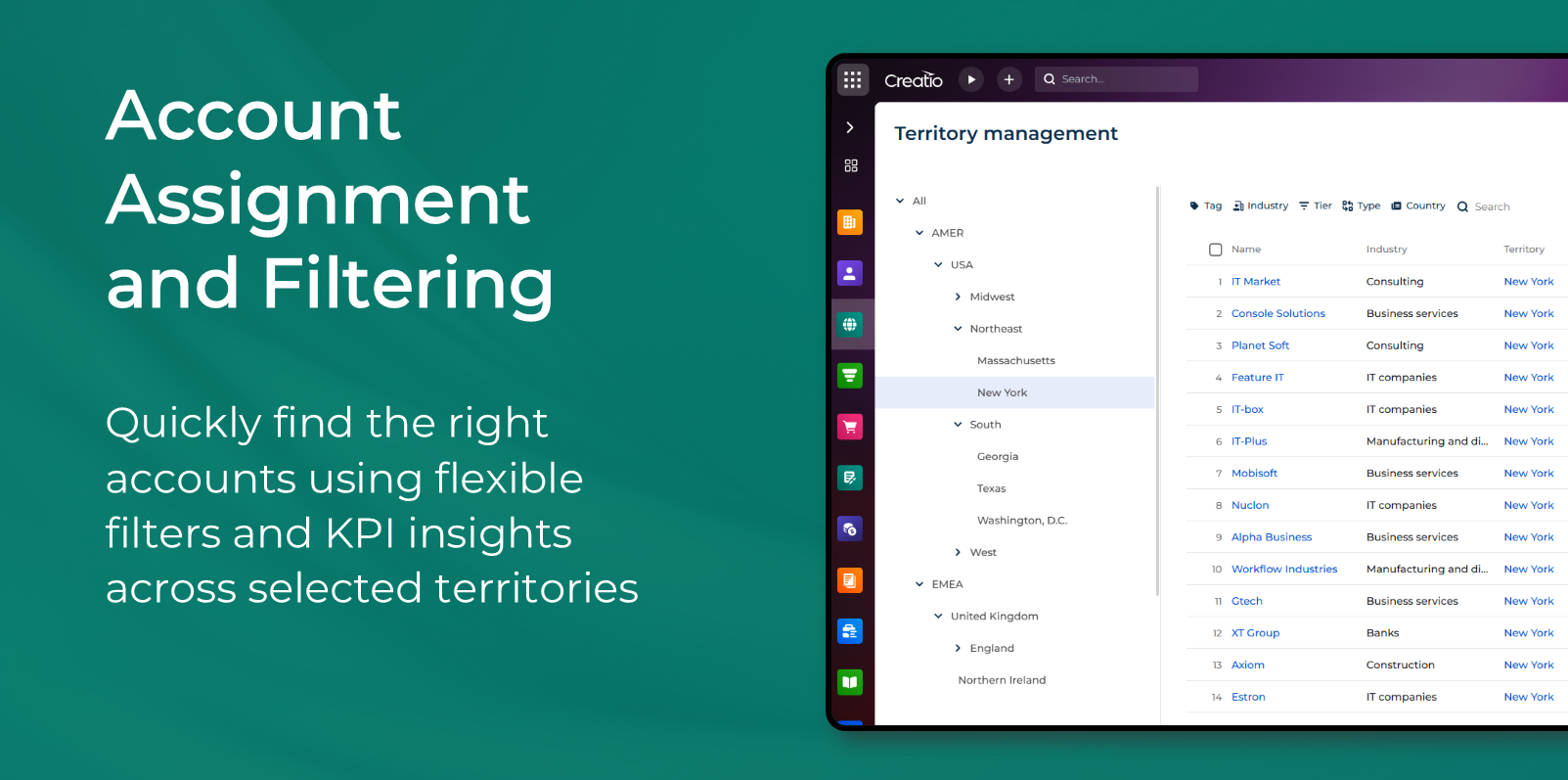
Account Assignment and Filtering
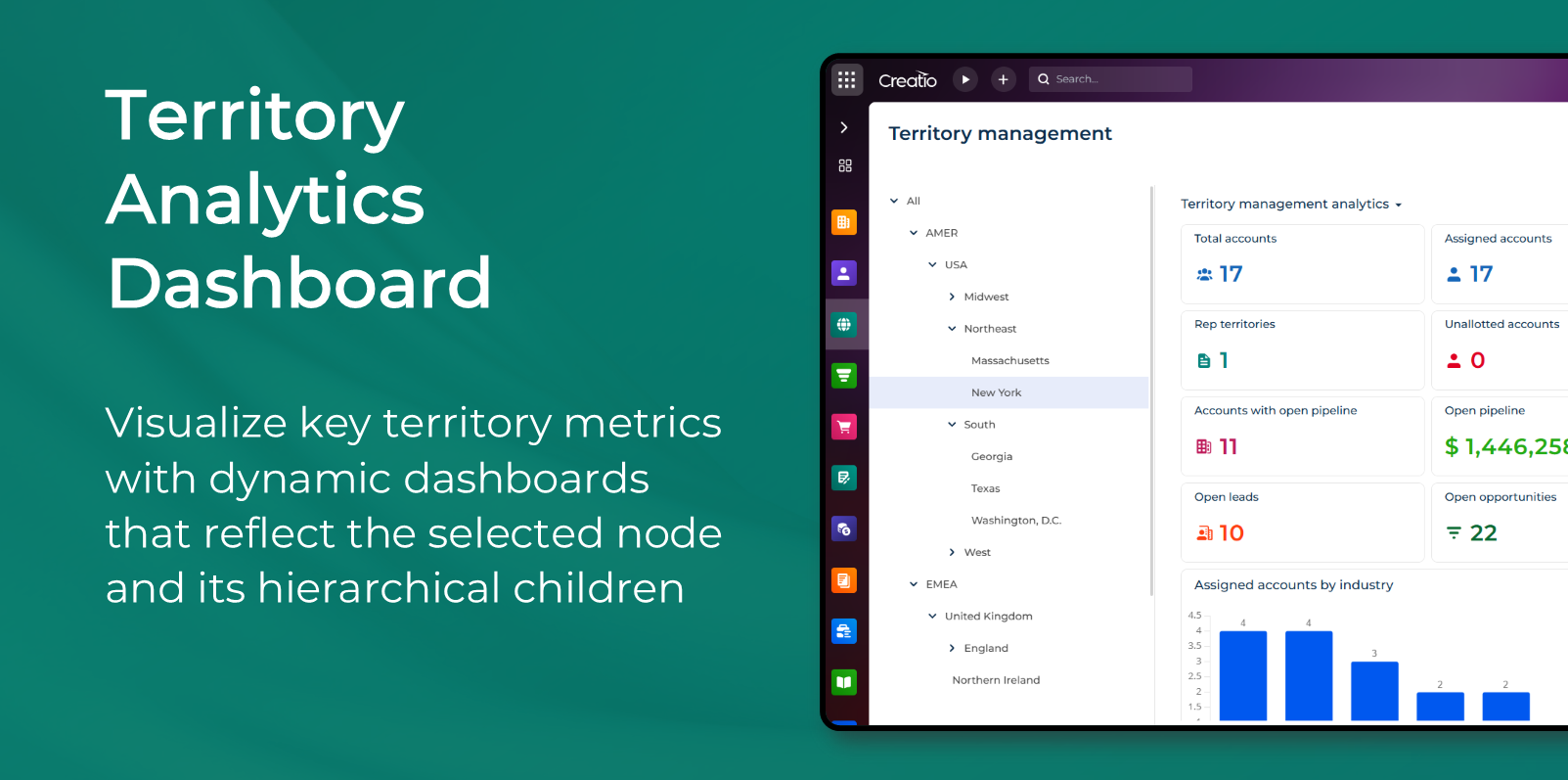
Territory Analytics Dashboard
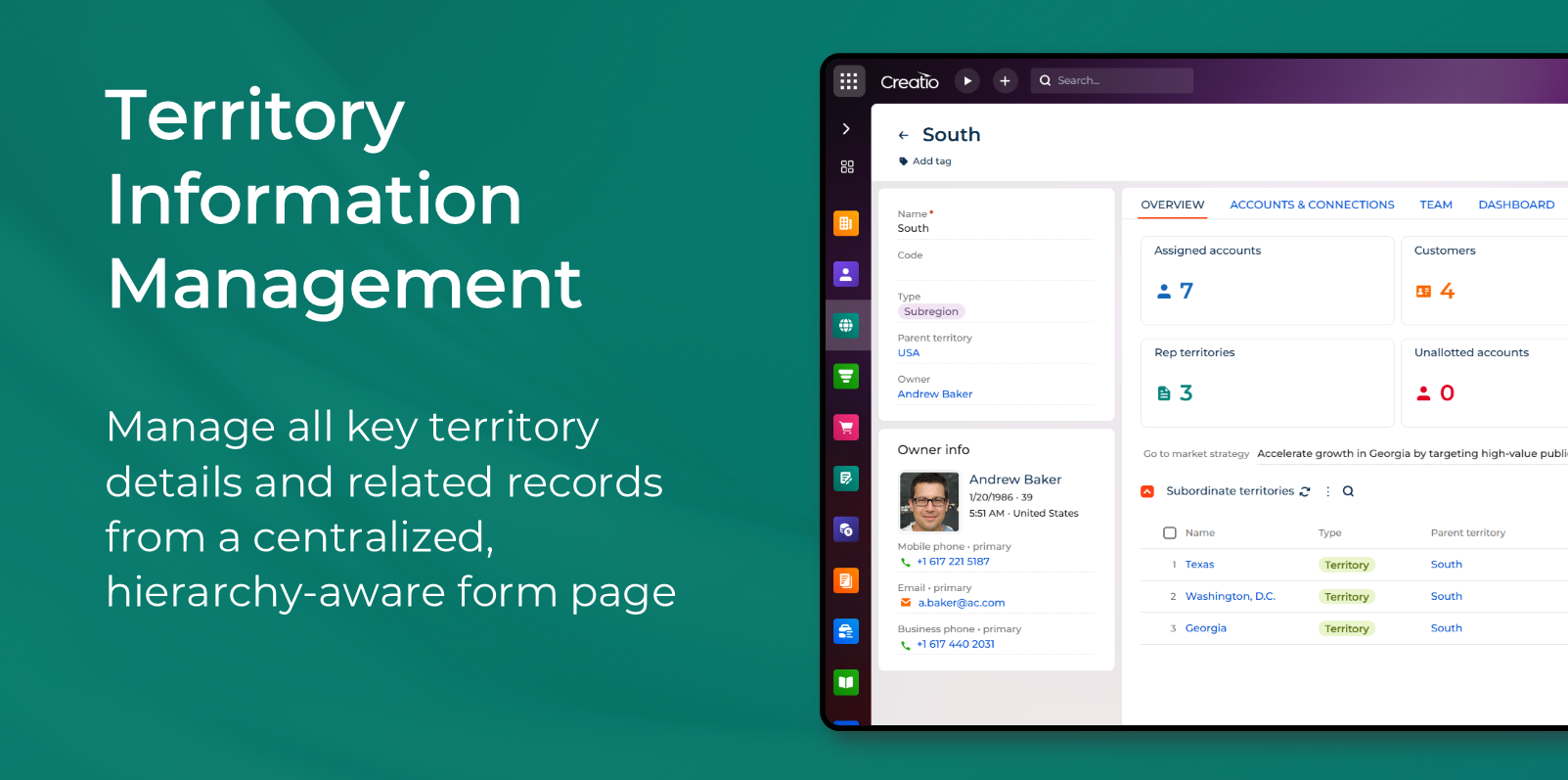
Territory Information Management
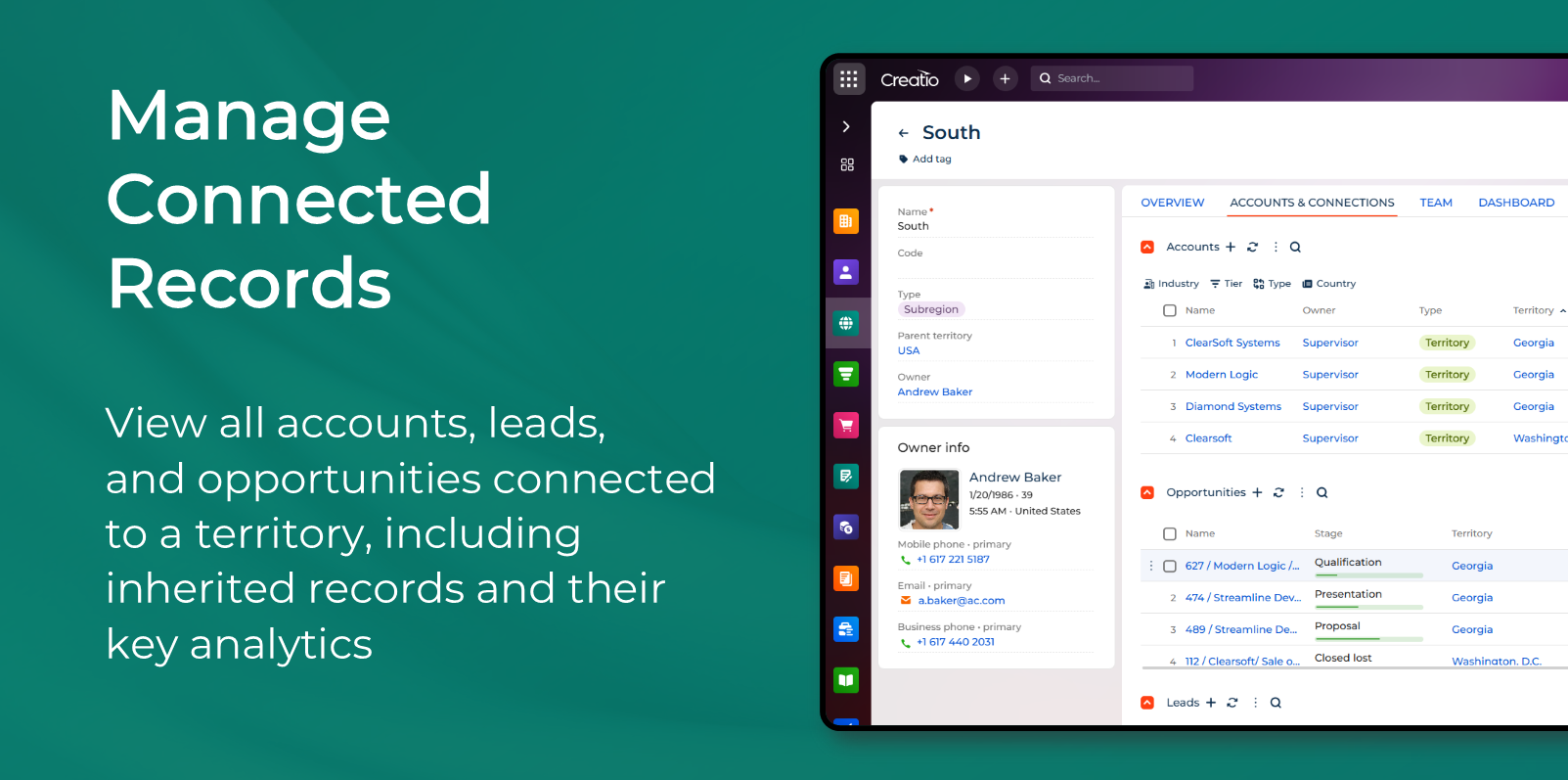
Manage Connected Records
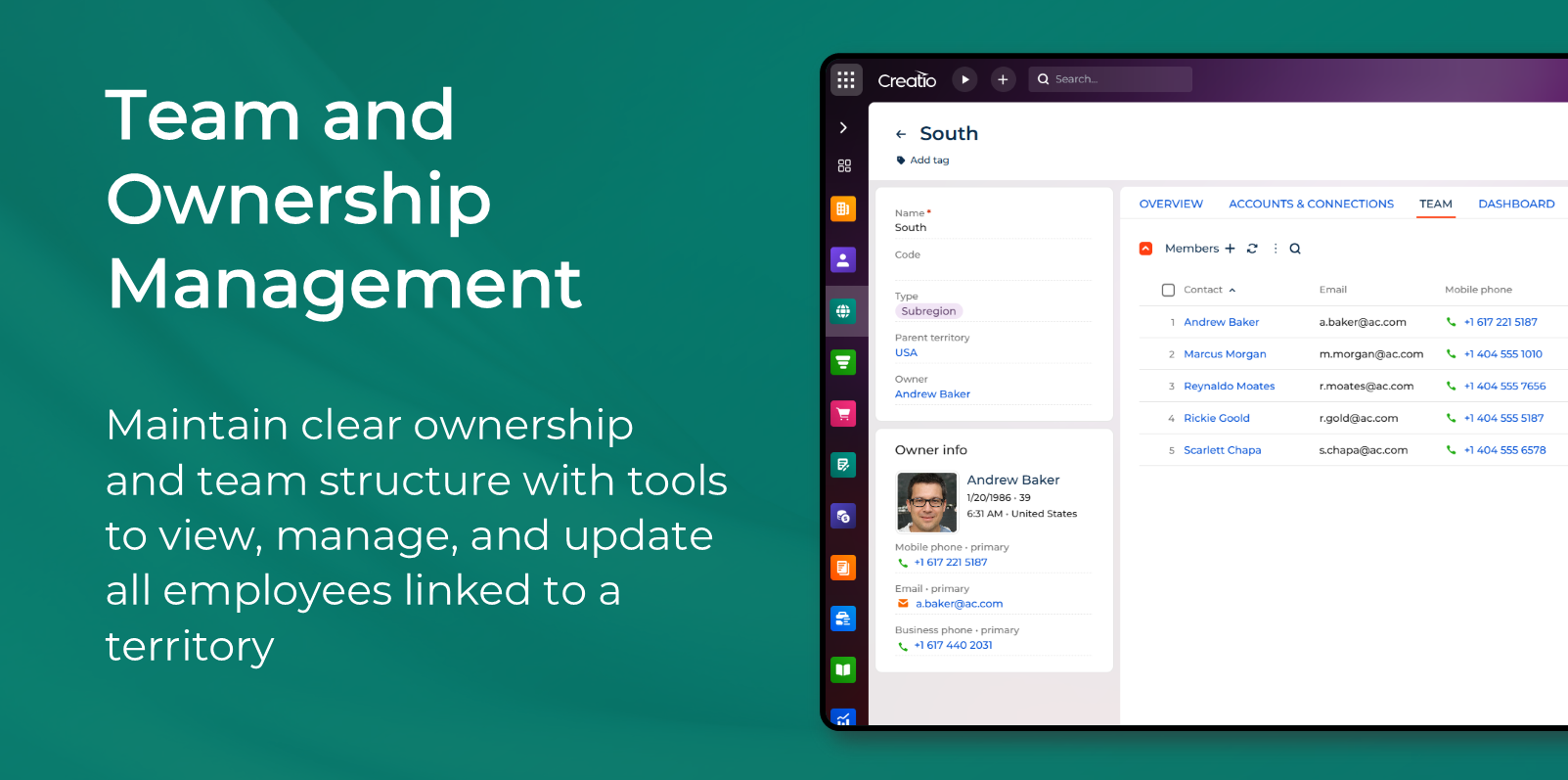
Team and Ownership Management
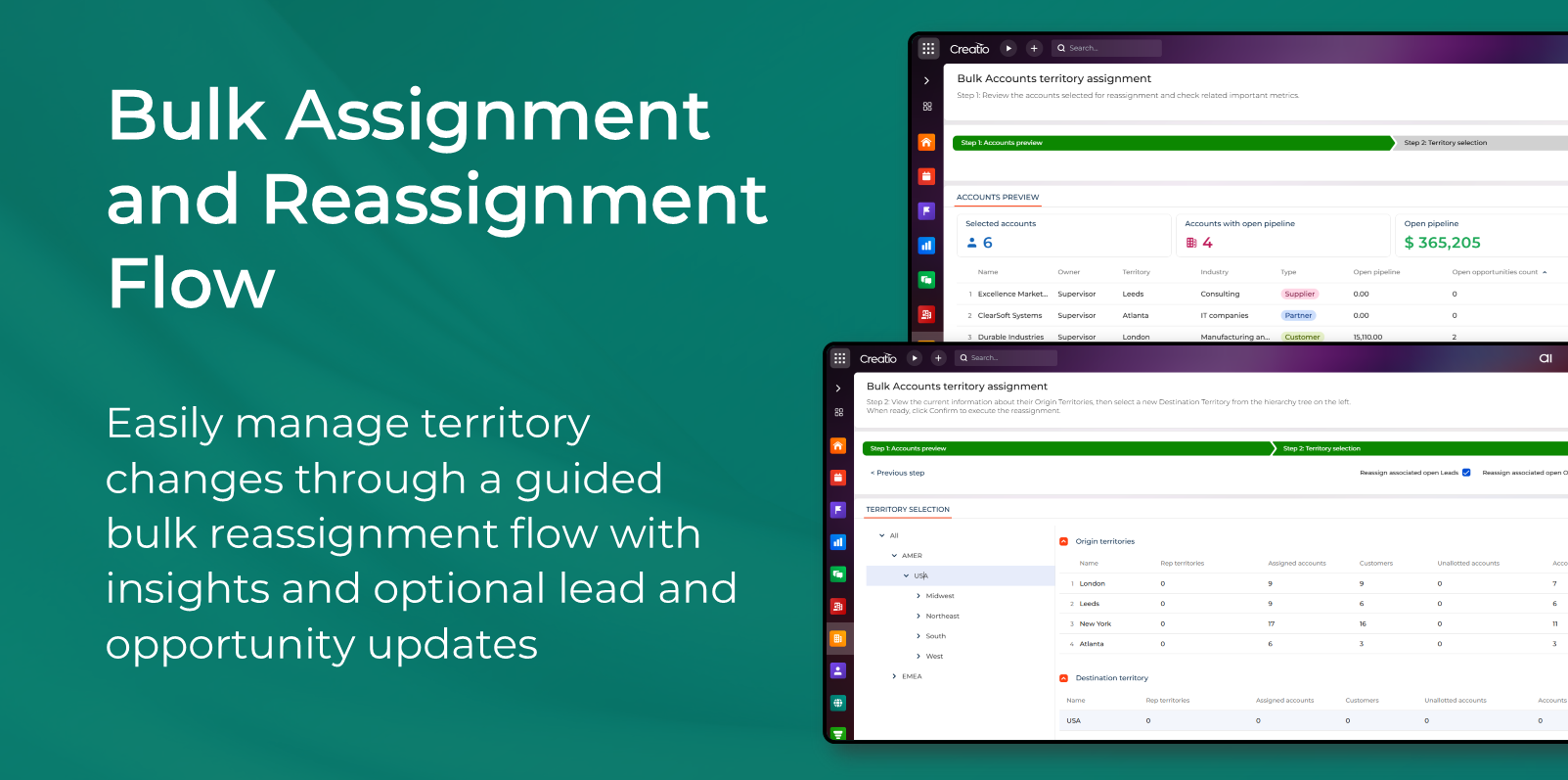
Bulk Assignment and Reassignment Flow
Pricing
Terms and Conditions
Support
Installation
Setup guide
Installation
-
Install the add-on from the Creatio Marketplace using the standard “Install” button.
-
Select the environment where the package will be deployed and confirm installation.
-
Wait for the installation to complete. After installation, the new “Territories” workspace and related pages become available in the system.
Initial Configuration
-
Open the Territories section to begin configuring the hierarchy.
-
Create top-level nodes by defining the required metadata: Name, Code, Type, Owner, and Parent.
-
Add intermediate and leaf-level territories according to your organizational structure.
-
Assign employees to each territory from the Team tab.
-
Configure access permissions if needed. Administrators can limit creation, update, deletion, and bulk assignment operations per role or user.
Account and Record Assignment Setup
-
Open the Accounts, Leads, or Opportunities sections.
-
Enable the Territory column or field if it is hidden in the current view.
-
Assign or reassign records individually using the territory field.
-
To perform bulk assignment, select one or more accounts and launch the bulk assignment flow.
-
Follow the multi-step wizard to review selected records, analyze impact, choose a destination territory, and confirm the assignment.
Analytics and KPI Setup
-
Navigate to the Analytics tab within the Territories section.
-
Widgets are generated automatically based on available data; no manual configuration is required.
-
Ensure that accounts, leads, and opportunities have correct territory assignments to populate all dashboards accurately.
Verification
-
Navigate through the hierarchy to confirm that all nodes display correctly.
-
Review KPIs for sample territories to ensure that data aggregation behaves as expected.
-
Validate that employees have the correct permissions for viewing, editing, or executing bulk operations.
Data sharing
- By installing or downloading the App, you confirm that you agree with sharing your account data (name, email, phone, company and country) with the App Developer as their End User.
- The App Developer will process your data under their privacy policy.
Versions
Versions history
Manual app installation
- Open the needed app → the Packages tab - download the Markeplace app files.
- Click in the top right → Application Hub
- Click New application. This opens a window.
- Select Install from file and click Select in the window that opens.
- Click Select file on the page of the Marketplace App Installation Wizard and specify the app file path.