


Twilio Services for Creatio
Overview
Product overview
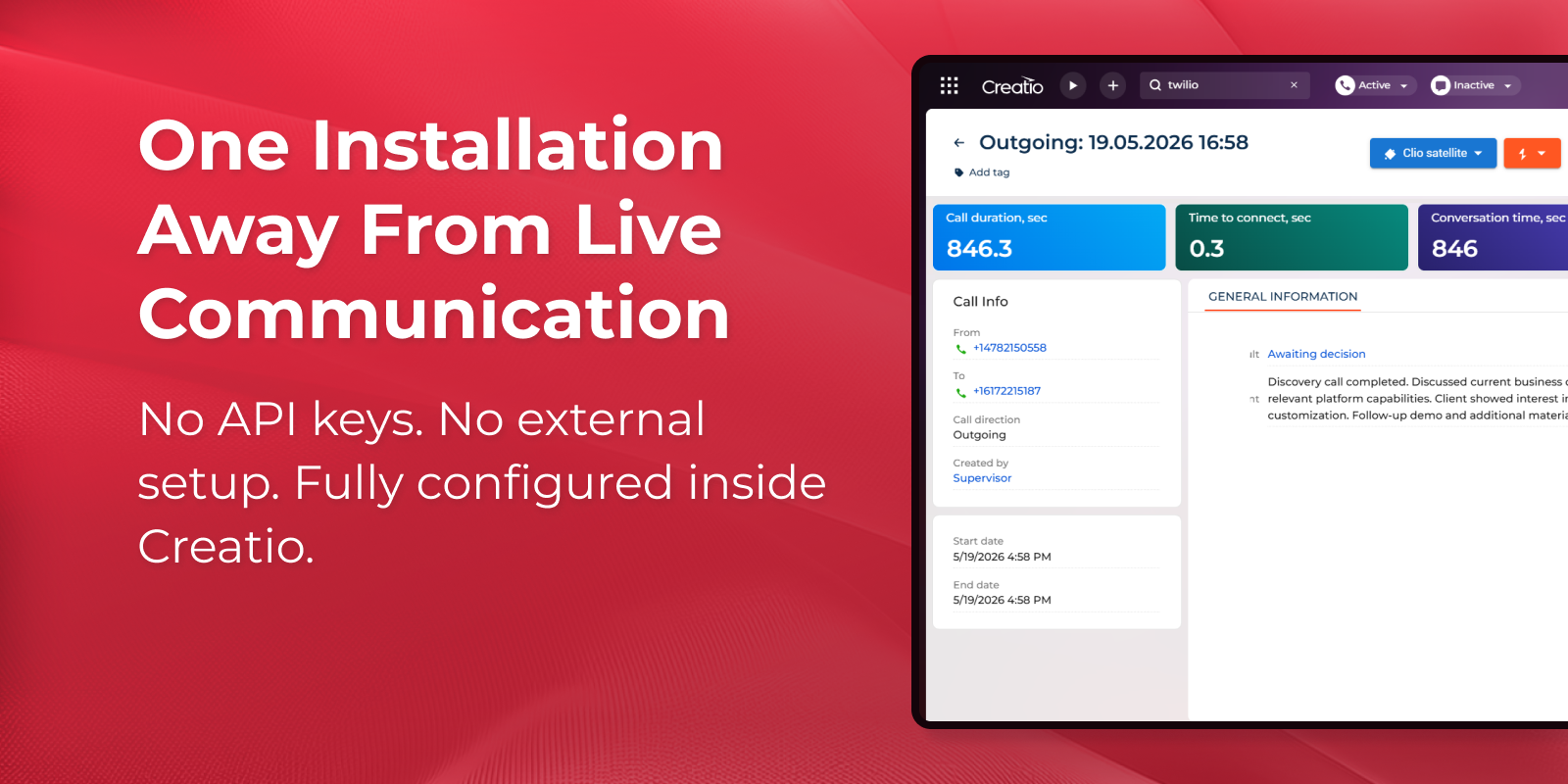
Native voice and messaging inside Creatio powered by Twilio — no external console access, no API key management, no developer involvement. Install once and start communicating.
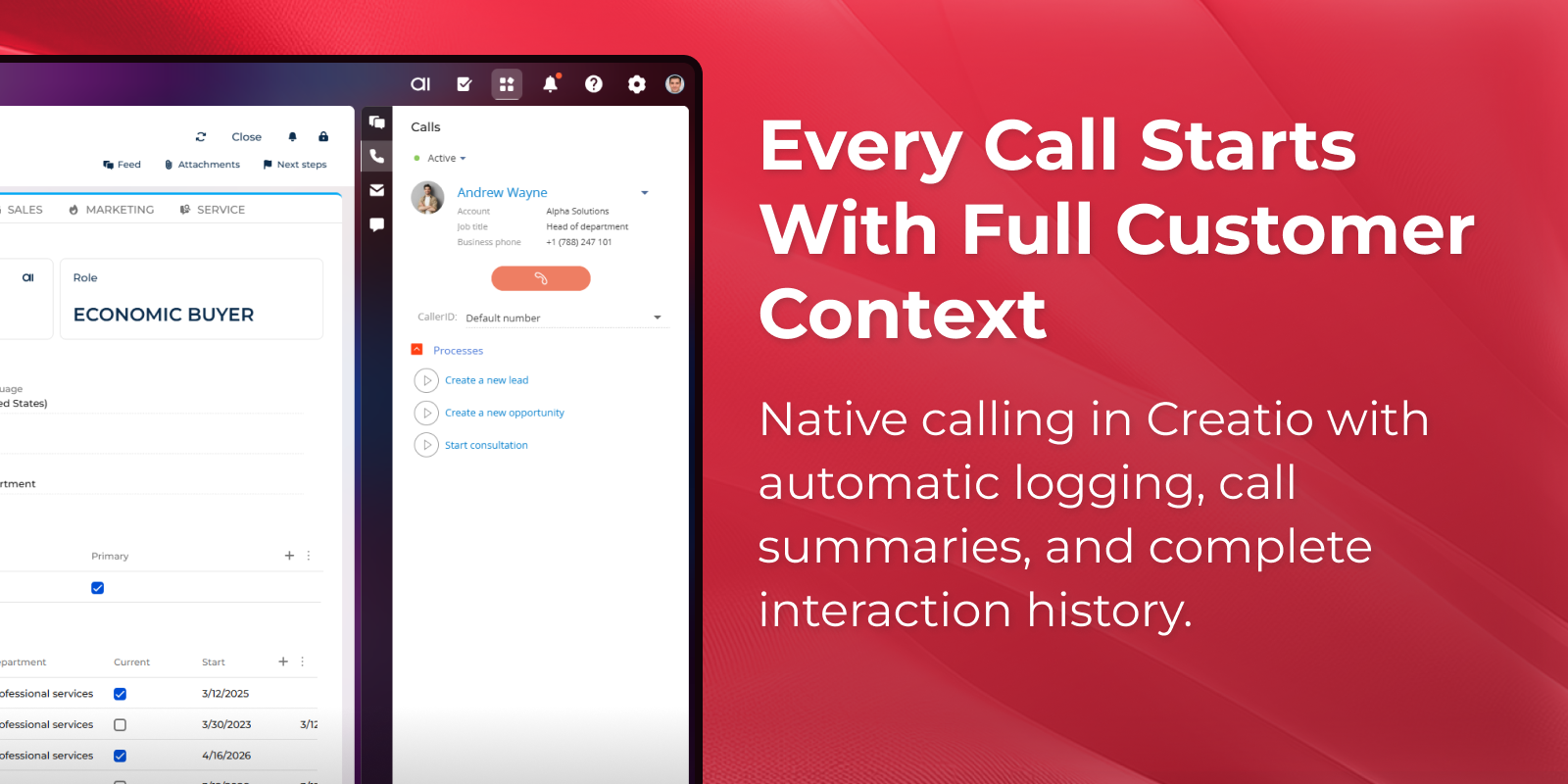
The application enables your agents to make calls, send and receive SMS messages directly within Creatio, with no need to switch between tools. Every interaction is automatically logged against the right Contact or Account record, giving your team a complete, always-up-to-date communication history in one platform.
Use Cases
-
Inbound service desk: Handle customer calls without leaving Creatio. When a known number calls in, the contact record and full interaction history surface instantly — so agents resolve issues faster and never ask a customer to repeat themselves.
-
Outbound sales calling: Launch calls directly from any contact or account record. Every call is logged automatically the moment it starts — so reps spend time selling, not updating activity records after each conversation.
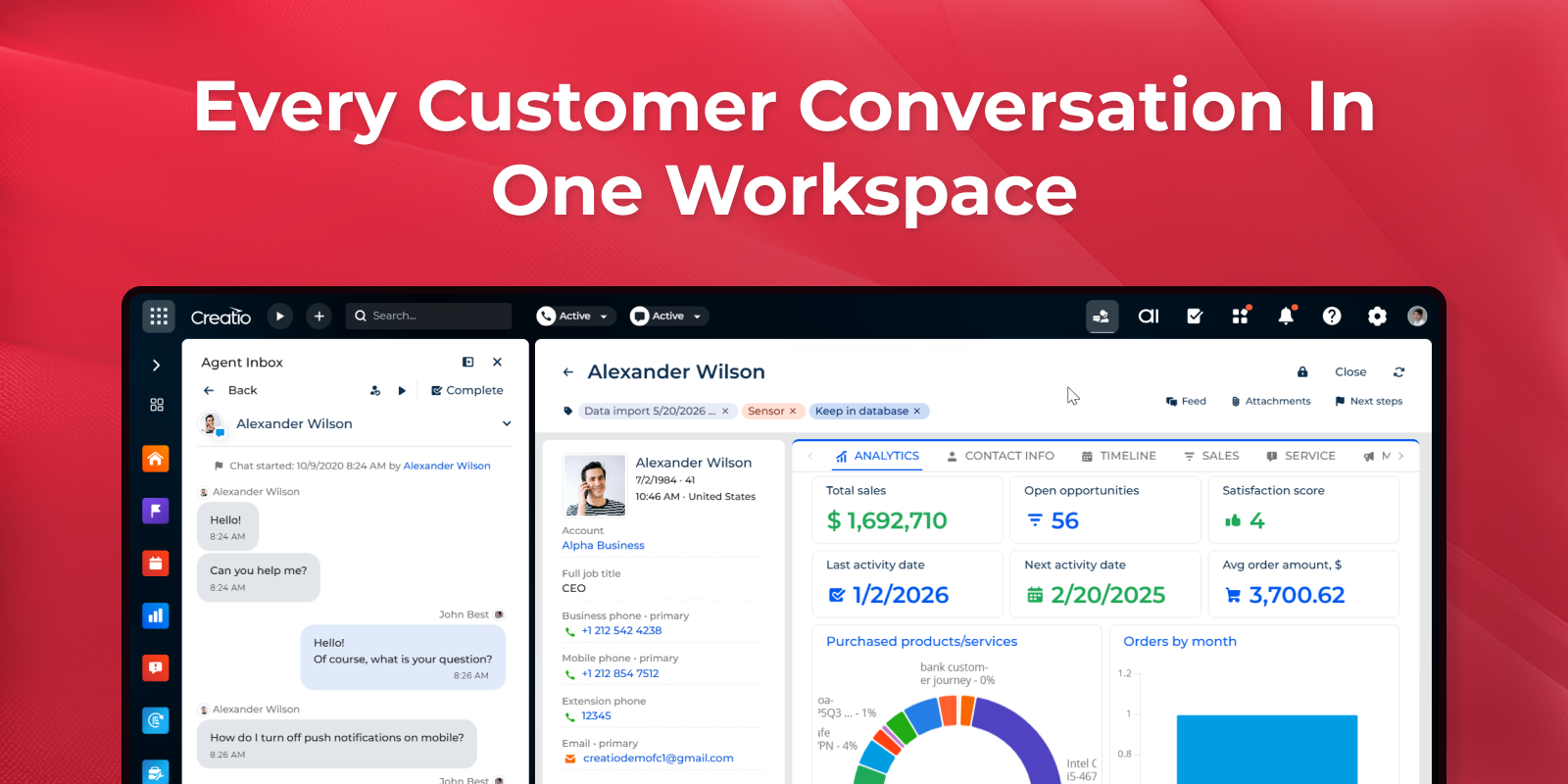
- Two-way customer support over SMS: Let customers open a support conversation by sending an SMS. Creatio creates the omnichannel thread automatically and routes it to an available agent — who replies, tracks history, and closes the case without leaving the agent workspace.
- Visual proof and document collection via MMS: Allow customers to submit photos, documents, or visual evidence as part of a service or claims request. Incoming media arrives in the same conversation thread as the text exchange — no separate upload portal needed.
Key Features
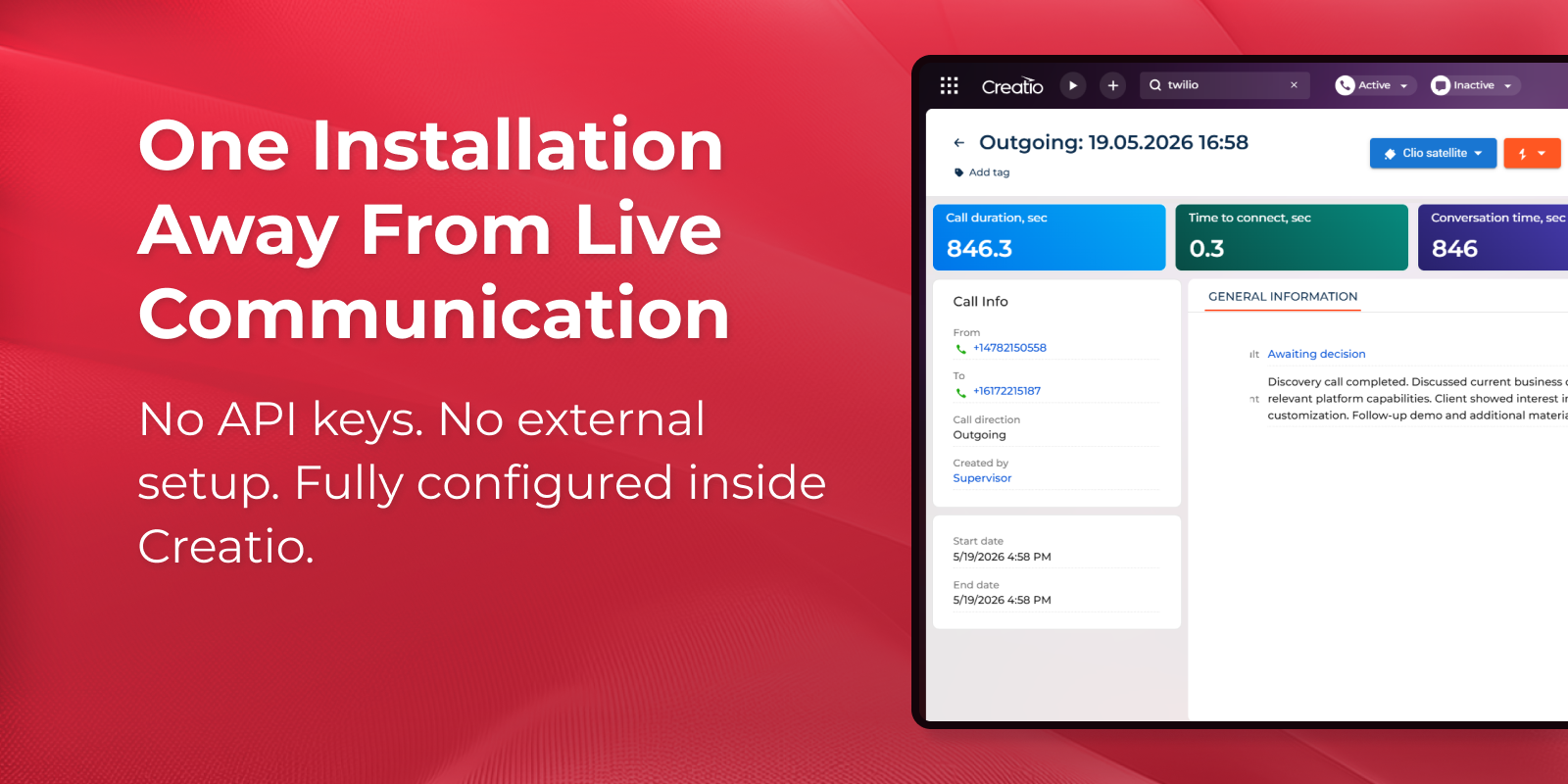
Native Twilio integration in Creatio
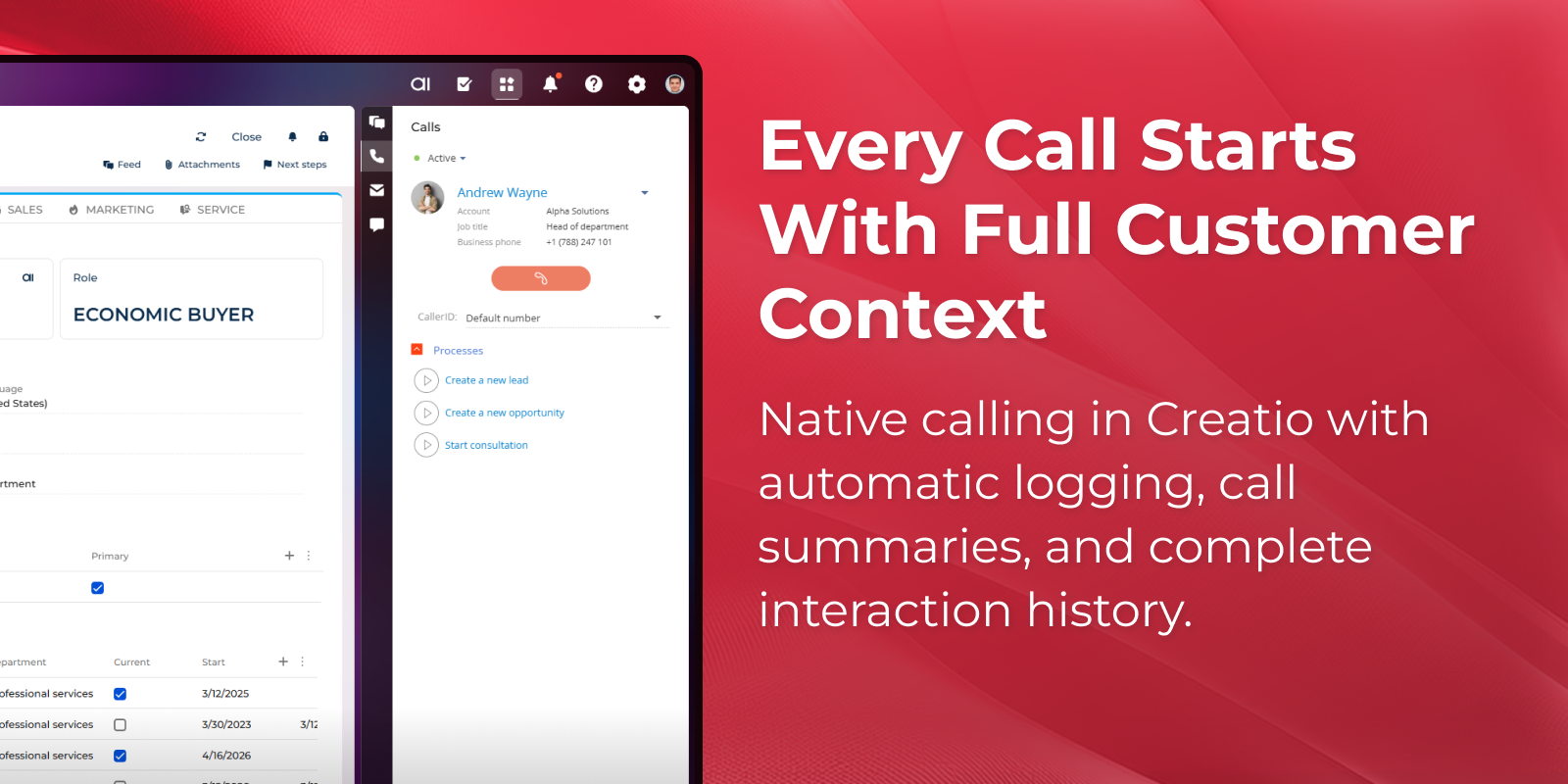
Outbound calling with auto logging
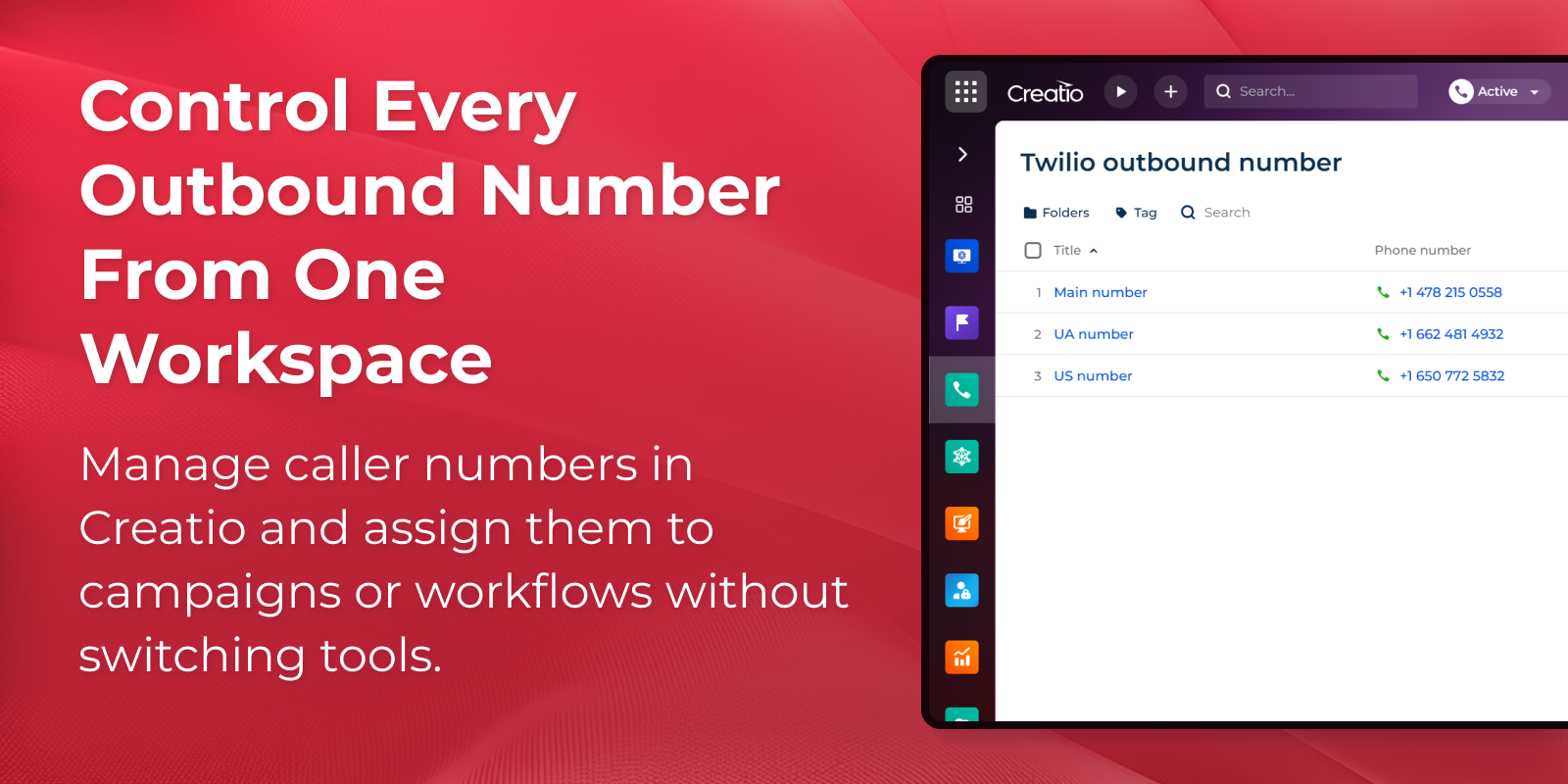
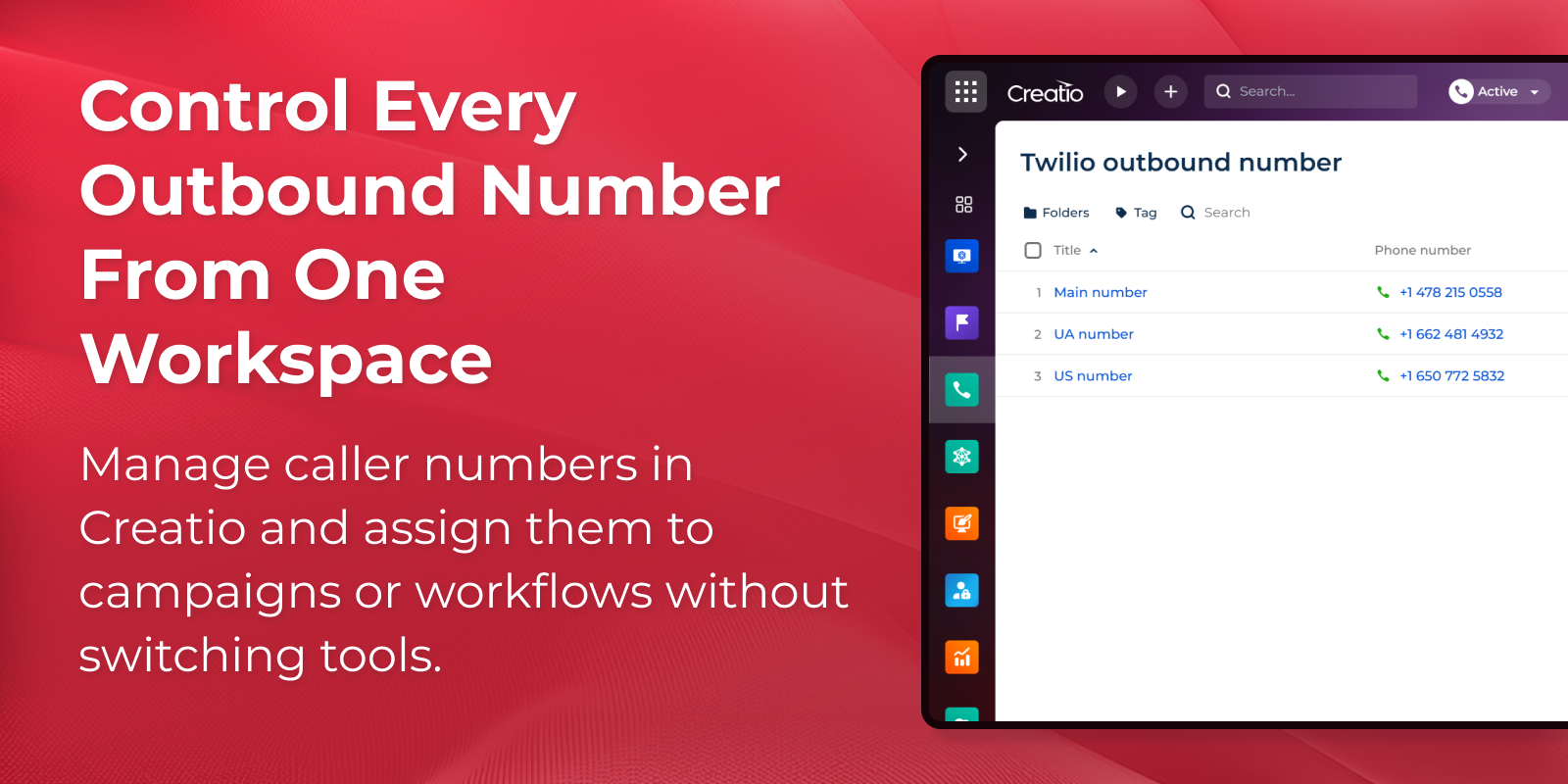
In-app caller number management
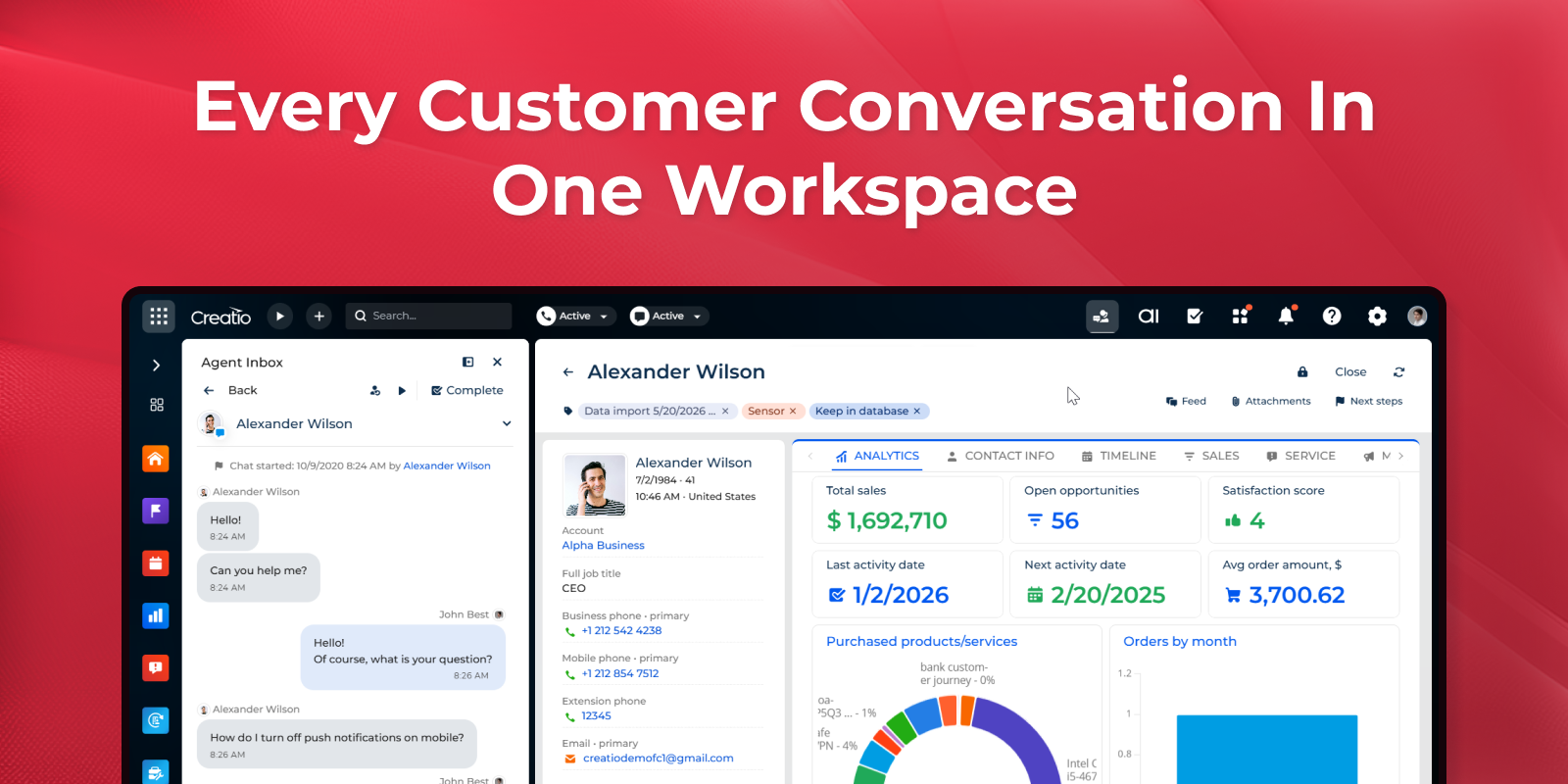
Two-way SMS
Pricing
Terms and Conditions
Support
Installation
Data sharing
- By installing or downloading the App, you confirm that you agree with sharing your account data (name, email, phone, company and country) with the App Developer as their End User.
- The App Developer will process your data under their privacy policy.
Versions
Manual app installation
- Open the needed app → the Packages tab - download the Markeplace app files.
- Click in the top right → Application Hub
- Click New application. This opens a window.
- Select Install from file and click Select in the window that opens.
- Click Select file on the page of the Marketplace App Installation Wizard and specify the app file path.