


Twilio SMS/MMS Connector for Creatio
Overview
Product overview
The Twilio SMS/MMS Connector integrates Twilio messaging functionality into Creatio, enabling SMS and MMS communication across multiple workflows — from direct client interaction to automated campaigns and business processes.
Use cases:
-
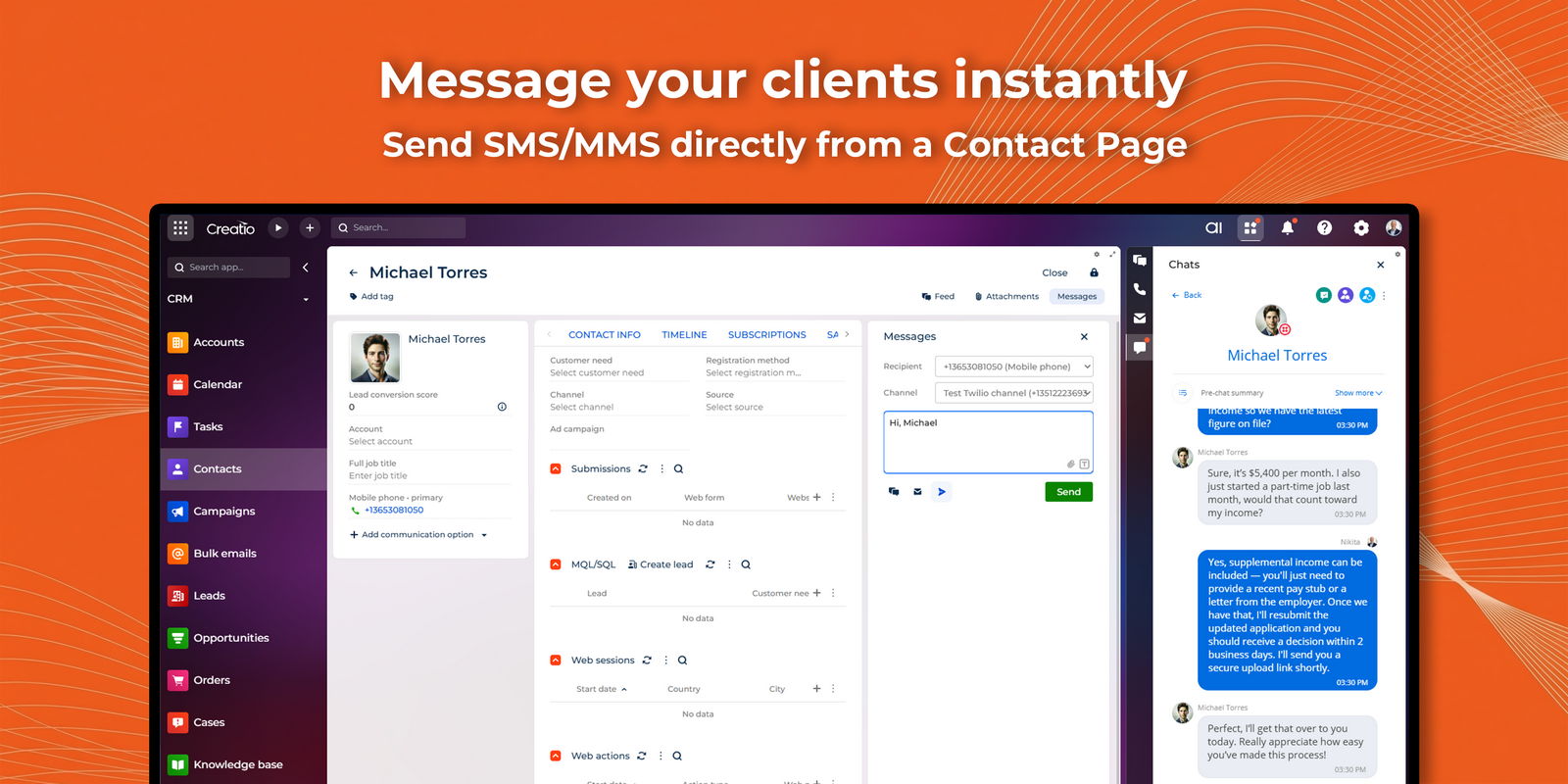
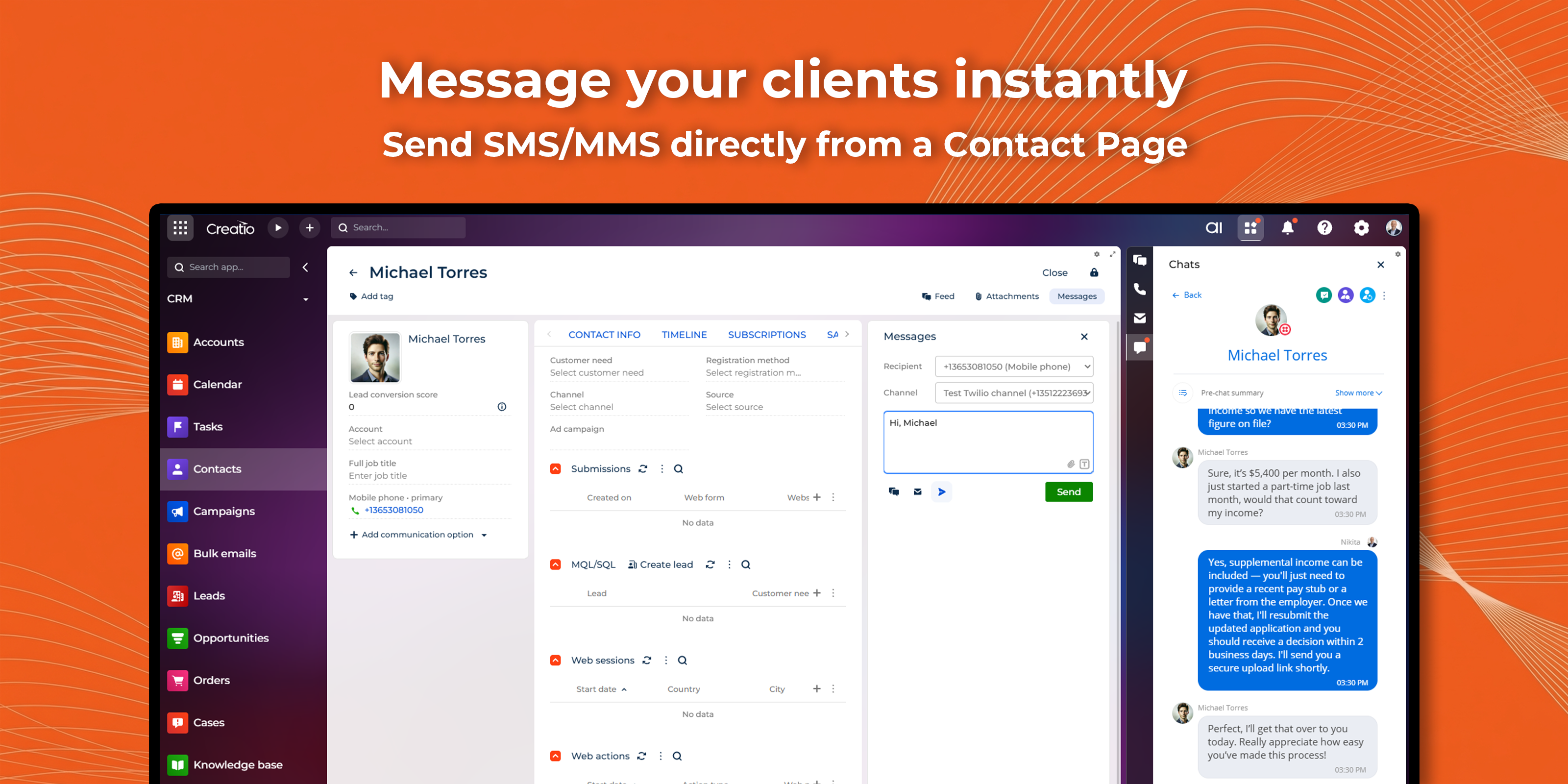
Direct client messaging: Send SMS/MMS messages directly from a Contact page. Messages are automatically linked to the corresponding Contact by phone number, providing a complete communication history within the related record.
-
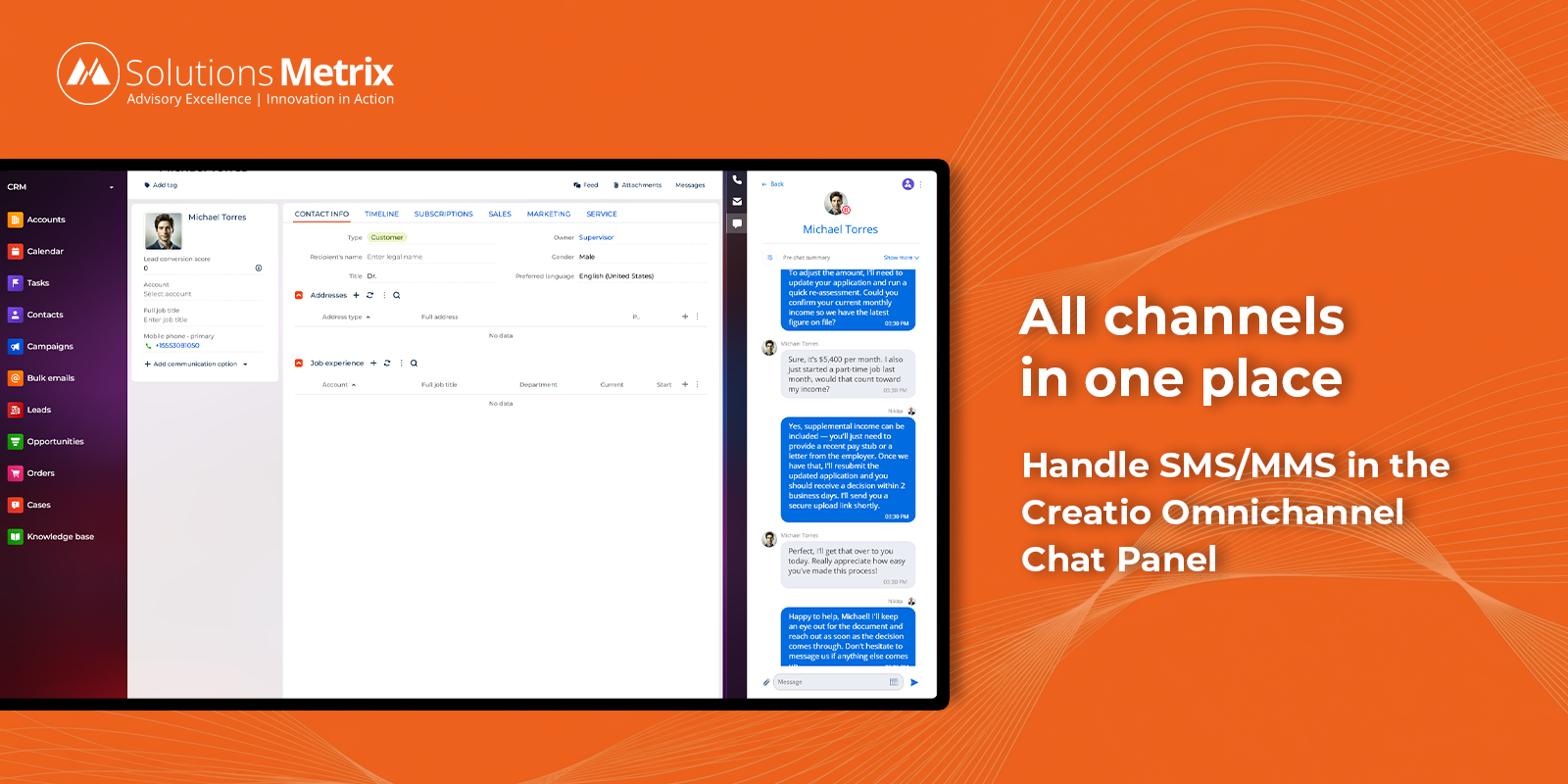
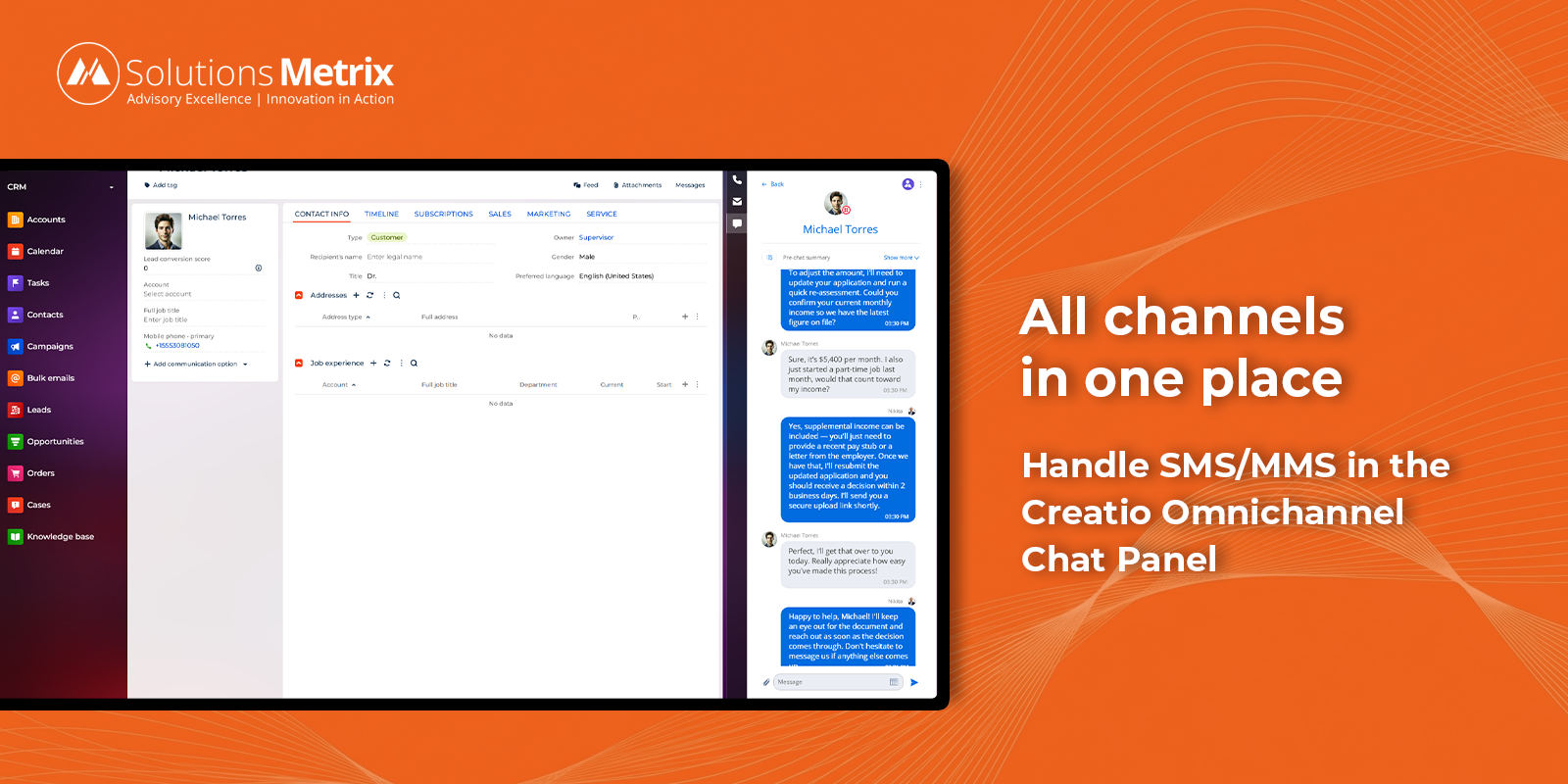
Omnichannel communication: Send and receive SMS/MMS messages from the omnichannel chat panel alongside other communication channels in a unified interface.
-
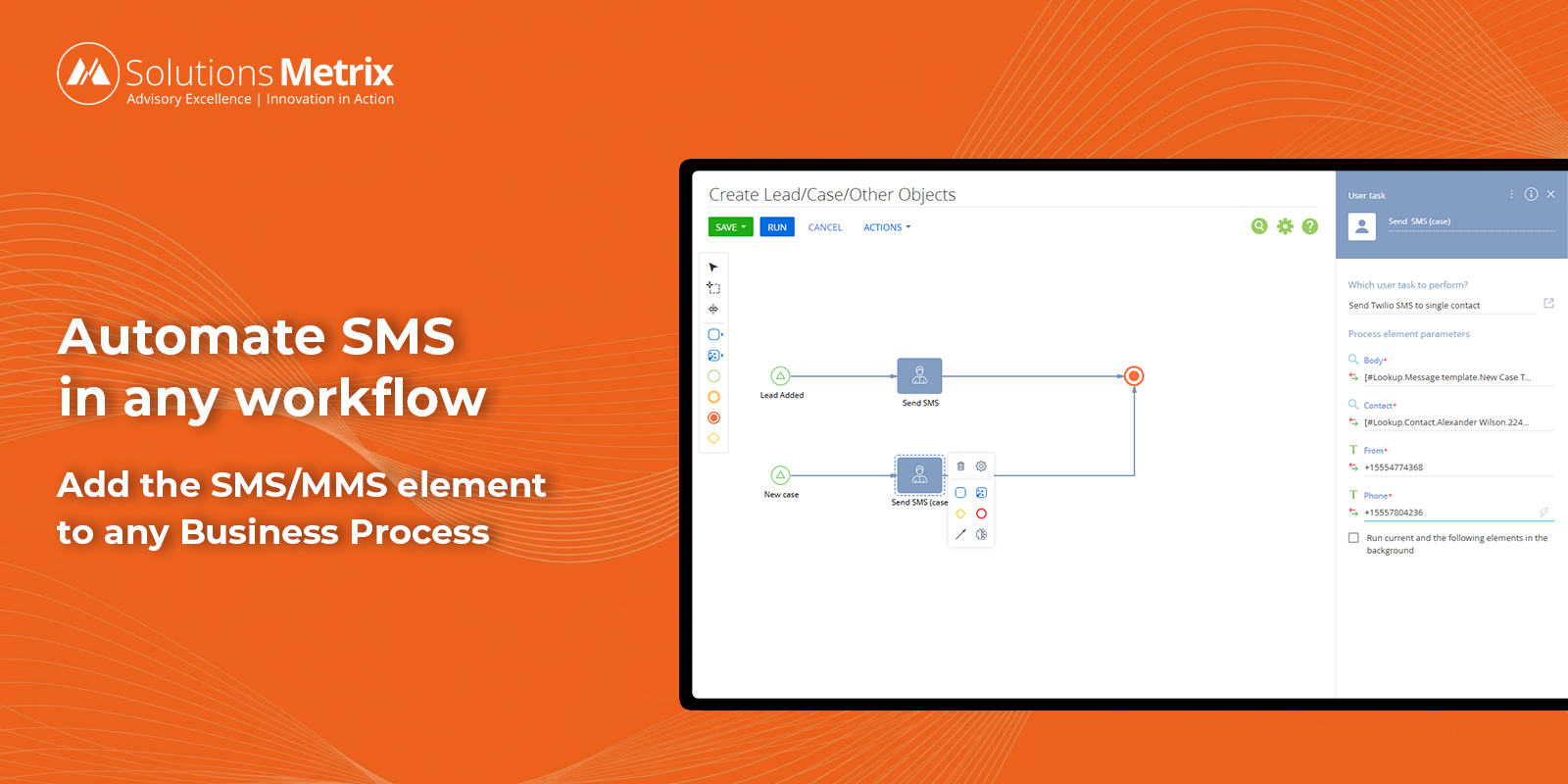
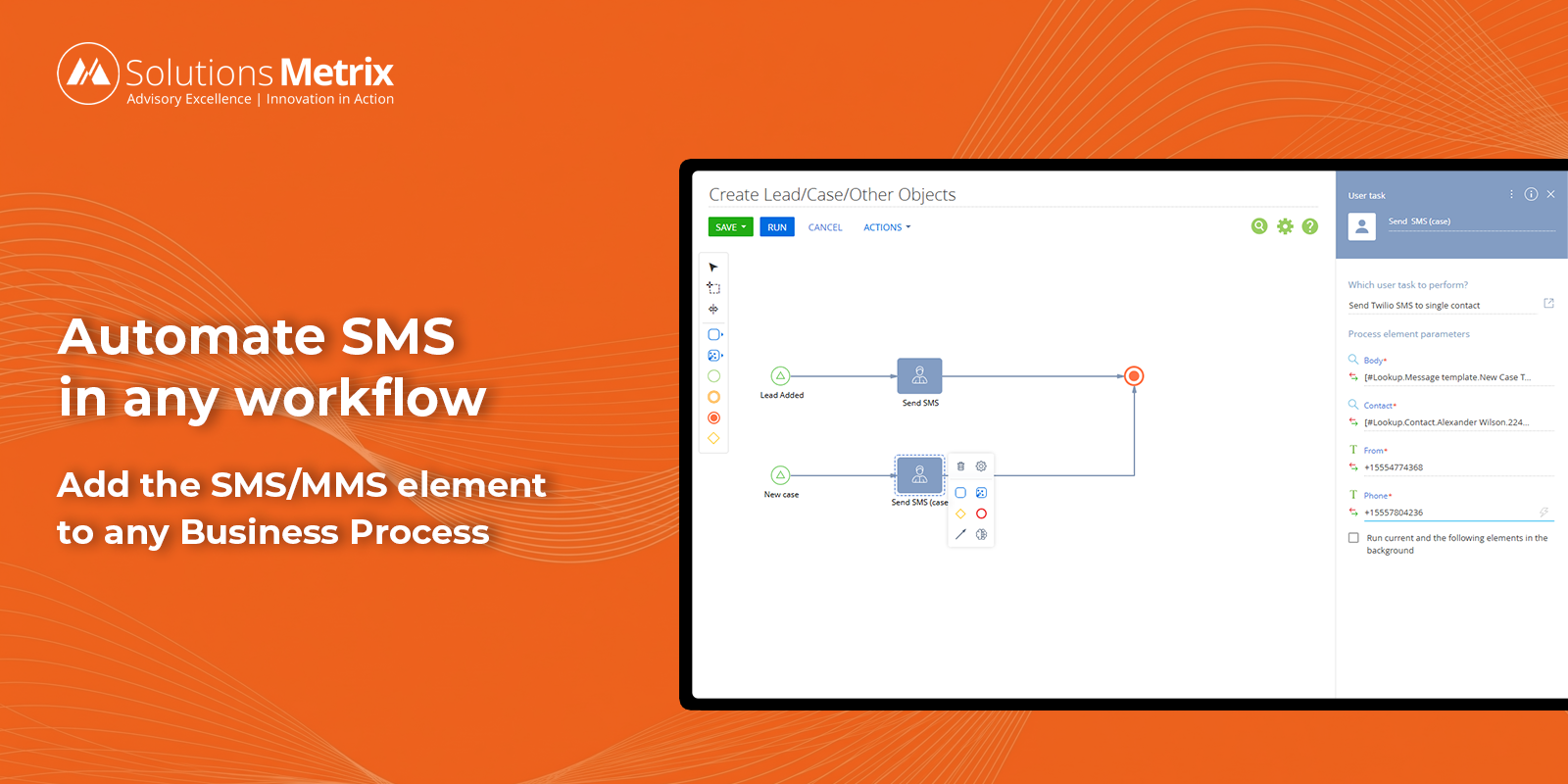
Business process automation: Add a dedicated business process element to incorporate SMS/MMS messaging into any business process. Use message templates to standardize outgoing messages.
-
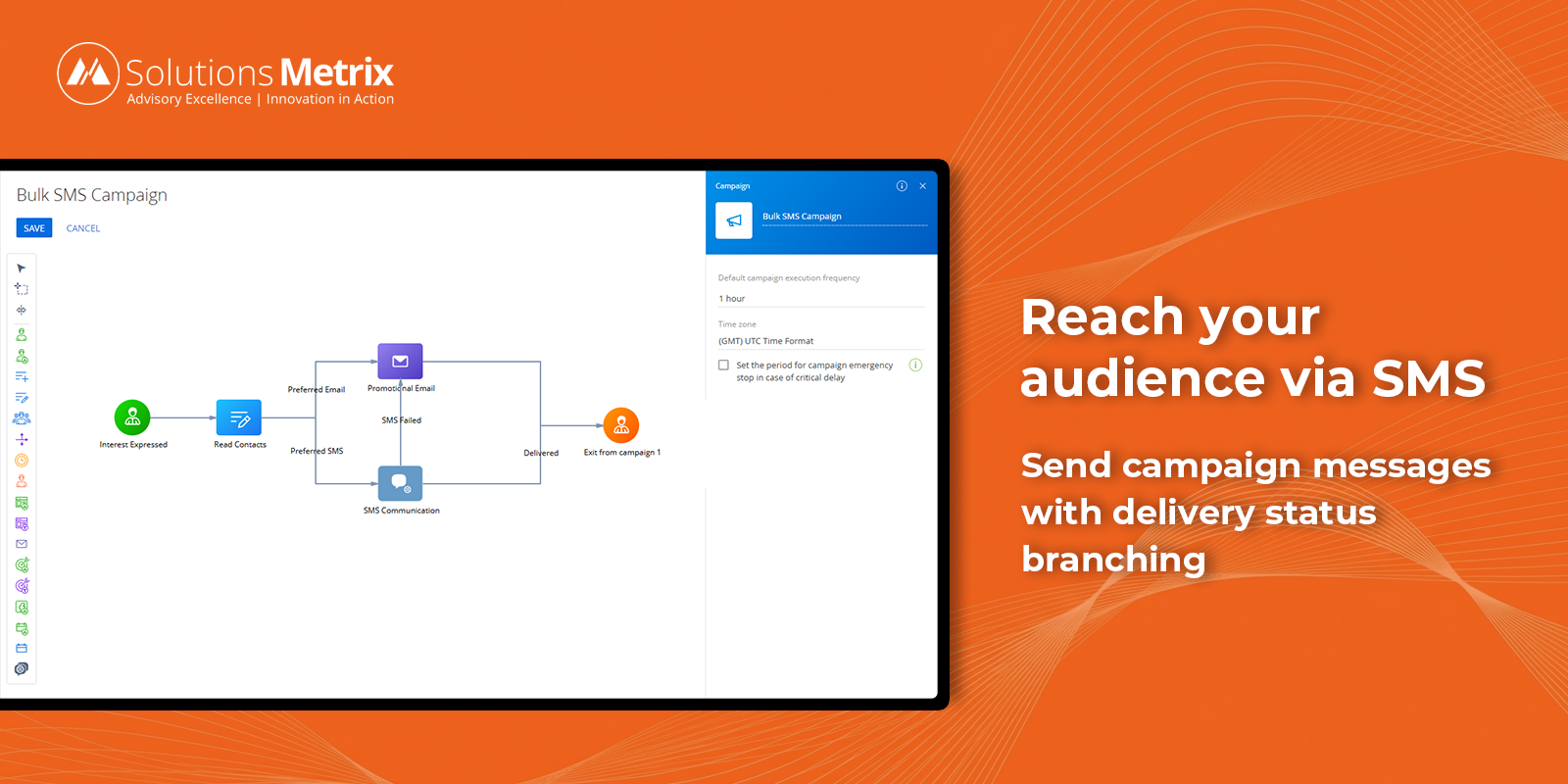
Marketing campaigns: Send SMS/MMS messages as part of marketing campaigns using the dedicated campaign element, with support for delivery status branching — delivered and undelivered outcomes are handled as separate paths within the campaign flow.
-
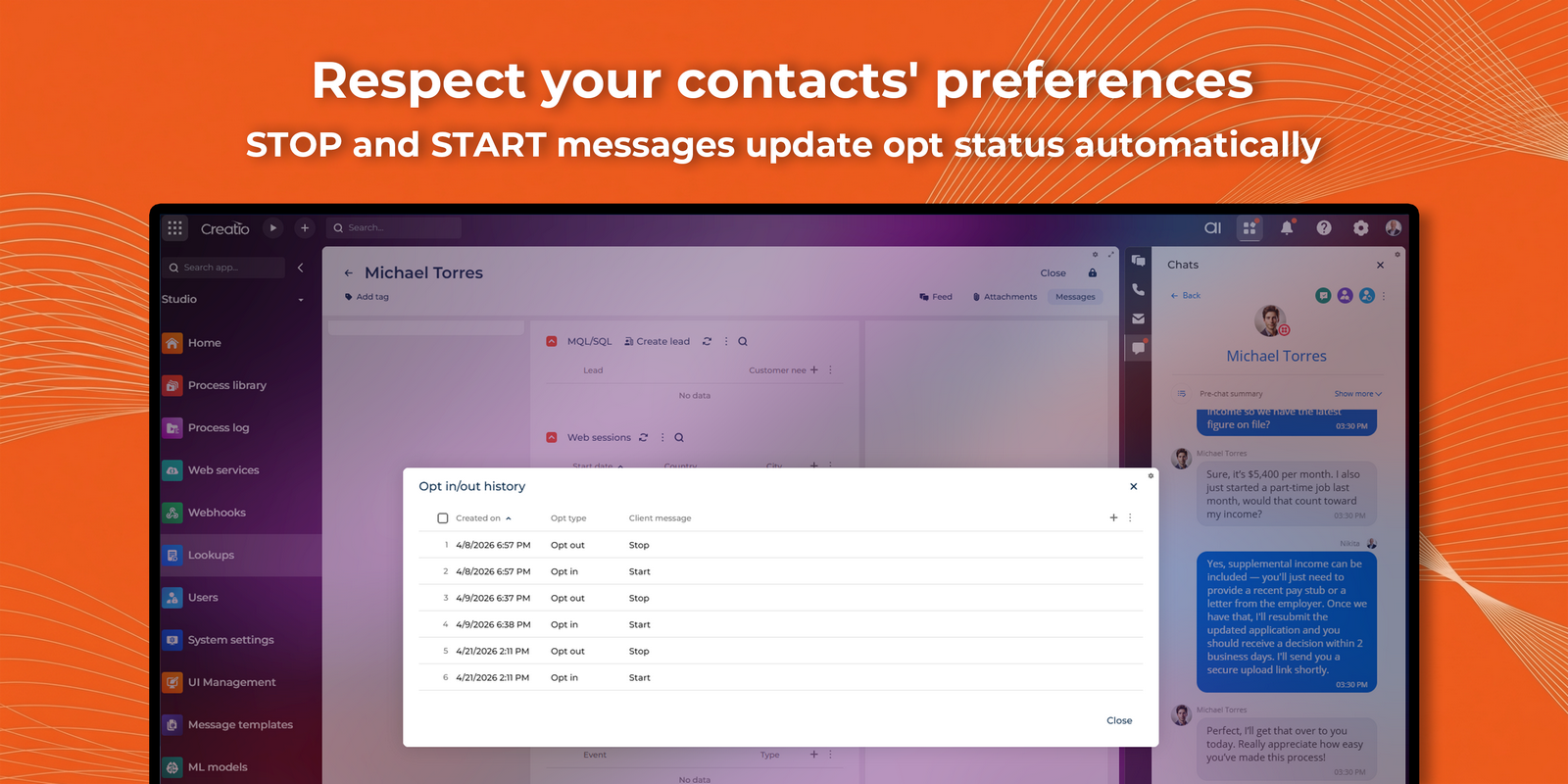
Subscription status visibility: Sync opt-in and opt-out statuses from Twilio into Creatio, giving your team real-time visibility into each contact’s communication preferences—without duplicating subscription management logic.
Key Features
Direct Messaging from Contact page
Omnichannel Chat Integration
Business Process Integration
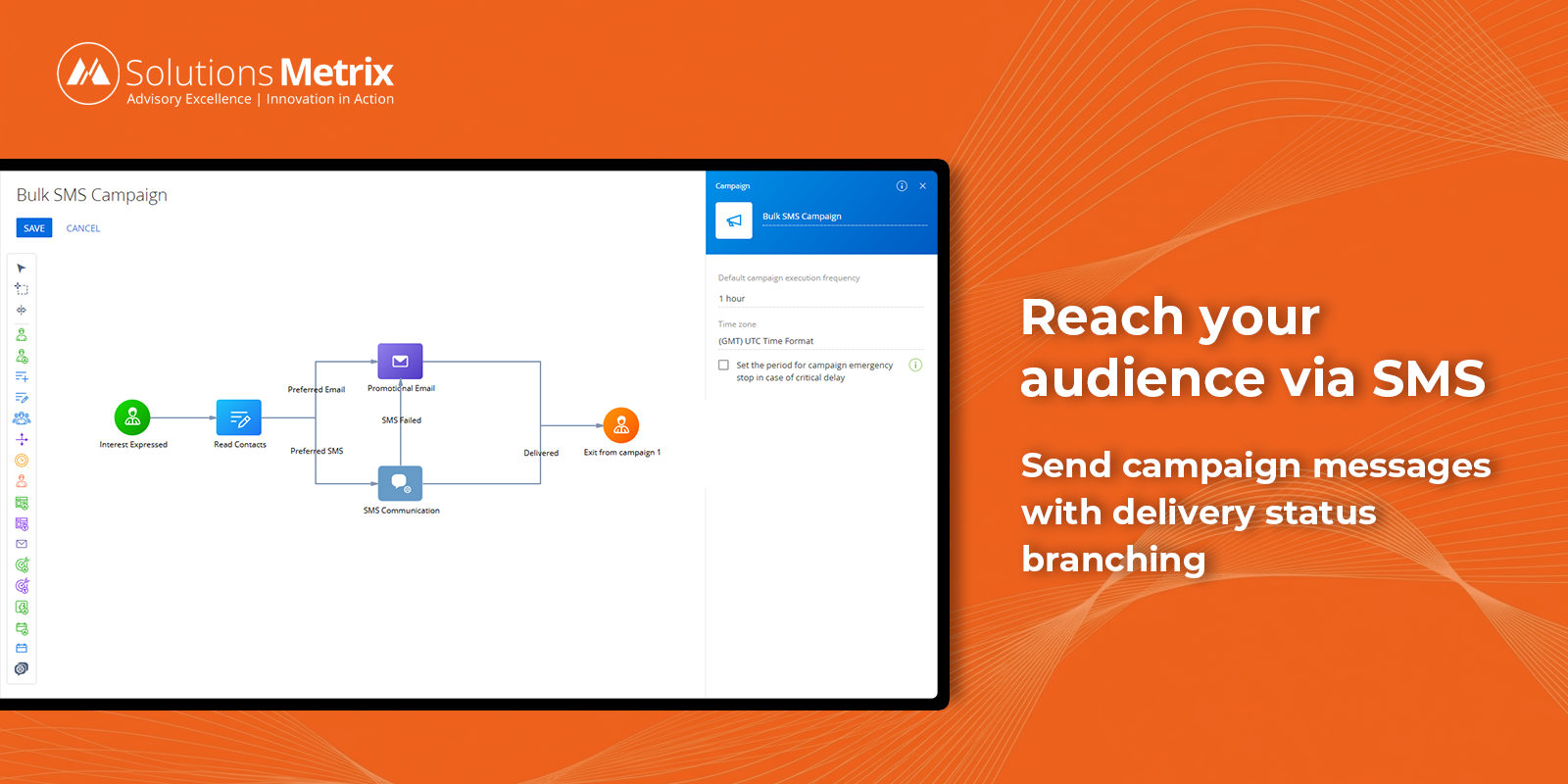
Marketing Campaign Integration
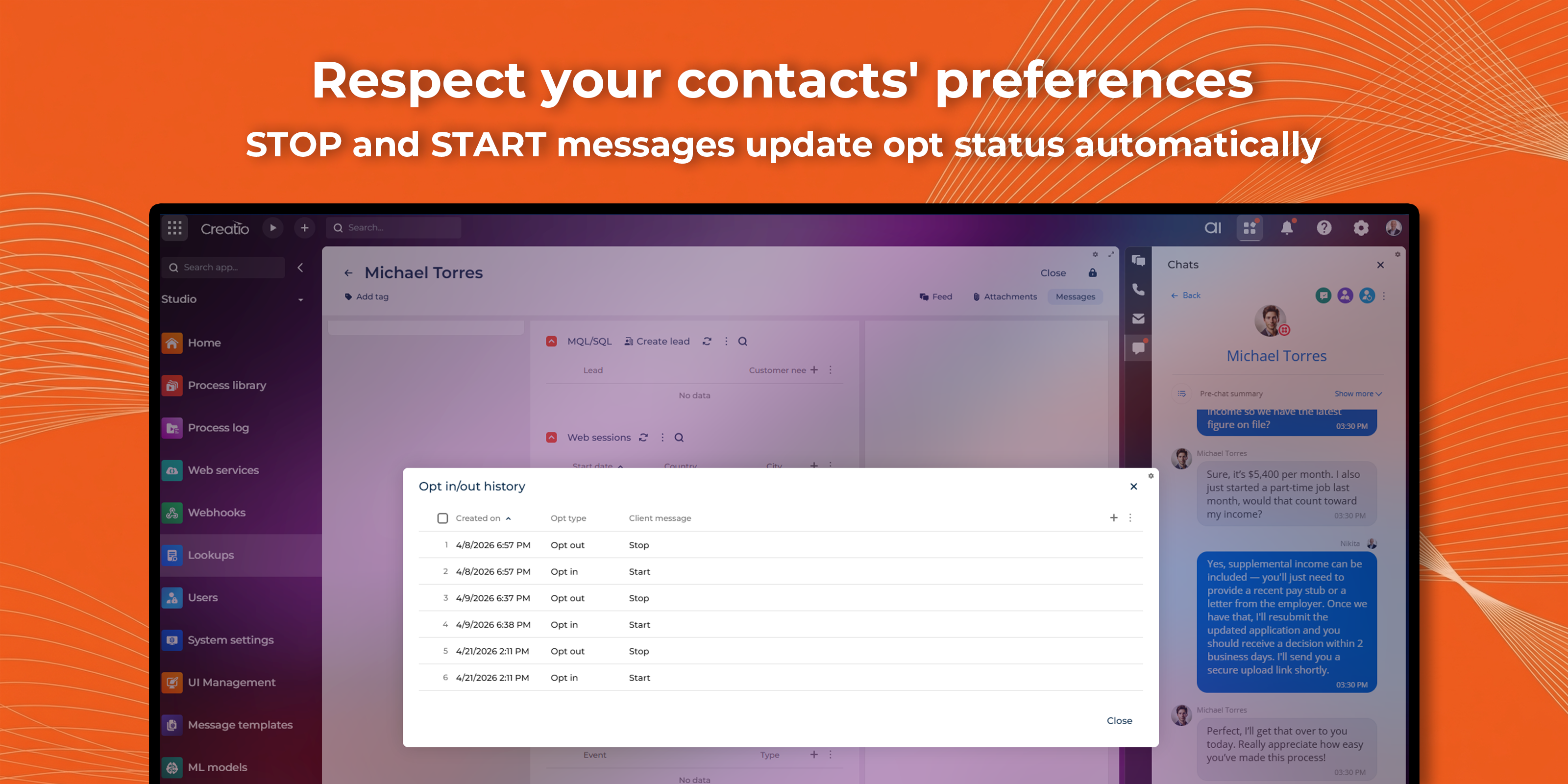
Opt-in / Opt-out Management
Pricing
Terms and Conditions
Support
Installation
Data sharing
- By installing or downloading the App, you confirm that you agree with sharing your account data (name, email, phone, company and country) with the App Developer as their End User.
- The App Developer will process your data under their privacy policy.
Versions
Versions history
-
Fixed: upgrade from v1.0 failed on SMStatus column The delivery-status field changed from free text to a lookup. Upgrades now drop the legacy column first, so it recreates correctly. Fresh installs unaffected.
-
Fixed: inbound Twilio webhooks couldn't save data The webhook service user lacked permissions on the target entities, so incoming SMS and delivery-status updates were rejected. Required rights are now granted, including existing records — inbound messages and status updates now save reliably.
Resolved a compilation error on Creatio 8.3.4 caused by invalid Channel type references and package dependencies. The application now compiles and deploys successfully on this platform version.
-
Messaging from Freedom UI: Send SMS/MMS messages directly from the Contact Page in Freedom UI.
-
Delivery status branching: Marketing Campaign flow now supports separate paths for delivered and undelivered SMS messages.
-
Opt-in / Opt-out management: Incoming STOP and START messages are processed automatically, updating the contact's opt status in Creatio.
- Twilio send and receive SMS/MMS with status
- Message history in leads
Manual app installation
- Open the needed app → the Packages tab - download the Markeplace app files.
- Click in the top right → Application Hub
- Click New application. This opens a window.
- Select Install from file and click Select in the window that opens.
- Click Select file on the page of the Marketplace App Installation Wizard and specify the app file path.