


Underwriting Management for Creatio
Streamline your insurance operations with our application. This solution manages end-to-end underwriting journeys, from Customer intake to policy issuance. Automate workflows for faster processing and a superior customer experience.
Overview
Product overview
Product description
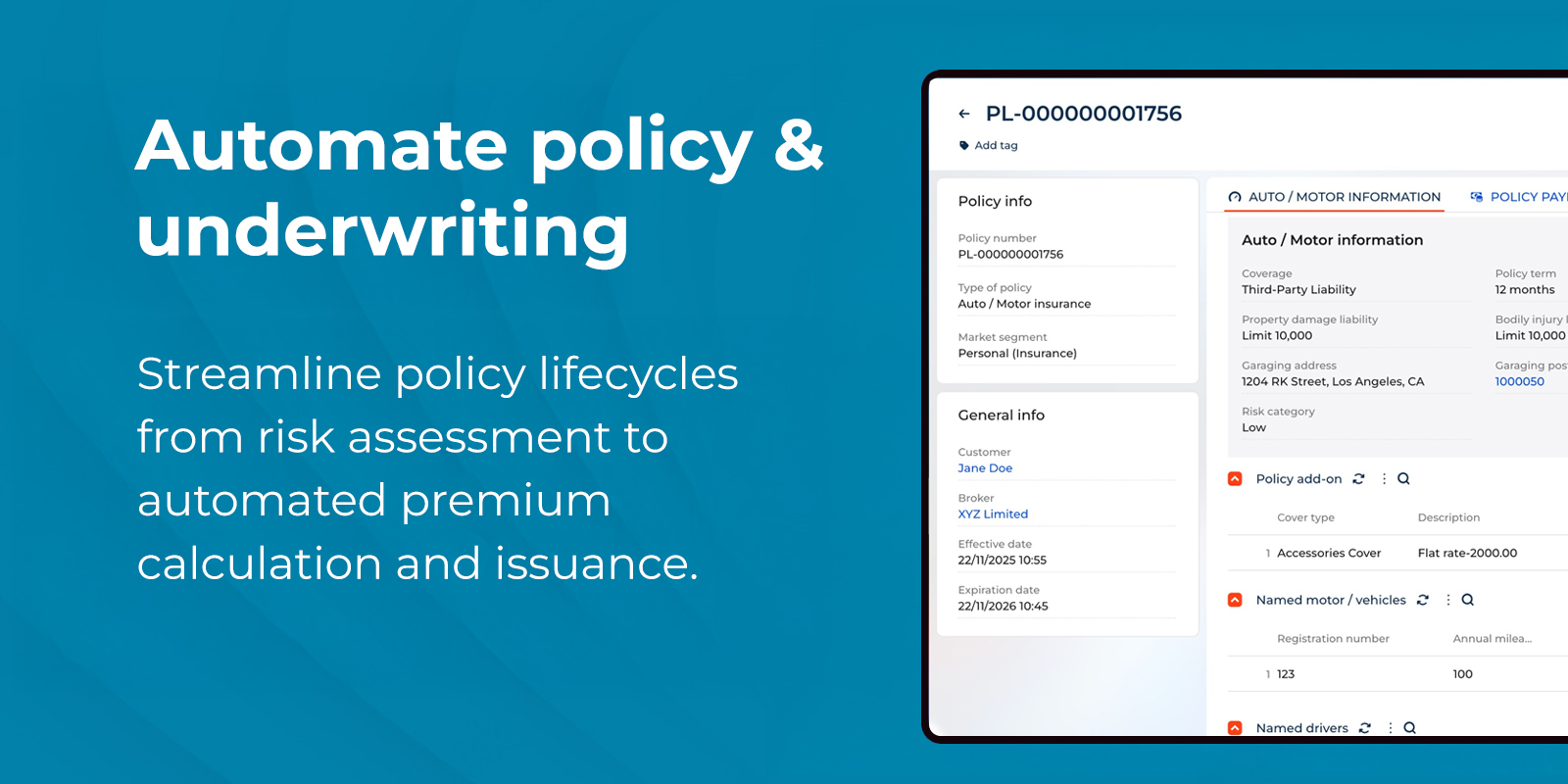
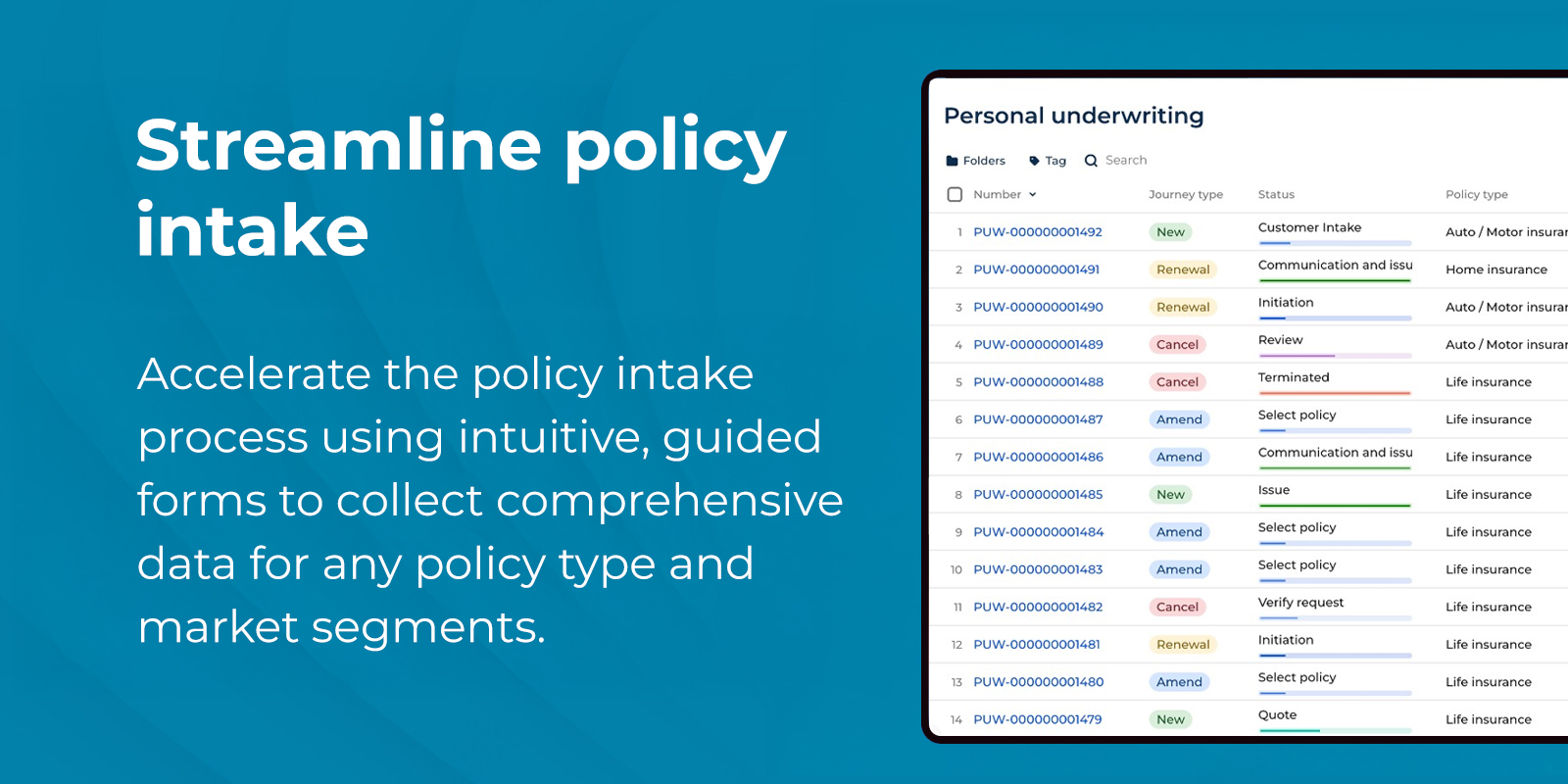
Phalanx consultancy limited's Underwriting management application automates and streamlines core insurance processes in underwriting policies management. Built on the flexible Creatio platform, it helps carriers make data-driven decisions, enhance risk assessment, and provide a transparent, efficient experience for policyholders, ultimately driving profitability and customer satisfaction.
Application provides intuitive tools to manage the entire policy lifecycle, from initial configuration to accurate premium calculation. It helps underwriters streamline risk assessment, ensuring competitive pricing and efficient policy issuance based on comprehensive individual and policy-level factors.
Key Features
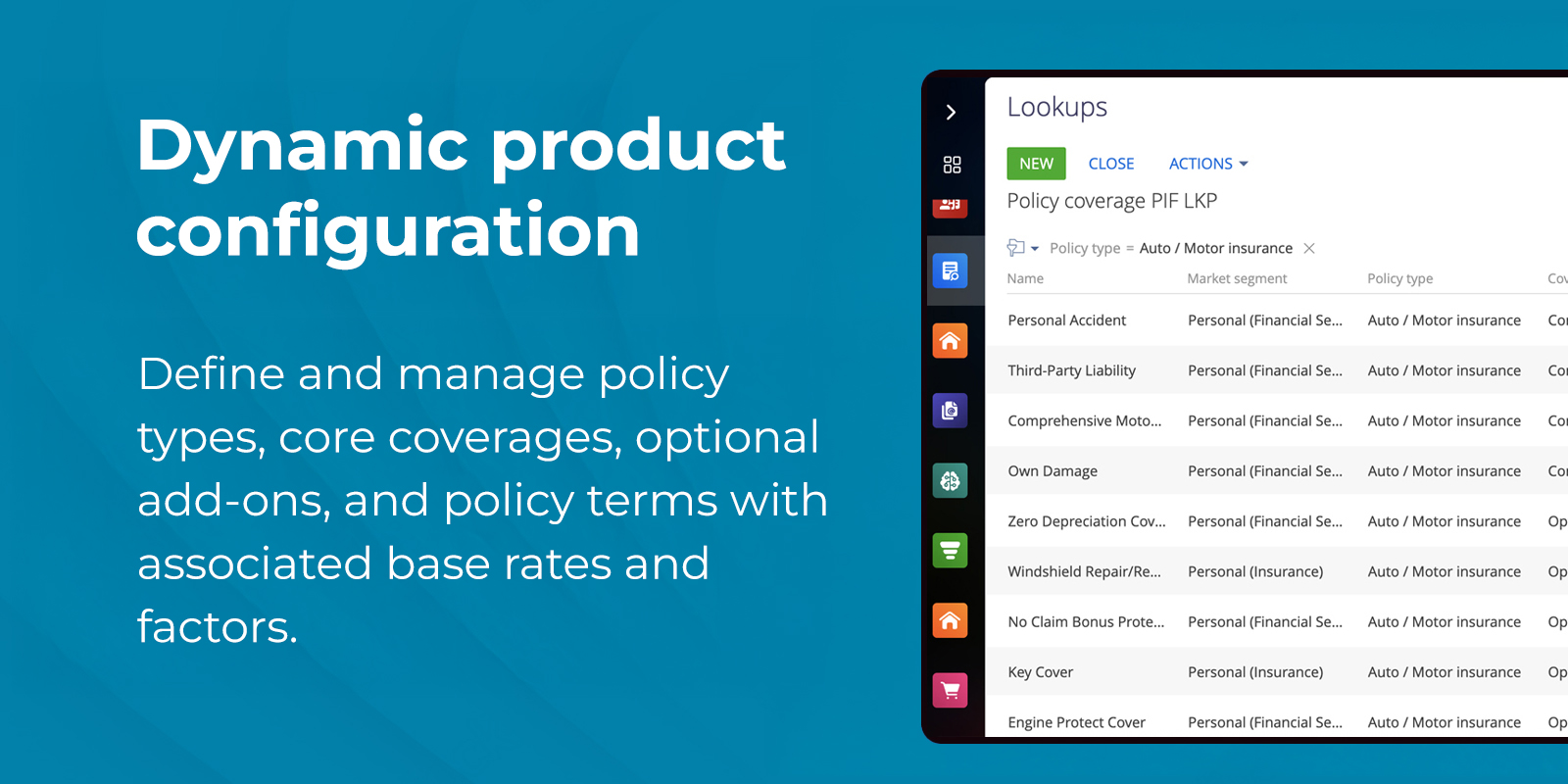
Dynamic product configuration
Define and manage policy types, core coverages, optional add-ons, and policy terms with associated base rates and factors.
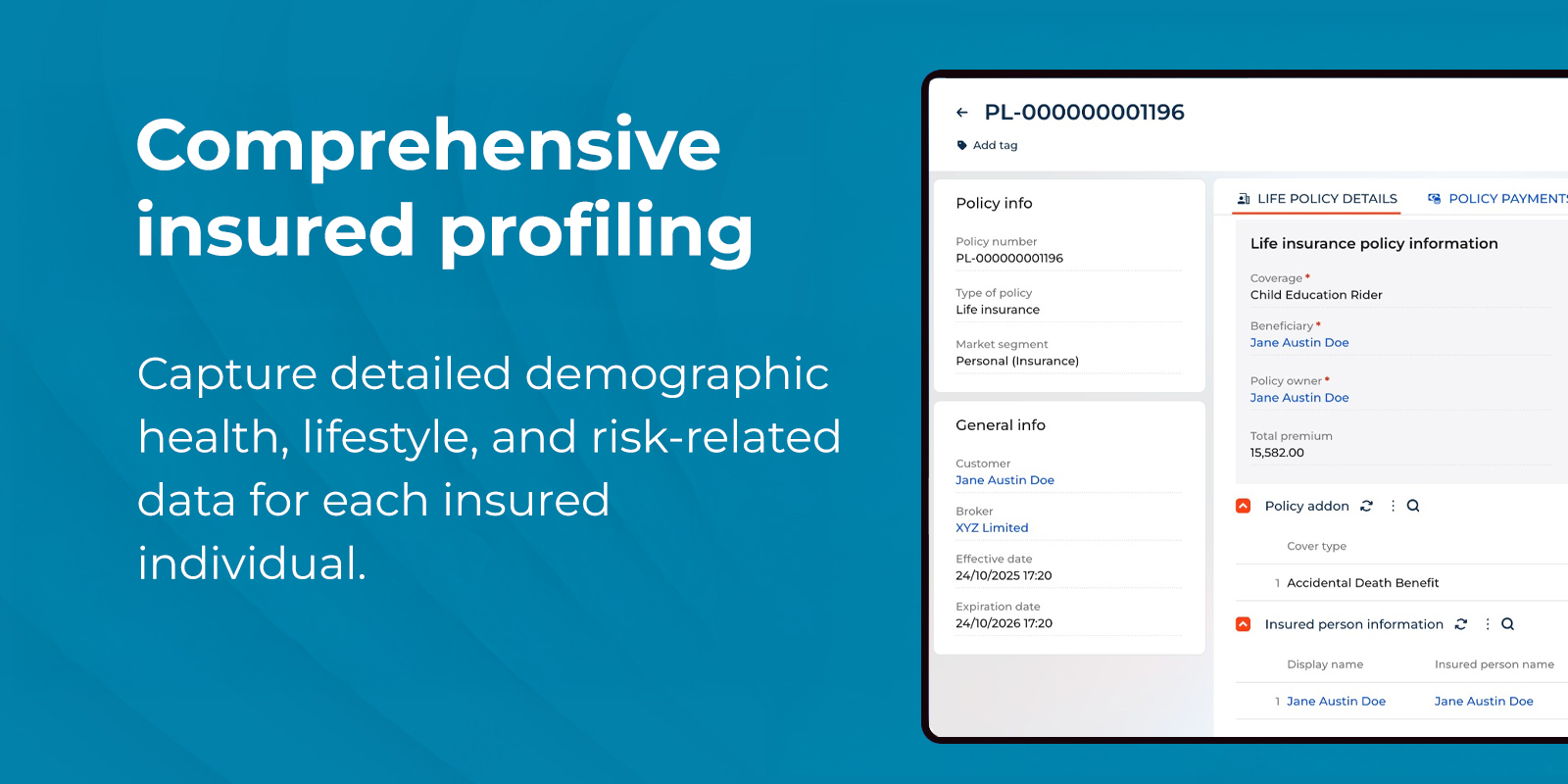
Comprehensive insured profiling
Capture detailed demographic, health, lifestyle, and risk-related data for each insured individual.
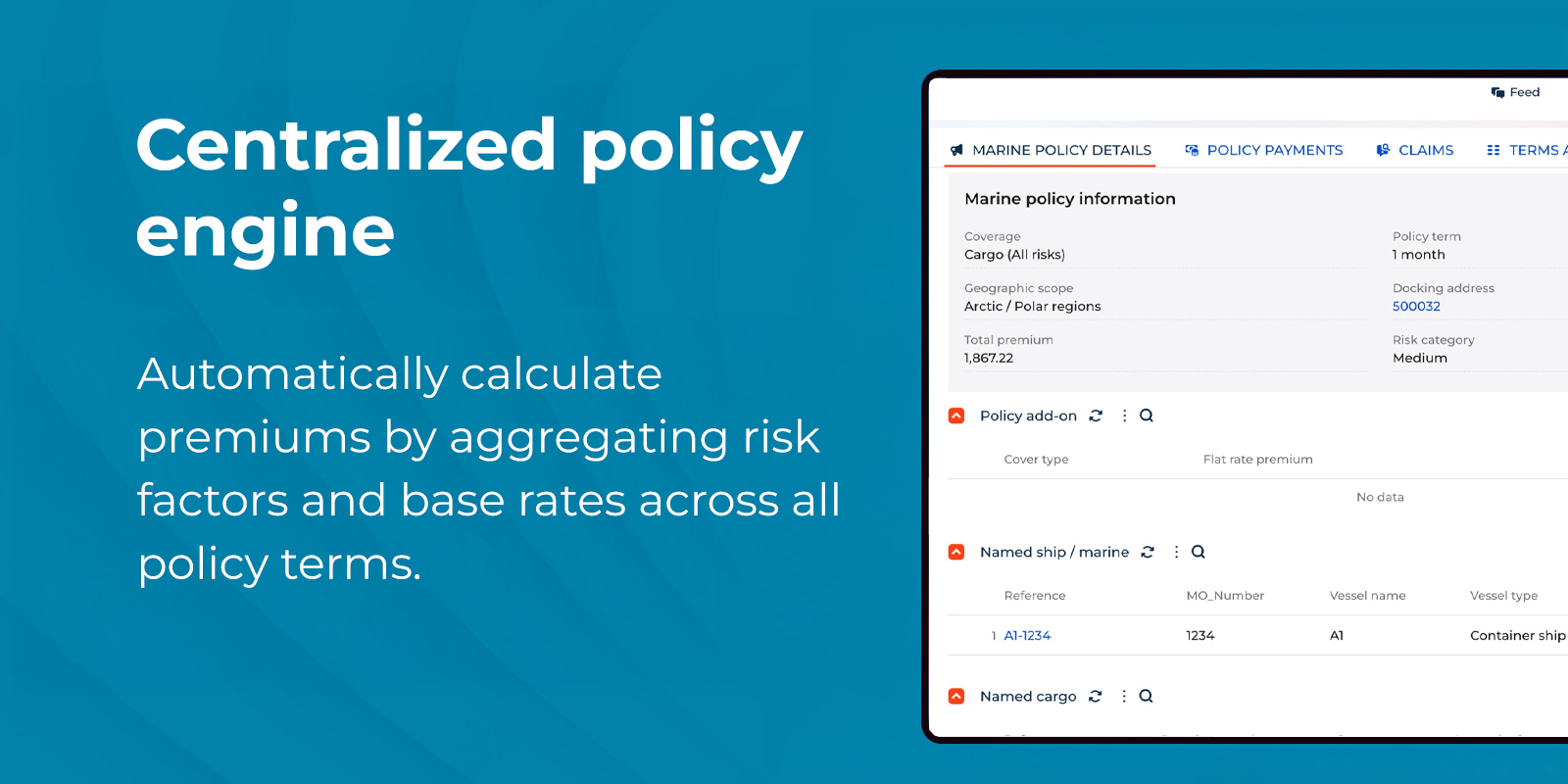
Centralized policy engine
A centralized engine that automatically calculate premiums based on configurable base rates and aggregated risk factors, supporting various policy terms.
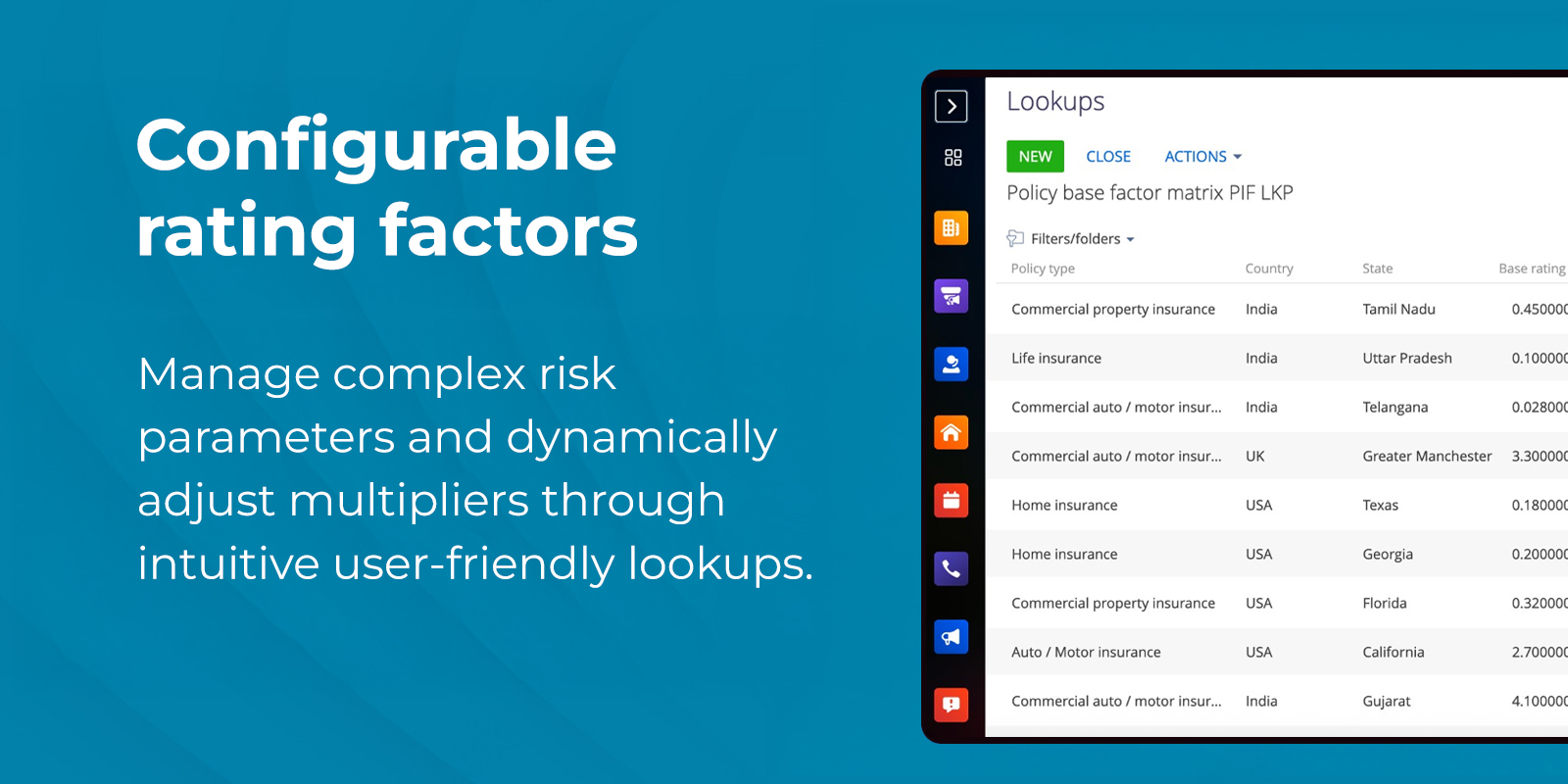
Configurable rating factors
Manage all risk parameters via user-friendly lookups, allowing for dynamic adjustment of multipliers for attributes like smoker status, medical conditions, and more.
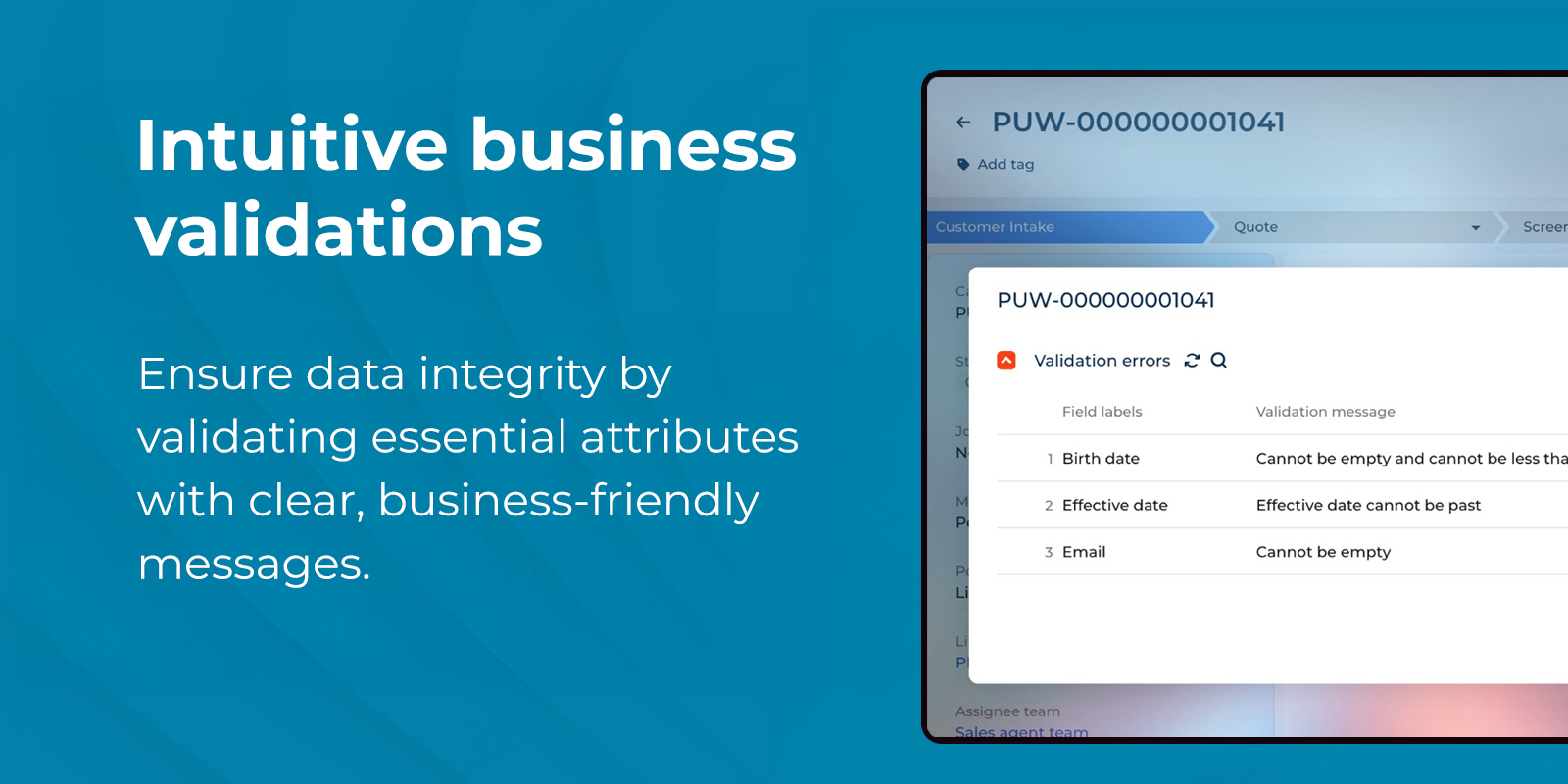
Intuitive business validations
Ensure data integrity by validating essential attributes with clear, business-friendly messages.
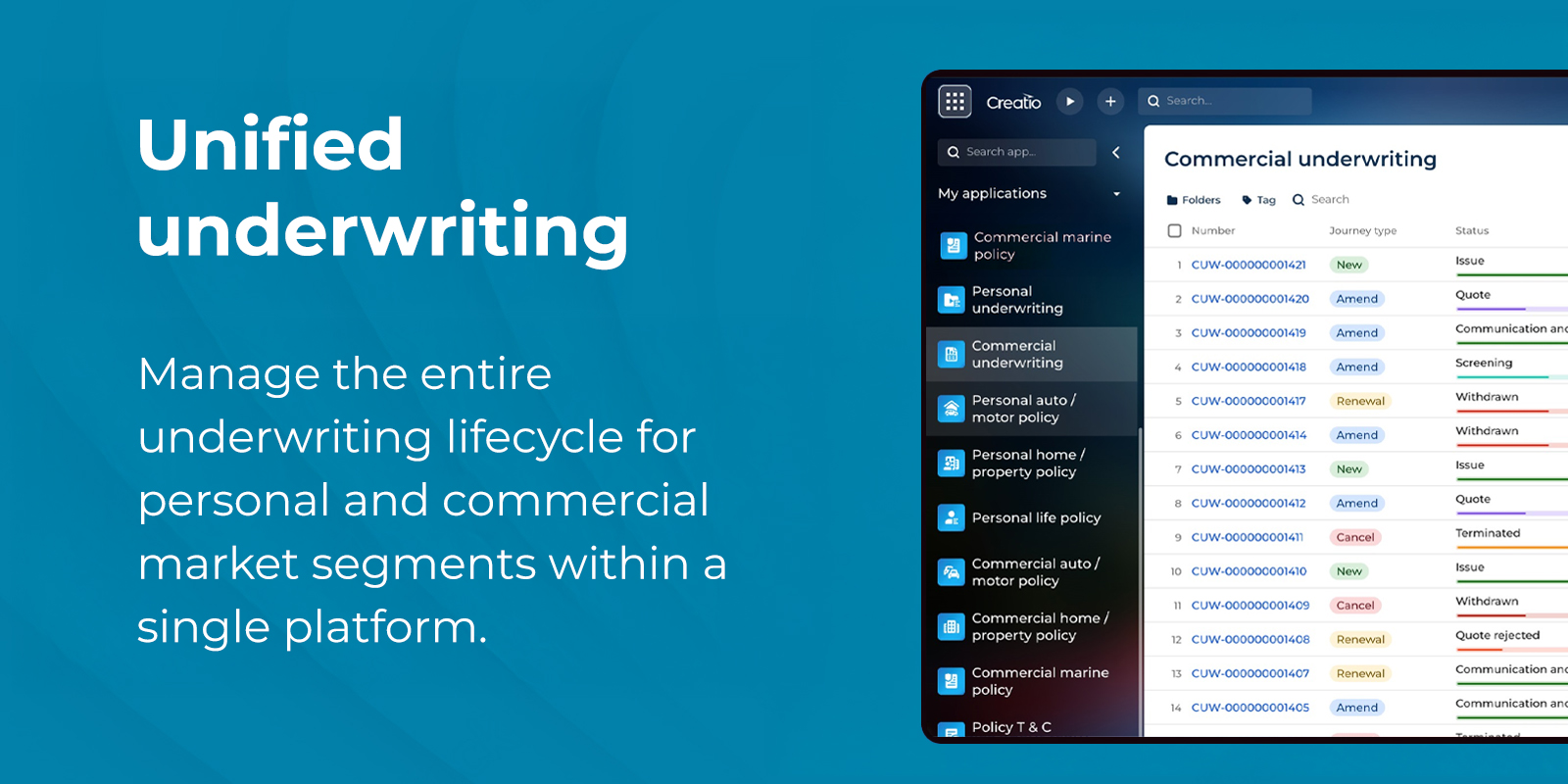
Unified underwriting
Manage the entire underwriting lifecycle for personal and complex commercial market segments within a single, unified and streamlined platform.
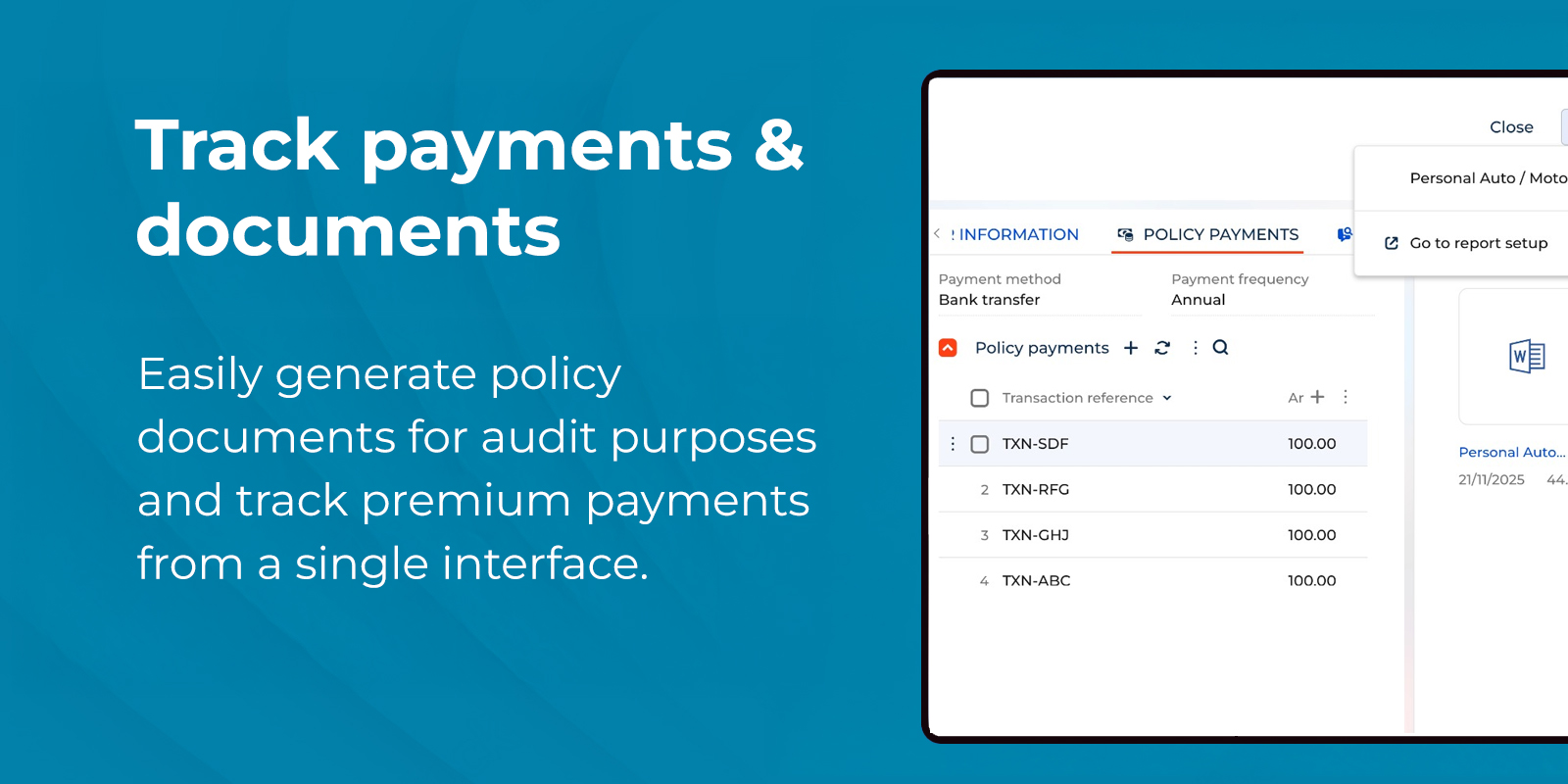
Track payments & documents
Manage premium payments from policyholders and easily generate policy documents for audit purposes
Pricing
Monthly
Annual
1. Bronze
$
60.00 user / month
billed annually
From 15 users
Description (Formatted)
- Suitable for small team
2. Silver
$
50.00 user / month
billed annually
From 30 users
Description (Formatted)
- Suitable for medium team
3. Gold
$
40.00 user / month
billed annually
From 70 users
Description (Formatted)
- Suitable for large team
Terms and Conditions
By installing this product you agree to terms and conditions outlined in the license agreement.
Support
Support is available for this application
Support is provided by the developer within the “Basic”, “Business” and “Premium“ packages. Detailed information about the support packages and the support terms can be found on the Creatio website.
Installation
Setup guide
Please reach out to us for any enquiry related to installation or usage.
Compatibility notes
Compatibility notes
Requires installation of Customer 360 app.
Resources
Data sharing
- By installing or downloading the App, you confirm that you agree with sharing your account data (name, email, phone, company and country) with the App Developer as their End User.
- The App Developer will process your data under their privacy policy.
Versions
Versions history
Version
Compatibility
Release date
1.0.0
8.2.3 and up
Release summary
Streamline your insurance operations with our application. This solution manages end-to-end underwriting journeys, from Customer intake to policy issuance for personal and commercial market segments. Automate workflows for faster processing and a superior customer experience.
Manual app installation
- Open the needed app → the Packages tab - download the Markeplace app files.
- Click in the top right → Application Hub
- Click New application. This opens a window.
- Select Install from file and click Select in the window that opens.
- Click Select file on the page of the Marketplace App Installation Wizard and specify the app file path.
We would be able to support customizations at our end but it is priced differently. Please feel free to reach out to us to enquire more about it.