


Voice Telephony
Overview

Product overview
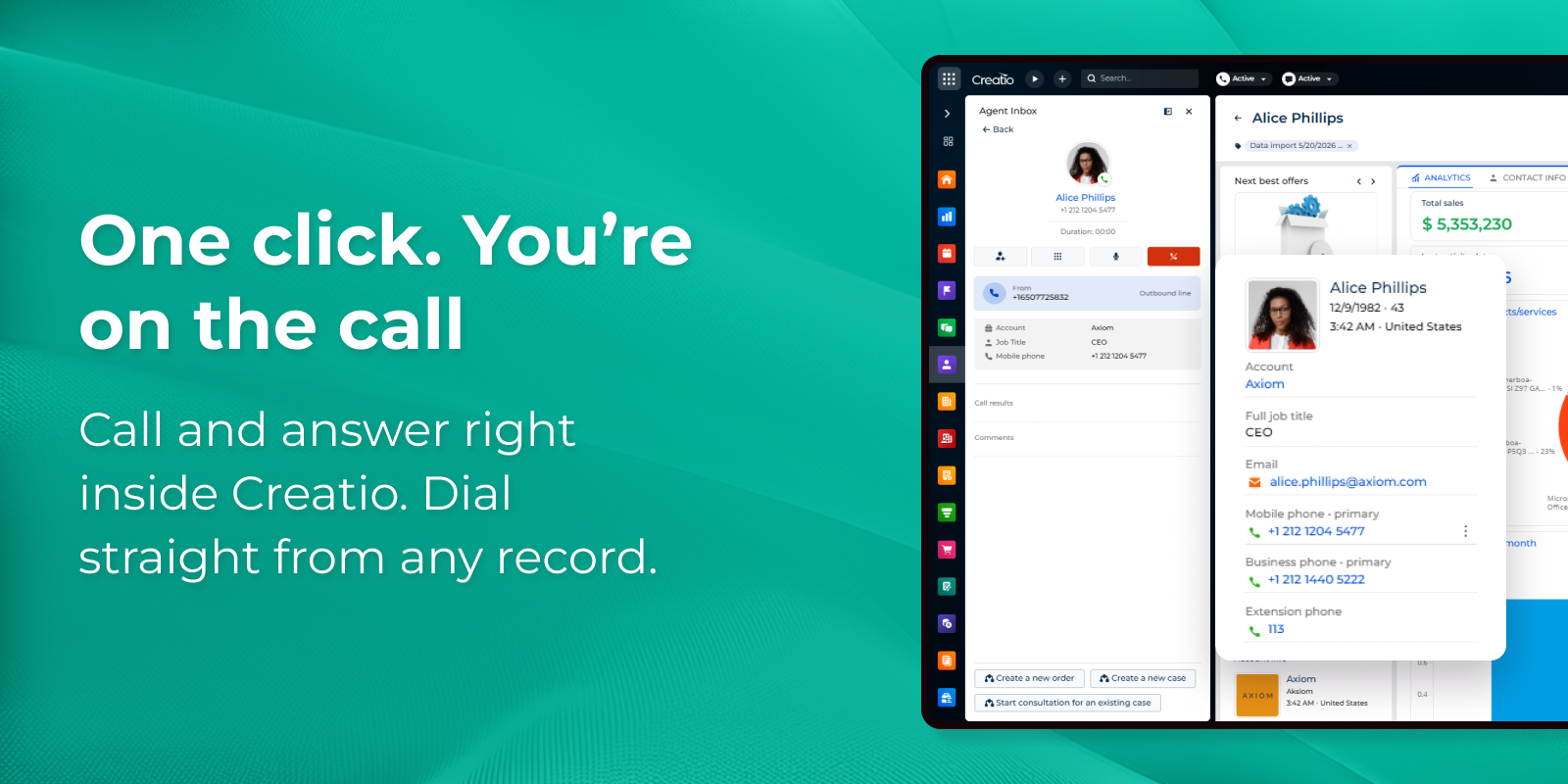
A native voice telephony solution that brings inbound and outbound calling directly into Creatio, so your team works the phone without leaving the CRM. Agents call and answer straight from the browser, and every conversation is automatically tied to the right contact, lead, or account — turning phone activity into structured CRM data instead of work that happens in a separate, disconnected system.
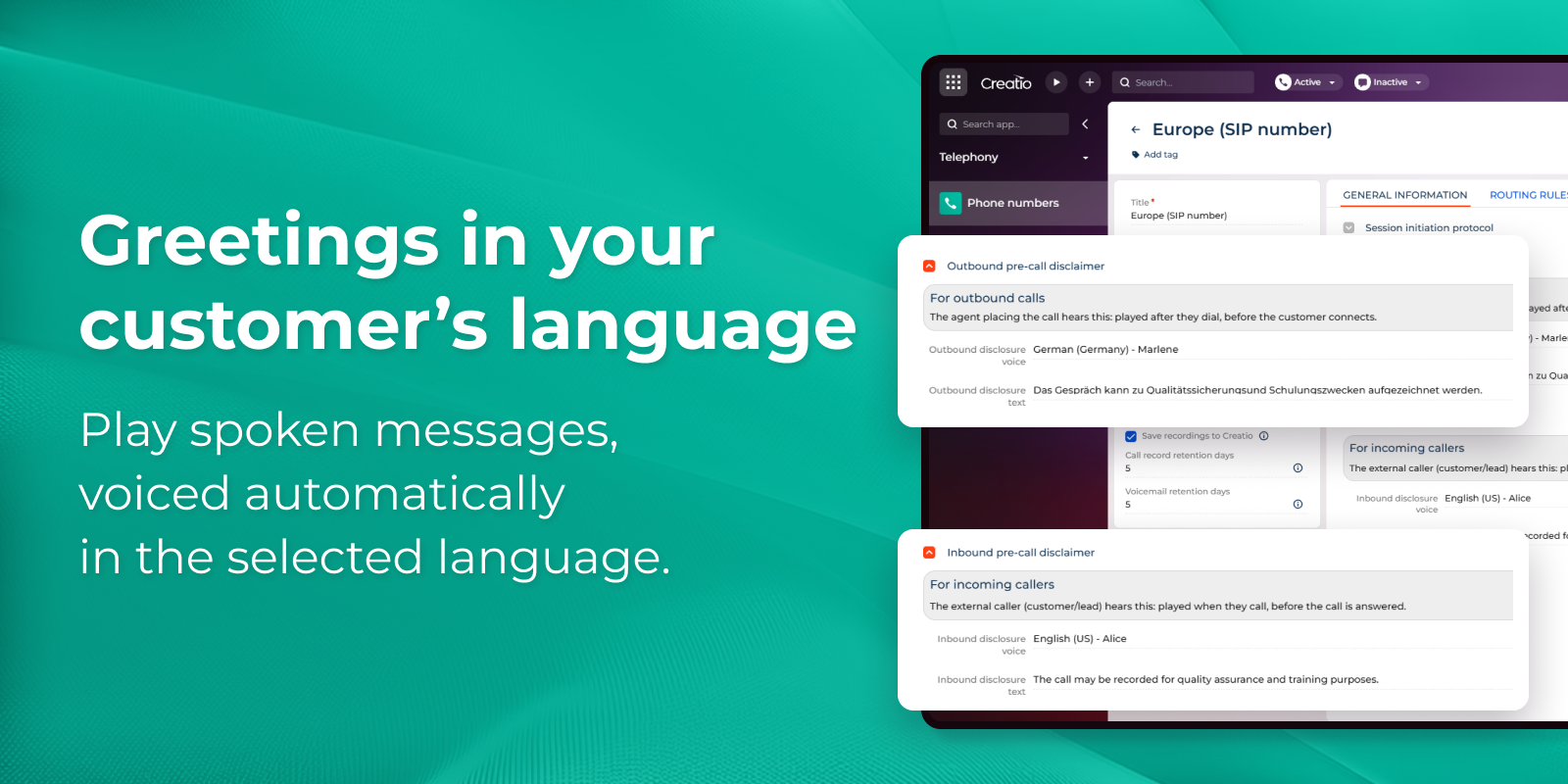
It's built for sales, service, and support teams that run high call volumes and can't afford lost context, manual call logging, or missed inbound calls. By unifying calling, call routing, recording, and voicemail inside Creatio and governing them with the platform's own permissions and retention rules, the application helps organizations raise answer and connect rates, keep a complete and compliant record of customer conversations, and remove the cost and complexity of maintaining a standalone contact-center tool.
Key Features
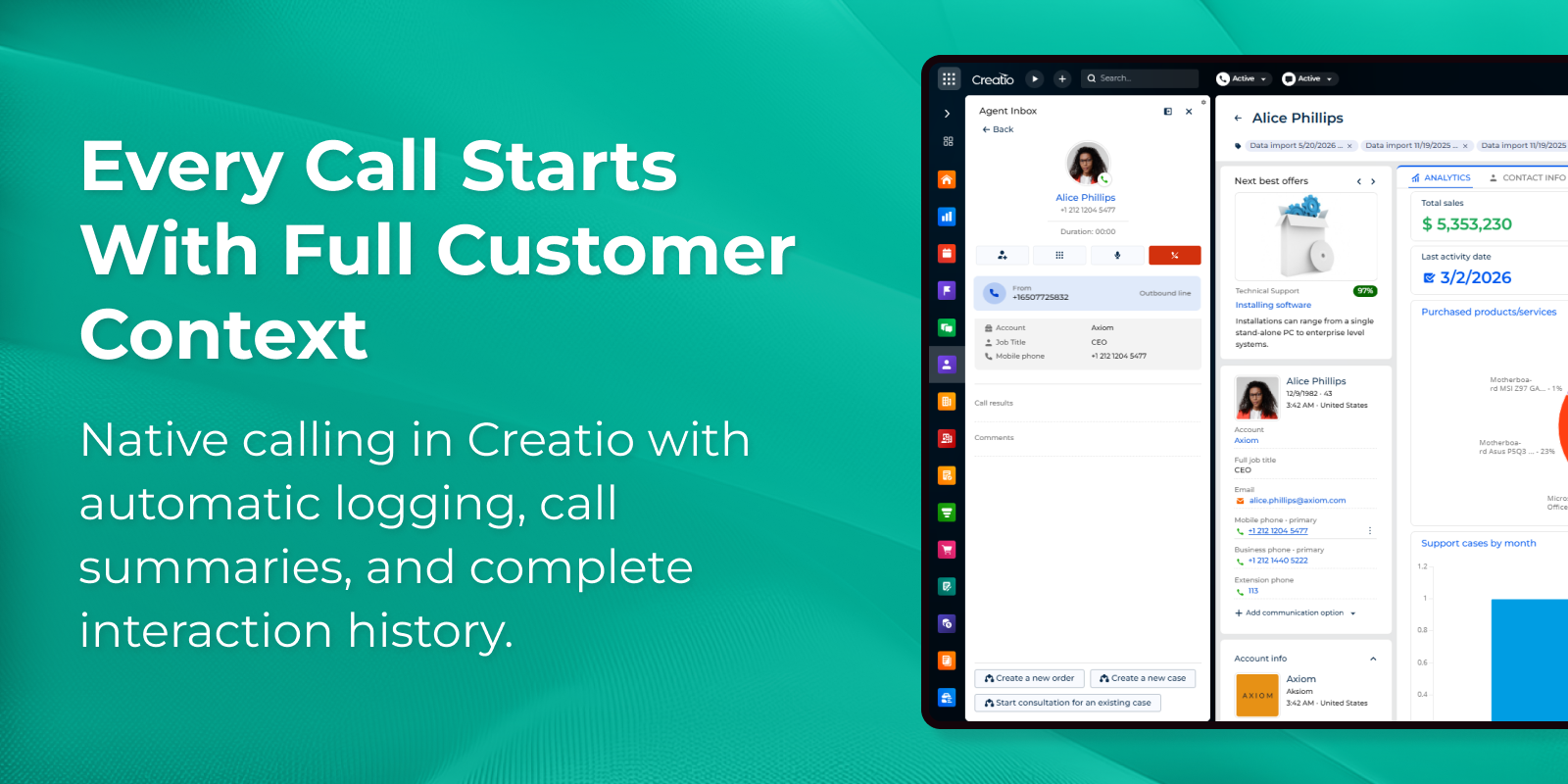
Native telephony in Creatio powered by Twilio
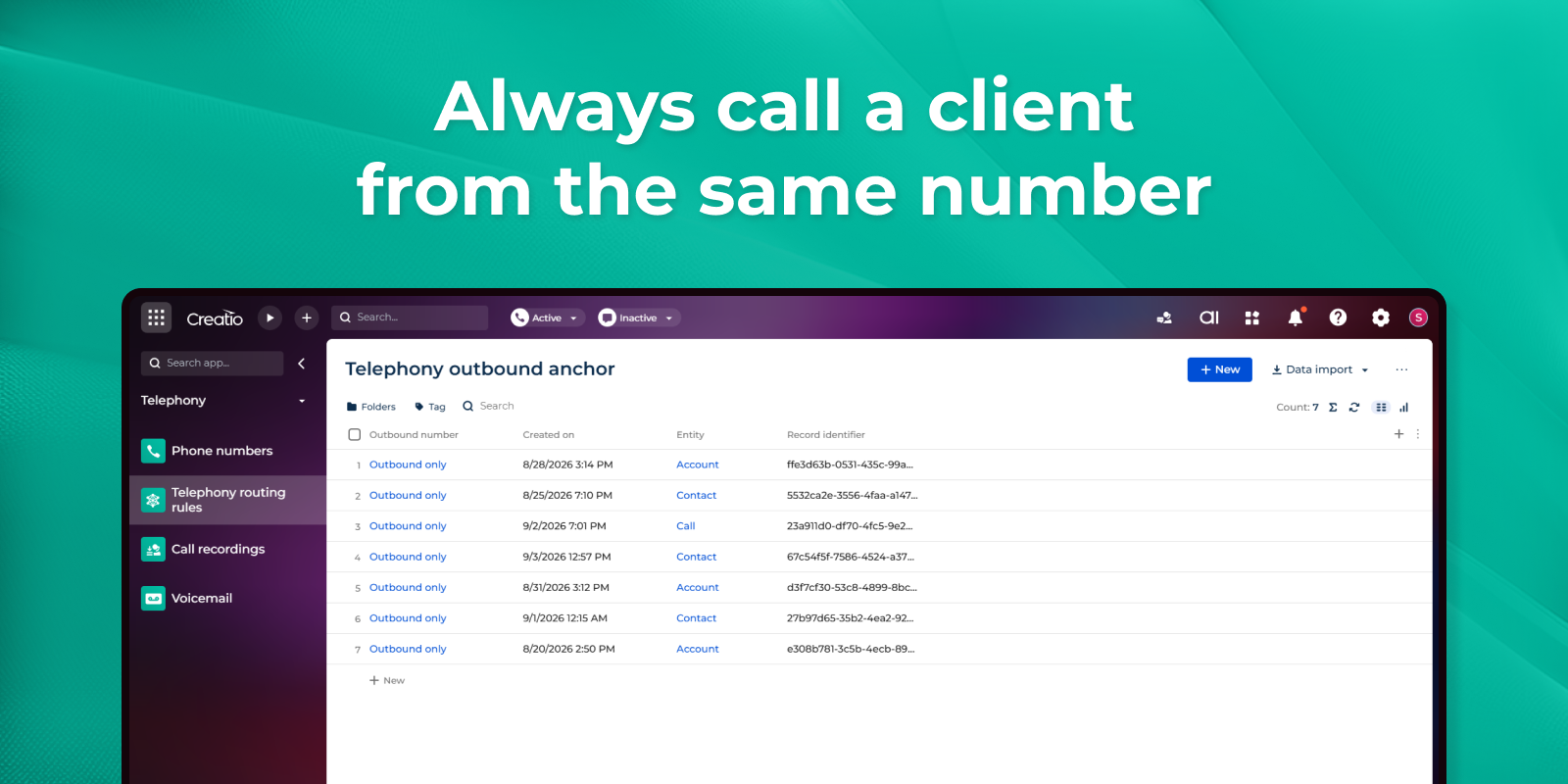
Outbound calls with smart caller ID rules
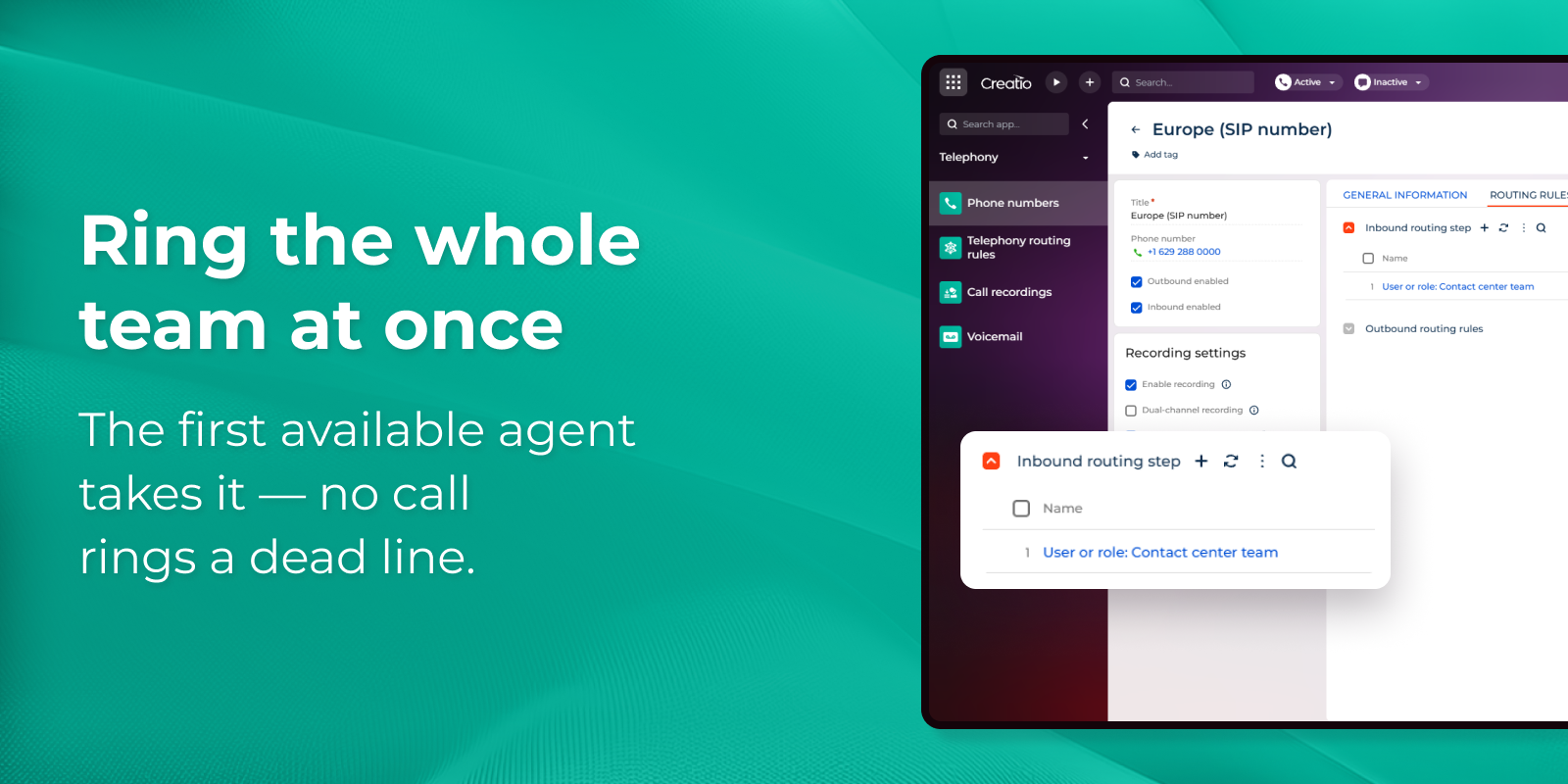
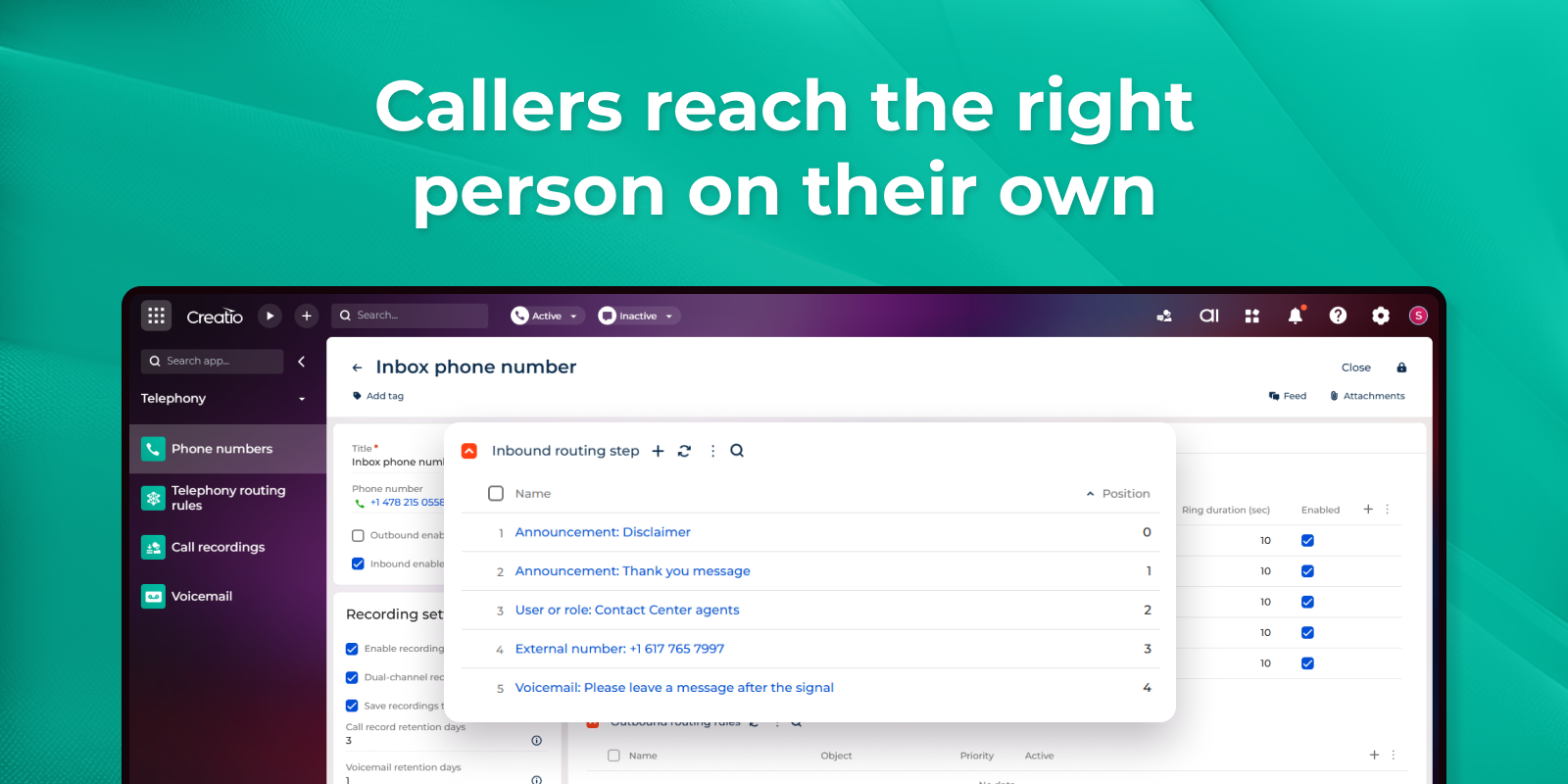
Inbound calls that route by your rules
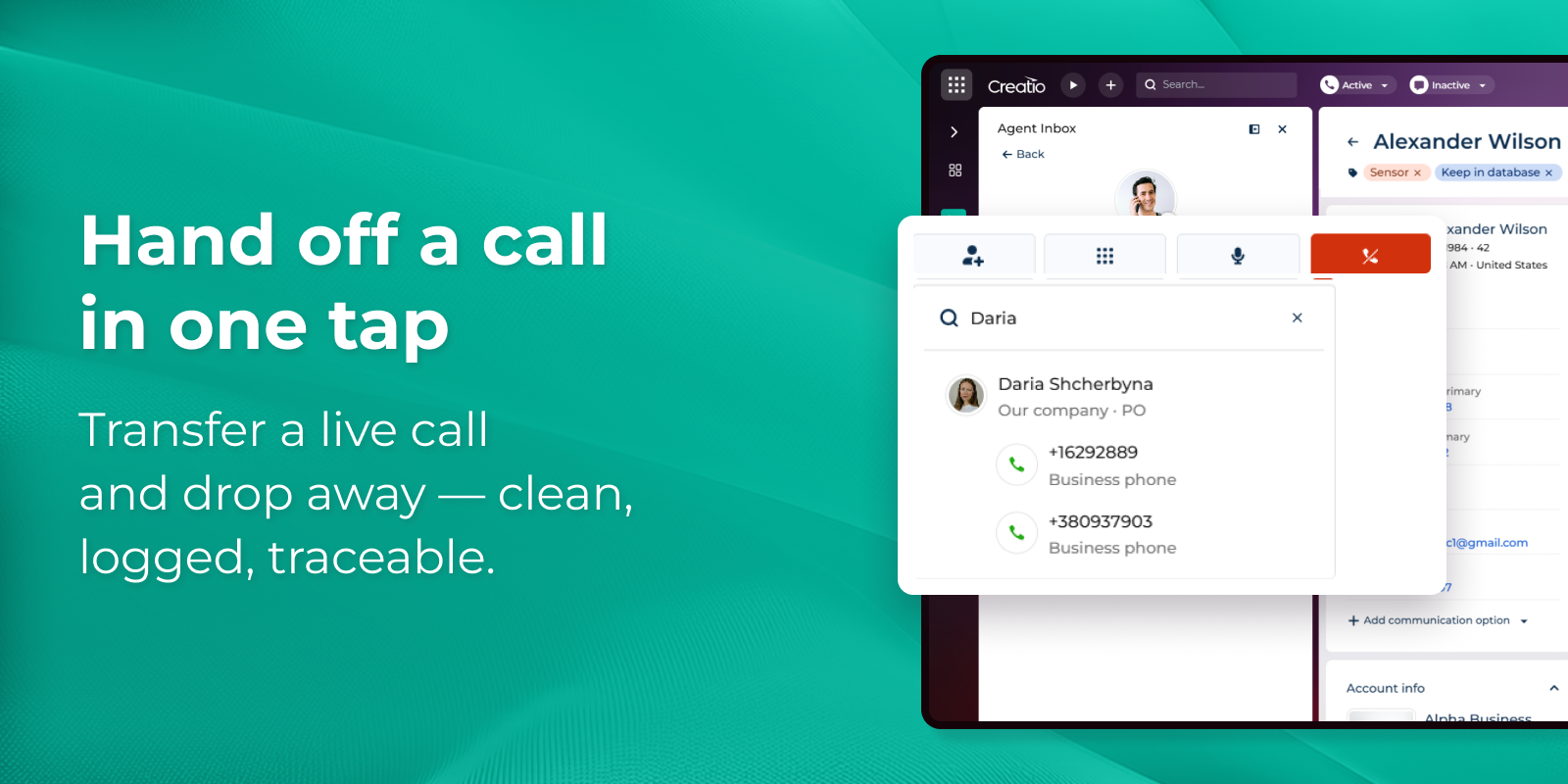
One-touch call transfer
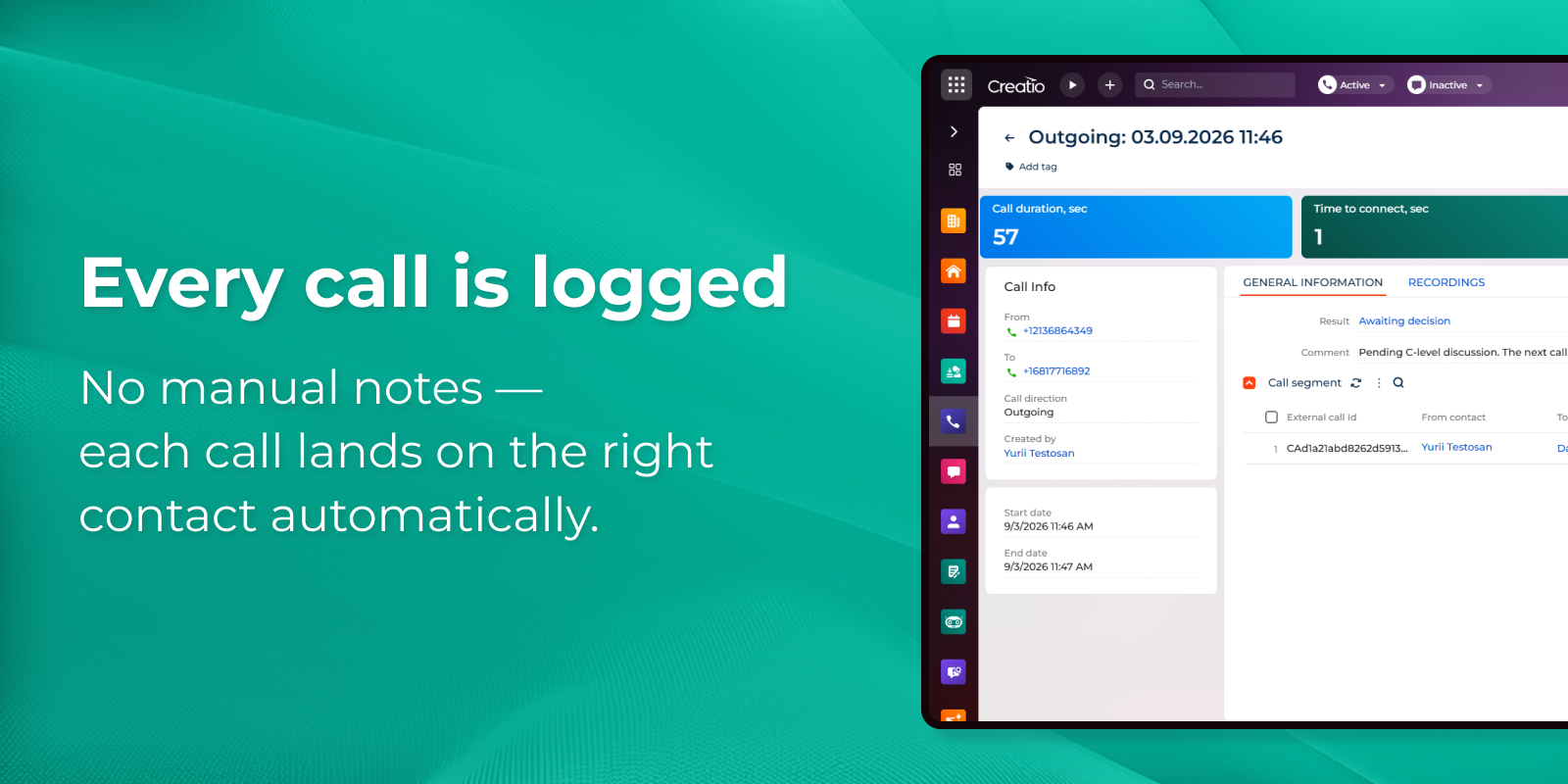
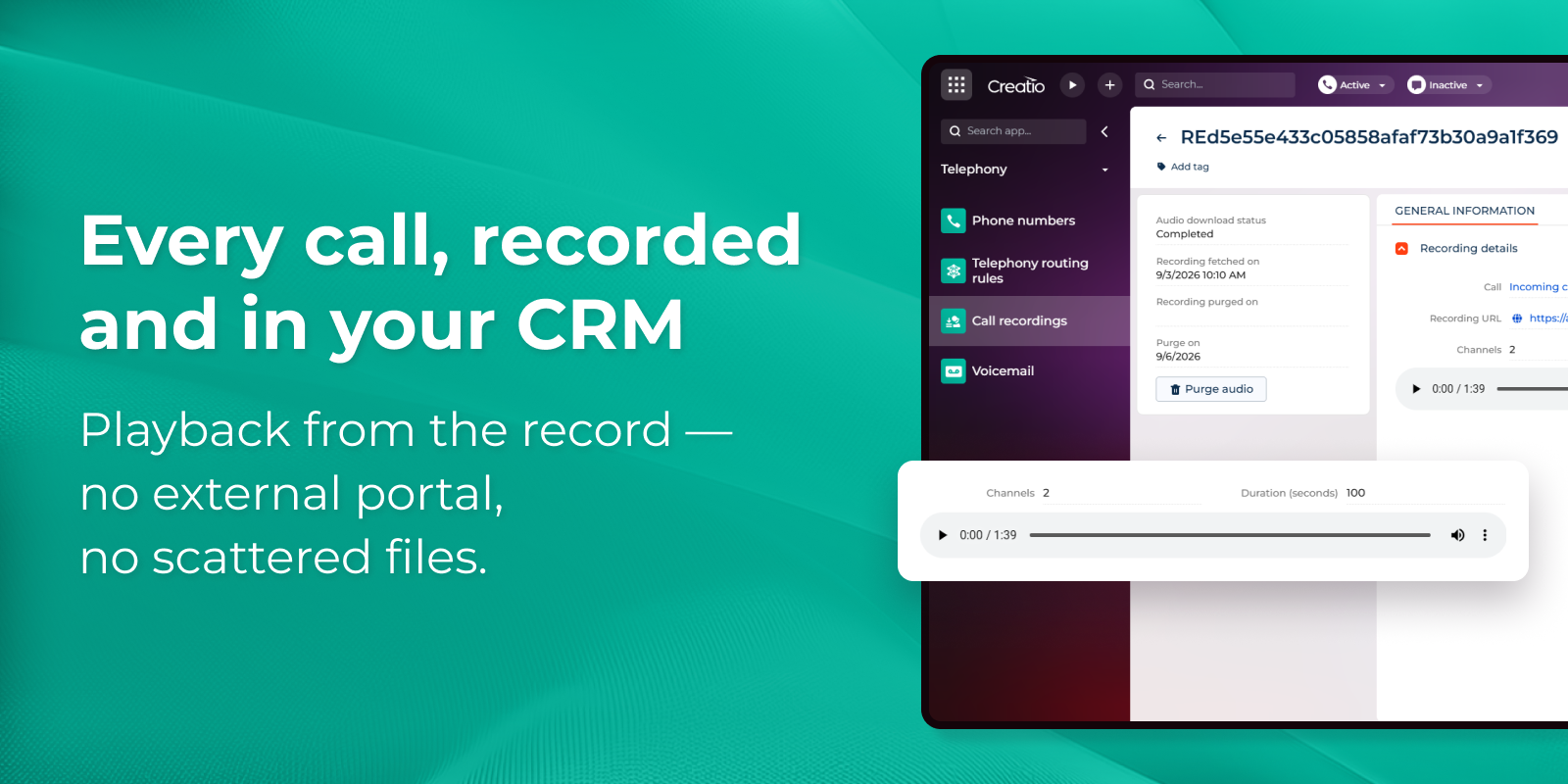
Call recordings, stored in your CRM
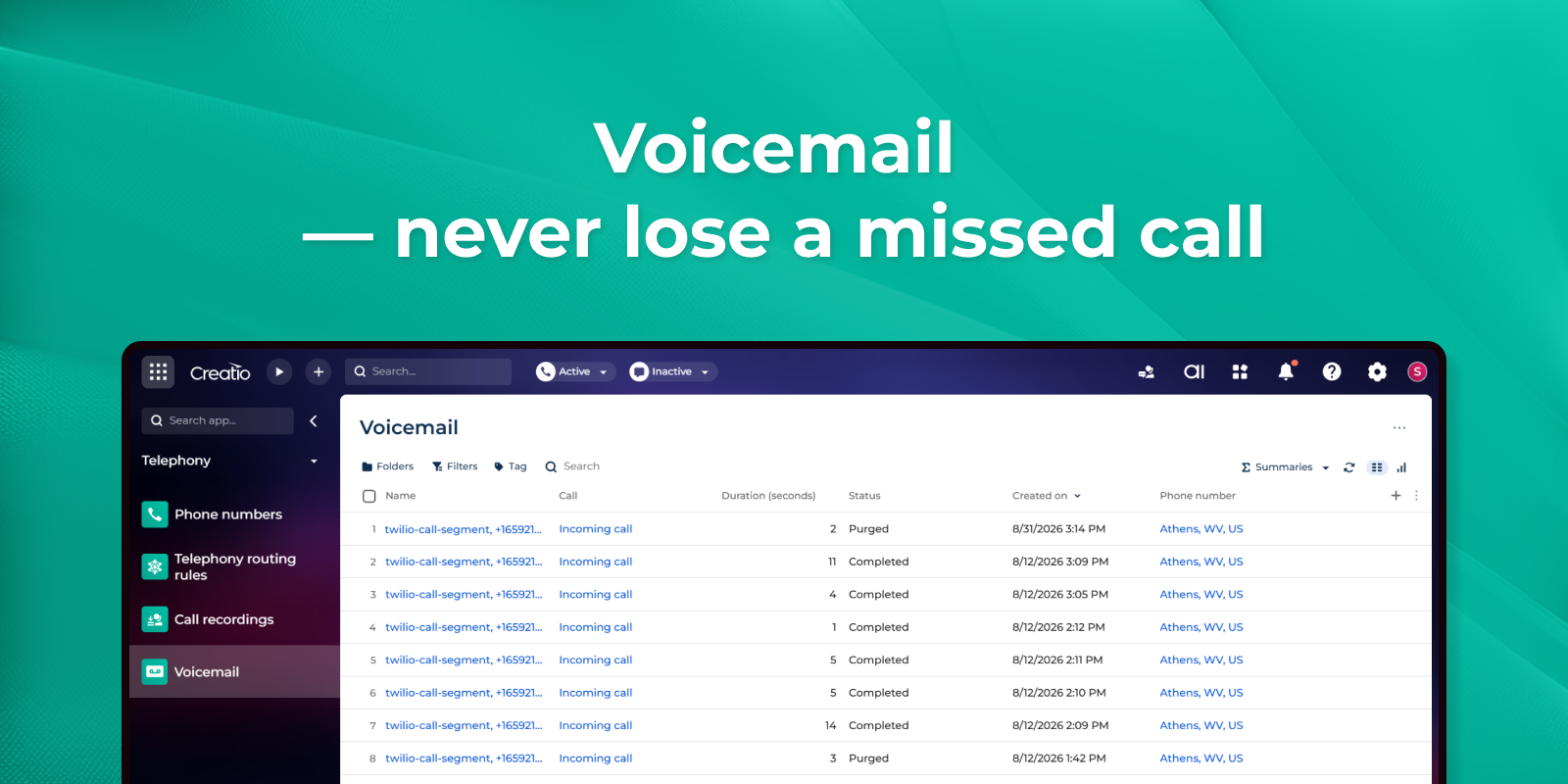
Voicemail with built-in access rights
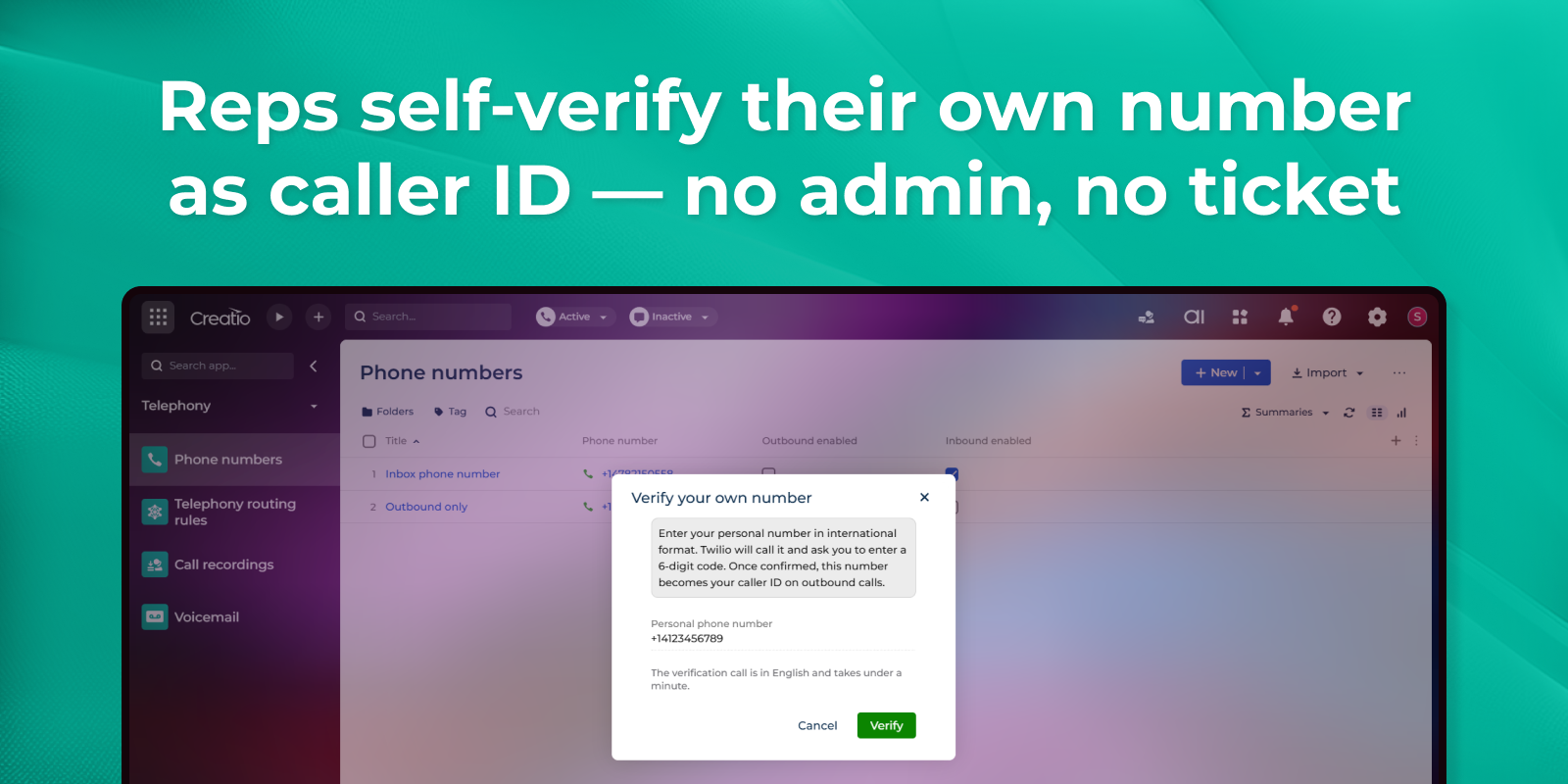
Personal caller ID, verified in minutes
Pricing
Terms and Conditions
Support
Installation
Data sharing
- By installing or downloading the App, you confirm that you agree with sharing your account data (name, email, phone, company and country) with the App Developer as their End User.
- The App Developer will process your data under their privacy policy.
Versions
Versions history
Manual app installation
- Open the needed app → the Packages tab - download the Markeplace app files.
- Click in the top right → Application Hub
- Click New application. This opens a window.
- Select Install from file and click Select in the window that opens.
- Click Select file on the page of the Marketplace App Installation Wizard and specify the app file path.