


WhiteDoc
Overview
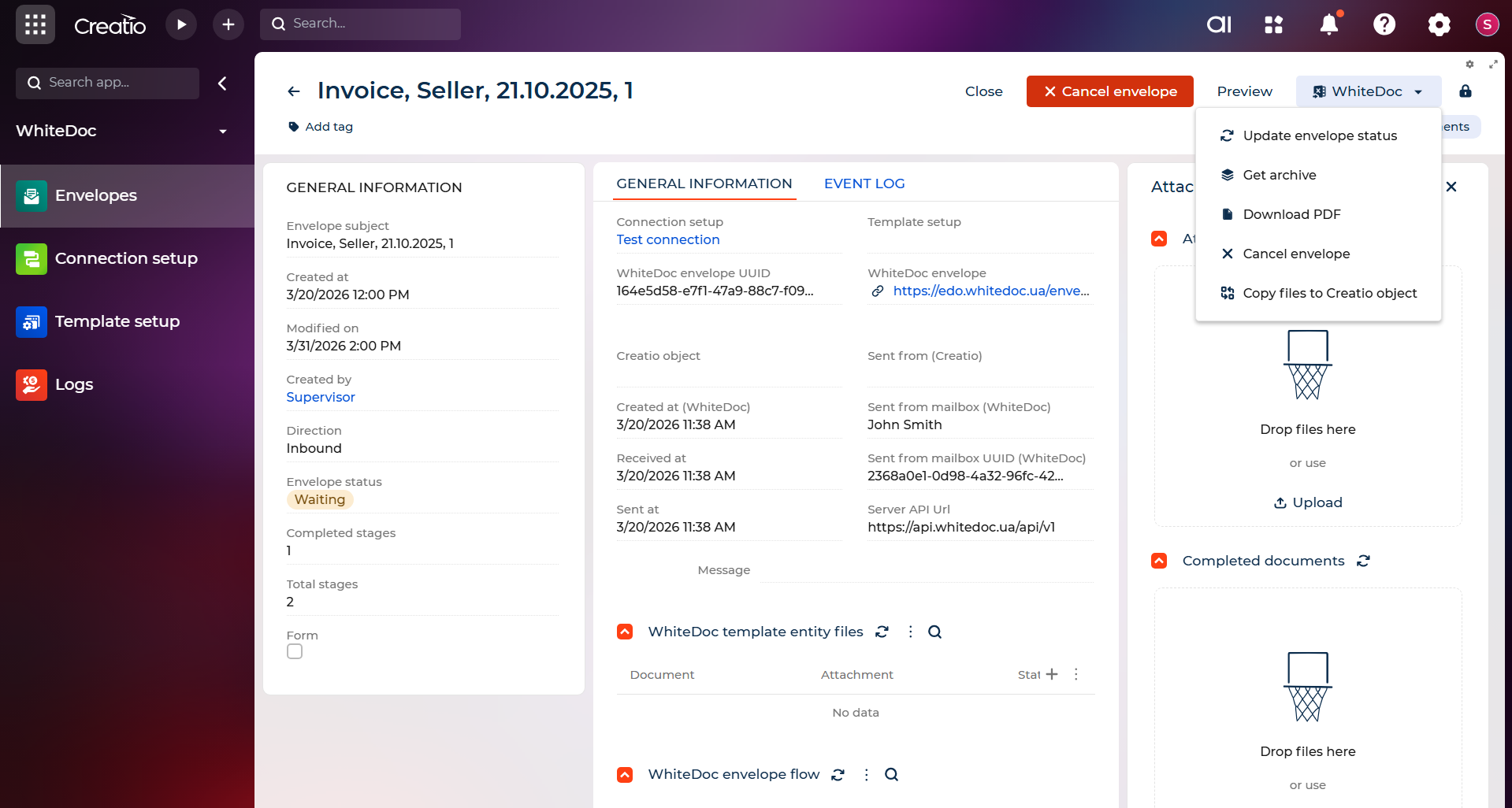
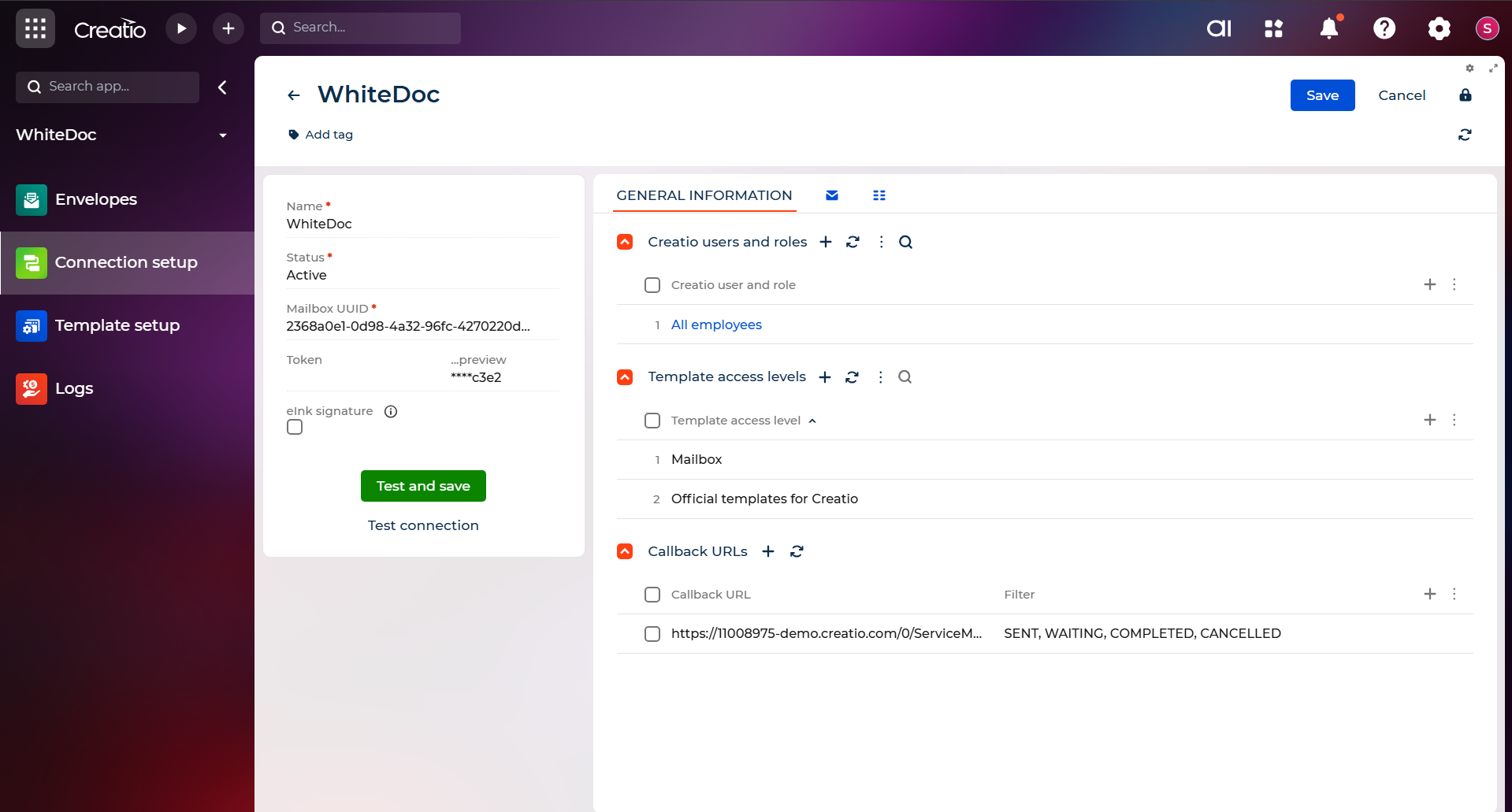
Product overview
WhiteDoc — Document Automation for Creatio
WhiteDoc is a document automation platform that connects directly to Creatio, letting your teams create, send, sign, and track documents without leaving your CRM workflows.
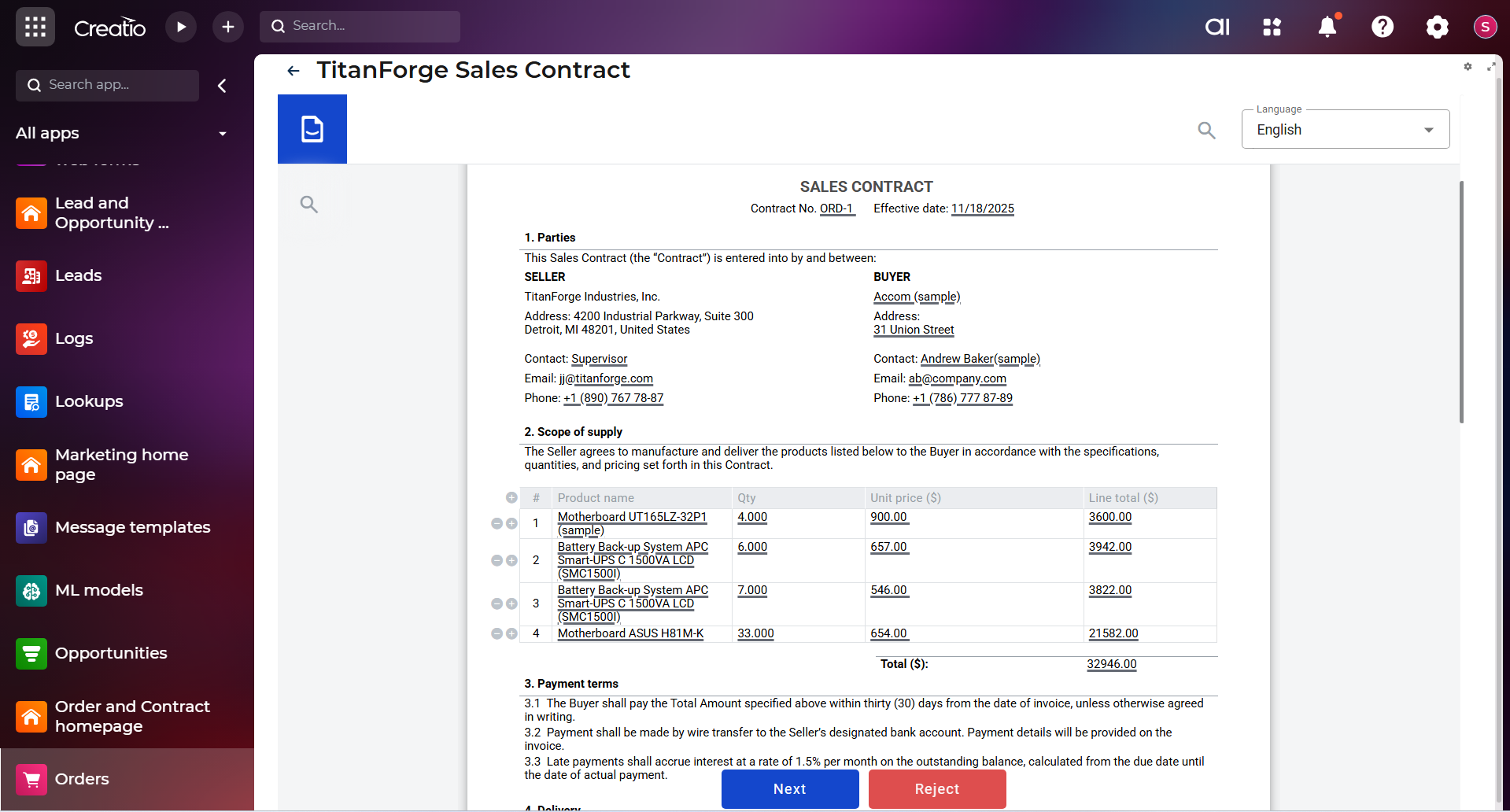
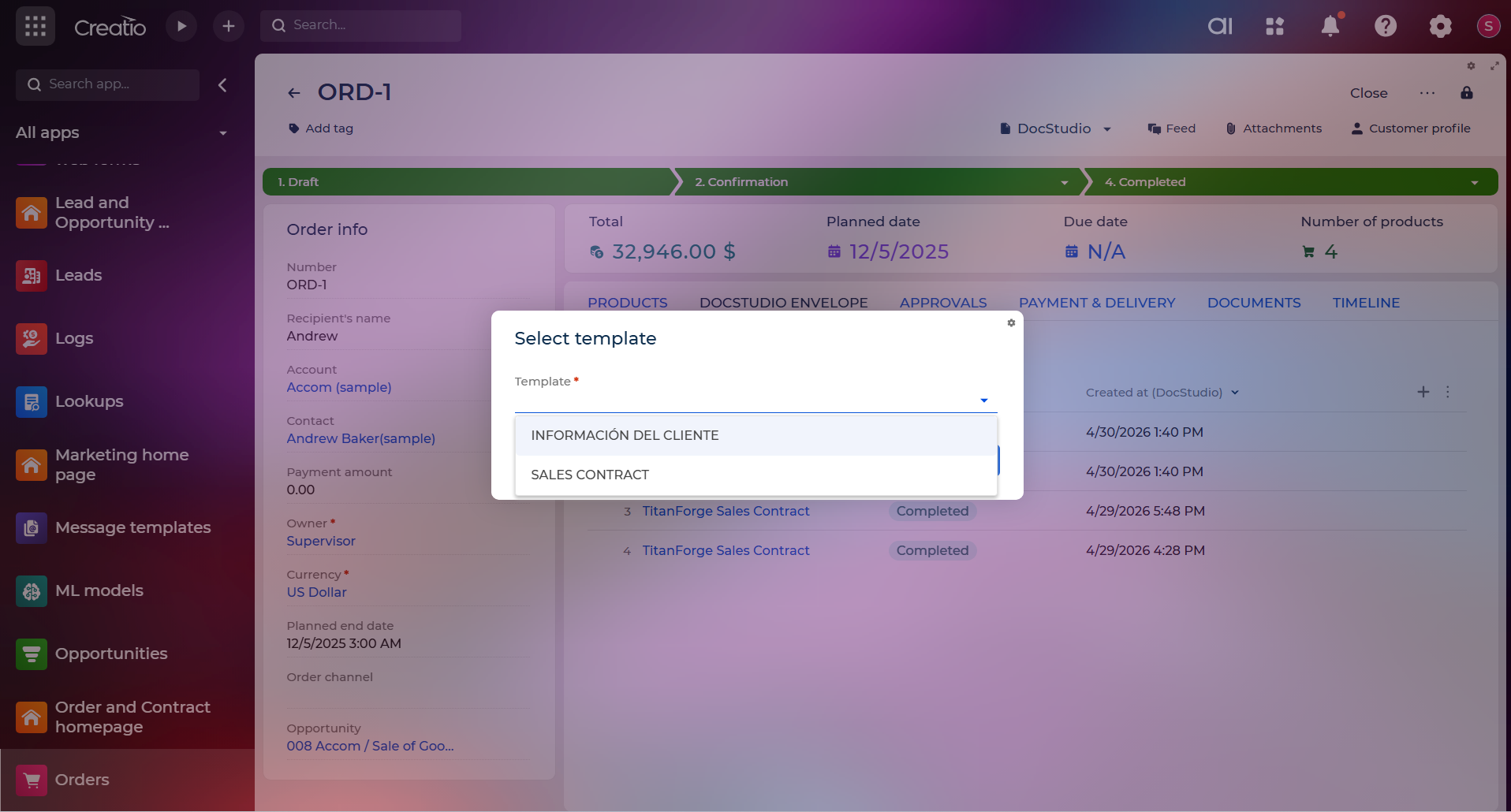
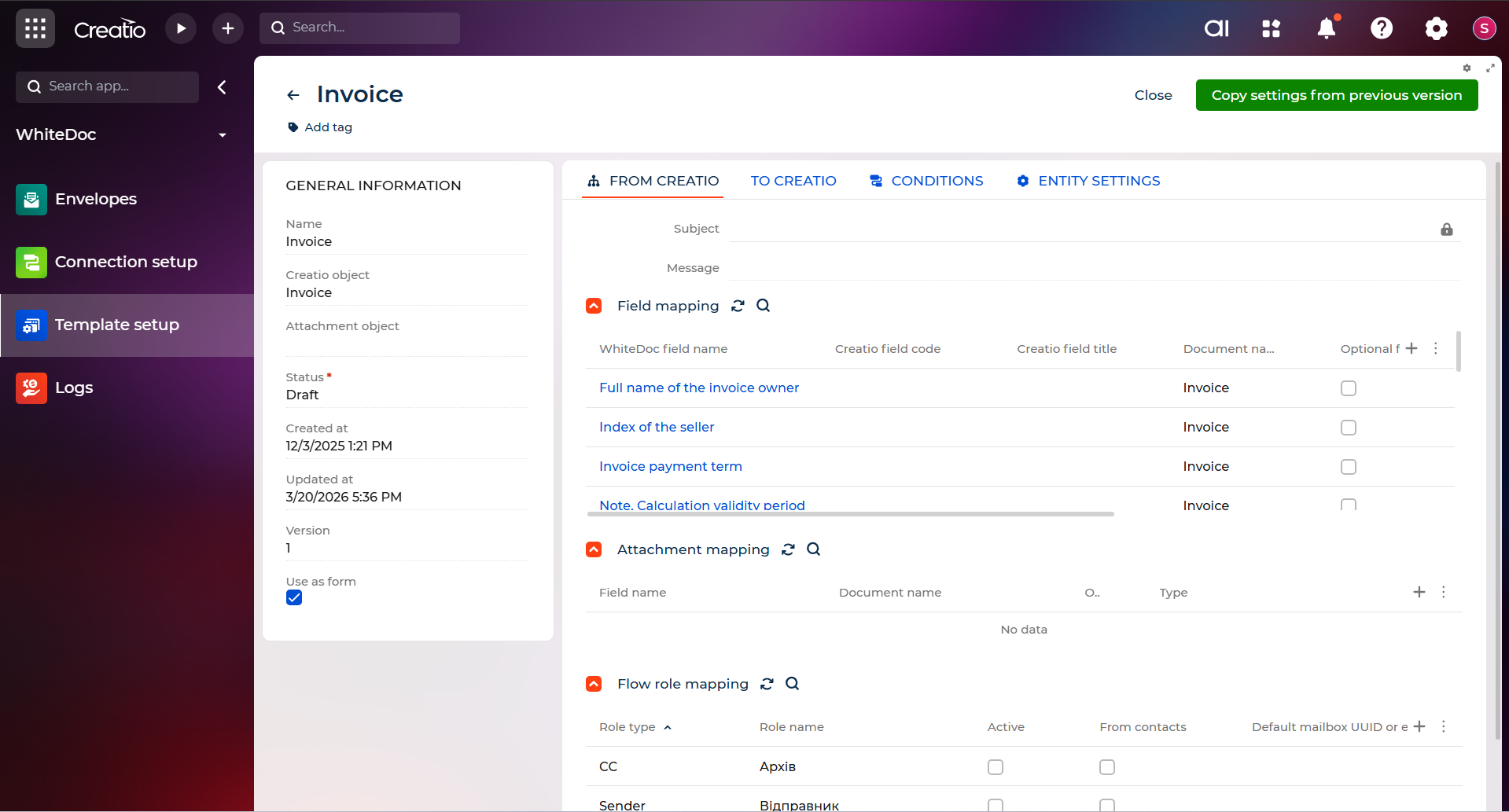
From any Creatio object — a deal, case, contact, order, or custom object — WhiteDoc can generate the right document automatically or on demand: contract, proposal, invoice, NDA, onboarding packet, or any custom form. It populates with your CRM data, routes for approval, and sends for signature. Once complete, the record updates automatically.
Key Features
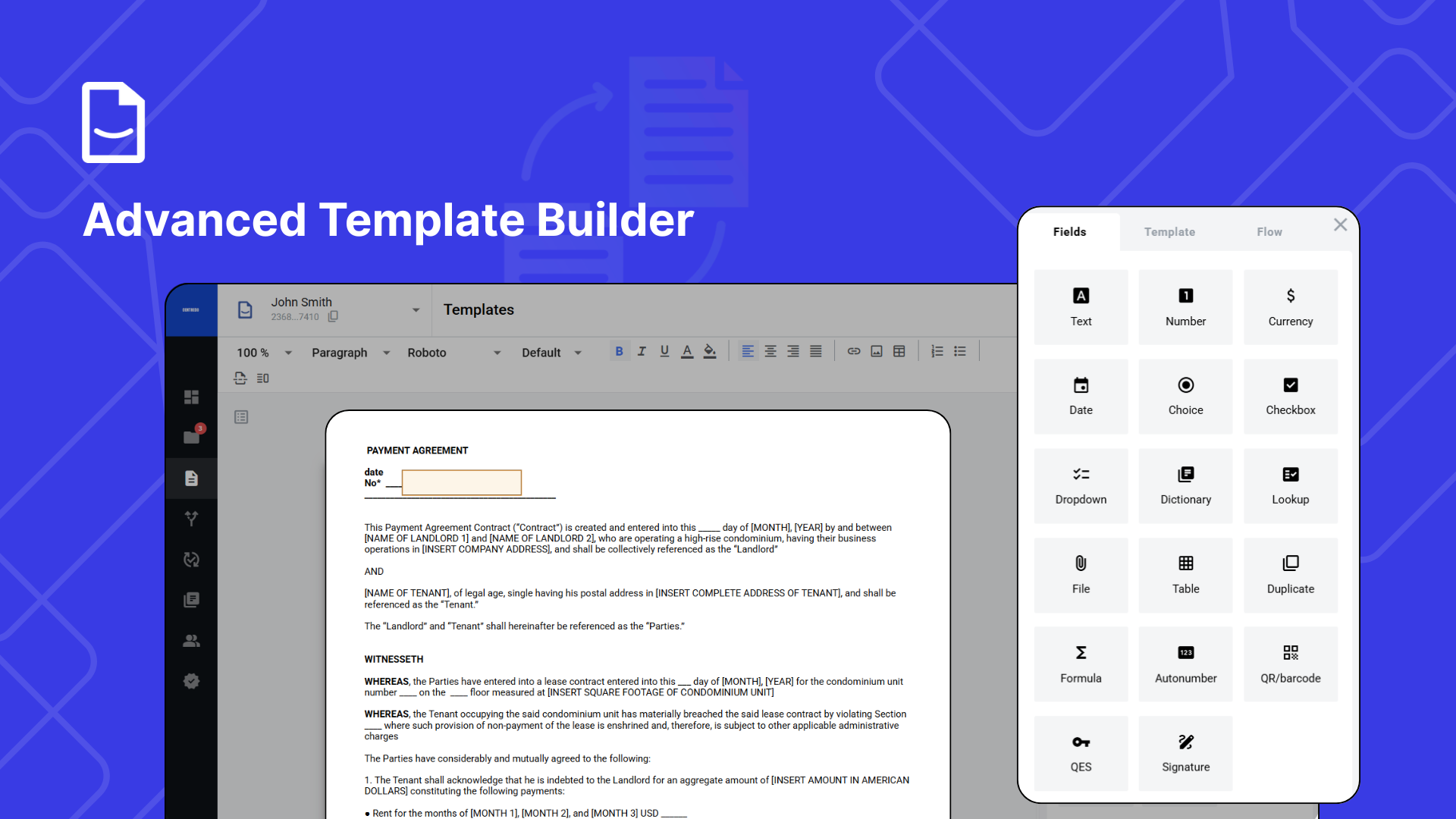
Advanced Template Builder
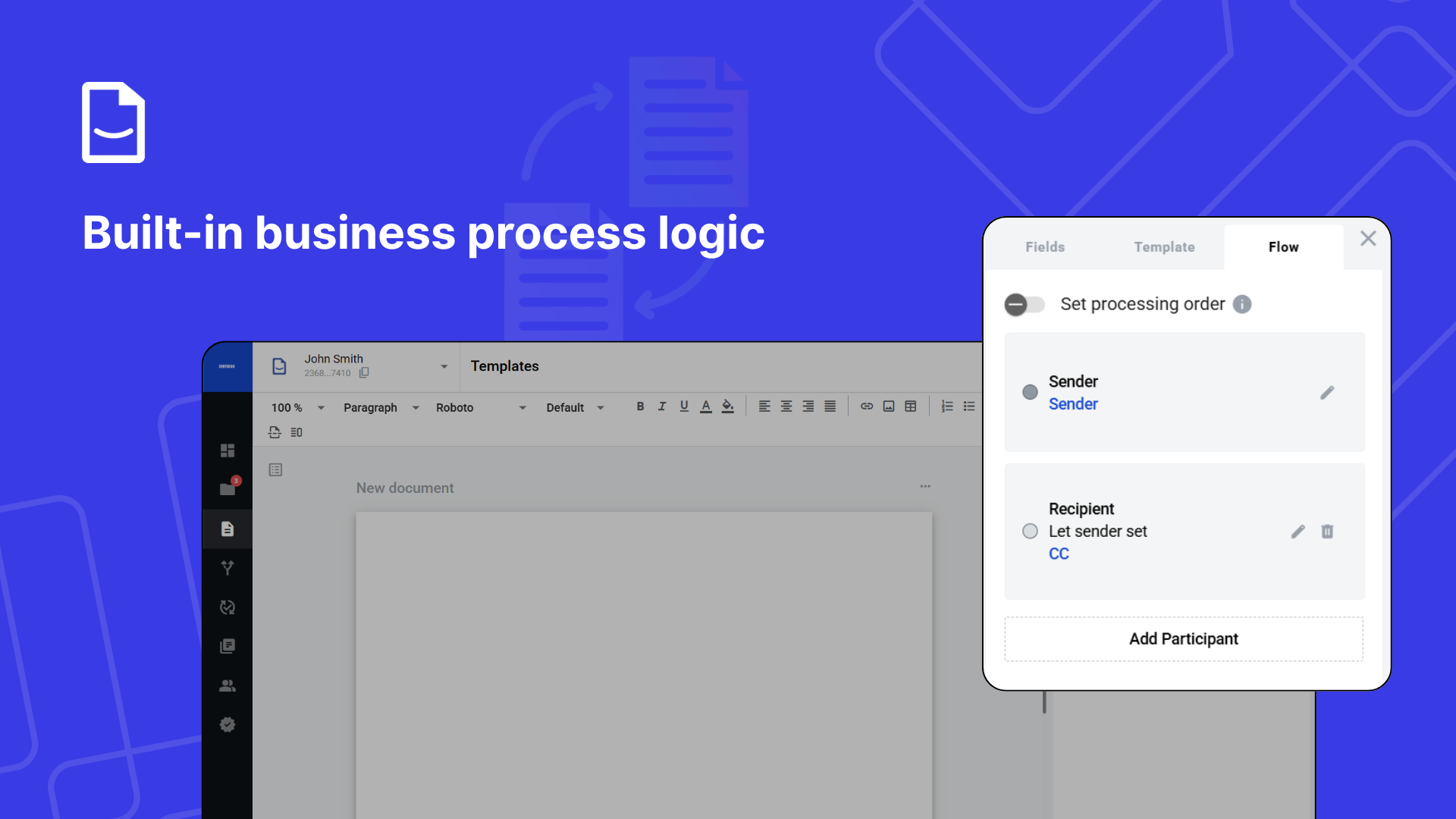
Built-in business process logic
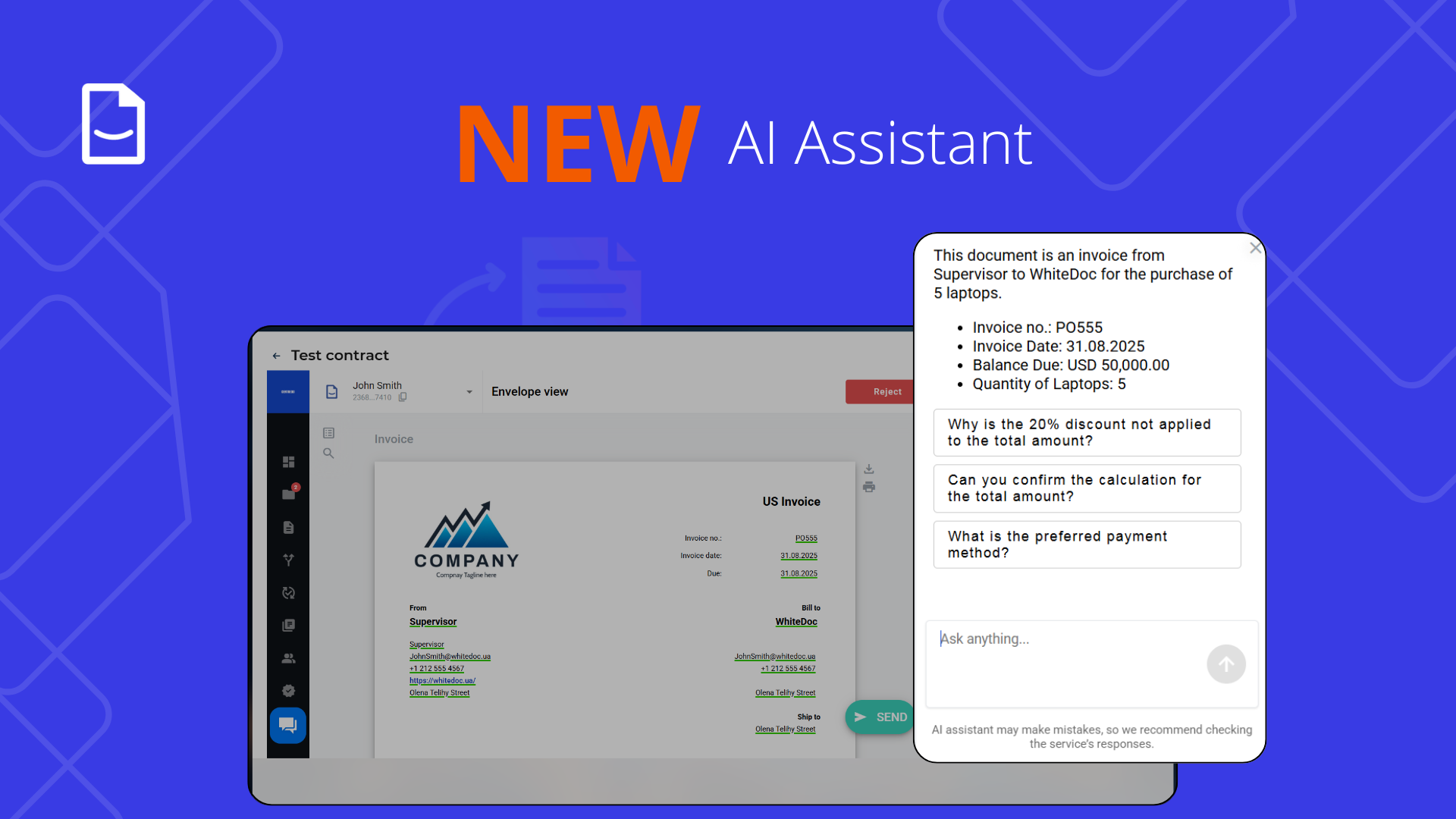
AI Assistant
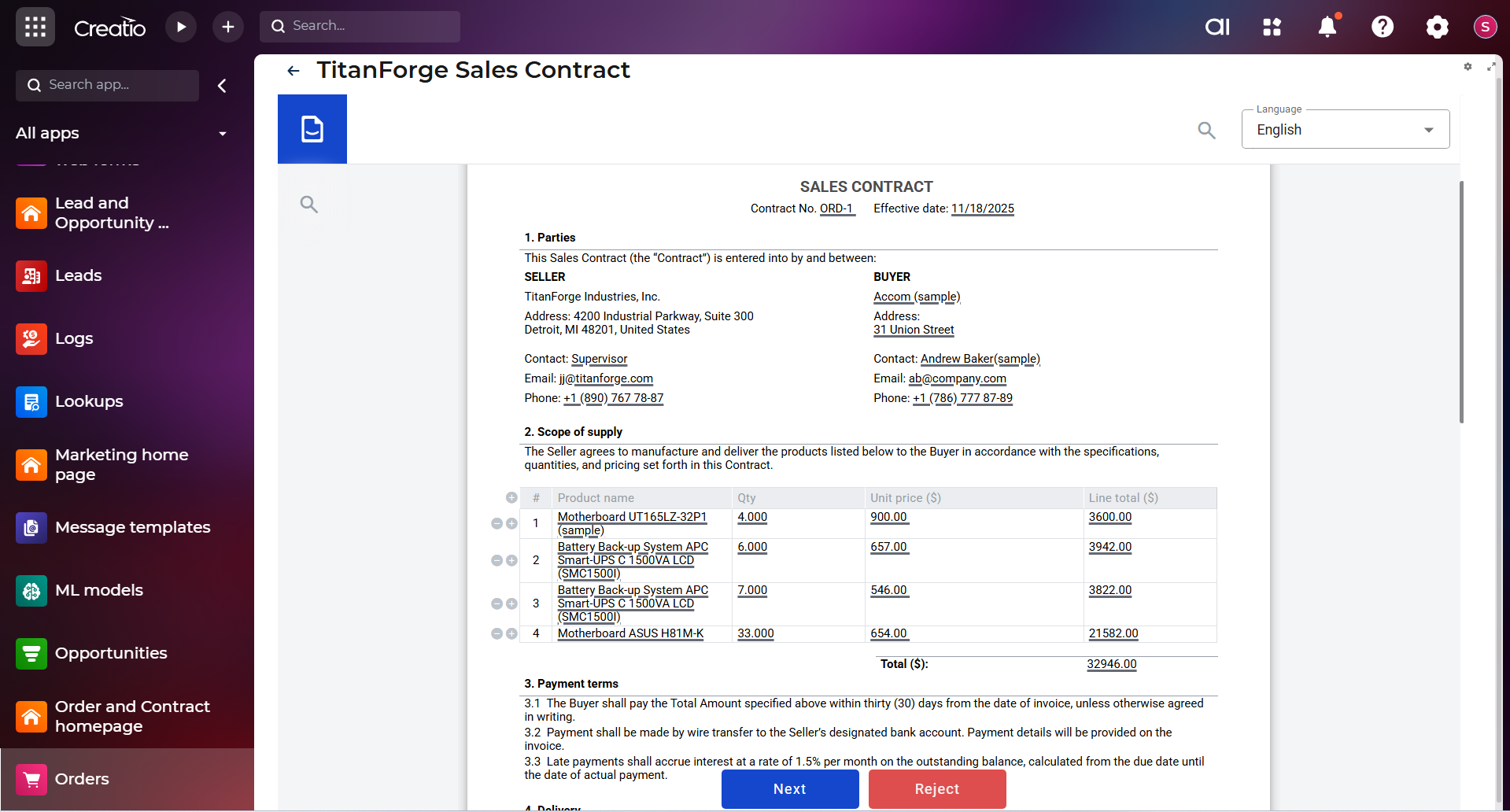
Auto-generated documents from Creatio data
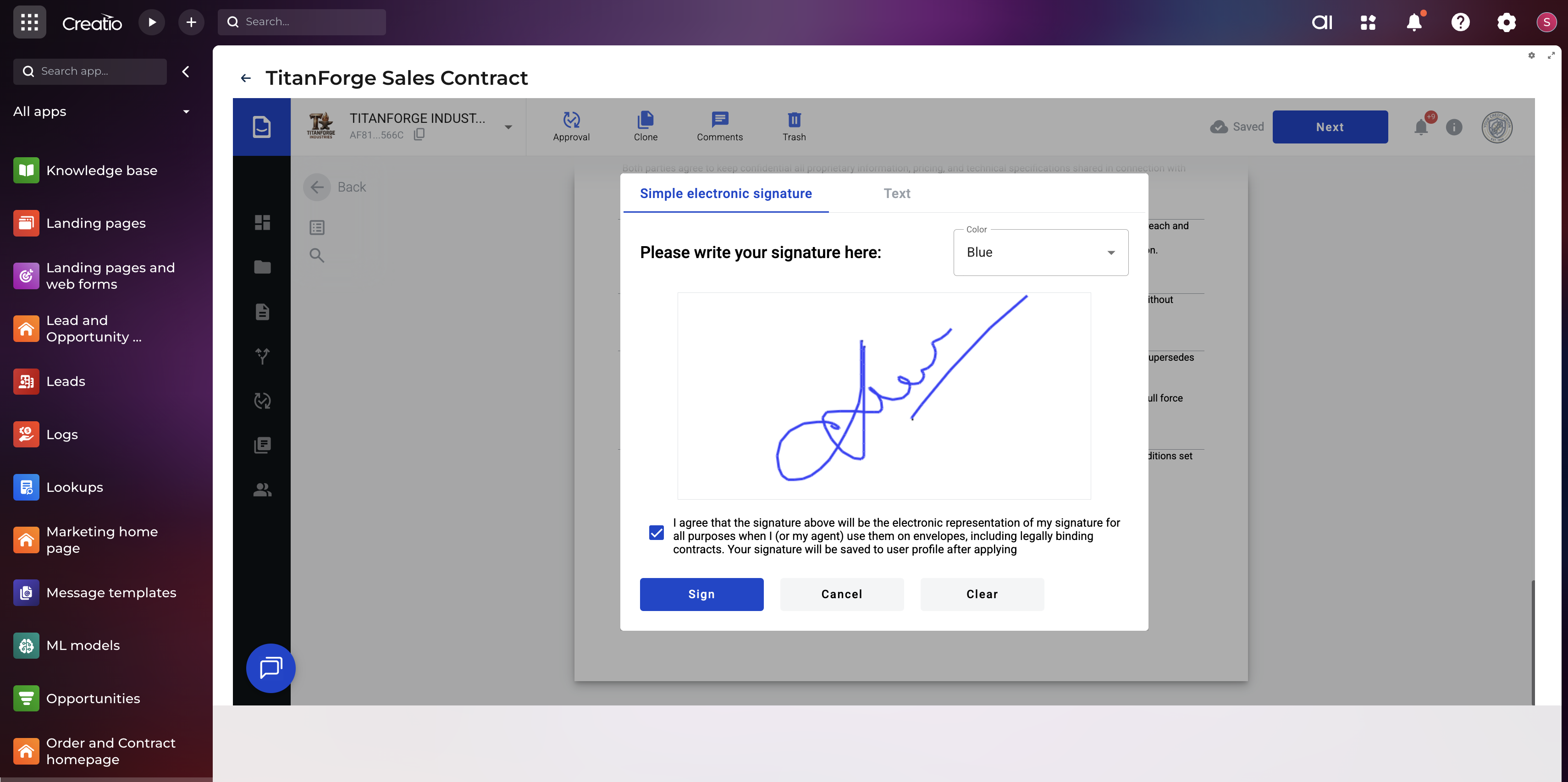
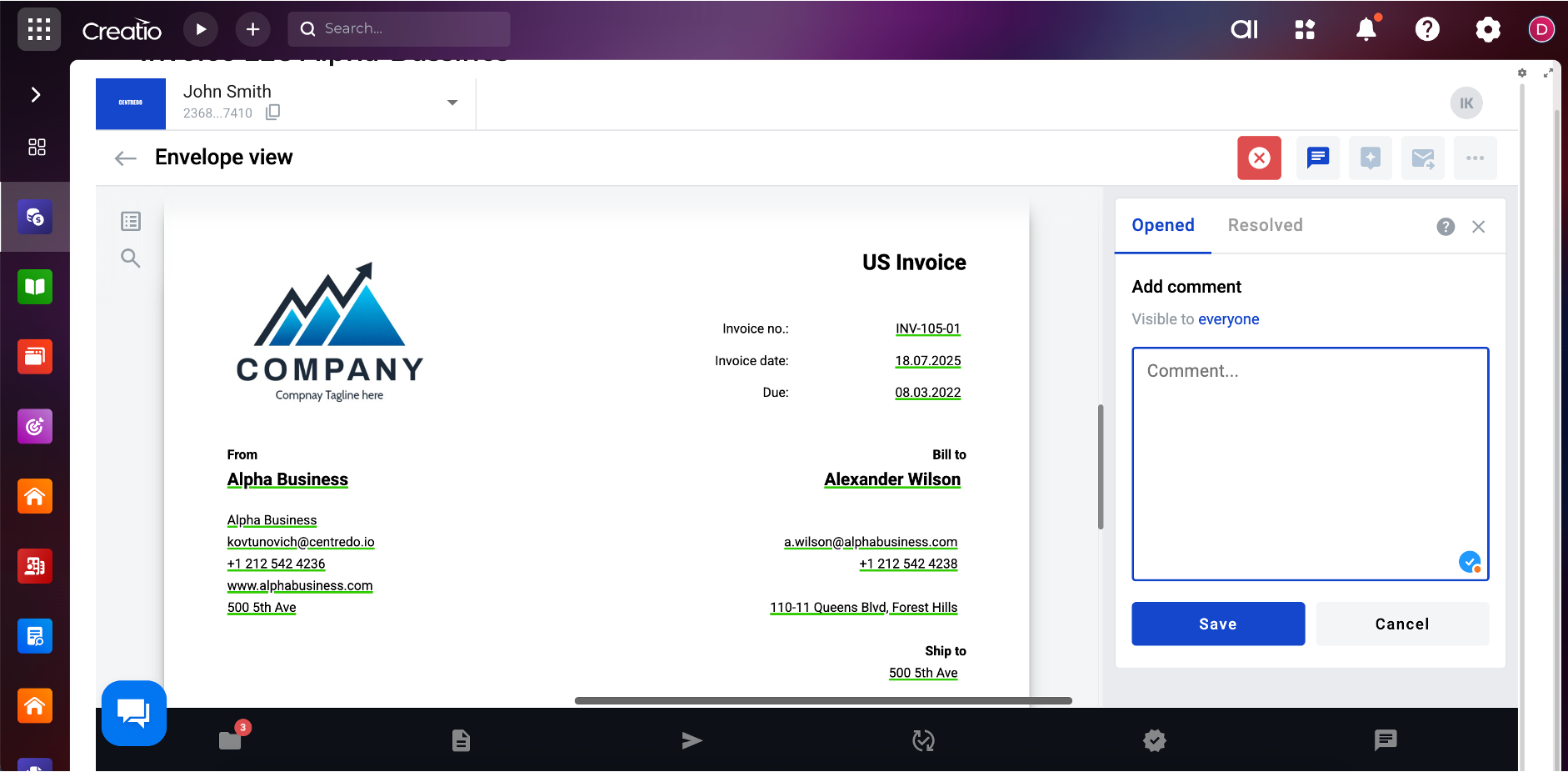
E-signatures with full compliance
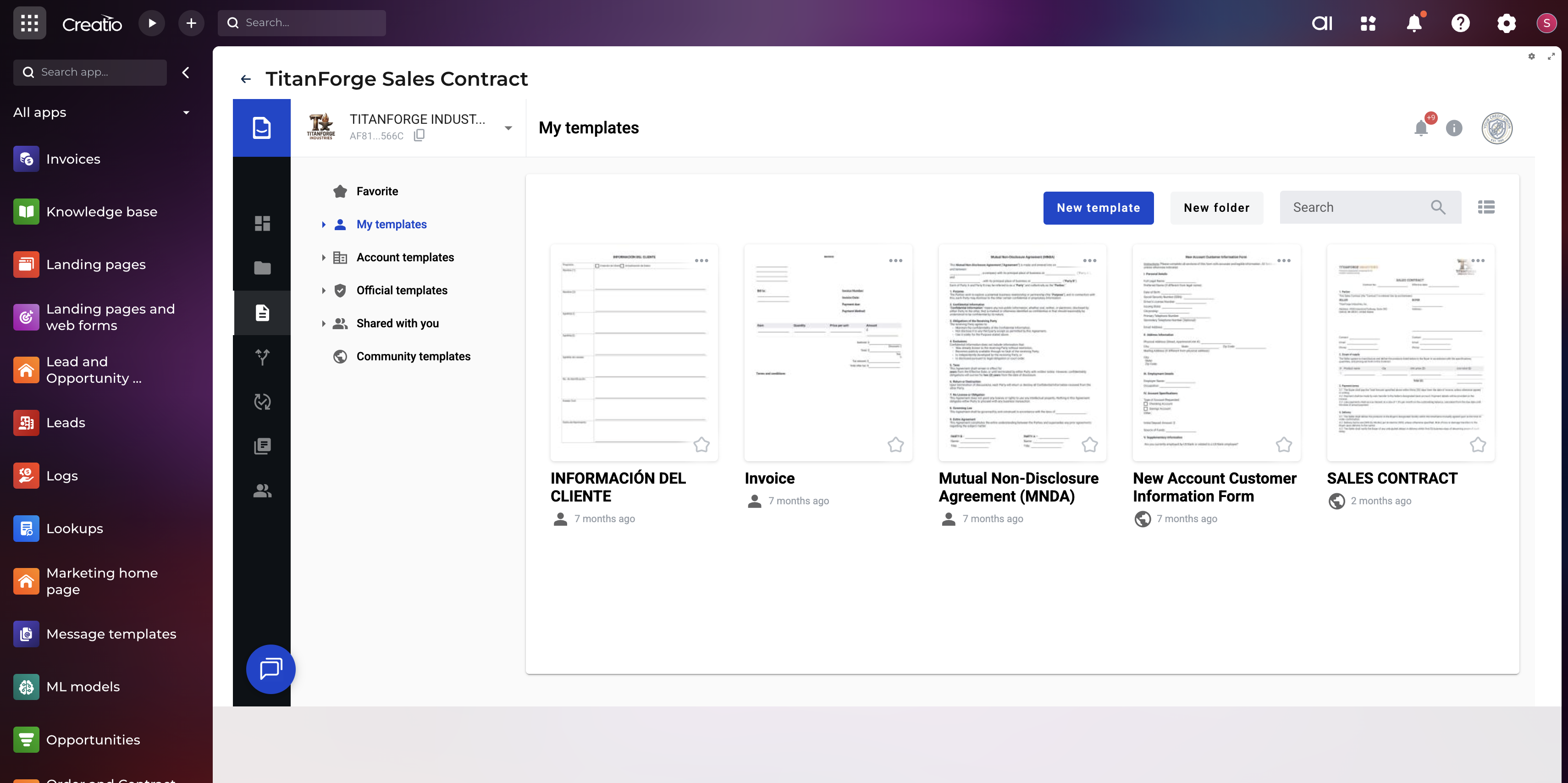
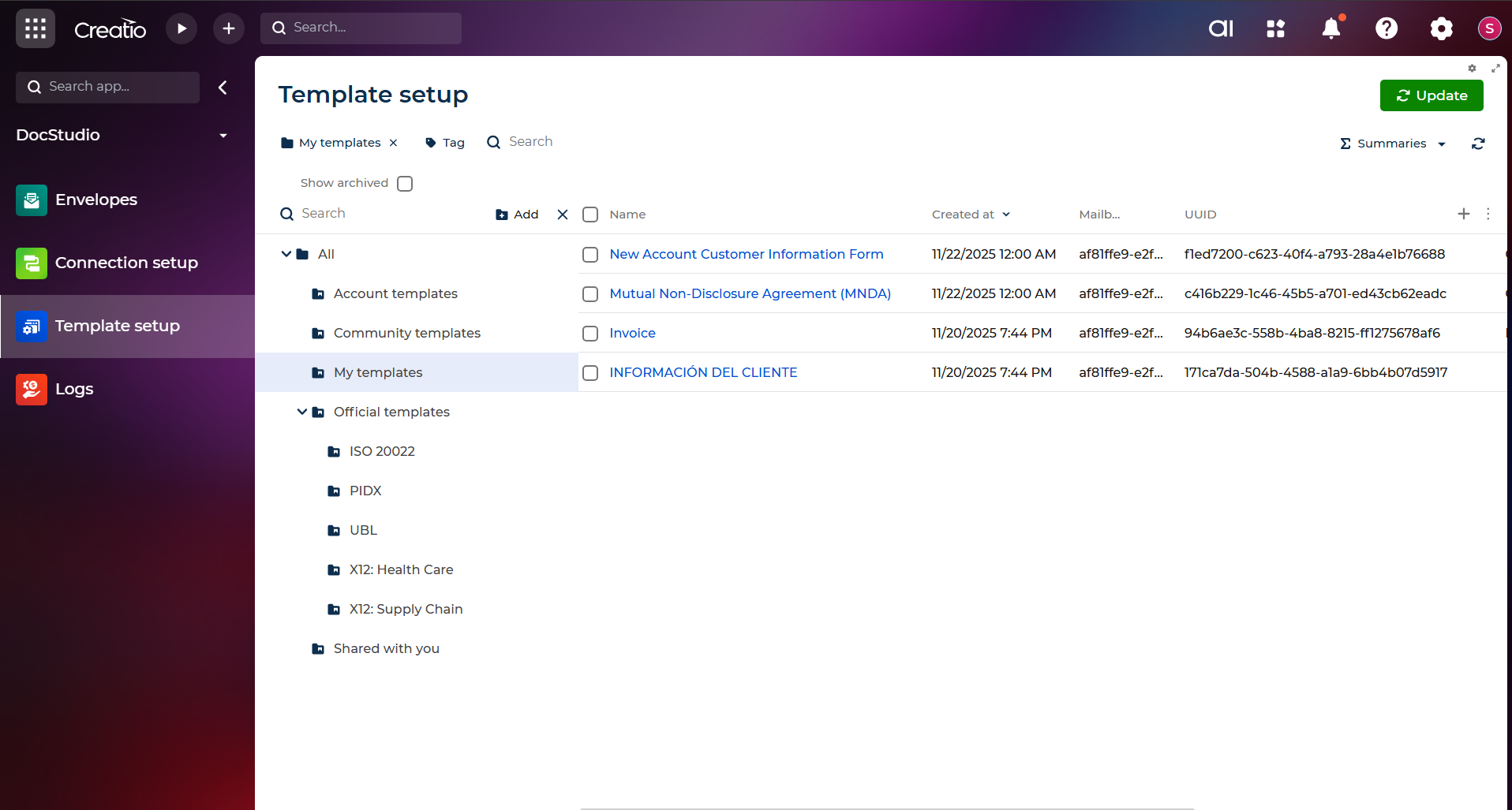
Custom templates for any document type
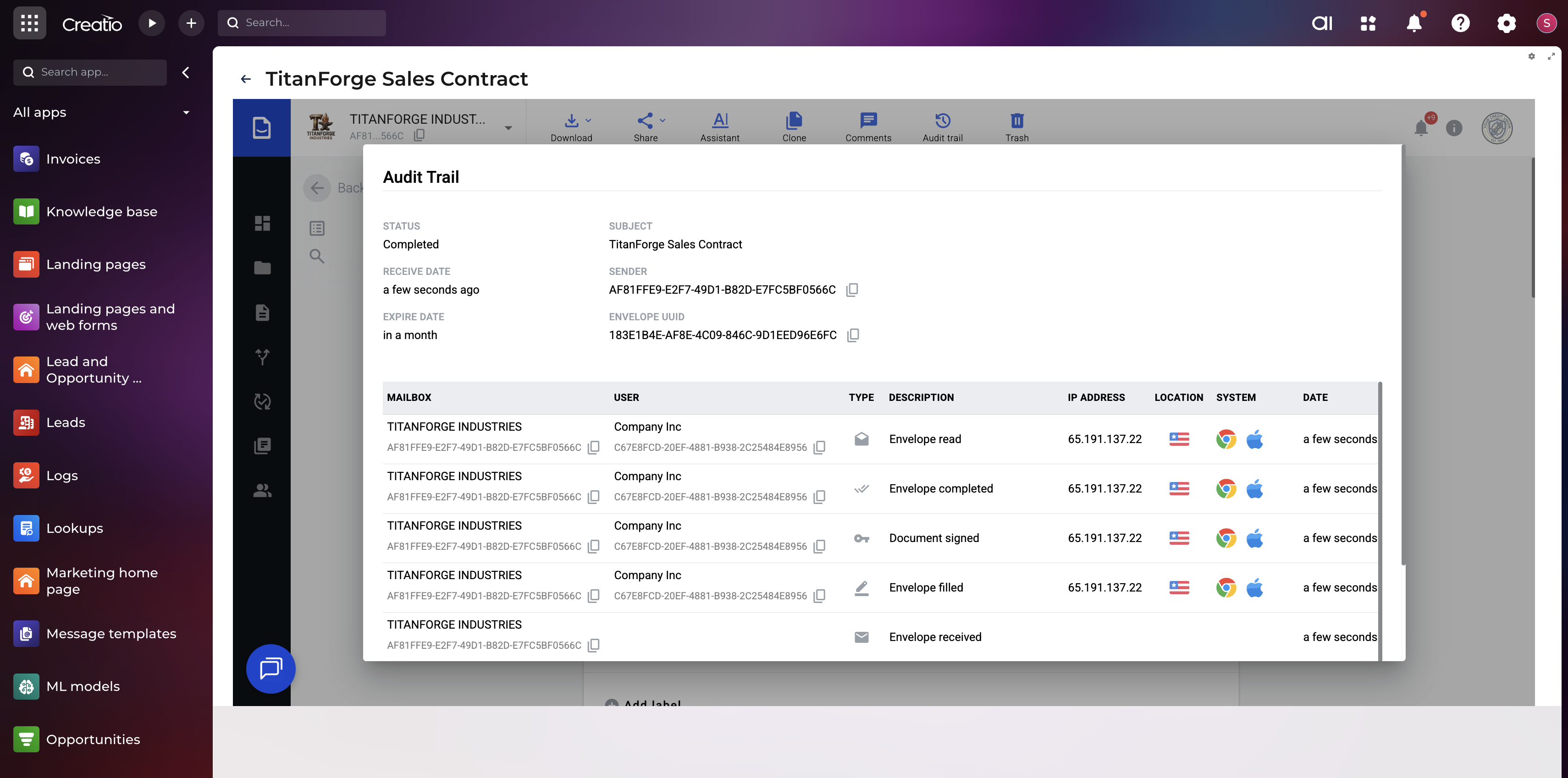
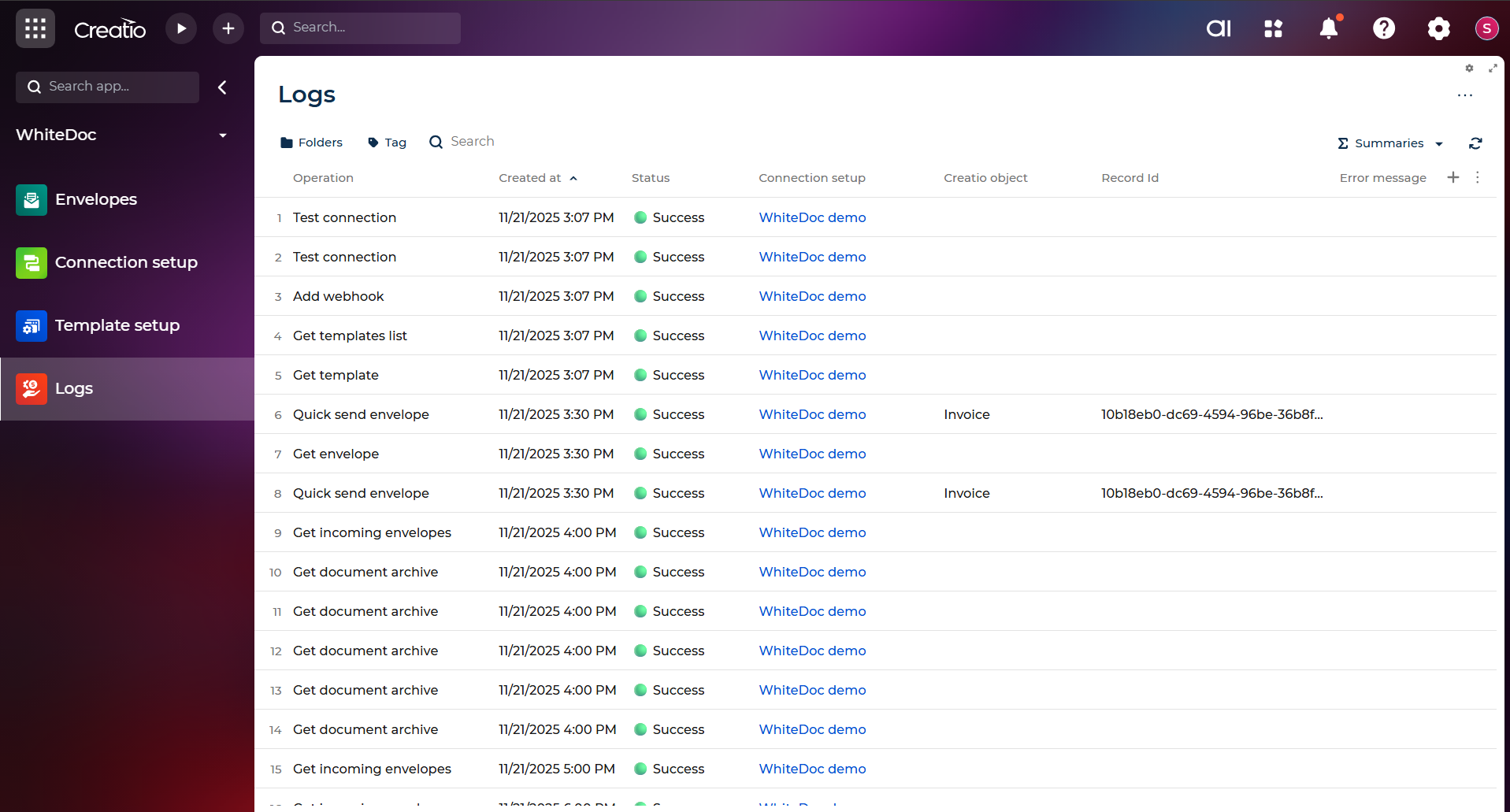
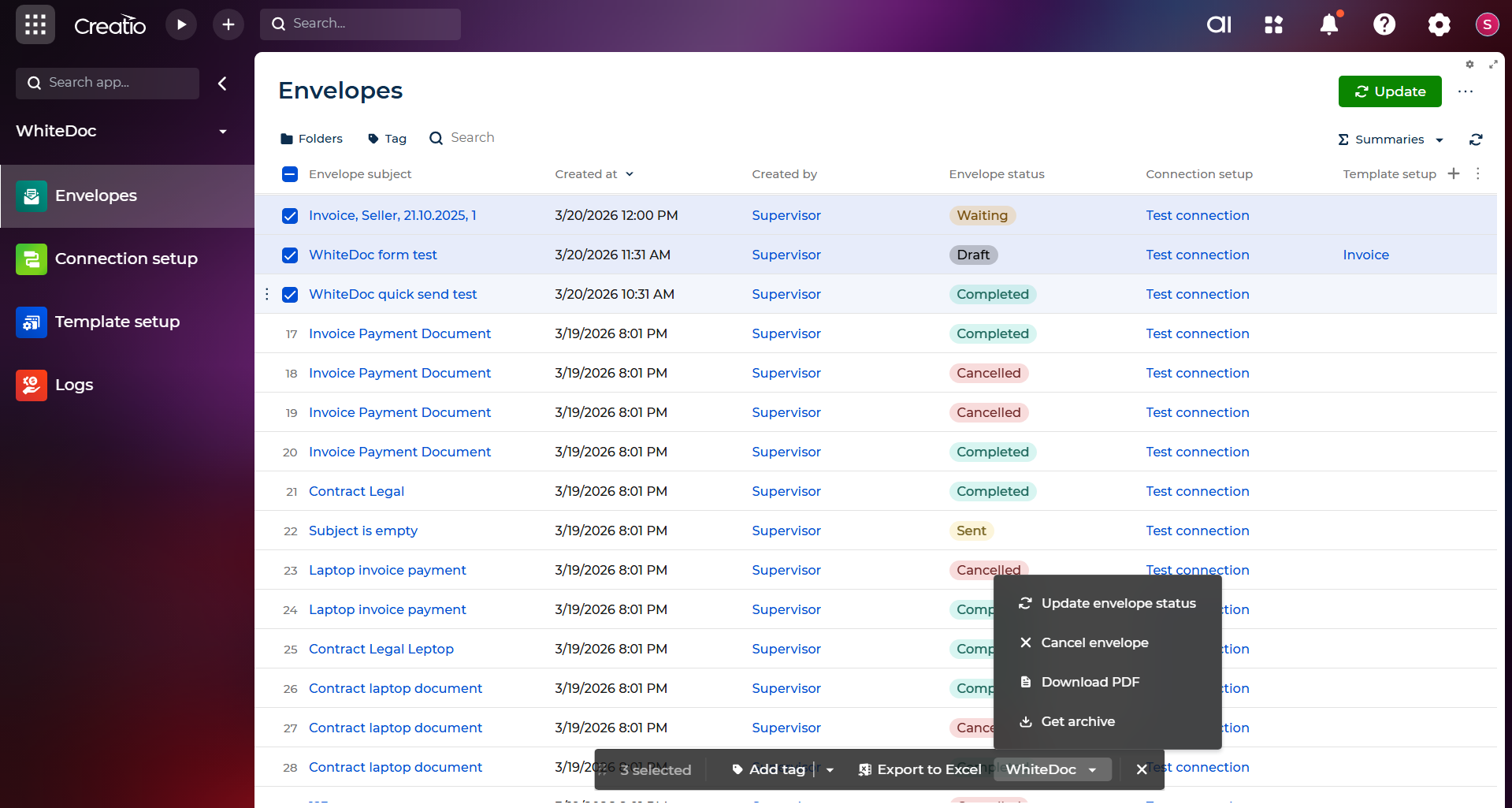
Full Document Tracking & Audit Trail
Pricing
- More users, more documents, tailored workflows - let's build a plan tailored to your business needs.
Third-party solution. The listed price includes the external subscription. Purchase and payment are processed via Creatio.
Terms and Conditions
Support
Basic SLA
- Annual support cost: Free of charge
- Software availability: 98% annually
- Support hours: Mon–Fri, 9:00 to 18:00 (KYIV, UKRAINE)
- Support channels: Email / Chat
- Request response time: Up to 4 hours
- Personal technical specialist: Not included
- Personal account manager: Not included
- Training and consulting for admins & integration specialists: Not included
- Template configuration: Not included
- Scenario & conversion map setup: Not included
- Advanced template & scenario customization: Not included
Installation
Data sharing
- By installing or downloading the App, you confirm that you agree with sharing your account data (name, email, phone, company and country) with the App Developer as their End User.
- The App Developer will process your data under their privacy policy.
Versions
Versions history
-
Cleaner interface — easier navigation and more intuitive layout so your team gets up to speed faster
-
Quicker setup — connect WhiteDoc to Creatio in fewer steps, with a default folder created automatically
-
Draft documents — create, preview, edit, and send documents with pre-filled data before they go out
-
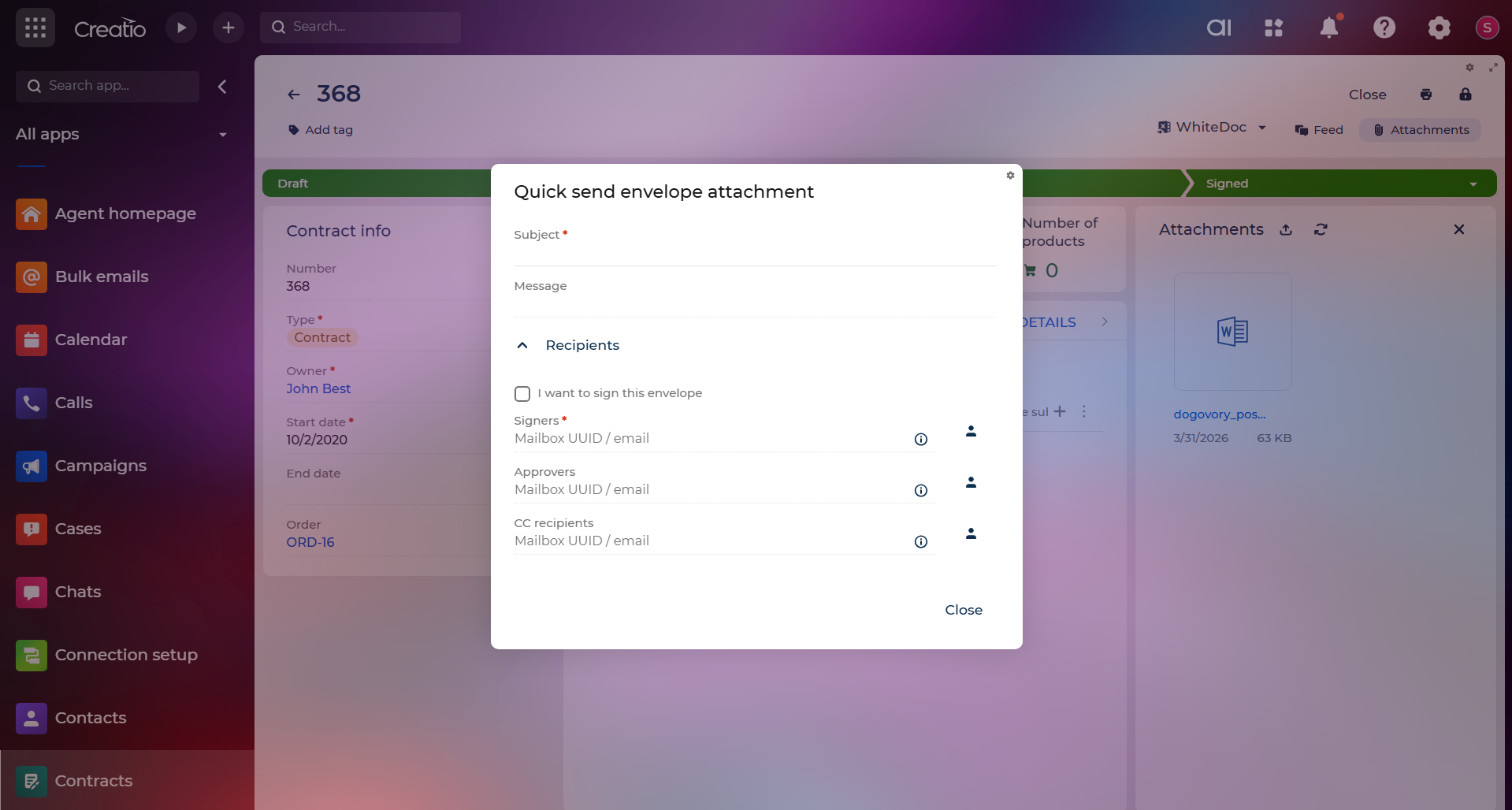
More sending flexibility — send documents with or without data mapping, with or without Creatio data, and regardless of record status
-
Multiple templates — choose from several templates at send time, not just one
-
Two-way data sync — data filled in a document flows back into Creatio automatically, keeping your records up to date
-
Better attachment handling — uploaded and received attachments are clearly separated so nothing gets mixed up
-
Ready-to-use forms — get started quickly with pre-built forms that are easy to customize
Manual app installation
- Open the needed app → the Packages tab - download the Markeplace app files.
- Click in the top right → Application Hub
- Click New application. This opens a window.
- Select Install from file and click Select in the window that opens.
- Click Select file on the page of the Marketplace App Installation Wizard and specify the app file path.
Need more users, higher document volume, or custom requirements? Contact us and we'll tailor a proposal that fits your business.