


Writer AI Assistant for Creatio
Overview
Product overview
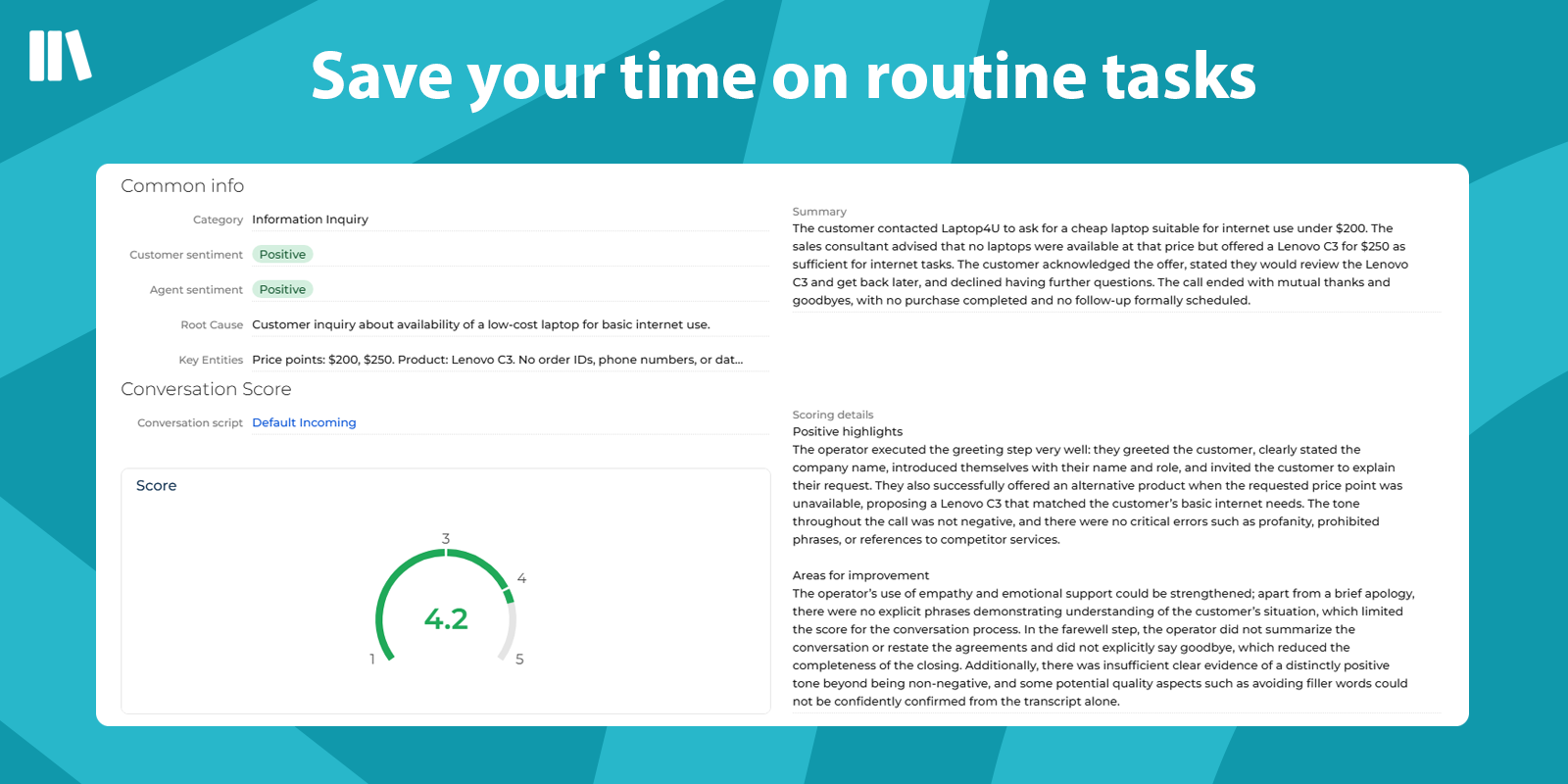
Writer AI Assistant is an AI-powered conversation intelligence solution for Creatio that analyzes both calls and chats to help businesses improve service quality, agent performance, and compliance with communication standards.
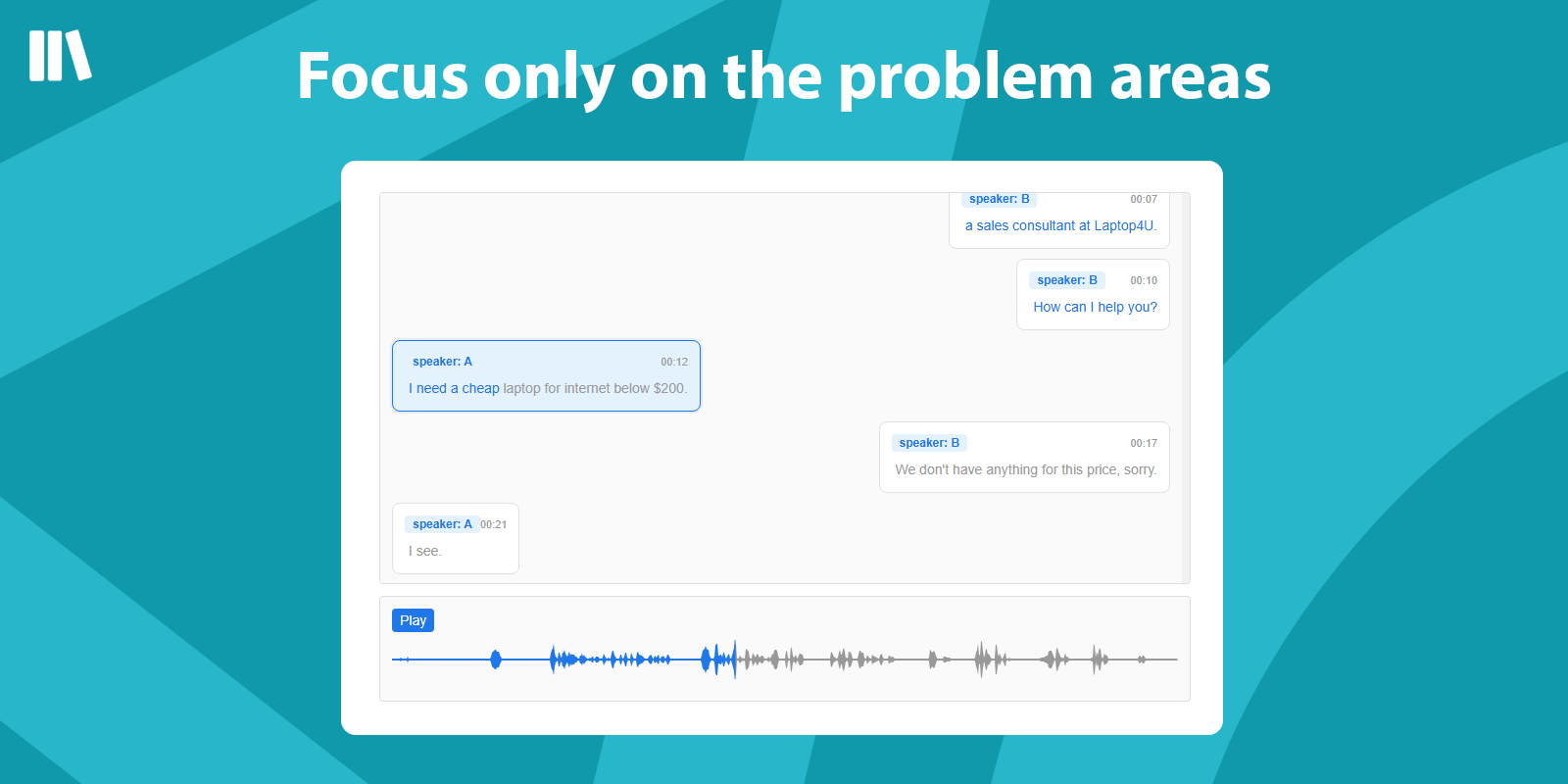
The application automatically summarizes conversations, performs speaker diarization for call recordings, evaluates script adherence, and provides detailed analytics for both the customer and the operator/agent, along with an overall quality score for each interaction.
Our solution helps companies automate quality control and gain actionable insights from customer communications across both voice and text channels. Typical use cases include:
-
Contact centers: automatic evaluation of agent performance, conversation quality monitoring, and identification of service issues
-
Sales teams: analysis of customer intent, objections, and agent compliance with sales scripts
-
Customer support: detection of unresolved requests, escalation risks, and communication gaps
-
Quality assurance departments: reducing manual review efforts by automatically scoring calls and chats
-
Team leaders and supervisors: faster coaching based on objective conversation analytics and quality indicators
-
Compliance-sensitive businesses: monitoring mandatory phrases, required script steps, and communication standards
With Writer AI Assistant, companies can significantly reduce the time spent on manual conversation review, standardize quality assessment, detect service issues earlier, and improve both customer experience and agent efficiency.
Key Features
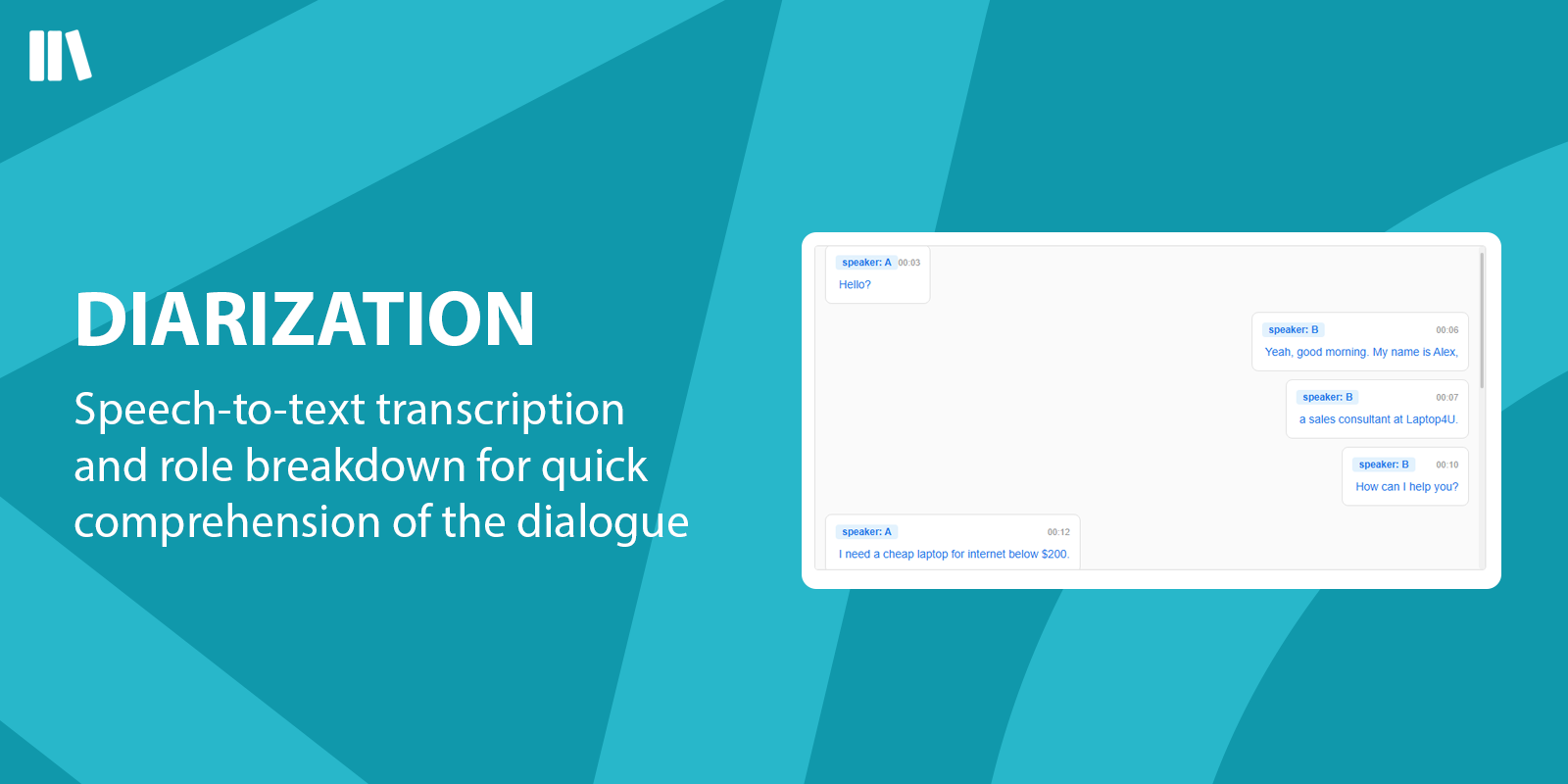
DIARIZATION
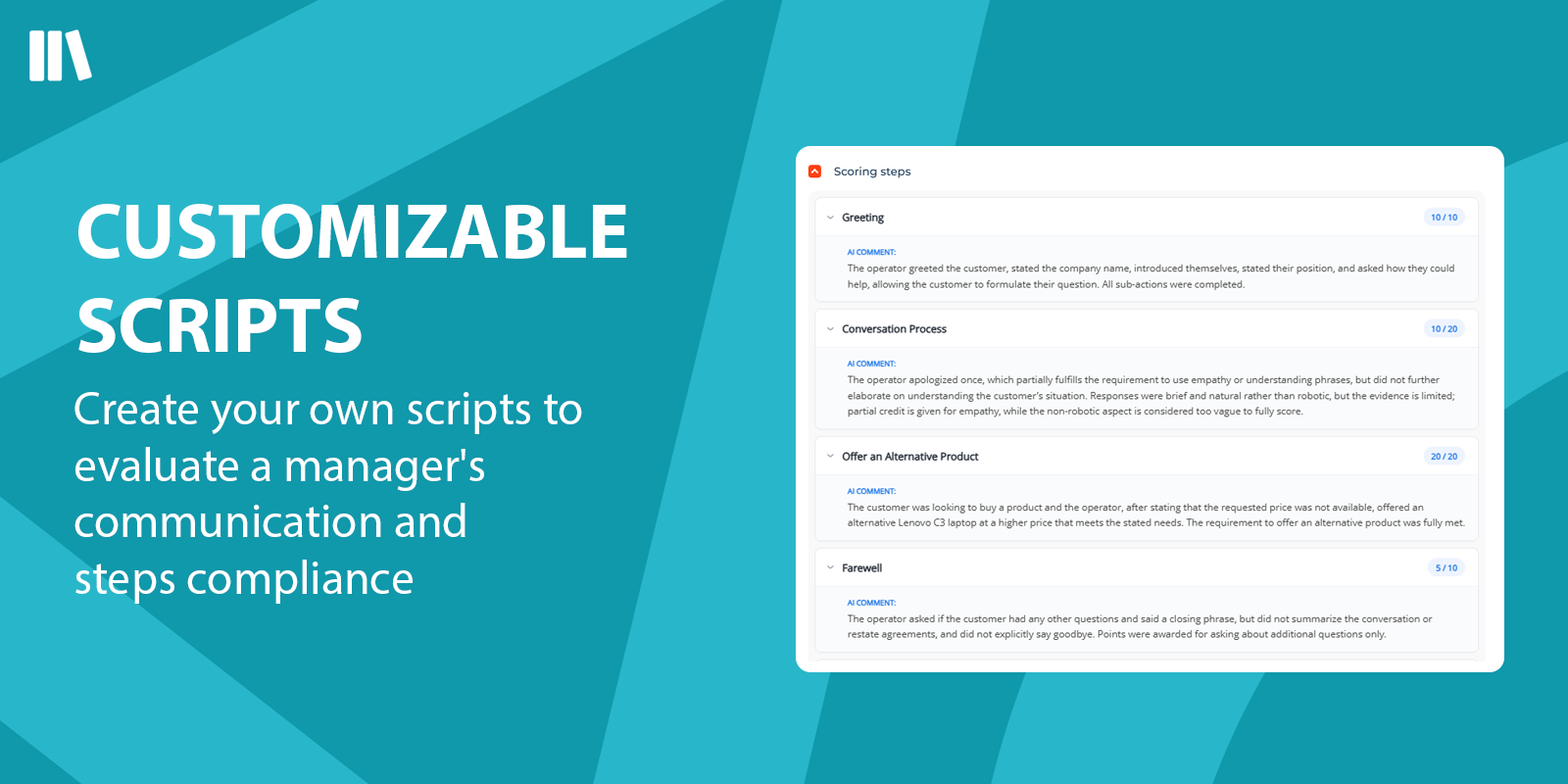
CUSTOMIZABLE SCRIPTS
Pricing
Terms and Conditions
Support
Installation
Data sharing
- By installing or downloading the App, you confirm that you agree with sharing your account data (name, email, phone, company and country) with the App Developer as their End User.
- The App Developer will process your data under their privacy policy.
Versions
Versions history
Manual app installation
- Open the needed app → the Packages tab - download the Markeplace app files.
- Click in the top right → Application Hub
- Click New application. This opens a window.
- Select Install from file and click Select in the window that opens.
- Click Select file on the page of the Marketplace App Installation Wizard and specify the app file path.