


Writer Call Center
Overview
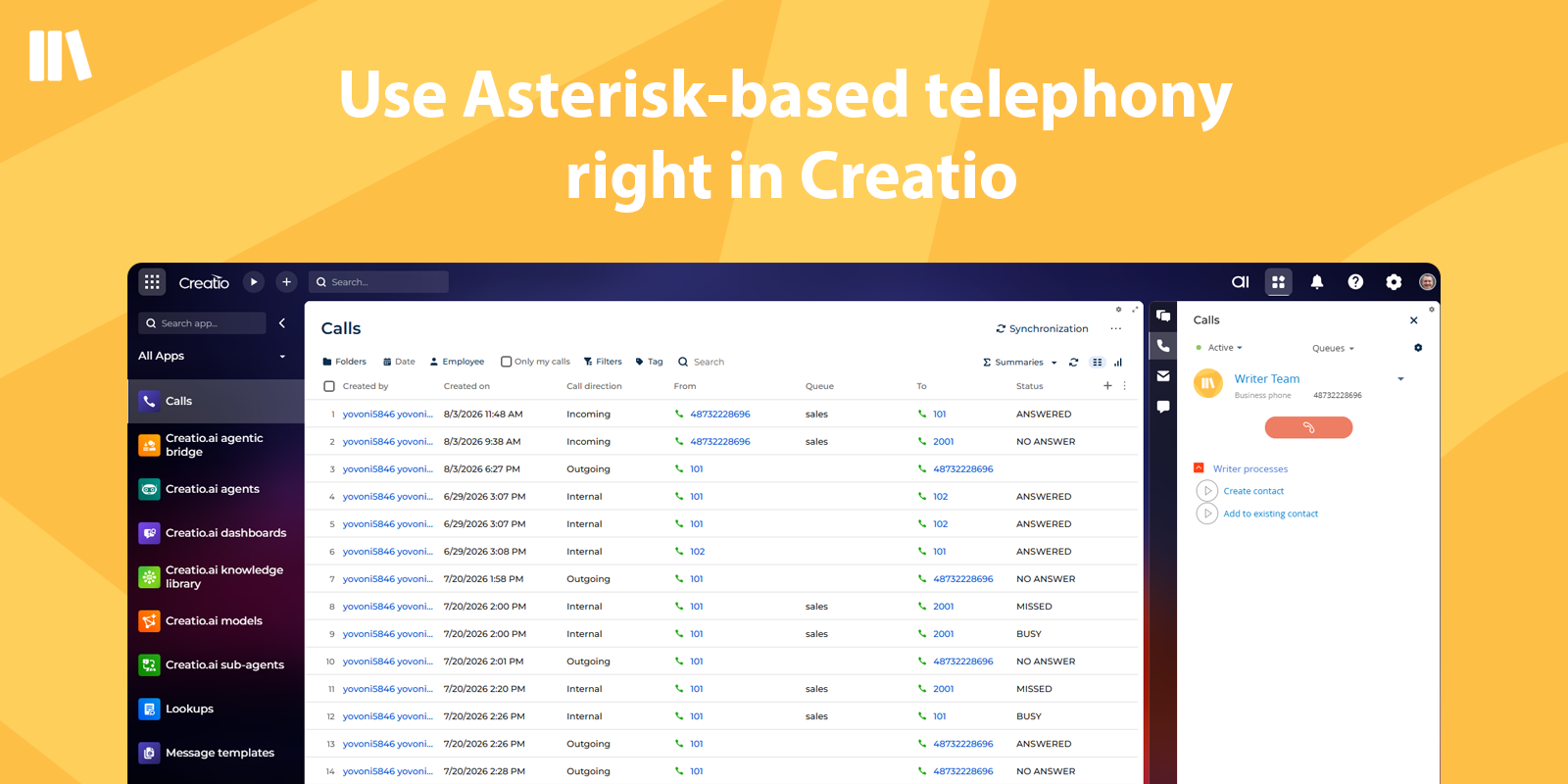
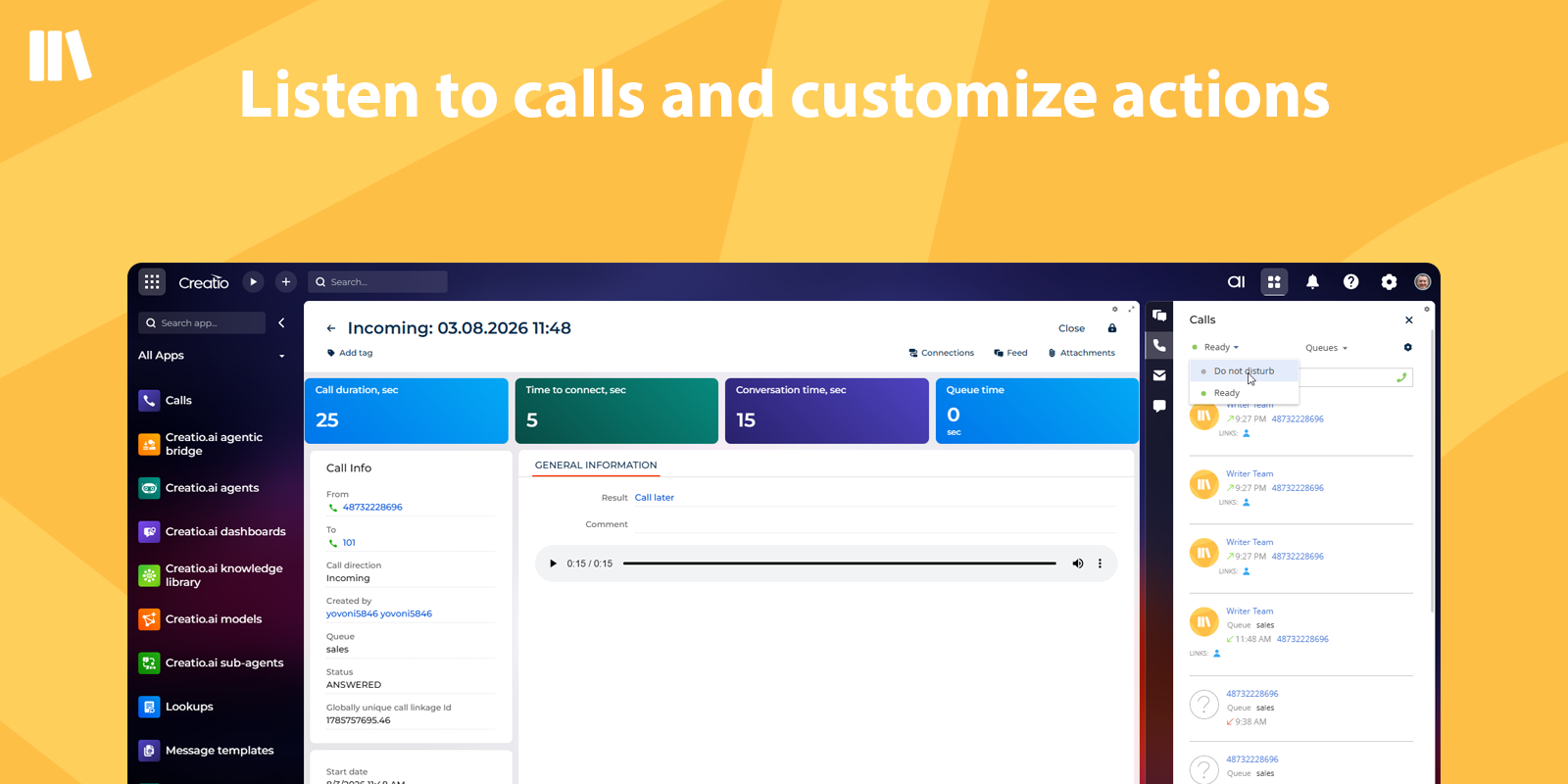
Product overview
Writer Call Center - connector to Asterisk IP Telephony for Creatio. Enables receiving incoming and making outgoing calls, analyzing phone conversations, and creating leads, sales, and cases in Creatio based on calls.
The Writer Call Center connector is useful for companies in sales, technical support, logistics, HR departments, and for internal calls.
Key Features
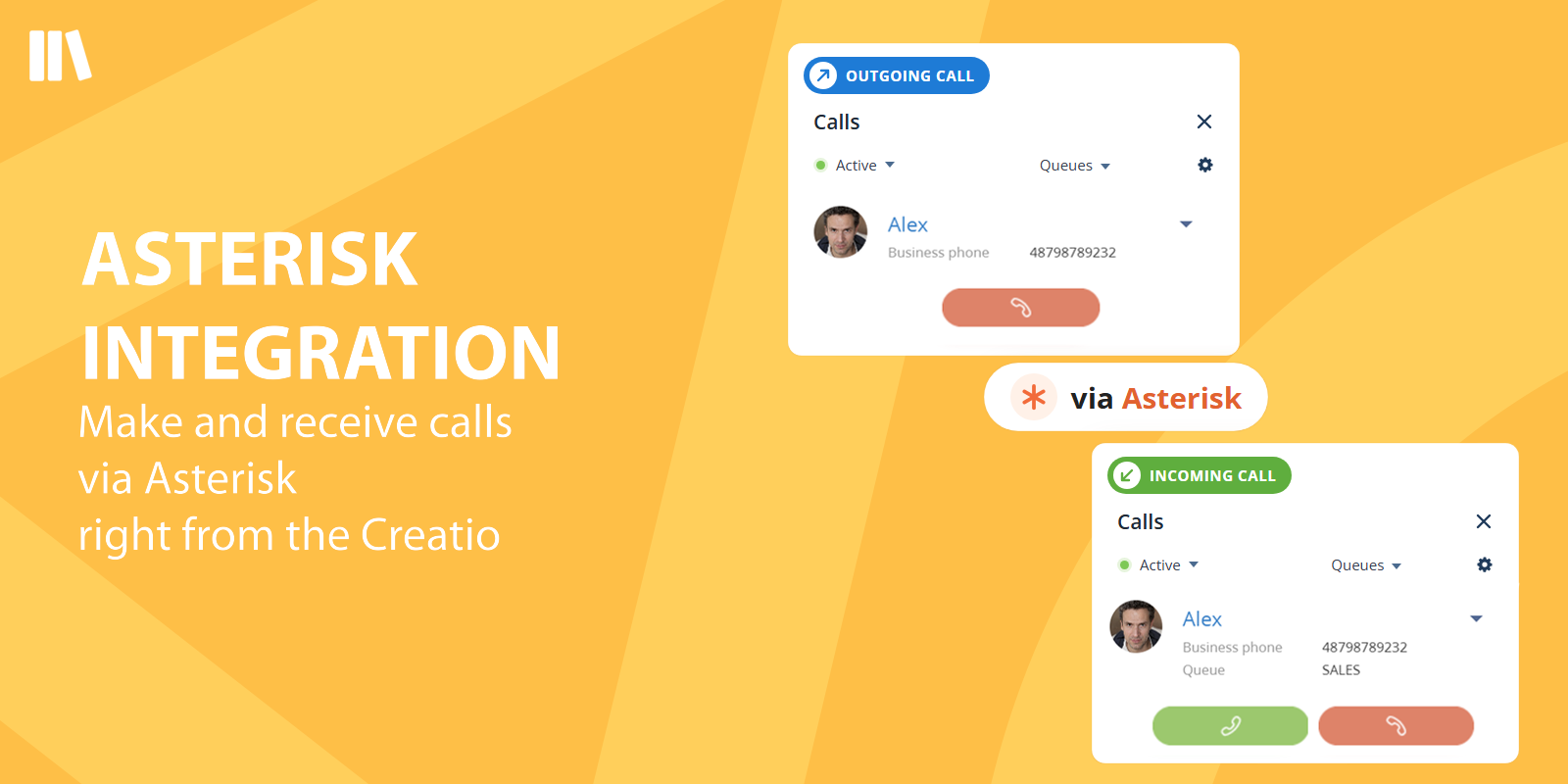
Asterisk Integration
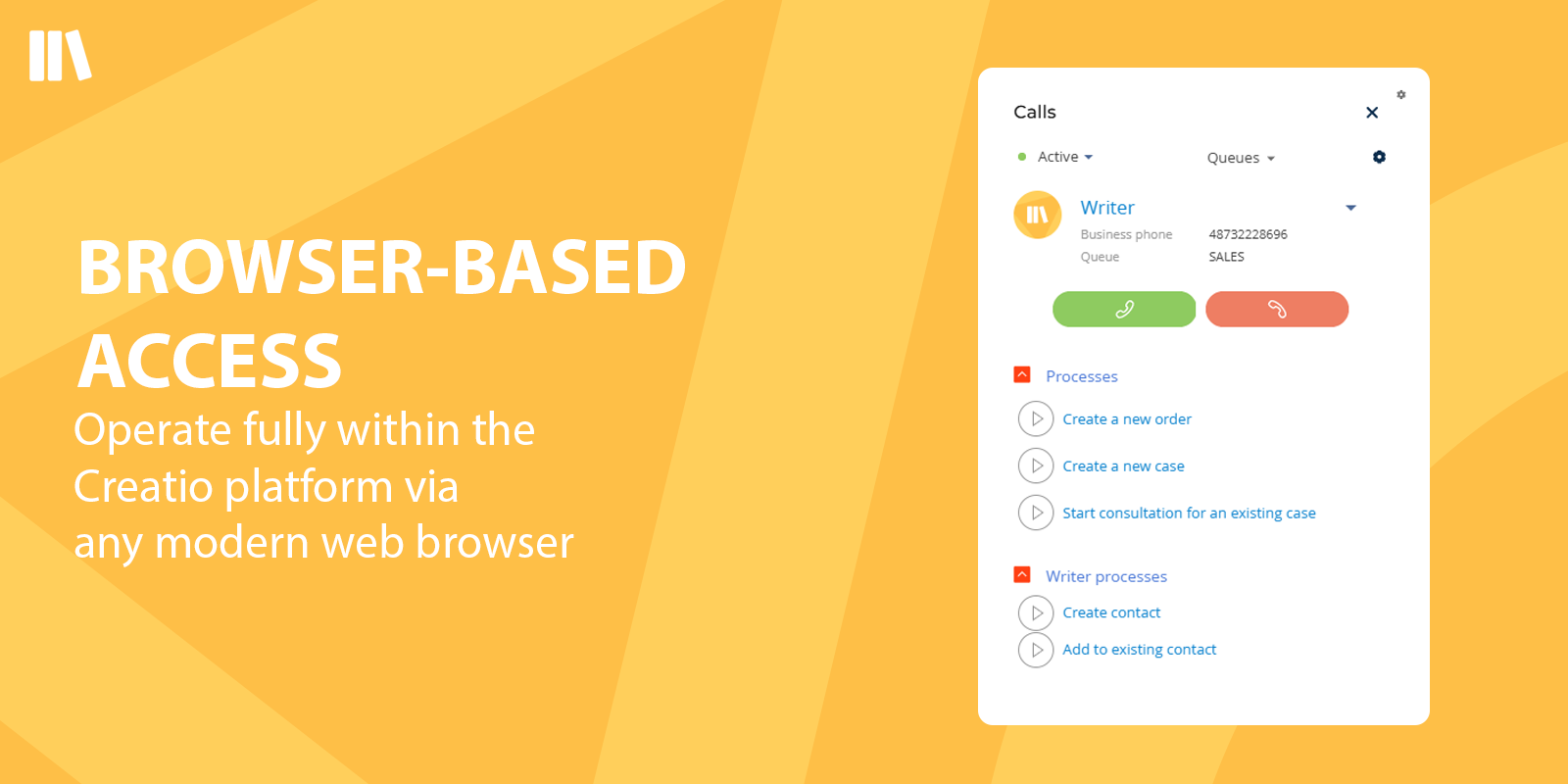
Browser-Based Access (No Additional Software)
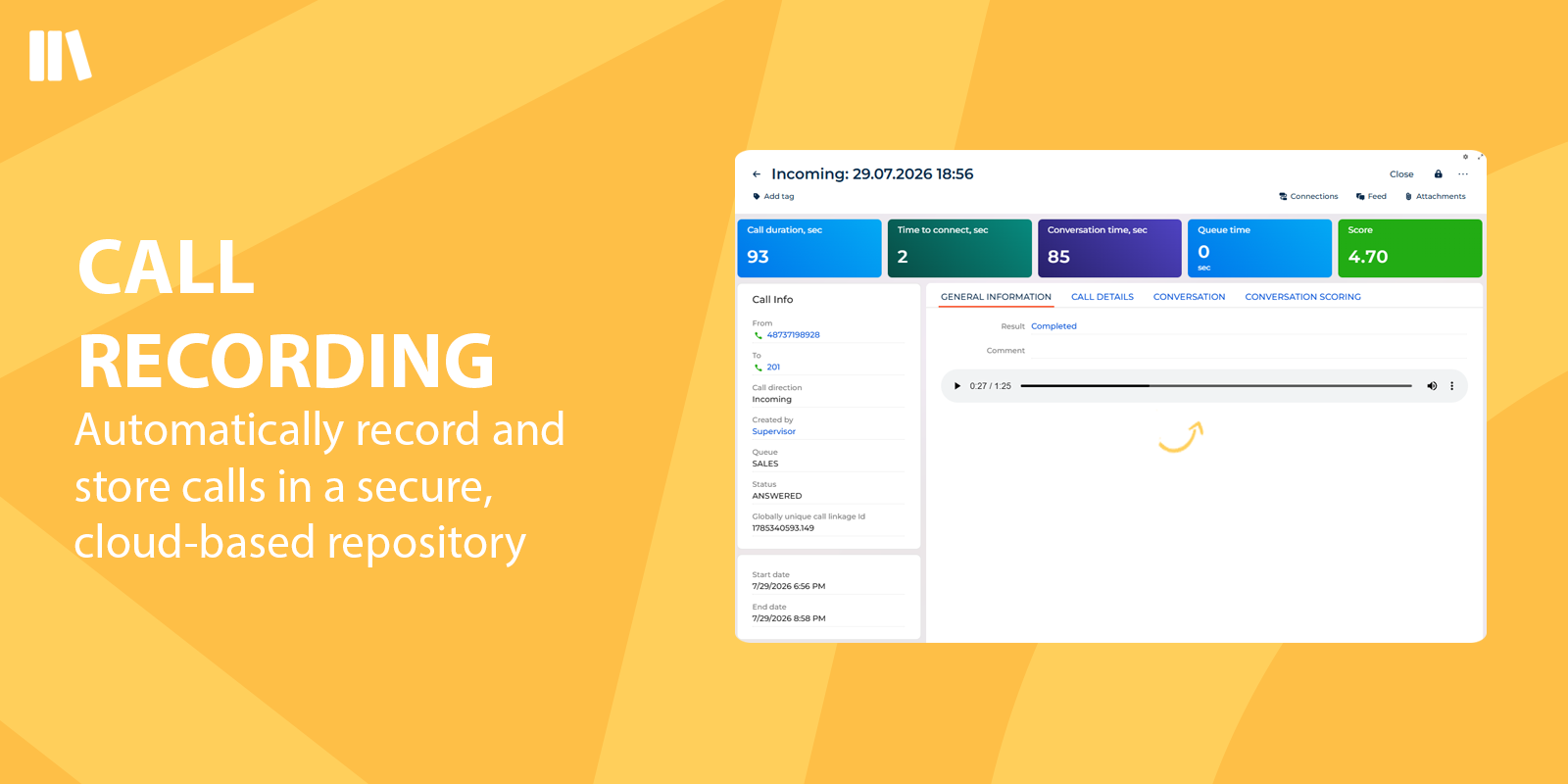
Call Recording with Downloadable Archives
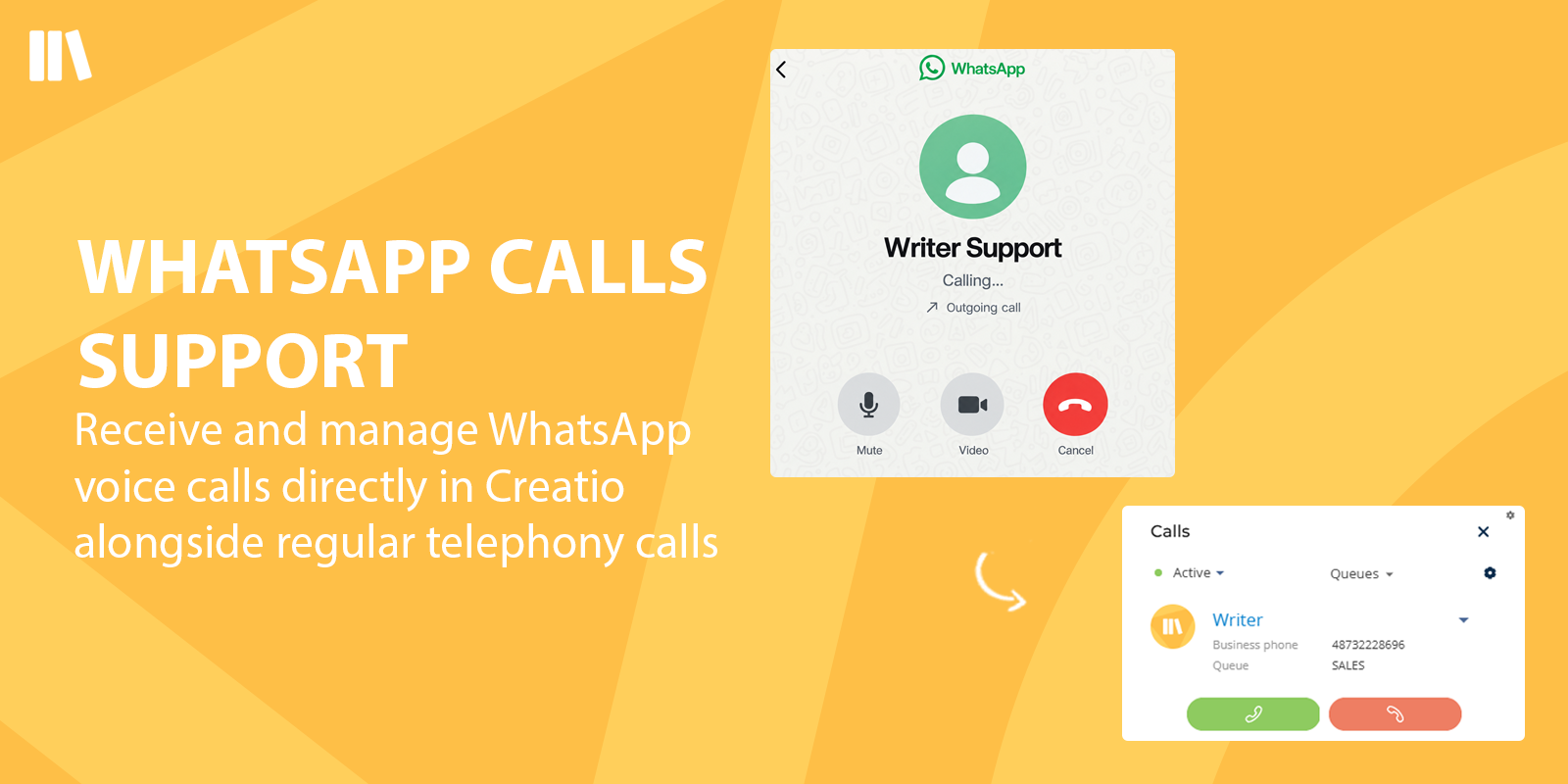
WhatsApp Calls Support
Pricing
OPTIONAL
This license includes the full deployment of the telephony server infrastructure within your network by the Writer team.
The price does not include the cost of operator licenses.
Third-party solution. The listed price includes the external subscription. Purchase and payment are processed via Creatio.
Terms and Conditions
Support
Installation
Setup guide
- Request the required settings by emailing license@writer-cloud.com
- Install the Writer package into your Creatio system using the "Application Hub"
- In Creatio, go to System Settings
- Find and open the Default messages exchange library setting
- Change its value to Writer Call Center
- Open the Writer Call Center folder in System Settings
- Configure the following settings using the values provided in the email:
- Websocket Url
- Api Url
- Api Key
- File Creds
- Go to Content Security Policy settings
- Add a new source with Source URL =wss://YOUR-DOMAIN:8089/ws and allow the connect-src directive
- Add a another source with Source URL = https://YOUR-DOMAIN and allow the connect-src directive
- Use the "Supervisor login" and "Supervisor password" to connect Writer to the communication panel and start receiving calls
Instructions for self-setup of Asterisk* (FreePBX**) to work with the Writer Call Center for Creatio are provided free of charge upon request at license@writer-cloud.com
* Asterisk is a free and open source framework for building communications applications (https://www.asterisk.org/).
Data sharing
- By installing or downloading the App, you confirm that you agree with sharing your account data (name, email, phone, company and country) with the App Developer as their End User.
- The App Developer will process your data under their privacy policy.
Versions
Versions history
Manual app installation
- Open the needed app → the Packages tab - download the Markeplace app files.
- Click in the top right → Application Hub
- Click New application. This opens a window.
- Select Install from file and click Select in the window that opens.
- Click Select file on the page of the Marketplace App Installation Wizard and specify the app file path.
Compatibility notes
FreePBX 15+ is optional and only supported when used in conjunction with Asterisk.
Compatibility with older releases or configurations outside these requirements is not guaranteed.