


WWPass SSO
Passwordless SSO via WWPass Authentication
Overview
Product overview
Product description
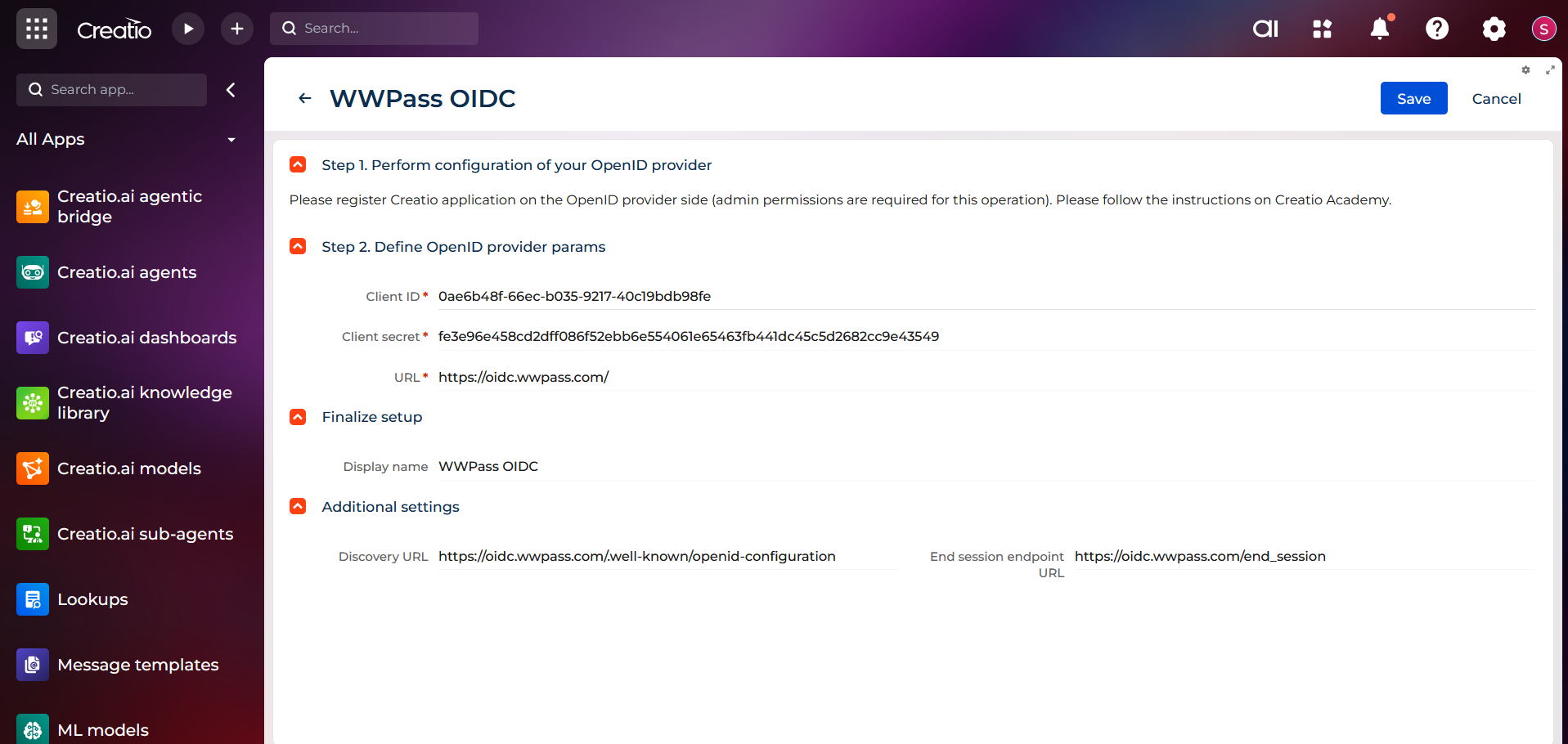
WWPass Authentication Integration using OpenID Connect.
Using Zero Trust and no Usernames and Passwords means you can now login seamlessly into Creatio while keeping all of your data secure.
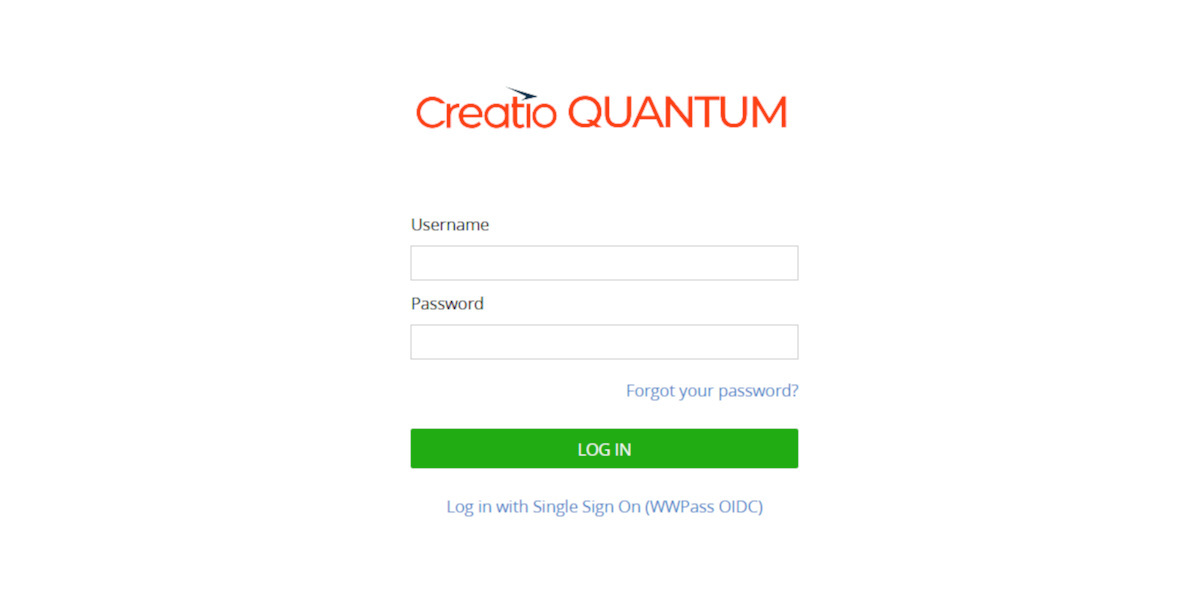
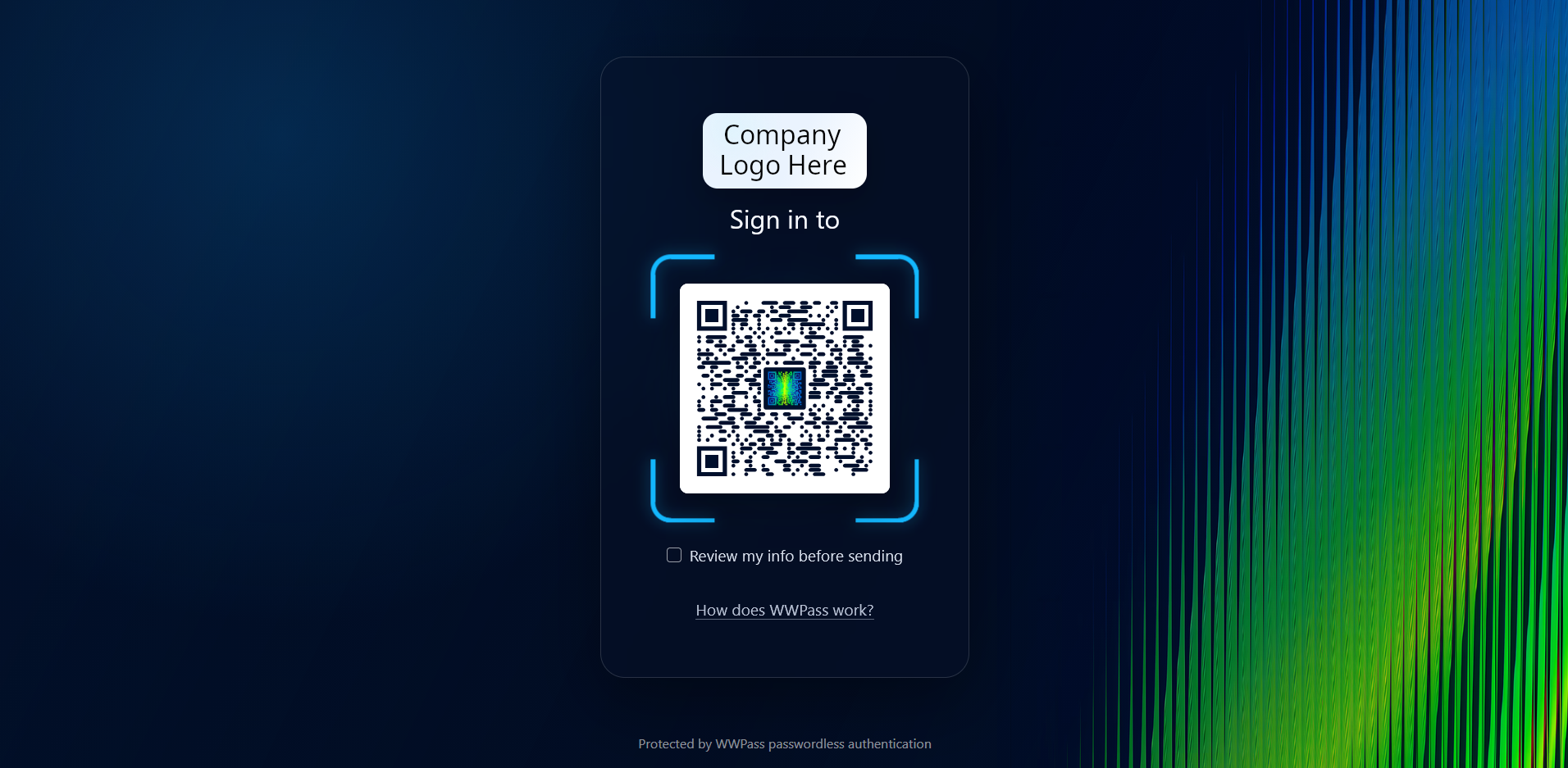
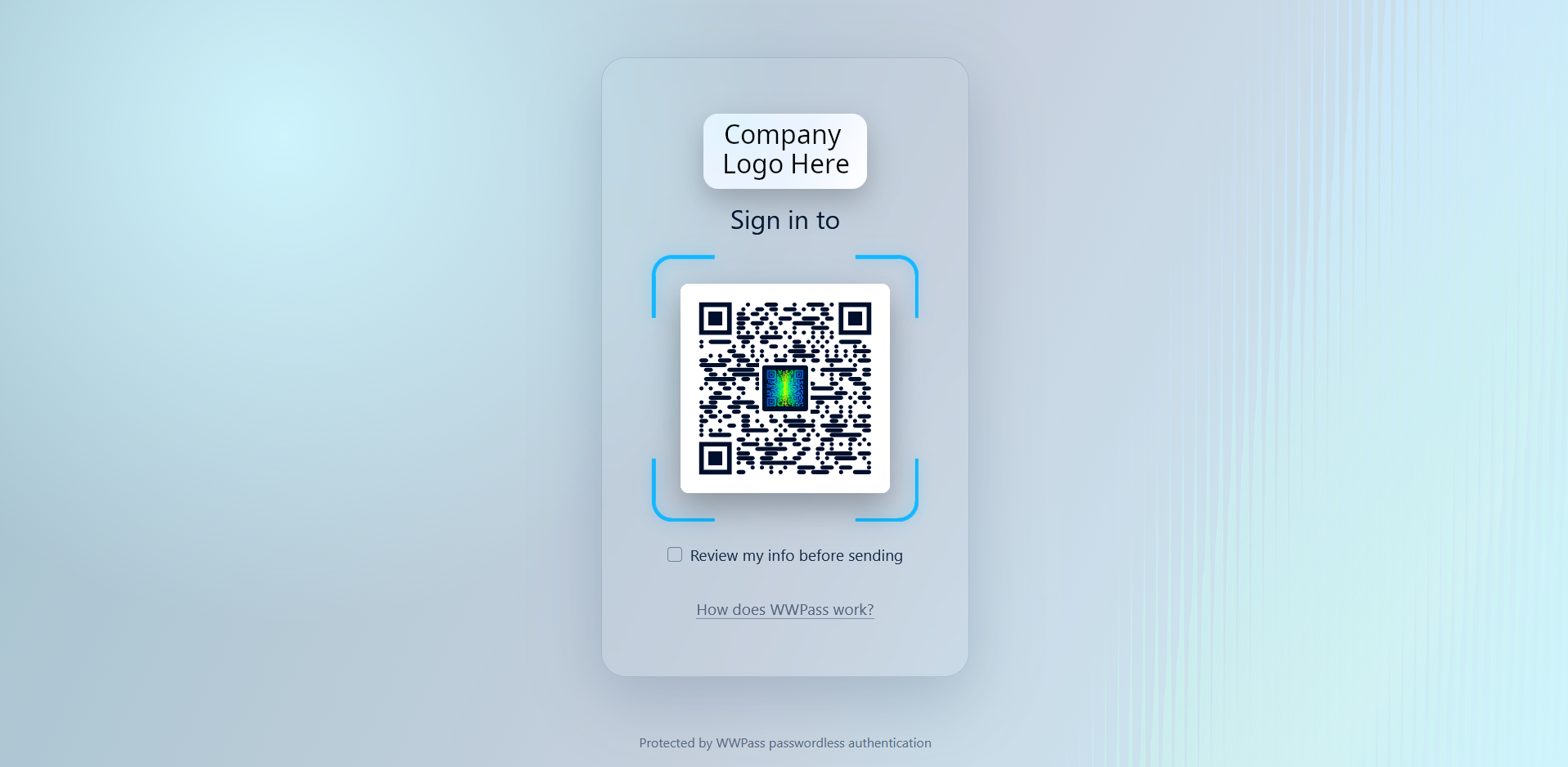
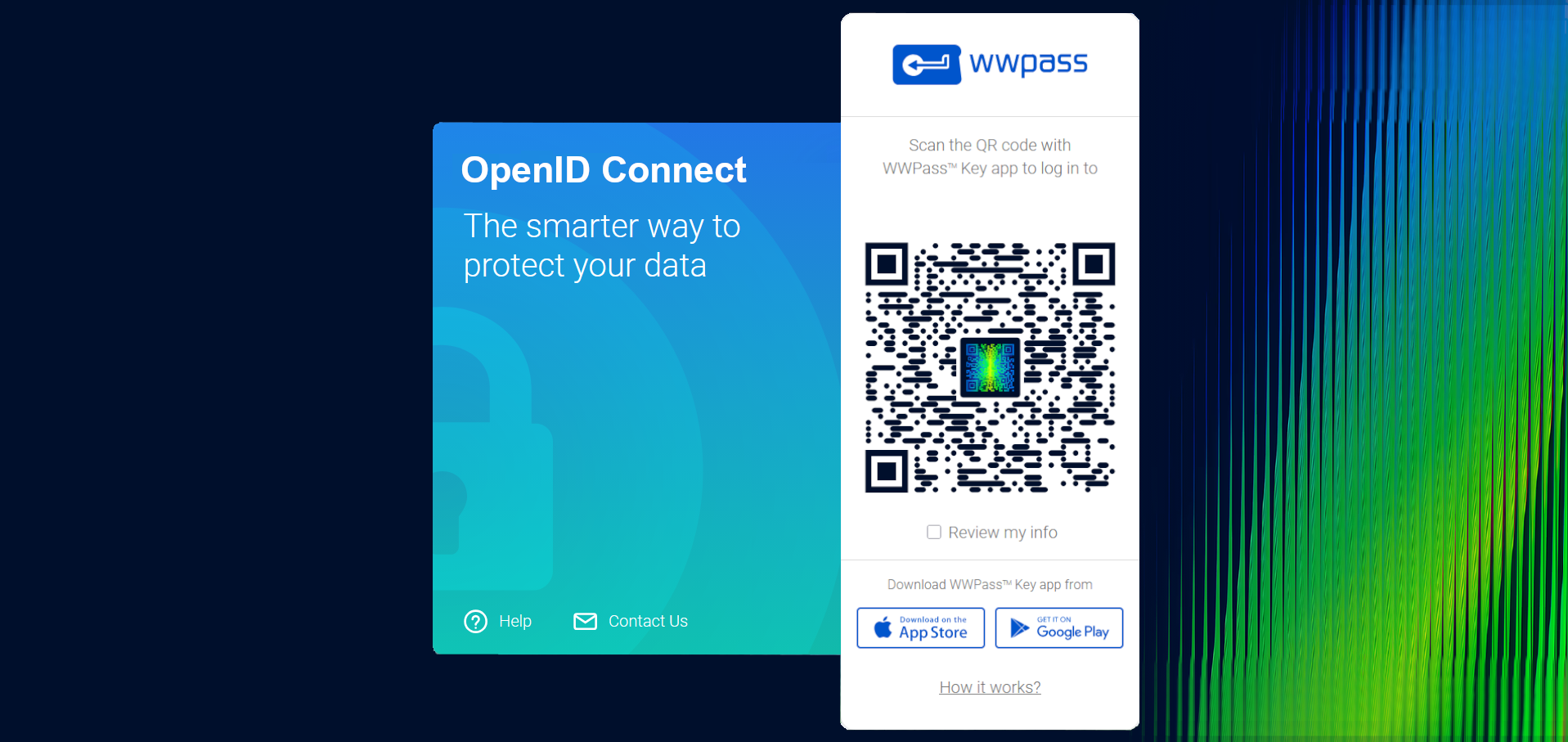
Now with OpenID Connect integration you have easy setup of WWPass Authentication for Creatio environments. The phone app "WWPass Key" stores the Secret Key to unlock and allow authentication, bypassing passwords. By scanning a QR code instead of the default login page it will authenticate the user through OpenID Connect. Finally WWPass conforms to user access through Creatio by using email for user accounts.
Now with OpenID Connect integration you have easy setup of WWPass Authentication for Creatio environments. The phone app "WWPass Key" stores the Secret Key to unlock and allow authentication, bypassing passwords. By scanning a QR code instead of the default login page it will authenticate the user through OpenID Connect. Finally WWPass conforms to user access through Creatio by using email for user accounts.
Key Features
No Usernames and Passwords
WWPass Single Sign-On (SSO) protects user identity, applications, and data from cyberattacks on web applications.
Unlike SSO with traditional logins, WWPass SSO users have no Usernames and Passwords. User Identity is no longer the starting point of a login process. It is rather the result of a highly protected authentication and verification process utilizing a Cryptographic Authenticator.
Pricing
Monthly
Annual
1. Free
Free
Description (Formatted)
Up to 5 users
2. Premium
$
10.00 / month
billed annually
Description (Formatted)
Up to 10 users
3. Pro
$
25.00 / month
billed annually
Description (Formatted)
Up to 25 Users
4. Business
$
50.00 / month
billed annually
Description (Formatted)
Up to 50 Users
5. Enterprise
$
100.00 / month
billed annually
Description (Formatted)
Up to 100 Users
6. Custom
On demand
Description (Formatted)
Starting from 100 users, please contact your Creatio account manager.
Third-party solution. The listed price includes the external subscription. Purchase and payment are processed via Creatio.
Terms and Conditions
By installing this product you agree to terms and conditions outlined in the license agreement.
Support
Support is available for this application
Open a support request here: https://www.wwpass.com/contact-us or Email us 24/7.
Typical support request response is 1-5 Business days.
Installation
Resources
Data sharing
- By installing or downloading the App, you confirm that you agree with sharing your account data (name, email, phone, company and country) with the App Developer as their End User.
- The App Developer will process your data under their privacy policy.
Versions
Manual app installation
- Open the needed app → the Packages tab - download the Markeplace app files.
- Click in the top right → Application Hub
- Click New application. This opens a window.
- Select Install from file and click Select in the window that opens.
- Click Select file on the page of the Marketplace App Installation Wizard and specify the app file path.