

ZUGFeRD eInvoices for Creatio
Convert invoices into eInvoices that comply with ZUGFeRD standards.
Overview
Product overview
Product description
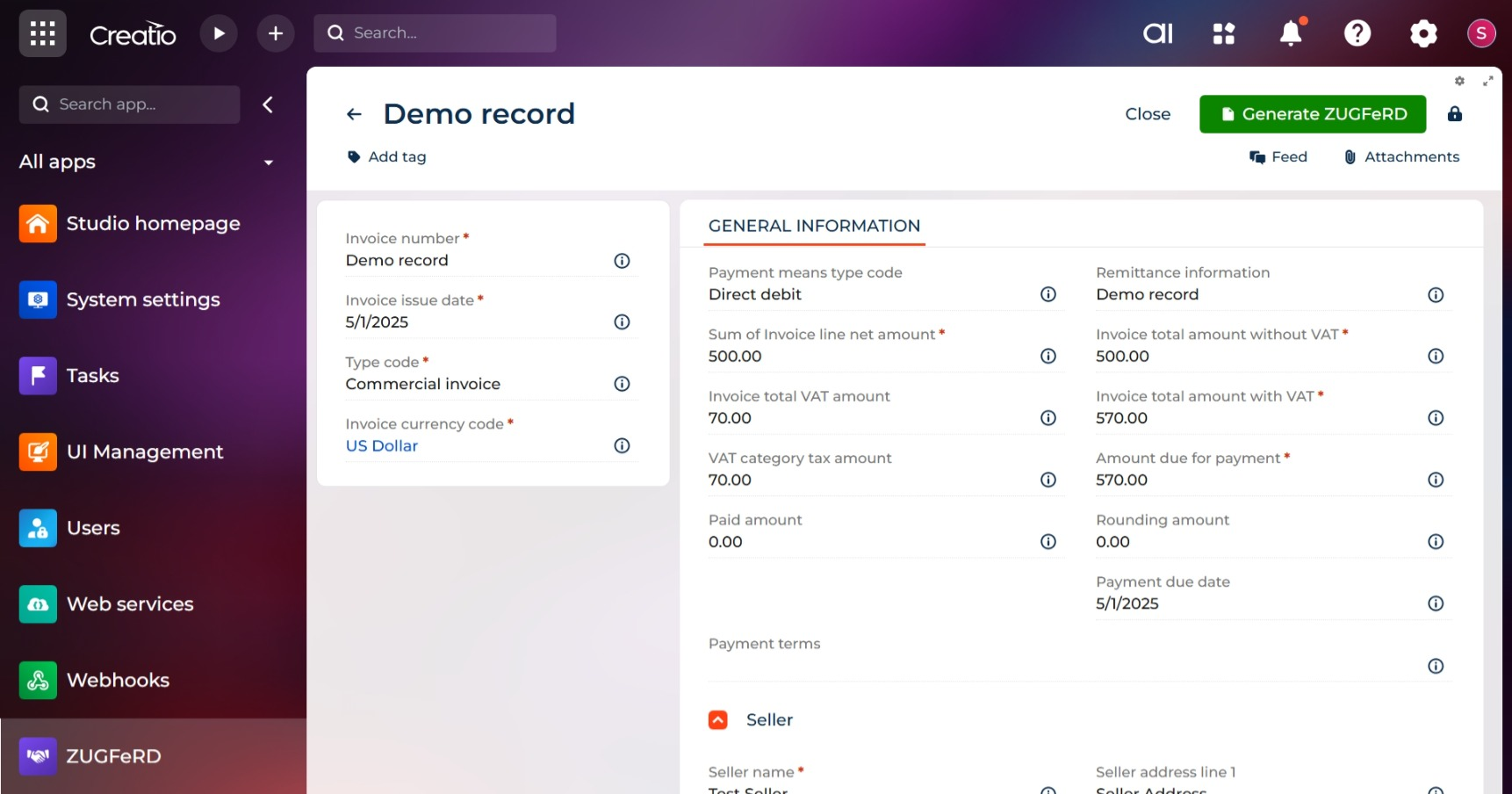
ZUGFeRD eInvoices for Creatio is an add-on designed to streamline the invoicing process by enabling the generation of electronic invoices fully compliant with ZUGFeRD 2.3.3 (EN16931 – COMFORT profile). The solution introduces a dedicated ZUGFeRD section for generating PDF invoices with an embedded structured XML file, ensuring compliance with German and European e-invoicing standards.
Please note that additional services such as workflow integration or ERP hand-off are not included in the product. Disclaimer on Functional ScopeThe eInvoice for Creatio add-on provides a framework for generating ZUGFeRD 2.3.3 (EN 16931 COMFORT profile) compliant PDF invoices with embedded XML. Due to its integration-dependent nature, the accuracy and compliance of the final output depend heavily on customer-specific configuration, data mapping, template setup, and business process design. For a detailed overview of limitations and responsibilities, please refer to the documentation.
Key Features
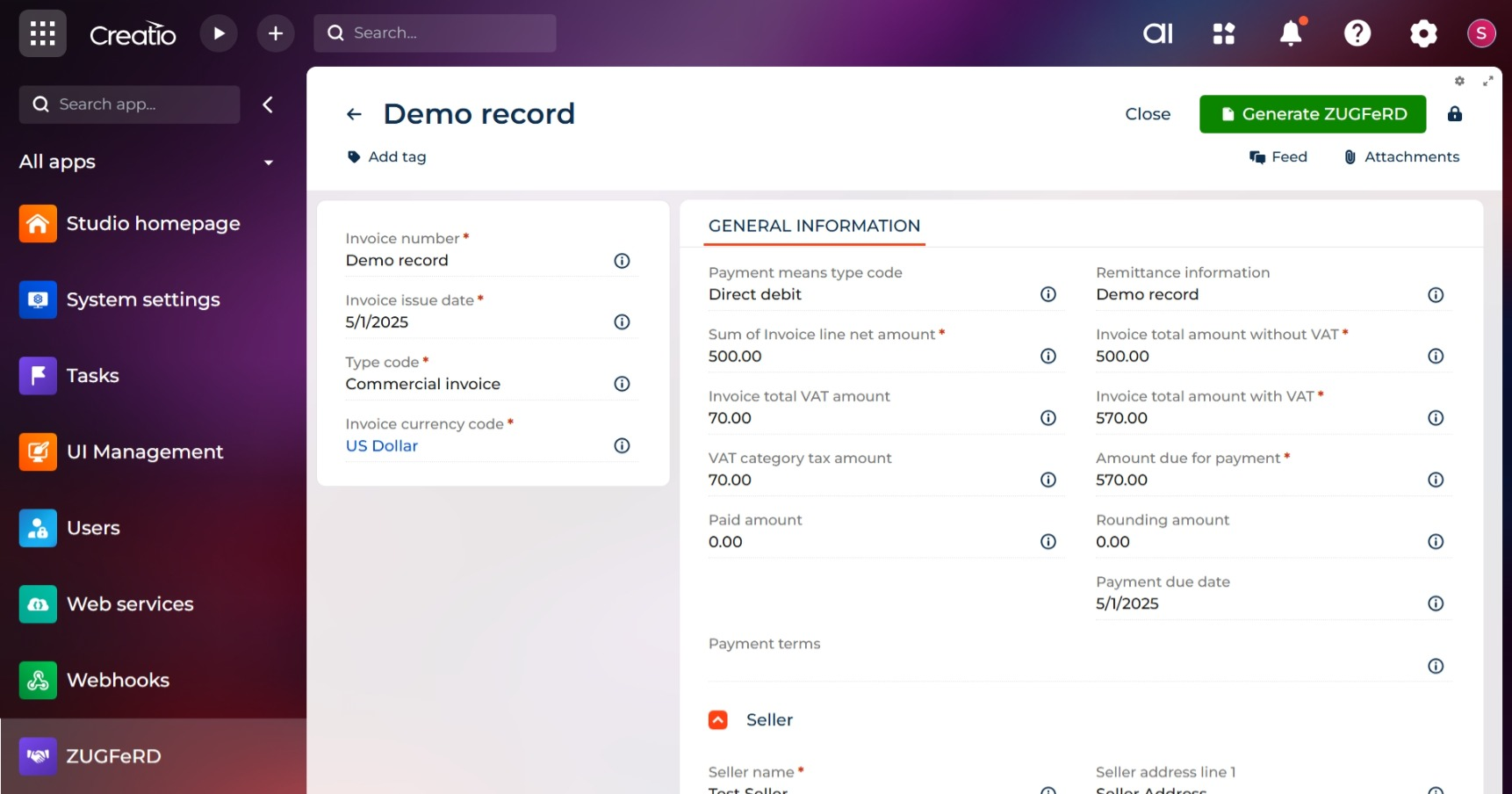
Complete ZUGFeRD Data Overview
Access all ZUGFeRD-relevant data in one dedicated section, ensuring full transparency and seamless generation of compliant PDF and XML files.
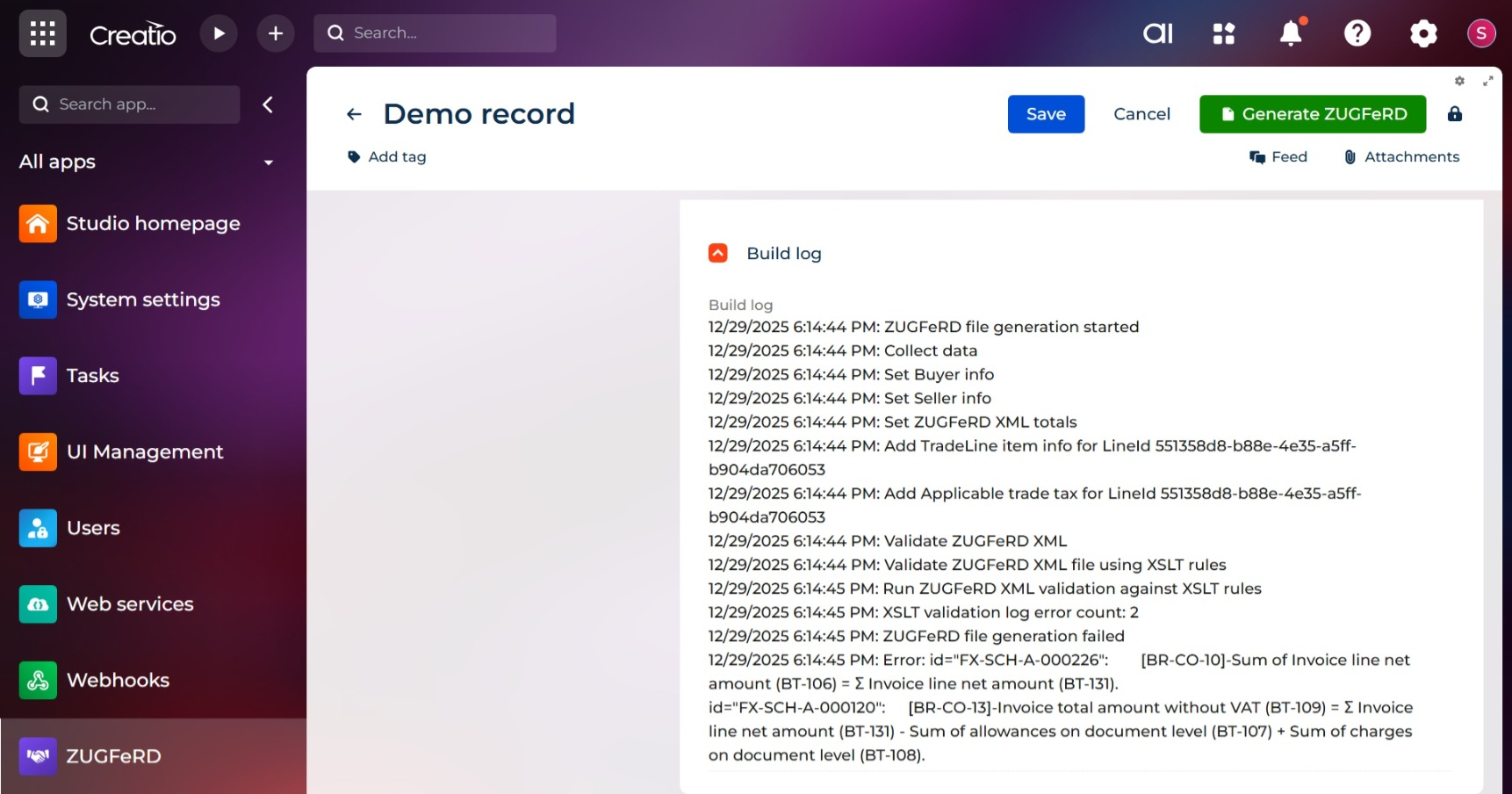
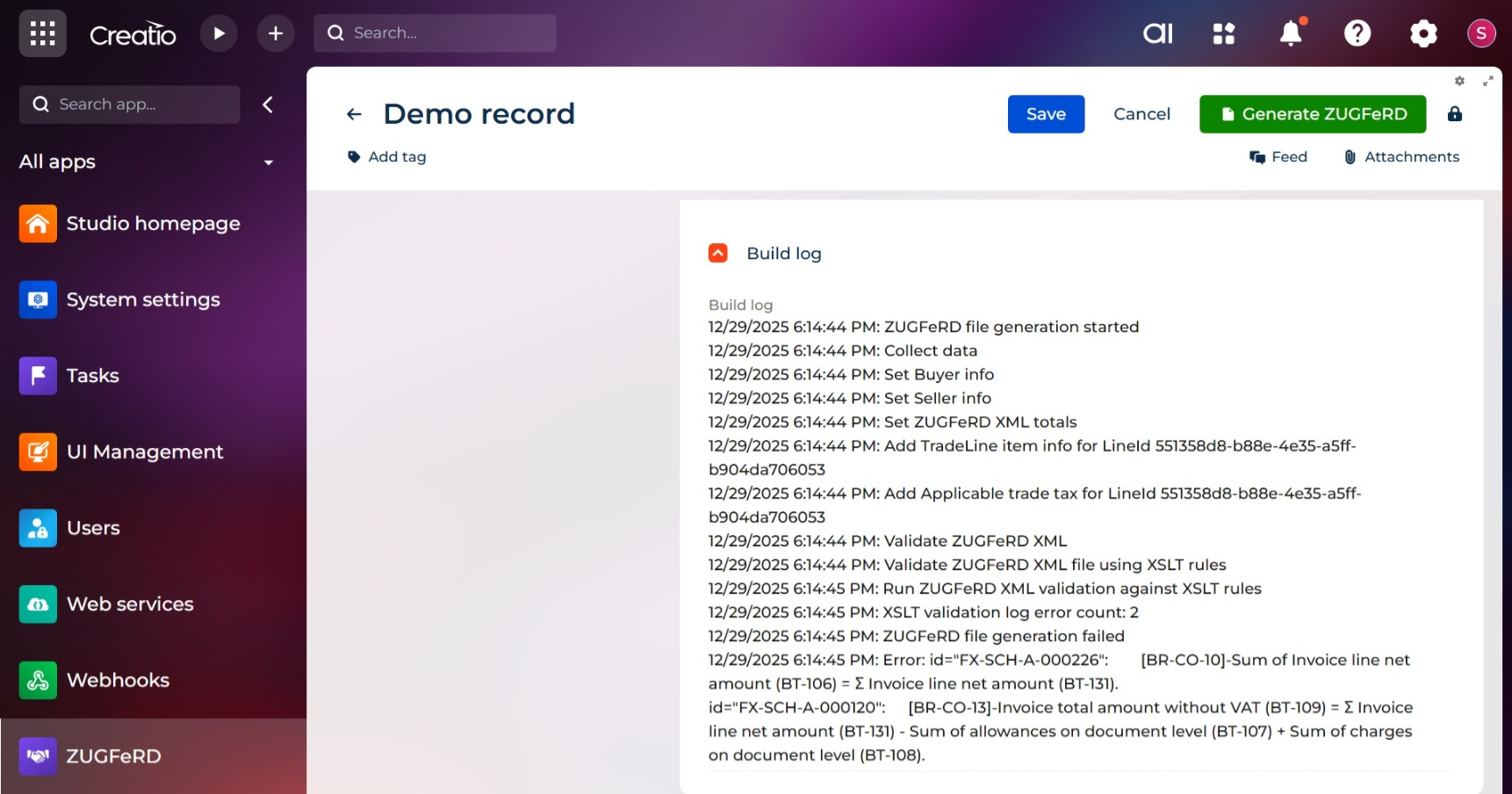
Built-in ZUGFeRD XML validation
Automatically validate your eInvoices against ZUGFeRD rules to ensure accuracy, compliance, and error-free processing.
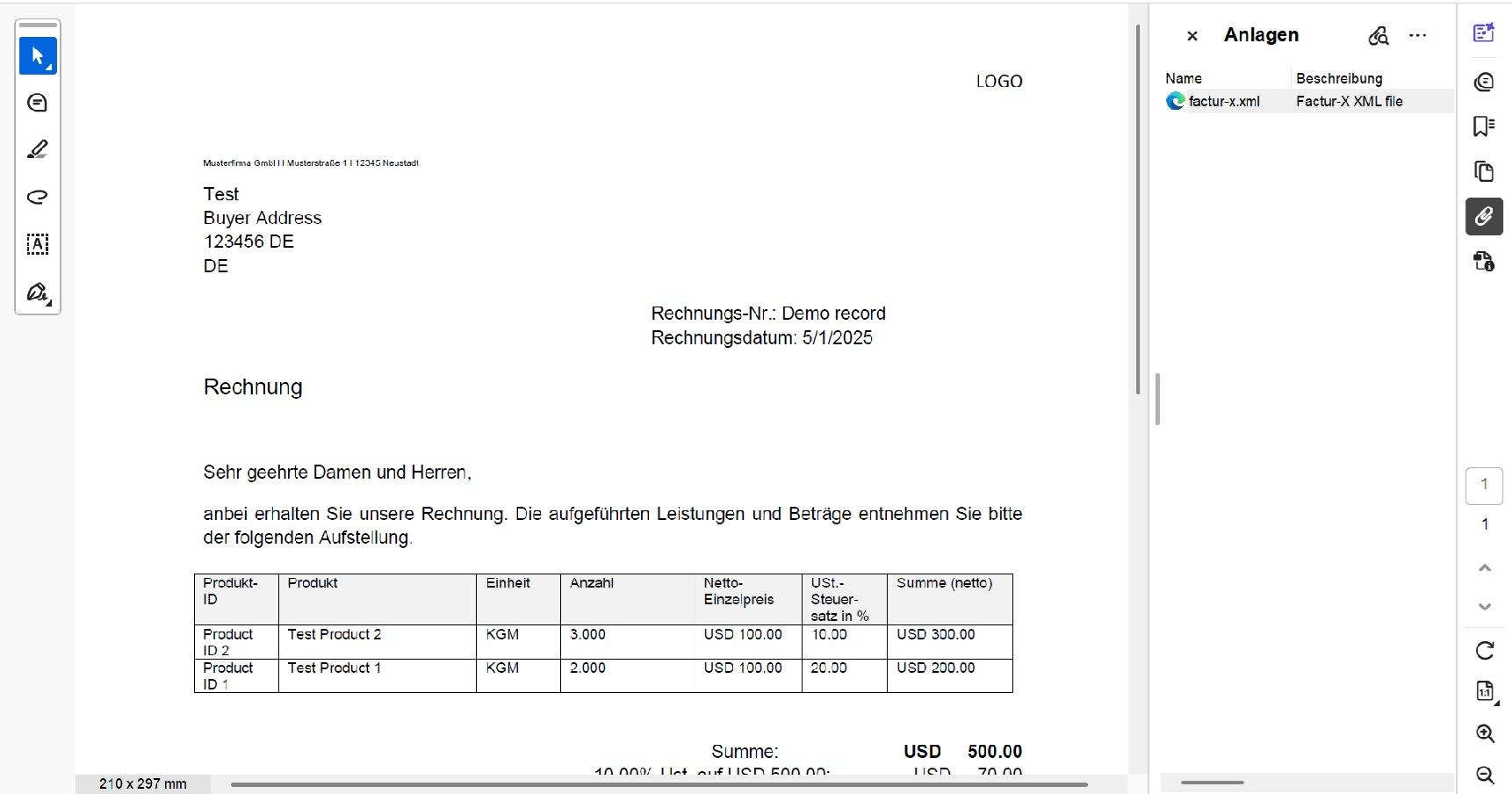
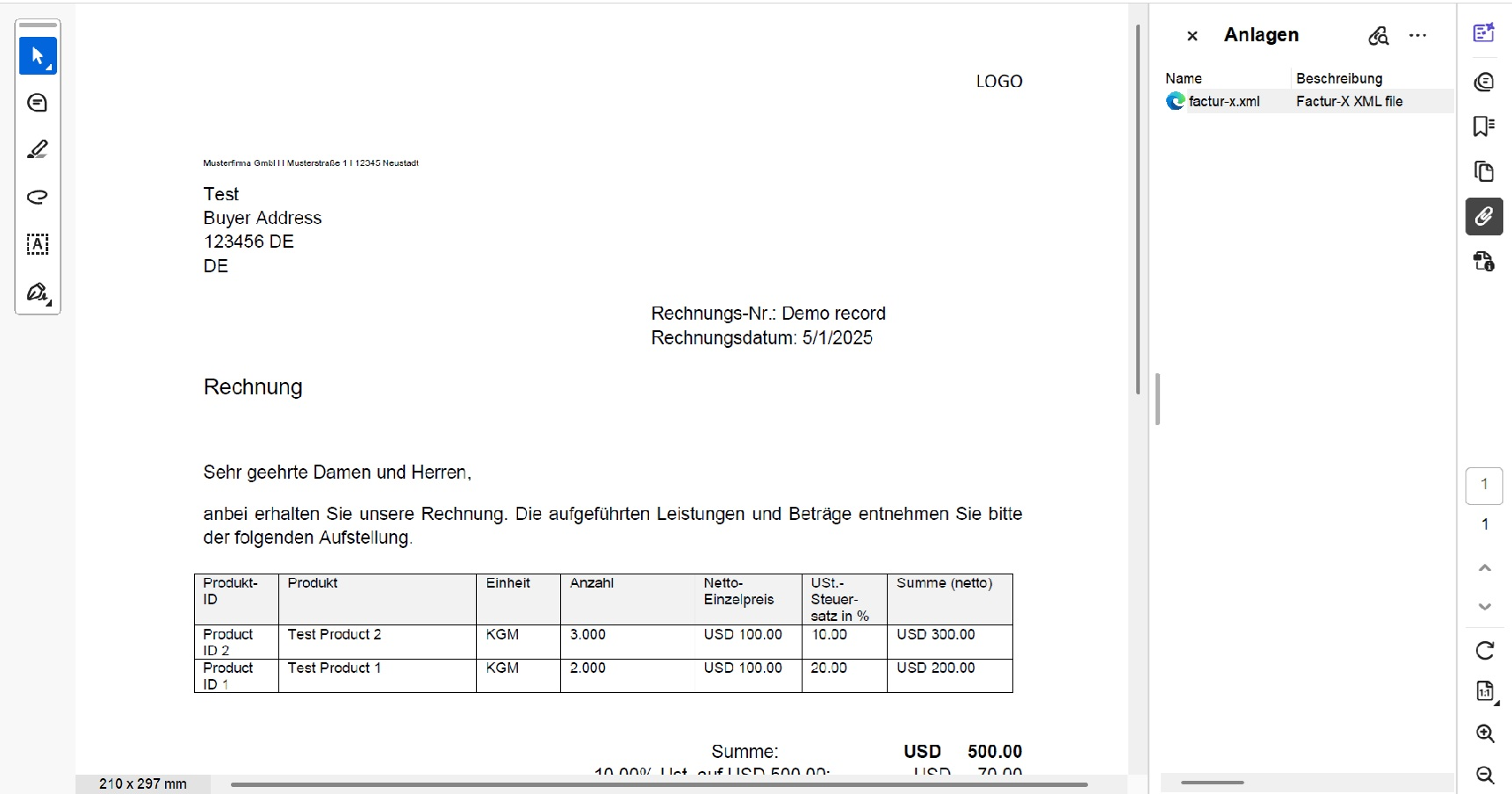
ZUGFeRD-Compliant PDF Invoice Generation
Effortlessly produce smart PDF invoices that combine a readable document with embedded ZUGFeRD XML - meeting all compliance requirements in a single file.
Pricing
Monthly
Annual
Standard
$
490.00 / month
billed annually
The app requires a Word to PDF conversion app for generation documents in PDF format.
Terms and Conditions
By installing this product you agree to terms and conditions outlined in the license agreement.
Support
Support is available for this application
Support is provided by the developer within the “Basic” and “Business” packages. Detailed information about the support packages and the support terms can be found on the Creatio website.
Installation
Setup guide
Please see attached guide.
Compatibility notes
Compatibility notes
The app requires a Word to PDF conversion app for generation documents in PDF format.
Data sharing
- By installing or downloading the App, you confirm that you agree with sharing your account data (name, email, phone, company and country) with the App Developer as their End User.
- The App Developer will process your data under their privacy policy.
Versions
Versions history
Version
Compatibility
Release date
1.0.0
8.2.0 and up
Manual app installation
- Open the needed app → the Packages tab - download the Markeplace app files.
- Click in the top right → Application Hub
- Click New application. This opens a window.
- Select Install from file and click Select in the window that opens.
- Click Select file on the page of the Marketplace App Installation Wizard and specify the app file path.