

Marketplace updates: New screenshot policy to help you sell more
We’ve launched an updated screenshot policy that gives partners more creative freedom while keeping visuals consistent, clear, and built to convert.
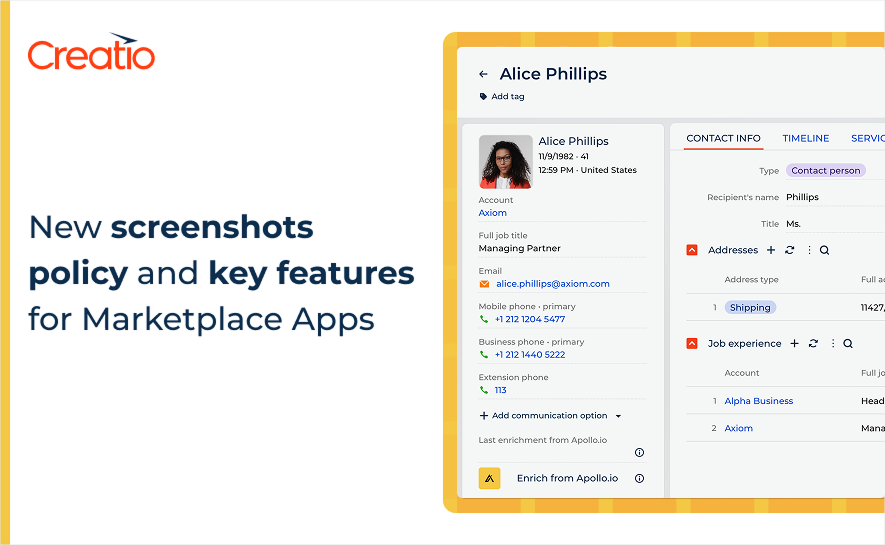
We’re introducing a new screenshot policy for Creatio Marketplace listings, created to help partners showcase solutions more effectively—and help customers understand value faster. The goal is straightforward: screenshots should sell your solution, not just document it.
More freedom to show what makes your app valuable
We’ve simplified our approach so you have more creative room to present your app the way you believe it should be seen. You know your audience and use cases best, and this update is designed to support that—while still keeping Marketplace pages polished and consistent.
A few requirements to keep quality high
To ensure customers get a clean, readable experience across listings, we’ve kept the requirements minimal and focused mainly on resolution and dimensions. That means you can spend less time trying to “fit the template” and more time creating visuals that make your solution stand out.
You can review the complete requirements here.
Feature screenshots: keep it use-case focused
We’ve also aligned our feature screenshot policy with the same principles. The main recommendation: focus each screenshot on a specific use case. This makes it easier for customers to quickly understand what your solution does and where it fits in their workflow—without needing to interpret a busy or overly generic screen.
When you choose a use case per screenshot, your listing becomes easier to scan and more persuasive, because each visual has a clear “job”:
- Show a problem being solved
- Highlight the outcome or value
- Make the flow easy to follow at a glance
Advertising screenshots: boost visibility and engagement
Alongside listing screenshots, we strongly encourage partners to use advertising screenshots to increase visibility and drive engagement with your Marketplace presence. These visuals can help your solution stand out in promotional placements and make your message clearer before a customer even opens your listing.
To help you create high-converting creatives, we’ve published a detailed guide with practical tips and best practices on Creatio Community.
Moving forward
This update is about making Marketplace listings stronger and easier to understand—while giving partners the flexibility to communicate value in the most effective way for their product.
Let’s build a better Marketplace experience together — one screenshot at a time.
Need to take action after this update?
Open your Marketplace Console to manage apps and requests – or contact Marketplace for assistance.