


Field Sales
 Bestsellers
Overview

Product overview
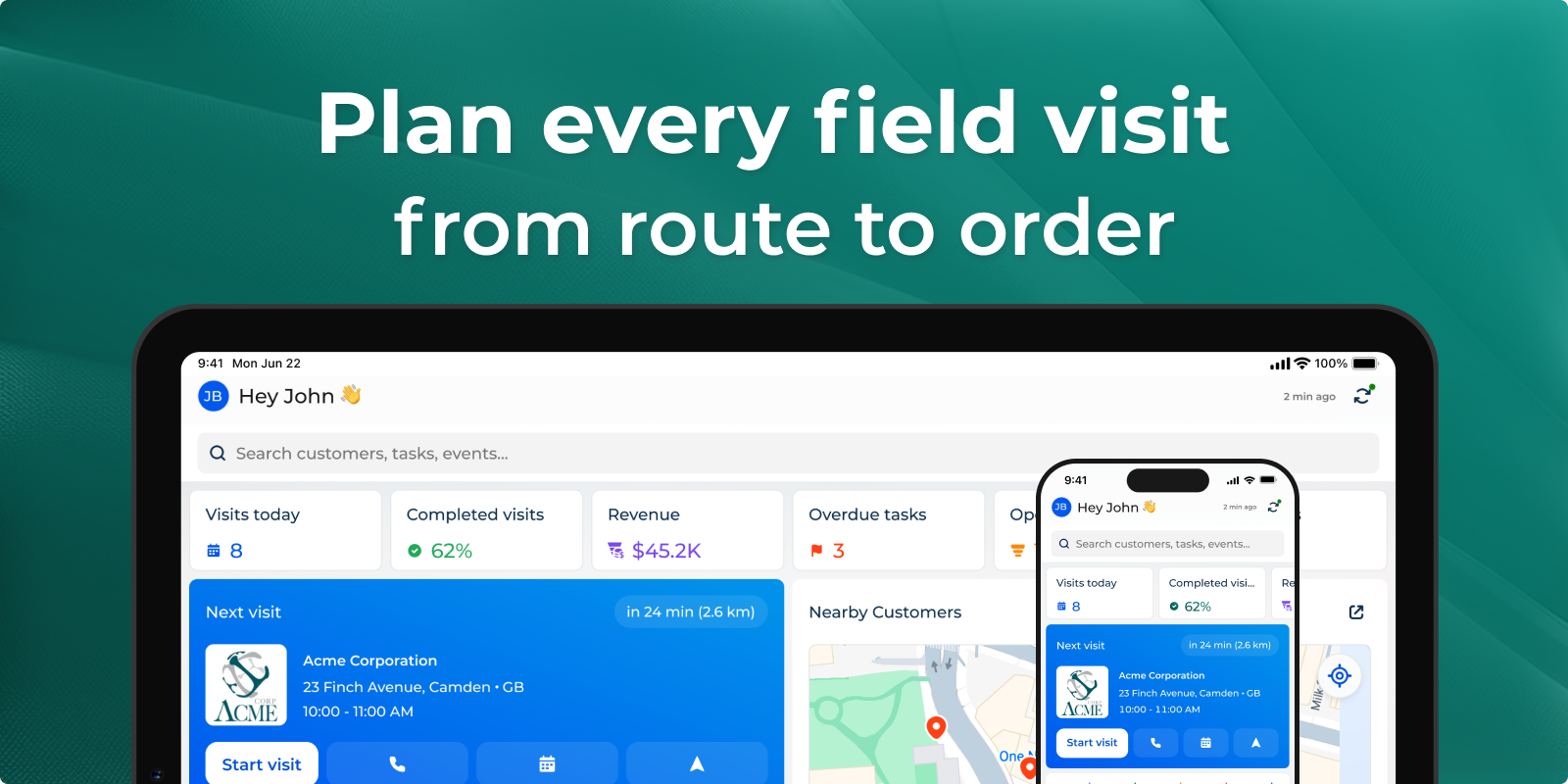
Field sales allows automating sales rep tasks. Sales reps use Creatio mobile app in the field to check visit “to-do” list, record the meeting time frame, conduct presentations, monitor SKUs, and place orders.
Use cases:
-
Territory & route management
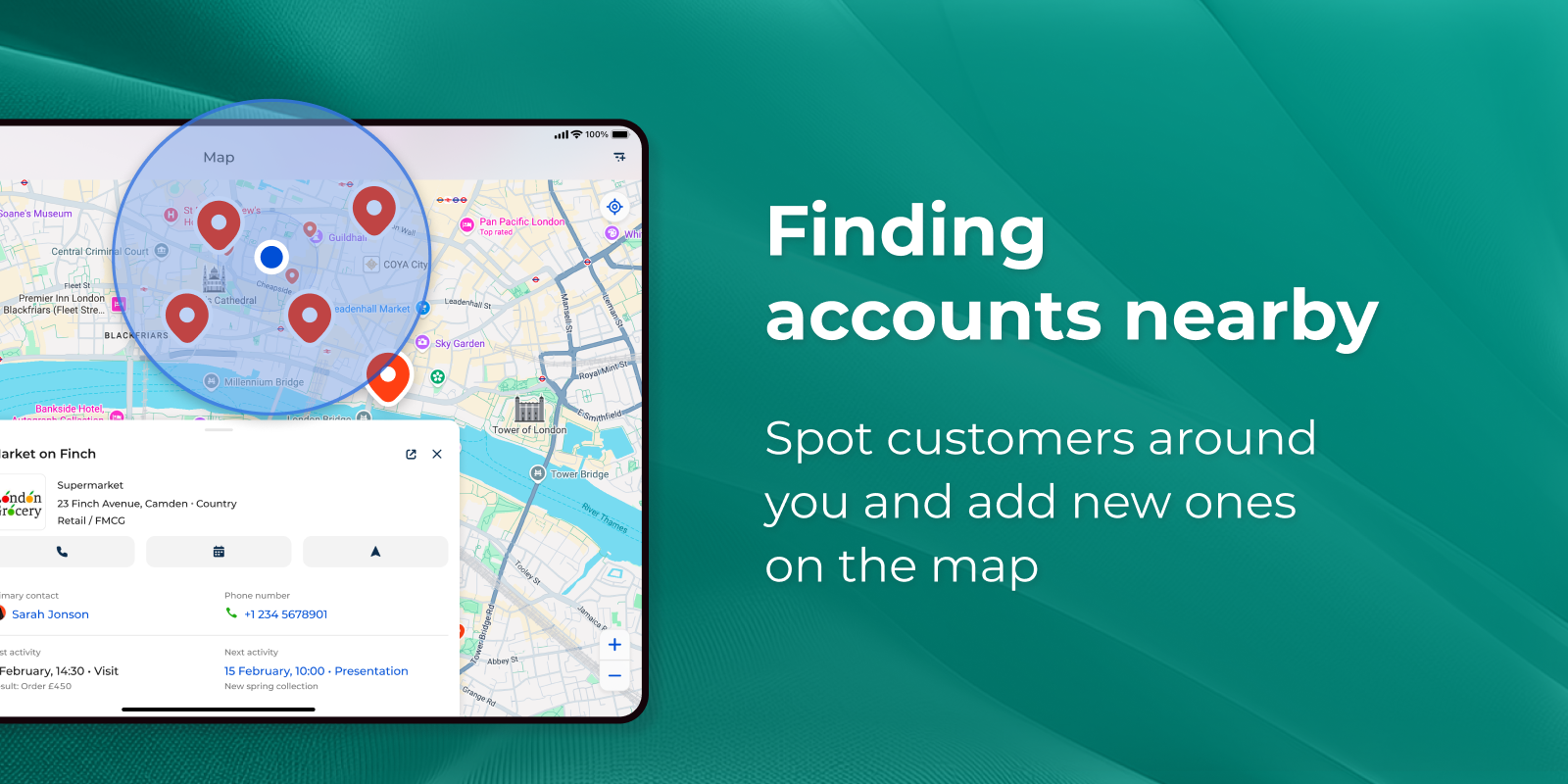
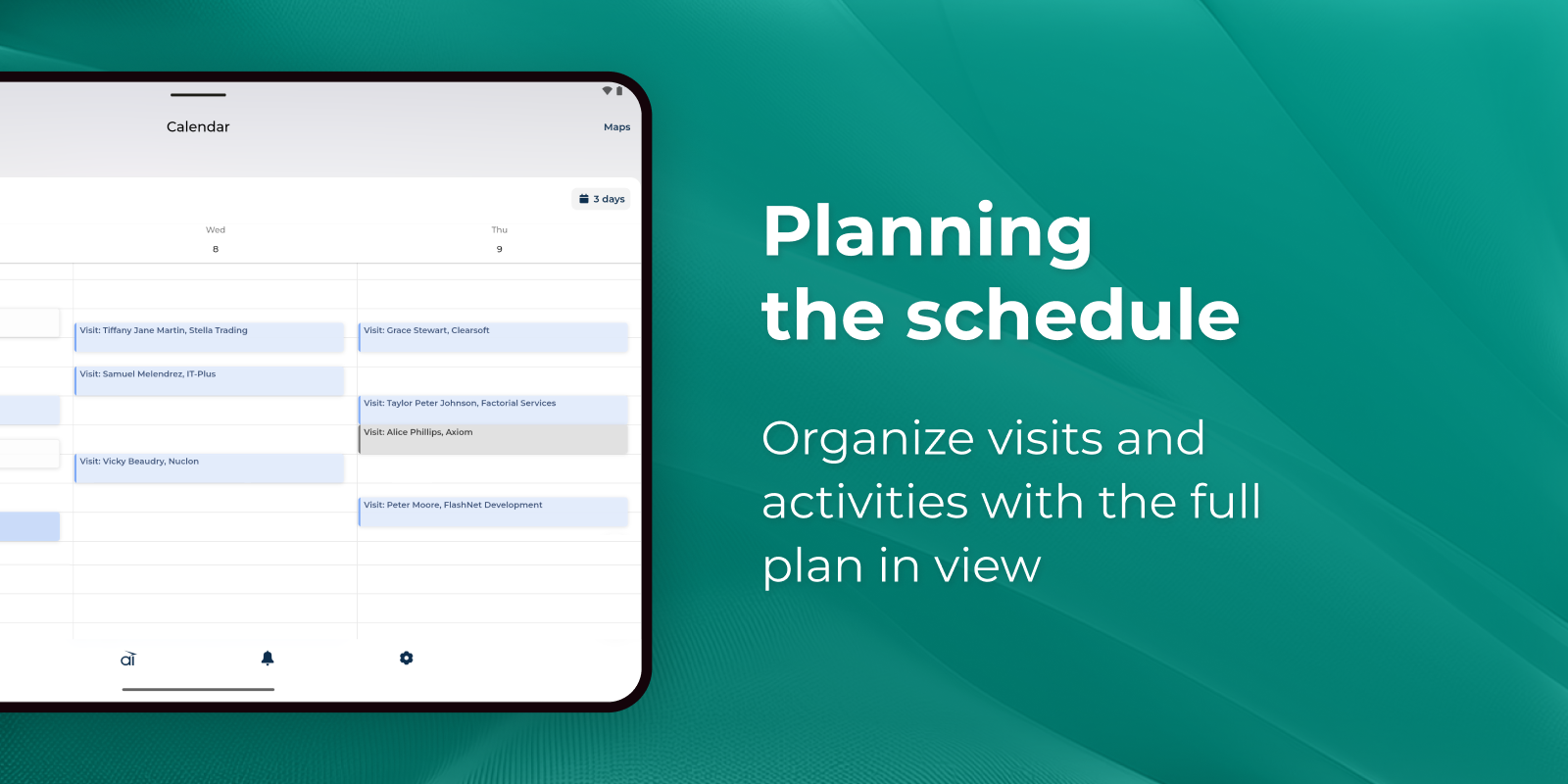
Sales managers build visit schedules and territories; reps see the day laid out the moment they open the app. The map surfaces nearby accounts, suggests the optimal route, and lets reps capture a brand-new outlet with a single tap on its location — so less time is spent driving and searching, and more on selling. Geo-tagged check-ins give managers a reliable, real-time picture of field coverage and rep productivity. -
Standardized in-store execution
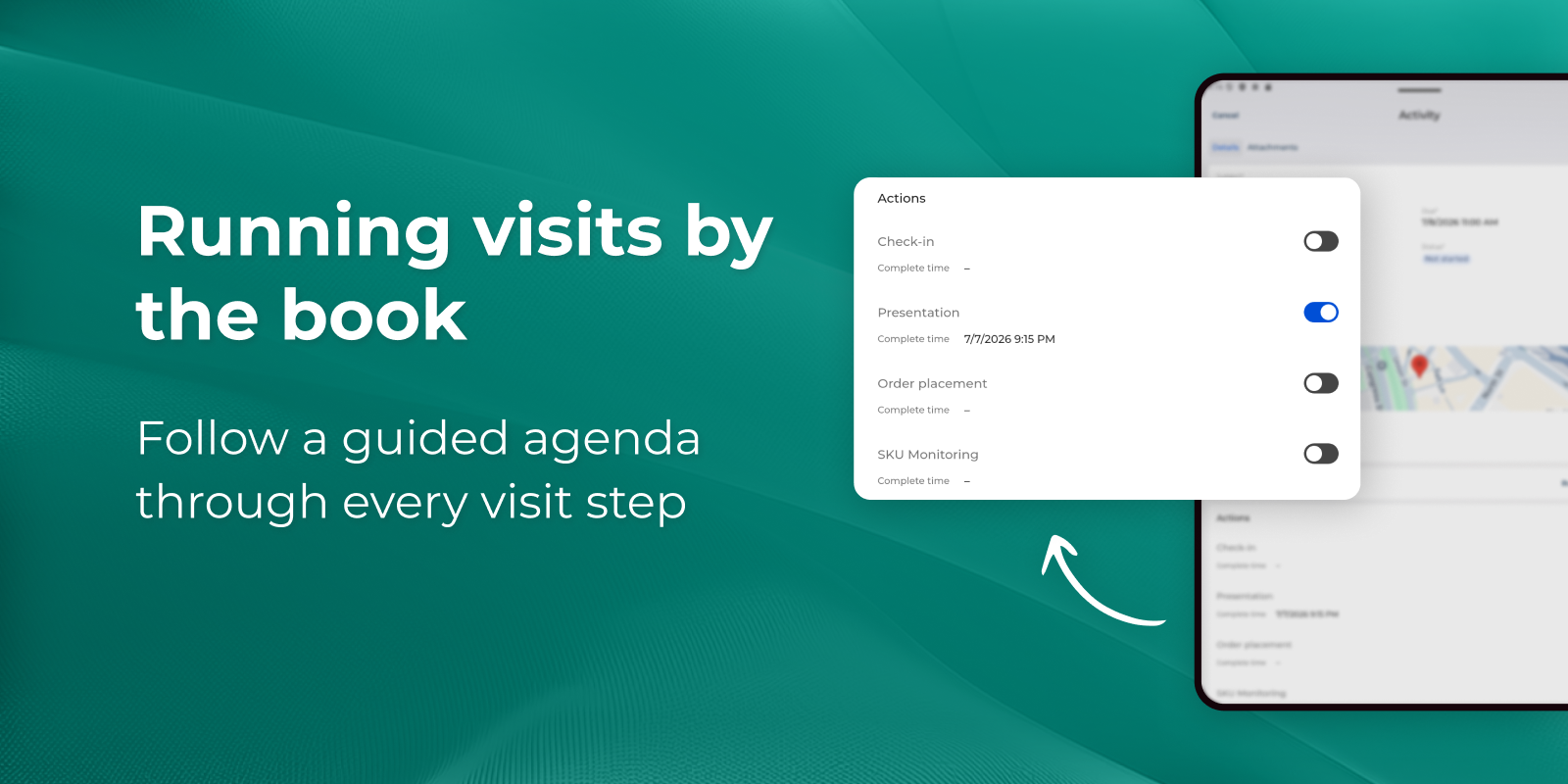
Every visit runs against a structured agenda tailored to the customer's category, so field standards are applied consistently across the whole team — not left to memory. Reps check in on location, work through mandatory steps, run shelf audits and surveys, and record outcomes on the spot. The result is comparable, trustworthy data from each visit and a measurable lift in execution quality. -
Order capture at the point of sale
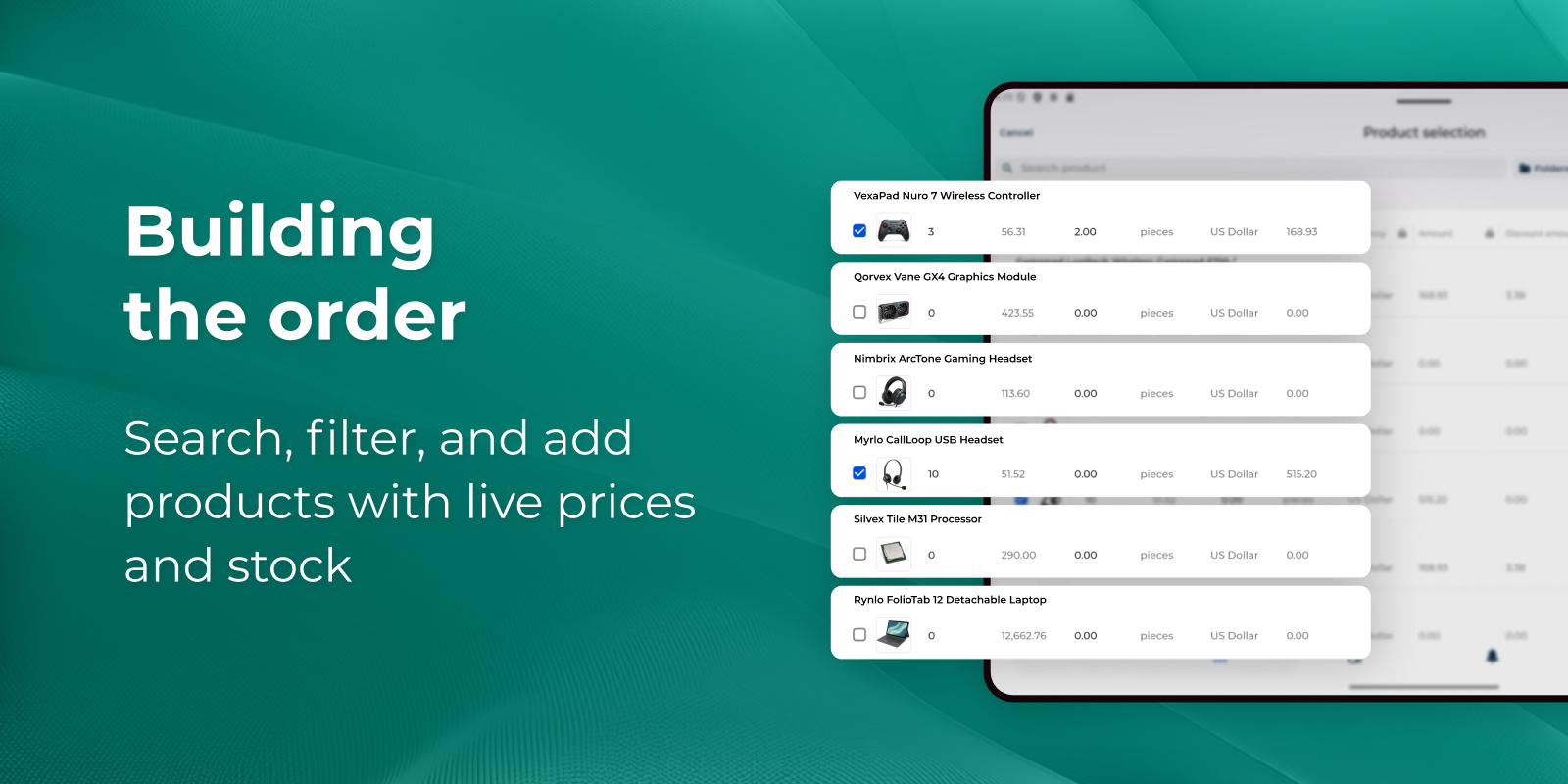
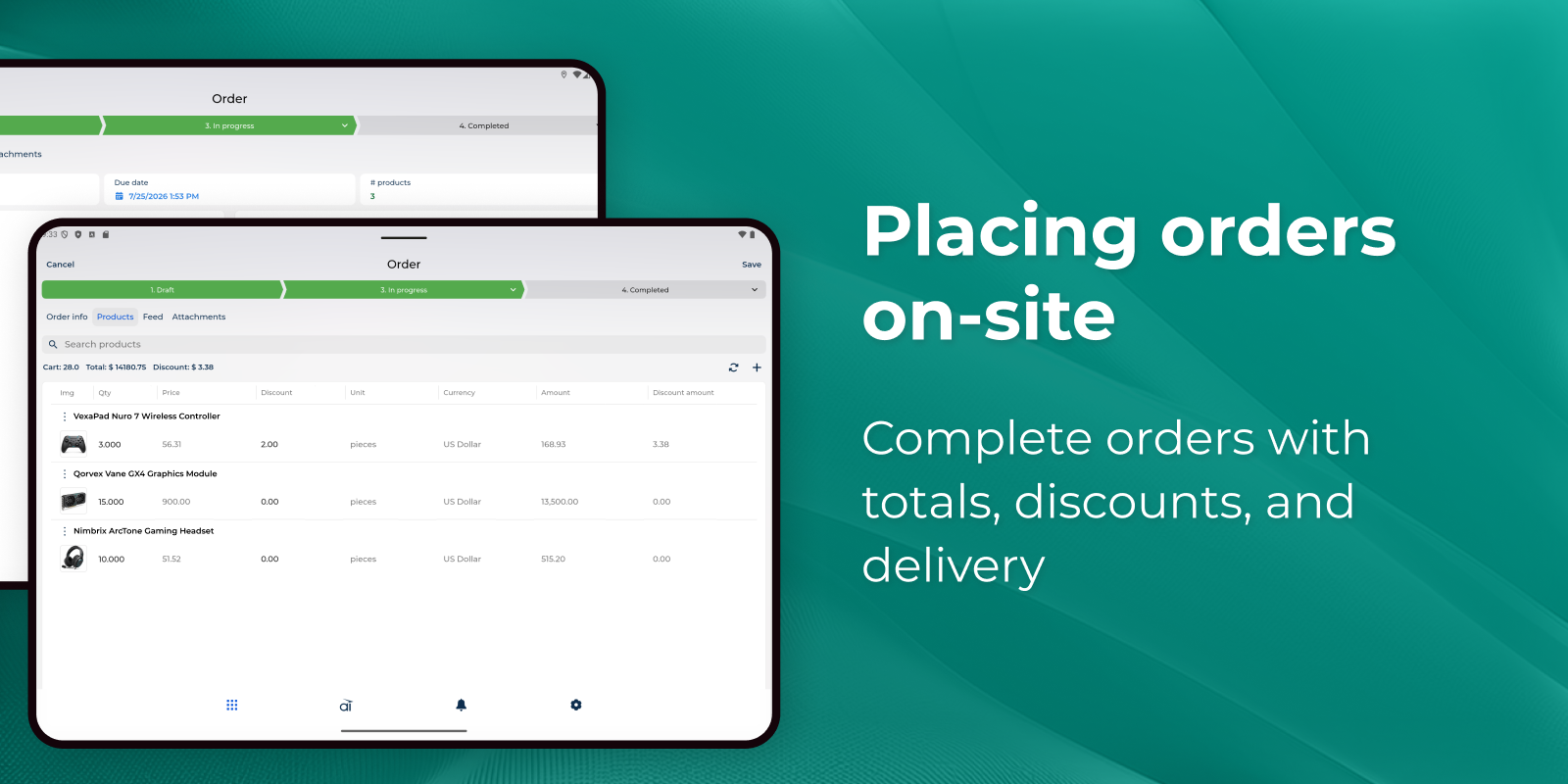
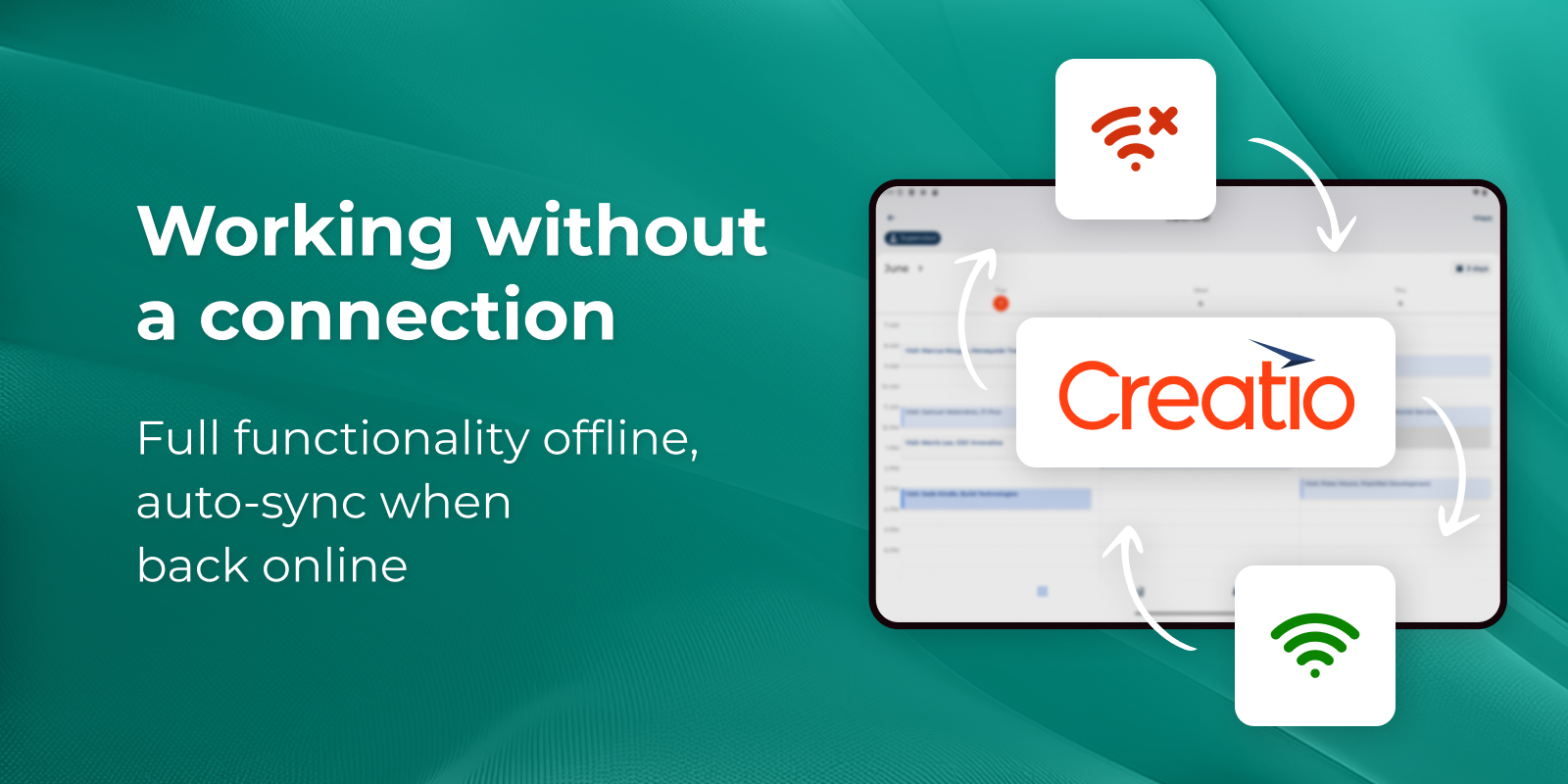
Reps turn a conversation into revenue without leaving the meeting: browse the assortment, apply the right prices, discounts, and contract terms, and confirm a complete order in seconds. Because everything works fully offline, a weak signal never blocks a sale — orders sync automatically the moment the connection returns. -
A single source of customer truth
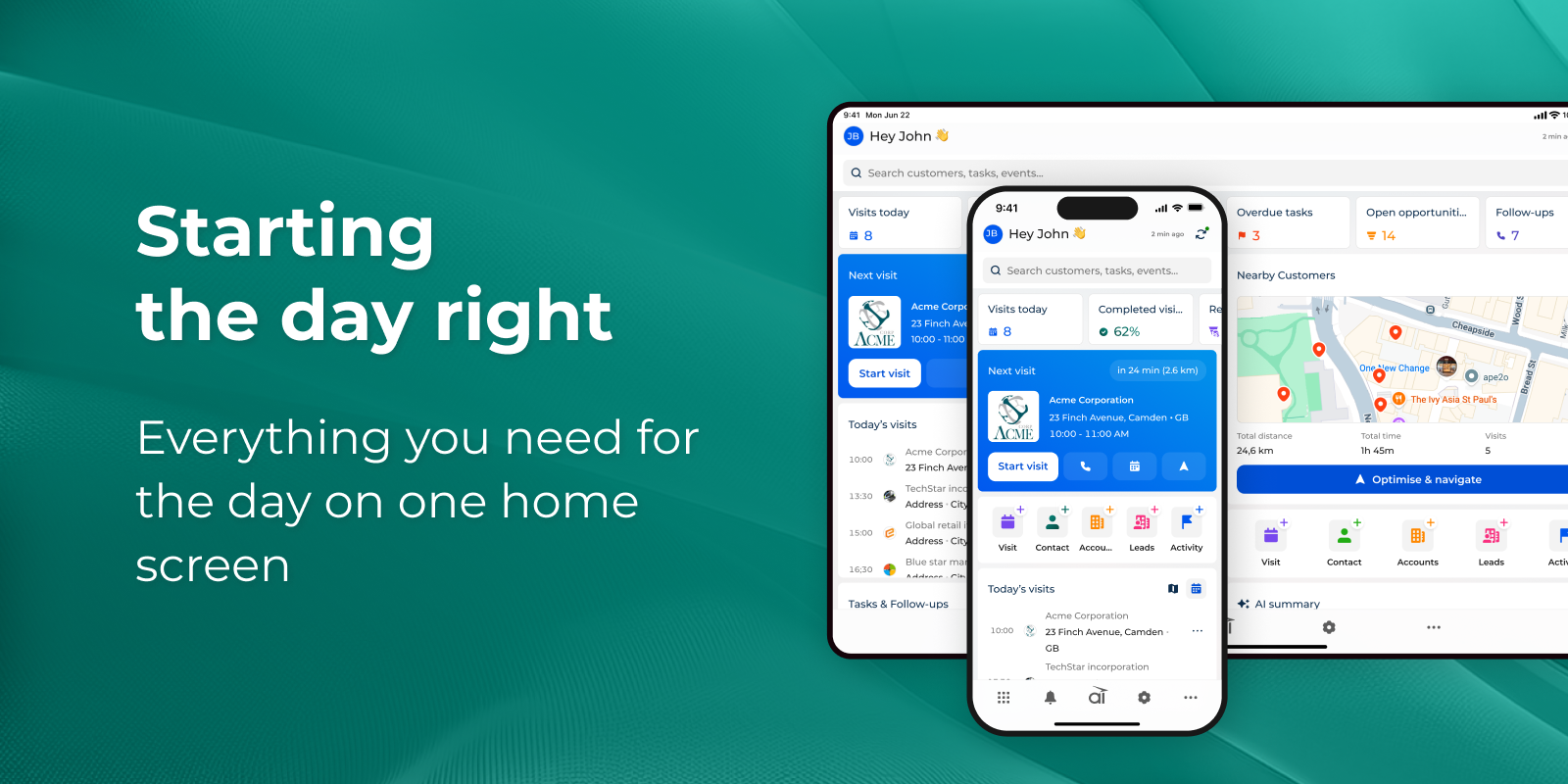
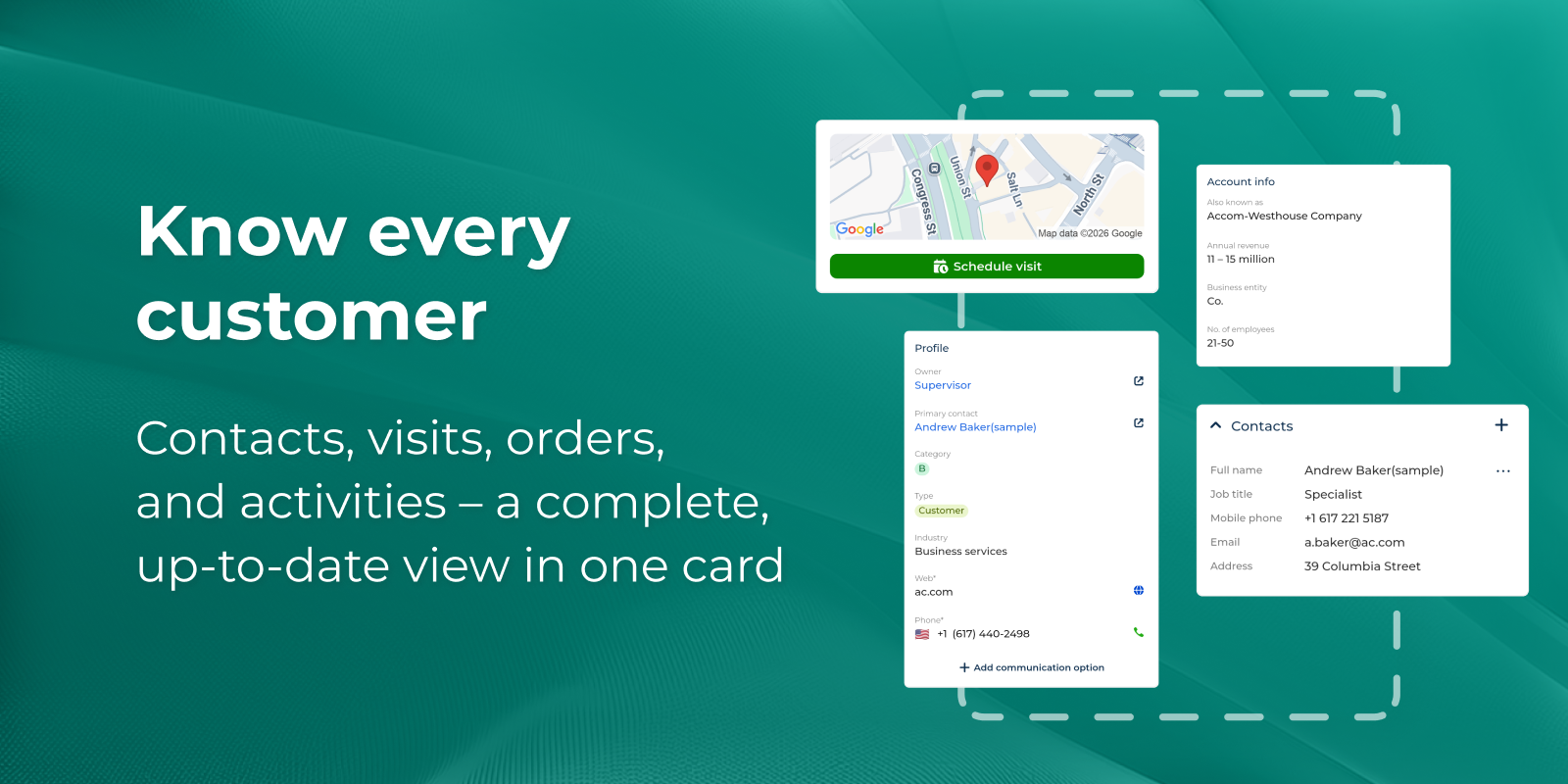
Redesigned account cards consolidate contacts, visit history, orders, and activities into one view, while surveys stay in sync between mobile and web. Field and back-office teams act on the same up-to-date information, cutting duplicate data entry and follow-up delays.
Key Features
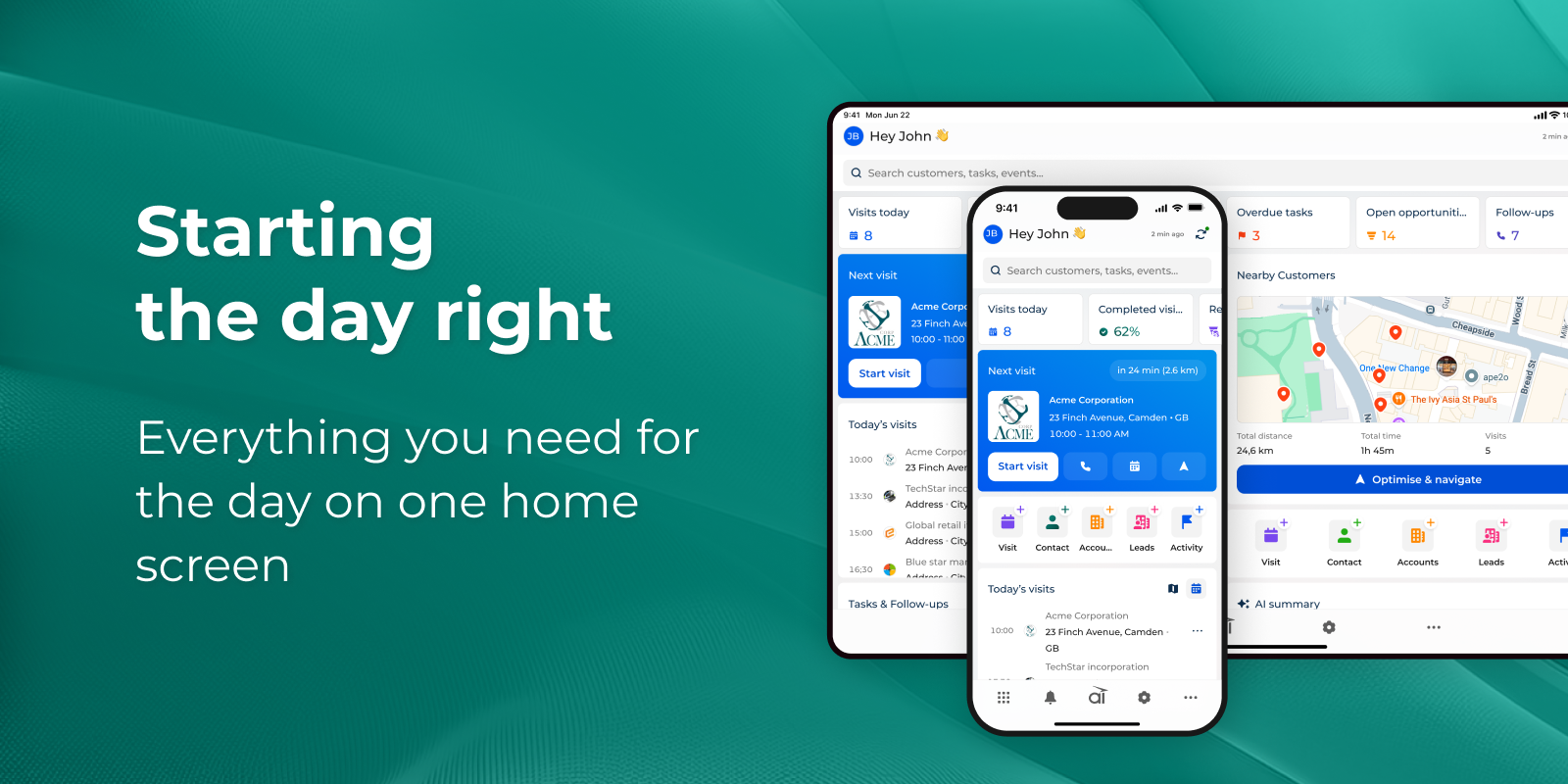
Personalized home workspace
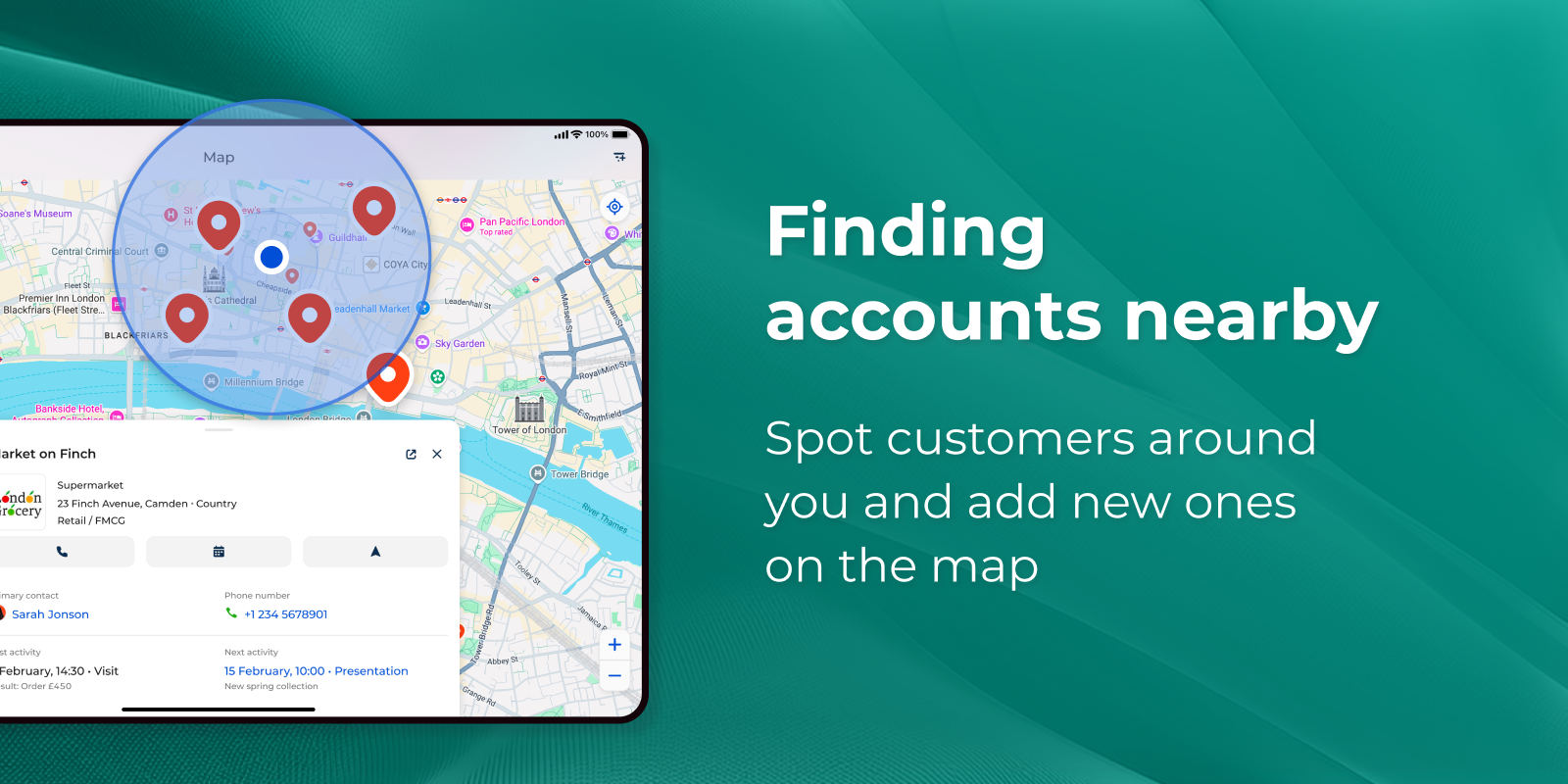
Interactive maps with on-tap account creation
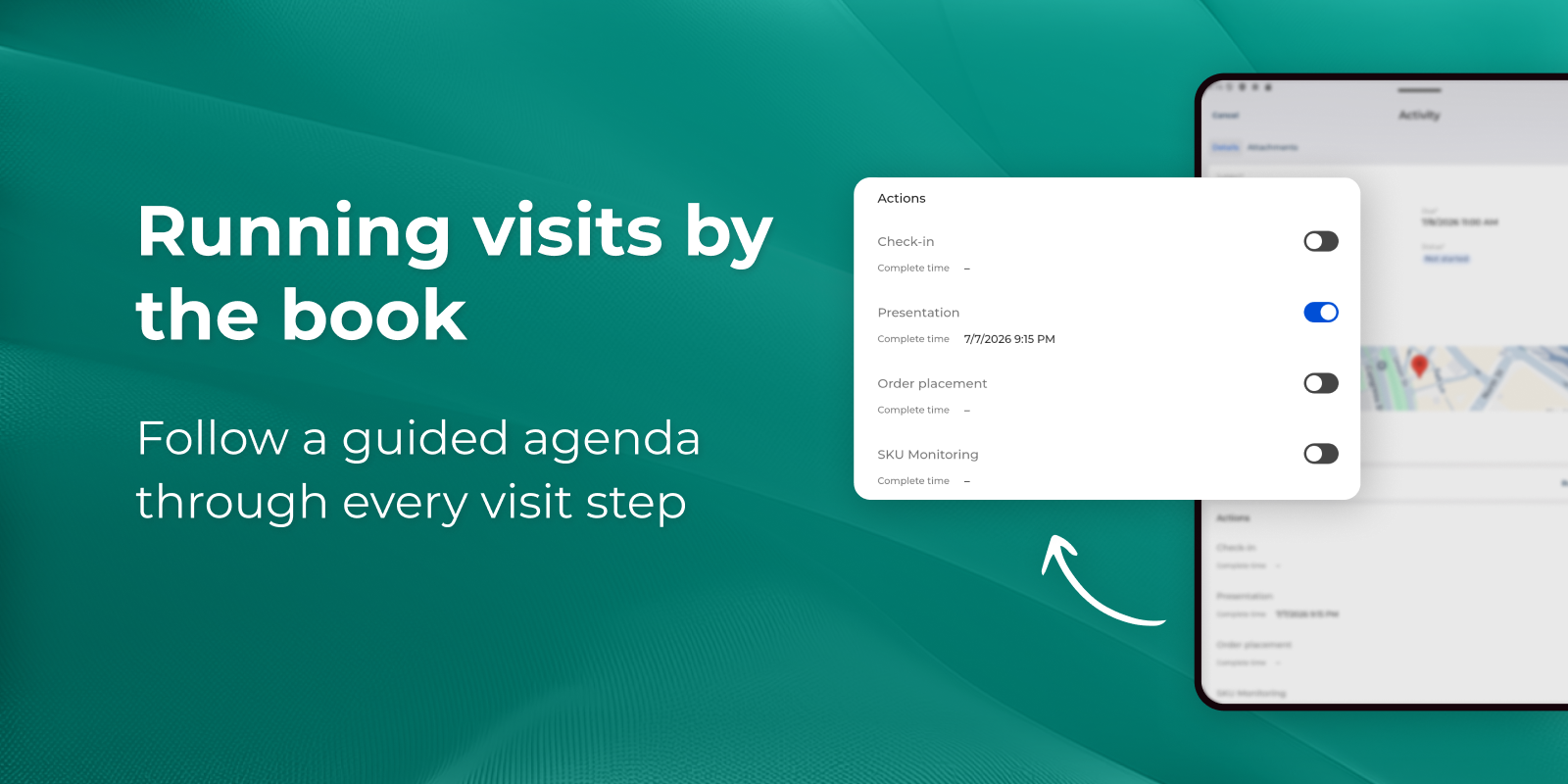
Guided, category-aware visits

Unified surveys across mobile and web
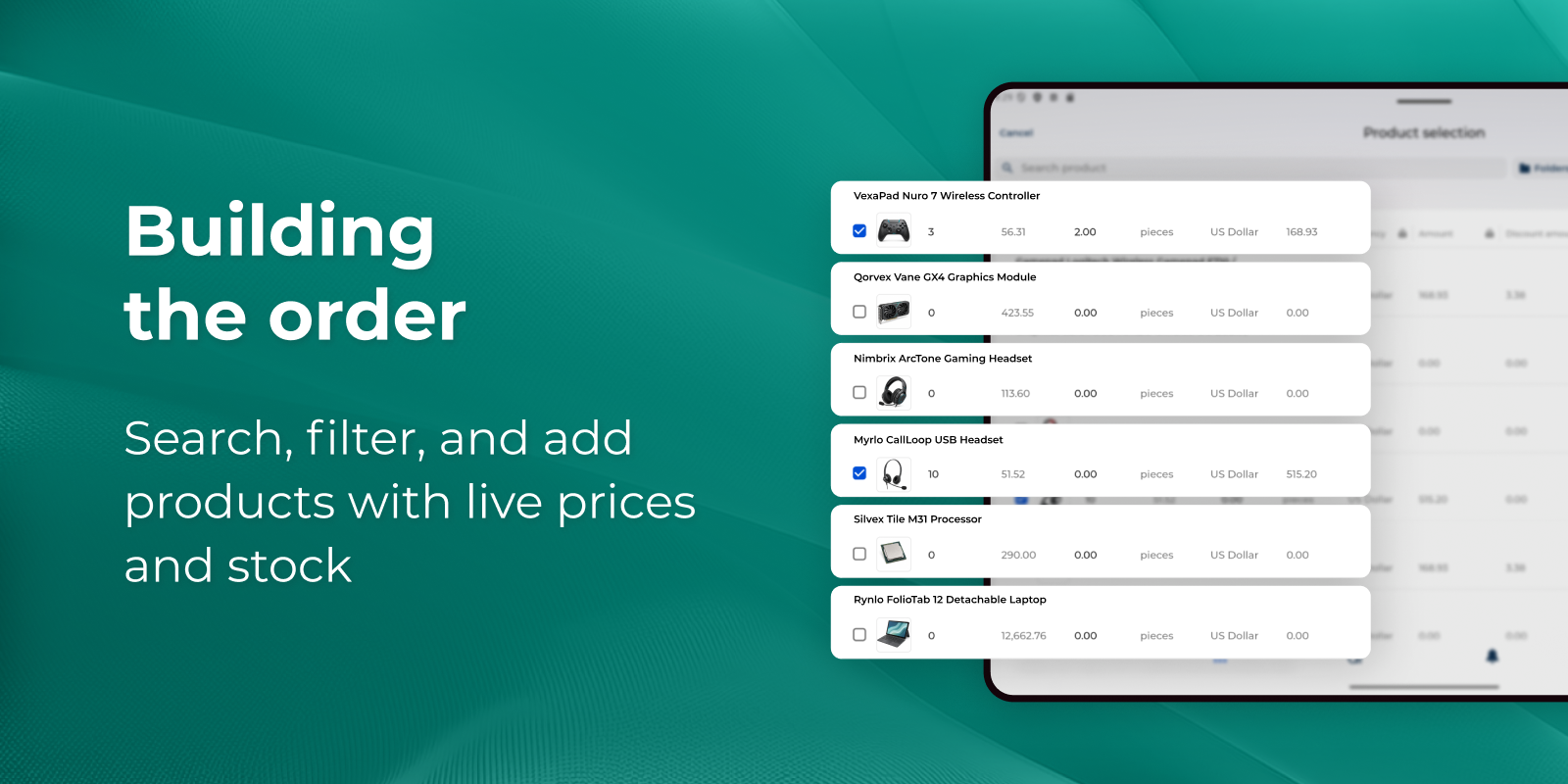
Streamlined product selection
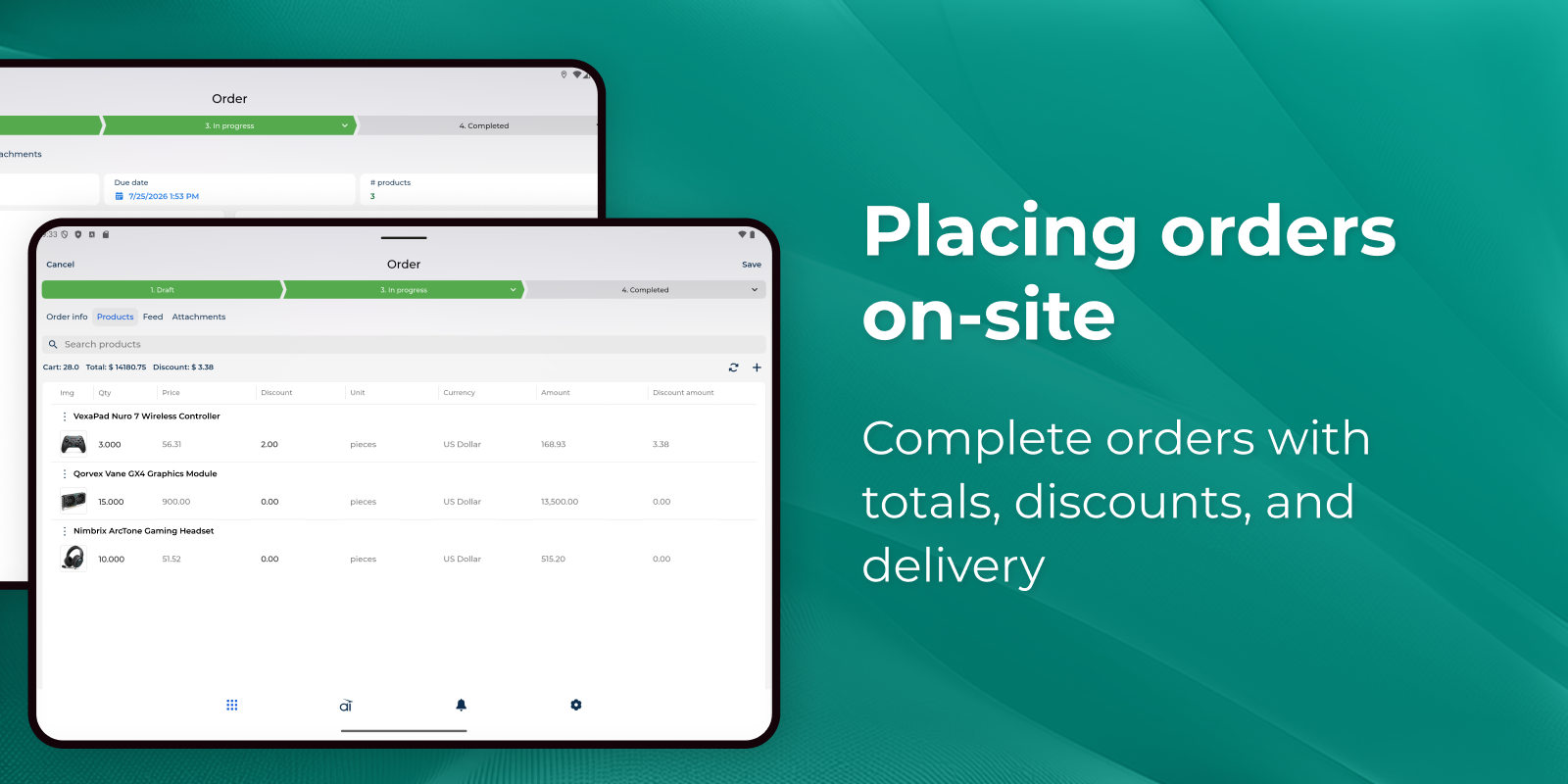
On-site order management
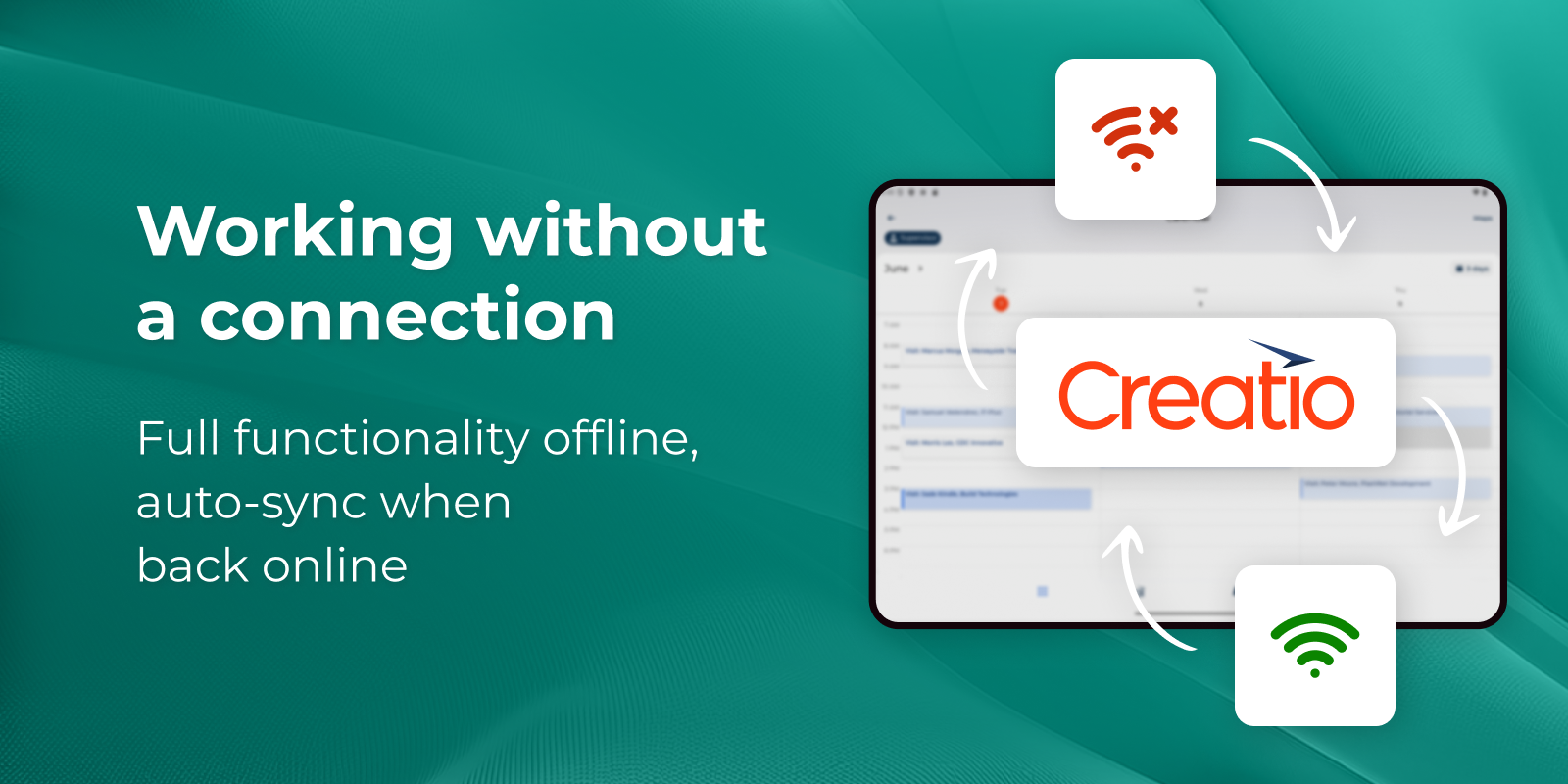
True offline-first operation
Pricing
Terms and Conditions
Support
Installation
Resources
Data sharing
- By installing or downloading the App, you confirm that you agree with sharing your account data (name, email, phone, company and country) with the App Developer as their End User.
- The App Developer will process your data under their privacy policy.
Versions
Versions history
- Introduced Homepage — brings together disparate daily activities into one unified entry point for action.
- Unified the account card — contacts, visit history, orders, and activities are now consolidated in one view for field and back-office teams.
- Implemented standardized visits — a step-by-step agenda tailored to the customer's category now guides check-in, shelf audits, and surveys on the spot.
- Enabled point-of-sale order capture — assortment, pricing, and discounts are now available directly in the store, fully offline with automatic sync.
- Ensured compatibility with Feedom UI Mobile Designer — all functionality now supports no-code page configuration without writing code.
- Activities section is now available in the Fields workplace
- Knowledge Base, Order, Contacts, and Accounts sections are now available in Freedom UI for the Fields workplace
- New Freedom UI Shell is supported
- The app is now visible in the Application Hub
Manual app installation
- Open the needed app → the Packages tab - download the Markeplace app files.
- Click in the top right → Application Hub
- Click New application. This opens a window.
- Select Install from file and click Select in the window that opens.
- Click Select file on the page of the Marketplace App Installation Wizard and specify the app file path.
Compatibility notes
In order to install the 'Field sales' add-on, a minimum of one Sales Creatio license is required.