


GUMU Maps
Overview
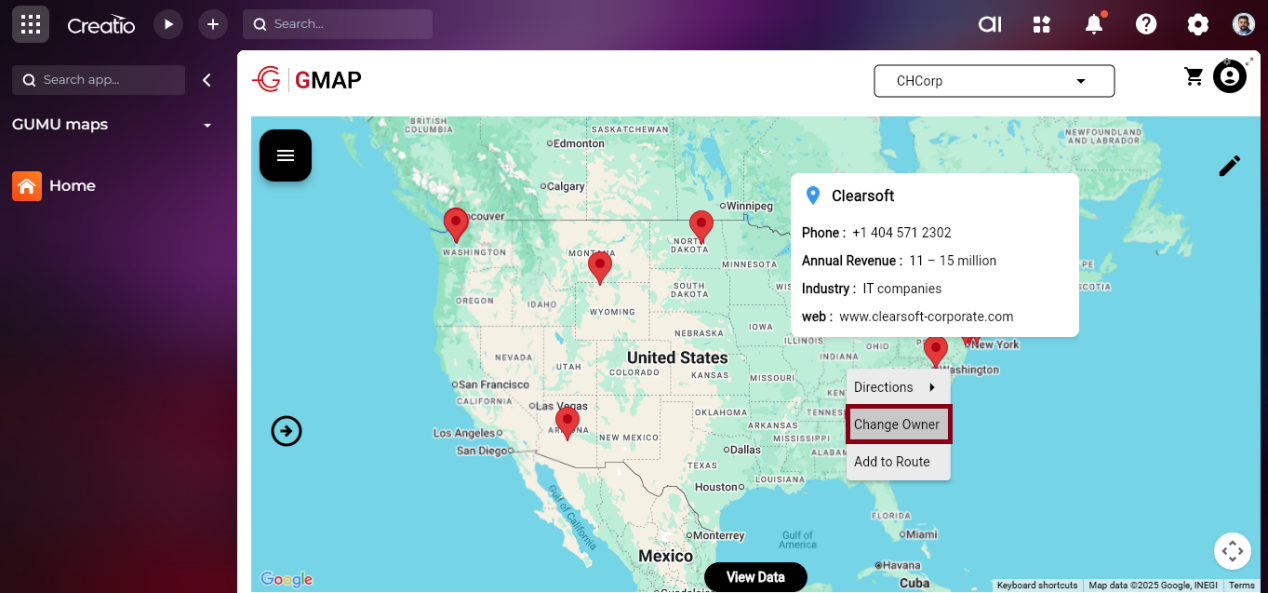
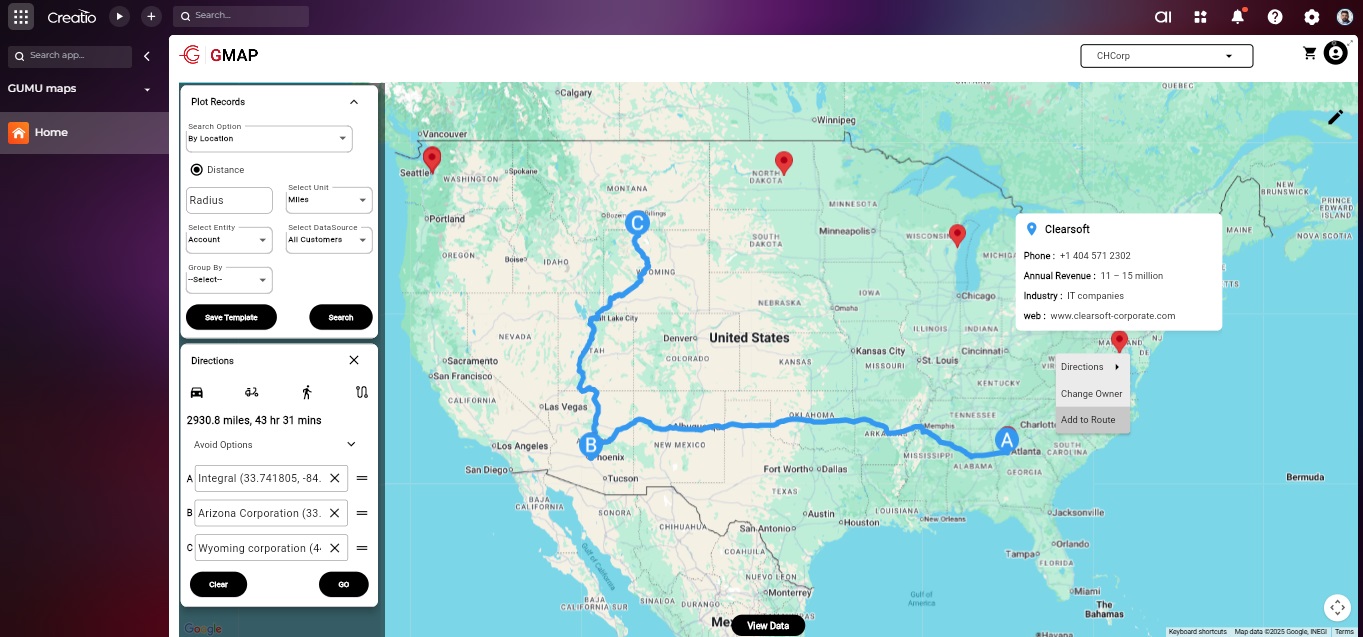
Product overview
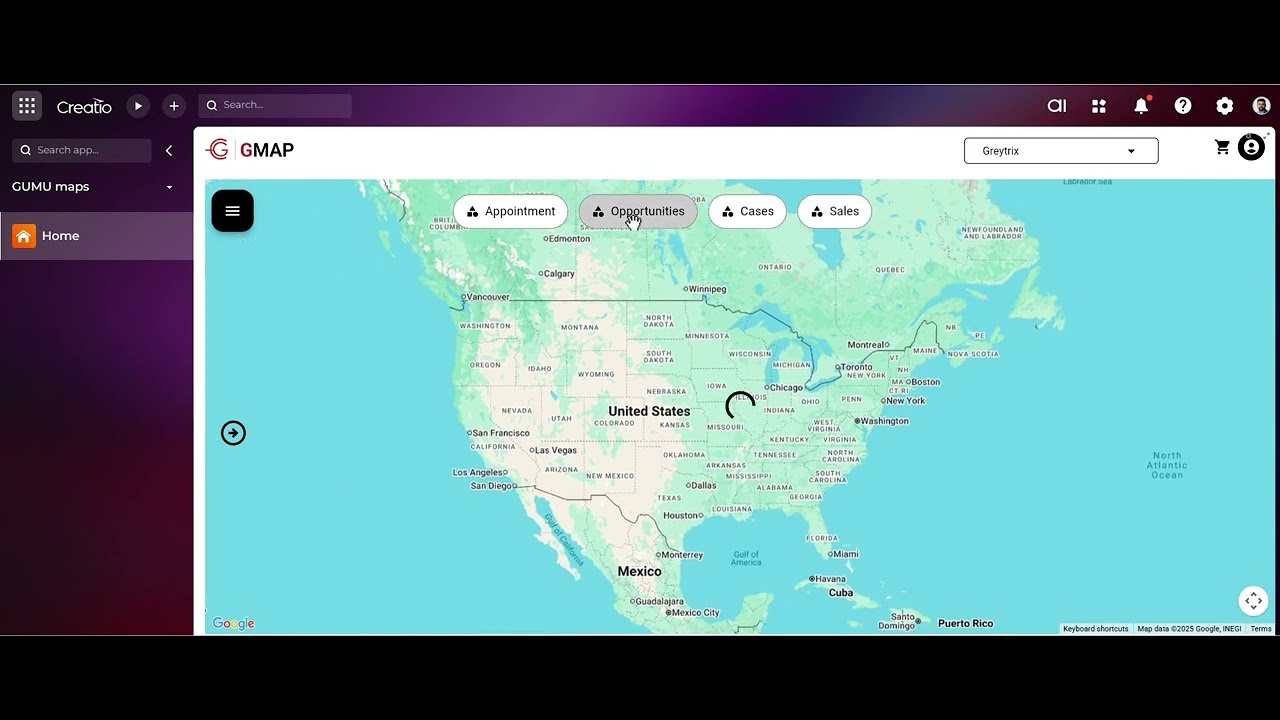
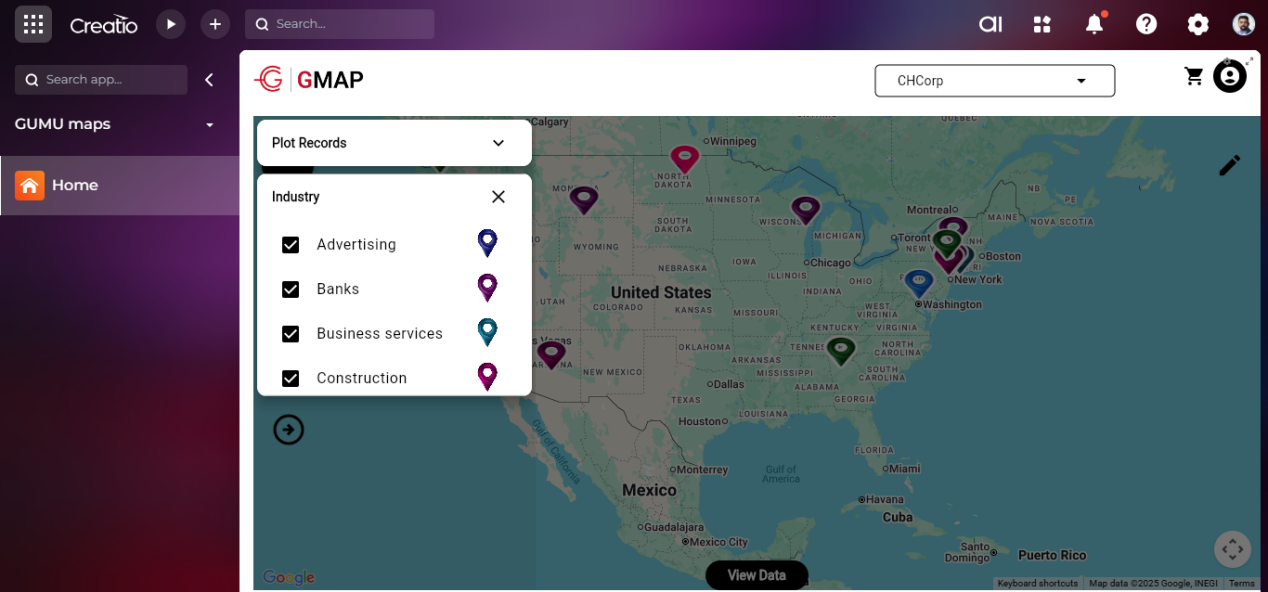
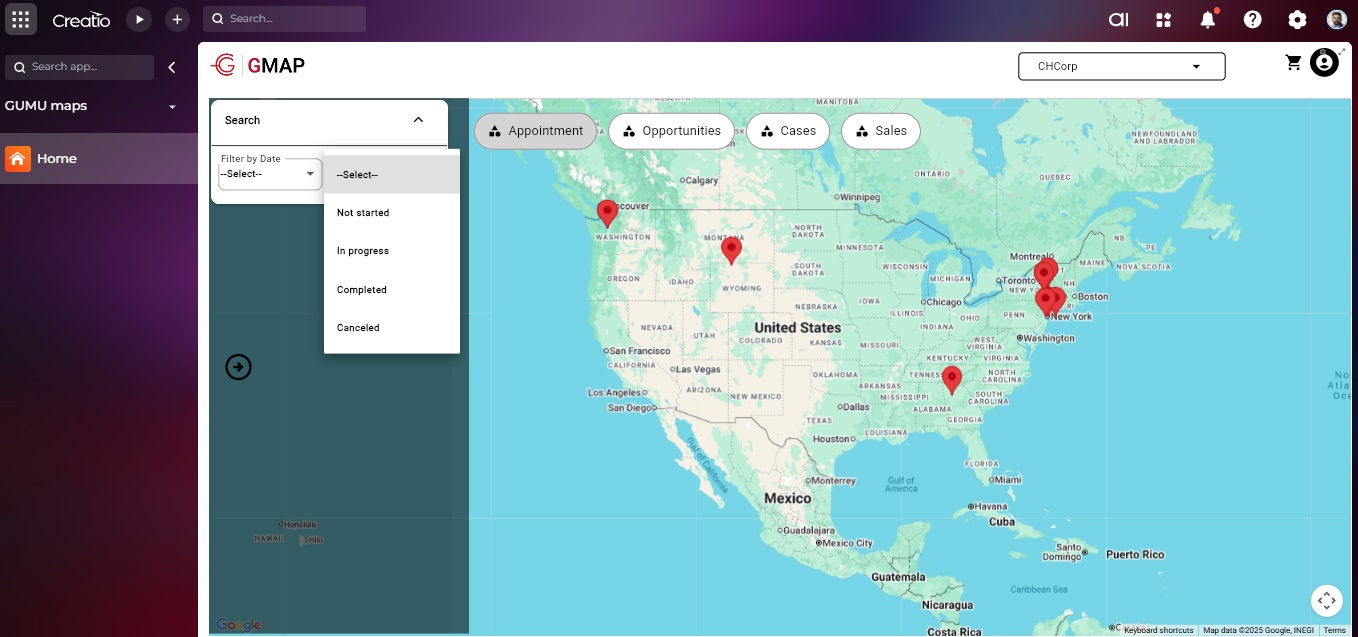
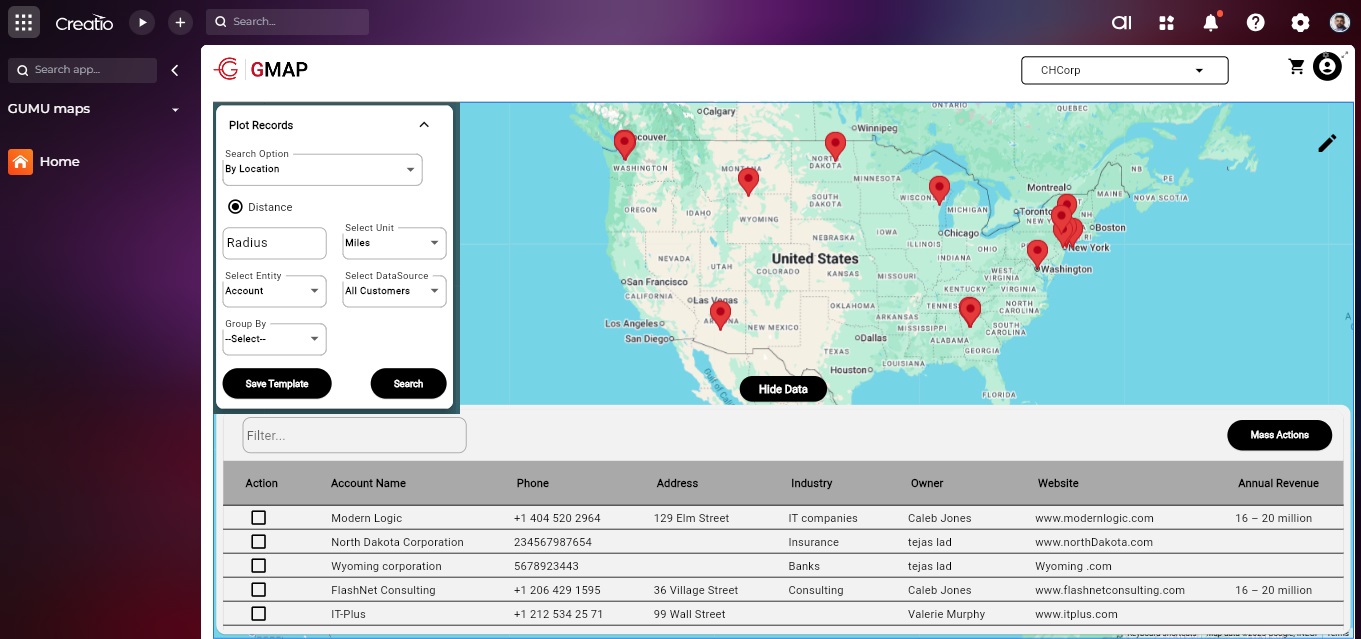
GUMU maps is an integration between Google Maps and Creatio to enhance locational intelligence, improve sales/service operations, and optimize customer engagement strategies.
The primary objective of this product is to provide actionable insights, route optimisation, and efficient resource allocation by visualizing and analysing Creatio account data on Google Maps.
Key Features

Dashboards
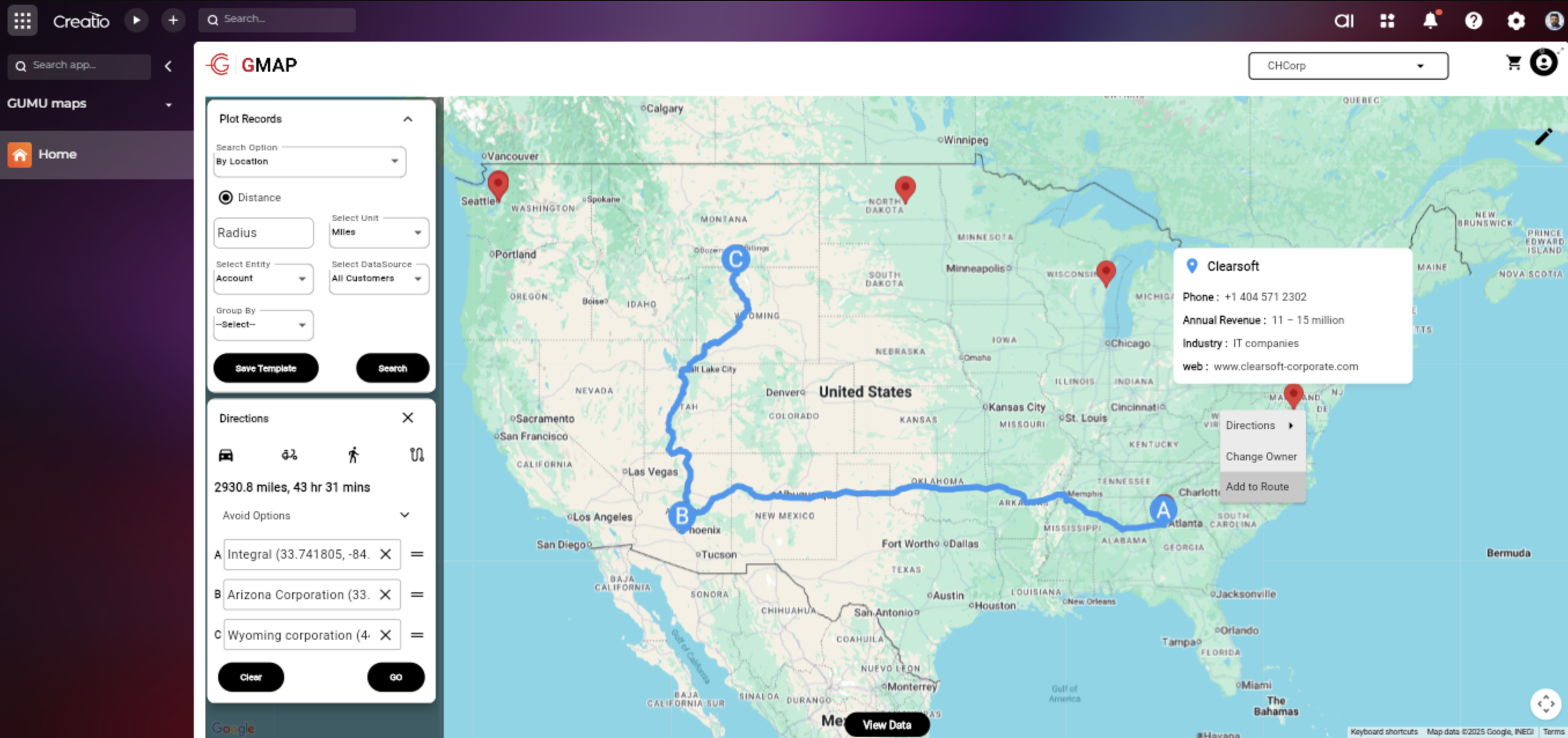
Route Planning
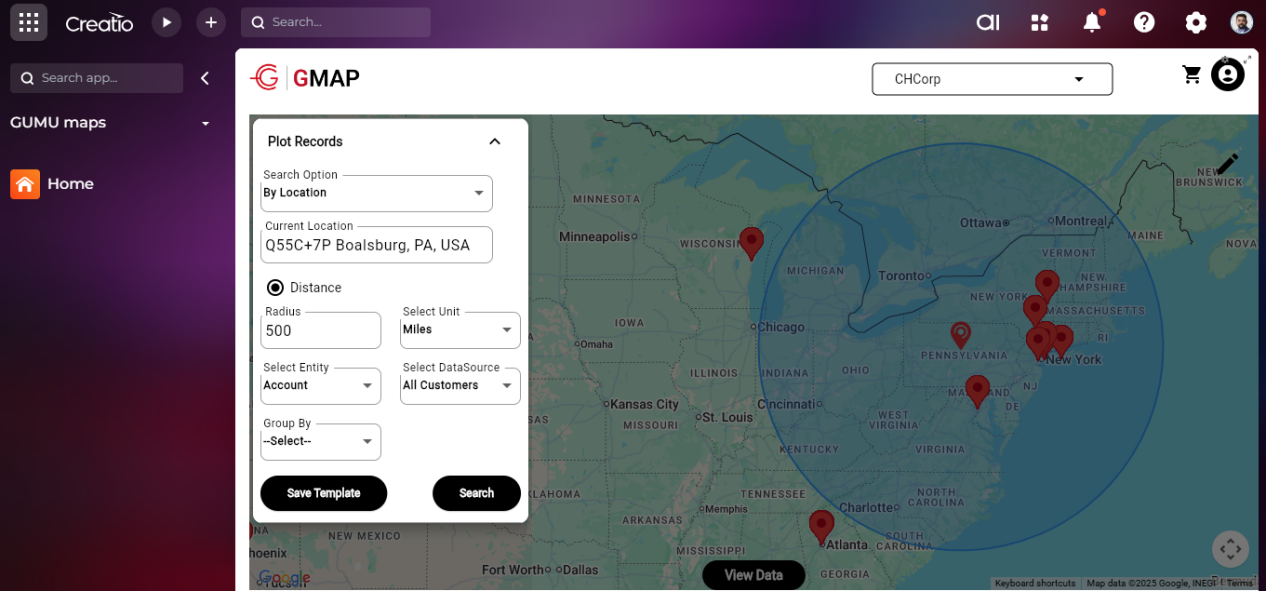
Proximity Search
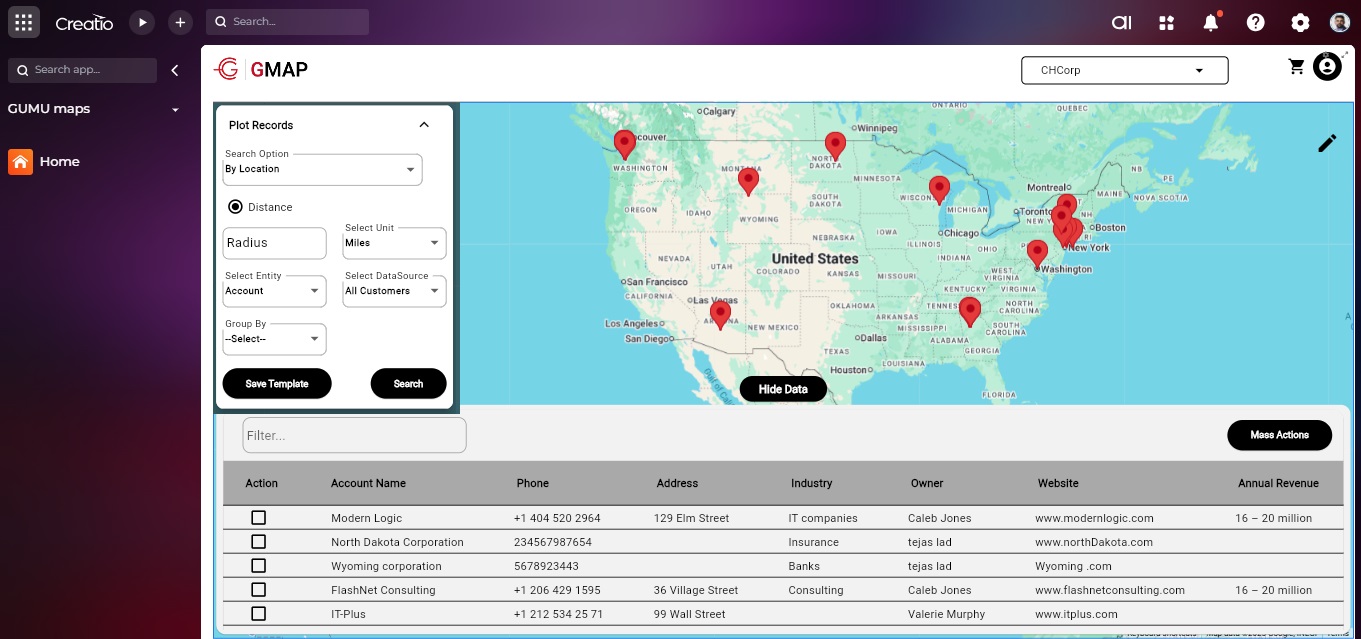
Visualize Records
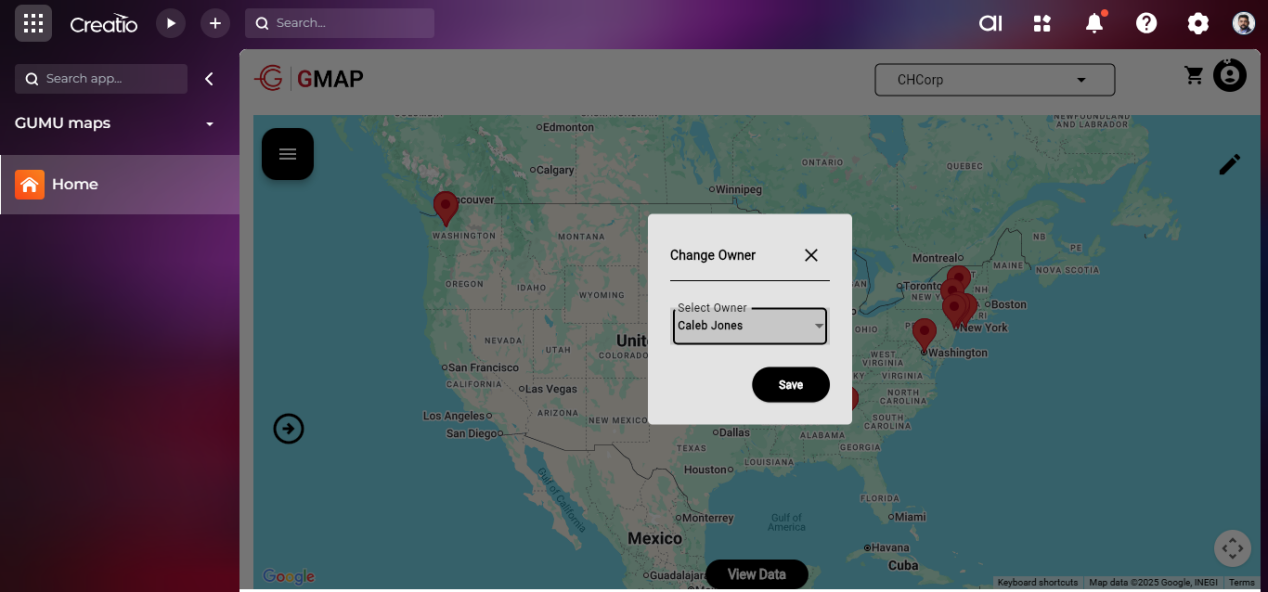
Record Ownership Management
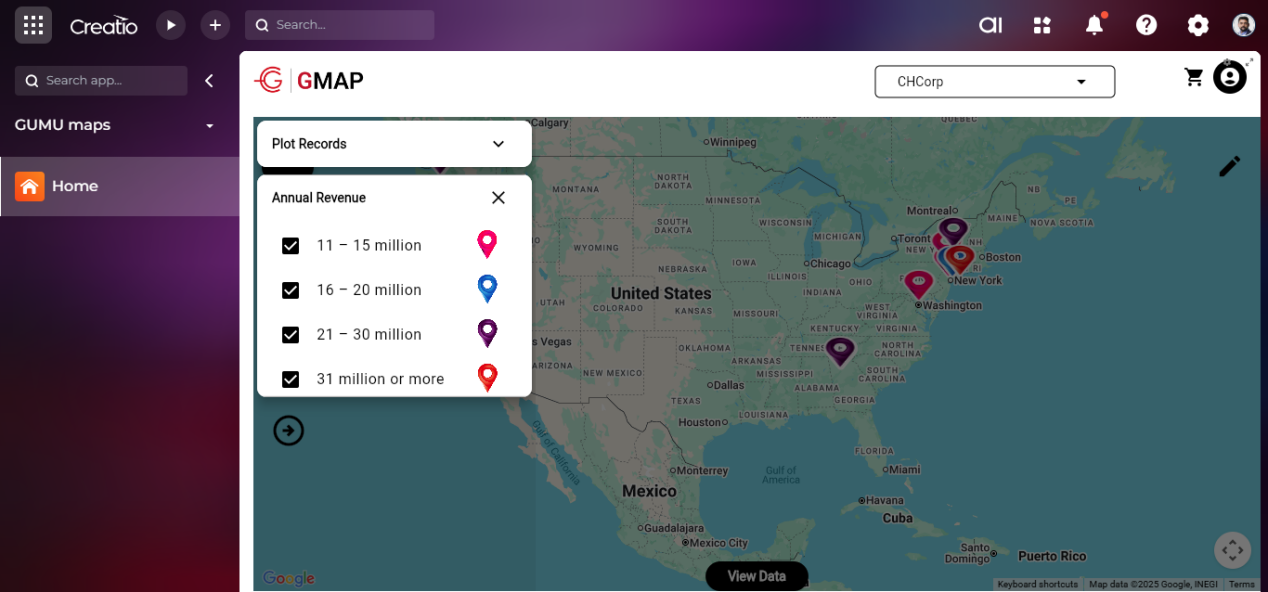
Analyze Data
Pricing
Third-party solution. The listed price includes the external subscription. Purchase and payment are processed via Creatio.
Terms and Conditions
Support
Installation
Setup guide
Resources
Data sharing
- By installing or downloading the App, you confirm that you agree with sharing your account data (name, email, phone, company and country) with the App Developer as their End User.
- The App Developer will process your data under their privacy policy.
Versions
Versions history
Initial Build
The primary objective of this product is to provide actionable insights, route optimisation, and efficient resource allocation by visualizing and analysing Creatio account data on Google Maps.
-
Visualize Account Records
-
Geographical Search Capabilities
-
Proximity Search
-
Route Planning
-
Dashboards
-
Analyze Data
-
Record Ownership Management
Manual app installation
- Open the needed app → the Packages tab - download the Markeplace app files.
- Click in the top right → Application Hub
- Click New application. This opens a window.
- Select Install from file and click Select in the window that opens.
- Click Select file on the page of the Marketplace App Installation Wizard and specify the app file path.
This product uses Google maps platform API. So it needs to be purchased separately based on the use apart from the pricing mentioned for this product.