


Innov8 Central for Creatio
Overview
Product overview
The pace of disruption has never been faster. AI is reshaping industries overnight, competitors are moving in months rather than years, and the organisations that survive — and lead — are the ones that can harness great ideas faster than everyone else.
Yet a lot of enterprises are still sitting on a goldmine of untapped thinking. Employees on the ground, who see the disruptions coming, who spot the inefficiencies, who imagine better ways forward — but have no structured channel to be heard.
Innov8 Central changes that. Built natively on Creatio, it is an enterprise-grade innovation management solution that gives every employee a transparent, governed pipeline to submit, collaborate on, and track ideas — from first draft to final decision.
With structured evaluation criteria, role-based review workflows, gamified contribution points, and a real-time leadership dashboard, Innov8 Central turns your people's collective intelligence into a competitive advantage.
Innovation is no longer limited to a select few. It belongs to your entire organisation — because in today's world, you cannot afford for a single great idea to go unheard.
Key Features
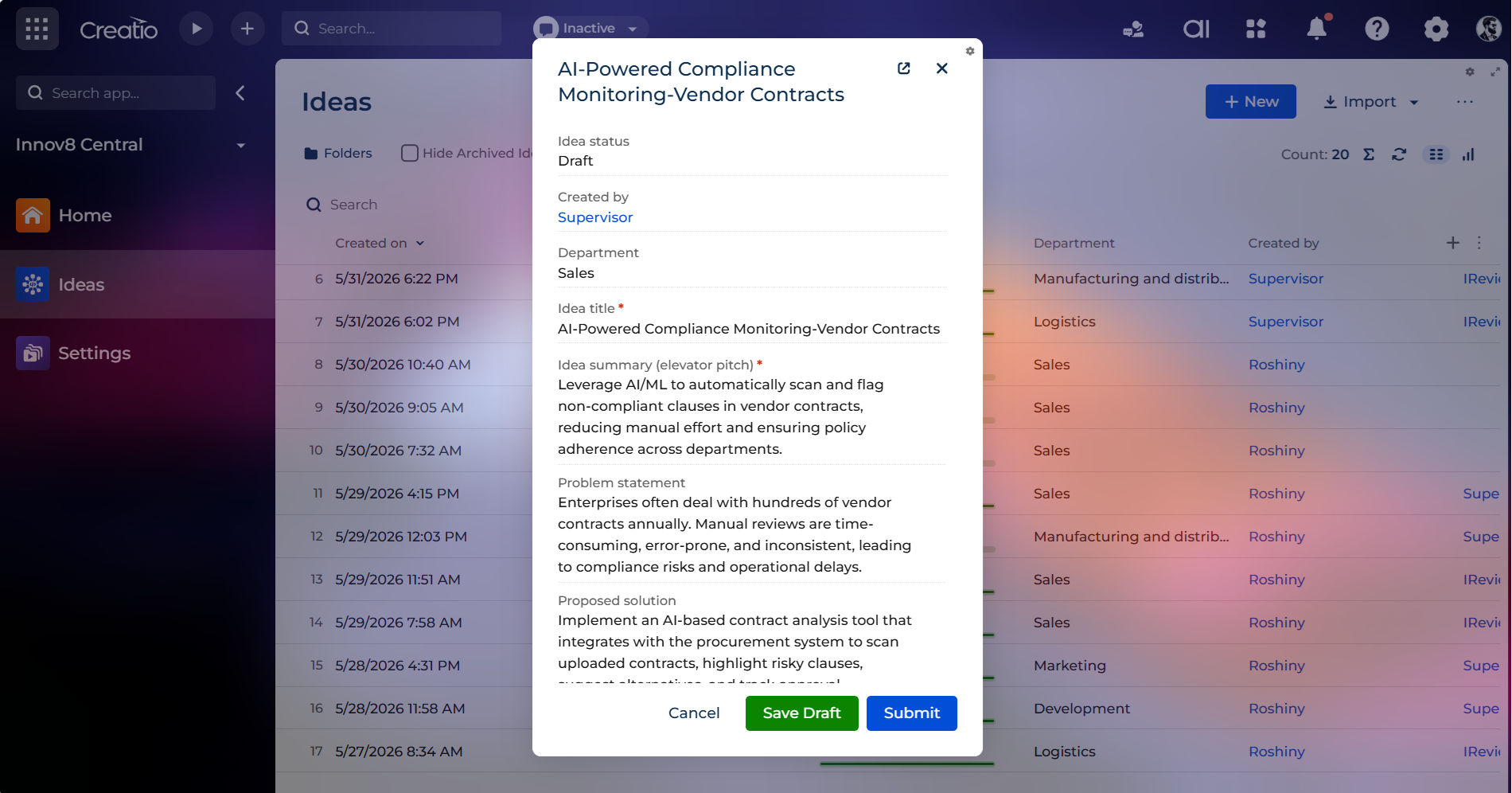
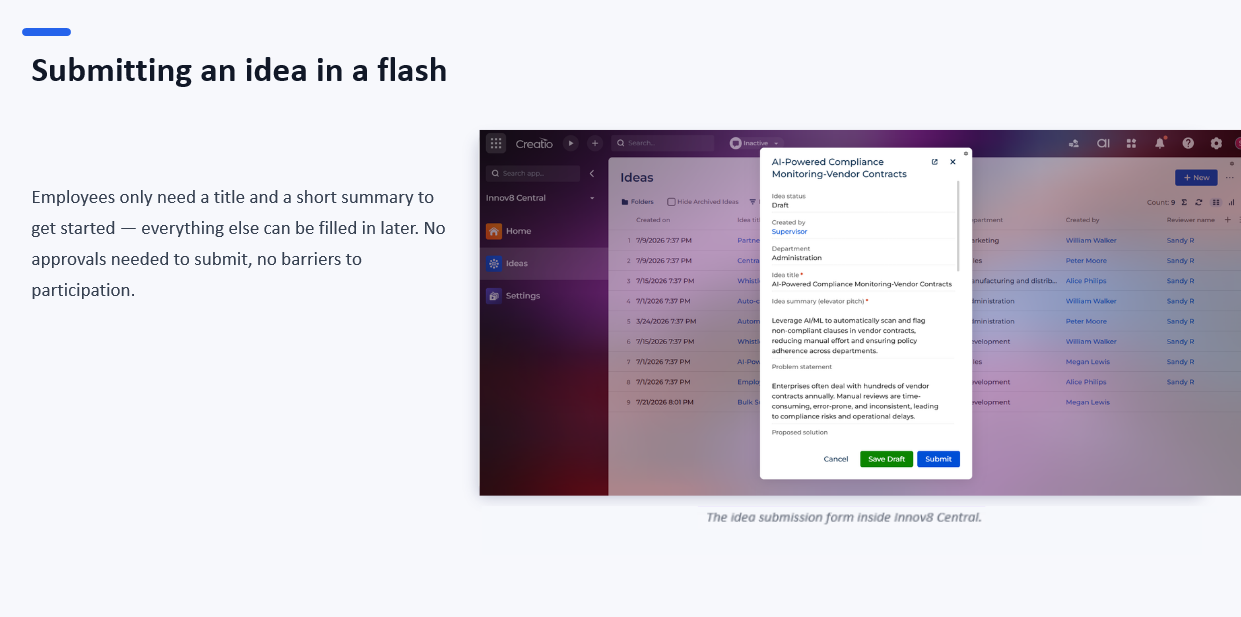
Open Idea Submission
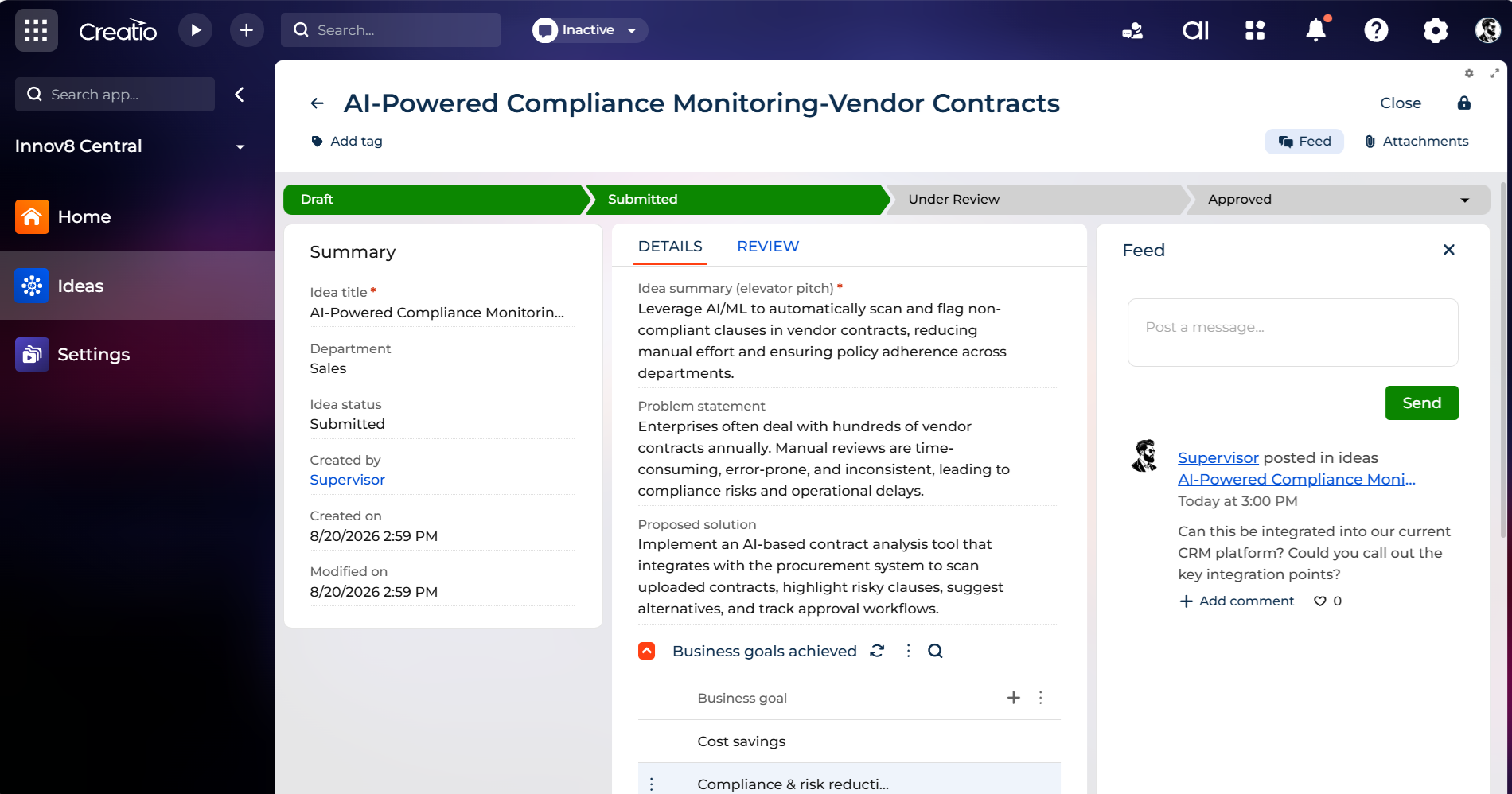
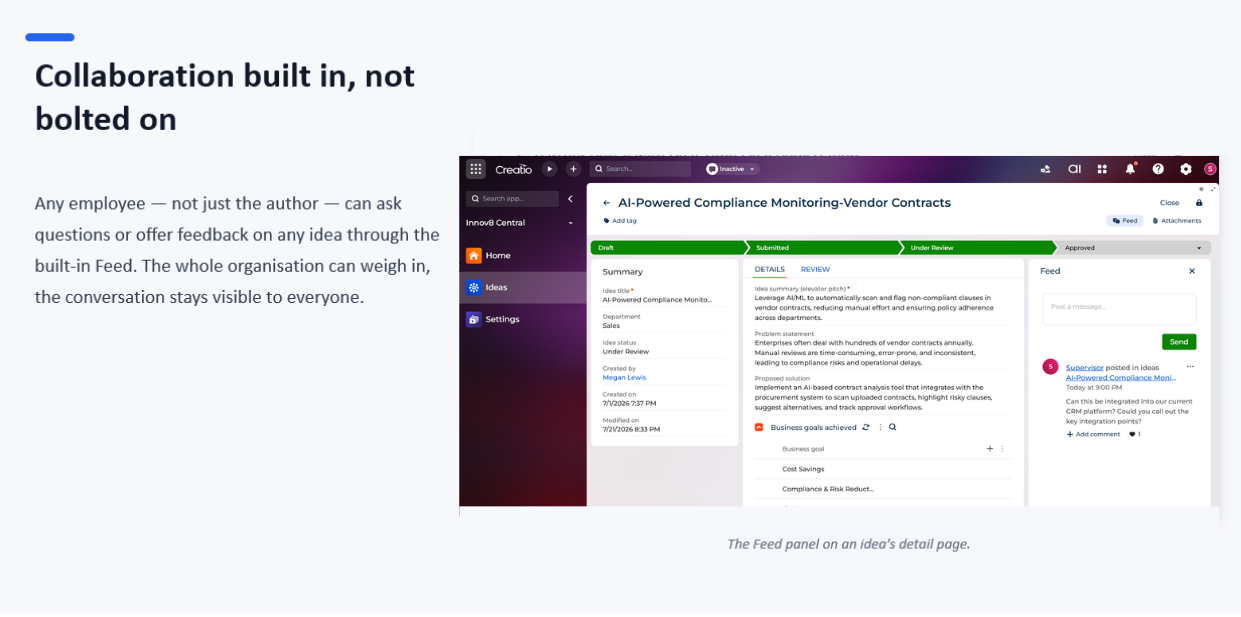
End-to-End Stage Pipeline
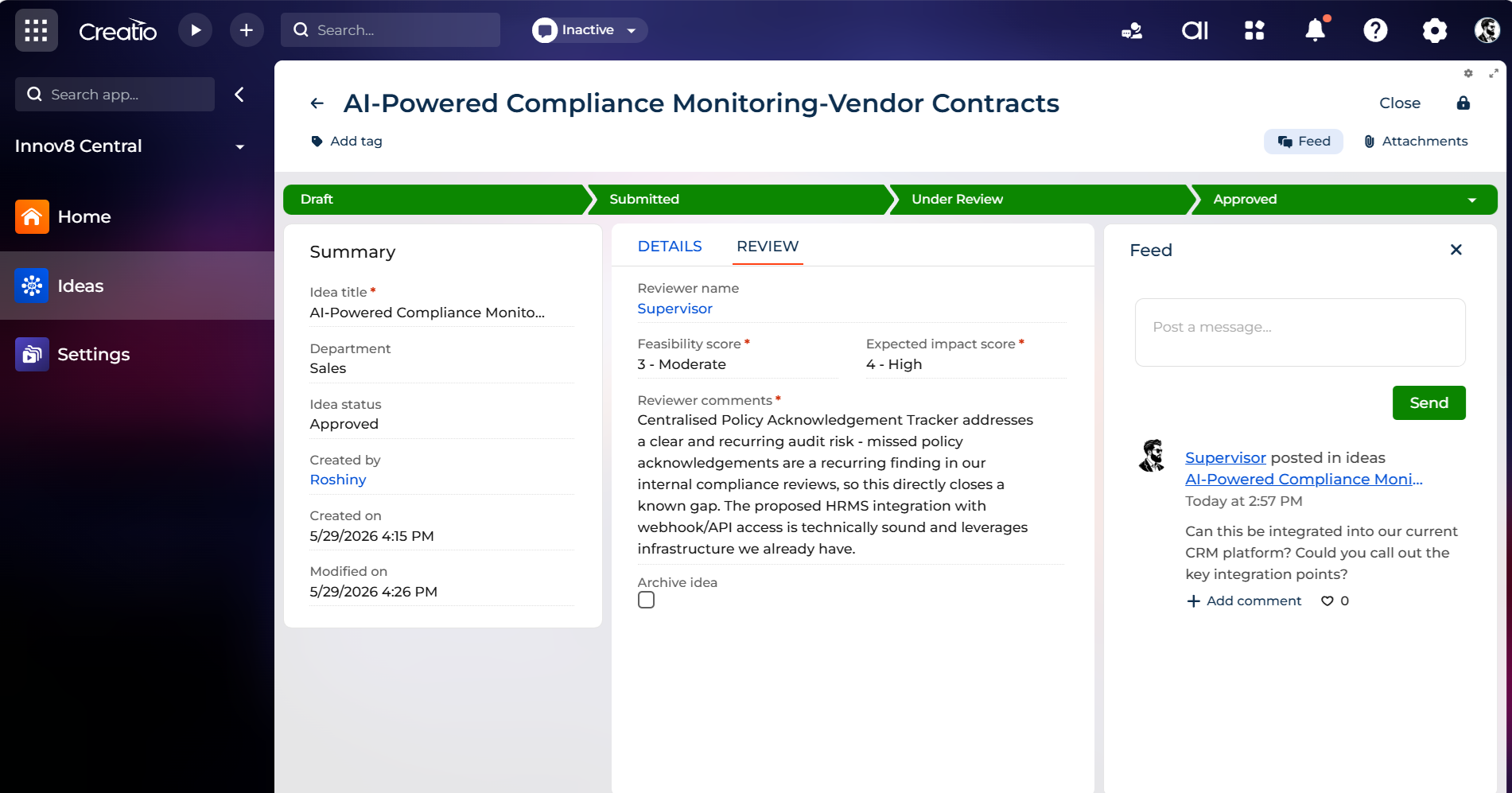
Structured Evaluation and Scoring
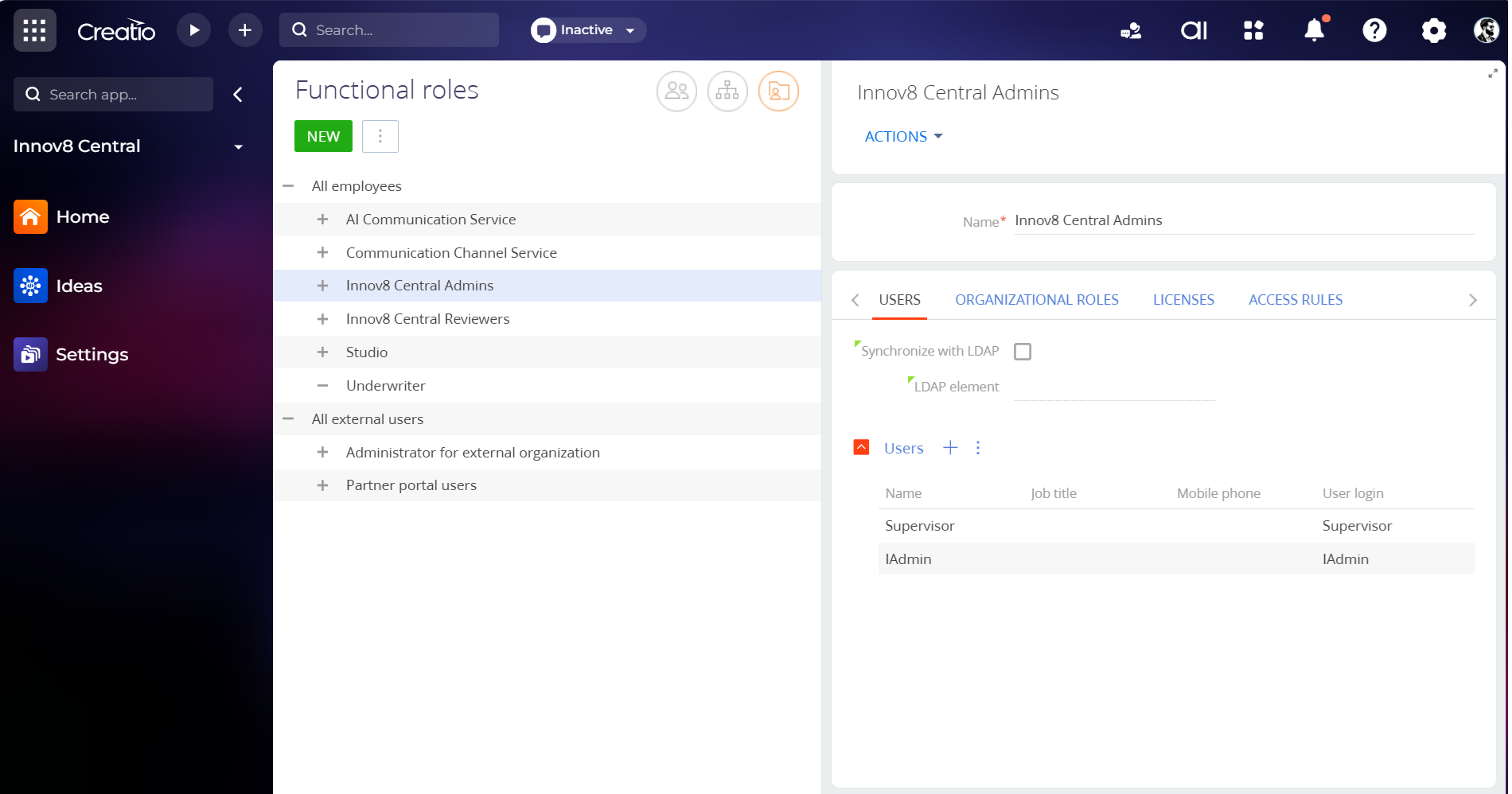
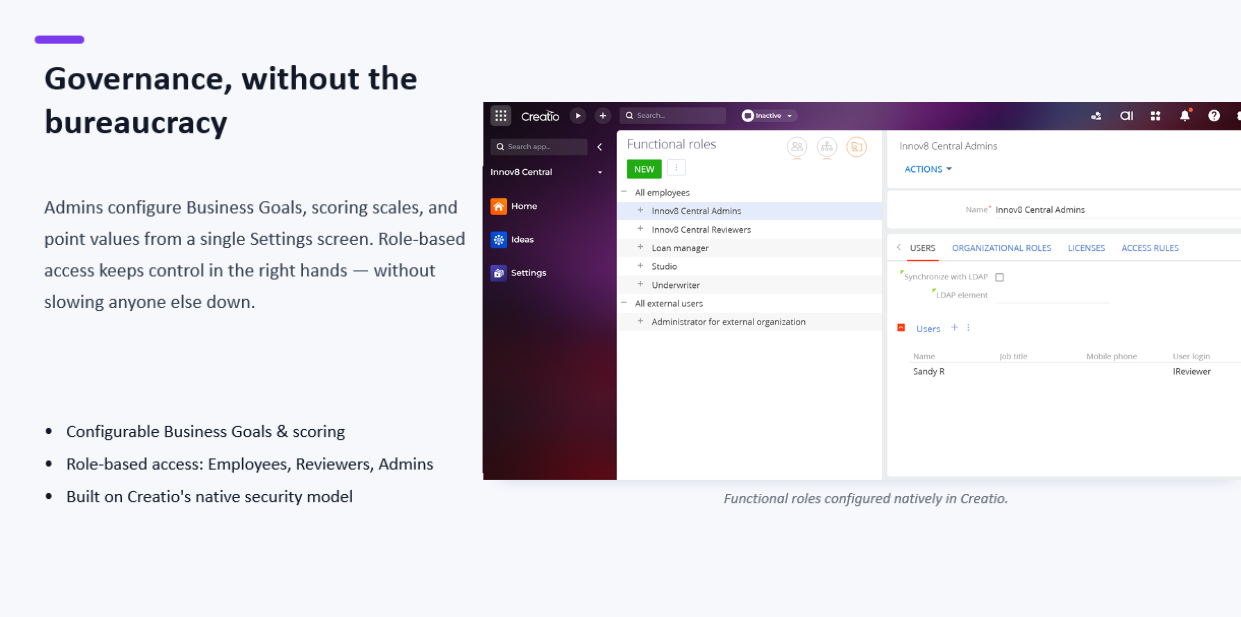
Role-Based Governance
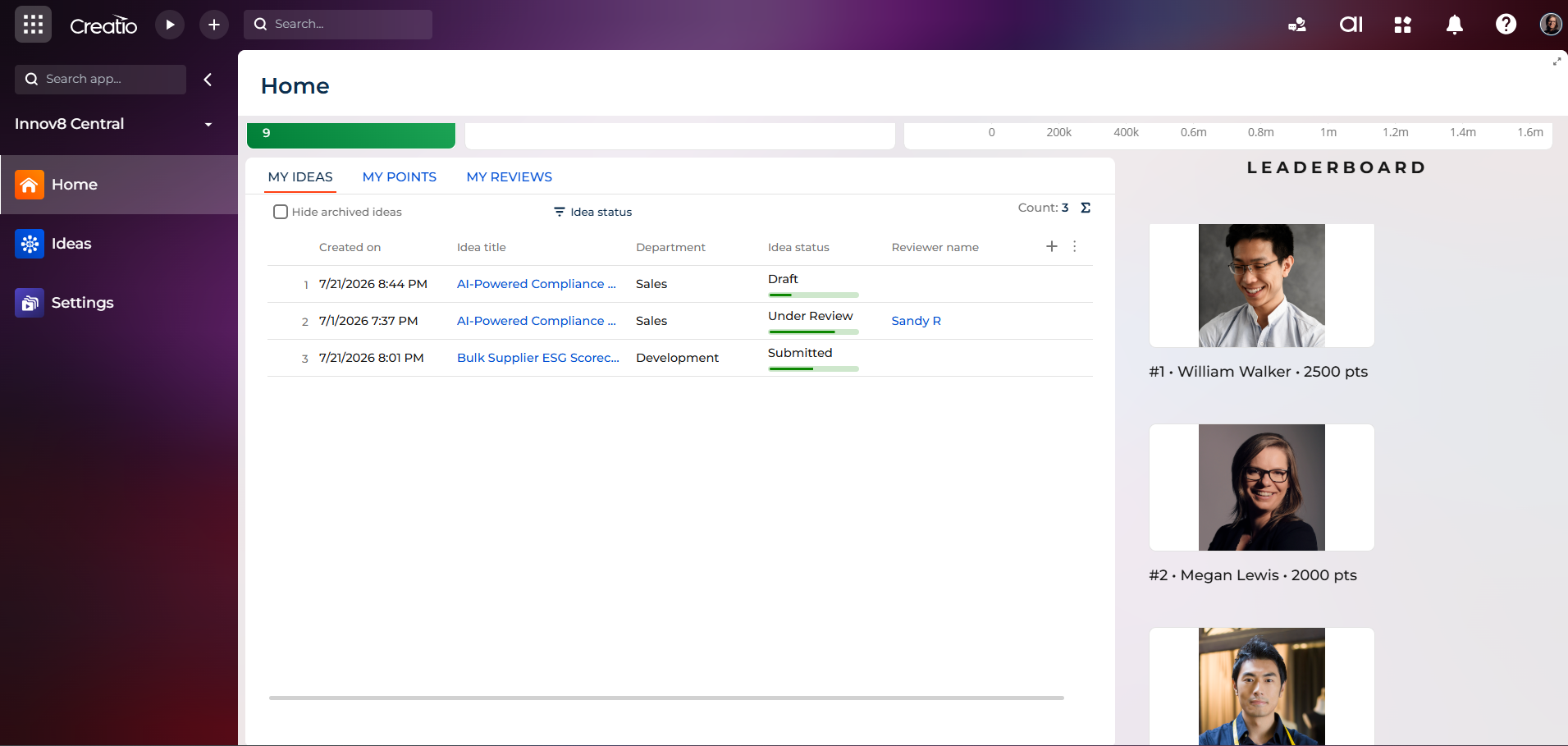
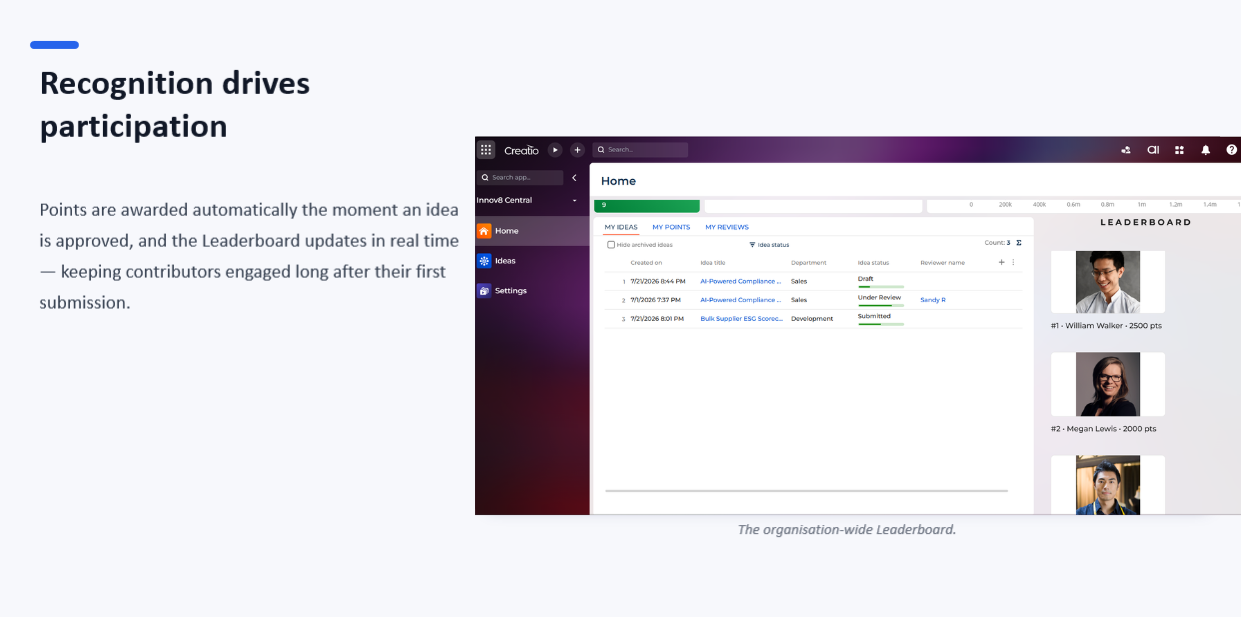
Gamification and Recognition
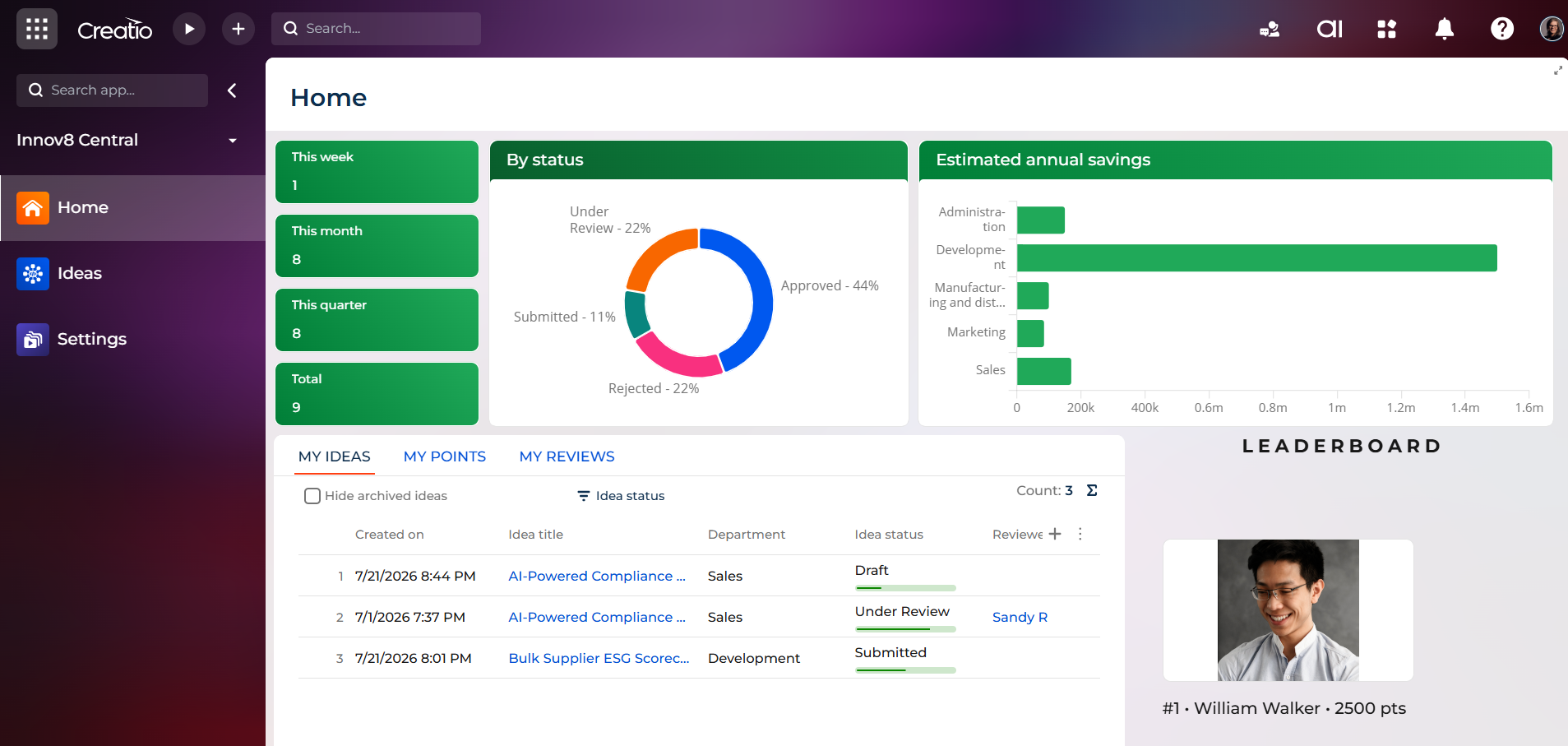
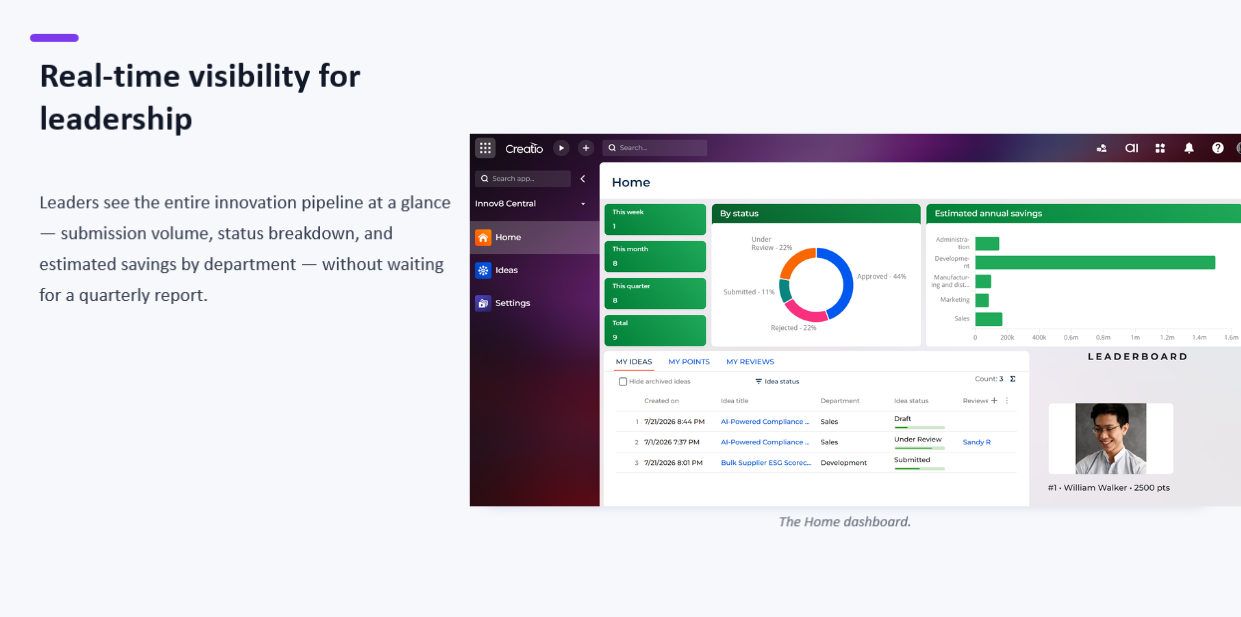
Leadership Dashboard and Analytics
Pricing
Terms and Conditions
Support
Installation
Setup guide
Getting Started with Innov8 Central
- Install the app – Go to the Creatio Marketplace, search for "Innov8 Central," and install it into your Creatio environment like any other Marketplace app.
- Assign roles – Go to Studio > Users > Functional Roles. Add the users who will review ideas to the Innov8 Central Reviewers role, and the users who will manage app configuration to the Innov8 Central Admins role. Every other employee automatically gets access as All Employees — no setup needed.
- Review default settings (optional) – Open the Innov8 Central workspace > Settings. Four tabs — Business Goals, Points Category, Feasibility Score, and Expected Impact Score — come pre-loaded with sensible defaults. Update these only if your organization needs different values.
- Start submitting ideas – Employees can go to Ideas > + New to submit an idea. Reviewers evaluate submitted ideas from the Review tab. Everyone can track activity from the Home dashboard.
For full step-by-step instructions, field-level guidance, and screenshots, see the attached Innov8 Central User Manual.
Resources
Data sharing
- By installing or downloading the App, you confirm that you agree with sharing your account data (name, email, phone, company and country) with the App Developer as their End User.
- The App Developer will process your data under their privacy policy.
Versions
Versions history
Manual app installation
- Open the needed app → the Packages tab - download the Markeplace app files.
- Click in the top right → Application Hub
- Click New application. This opens a window.
- Select Install from file and click Select in the window that opens.
- Click Select file on the page of the Marketplace App Installation Wizard and specify the app file path.