

IntelliDocs AI Document Recognition for Creatio
IntelliDocs, integrated with Anthropic’s Claude AI, automatically recognises, classifies, and extracts data from uploaded documents, helping Creatio users reduce manual work and maintain structured, accurate information.
Overview
Product overview
Product description
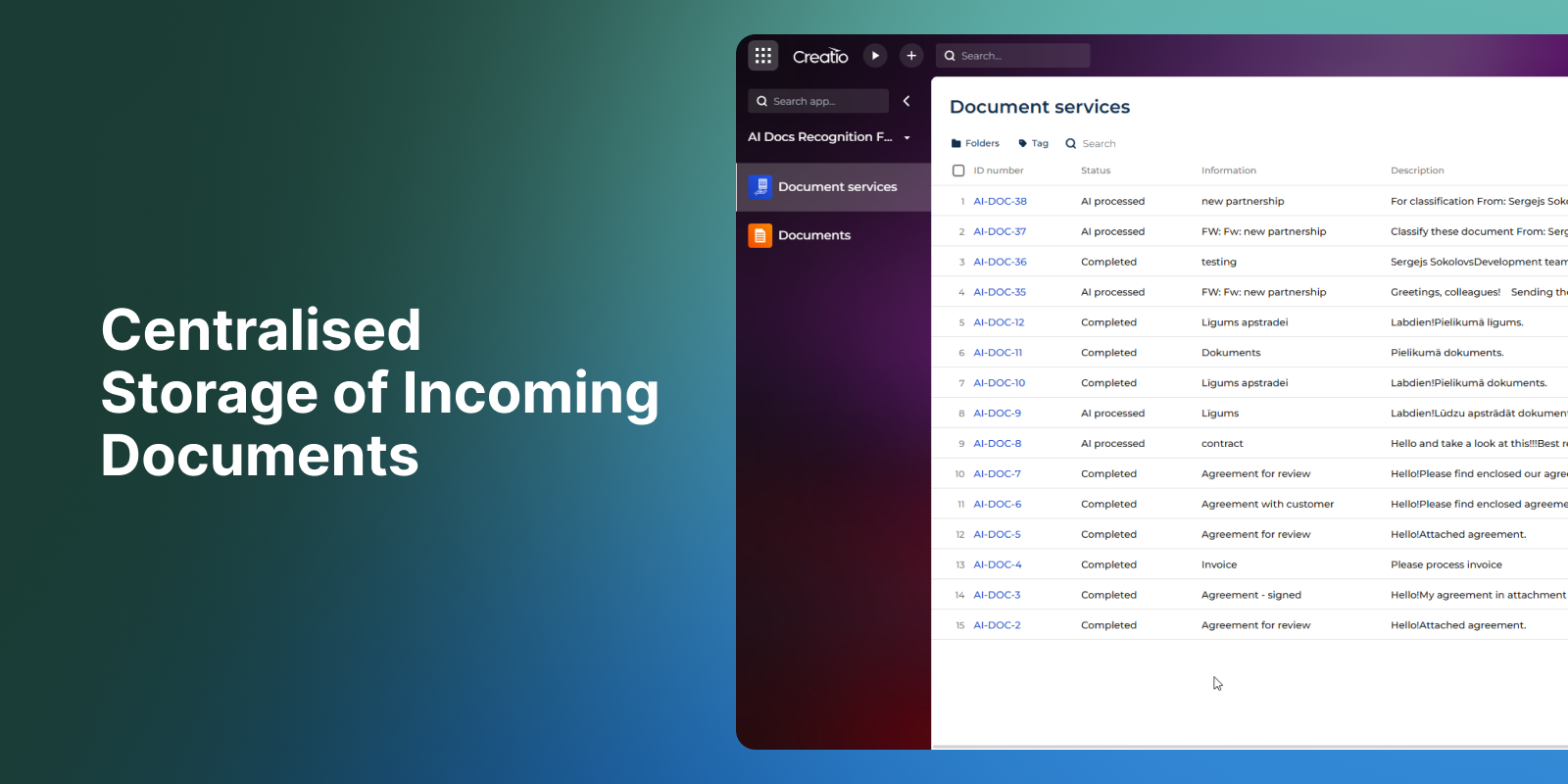
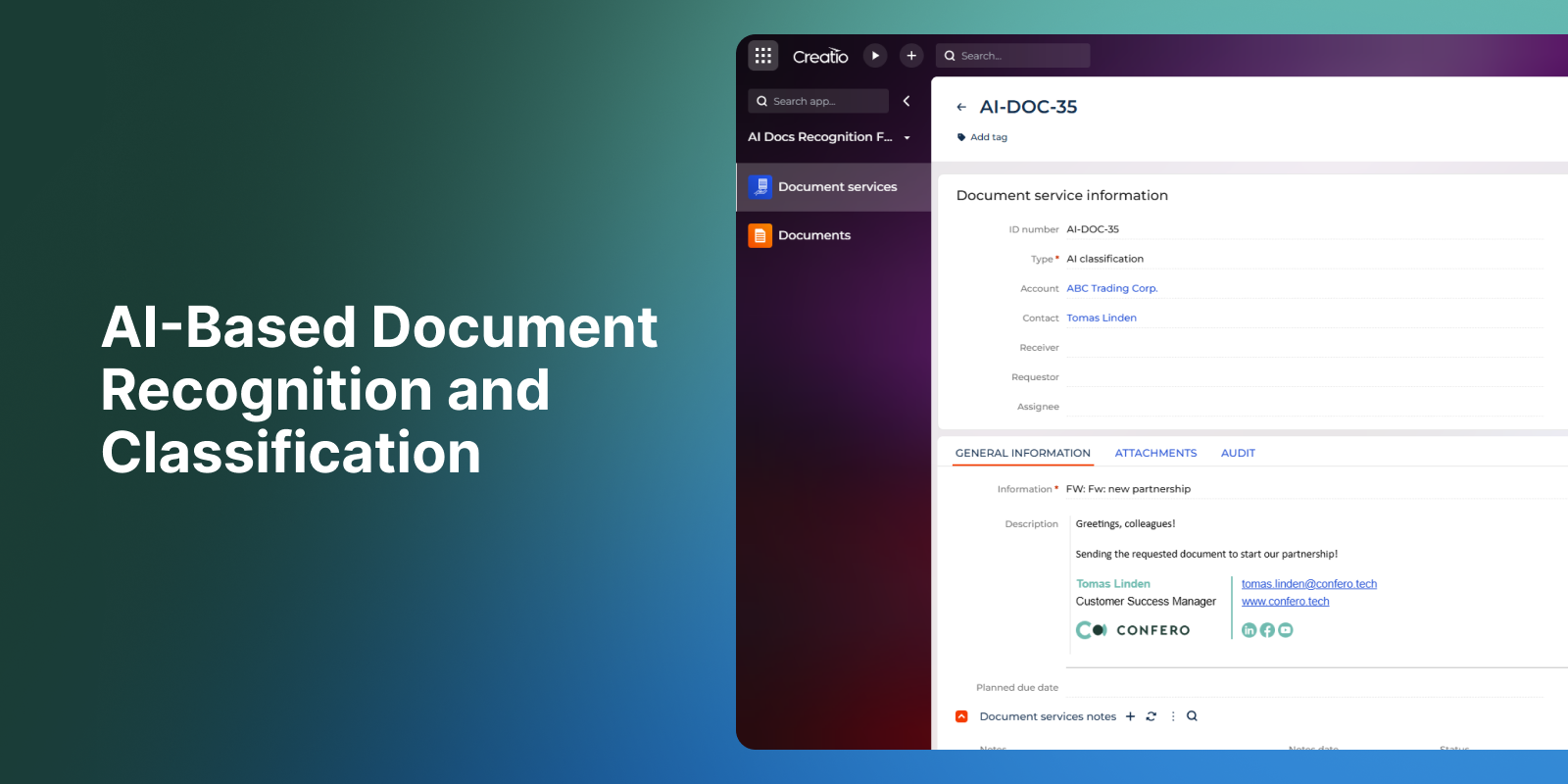
IntelliDocs is an AI-powered document recognition, classification and data extraction add-on for Creatio, designed to simplify and streamline document handling processes. Integrated with Anthropic Claude AI, IntelliDocs enables users to automatically process uploaded documents, extract key data, and store information in a structured way within Creatio.
The functionality enables users to:
- Recognise and classify uploaded documents using AI-based processing.
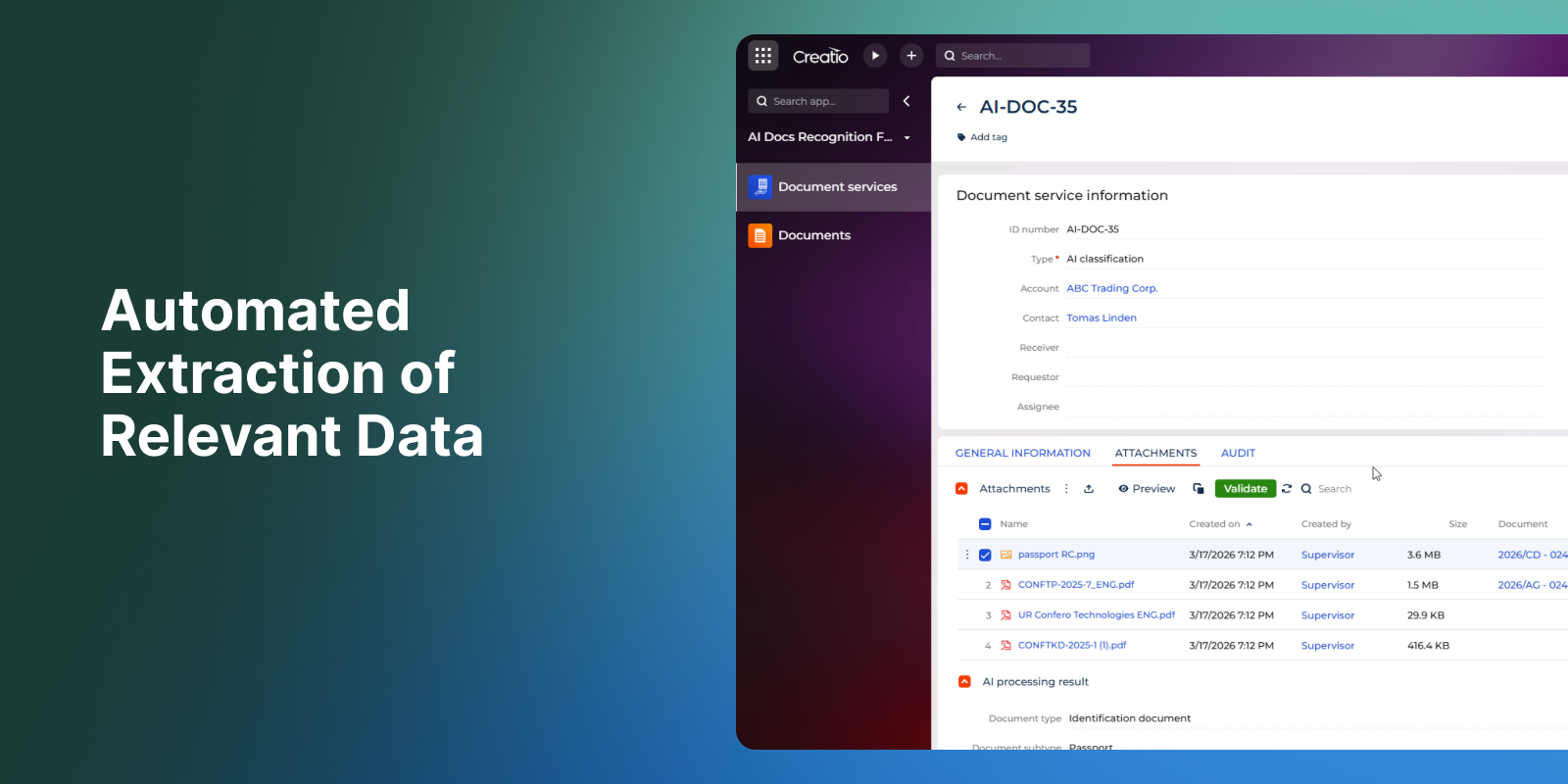
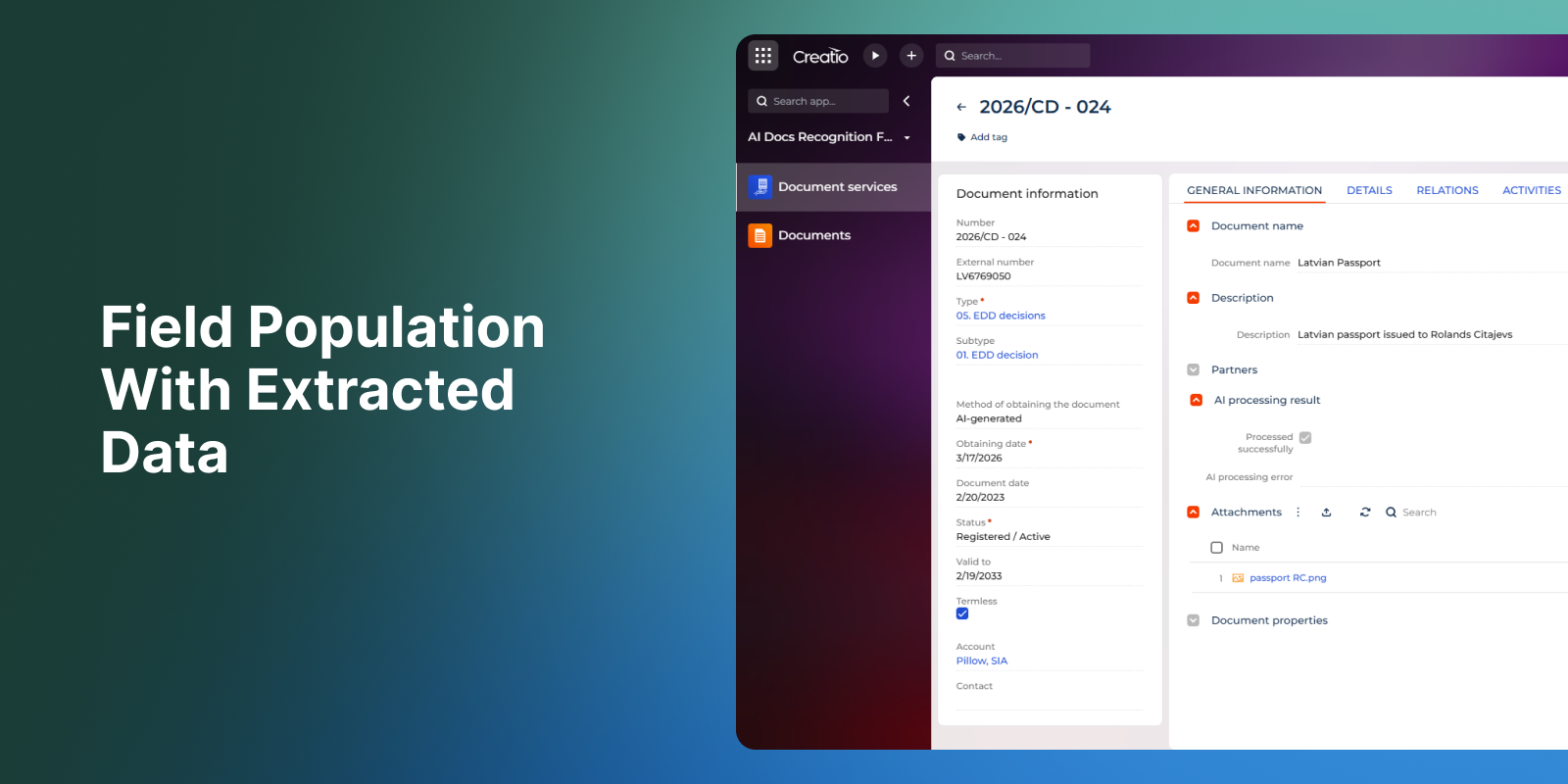
- Automatically extract relevant data from document content.
- Populate fields in the Documents section with extracted information.
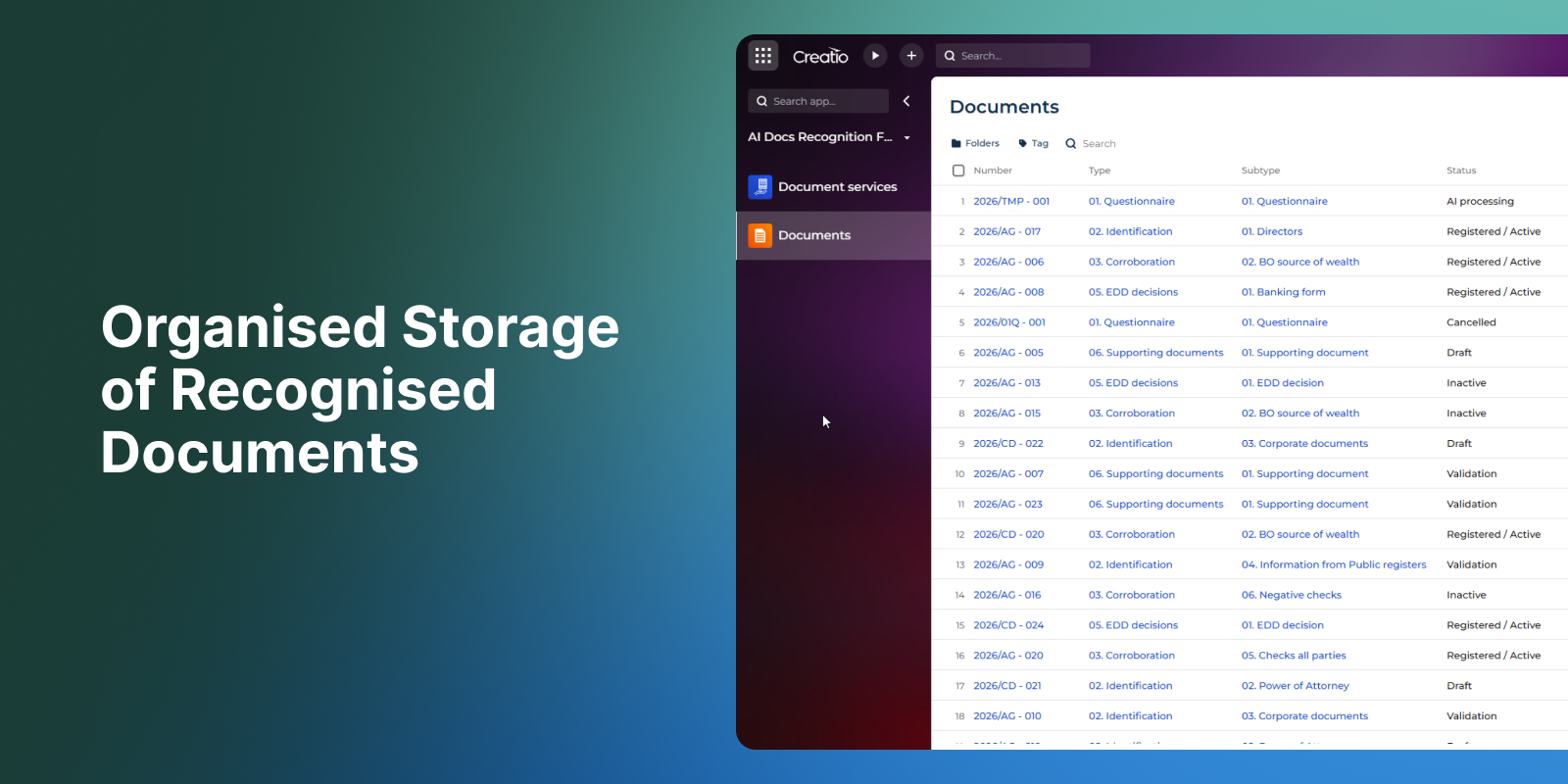
- Store and organise recognised documents for quick access and further processing.
IntelliDocs reduces manual data entry and helps maintain accurate, complete, and structured information in the Documents section of Creatio.
Key Features
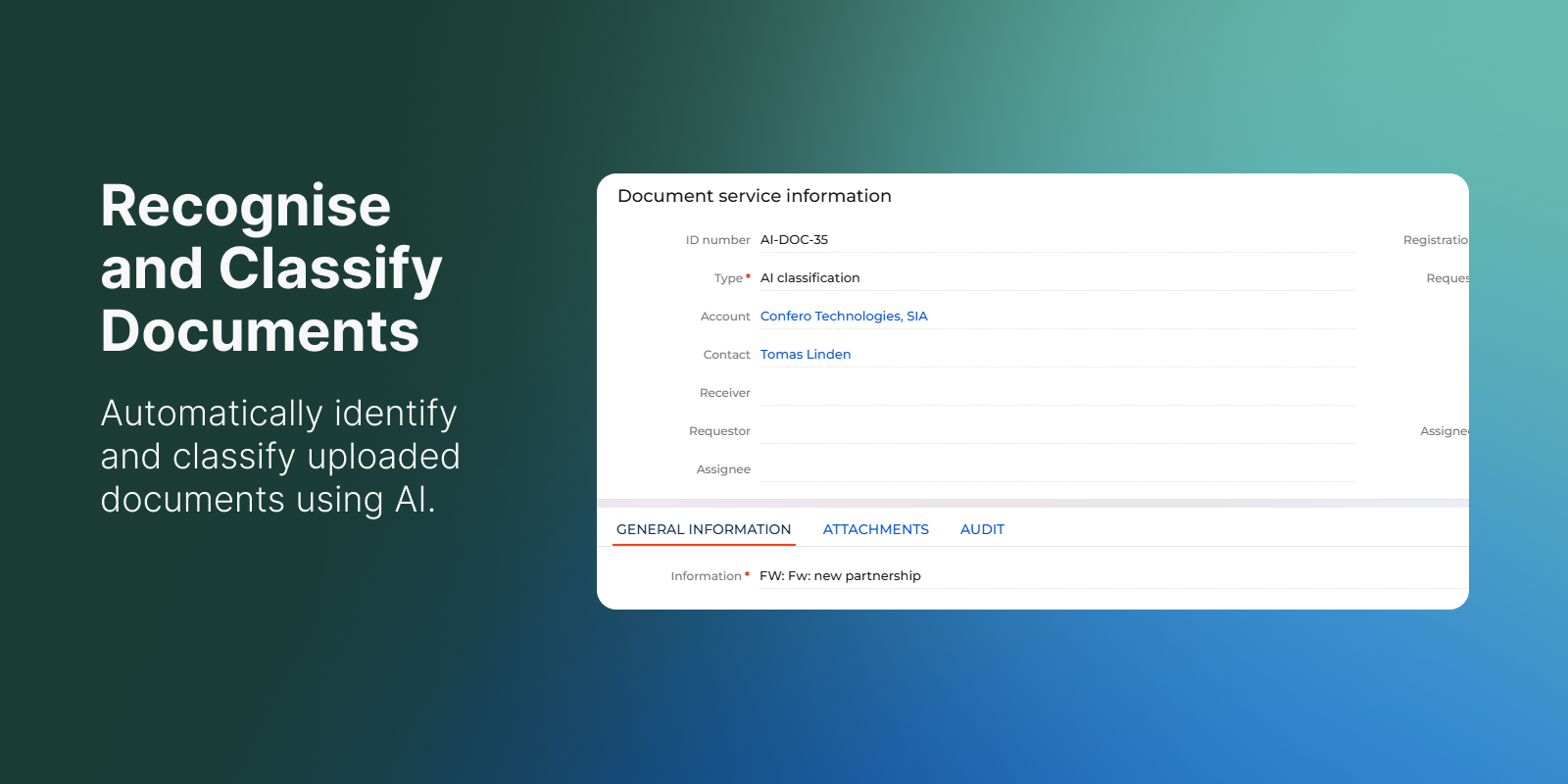
Recognise and Classify Document
Automatically identify document types and classify them using AI-based processing.
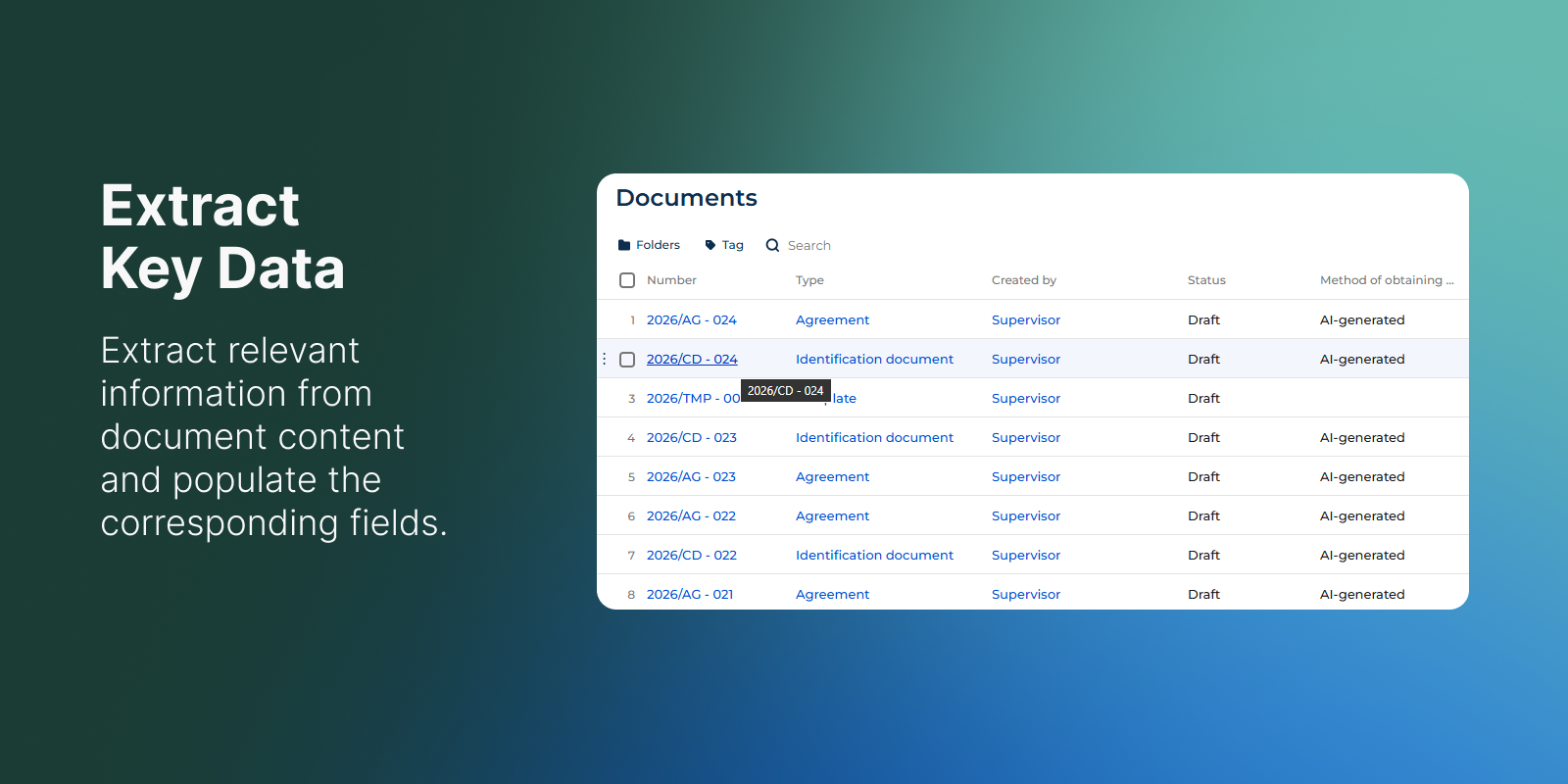
Extract Key Data
Extract relevant information from document content and populate the corresponding fields in the Documents section.
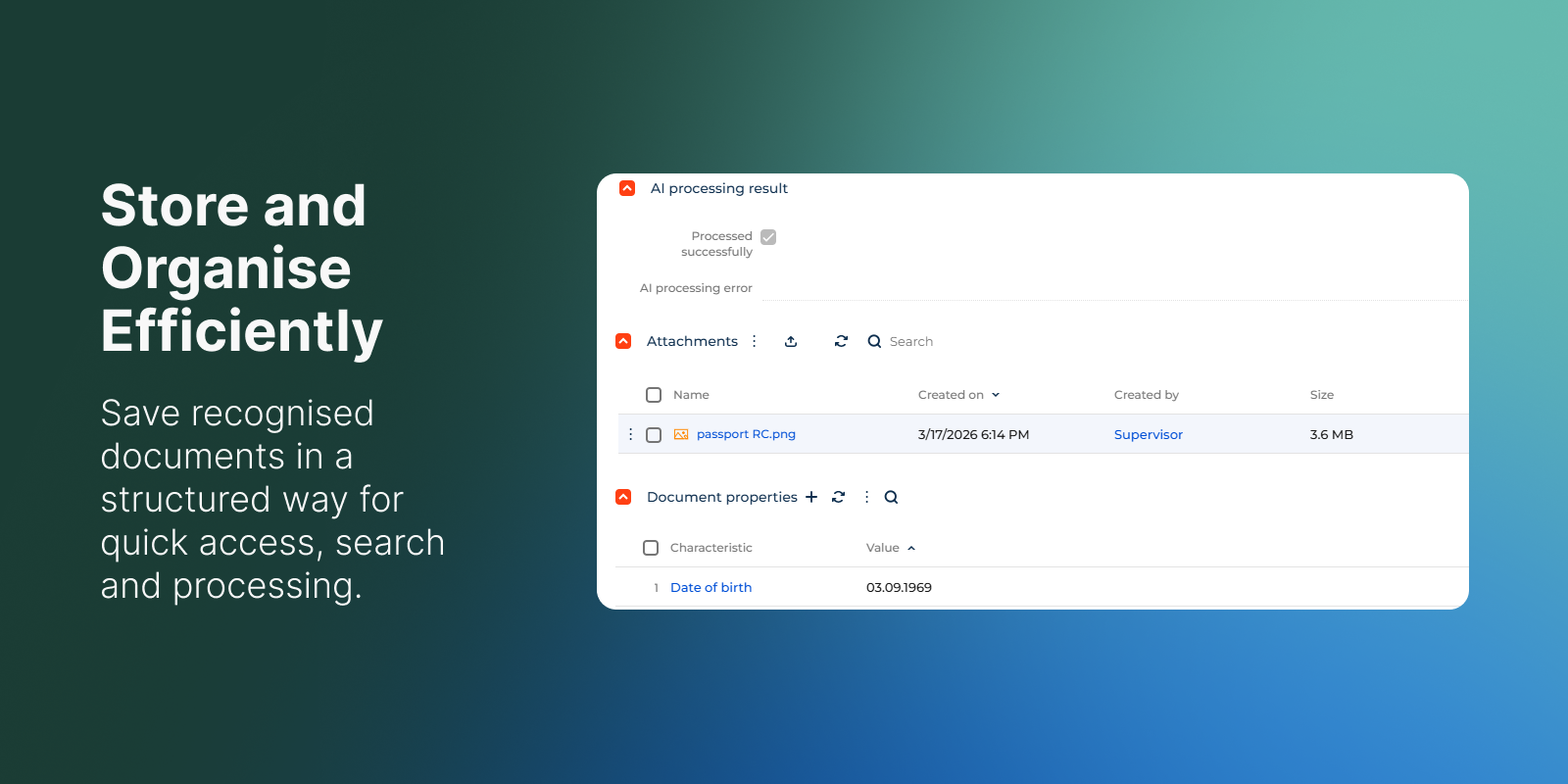
Store and Organize Efficiently
Save recognised documents in a structured manner for quick access, easier search, and smooth further processing.
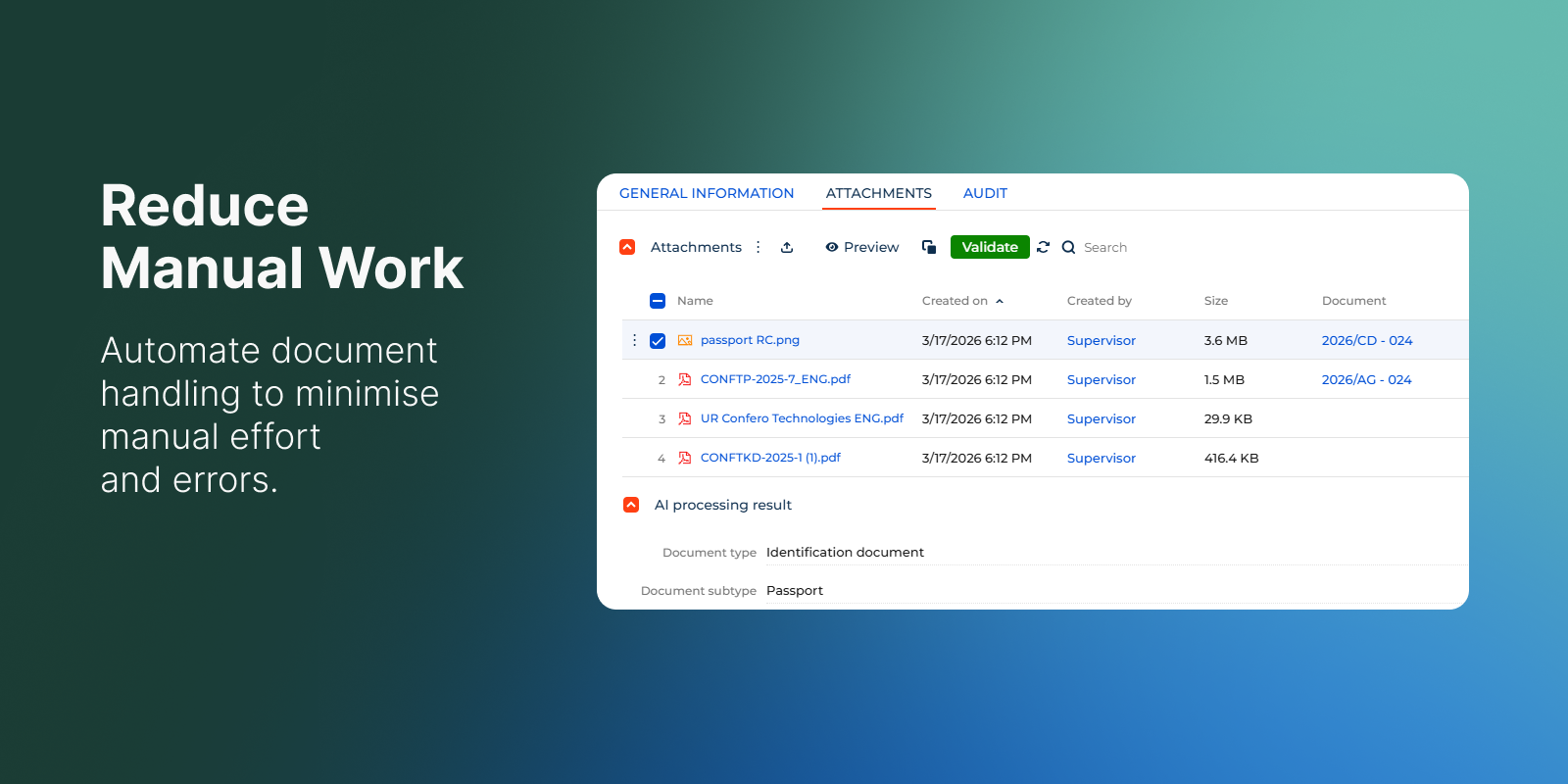
Reduce Manual Work
Automate data entry and classification processes to minimise manual effort and errors.
Pricing
Monthly
Annual
Standard
$
350.00 / month
billed annually
Terms and Conditions
By installing this product you agree to terms and conditions outlined in the license agreement.
Support
Support is available for this application
Support is provided by the developer within the “Basic” and “Business” packages. Detailed information about the support packages and the support terms can be found on the Creatio website.
Installation
Setup guide
After installing the app in Creatio, additional technical setup is required. The solution includes a microservice that must be deployed and configured in a Kubernetes cluster. Deployment requires DevOps / IT infrastructure expertise. Detailed instructions are provided in the guides below.
Data sharing
- By installing or downloading the App, you confirm that you agree with sharing your account data (name, email, phone, company and country) with the App Developer as their End User.
- The App Developer will process your data under their privacy policy.
Versions
Versions history
Version
Compatibility
Release date
1.1.0
8.0.0 and up
Release summary
Initial version release
1.0.0
8.0.0 and up
Release summary
Initial version release
Manual app installation
- Open the needed app → the Packages tab - download the Markeplace app files.
- Click in the top right → Application Hub
- Click New application. This opens a window.
- Select Install from file and click Select in the window that opens.
- Click Select file on the page of the Marketplace App Installation Wizard and specify the app file path.
Compatibility notes