IntraSign Certificate-based Internal Signature for Creatio

Not rated
IntraSign enables Creatio users to digitally sign Word, Excel, and PDF documents using custom PFX certificates, ensuring authenticity, integrity, and compliance within internal workflows.

Overview

Product overview

Product description
The IntraSign add-on allows users to digitally sign Microsoft Word, Excel, and PDF documents directly within Creatio using organisation-specific PFX certificates. Digital signing ensures document authenticity, preserves data integrity, and keeps each file securely linked to its related record in Creatio. The functionality enables users to:
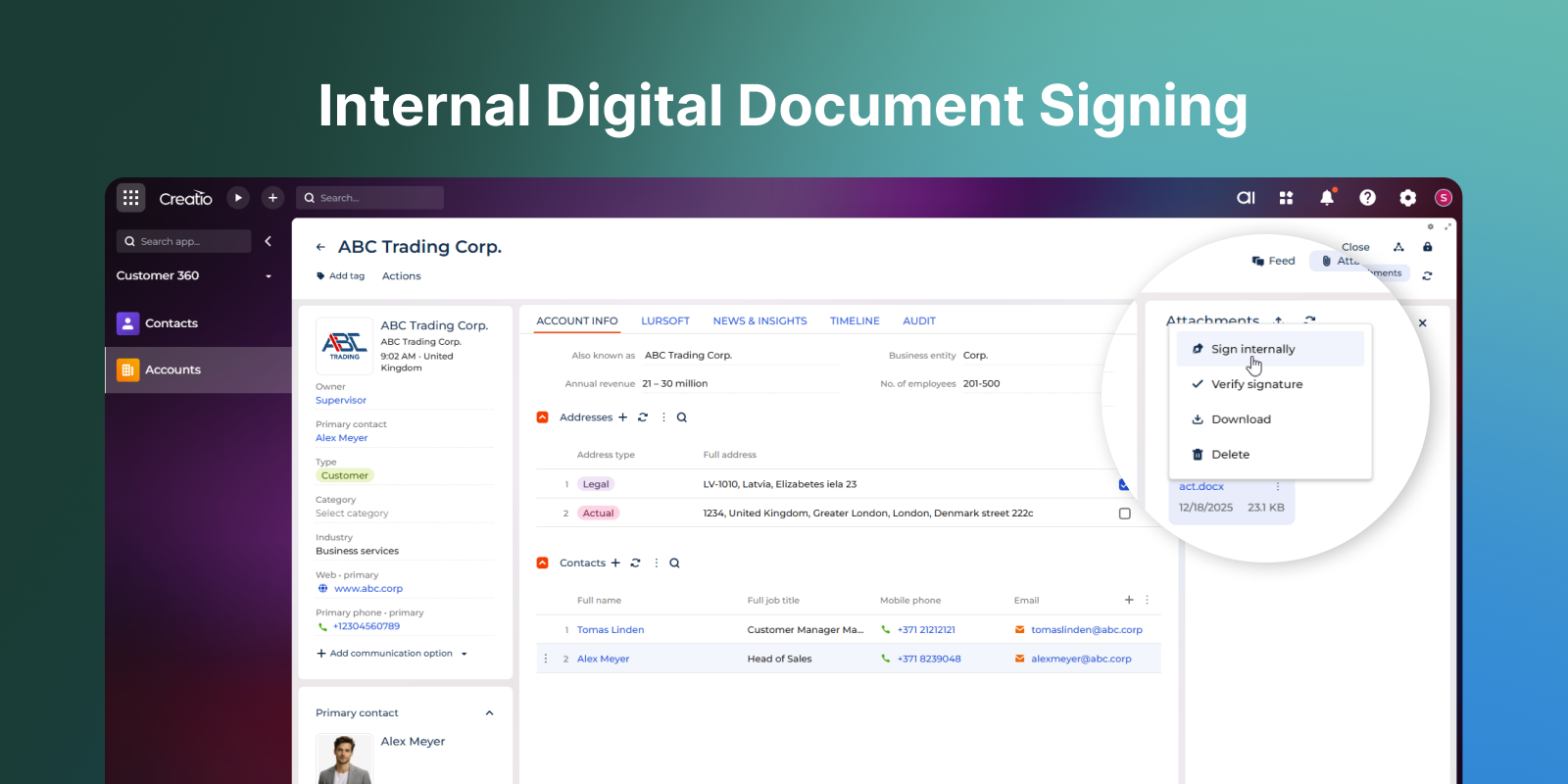
  • Apply digital signatures to documents stored in Creatio.
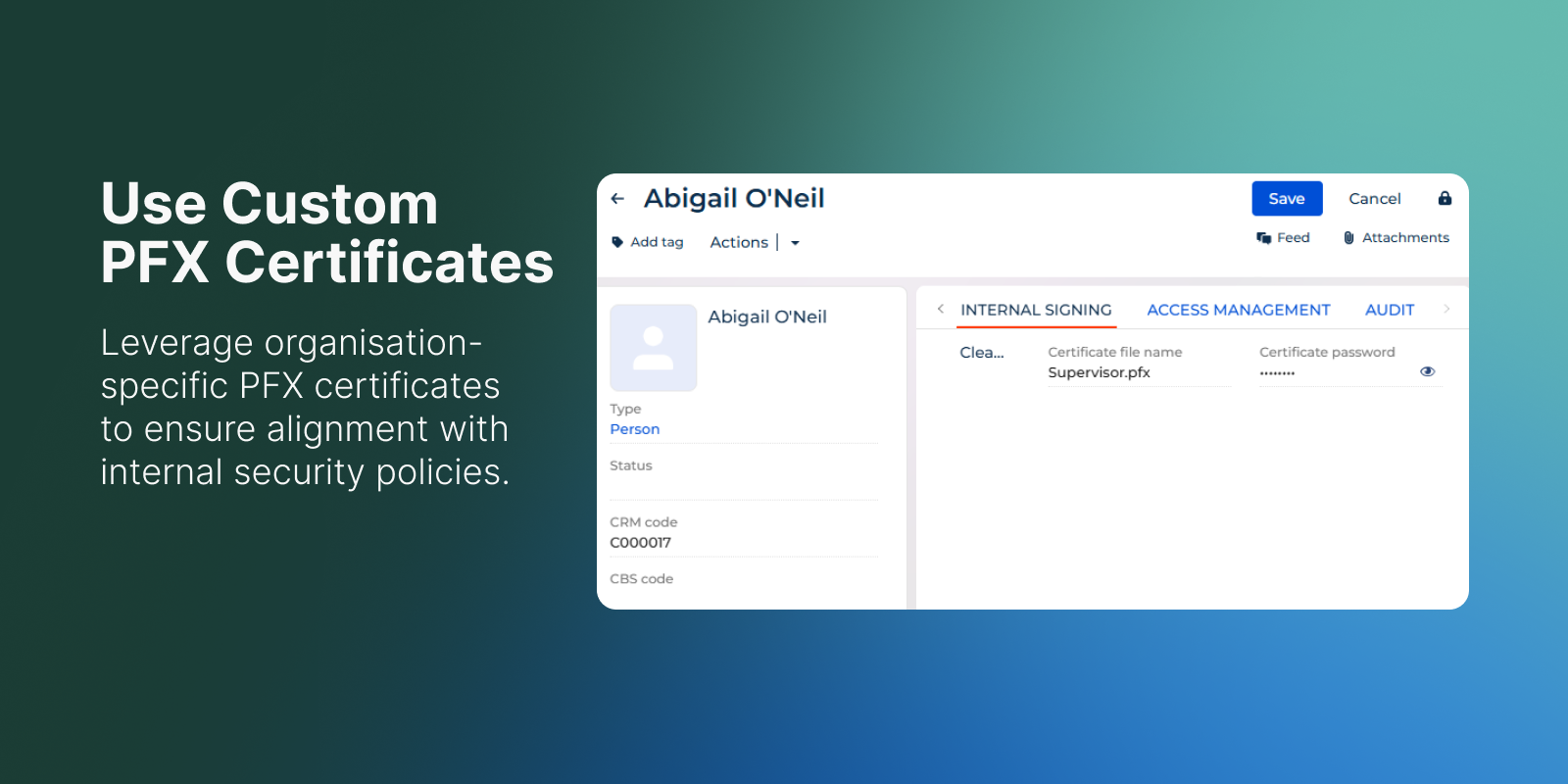
  • Use custom PFX certificates for signing in line with internal security requirements.
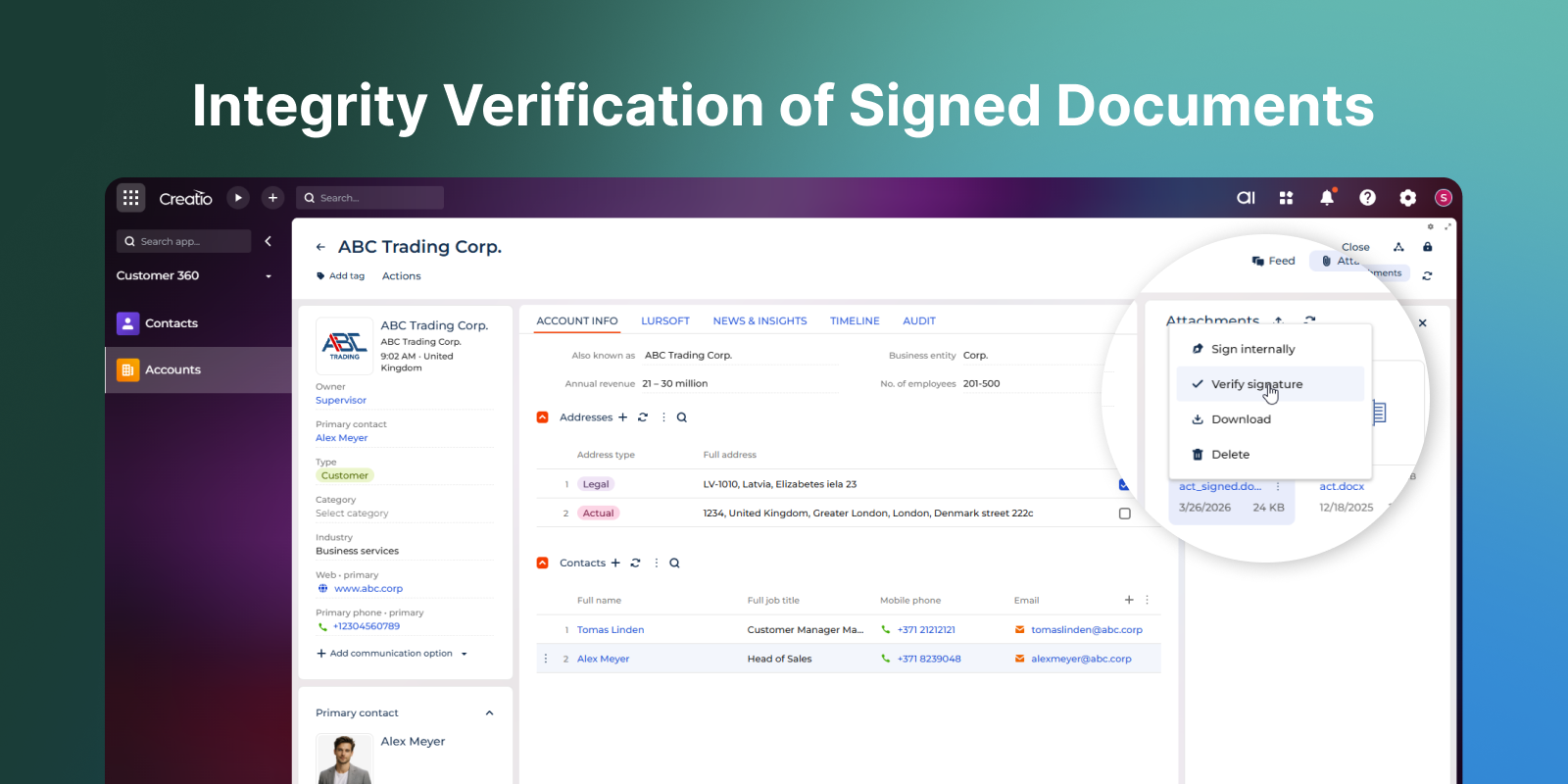
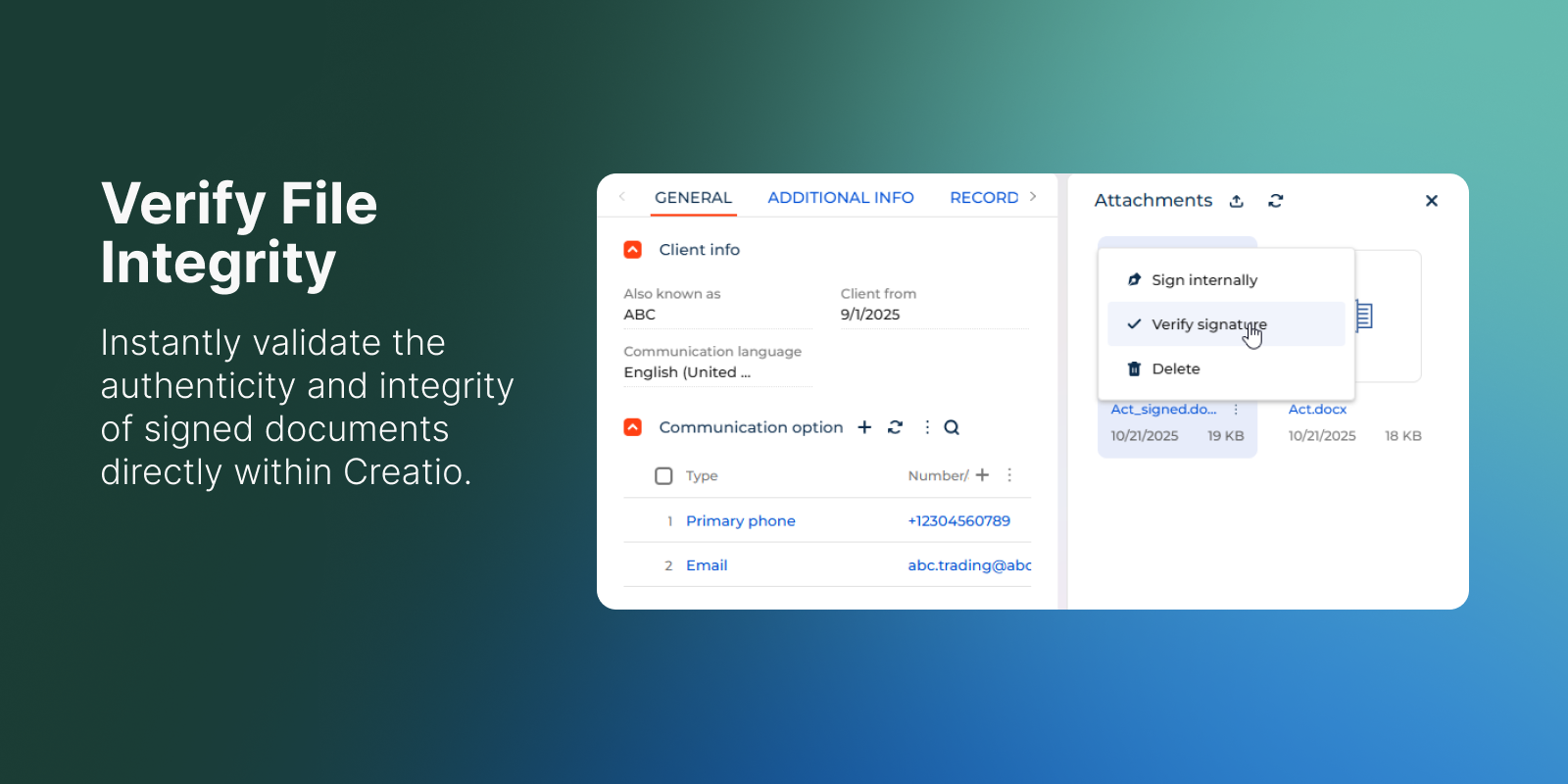
  • Verify the integrity and authenticity of signed files directly in Creatio.
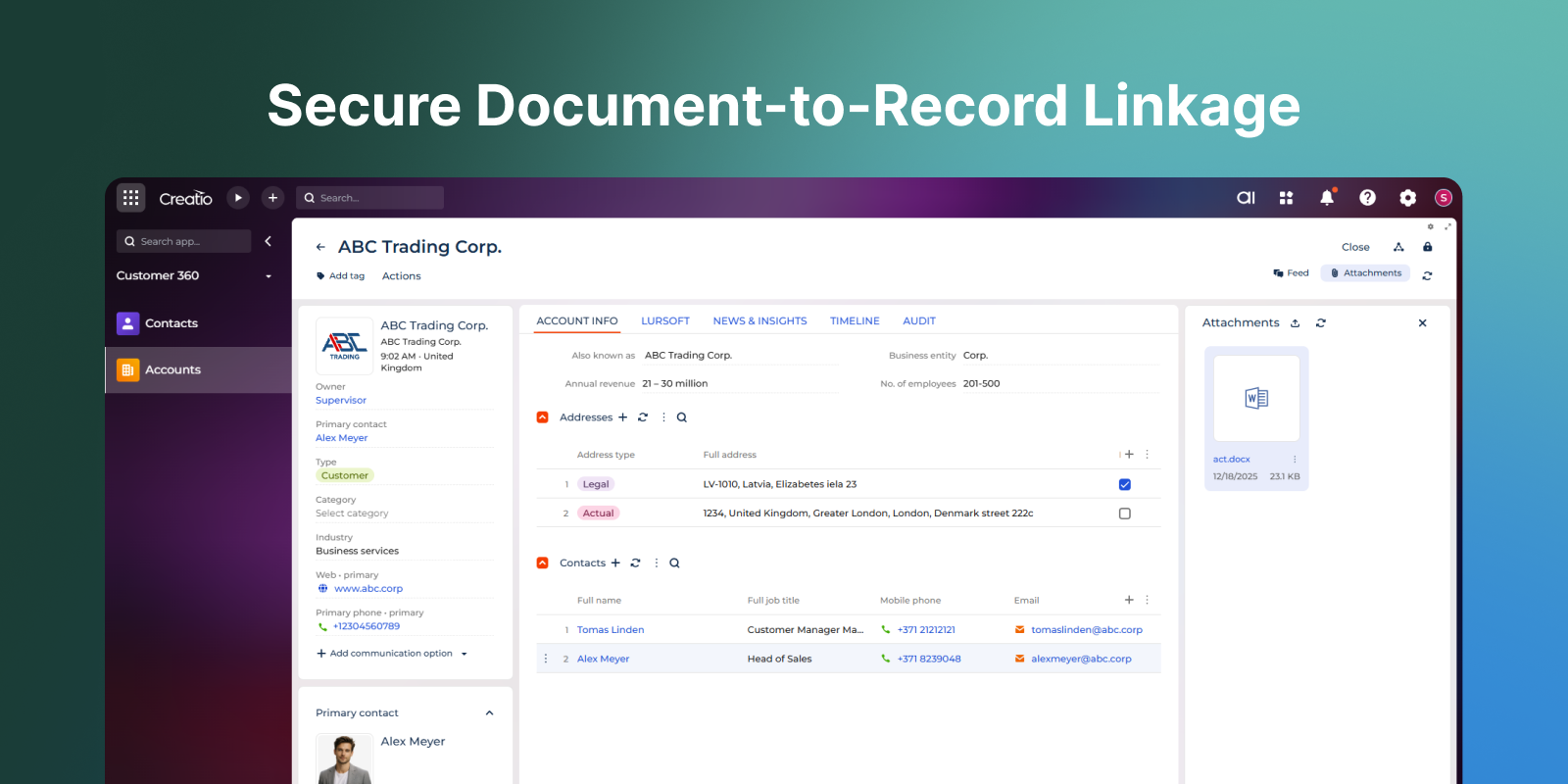
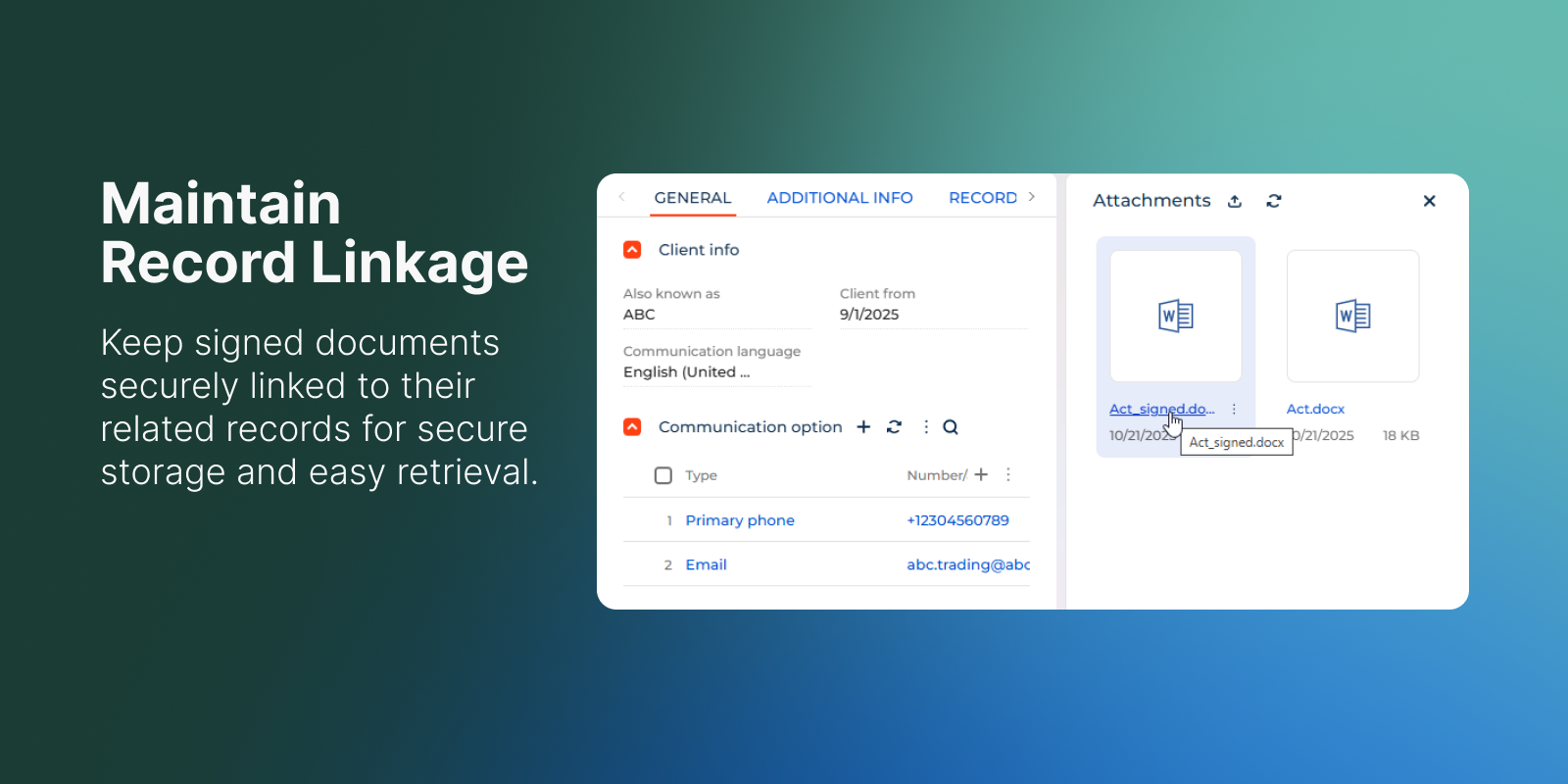
  • Maintain a secure connection between signed documents and their originating records for secure storage and further processing.
IntraSign product simplifies document signing workflows, accelerates business processes, and helps organisations stay compliant with corporate security standards.

Key Features
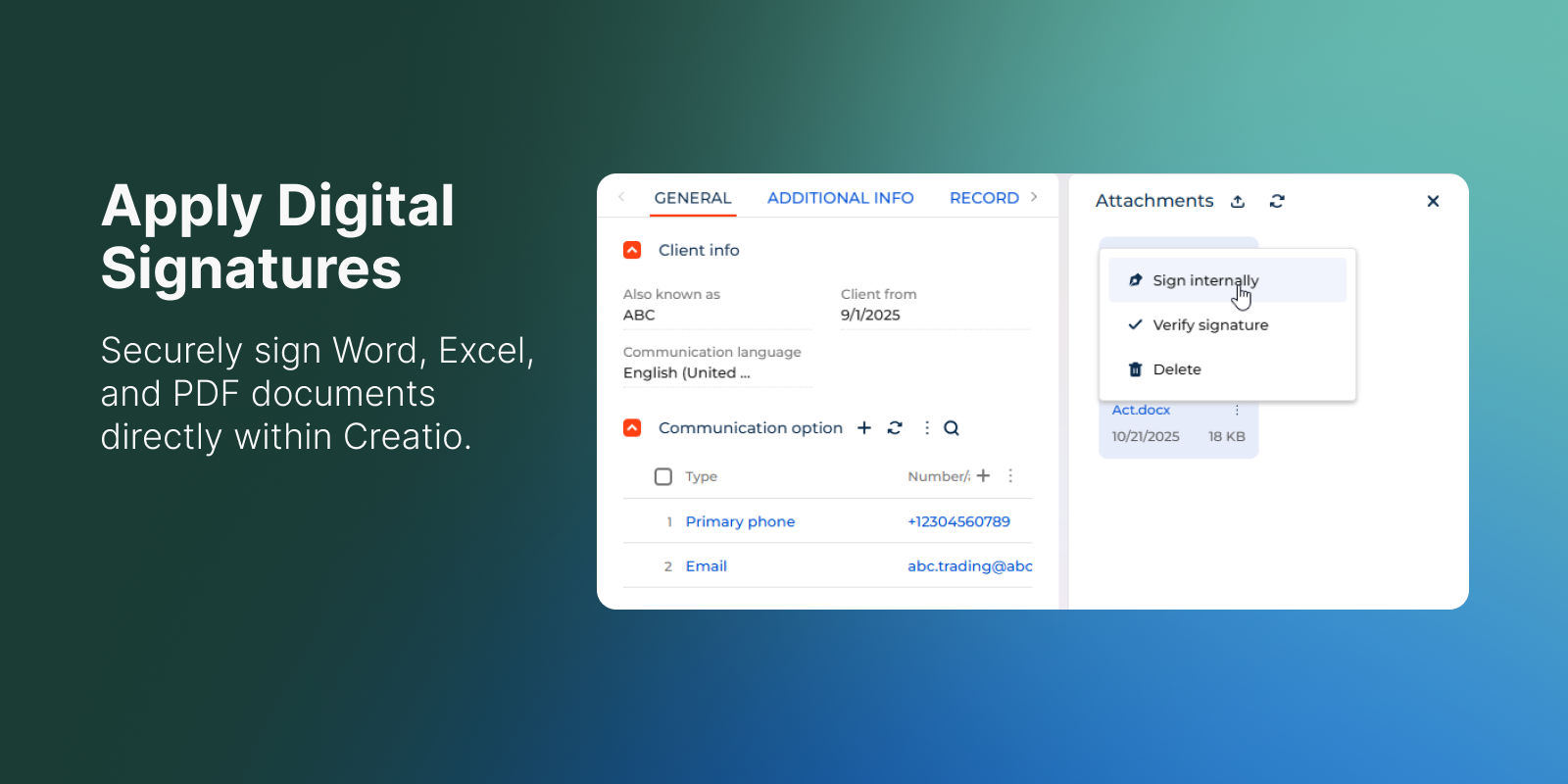
Apply Digital Signatures
Securely sign Word, Excel, and PDF documents directly within Creatio. Ensure document authenticity while simplifying internal approval workflows.

Use Custom PFX Certificates

Leverage organisation-specific PFX certificates for digital signing, ensuring alignment with internal security policies and compliance standards.

Verify File Integrity

Instantly validate the authenticity and integrity of signed documents – directly within the Creatio interface, without external tools.

Maintain Record Linkage

Keep signed documents securely linked to their originating records for traceability, audit readiness, and efficient retrieval.

Categories

UI Framework

UI Framework
Classic UI
Freedom UI

Type

Type
Application

Price

Price
Paid
Trial

Compatible with Creatio

Version
8.0.7 and up

Release information

Launched:
Updated:

Pricing

Monthly
Annual
Standard
$ 350.00 / month
billed annually

Terms and Conditions

By installing this product you agree to terms and conditions outlined in the license agreement.

Pricing FAQ

How does pricing work?
What currencies are accepted for payment?
Do the listed prices include taxes or discounts?
Does the listed price include the cost of the Creatio Platform plan?

Support

Support is available for this application
Support is provided by the developer within the “Basic” and “Business” packages. Detailed information about the support packages and the support terms can be found on the Creatio website.

Installation

Setup guide

After installation please generate source code and update database structure for all File schemas in the environment. After that please flush Redis cache and restart your Creatio environment.

Compatibility notes

Compatibility notes
Requires installation of Customer 360 app

Product compatibility

UI Framework

Classic UI
Freedom UI

Deployment Options

Cloud
On-site

DBMS

Any supported DBMS

Platform

.NET Framework

Compatible with Creatio

8.0.7 and up

Versions

Versions history

Version
Compatibility
Release date
1.0.0
8.0.7 and up
February 20, 2026
Release summary
initial version release

Manual app installation

  1. Open the needed app → the Packages tab - download the Markeplace app files.
  2. Click in the top right → Application Hub
  3. Click New application. This opens a window.
  4. Select Install from file and click Select in the window that opens.
  5. Click Select file on the page of the Marketplace App Installation Wizard and specify the app file path.

Reviews