


Lursoft connector for Creatio
Lursoft connector enables automatic retrieval of official company data from Lursoft, helping Creatio users keep account information accurate and up-to-date.
Overview
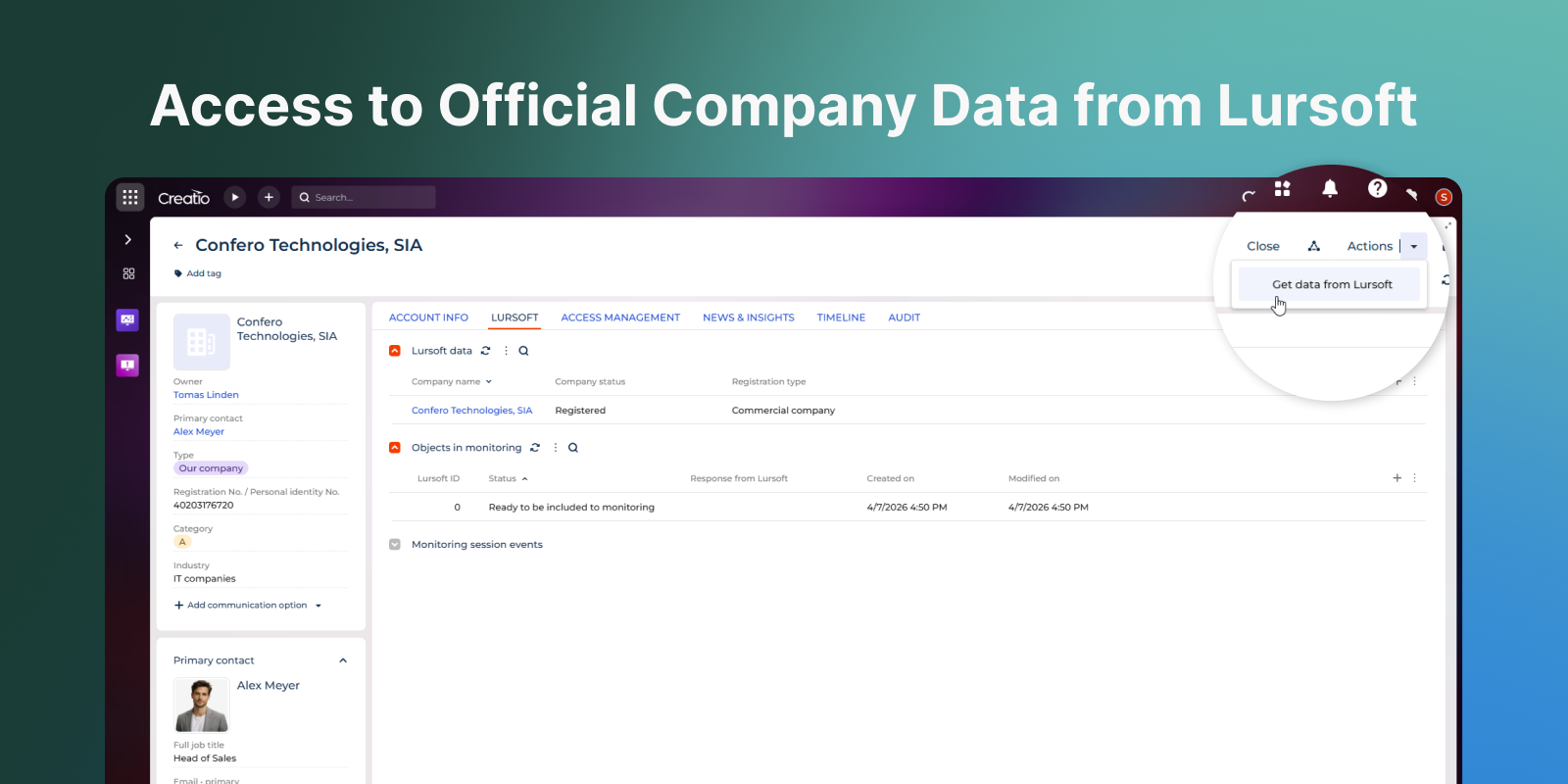
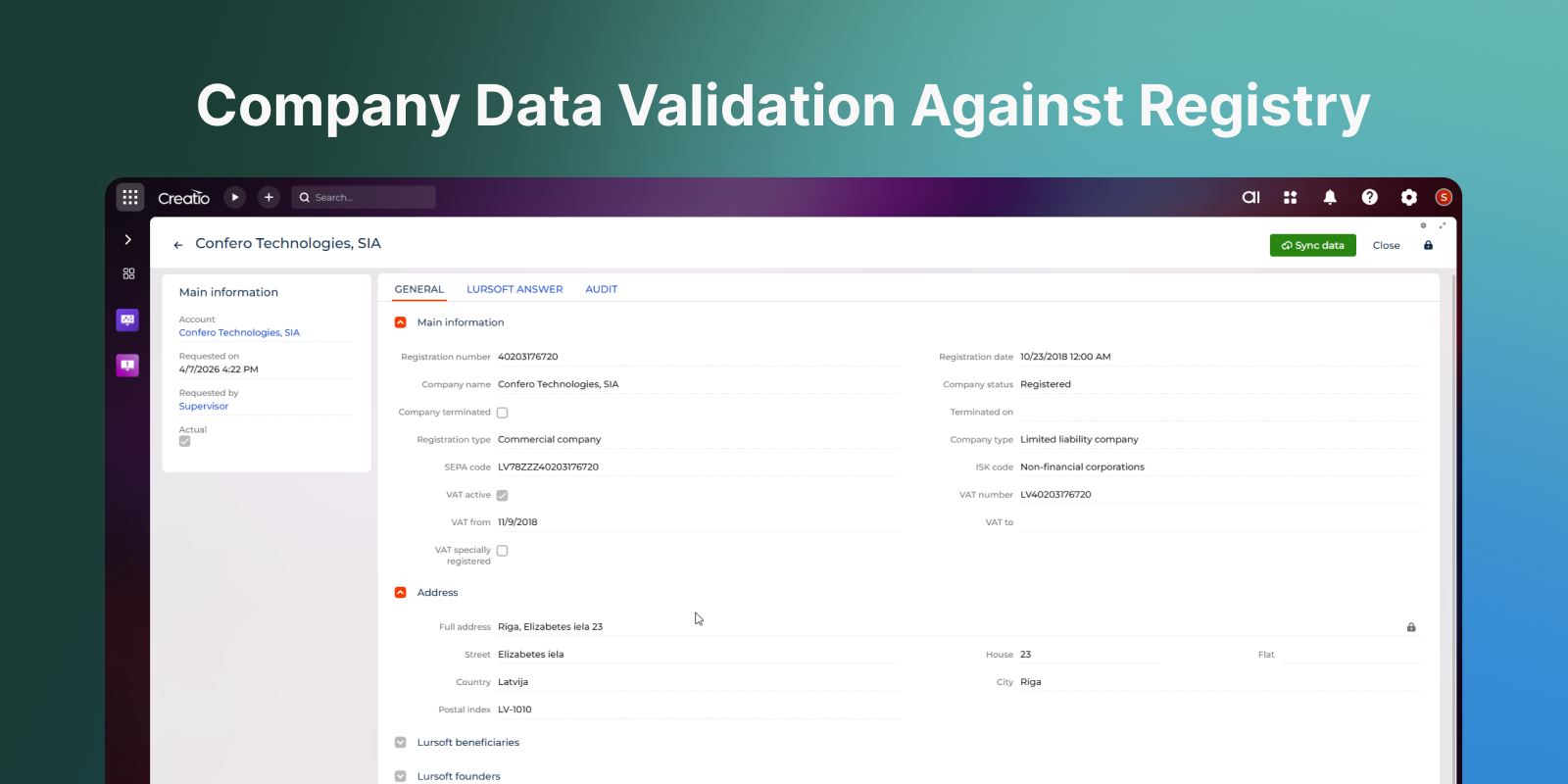
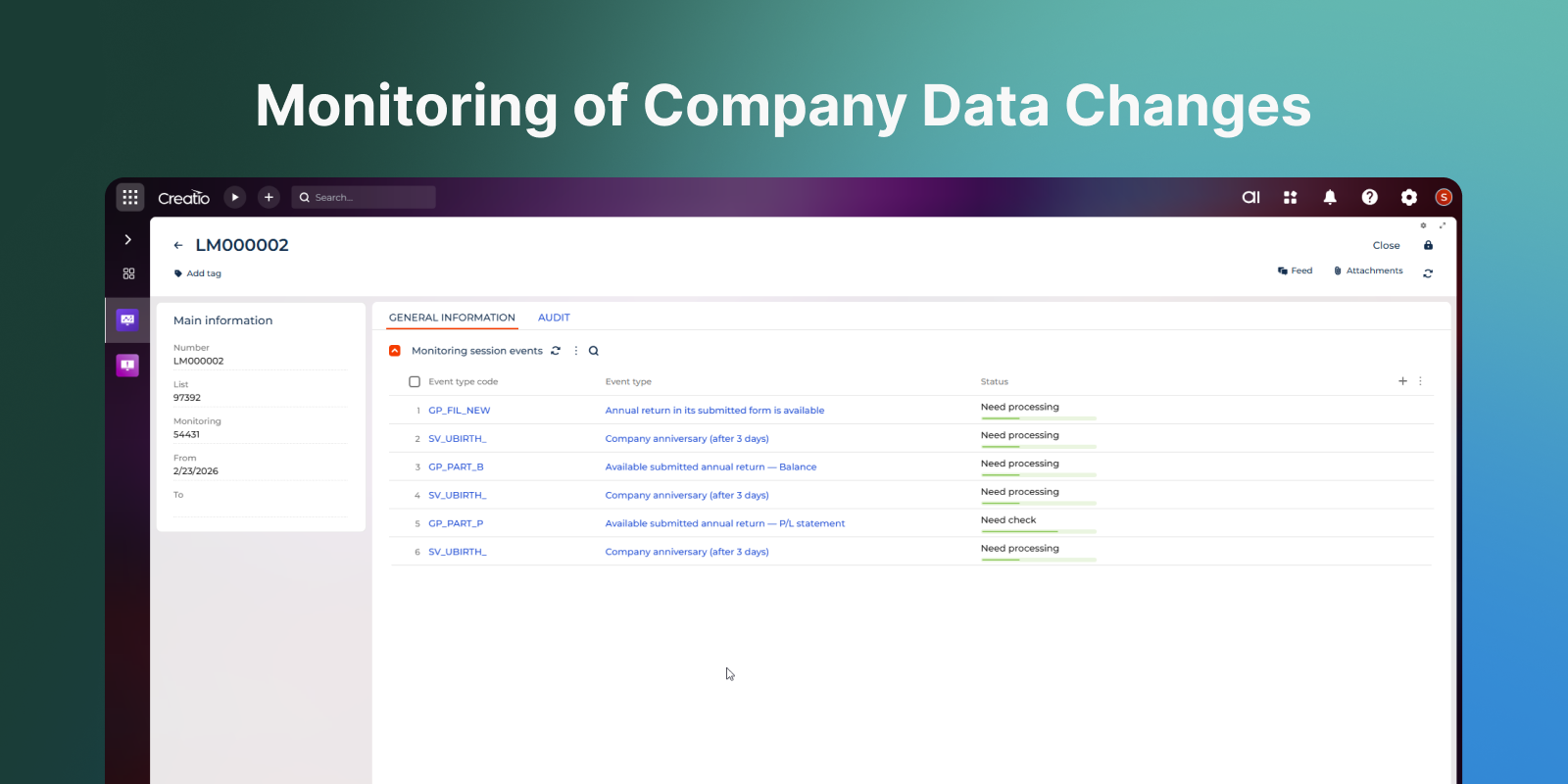
Product overview
Product description
The Lursoft connector add-on enables seamless integration between Creatio and Lursoft, Latvia’s official company registry information service. With a single click, users can retrieve up-to-date legal and registration data about any account directly within Creatio.
The functionality enables users to:
- Request official company data from Lursoft without leaving Creatio.
- Automatically populate account details with verified legal information.
- Maintain consistent and accurate records by validating data against the Lursoft registry.
- Monitor changes in company information and instantly notify users about updates.
The add-on streamlines access to official company information, reduces manual data entry, and ensures data accuracy when working with accounts in Creatio.
Key Features
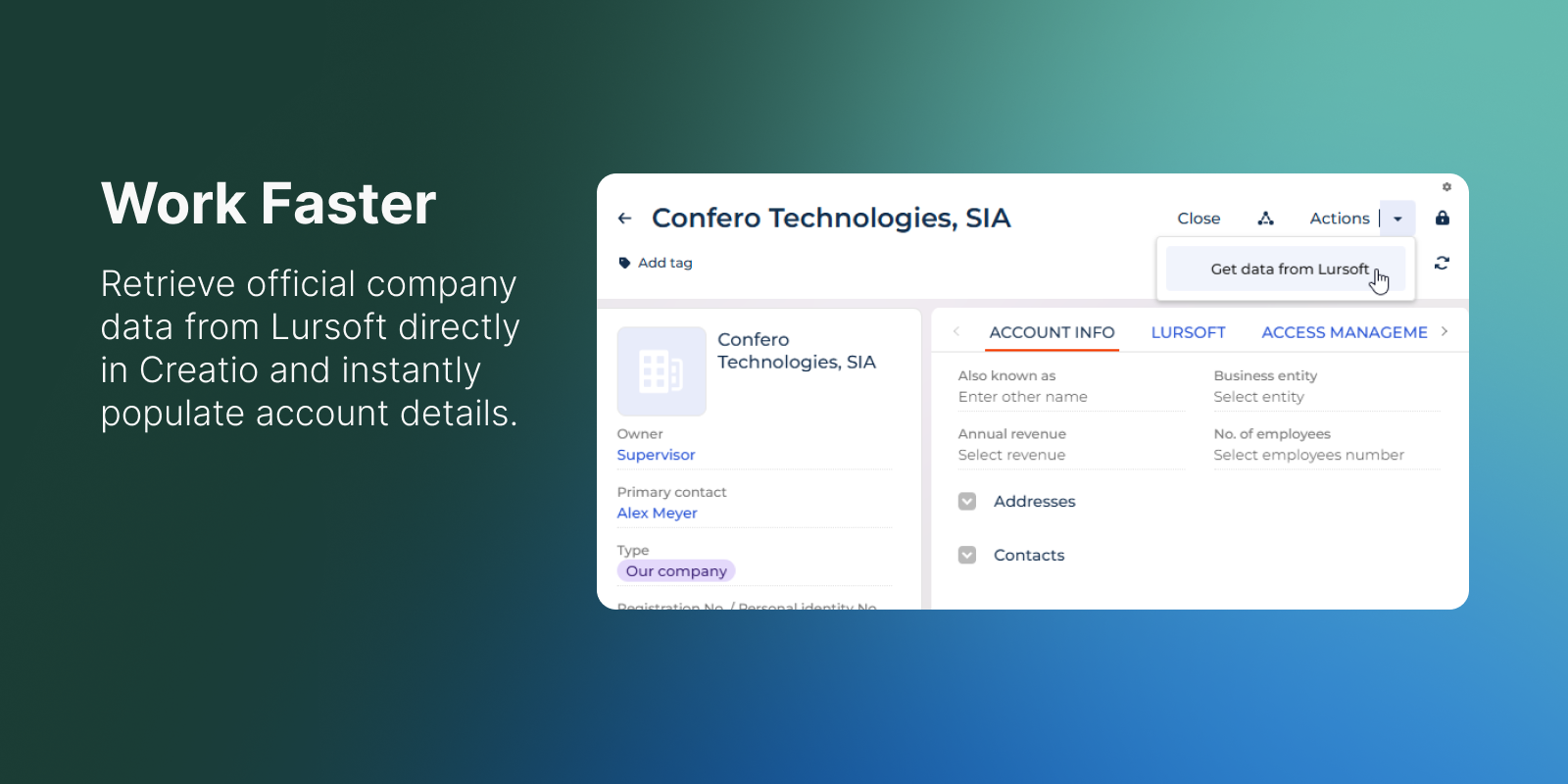
Work Faster
Retrieve official company data from Lursoft directly in Creatio, automatically filling in account details and eliminating the need for manual data entry.
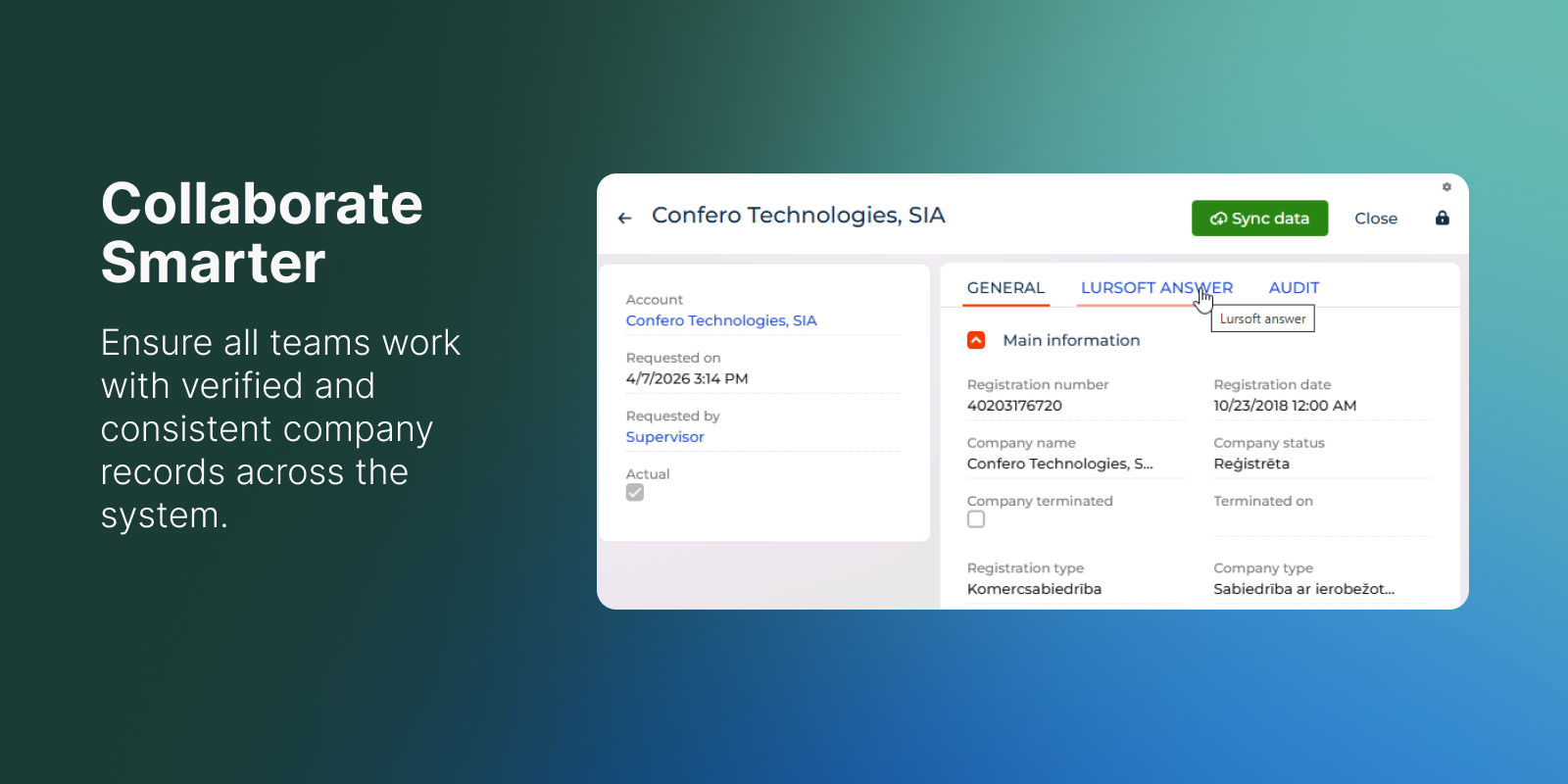
Collaborate Smarter
Ensure all teams work with verified and consistent company records across the system — reducing duplicate entries and misunderstandings.
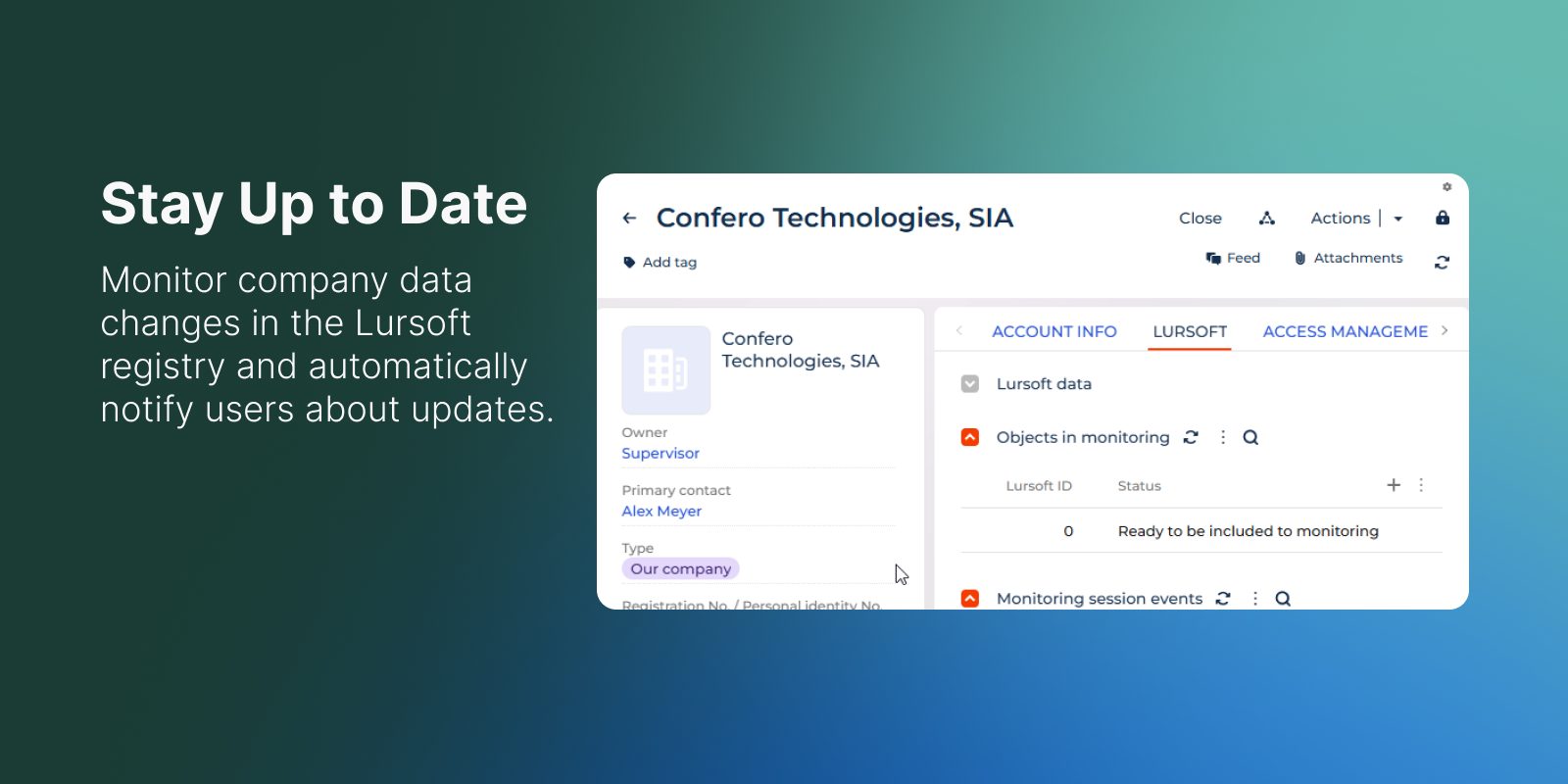
Stay Up to Date
Monitor company data changes in the Lursoft registry and automatically notify Creatio users about updates, helping teams maintain accurate and up-to-date records.
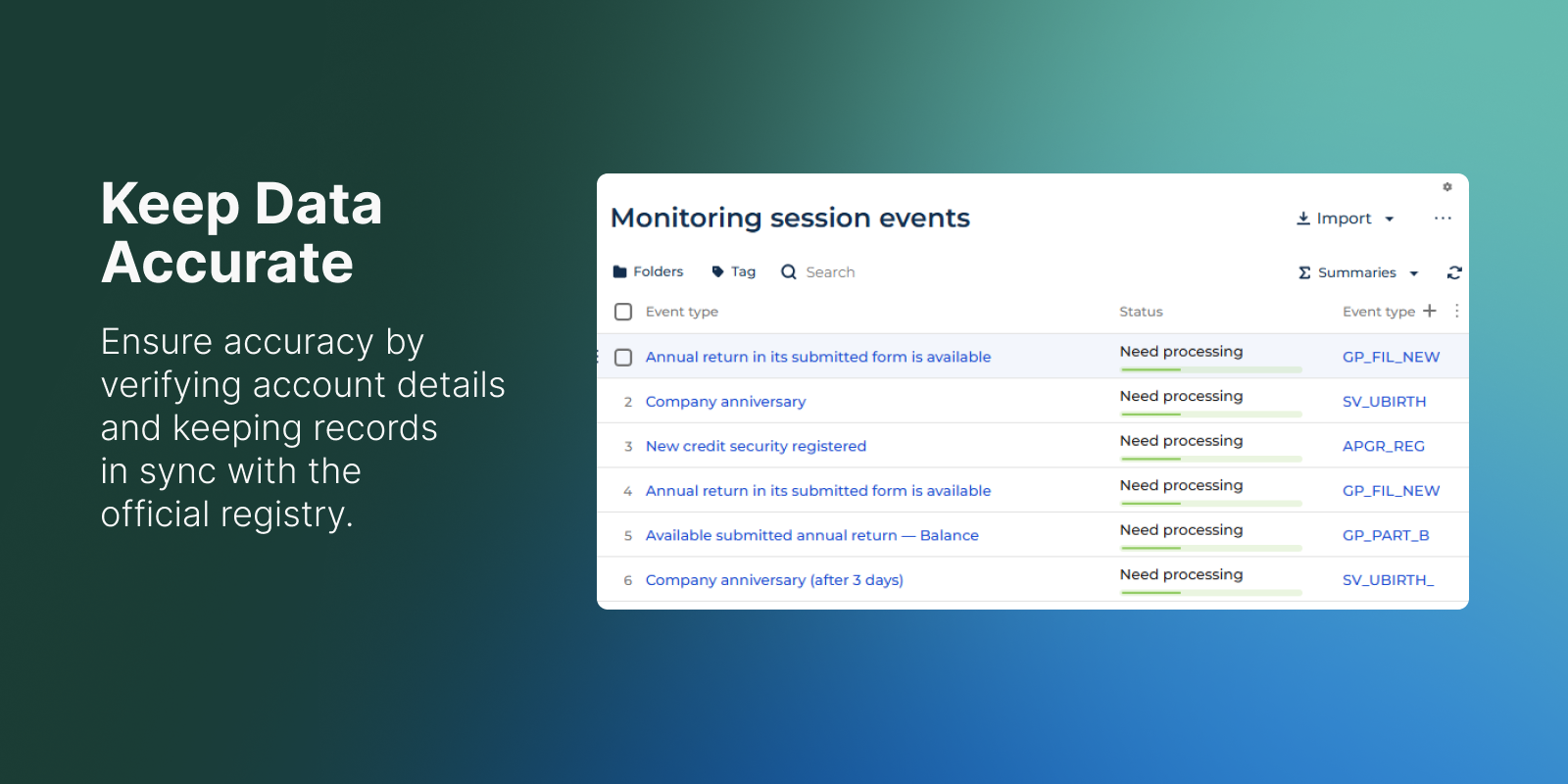
Keep Data Accurate
Ensure accuracy by verifying account details against the official registry and keeping records synchronised with authoritative data sources.
Pricing
Monthly
Annual
Standard
$
350.00 / month
billed annually
Terms and Conditions
By installing this product you agree to terms and conditions outlined in the license agreement.
Support
Support is available for this application
Support is provided by the developer within the “Basic” and “Business” packages. Detailed information about the support packages and the support terms can be found on the Creatio website.
Installation
Data sharing
- By installing or downloading the App, you confirm that you agree with sharing your account data (name, email, phone, company and country) with the App Developer as their End User.
- The App Developer will process your data under their privacy policy.
Versions
Versions history
Version
Compatibility
Release date
1.0.0
8.2.3 and up
Manual app installation
- Open the needed app → the Packages tab - download the Markeplace app files.
- Click in the top right → Application Hub
- Click New application. This opens a window.
- Select Install from file and click Select in the window that opens.
- Click Select file on the page of the Marketplace App Installation Wizard and specify the app file path.