


Mass Updating Pro for Creatio
Mass Updating Pro for Creatio is an advanced data update tool fully adapted for Freedom UI. It enables administrators, citizen developers and analysts to quickly perform bulk updates in sections and lookups.
Overview
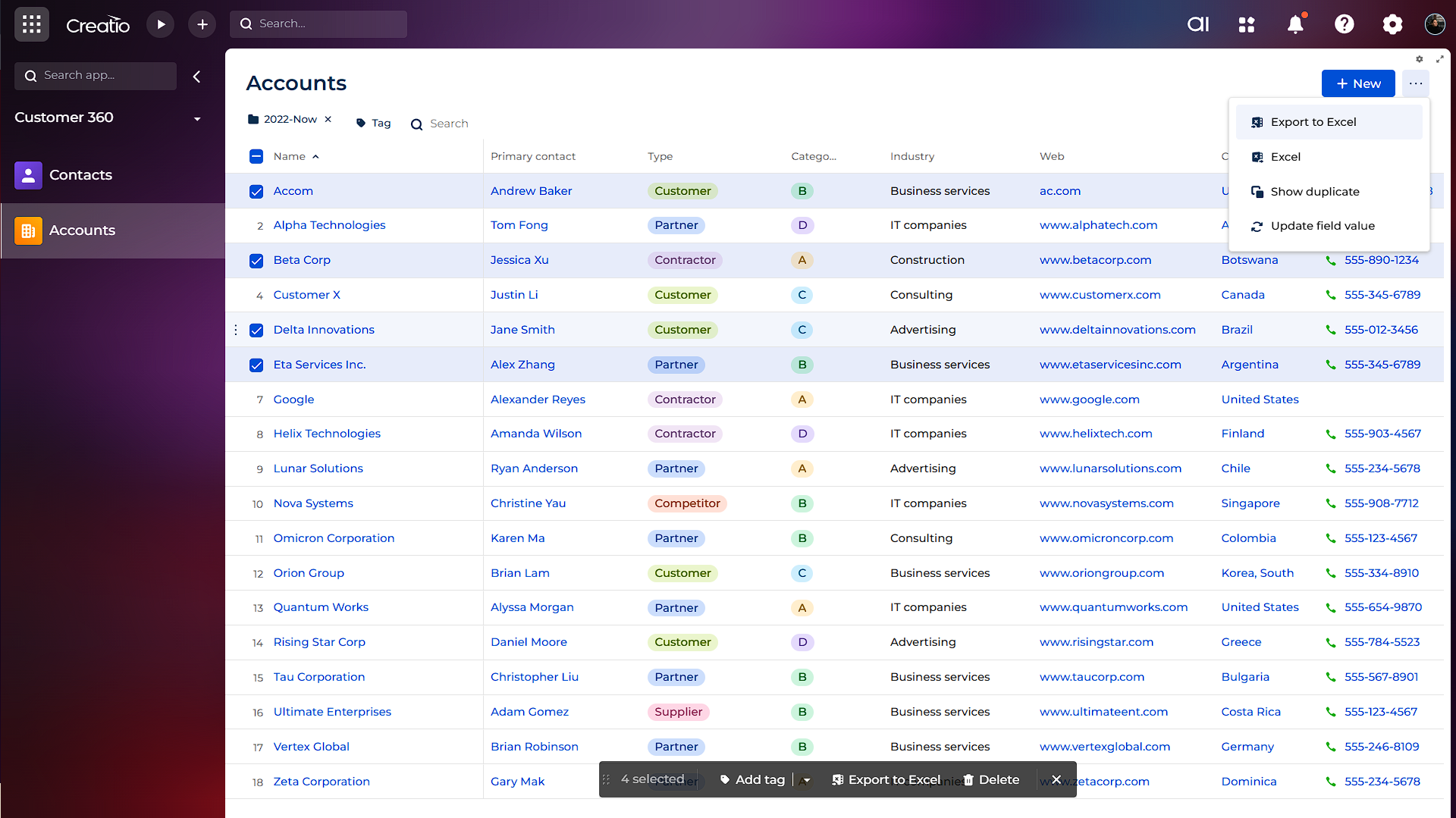
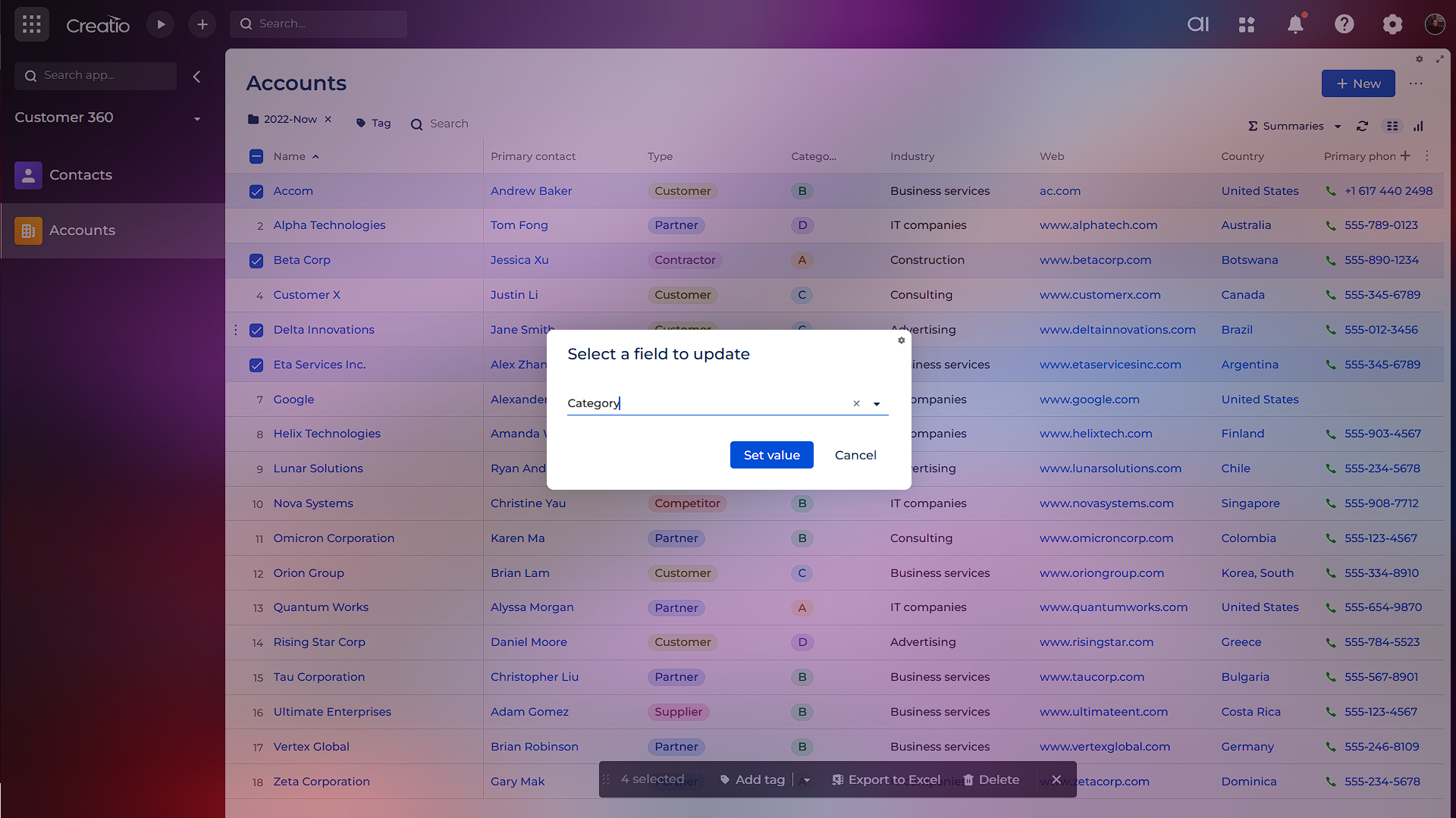
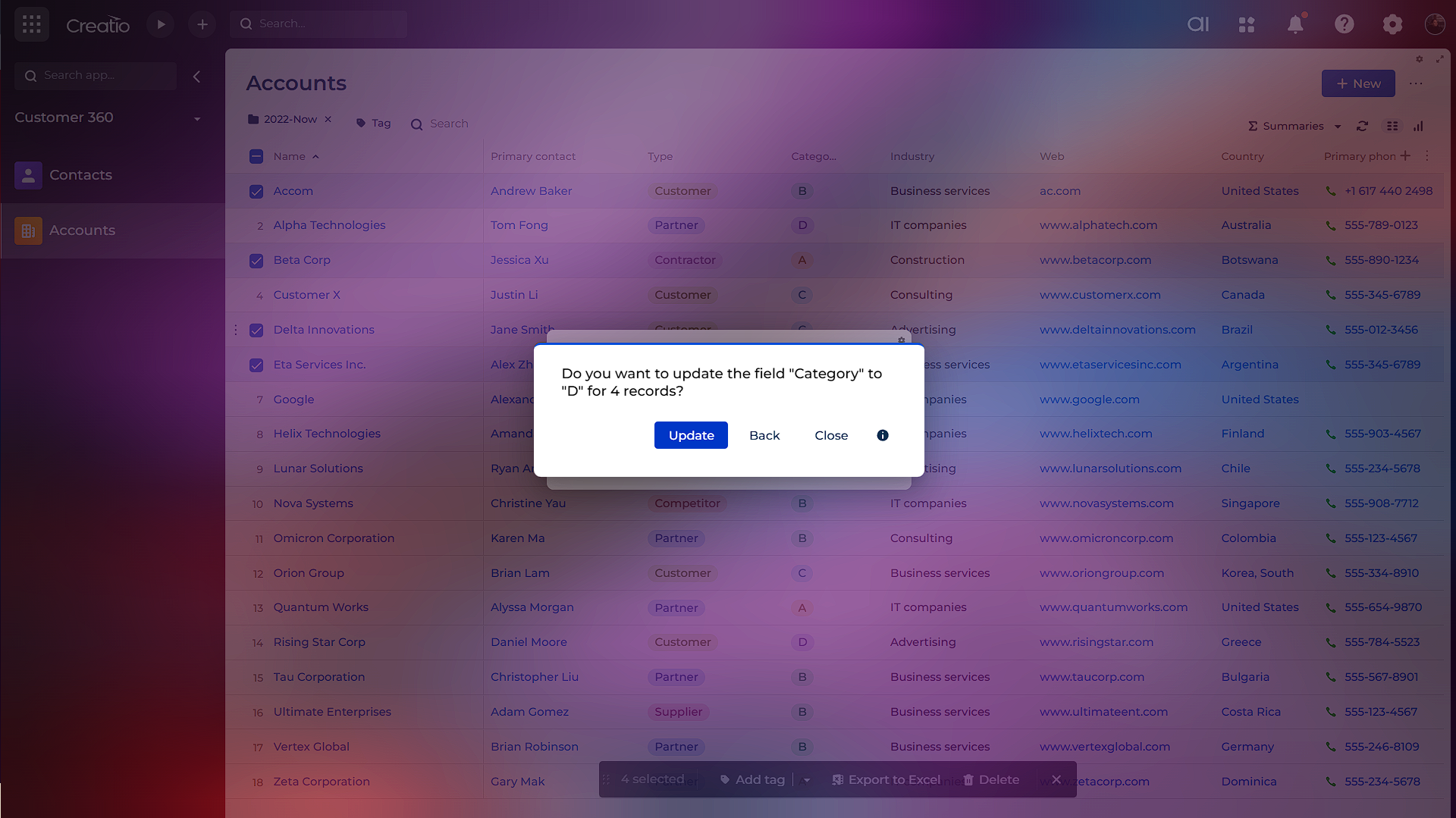
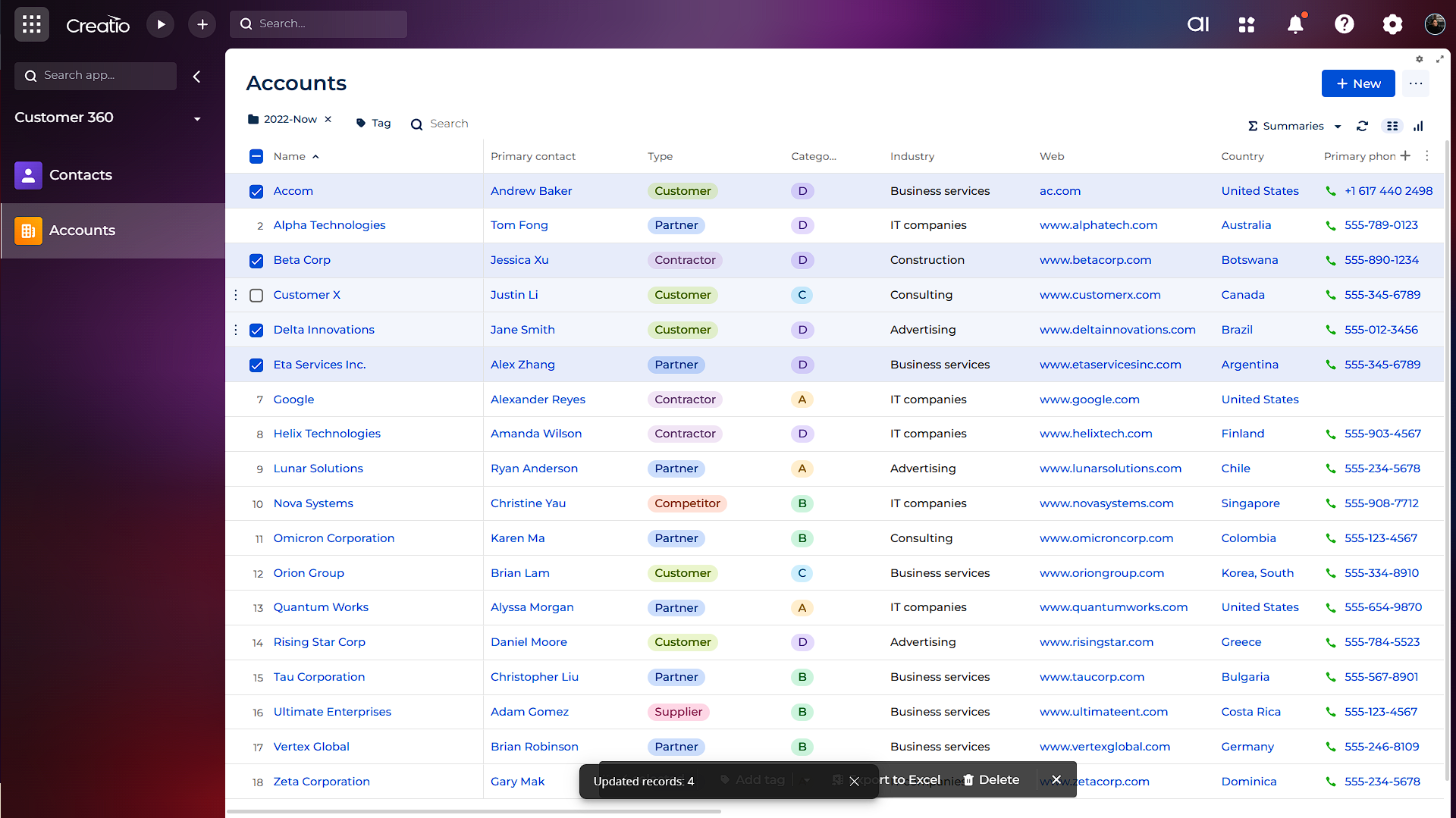
Product overview
Product description
Mass update of a column’s values in a list, based on the applied filter or folder.
Use cases:- System administrators or developers who need to quickly update datasets;
- Business analysts — as a simple no-code alternative without bpmn process to SQL queries or bulk changes data;
- Organizations that have migrated to Freedom UI and require compatible tools.
Key Features
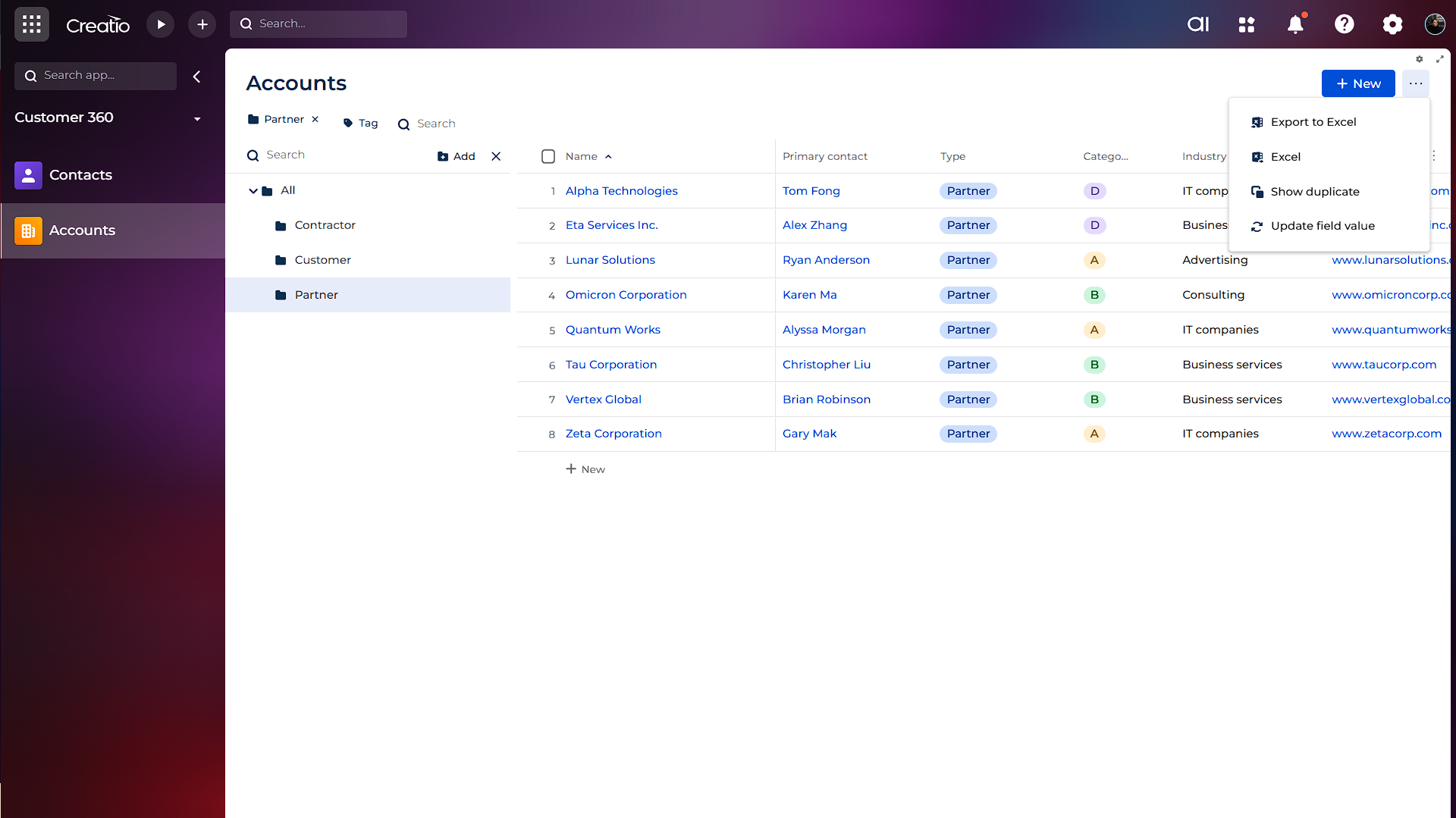
Flexible Record Selection
Use of standard filters, folders and combine ones to select range of records.
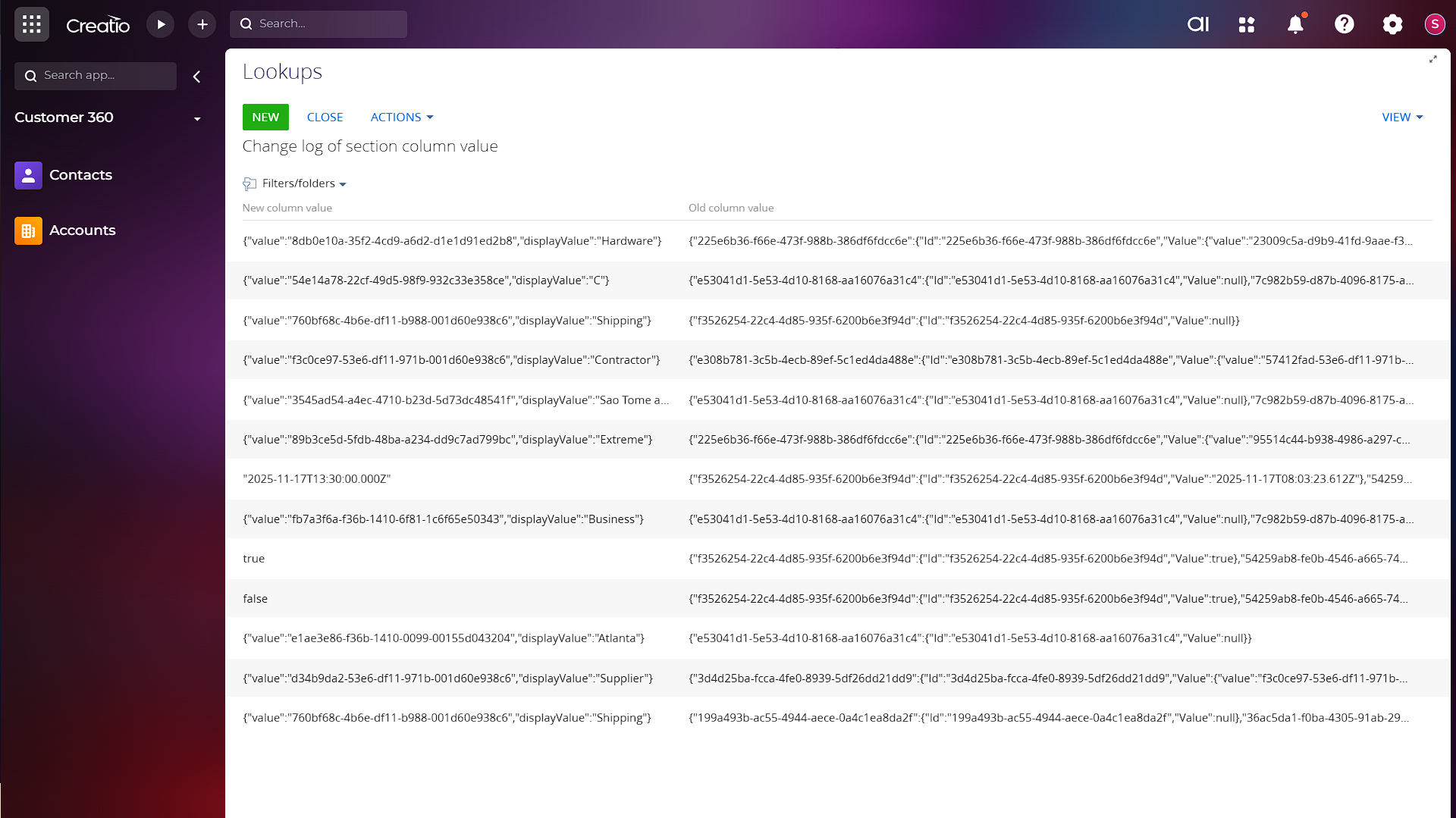
Full Audit Traceability
All mass update operations are logged automatically, capturing both old and new values for each record. This ensures complete auditability and transparency of all performed changes.
Pricing
Monthly
Annual
Standard
$
130.00 / month
billed annually
Terms and Conditions
By installing this product you agree to terms and conditions outlined in the license agreement.
Support
Support is available for this application
Support is provided by the developer within the “Basic” and “Business” packages. Detailed information about the support packages and the support terms can be found on the Creatio website.
Installation
Setup guide
1) Assign the necessary permissions to the add-on’s target users: navigate to System Designer → Operation permissions → "Right to use the action 'Change the value of the fields to select'"
2) Log out, then sign back in.
Data sharing
- By installing or downloading the App, you confirm that you agree with sharing your account data (name, email, phone, company and country) with the App Developer as their End User.
- The App Developer will process your data under their privacy policy.
Versions
Versions history
Version
Compatibility
Release date
1.0.2
8.3.1 and up
Release summary
Improved virtual lookup search behavior for value selection.
Fixed an issue preventing mass update execution for large datasets (20k+ records).
Fixed an issue preventing mass update execution for large datasets (20k+ records).
1.0.1
8.3.1 and up
1.0.0
8.3.1 and up
Release summary
Mass Updating Pro for Creatio is an advanced data update tool fully adapted for Freedom UI. It enables administrators, citizen developers and analysts to quickly perform bulk updates in sections and lookups.
Manual app installation
- Open the needed app → the Packages tab - download the Markeplace app files.
- Click in the top right → Application Hub
- Click New application. This opens a window.
- Select Install from file and click Select in the window that opens.
- Click Select file on the page of the Marketplace App Installation Wizard and specify the app file path.