


Omnichannel Marketing
Overview
Product overview
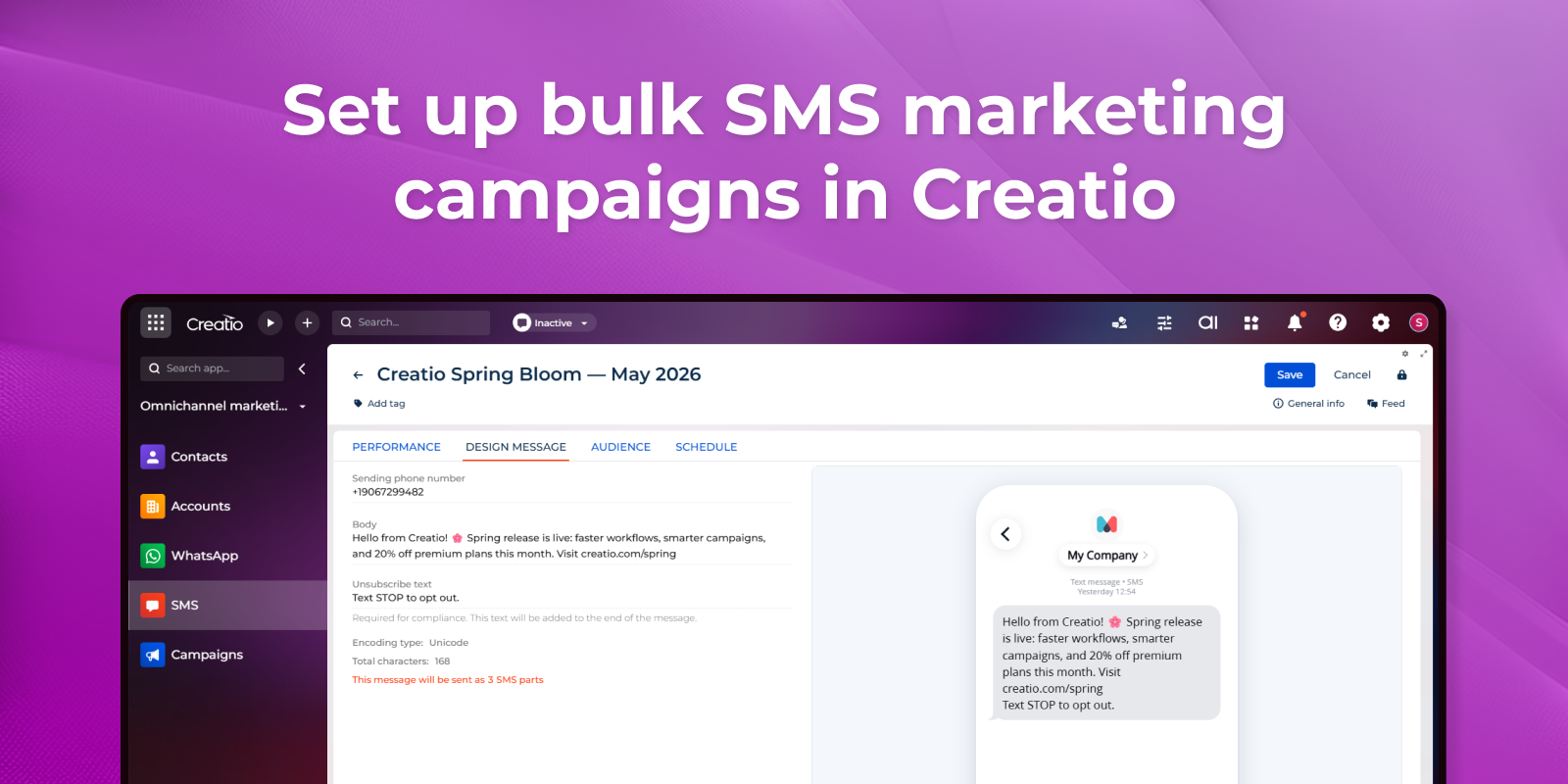
Omnichannel Marketing helps marketers create, send, and track SMS marketing campaigns directly from Creatio.
The app enables businesses to engage customers through bulk SMS messaging using Twilio, with support for messaging across European markets. Marketers can create targeted SMS campaigns, deliver promotional and transactional messages to selected audiences, and monitor campaign performance without leaving Creatio.
The solution provides a centralized way to manage SMS communications as part of a broader customer engagement strategy, with Twilio-powered messaging designed to support businesses operating in Europe. It also serves as a foundation for expanding omnichannel marketing capabilities, including additional communication channels.
Key Features
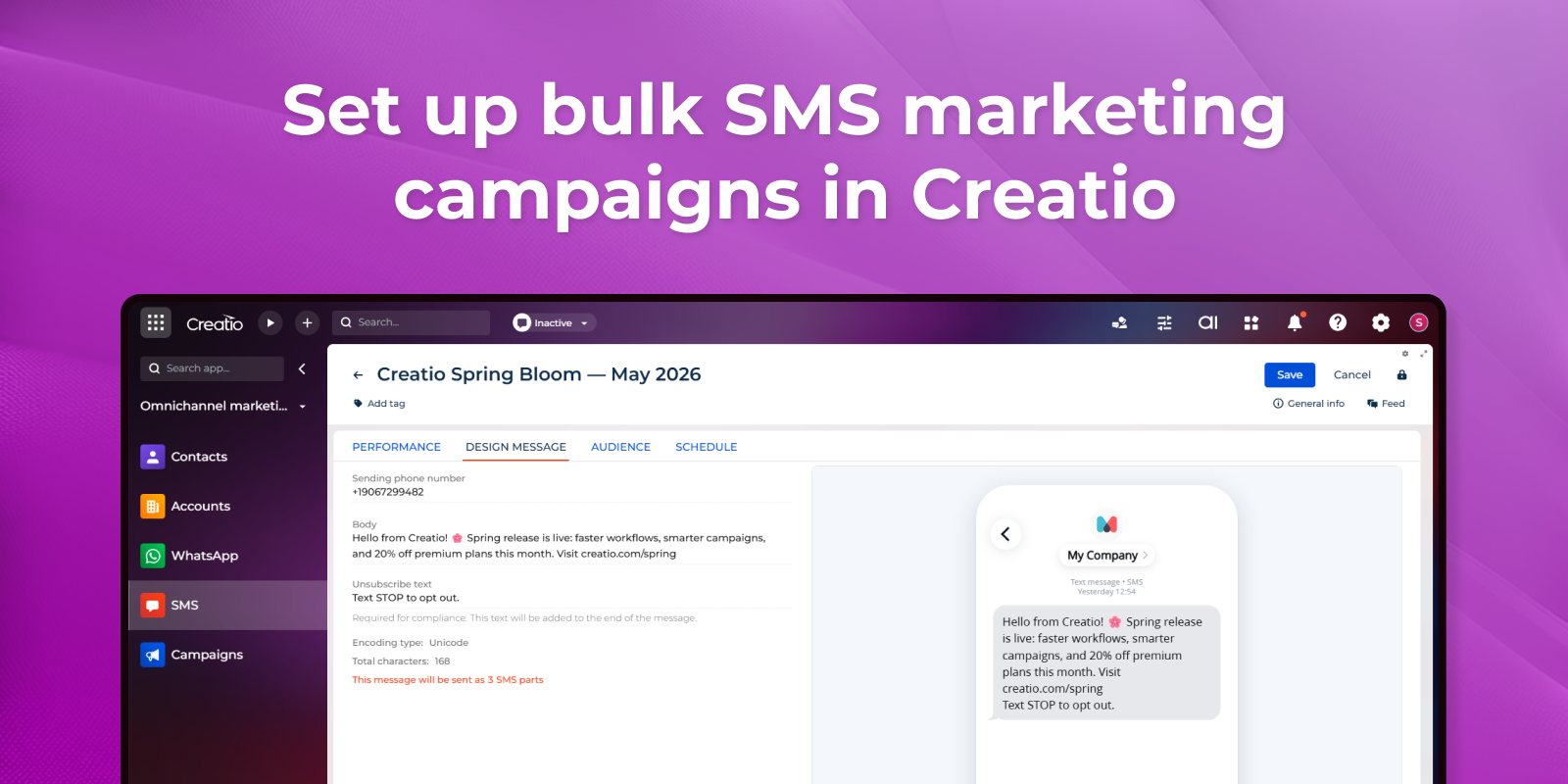
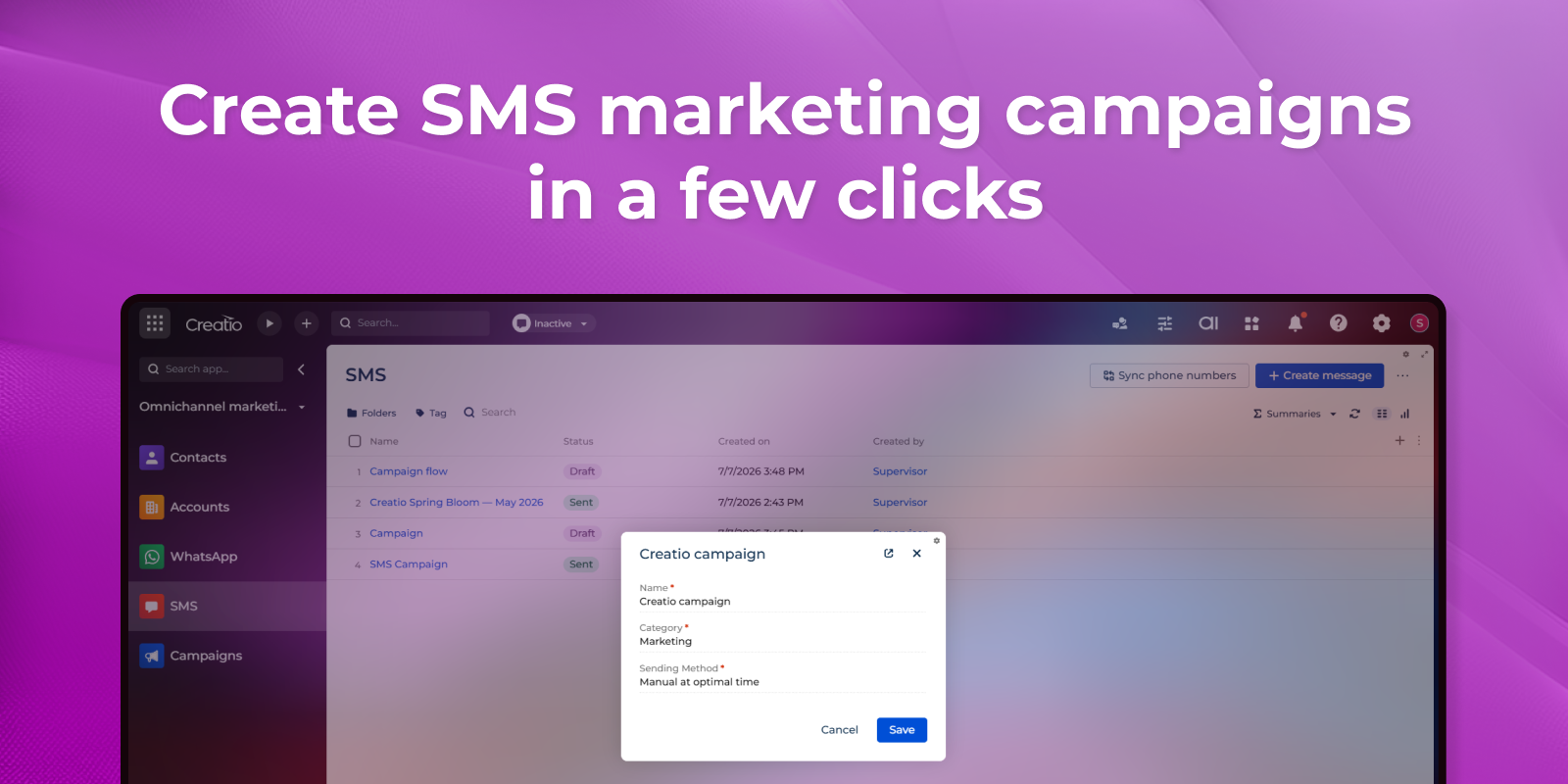
Create and send bulk marketing SMS campaigns
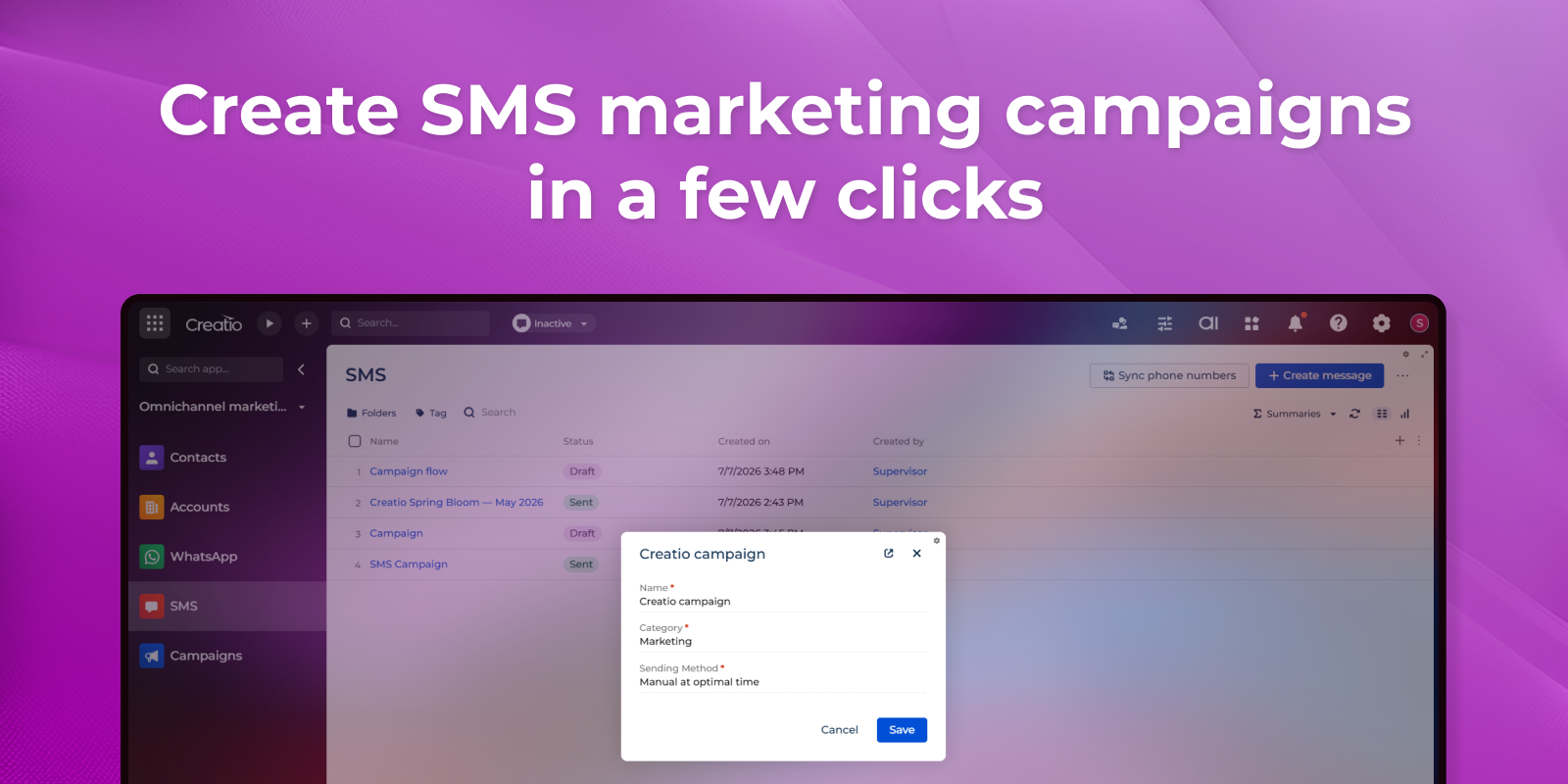
Reach targeted audiences
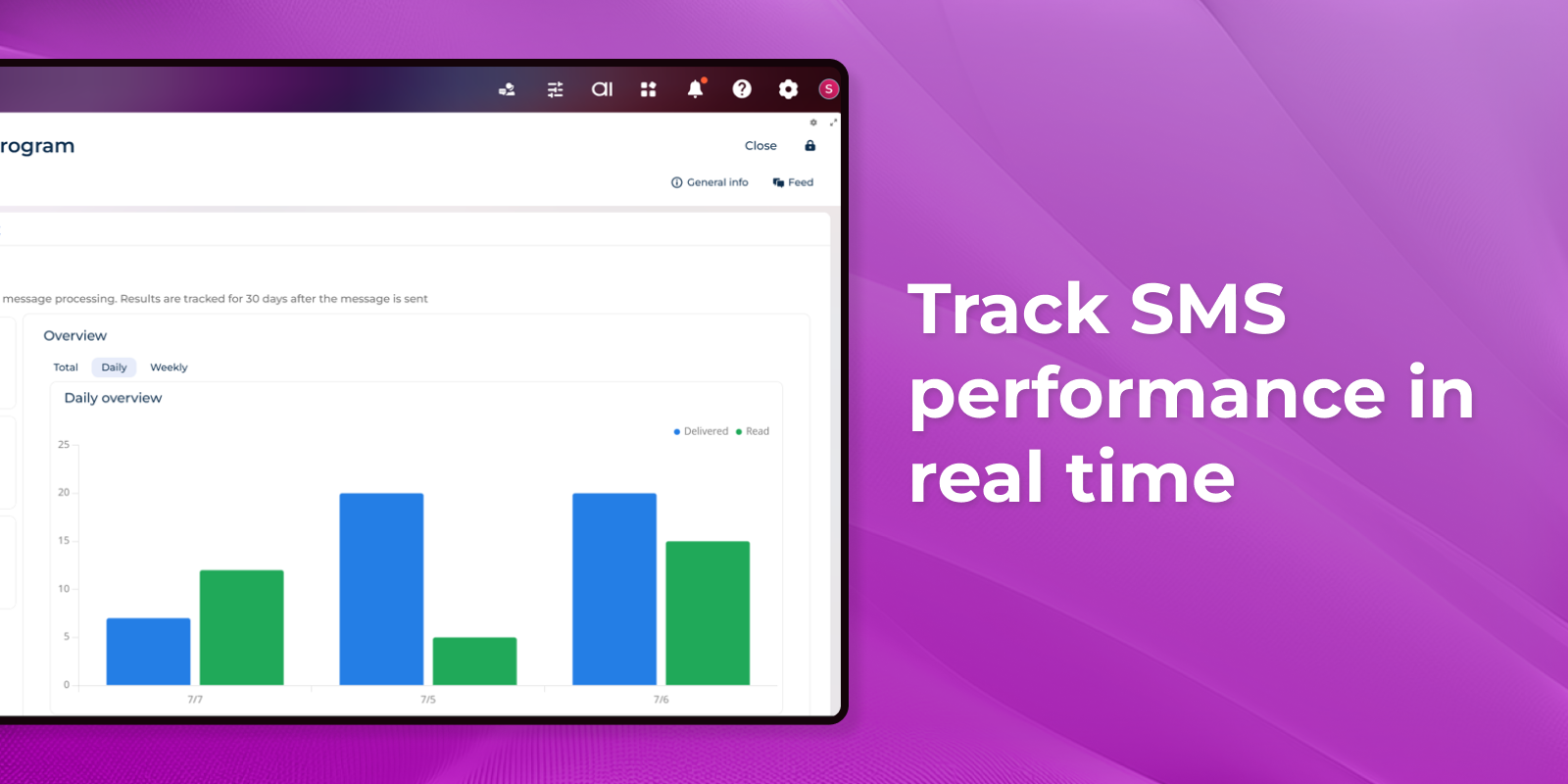
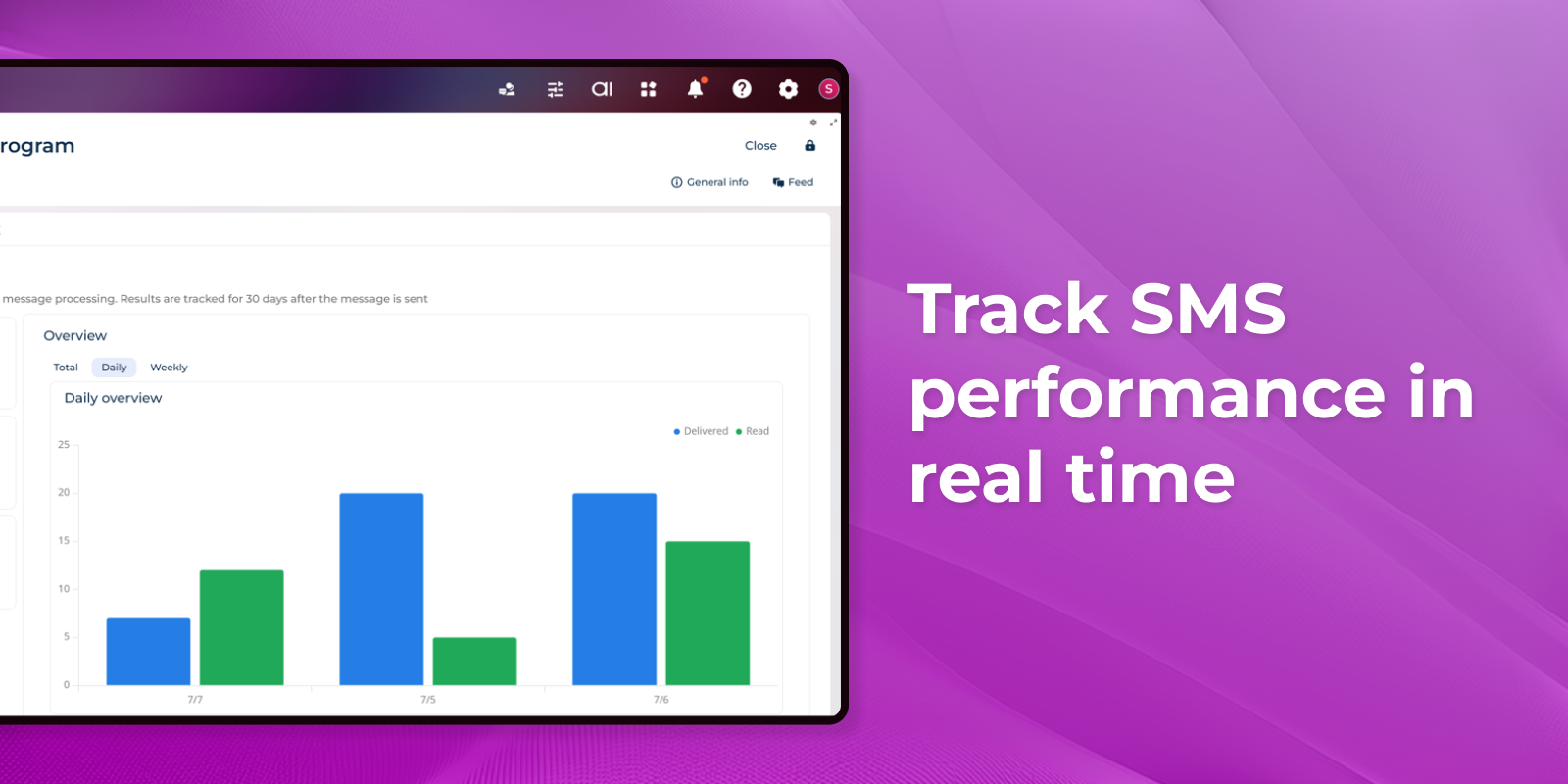
Monitor SMS campaign performance
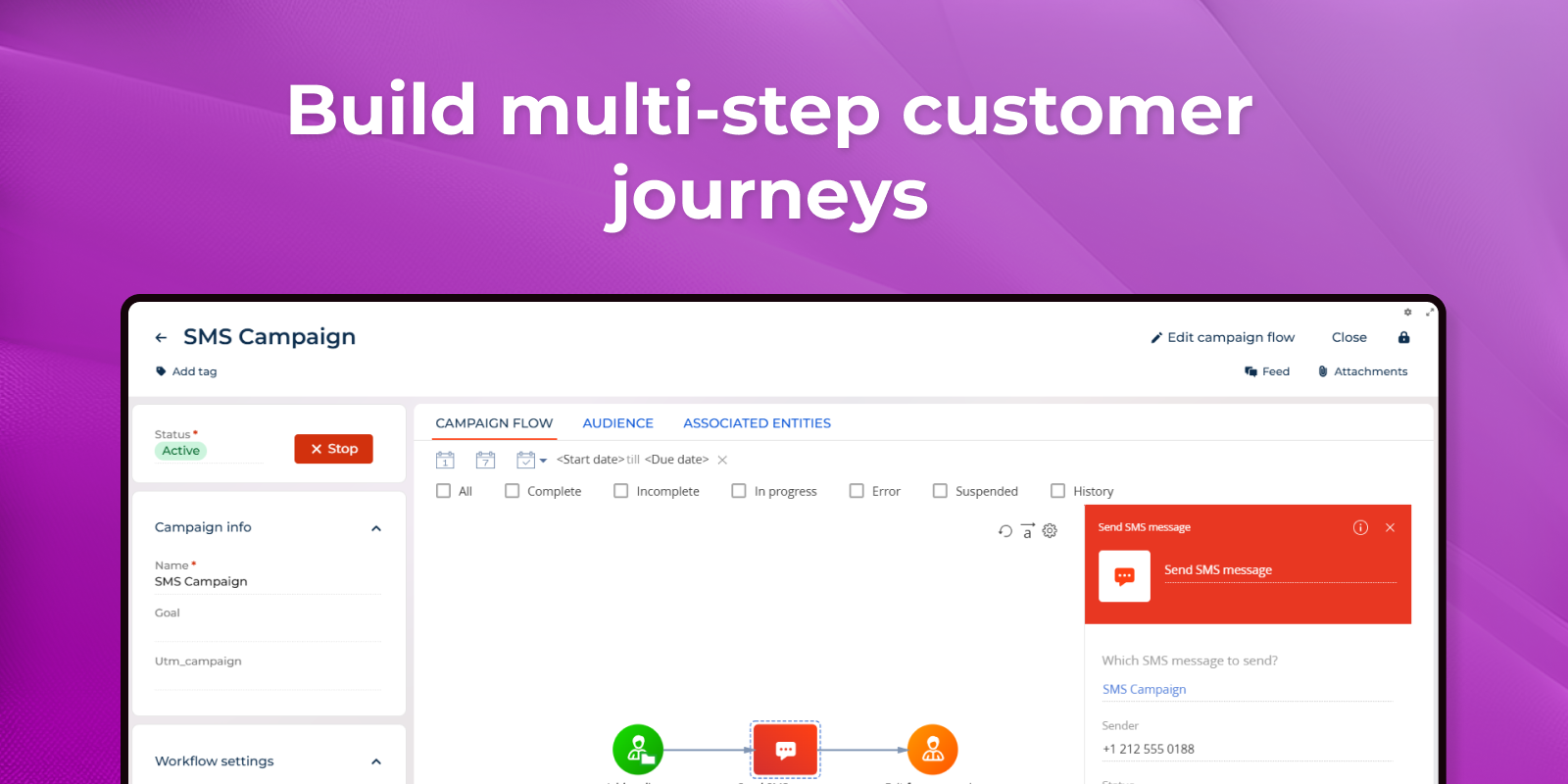
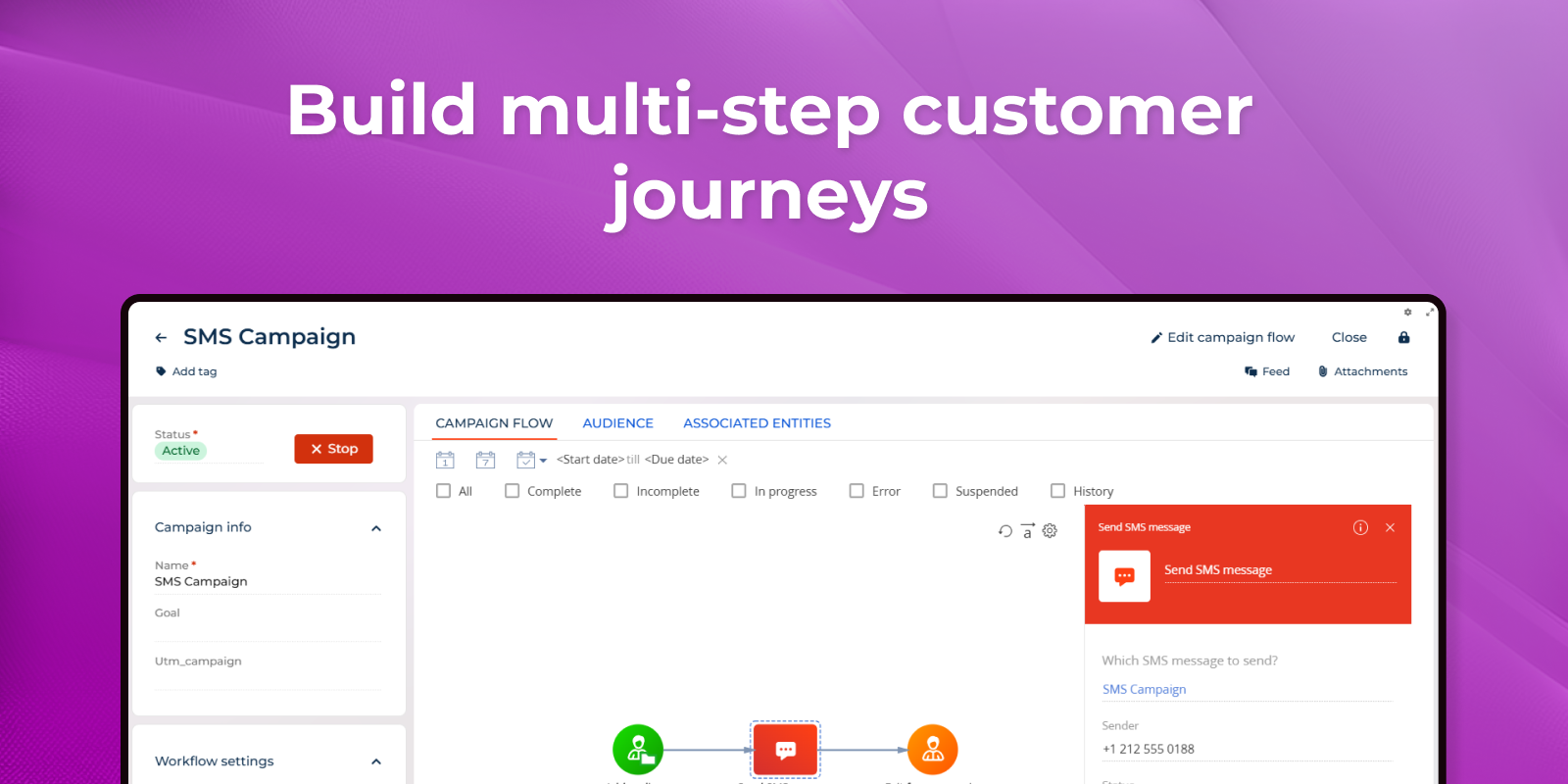
Build omnichannel customer journeys
Pricing
Terms and Conditions
Support
Installation
Setup guide
Before you start sending SMS marketing campaigns, ensure you have an active Twilio account with a configured phone number that supports SMS messaging.
In Creatio, configure your Twilio credentials in the application settings by specifying the required authentication parameters (Account SID, Auth Token). Once the connection is established, you can start creating and sending SMS campaigns directly from Creatio.
Resources
Data sharing
- By installing or downloading the App, you confirm that you agree with sharing your account data (name, email, phone, company and country) with the App Developer as their End User.
- The App Developer will process your data under their privacy policy.
Versions
Versions history
Manual app installation
- Open the needed app → the Packages tab - download the Markeplace app files.
- Click in the top right → Application Hub
- Click New application. This opens a window.
- Select Install from file and click Select in the window that opens.
- Click Select file on the page of the Marketplace App Installation Wizard and specify the app file path.
The app is available as part of the Marketing product for zero fee on top of the product license. For detailed information on the Marketing Creatio pricing, please refer to Pricing.