


Pharma Creatio
Business process automation for the pharmaceutical industry
Overview
Product overview
Product description
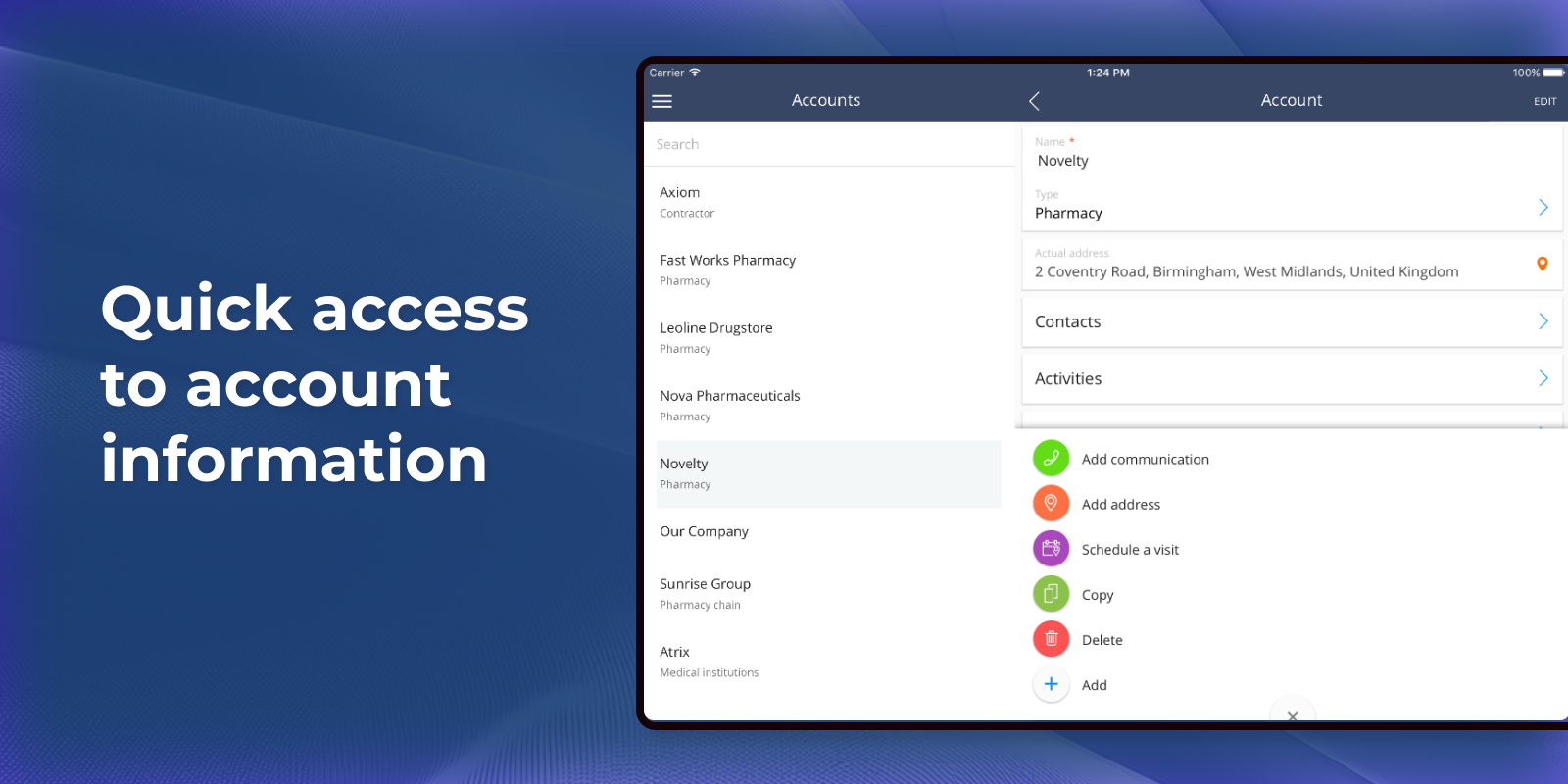
Pharma Creatio's functionality is designed to efficiently schedule the med reps' visits to doctors and pharmacies, build routes on the map, manage the visit activities and assist med reps during the visits. Create a single database of all accounts and contacts you work with and build a 360-degree view of your customers. You will always have access to doctors’ contacts, information about your field sales reps and pharmacies, history of interactions and organizational structure. Having a complete customer view enables you to develop a suitable strategy for customer interactions.
Use cases:
- Segment customers on multiple parameters to streamline communications and build stronger relationships. The system automatically groups customers based on opportunities, loyalty level, a number of customer profiles and recommendations. Segment customer database based on additional parameters, such as territory, pricing and season.
- Manage your field force using a single window interface in Pharma Creatio. Create a schedule of visits for each rep, setup rules for working with different categories of customers, monitor visits by geo-tags from field sales rep and analyze the efficiency of the department. Sales reps can view locations on a map, monitor goods availability on the stock, use plan vs actual analysis and place the results on record in the system immediately after the visit.
- Manage sales reps’ visits, work with active deals, keep track of products left on stock, and place orders on-site using the Creatio mobile app. The system keeps track of all necessary changes. Pharma Creatio mobile app can be used in both online and offline mode.
Key Features
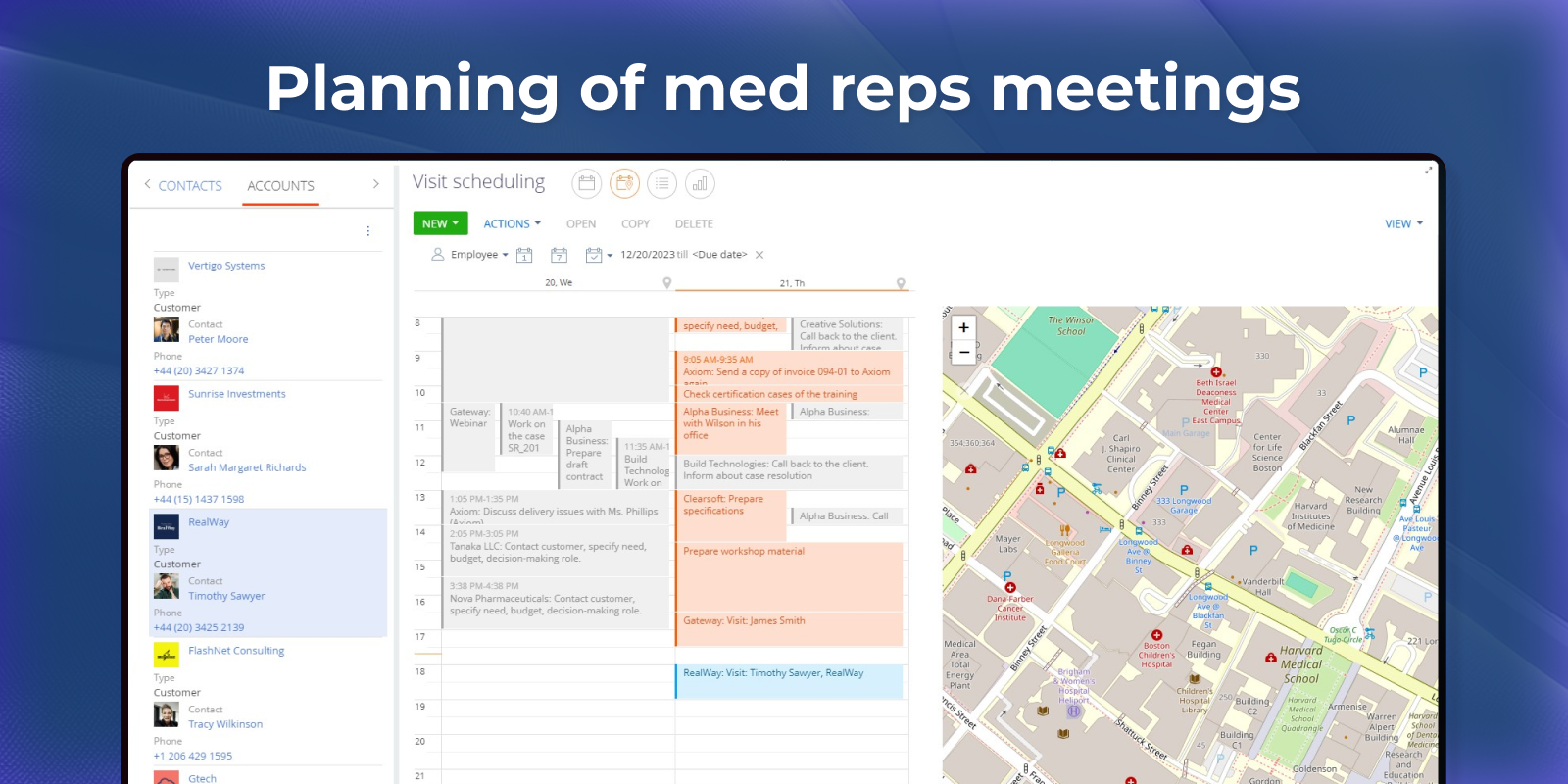
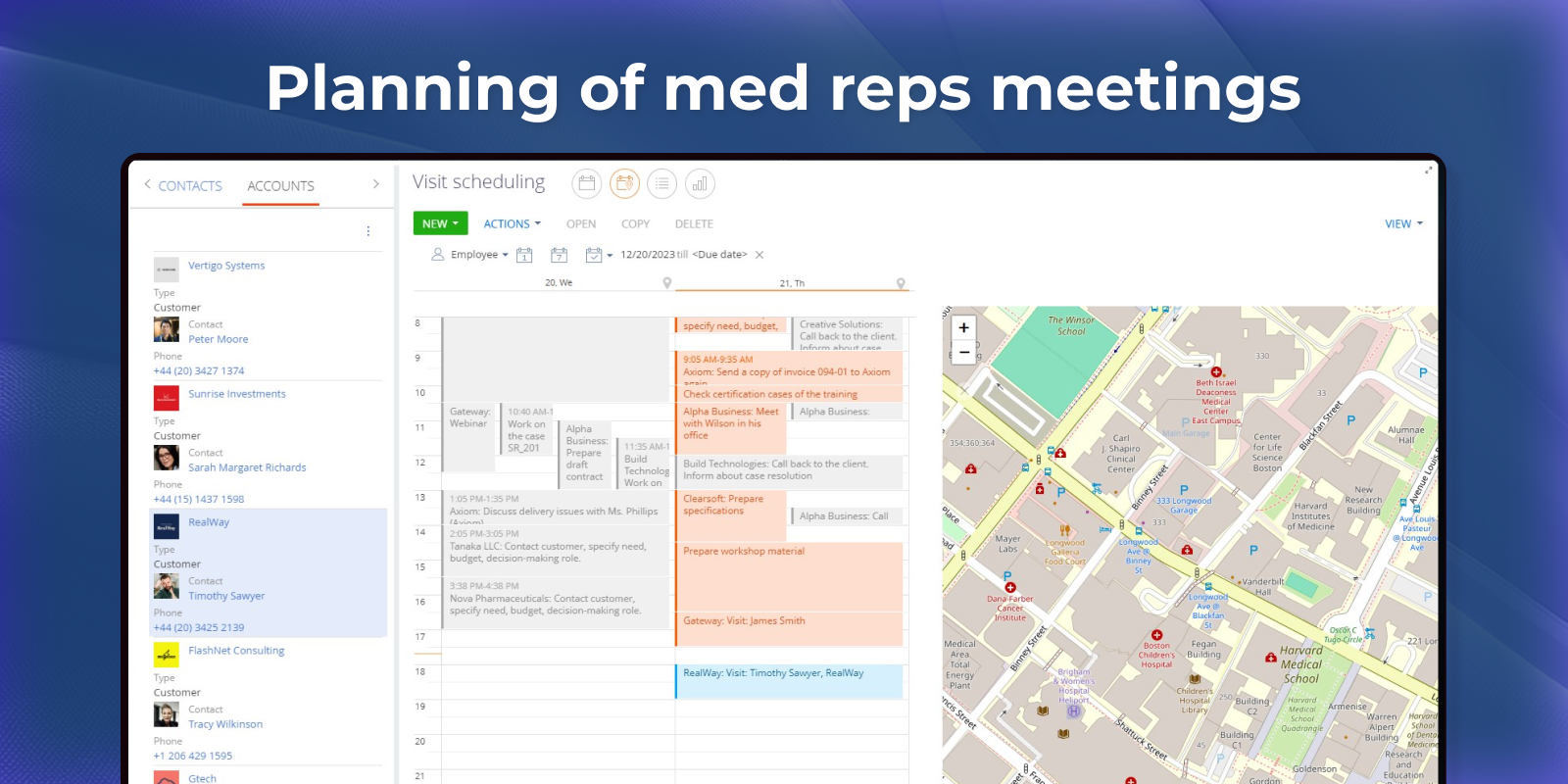
Planning of med reps meetings
Schedule and organize medical reps visits using a visual calendar.
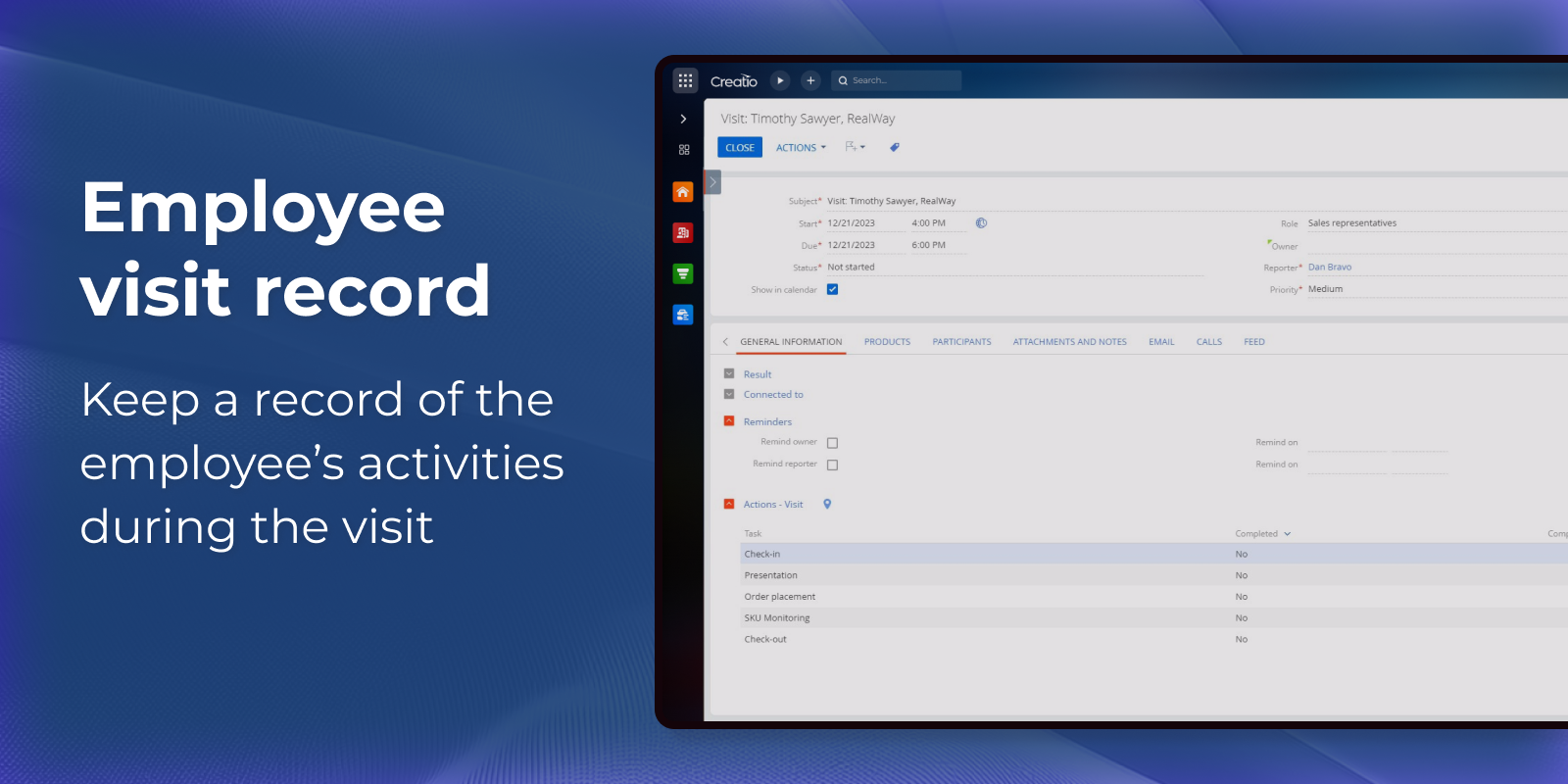
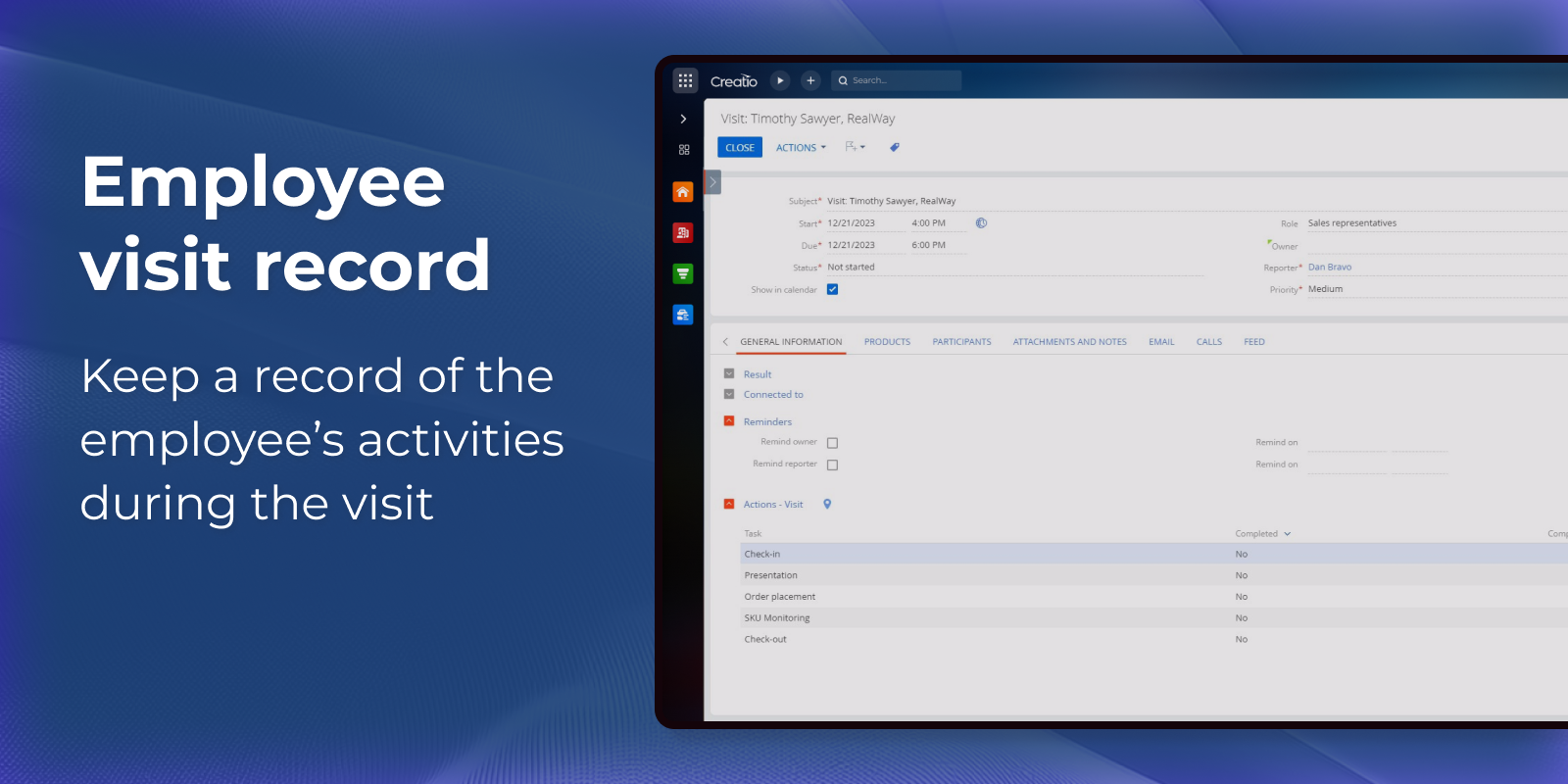
Keep a record of the employee’s activities
Keep a record of the employee’s activities during the visit.
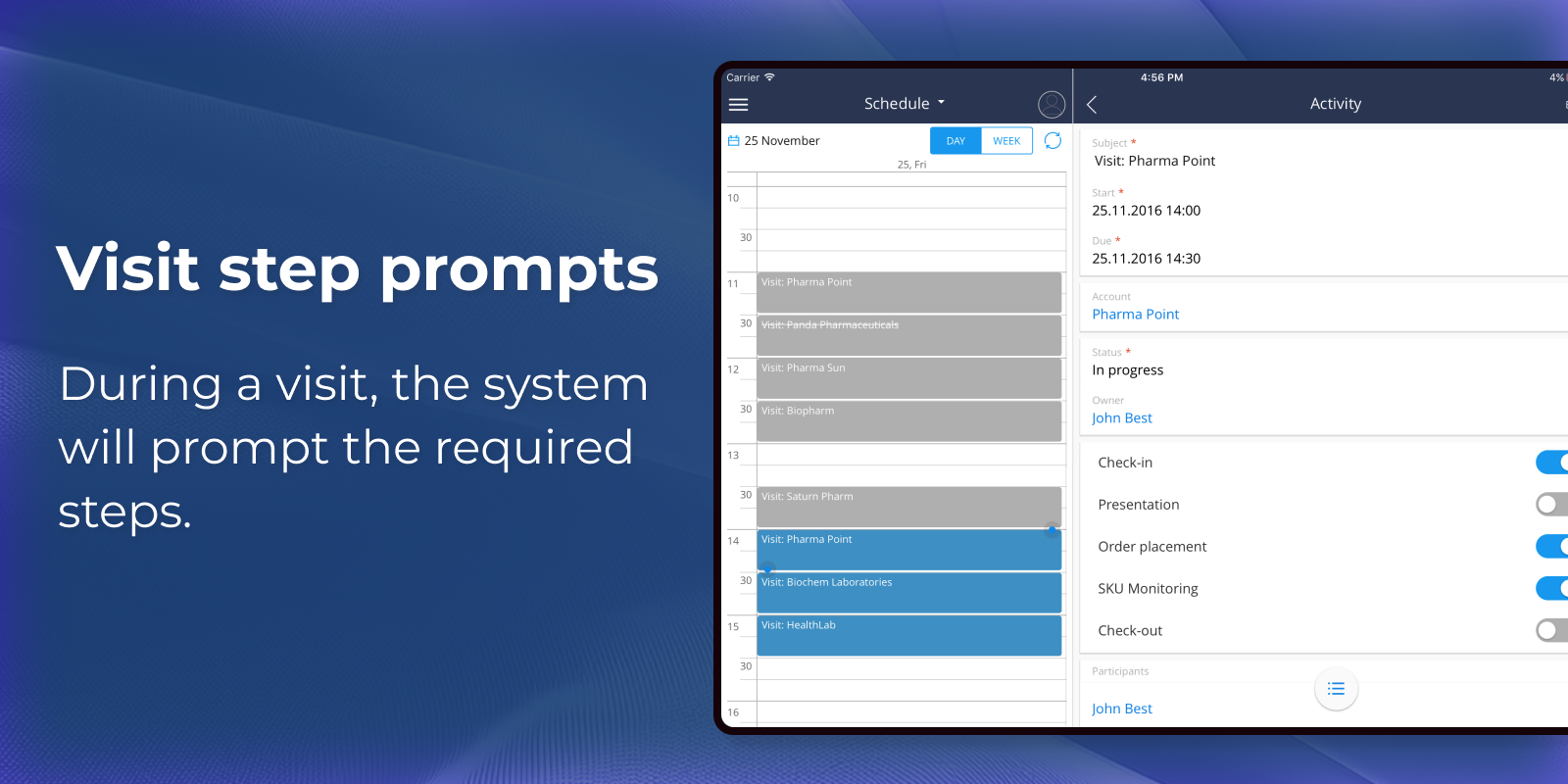
Visit step prompts
During a visit, the system will prompt the required steps.
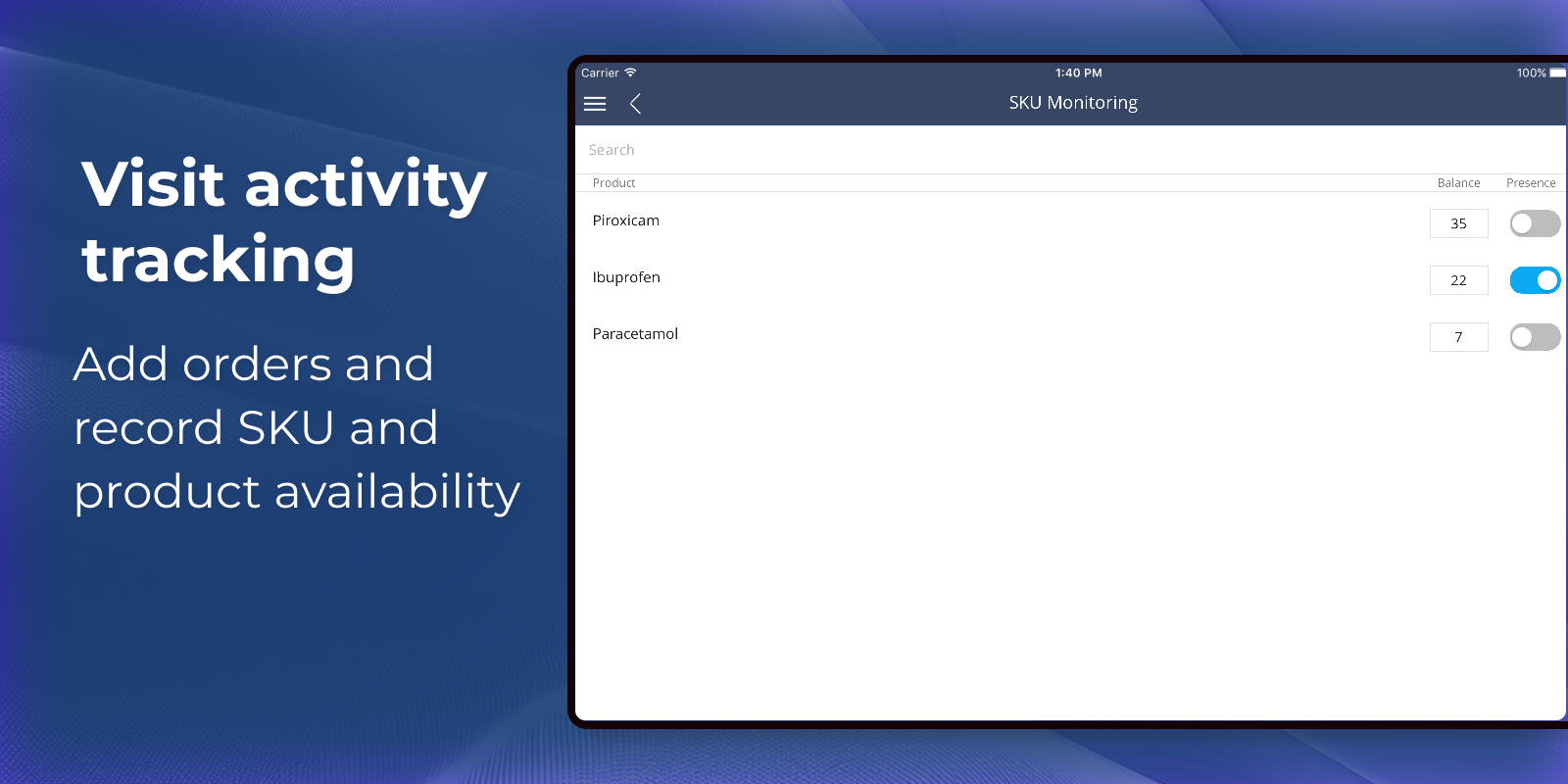
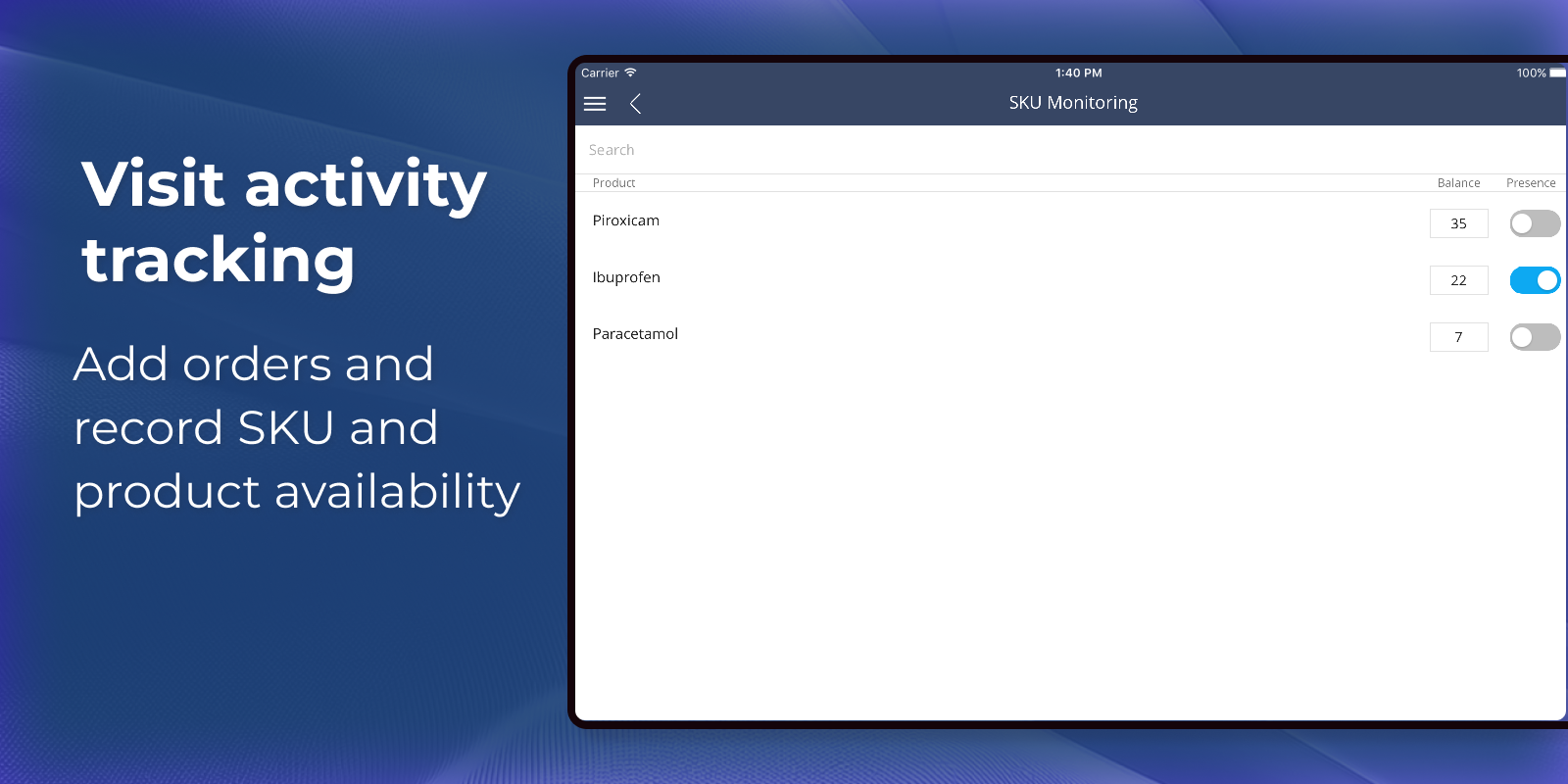
Visit activity tracking
During a visit, you can add orders based on visit results, create a list of products and their number and write down stock keeping unit (SKU) monitoring results and product facing check results.
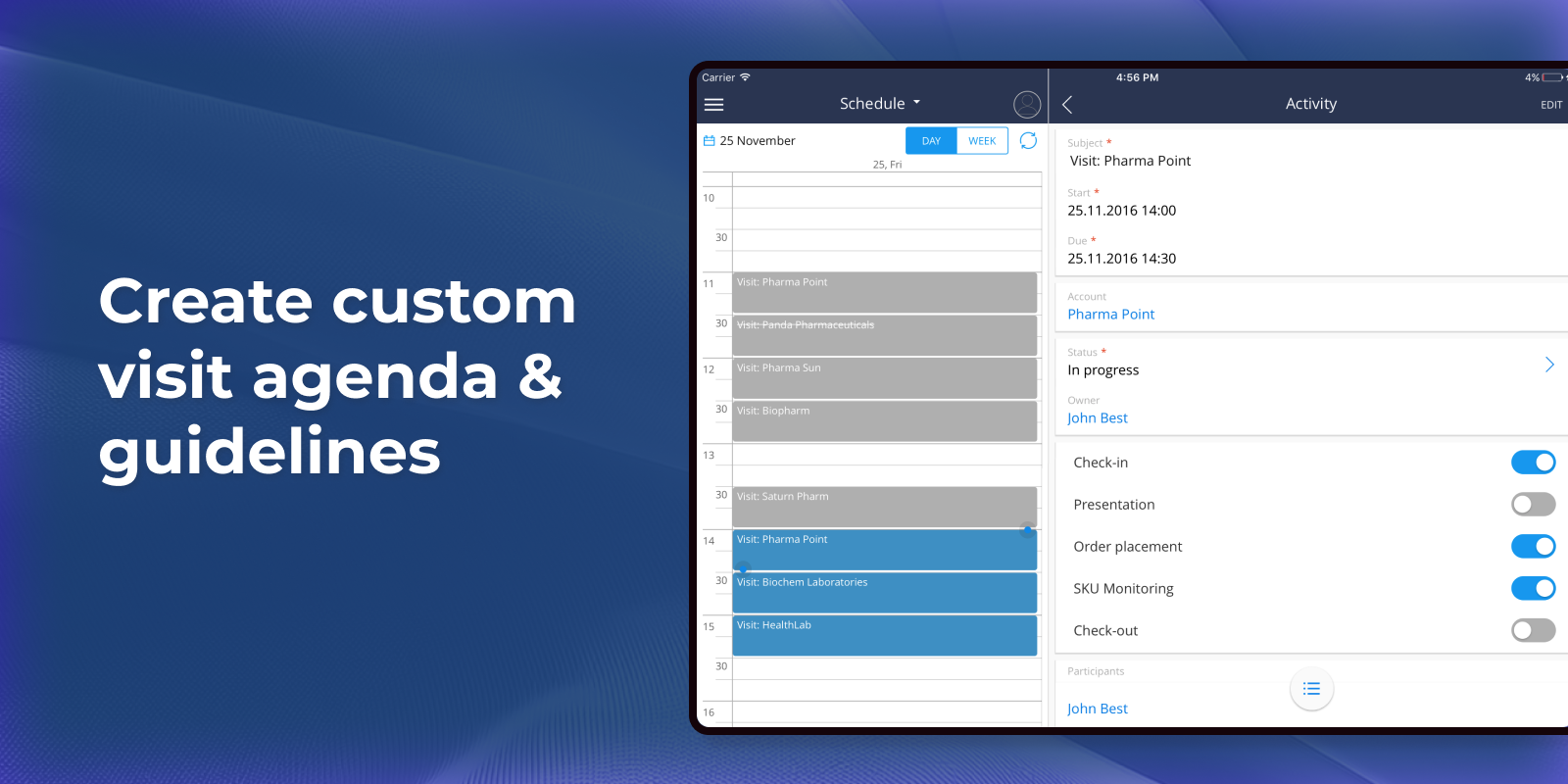
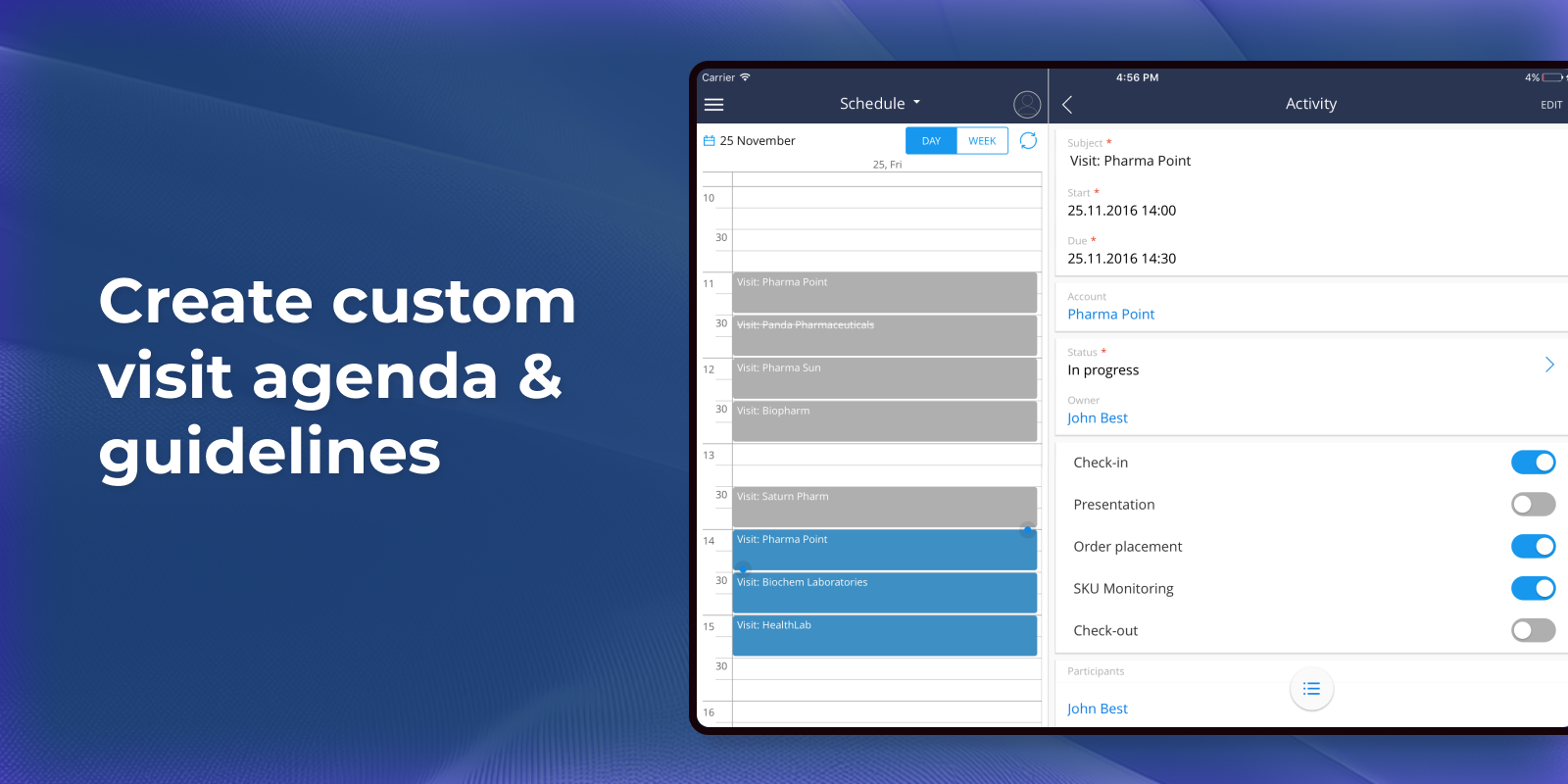
Create custom visit agenda and guidelines
Allows creation of a customized visit agenda and guidelines.
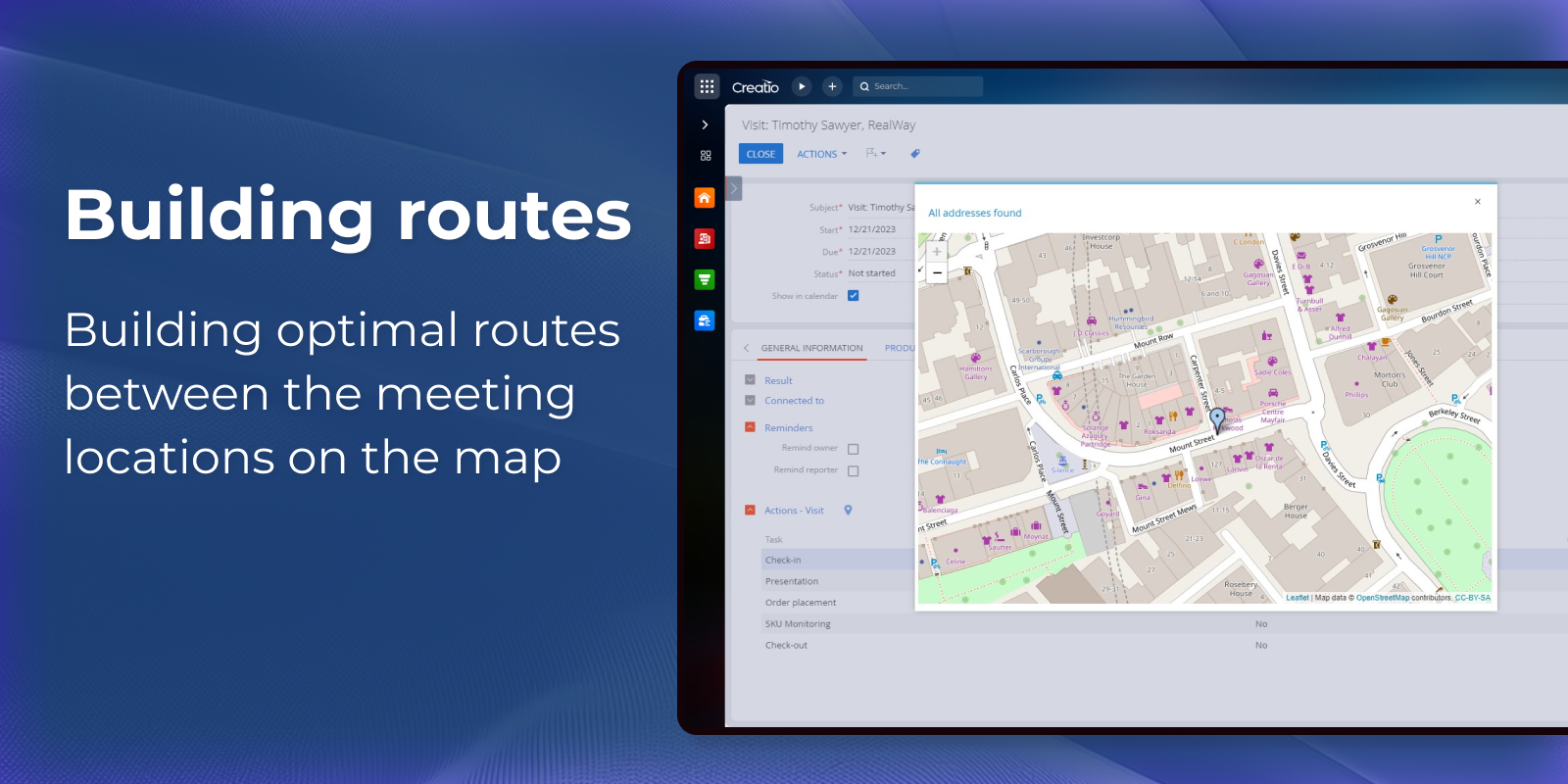
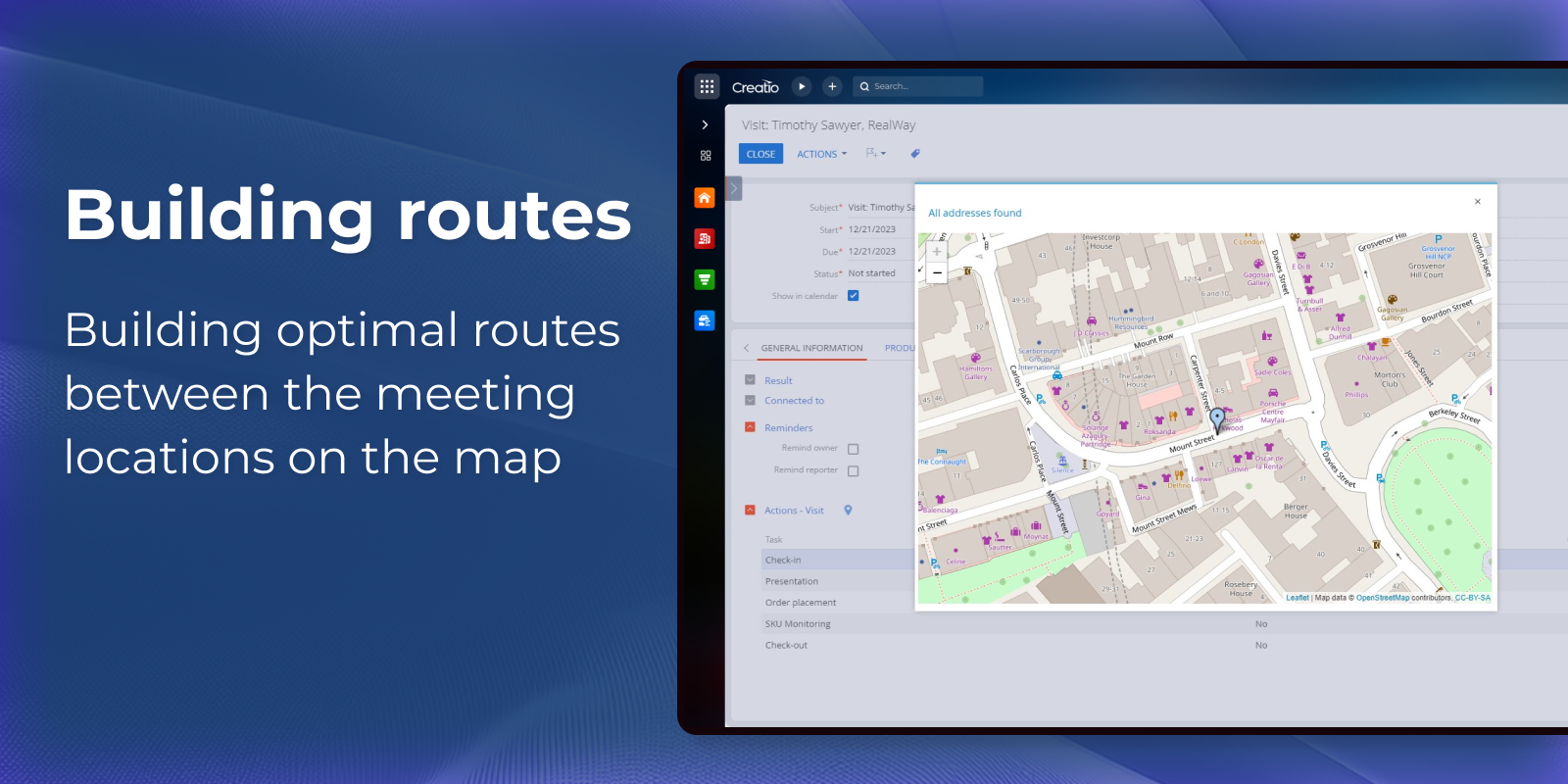
Building optimal routes
Building optimal routes between the meeting locations on the map.
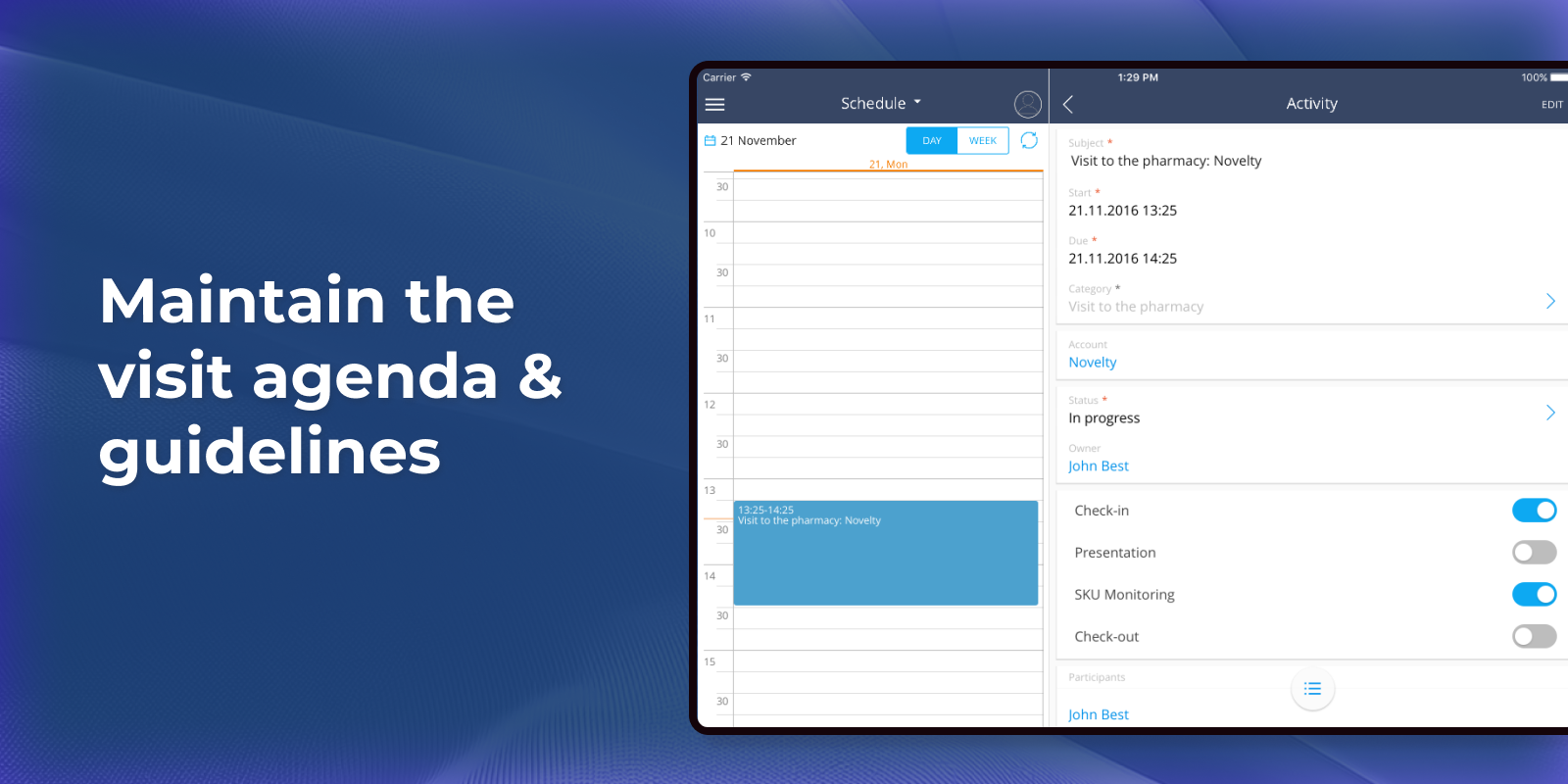
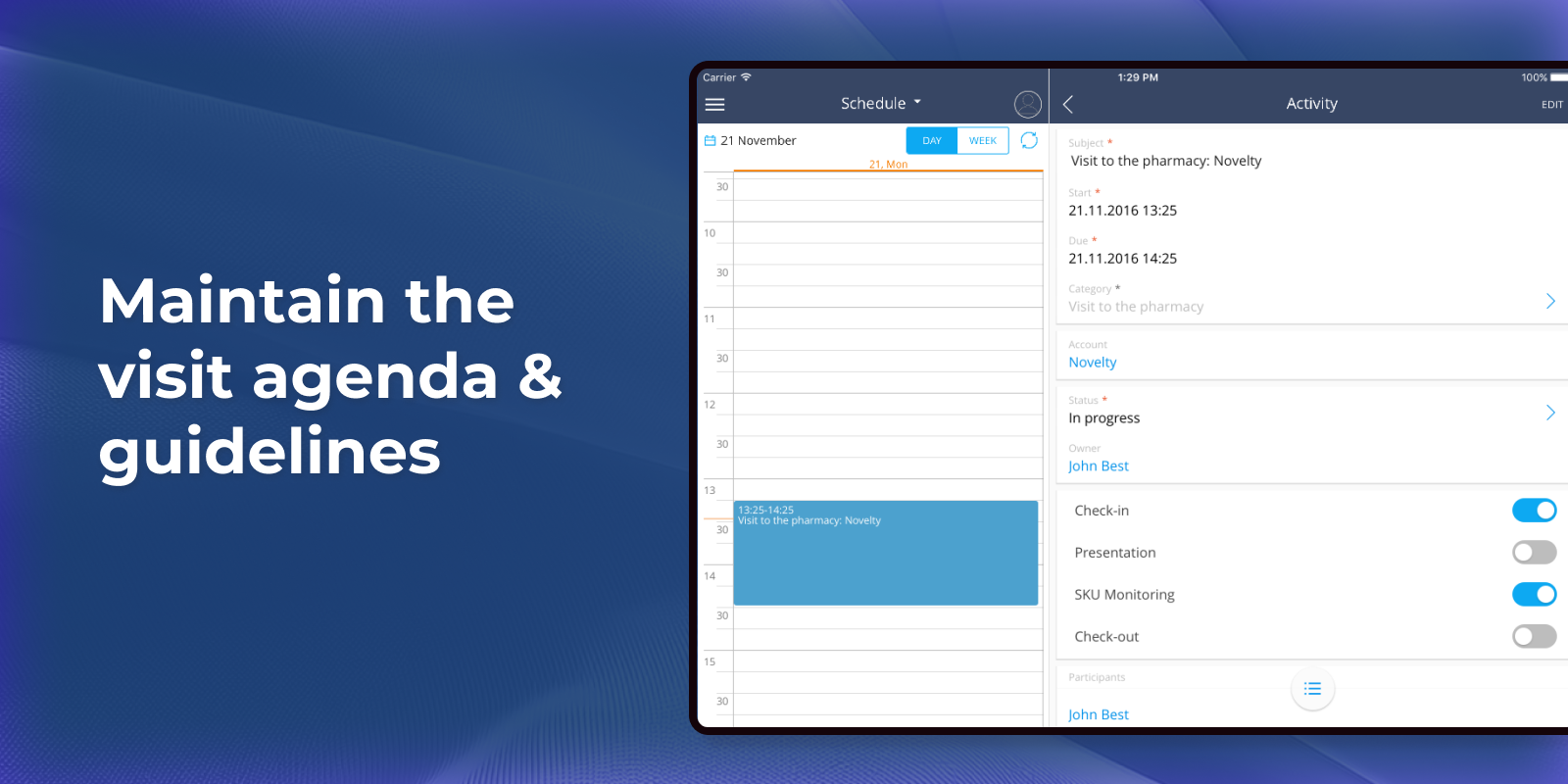
Maintain the visit agenda and guidelines
Keeps all visit agenda items and guidelines clearly documented and up to date.
Pricing
Monthly
Annual
Standard
$
25.00 user / month
billed annually
Terms and Conditions
By installing this product you agree to terms and conditions outlined in the license agreement.
Support
Support is available for this application
Support is provided by the developer within the “Basic” and “Business” packages. Detailed information about the support packages and the support terms can be found on the Creatio website.
Installation
Resources
Data sharing
- By installing or downloading the App, you confirm that you agree with sharing your account data (name, email, phone, company and country) with the App Developer as their End User.
- The App Developer will process your data under their privacy policy.
Versions
Versions history
Version
Compatibility
Release date
1.14.1
8.1.1 and up
Release summary
- Activities section is now available in the Pharma workplace
- Knowledge Base, Order, Contacts, and Accounts sections are now available in Freedom UI for the Pharma workplace
1.12.3
8.1.1 and up
1.0.2
7.11.2 and up
Release summary
- New Freedom UI Shell is supported
- The app is now visible in the Application Hub
Manual app installation
- Open the needed app → the Packages tab - download the Markeplace app files.
- Click in the top right → Application Hub
- Click New application. This opens a window.
- Select Install from file and click Select in the window that opens.
- Click Select file on the page of the Marketplace App Installation Wizard and specify the app file path.
Compatibility notes
Packages for version 8.1.1 and up are available by default. We can provide packages for versions below 8.1.1 upon request.