

Product Catalog Agent for Creatio
AI inside
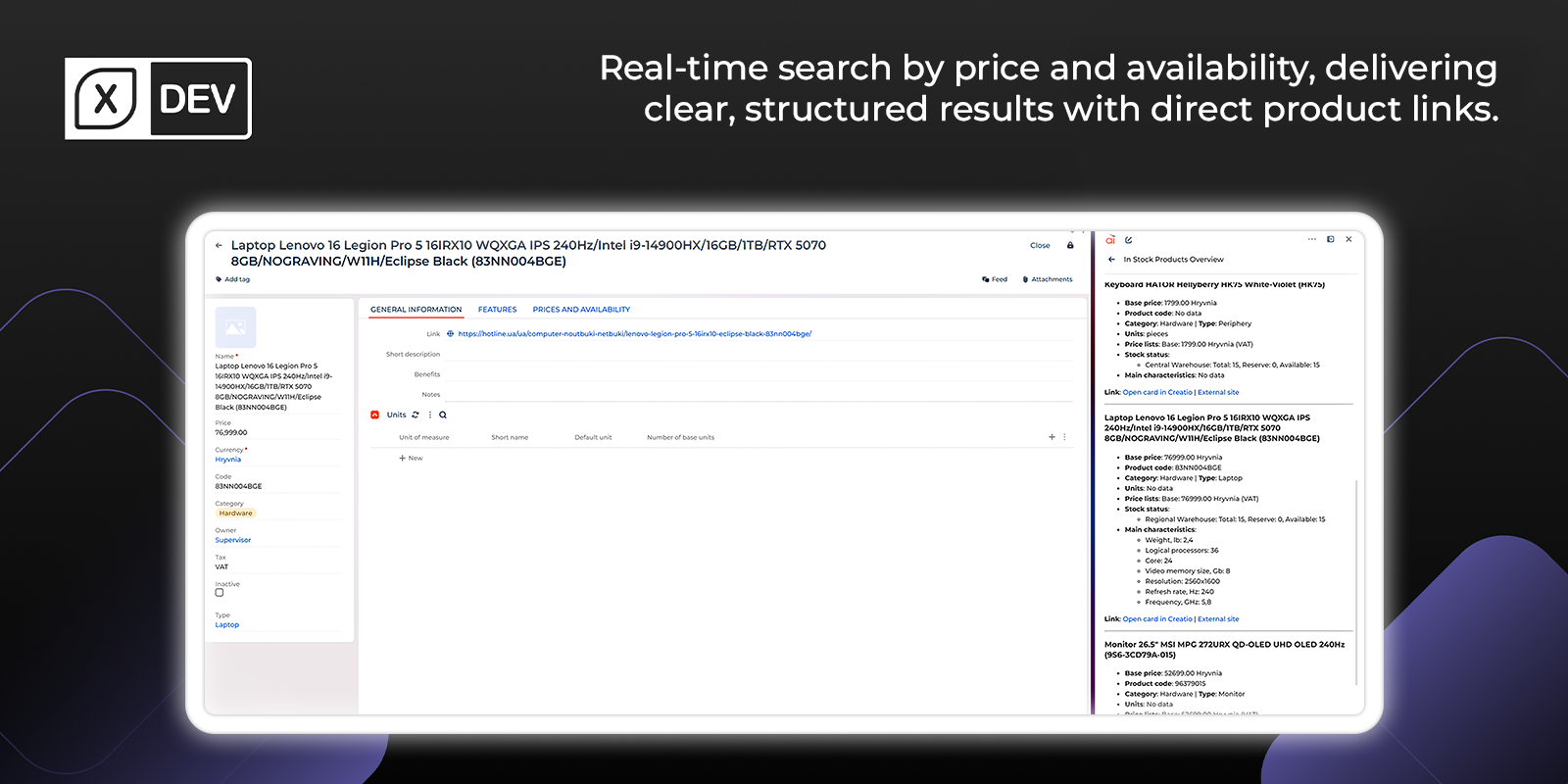
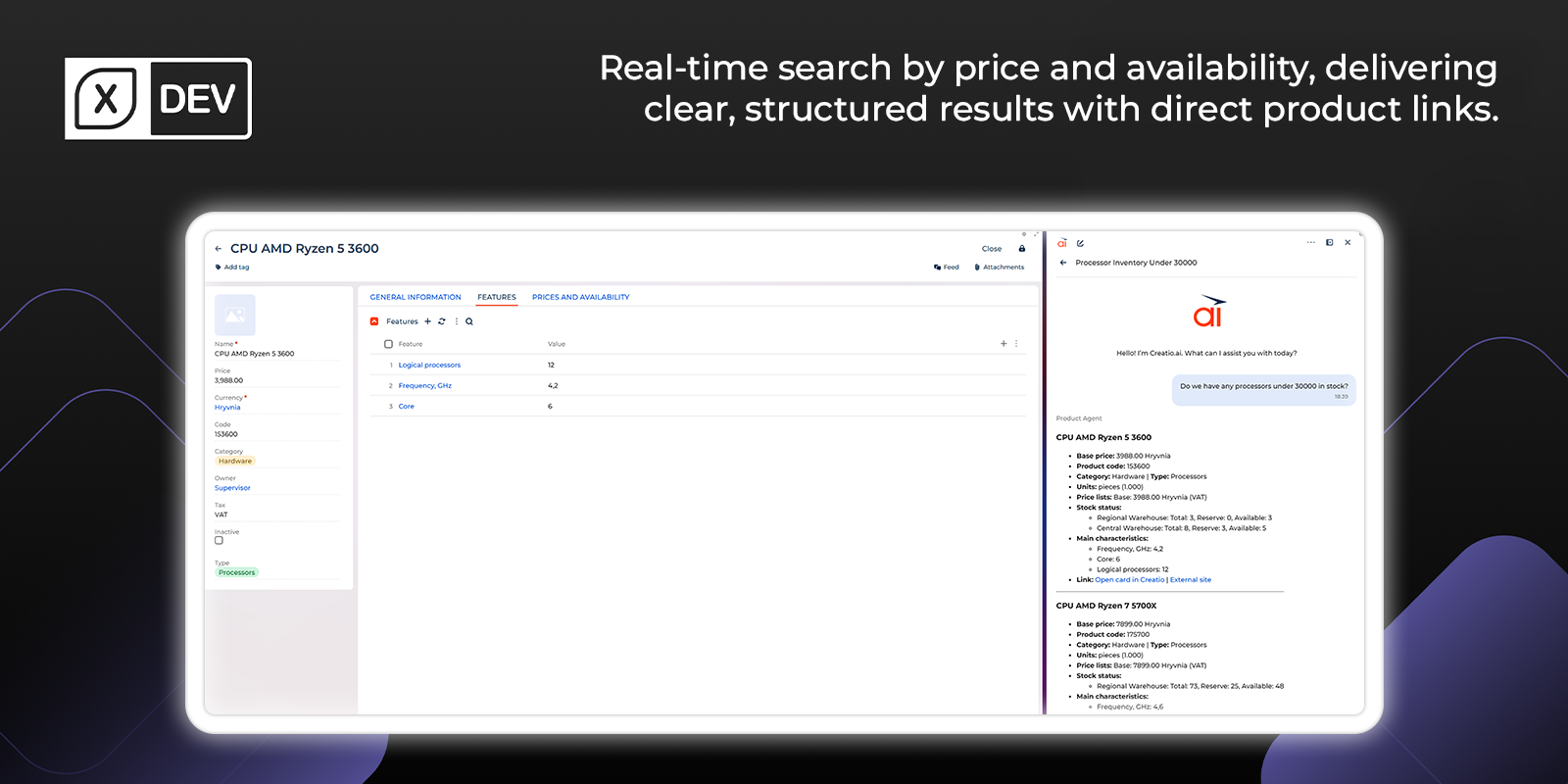
Enhance Creatio AI capabilities with an AI Agent for Product Catalog search. Enable users to query inventory, apply dynamic pricing and stock filters using natural language, and retrieve structured product data directly within the Creatio AI chat.
Overview
Product overview
Product description
The Product Catalog Agent is a ready-to-use module that expands the capabilities of Creatio AI with a process for searching for products in the product catalog.
Agent processes natural language queries with slang, abbreviation, and typo recognition to search in the product catalog, obtain price lists, check warehouse balances, and extract product specifications. The solution ensures strict compliance with existing records and displays data with pagination and filtering, allowing users to seamlessly load additional search results at the click of a button without duplication or data gaps.
Key Features
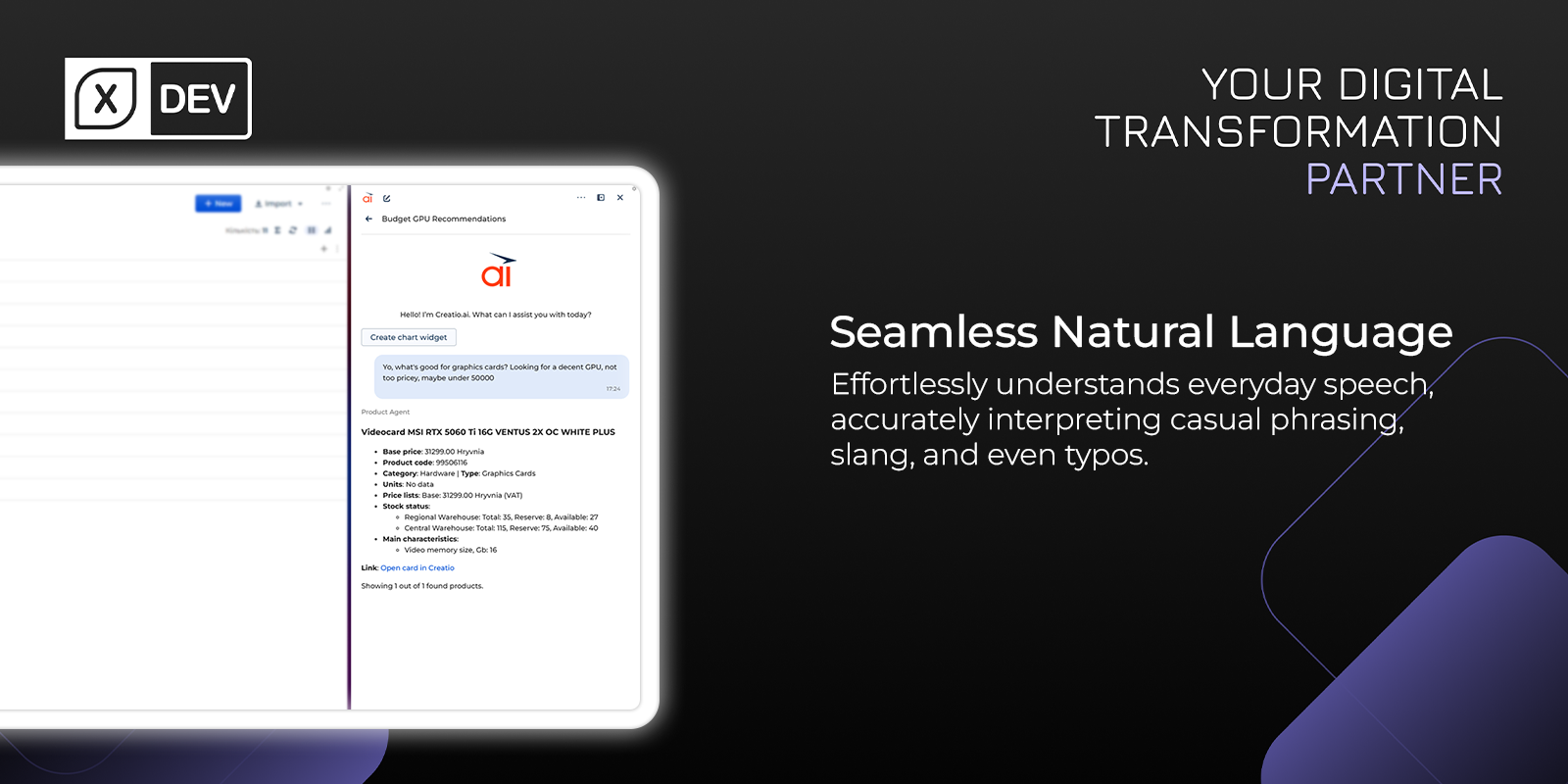
Natural Language Product Search
Search the product catalog using everyday phrases, slang, abbreviations, and misspellings. The agent interprets intent to deliver highly relevant results, enabling fast discovery without manual field based queries.
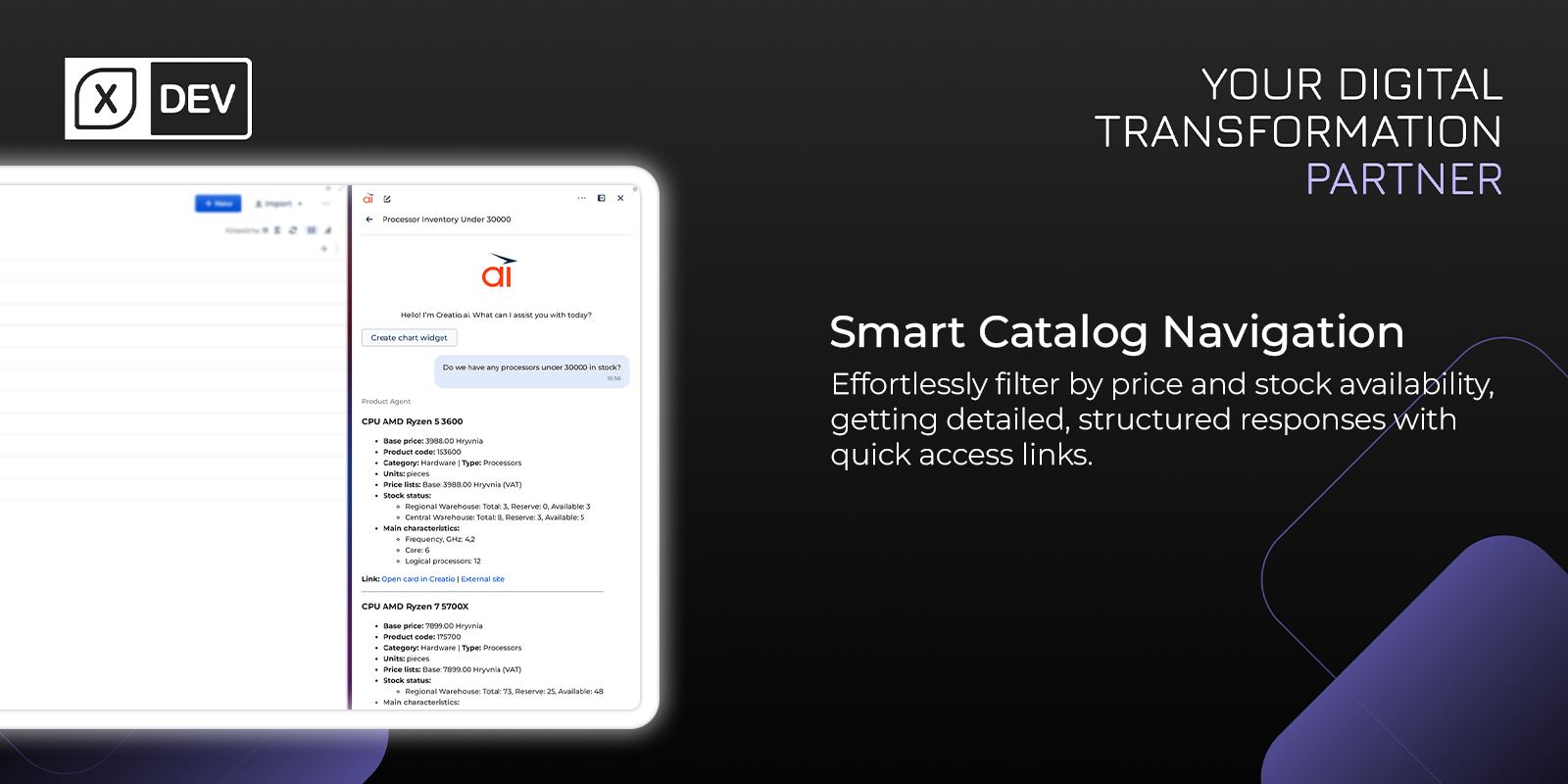
Product Specifications Extraction
Extract key product specifications from catalog records and present them in a clear, structured view. Users quickly compare attributes without opening each card, streamlining evaluation and reducing navigation time.
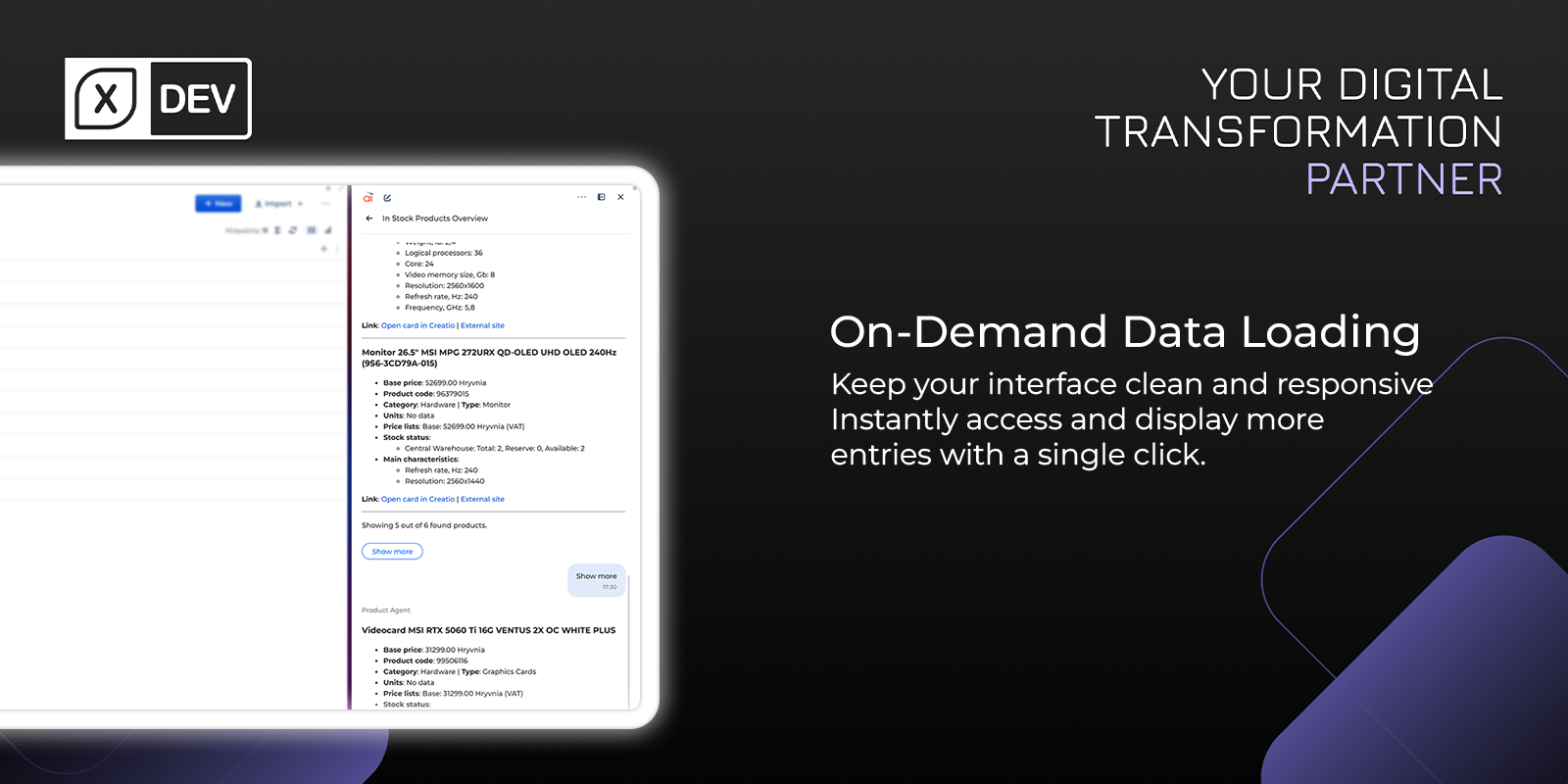
Pagination Without Duplicates
Browse long result sets with built in pagination and filters. Users can load additional items on demand while the agent prevents duplicates and data gaps, ensuring a consistent, reliable view of catalog search outcomes.
Pricing
Monthly
Annual
Standard
Free
Terms and Conditions
By installing this product you agree to terms and conditions outlined in the license agreement.
Support
Support is available for this application
Working Days: Monday - Friday - 8 AM to 8PM by Kyiv time
Response Acknowledgement time to requests - Within 1 working day (During working hours)
Resolution Time - Based on Severity
Response Acknowledgement time to requests - Within 1 working day (During working hours)
Resolution Time - Based on Severity
Installation
Setup guide
Automatically - click the "Install" button, select a site and continue.
Manually - by downloading the archive with packages and installing by the applications installation wizard.
Manually - by downloading the archive with packages and installing by the applications installation wizard.
Data sharing
- By installing or downloading the App, you confirm that you agree with sharing your account data (name, email, phone, company and country) with the App Developer as their End User.
- The App Developer will process your data under their privacy policy.
Versions
Versions history
Version
Compatibility
Release date
1.0.0
8.3.0 and up
Manual app installation
- Open the needed app → the Packages tab - download the Markeplace app files.
- Click in the top right → Application Hub
- Click New application. This opens a window.
- Select Install from file and click Select in the window that opens.
- Click Select file on the page of the Marketplace App Installation Wizard and specify the app file path.
Compatibility notes