


SalesUp FMCG Management for Creatio
A comprehensive solution for the automation of business processes for manufacturers and distributors of the FMCG market.
Overview
Product overview
Product description
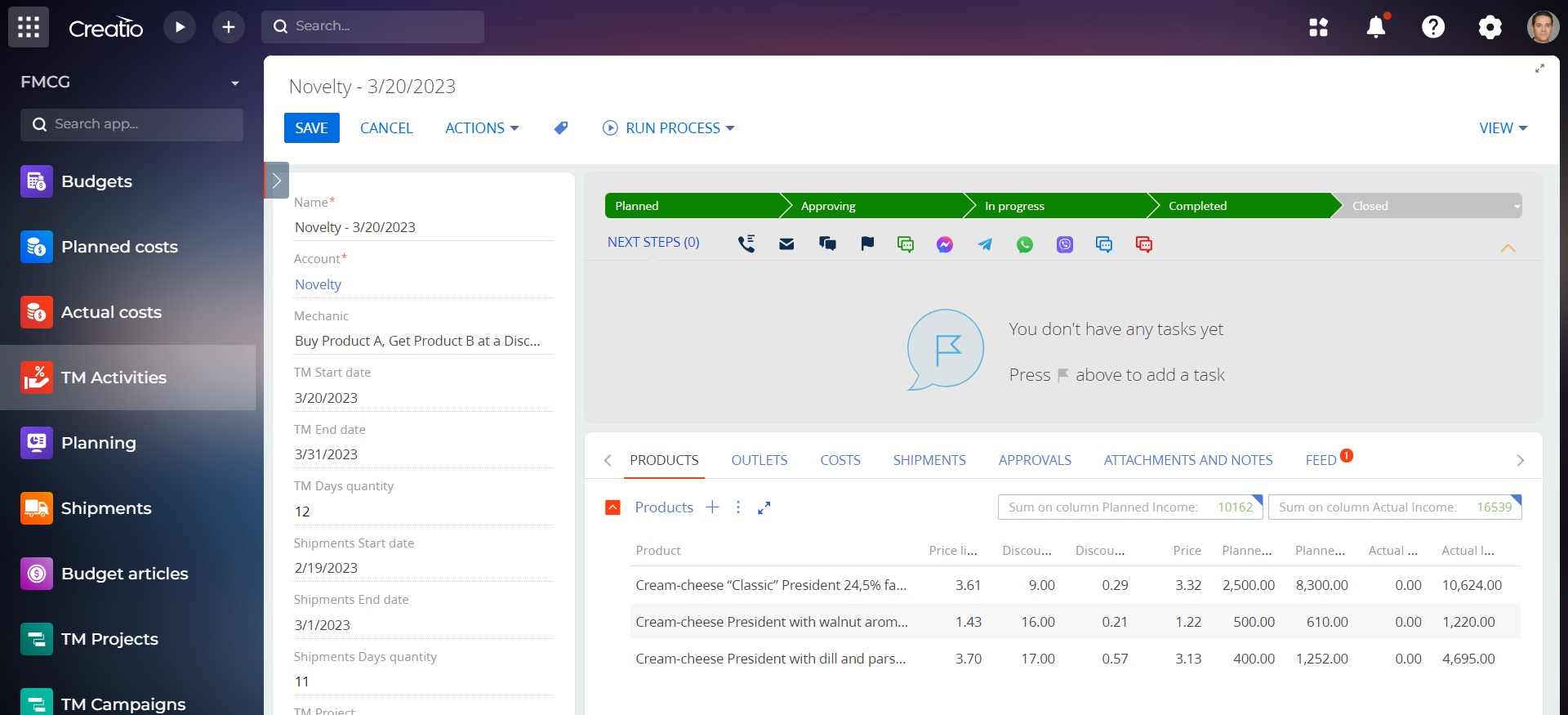
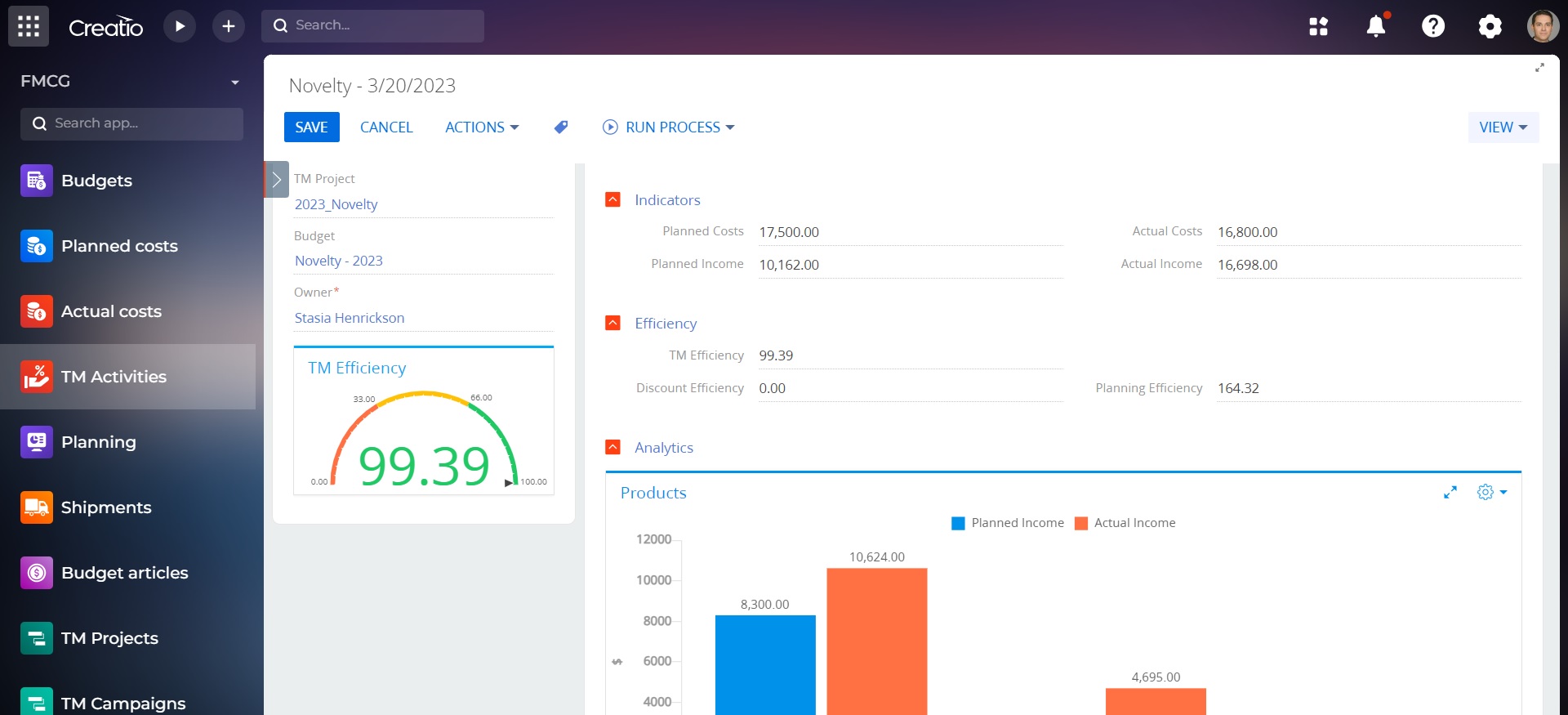
SalesUp FMCG Management for Creatio allows you to improve the efficiency of managing trade marketing (TM) activities, control the effectiveness of budget use, and analyze performance in the context of business units, networks, and distributors.
Use cases:
- Managing trade marketing activities
- Maintaining shipment records
- Control of the efficacy of budget utilization
- Indicators analytics in the business units, networks and distributors context
- Full control over processes and complex tasks solution of trade marketing department on all working levels: from managing global companies to controlling costs articles and shipments through points
- Managing the interaction with trade networks and distributors based on contract conditions along with work models under long-term and short-term planning sales; maintaining trade marketing activities history with detailing of a specific trade point
- Reduce the duration of planning and reporting with a tool, which creates and helps analyzing trade marketing activities budget on all levels of detailing
- Speed up of main routine tasks of managers and minimizing of errors caused by the human factor thanks to the one window for managing discounts and trade marketing activities.
- Useful tool for visualization of trade marketing department activities with interactive functions.
Key Features
Account interaction management
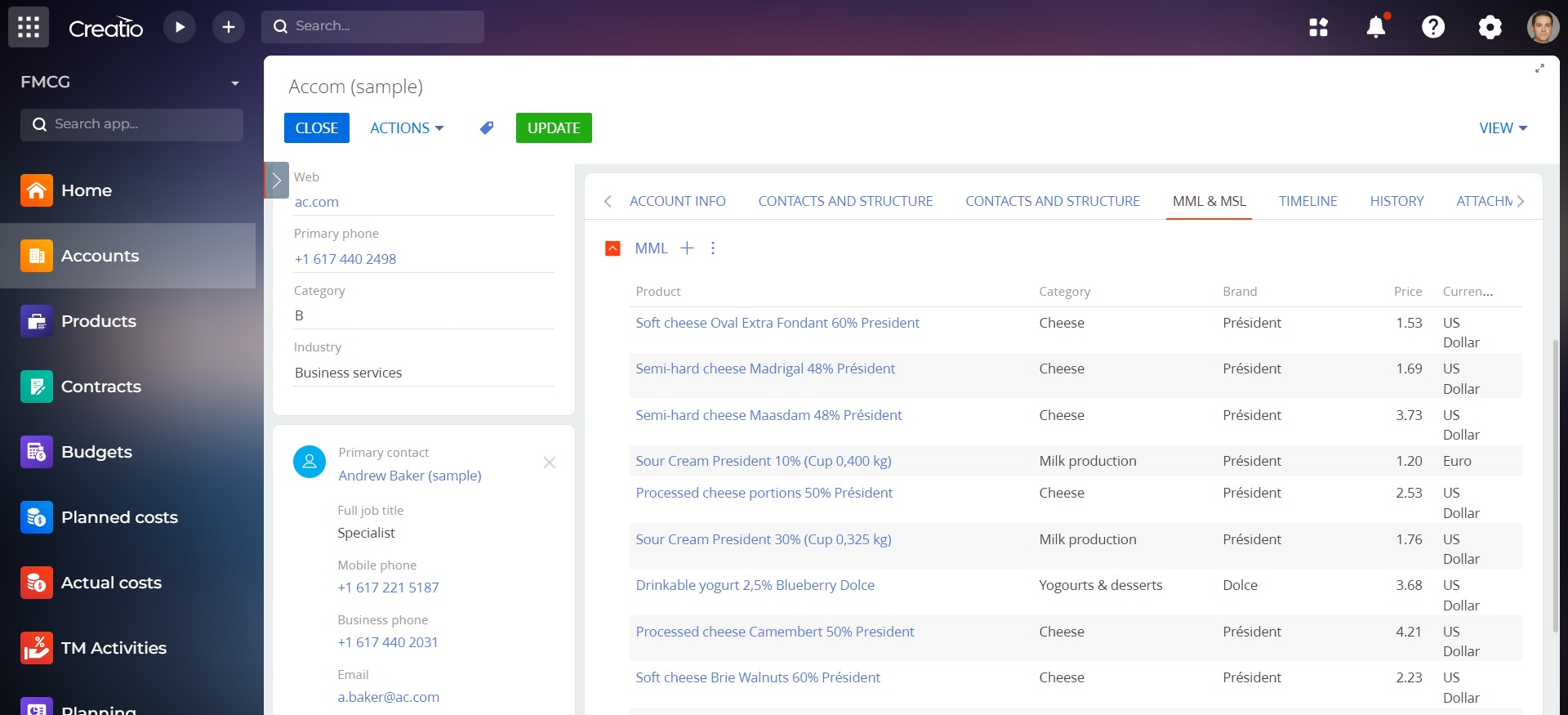
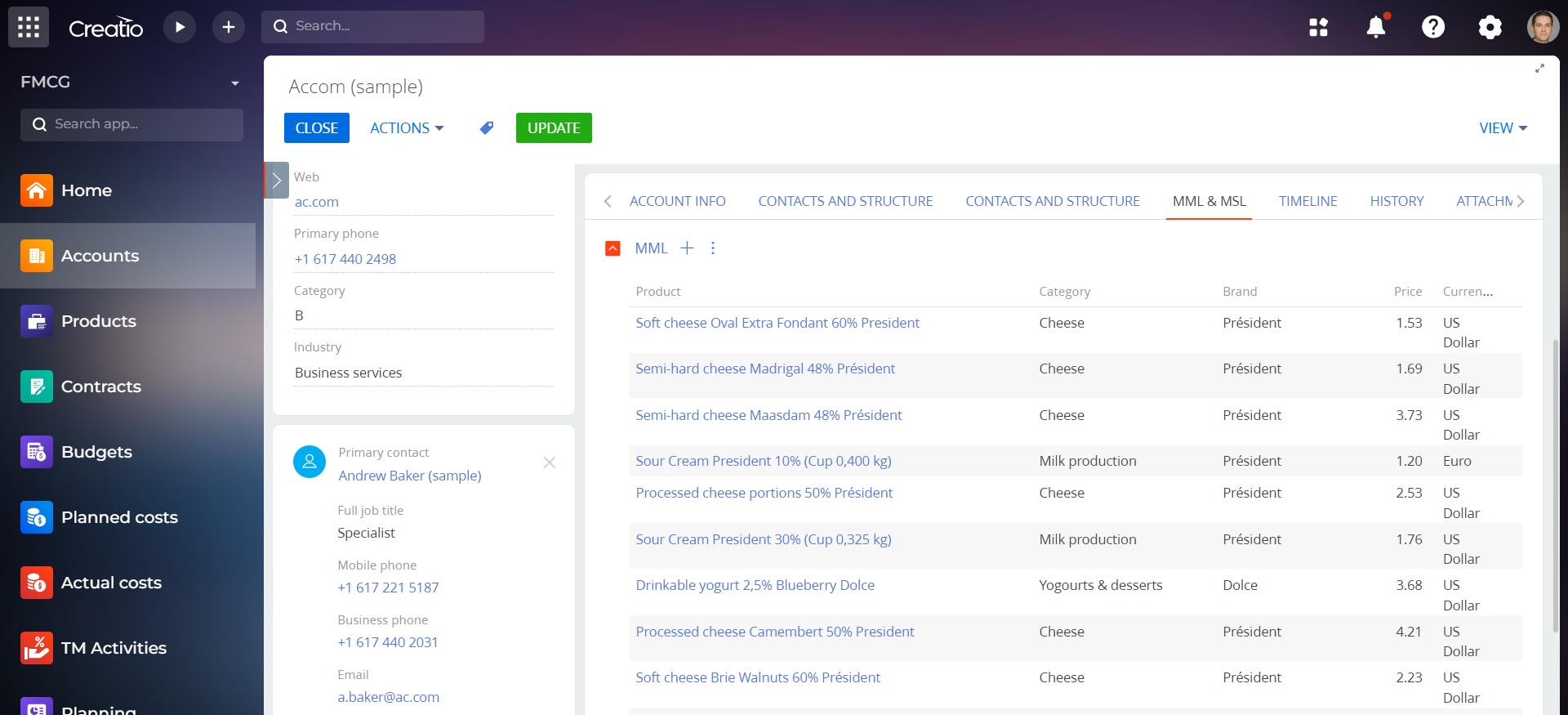
- Data expansion for distributor categorization.
- History of trade marketing activities linked to the Accounts.
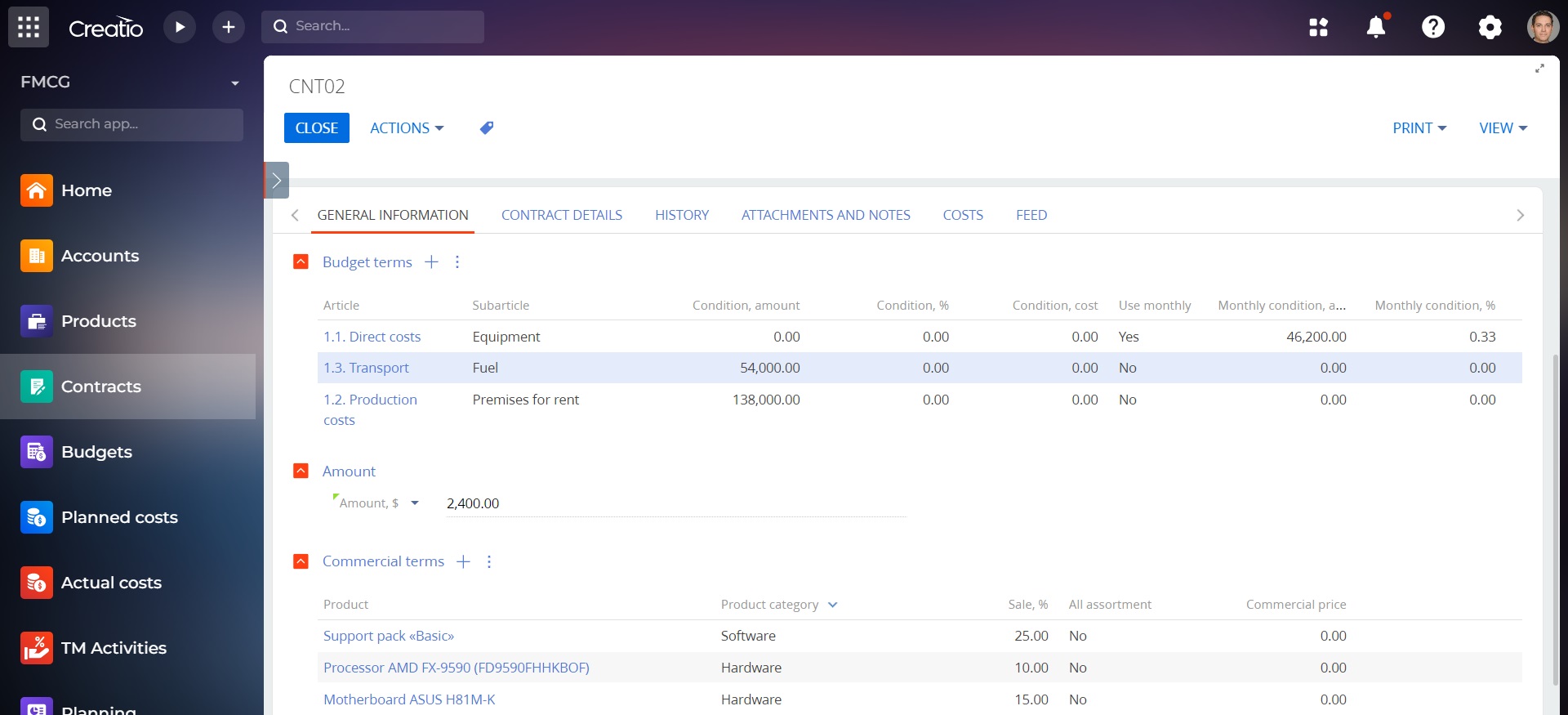
- Contractual terms management: accounting for discounts and bonuses, maintaining up-to-date prices, managing periods of established contractual terms.
Trade marketing activity management
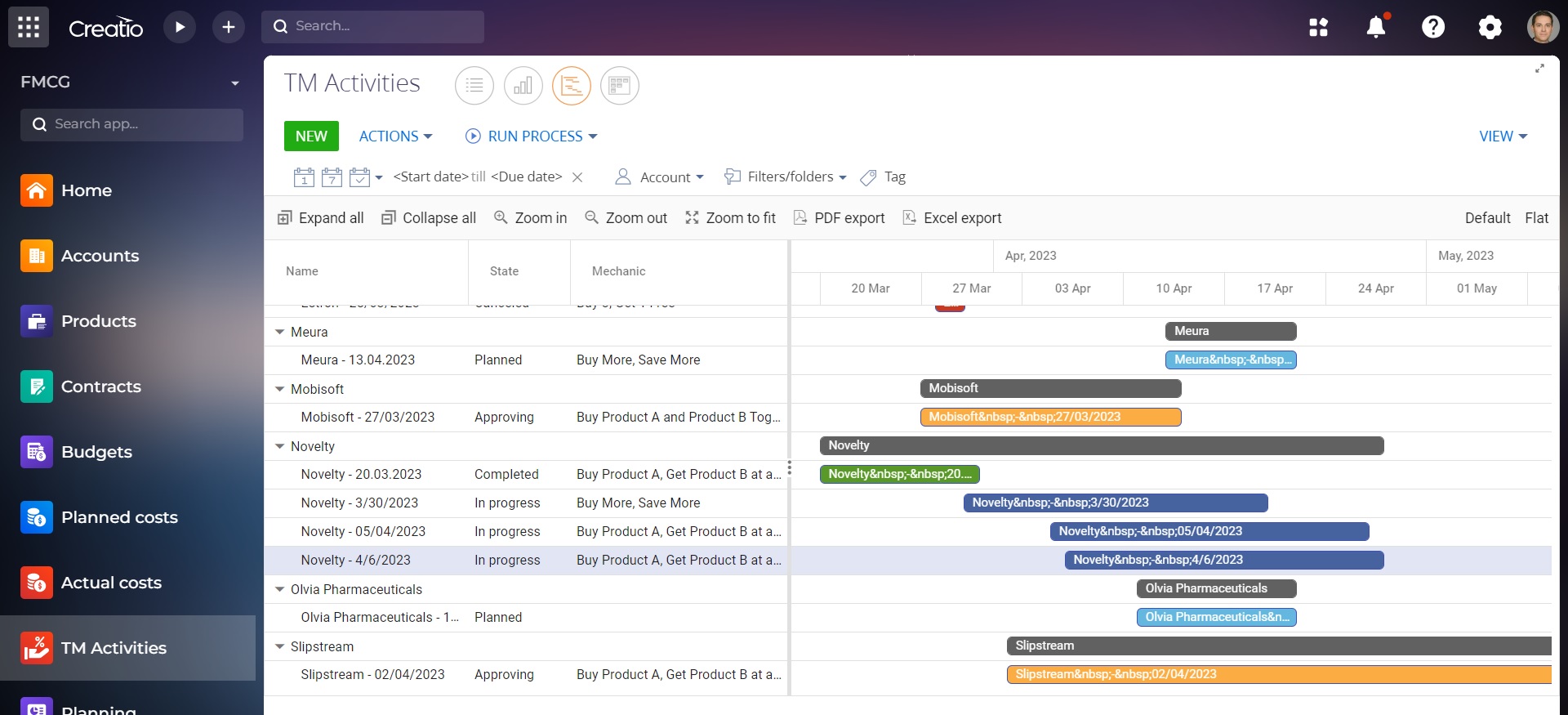
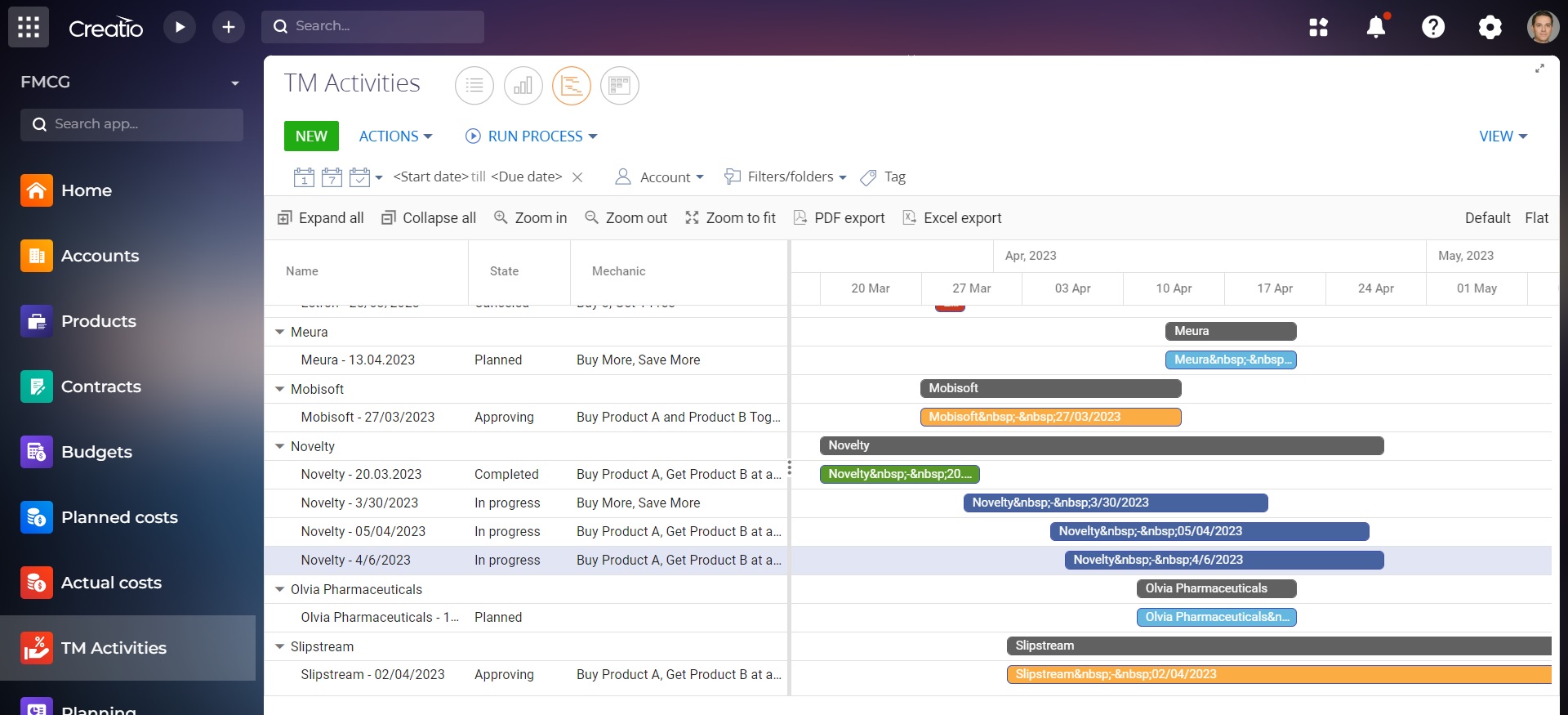
Full control over the processes and comprehensive solution of the trade marketing department's tasks at all levels of work: from managing global campaigns to controlling cost items and shipments by point of sale. As well as the ability to display TM activities in the Gantt chart and Kanban board views
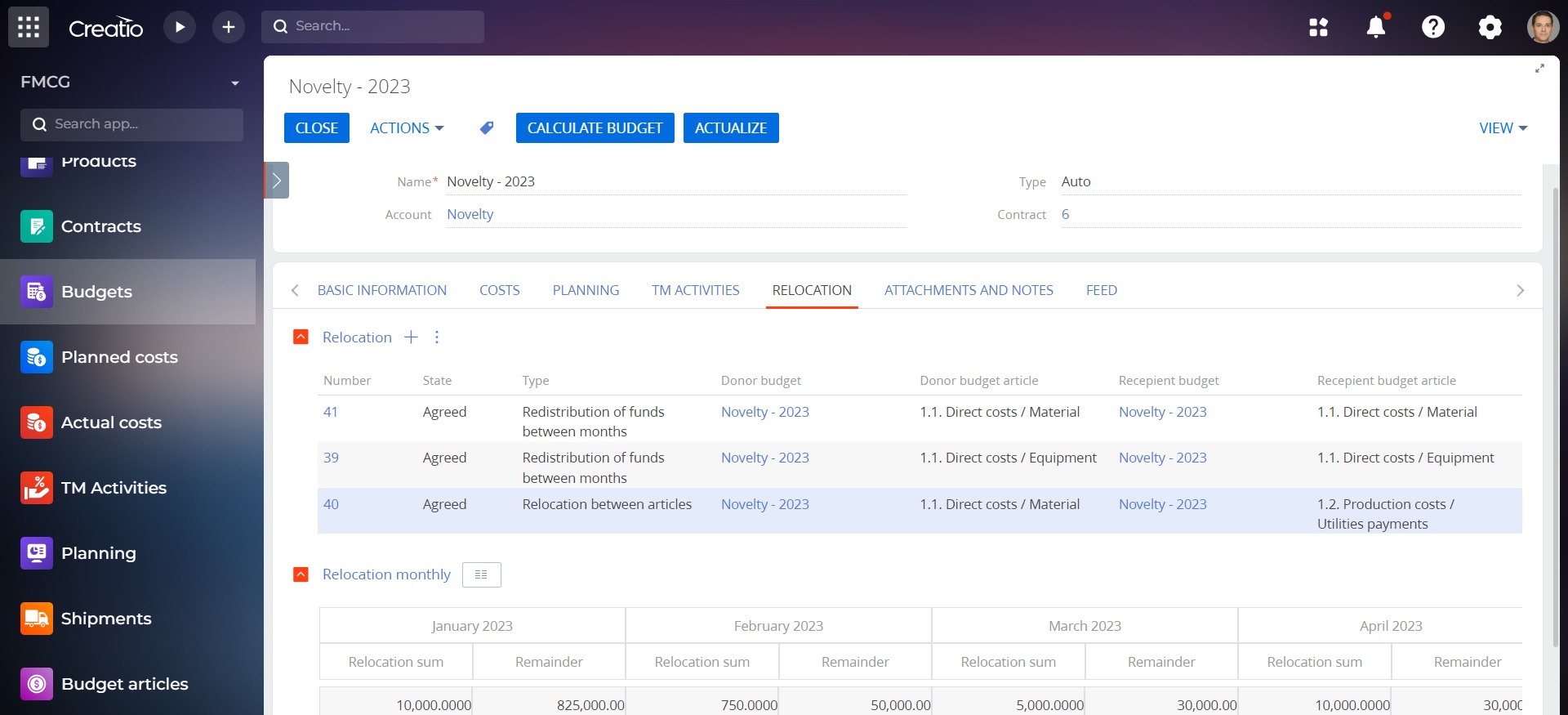
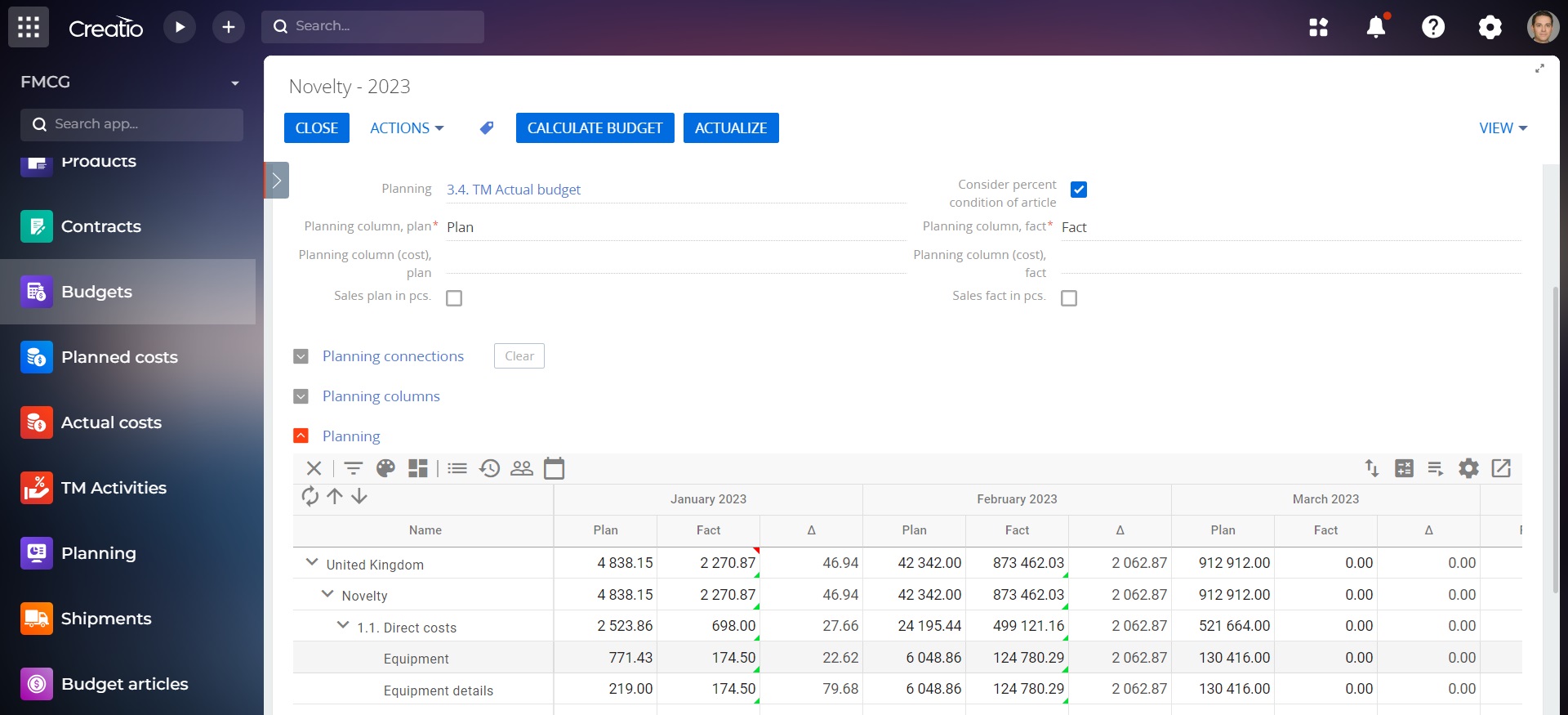
Budget management
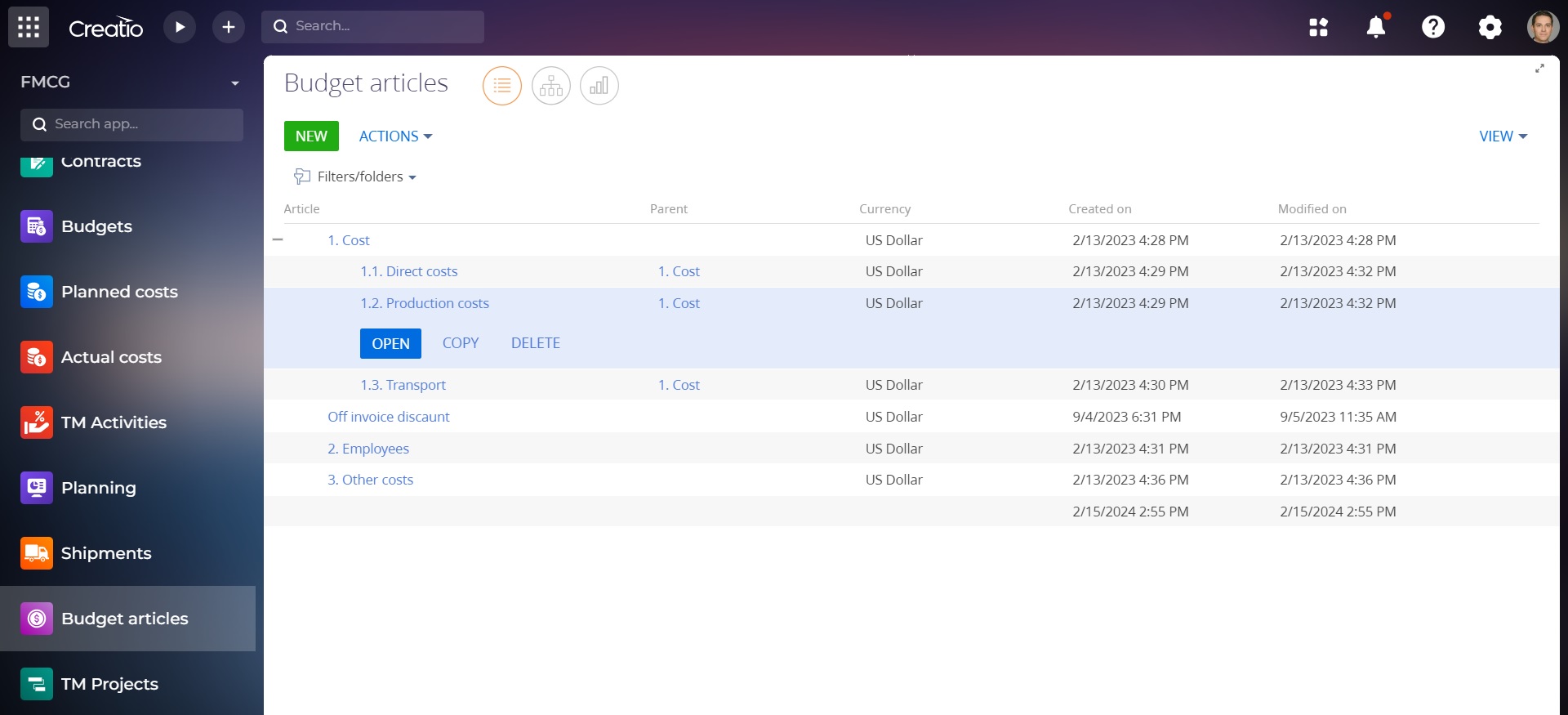
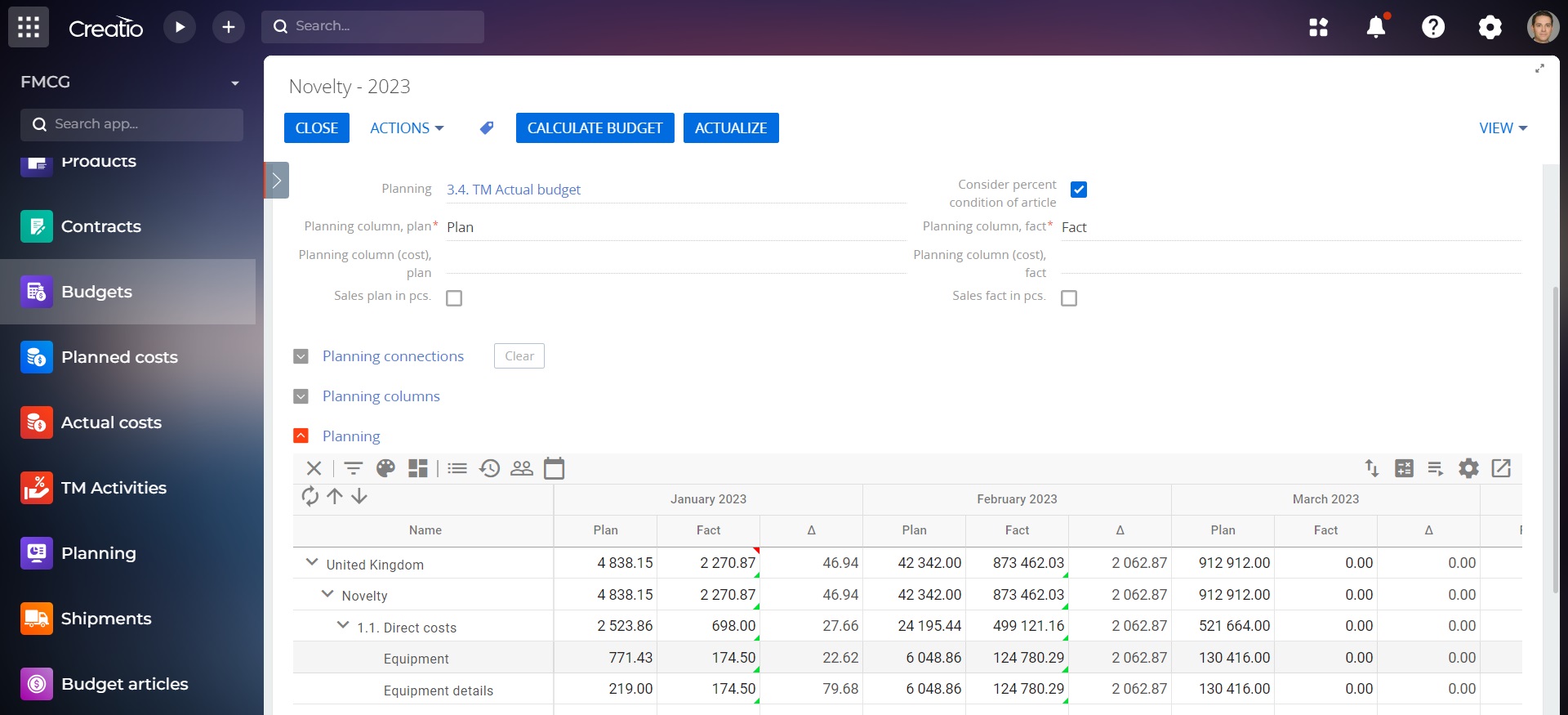
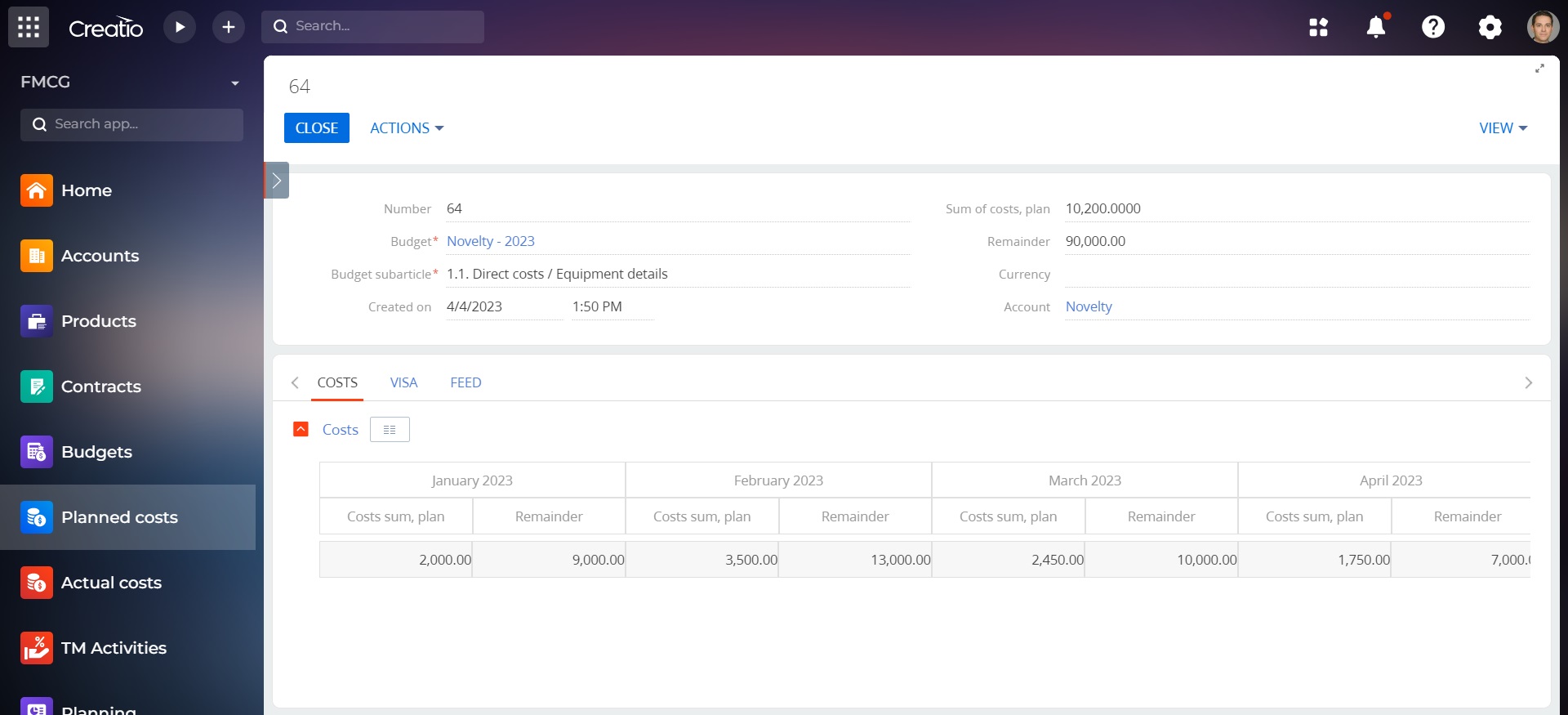
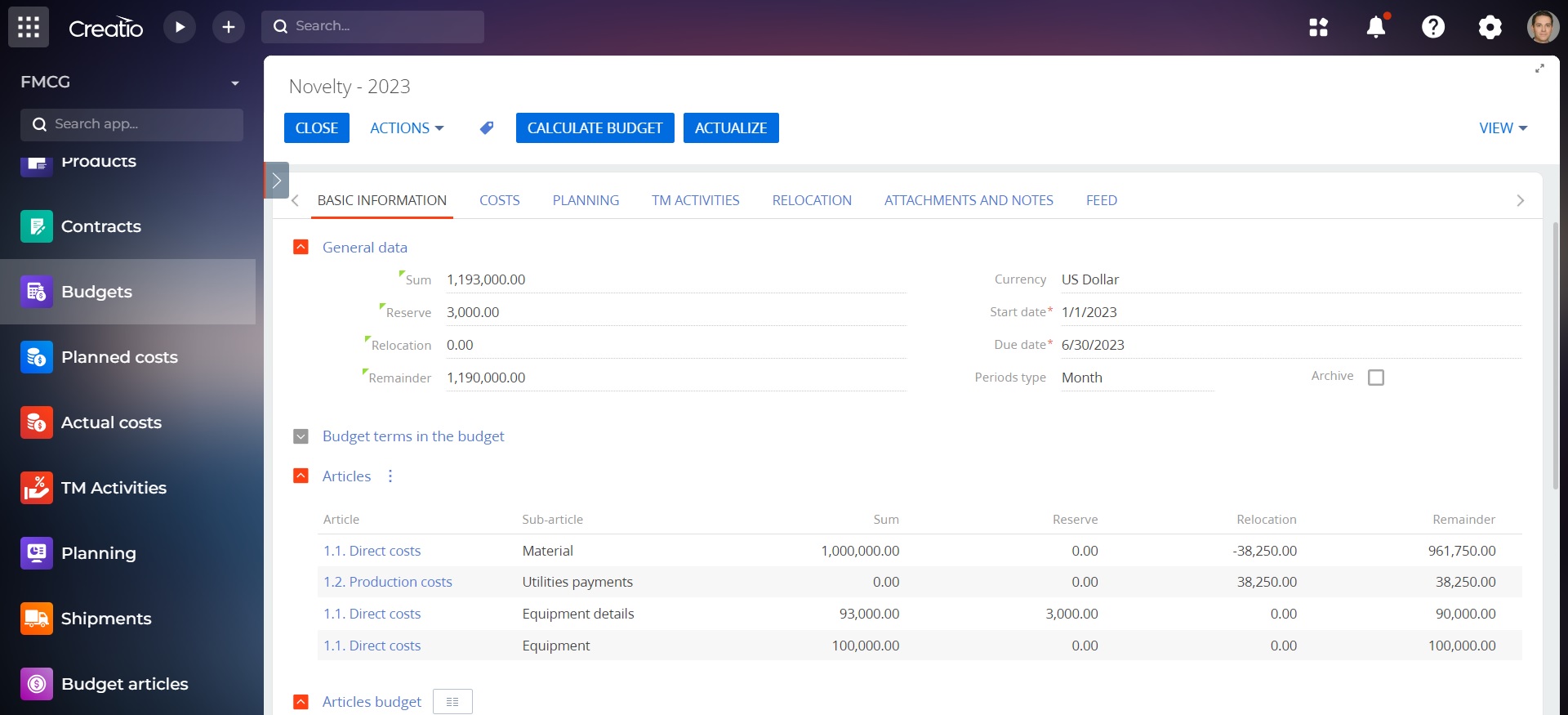
- Accumulation of planned and actual expenses into a single budget.
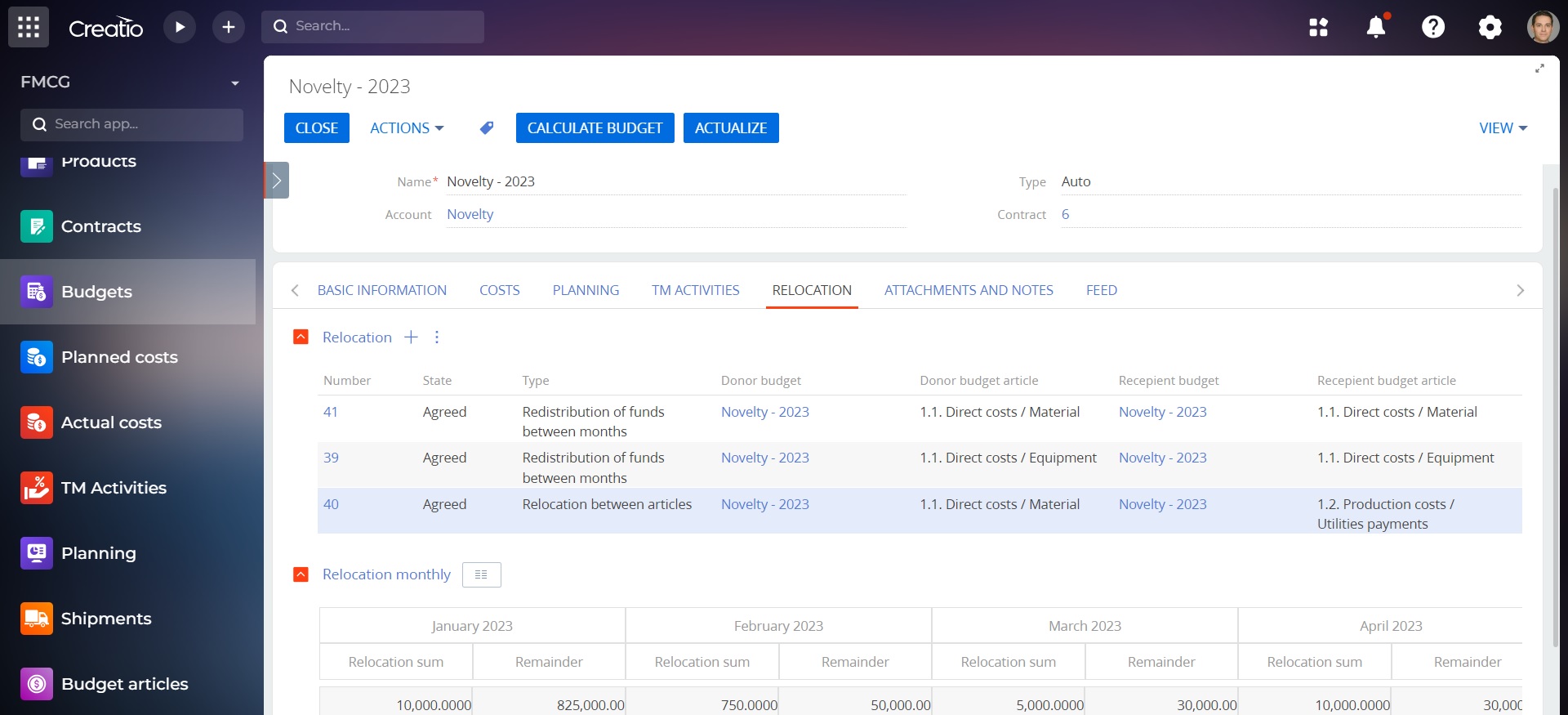
- Ability to reallocate the budget between budget items.
- Saving previous versions of the budget.
- Conversion to different currencies.
- Segmentation of the budget by any necessary criteria
Promotional planning and tracking
Plan promotions with product additions and parameter replication, track items and shipments during planning, and monitor effectiveness. Automatically apply relevant contract conditions when scheduling activities with specific trading networks.
Pricing
Monthly
Annual
Standard
$
2,960.00 / month
billed annually
Description (Formatted)
The cost of the product is indicated for the company without limitation on the number of users.
Terms and Conditions
By installing this product you agree to terms and conditions outlined in the license agreement.
Support
Support is available for this application
Support is provided by the developer within the “Basic” and “Business” packages. Detailed information about the support packages and the support terms can be found on the Creatio website.
Installation
Setup guide
There are two ways to install the application:
- Automatically - by specifying the site address and clicking the "Install" button
- Manually - by downloading the archive with packages and installing by the application installation wizard.
To request SalesUp demo licenses for 14 days:
- Go to the "SalesUp License Manager" in the system designer.
- Click the "Request licenses" button.
- In the modal window that appears, select the product, fill in the company name, email for communication and click the "submit" button.
A temporary license for 14 days will be installed independently.
Resources
Data sharing
- By installing or downloading the App, you confirm that you agree with sharing your account data (name, email, phone, company and country) with the App Developer as their End User.
- The App Developer will process your data under their privacy policy.
Versions
Versions history
Version
Compatibility
Release date
3.5.5
8.0.0 and up
3.5.1
8.0.0 and up
3.5.0
7.12.0 and up
3.4.2
7.12.0 and up
Release summary
Bug fixing
3.3
7.12.0 and up
Release summary
Manual app installation
- Open the needed app → the Packages tab - download the Markeplace app files.
- Click in the top right → Application Hub
- Click New application. This opens a window.
- Select Install from file and click Select in the window that opens.
- Click Select file on the page of the Marketplace App Installation Wizard and specify the app file path.
As you make the first purchase or extend the product license, our experts will lend you 8 hours of consultation and help with setting up the product.