


SalesUp Knowledge Base Agent for Creatio
AI inside
 Trending
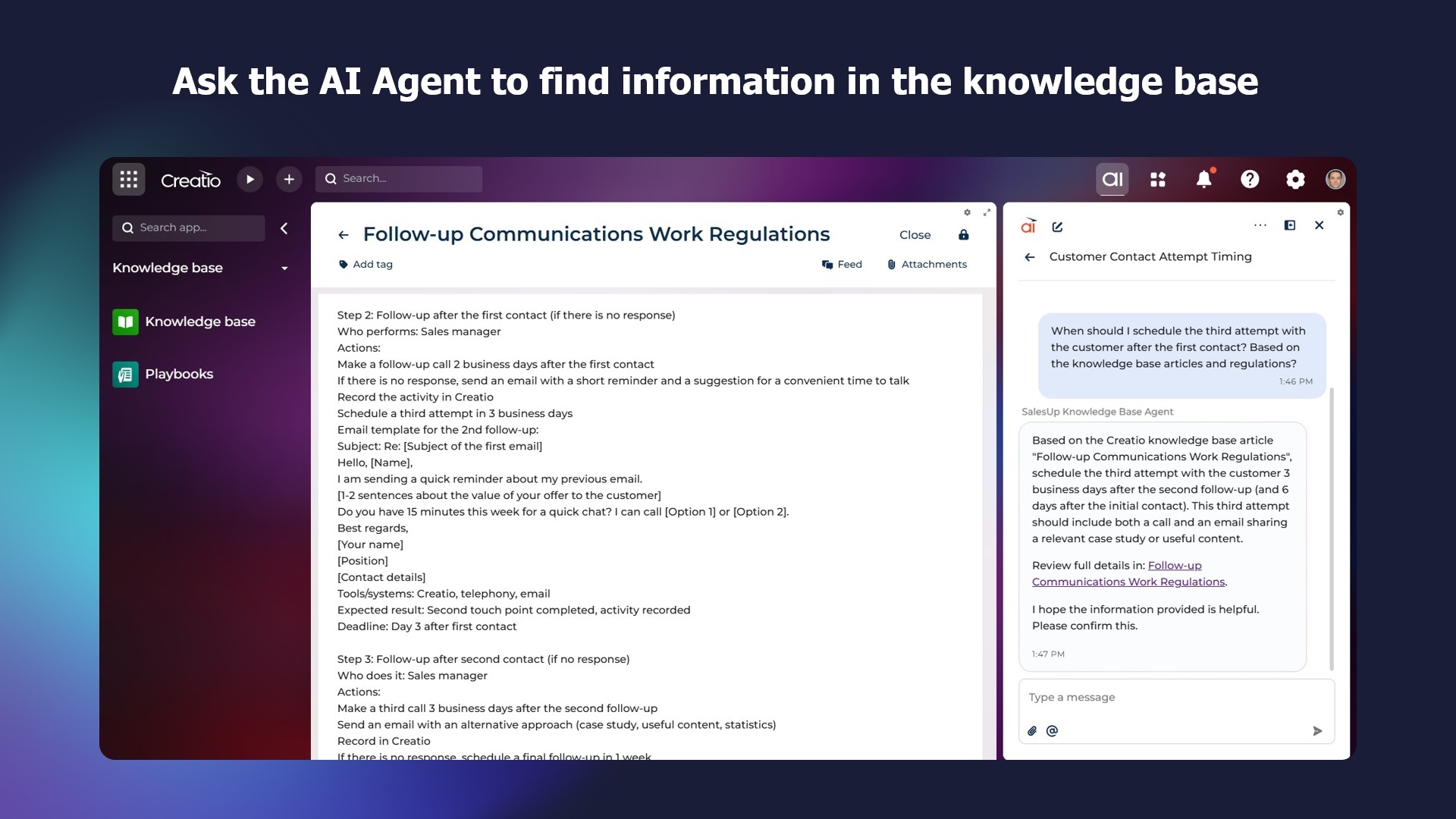
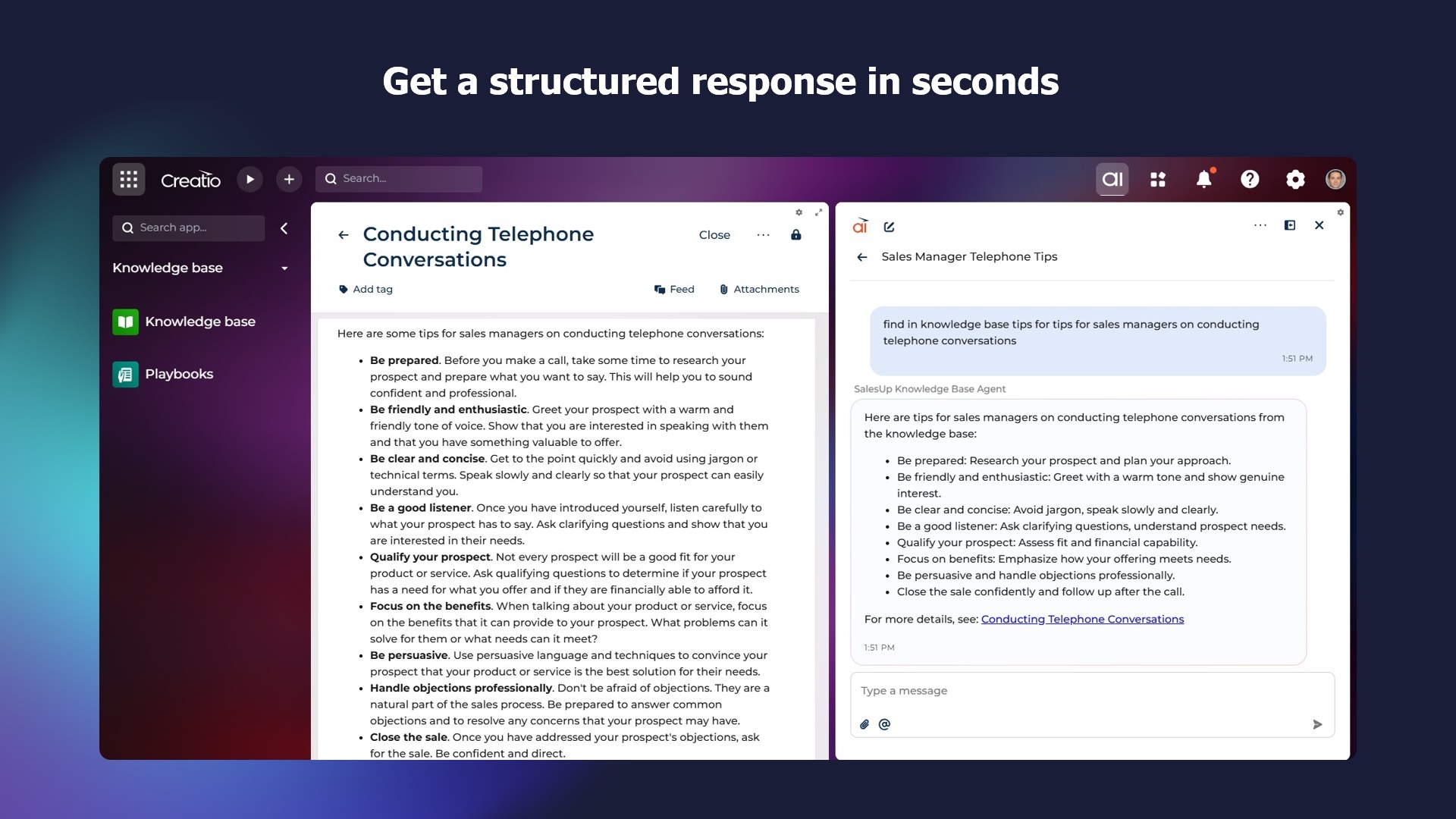
An AI agent for searching and processing information that allows Creatio users to instantly receive accurate answers from all articles in the knowledge base without wasting time manually searching for the right document and information in it.
Overview
Product overview
Product description
SalesUp Knowledge Base AI Agent for Creatio is a powerful AI-enhanced search layer that connects your Creatio environment with your internal Knowledge Base through intelligent semantic search. The agent retrieves relevant articles on demand, analyzes content, and delivers precise answers in a user-friendly interface, allowing your team to work faster and make better decisions without leaving Creatio.
Designed for sales, service, operations, and technical teams, the SalesUp Knowledge Base Agent eliminates manual searches and document navigation. Users can query company policies, validate procedures, check guidelines, retrieve instructions, summarize complex regulations, and even receive recommended next steps, all within the Creatio workspace.
Whether you need quick visibility into compliance documents, operational procedures, product specifications, HR policies, support protocols, or training materials, the Knowledge Base AI Agent becomes your intelligent assistant. It simplifies knowledge access complexity, automates information retrieval tasks, improves response times, and enhances the overall user experience.
Designed for sales, service, operations, and technical teams, the SalesUp Knowledge Base Agent eliminates manual searches and document navigation. Users can query company policies, validate procedures, check guidelines, retrieve instructions, summarize complex regulations, and even receive recommended next steps, all within the Creatio workspace.
Whether you need quick visibility into compliance documents, operational procedures, product specifications, HR policies, support protocols, or training materials, the Knowledge Base AI Agent becomes your intelligent assistant. It simplifies knowledge access complexity, automates information retrieval tasks, improves response times, and enhances the overall user experience.
Key Features
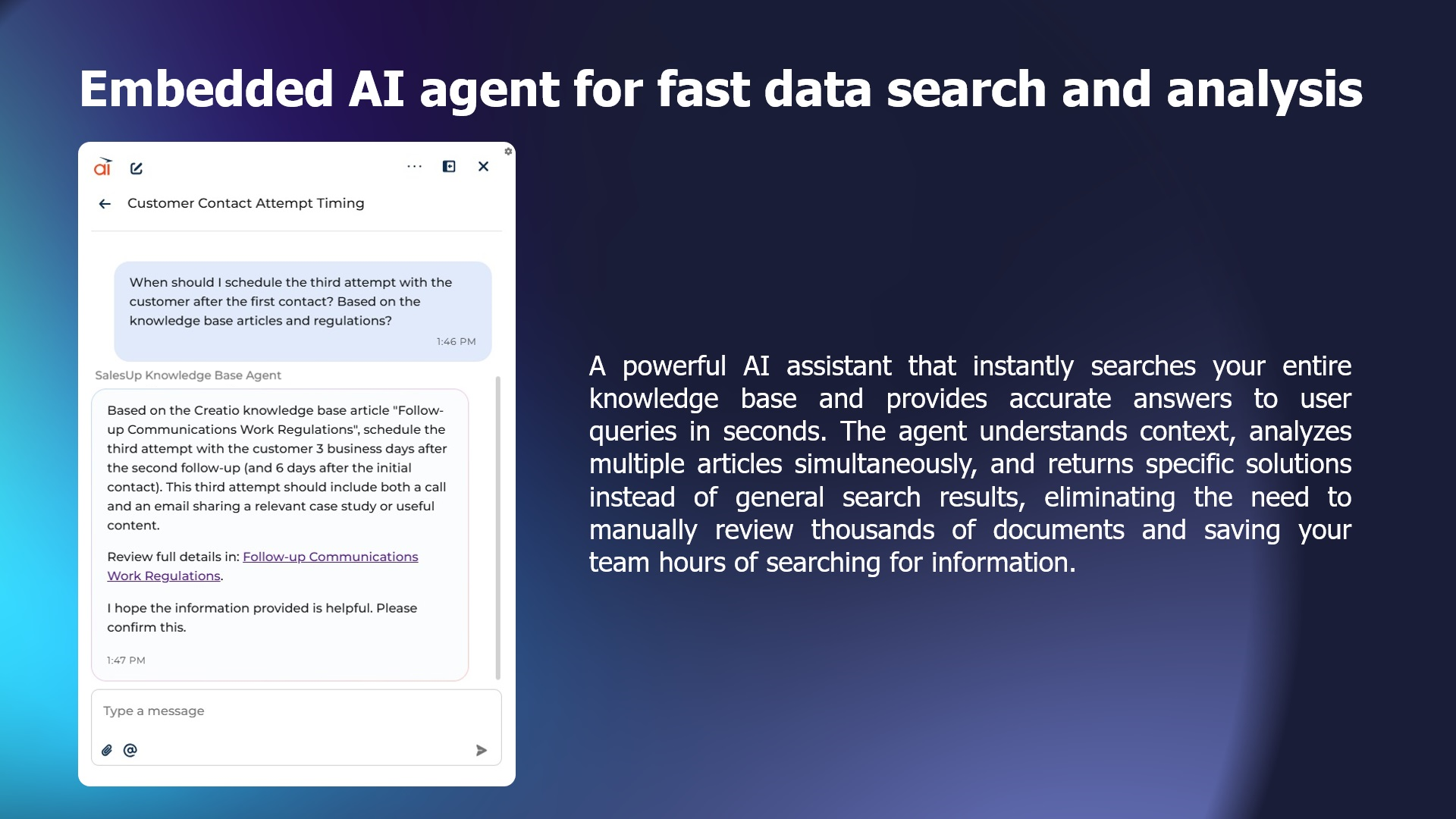
AI Agent for fast data search and analysis
A powerful AI assistant that instantly searches your entire knowledge base and provides accurate answers to user queries in seconds. The agent understands context, analyzes multiple articles simultaneously, and returns specific solutions instead of general search results, eliminating the need to manually review thousands of documents and saving your team hours of searching for information.
Pricing
Monthly
Annual
Standard
Free
Terms and Conditions
By installing this product you agree to terms and conditions outlined in the license agreement.
Support
Support is available for this application
To keep this listing free of charge, support is provided only by email.
Installation
Setup guide
There are two ways to install the application:
- Automatically - by specifying the site address and clicking the "Install" button
- Manually - by downloading the archive with packages and installing by the applications installation wizard.
Users do not need to make additional settings. The functionality will be available in the Creatio environment once the AI Agent is installed
Data sharing
- By installing or downloading the App, you confirm that you agree with sharing your account data (name, email, phone, company and country) with the App Developer as their End User.
- The App Developer will process your data under their privacy policy.
Versions
Versions history
Manual app installation
- Open the needed app → the Packages tab - download the Markeplace app files.
- Click in the top right → Application Hub
- Click New application. This opens a window.
- Select Install from file and click Select in the window that opens.
- Click Select file on the page of the Marketplace App Installation Wizard and specify the app file path.
Compatibility notes