


Syntech HRM for Creatio
 Trending
Syntech HRM for Creatio — all-in-one HR solution. Automate recruiting, onboarding, performance reviews, OKRs, KPIs, 1:1 meetings & offboarding. Work.ua integration included. Reduce manual work and build an efficient HR department today.
Overview
Product overview
Product description
Syntech HRM for Creatio - HR management solution that covers the entire employee lifecycle. From recruiting with smart candidate recommendations and automated pipelines to structured onboarding with 30/60/90 day plans. Drive performance with OKRs, KPIs, review cycles, and regular 1:1 meetings. Handle departures professionally with automated offboarding and exit interviews. Work.ua integration for the Ukrainian market. Reduce administrative burden, eliminate manual errors, and give your HR team the tools to focus on what matters — your people.
Key Features
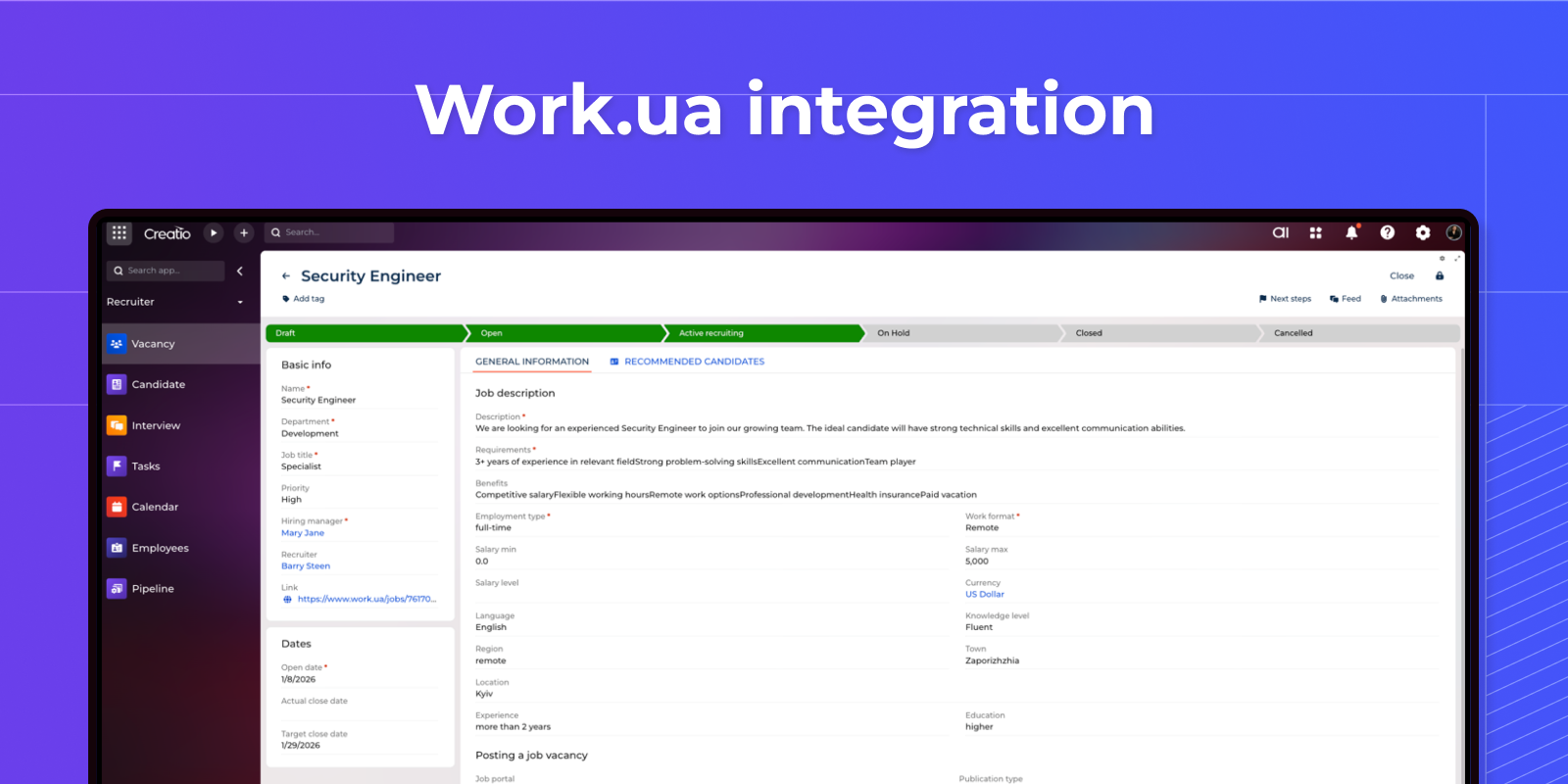
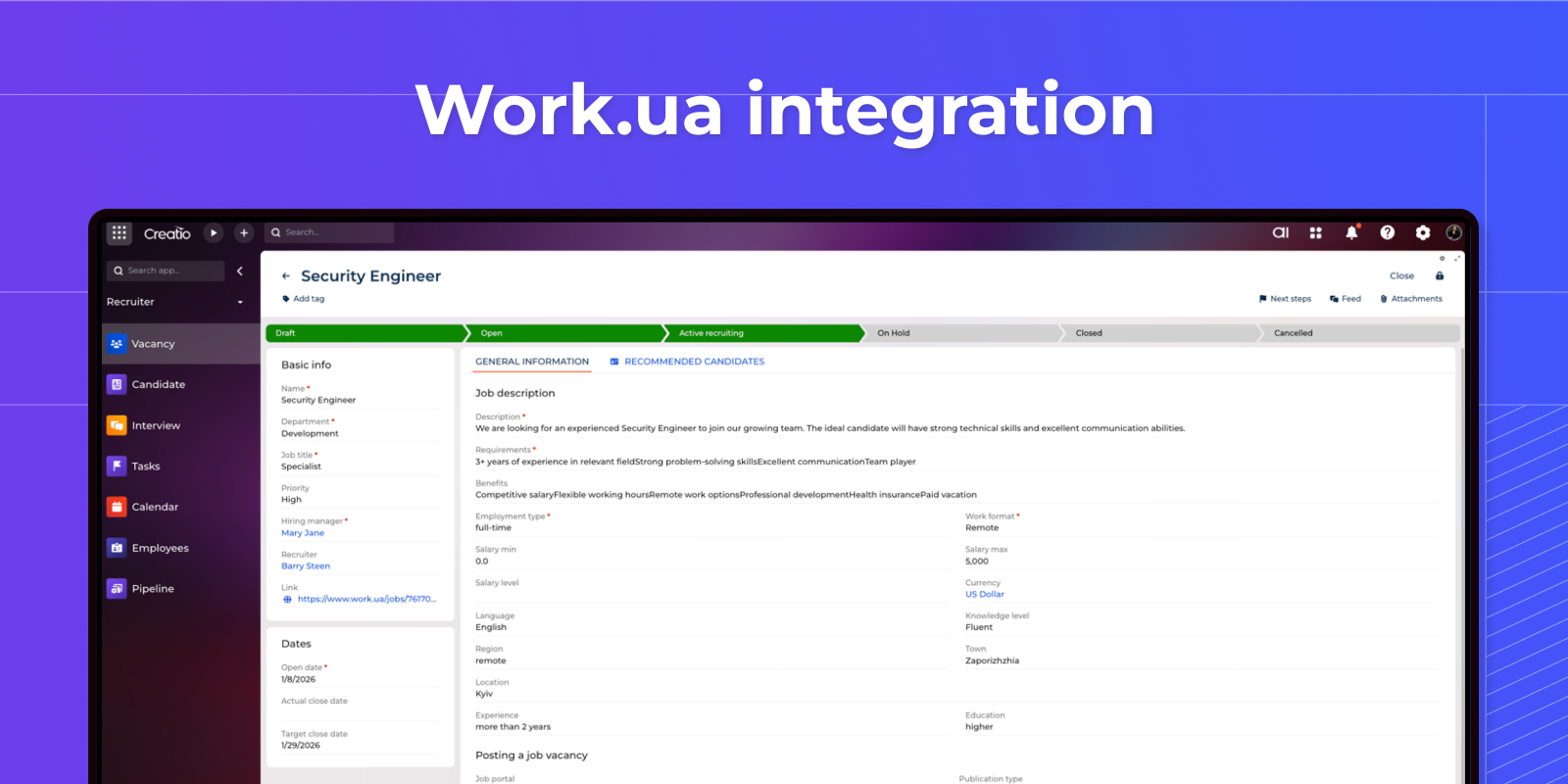
Job portal integration
Automatically import candidates from external platforms, synchronize statuses and feedback statistics, avoid duplicates with smart matching, and manage all candidates in a single system regardless of the source.
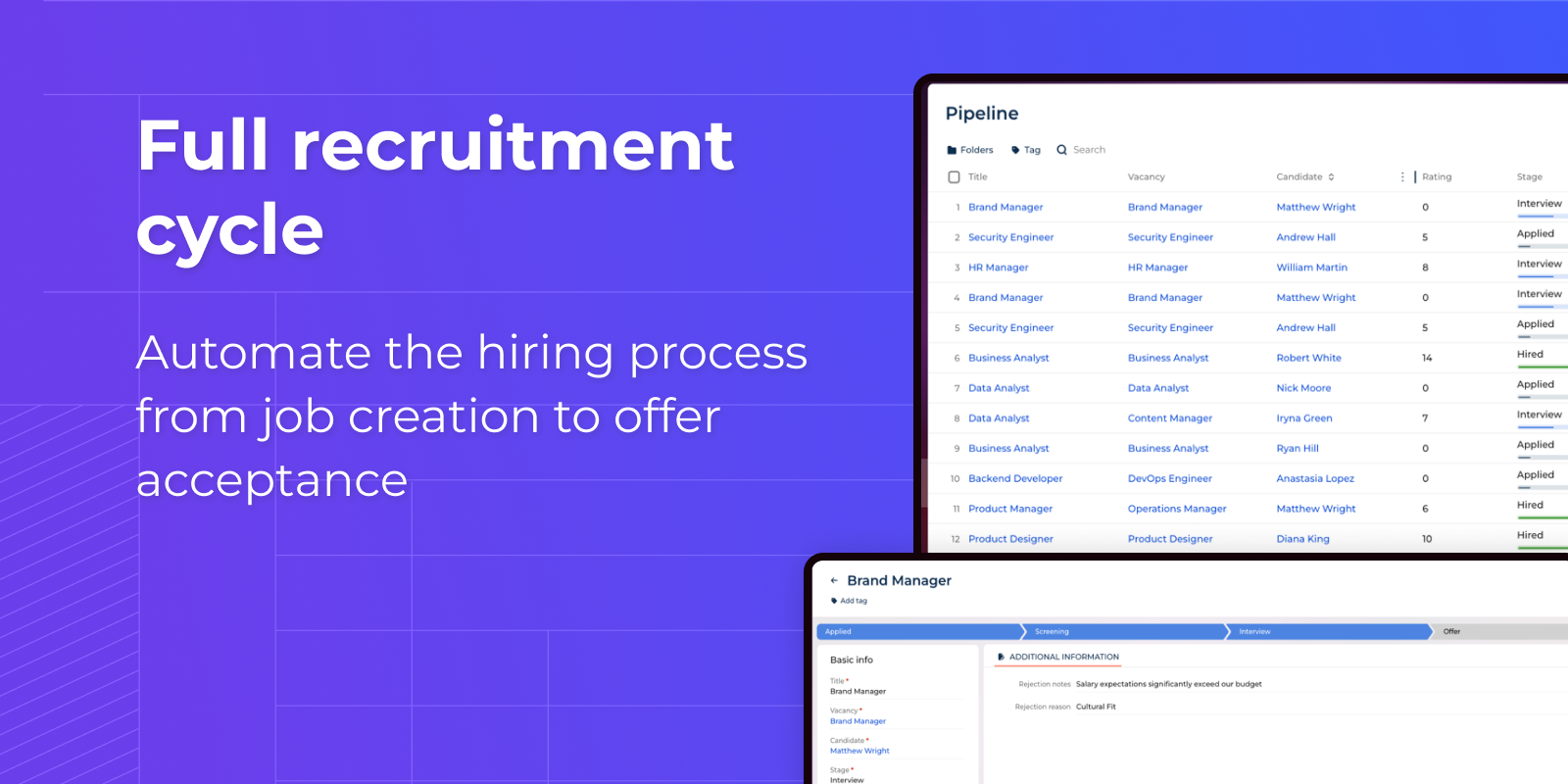
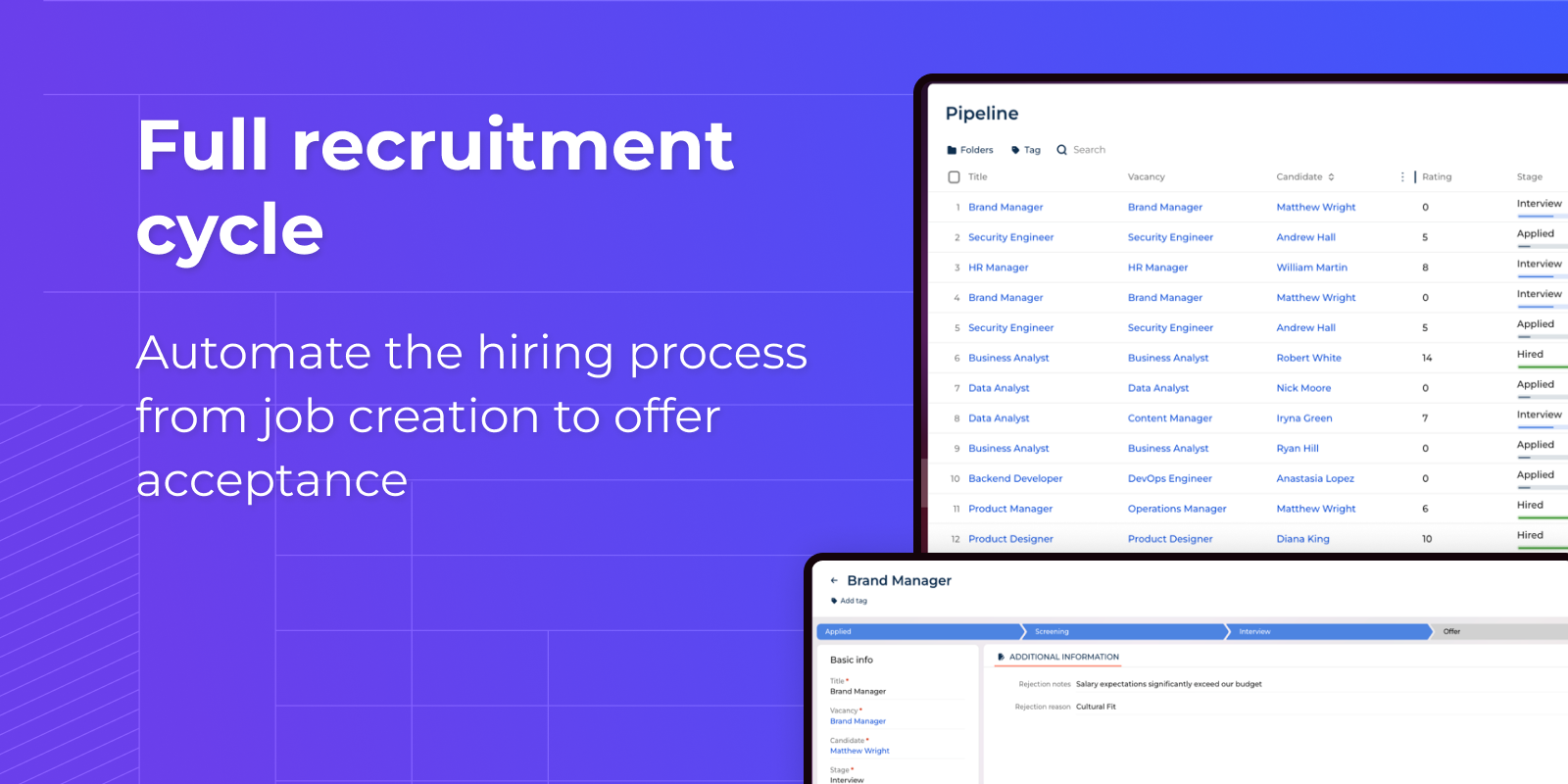
Full recruiting cycle
Automate the hiring process from job creation to offer acceptance. Manage candidates through customized pipeline stages, schedule interviews with automatic reminders, collect feedback from the team, and make decisions based on structured candidate assessment.
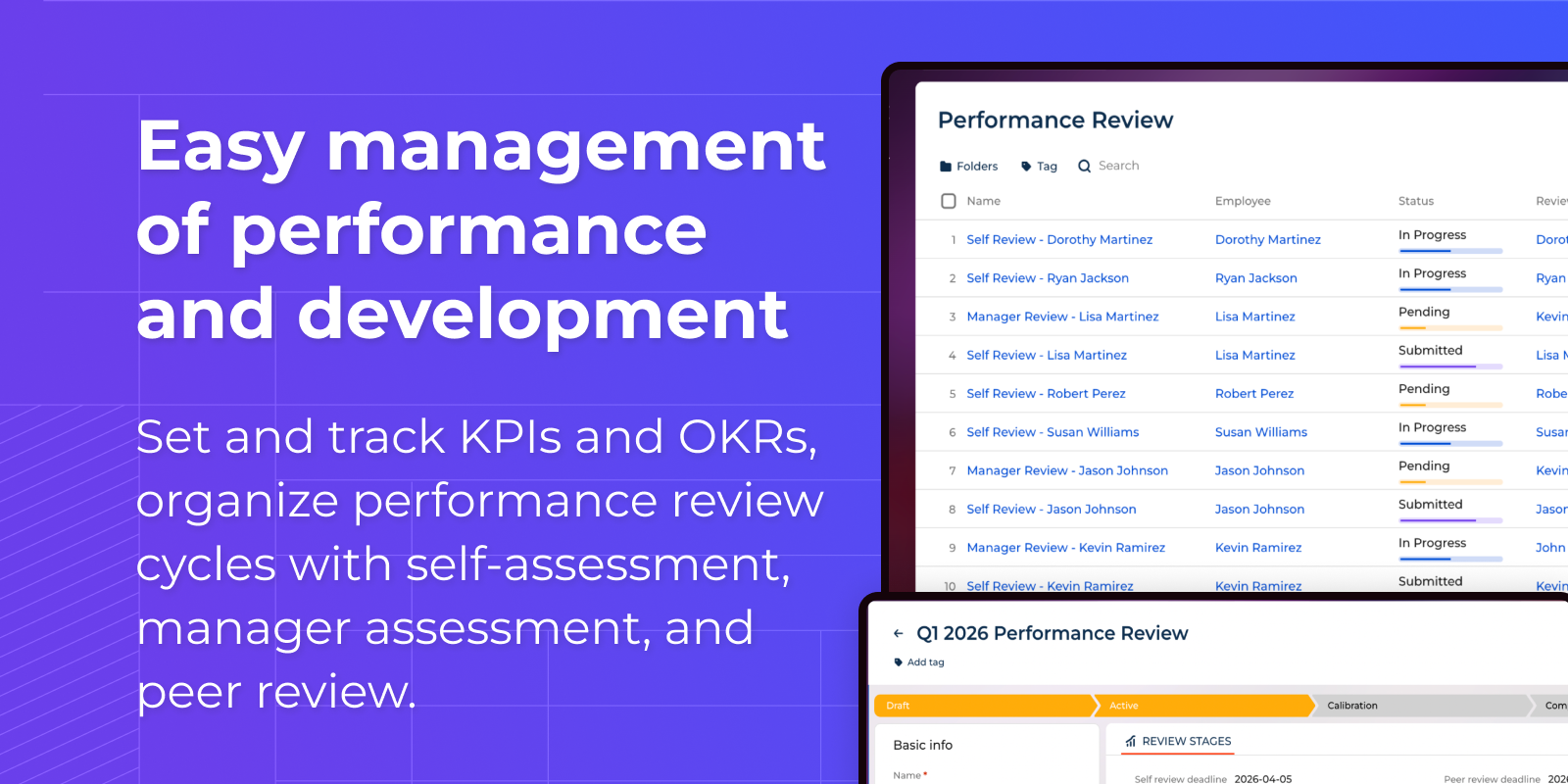
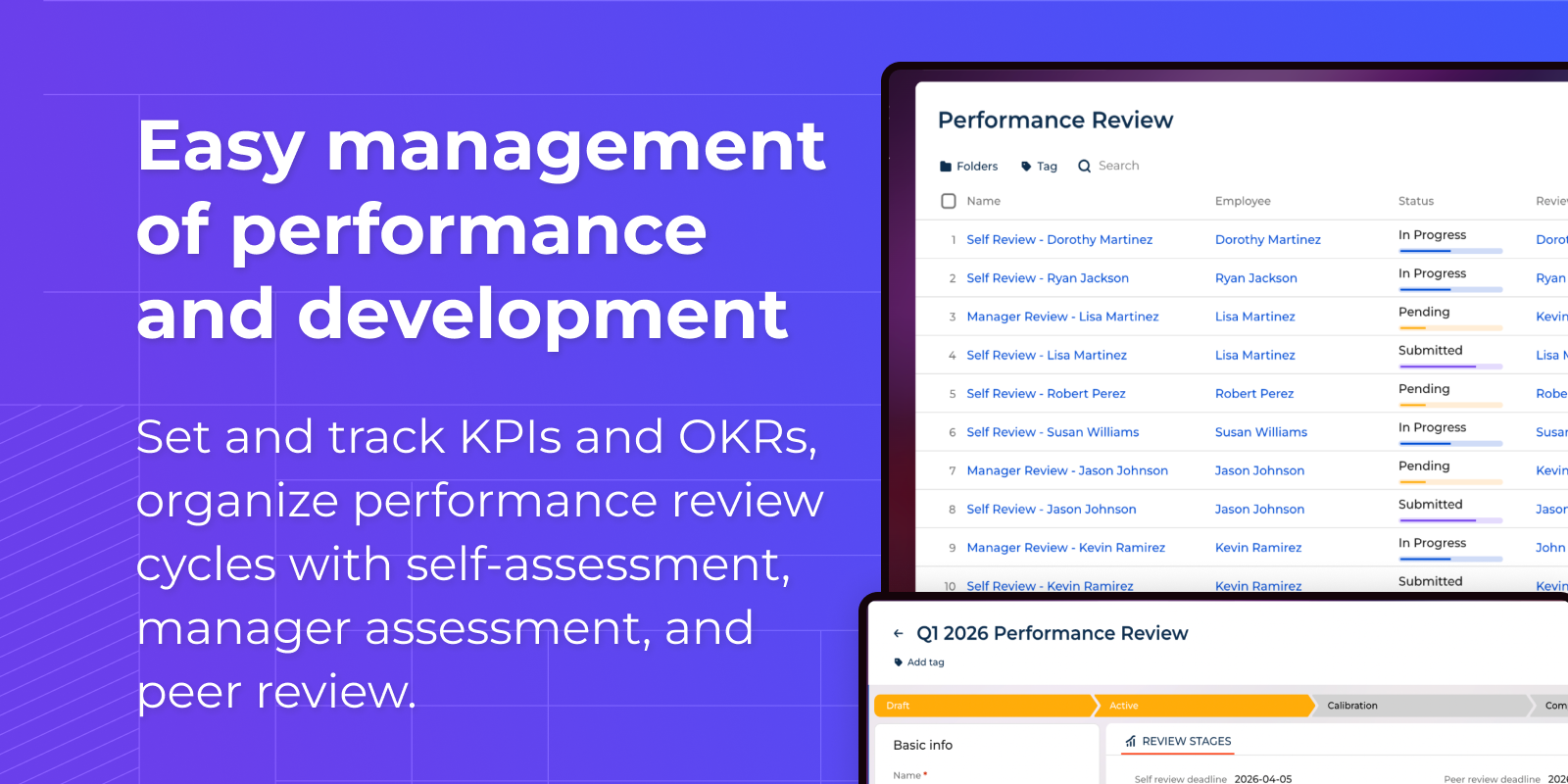
Performance and development management
Set and track KPIs and OKRs, organize performance review cycles with self-assessment, manager assessment and peer review. Create individual development plans and track progress towards professional goals.
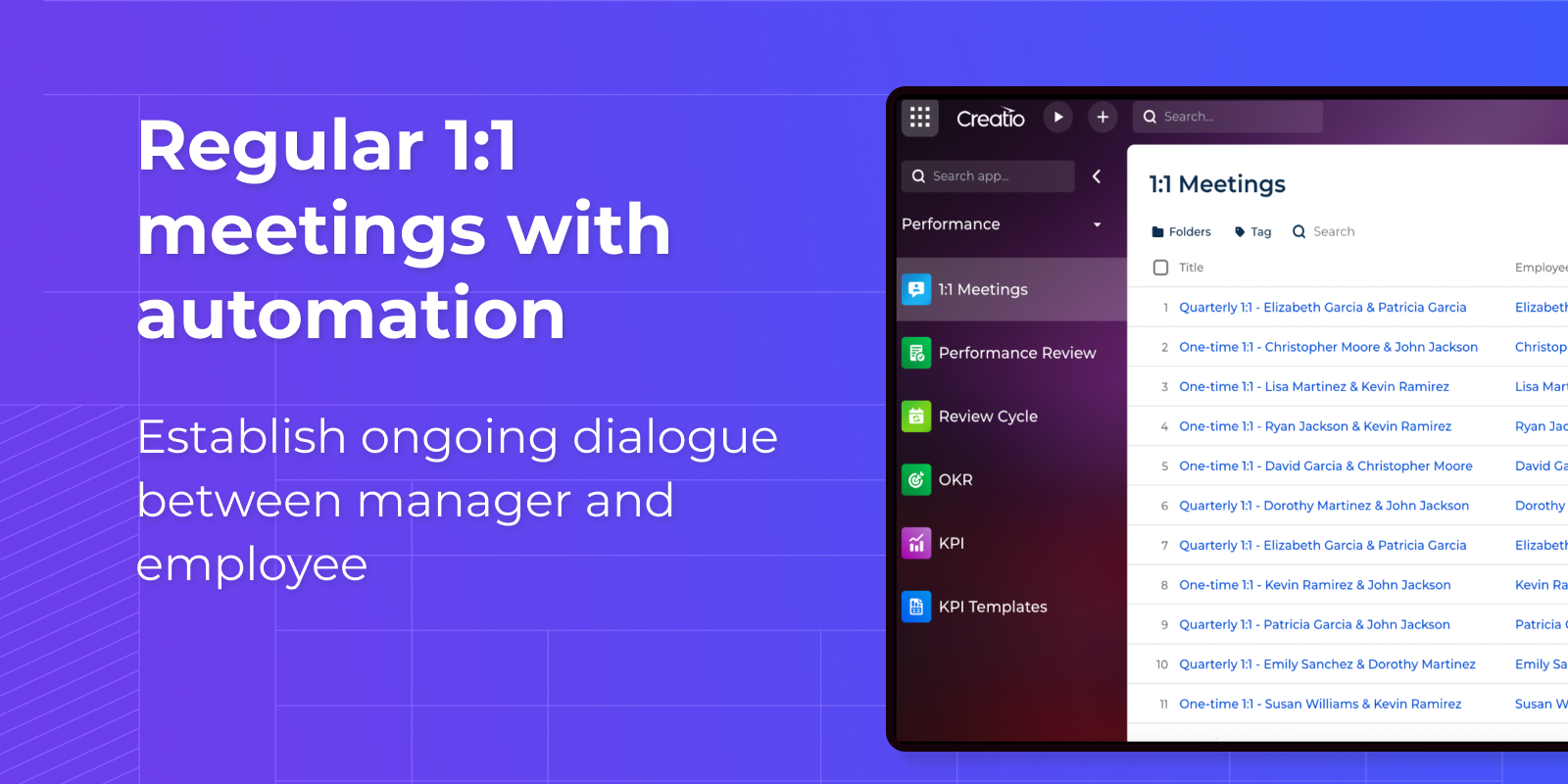
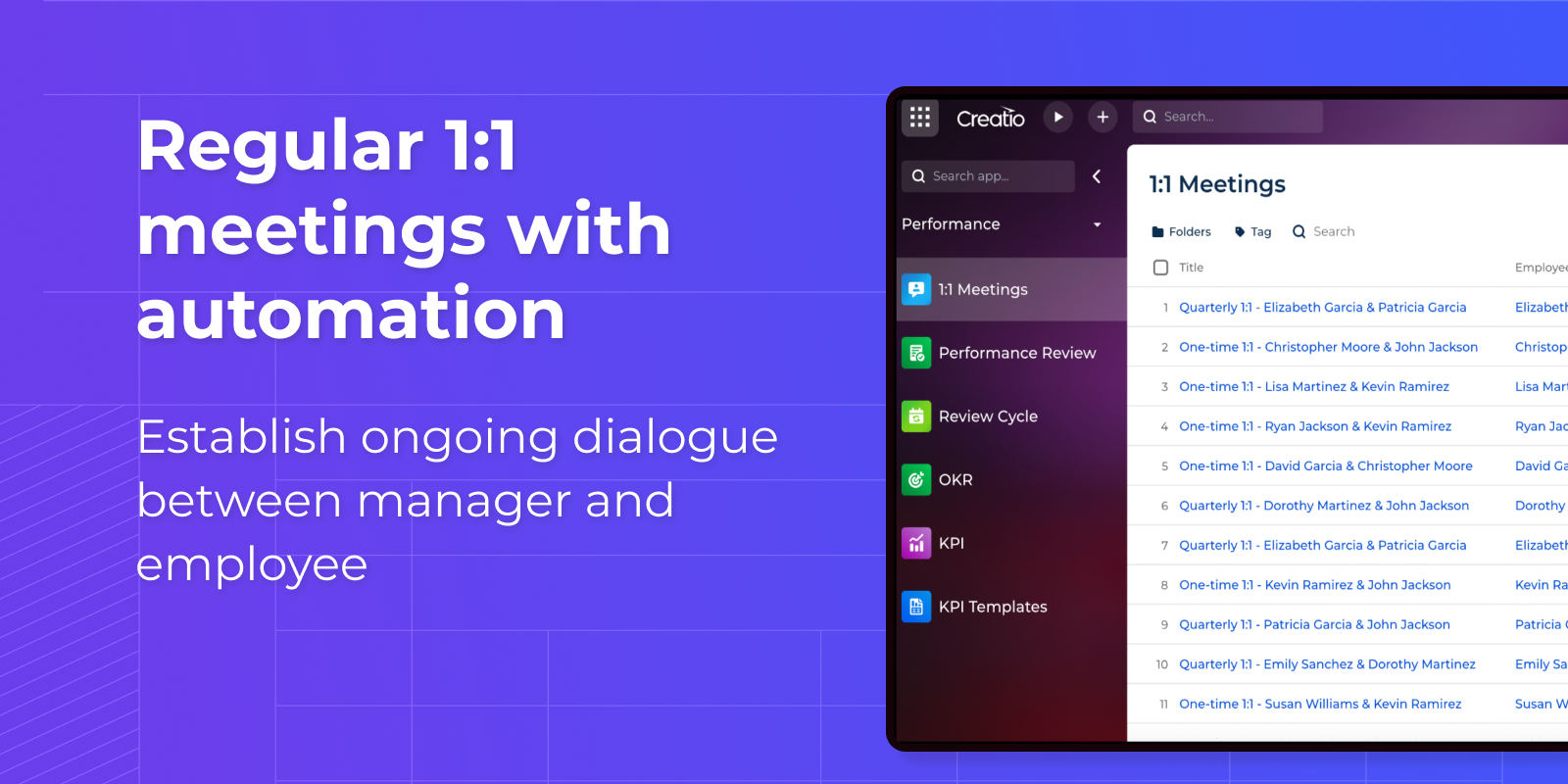
Regular 1:1 meetings with automation
Set up a constant dialogue between the manager and the employee. After the first meeting, the system automatically creates subsequent meetings according to the selected type of Recurrence Pattern: weekly, biweekly or monthly. Get pre-meeting reminders, jot down information and follow-up, track employee mood through mood rating.
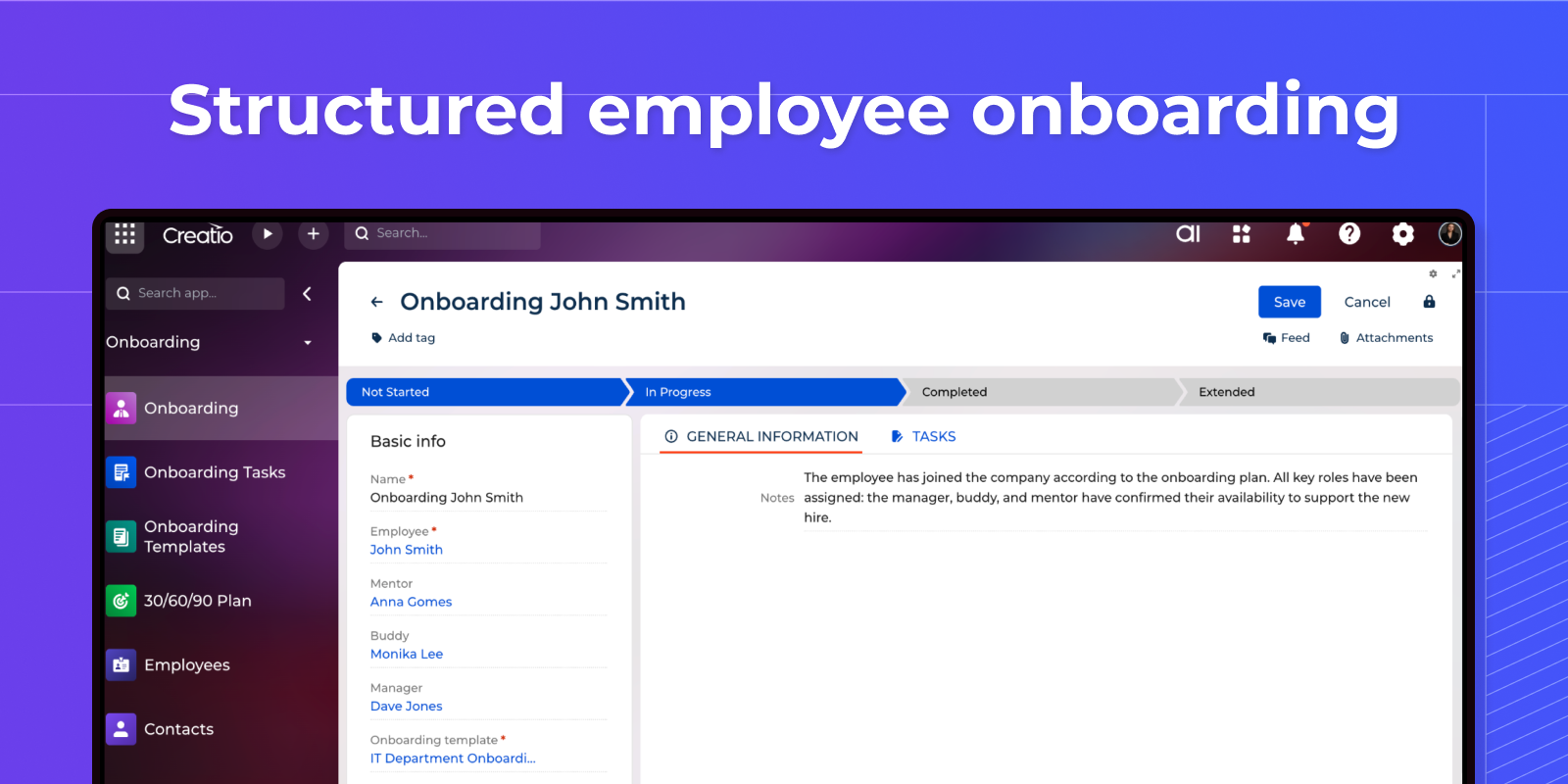
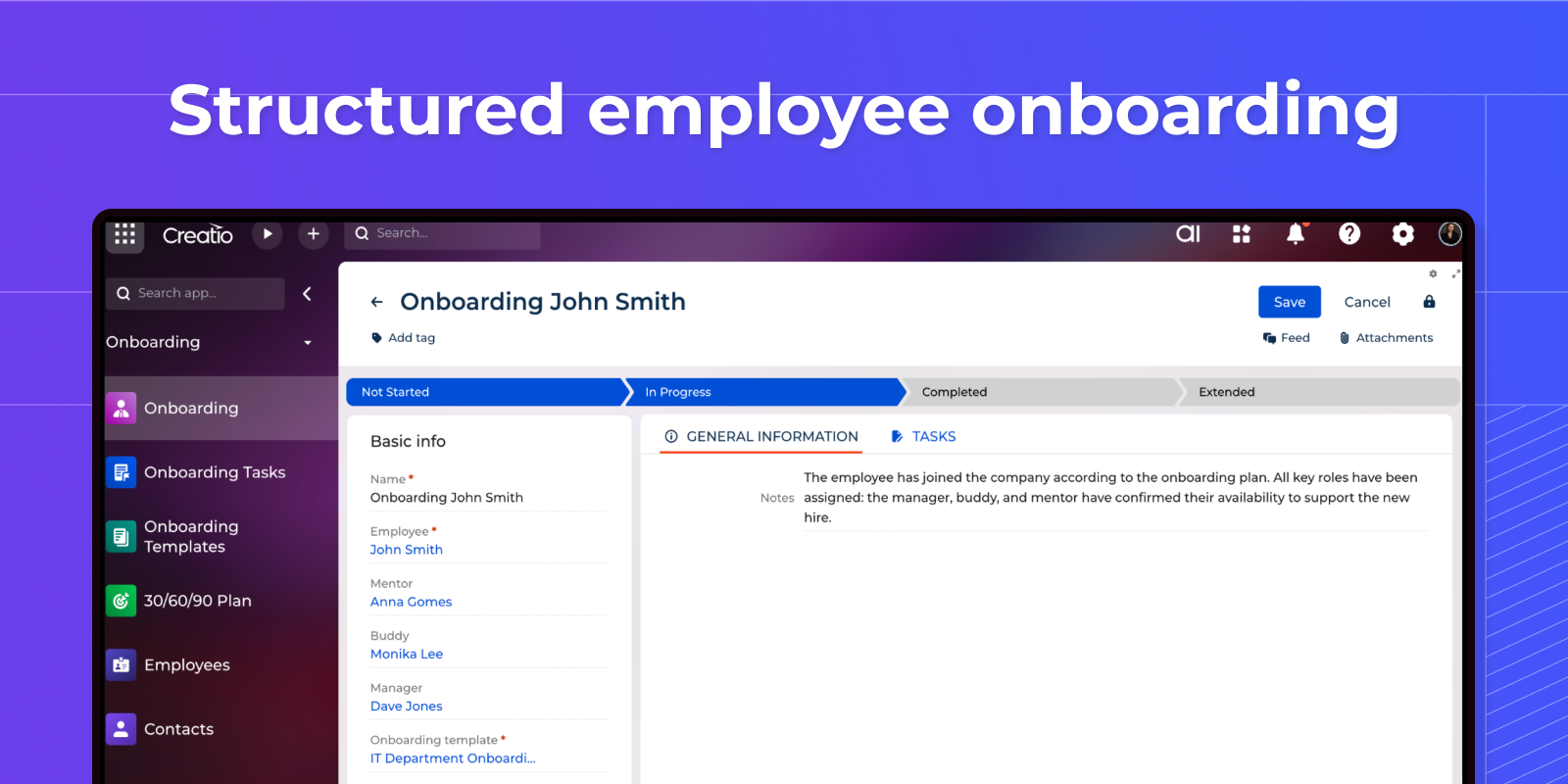
Structured Employee Onboarding
Ensure a seamless onboarding experience for new employees with automated tasks and 30/60/90 day milestones. Assign a buddy and mentor, track required tasks, and collect feedback from the employee and manager at each stage of the probationary period.
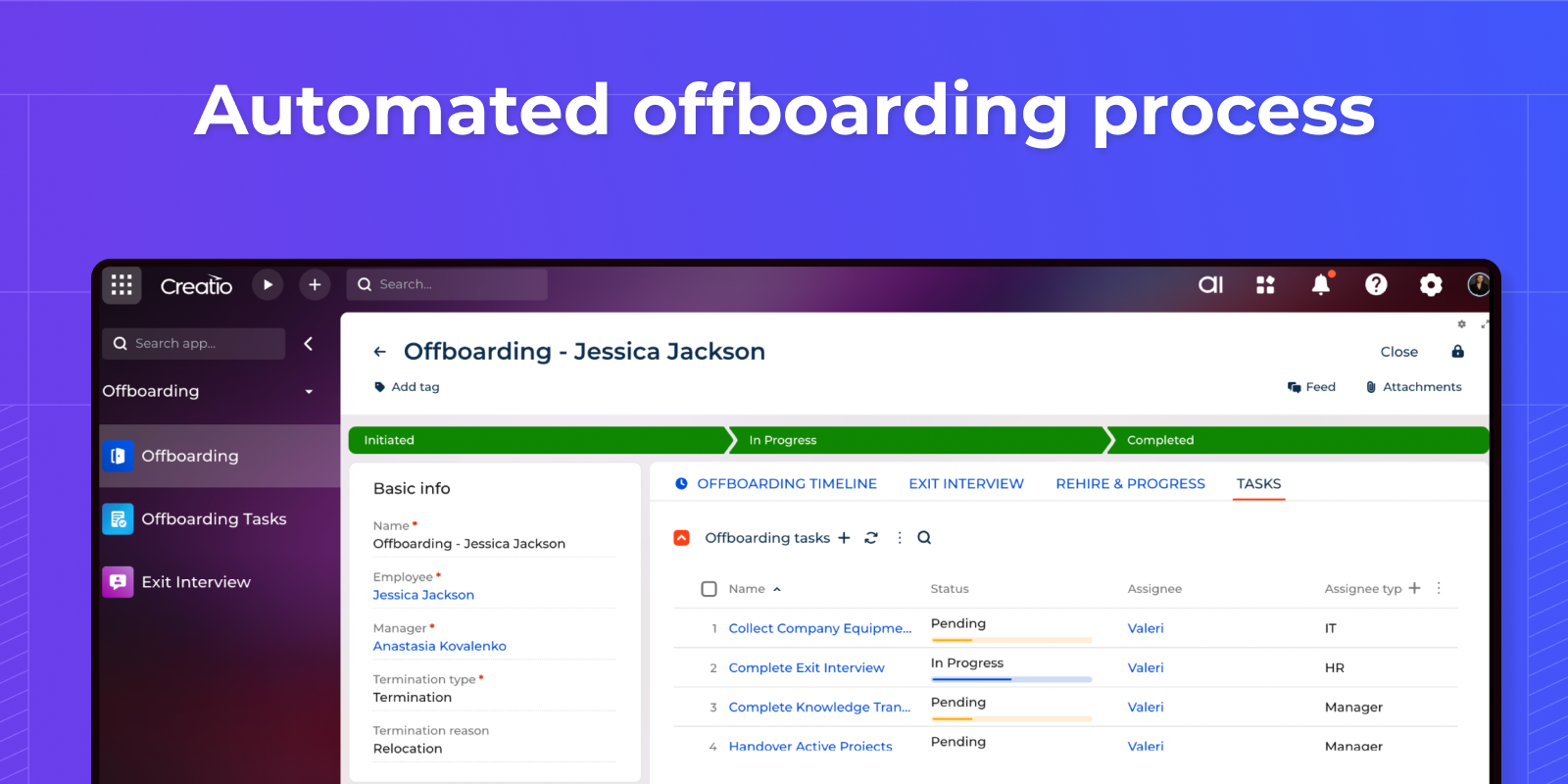
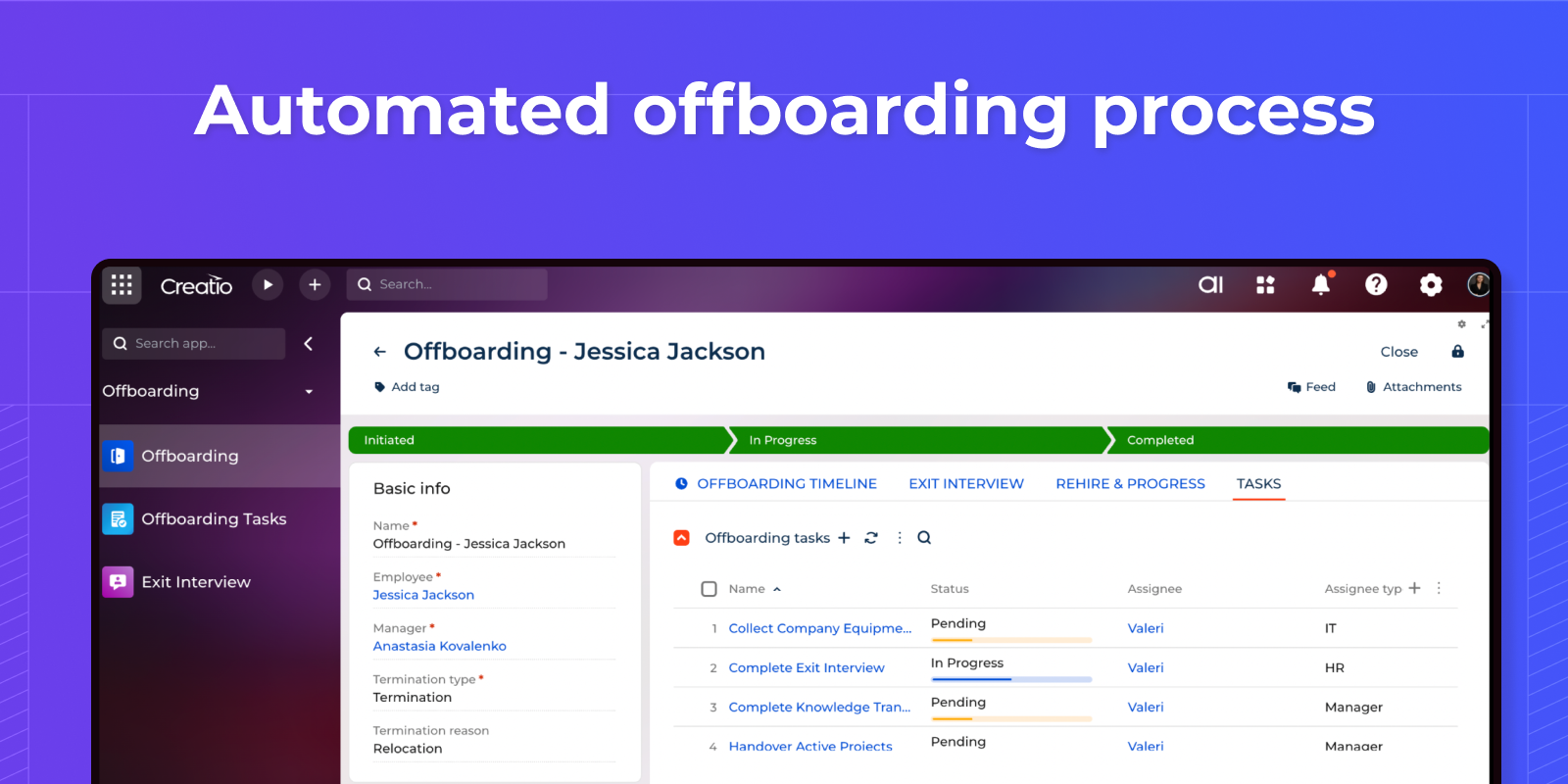
Automated offboarding process
Manage the employee termination process through structured offboarding tasks, conduct exit interviews to collect valuable feedback, organize knowledge and task transfer, ensure timely completion of all mandatory steps from HR, IT and management.
Pricing
Monthly
Annual
Standard
$
100.00 / month
billed annually
Terms and Conditions
By installing this product you agree to terms and conditions outlined in the license agreement.
Support
Support is available for this application
Support is provided by the developer within the “Basic”, “Business” and “Premium“ packages. Detailed information about the support packages and the support terms can be found on the Creatio website.
Installation
Resources
Data sharing
- By installing or downloading the App, you confirm that you agree with sharing your account data (name, email, phone, company and country) with the App Developer as their End User.
- The App Developer will process your data under their privacy policy.
Versions
Versions history
Manual app installation
- Open the needed app → the Packages tab - download the Markeplace app files.
- Click in the top right → Application Hub
- Click New application. This opens a window.
- Select Install from file and click Select in the window that opens.
- Click Select file on the page of the Marketplace App Installation Wizard and specify the app file path.
Compatibility notes