


Velvetel Telephony for Creatio
Overview

Product overview
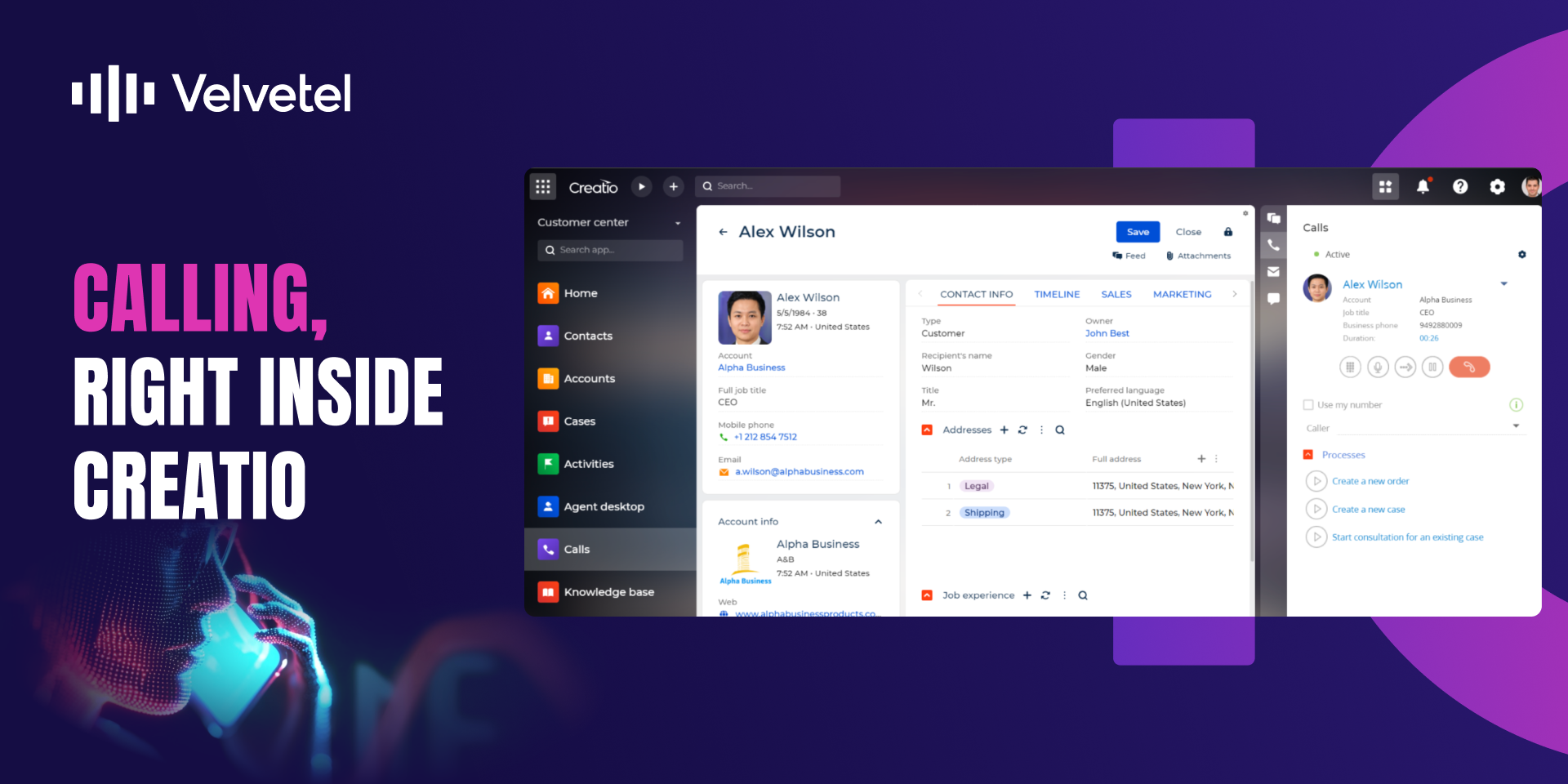
Velvetel Telephony for Creatio is the telephony and communications component of Velvetel Pulse, an AI-powered contact center solution for Creatio — and it also works as a standalone application, delivering native calling and CTI inside Creatio without the full contact center platform.
Who it's for: contact center agents making and receiving calls in Creatio, and supervisors and telephony administrators who configure calling behavior and monitor agent availability.
Velvetel Telephony for Creatio is the telephony component of Velvetel Pulse. Combined with Call Scripts for Creatio and AI-powered Call Analytics Platform for Creatio , it forms the complete Pulse experience.
Key Features
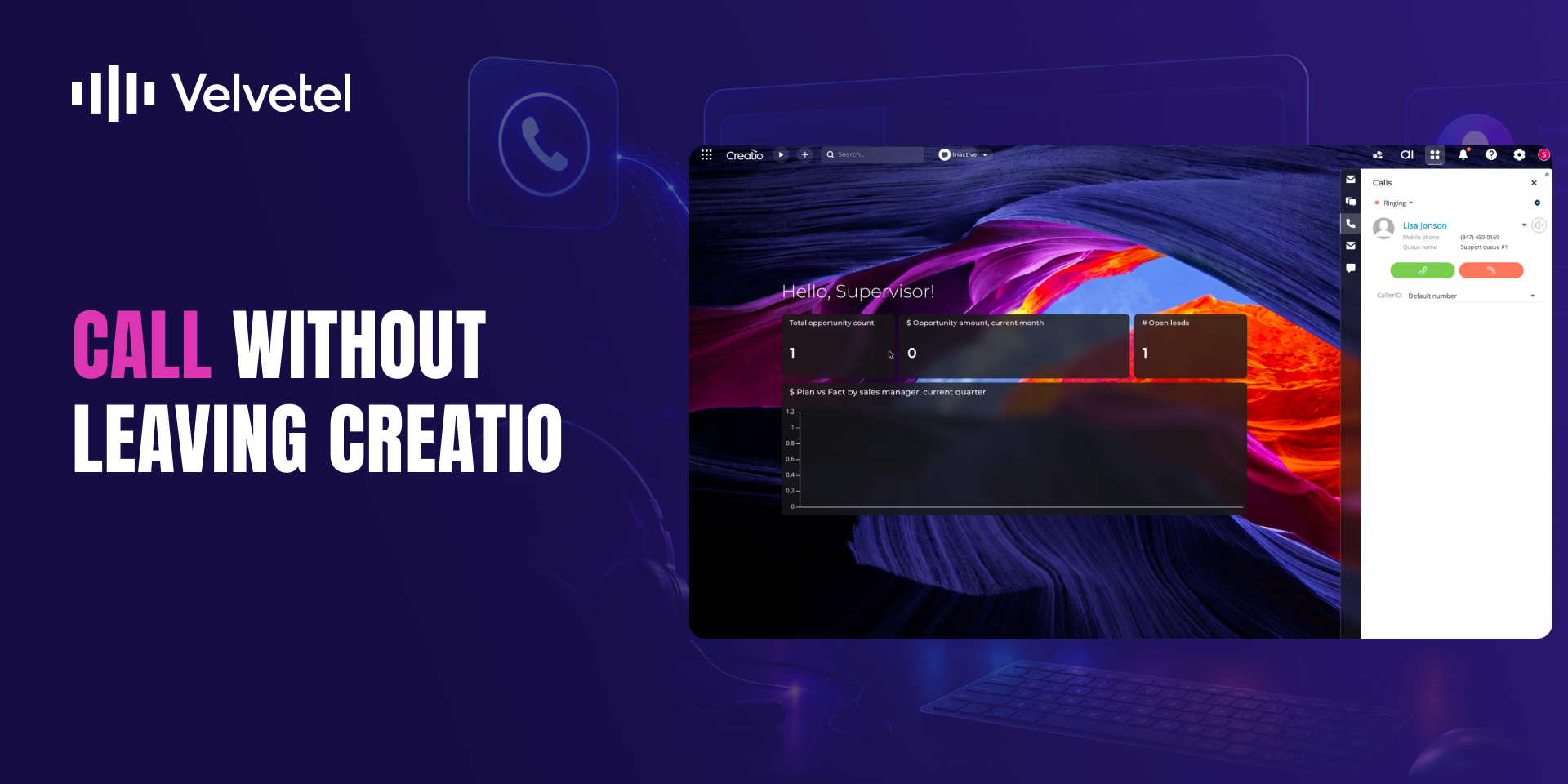
Native CTI Calling
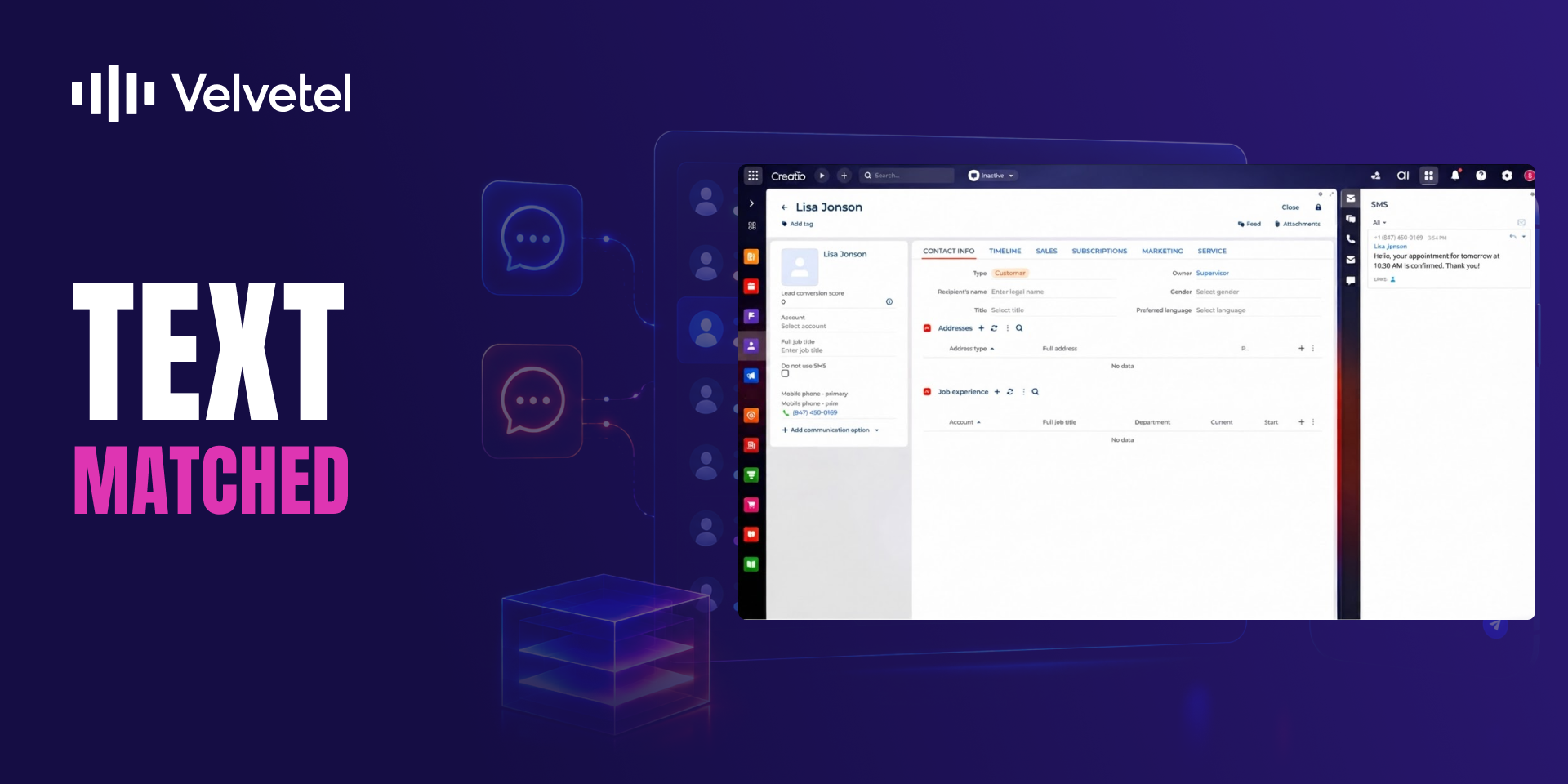
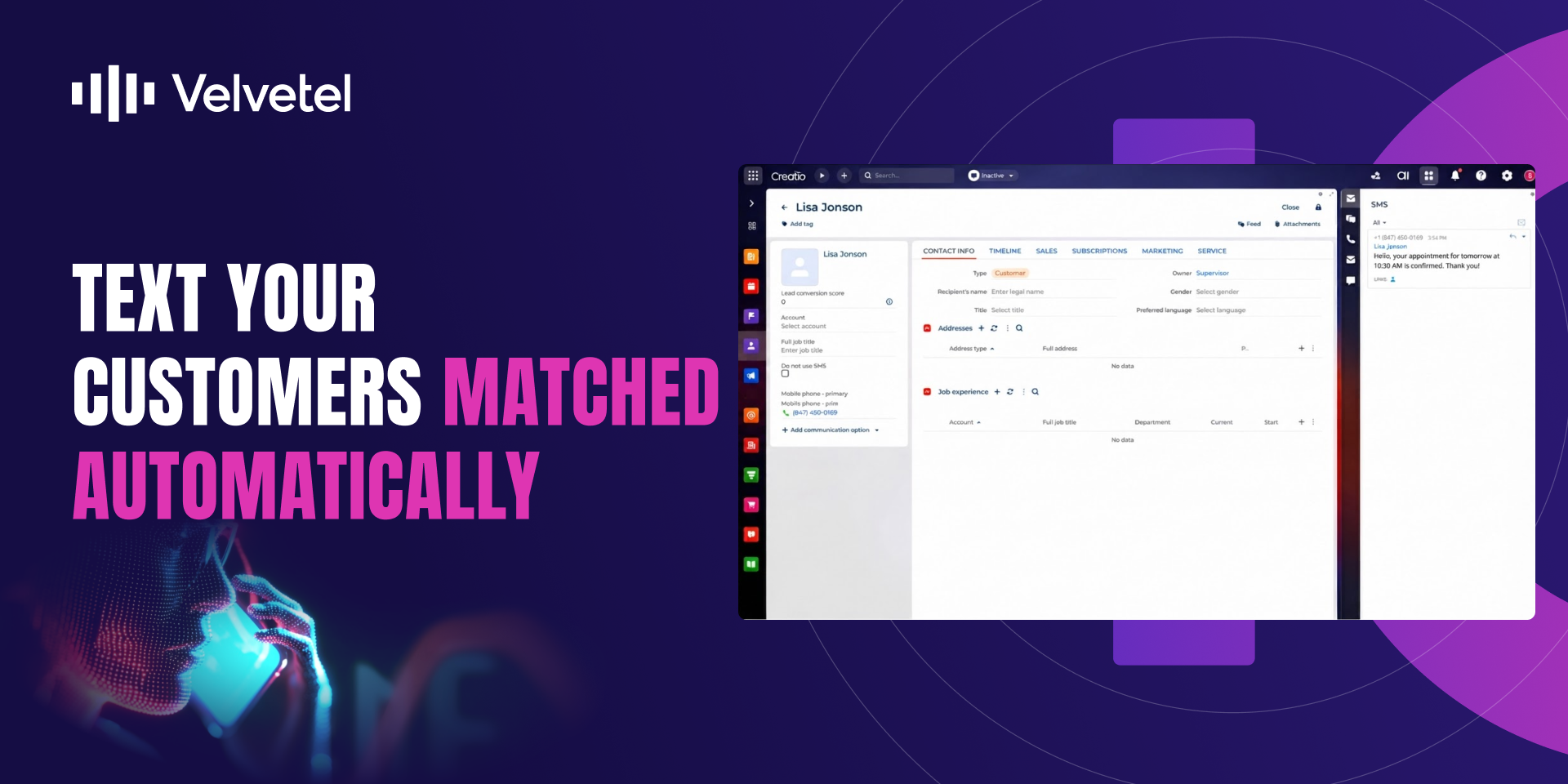
SMS Built into Creatio
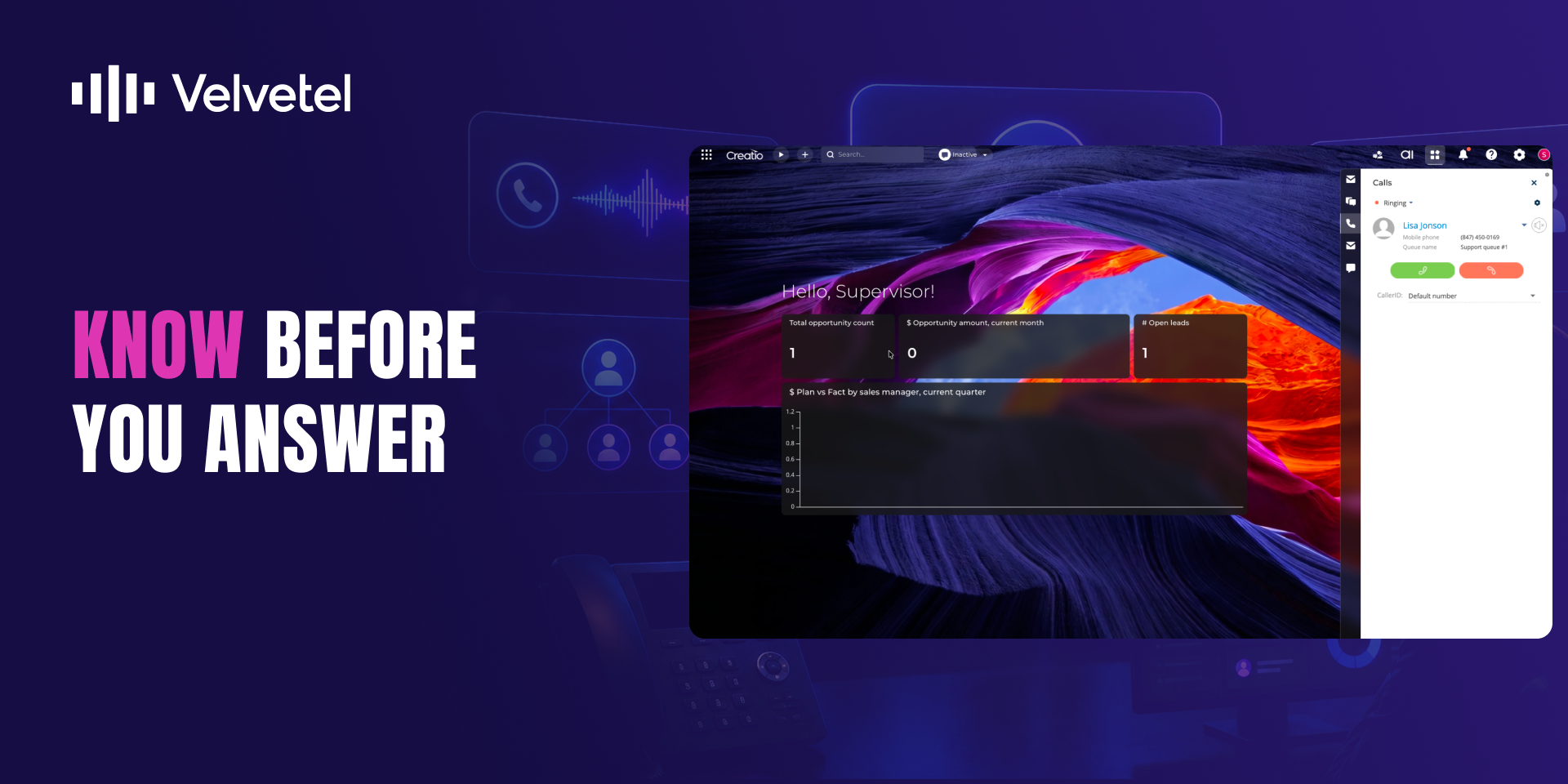
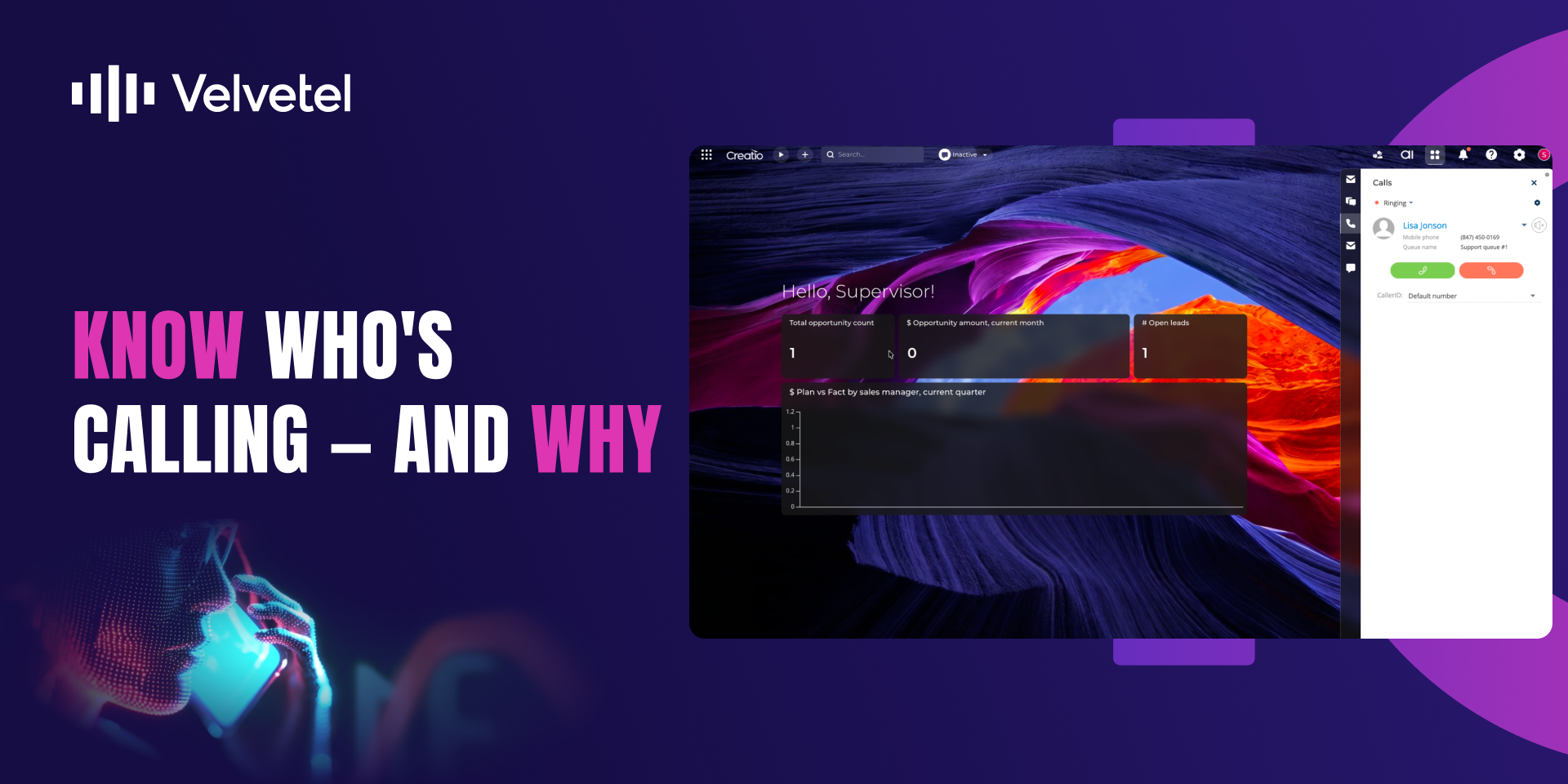
Call Source & Queue
Pricing
Terms and Conditions
Support
Installation
Setup guide
VELVETEL VoIP Telephony Service for Creatio requires technical and system administration skills to configure and set up. Please follow the link to the Admin Guide provided below or contact Velvetech Support at creatio@velvetech.com for further assistance.
Resources
Data sharing
- By installing or downloading the App, you confirm that you agree with sharing your account data (name, email, phone, company and country) with the App Developer as their End User.
- The App Developer will process your data under their privacy policy.
Versions
Versions history
- SMS is now available directly in Freedom UI, in addition to Classic UI
- Outbound SMS "From" field auto-fills from the agent's Caller ID / Confirmed Numbers
- Outbound SMS numbers are automatically formatted to E.164
- Outbound SMS messages are now matched to the right contact
- Agents are automatically moved to an away status with a clear reason when their microphone becomes unavailable during a call
- Incoming calls now carry queue and source information (e.g., autodialer vs. live customer), giving agents context before they answer
- Supervisors can configure and review telephony settings — such as webphone use and auto-connection — for all users from one place
- Added tools for configuring SMS delivery in accordance with 10DLC requirements.
- Caller identification fix for trial mode
- SMS support implemented for manual and business process sending
- General improvements
- Caller ID dropdown
- See the name of the queue from which the call originated
- General improvements and fine-tuning
- Set agent availability inside Creatio
- See your colleagues availability in real-time during transfer or in Contact section
- General improvements
- OOTB Trial Setup now available
- General improvements
Control Call Queues statuses using Creatio interface
User Profile can be controlled via System Users section
General improvements
SIP credentials are now stored as hash
Added mute incoming call button
Object links in a transfer call are now carried over from the original call
General improvements and bug fixes
Manual app installation
- Open the needed app → the Packages tab - download the Markeplace app files.
- Click in the top right → Application Hub
- Click New application. This opens a window.
- Select Install from file and click Select in the window that opens.
- Click Select file on the page of the Marketplace App Installation Wizard and specify the app file path.
Velvetel Telephony requires a nationwide dialing plan subscription, which is available for the US and Canada at the price of $179.88/user/year and purchased from Velvetech directly. Contact Velvetech via email at support@velvetel.com or phone +1 (847) 559-0864. If you already have an active dialing plan subscription or your business is located outside of the US and Canada, we offer a SIP-Trunk connection with your selected VoIP service provider.
1 Gb of storage is included in each subscription for each authorized user. Velvetech may directly charge the customer an additional annual fee of $20 per additional Gb (or increment thereof) of data storage utilized by any authorized user in excess of 1 Gb.