


VIES Integration for Creatio
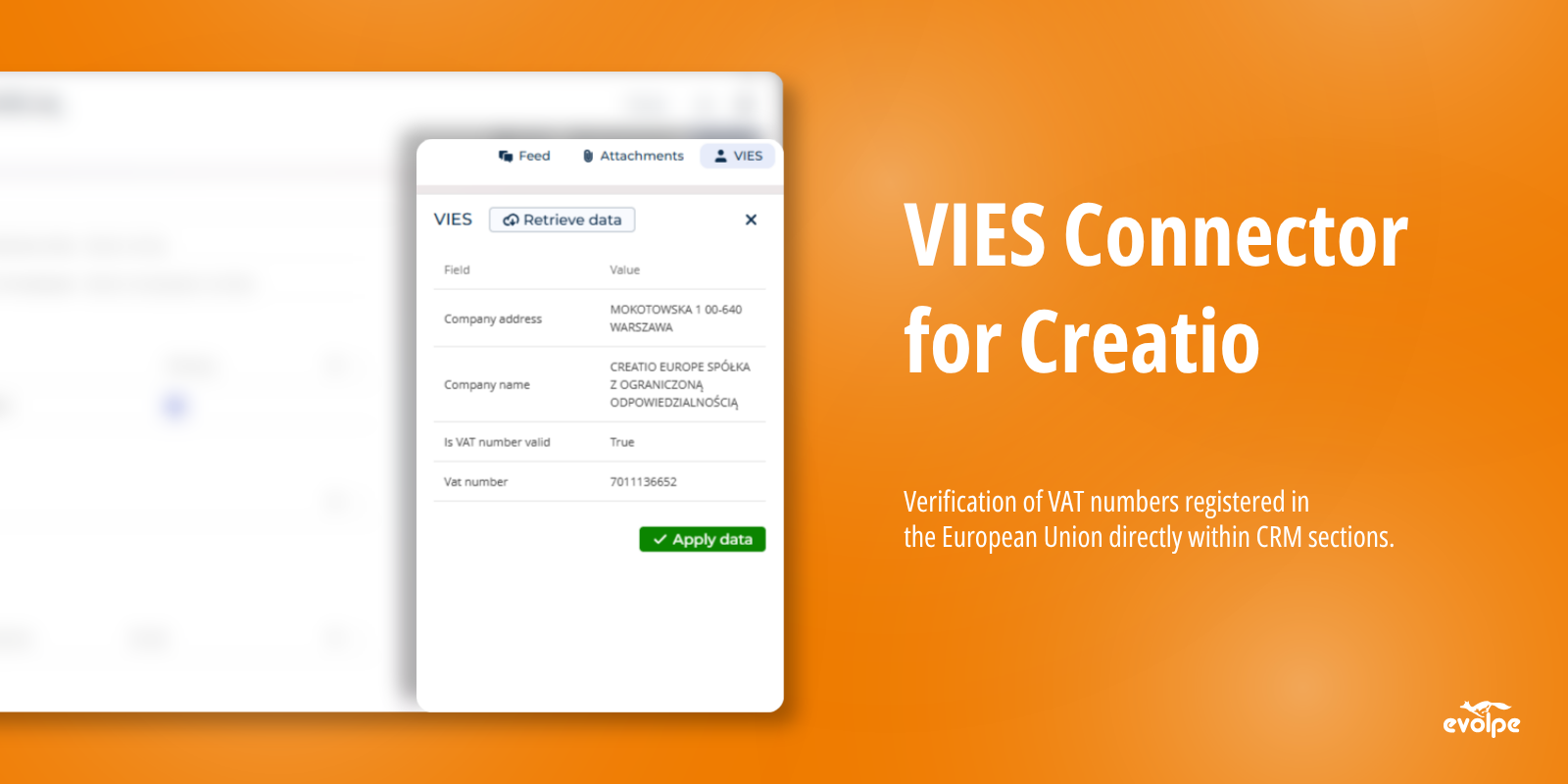
VIES Connector for Creatio enables VAT number verification directly from Account records or any custom section. It integrates with the official VIES system, automatically validating VAT numbers and retrieving details like company name and country.
Overview
Product overview
Product description
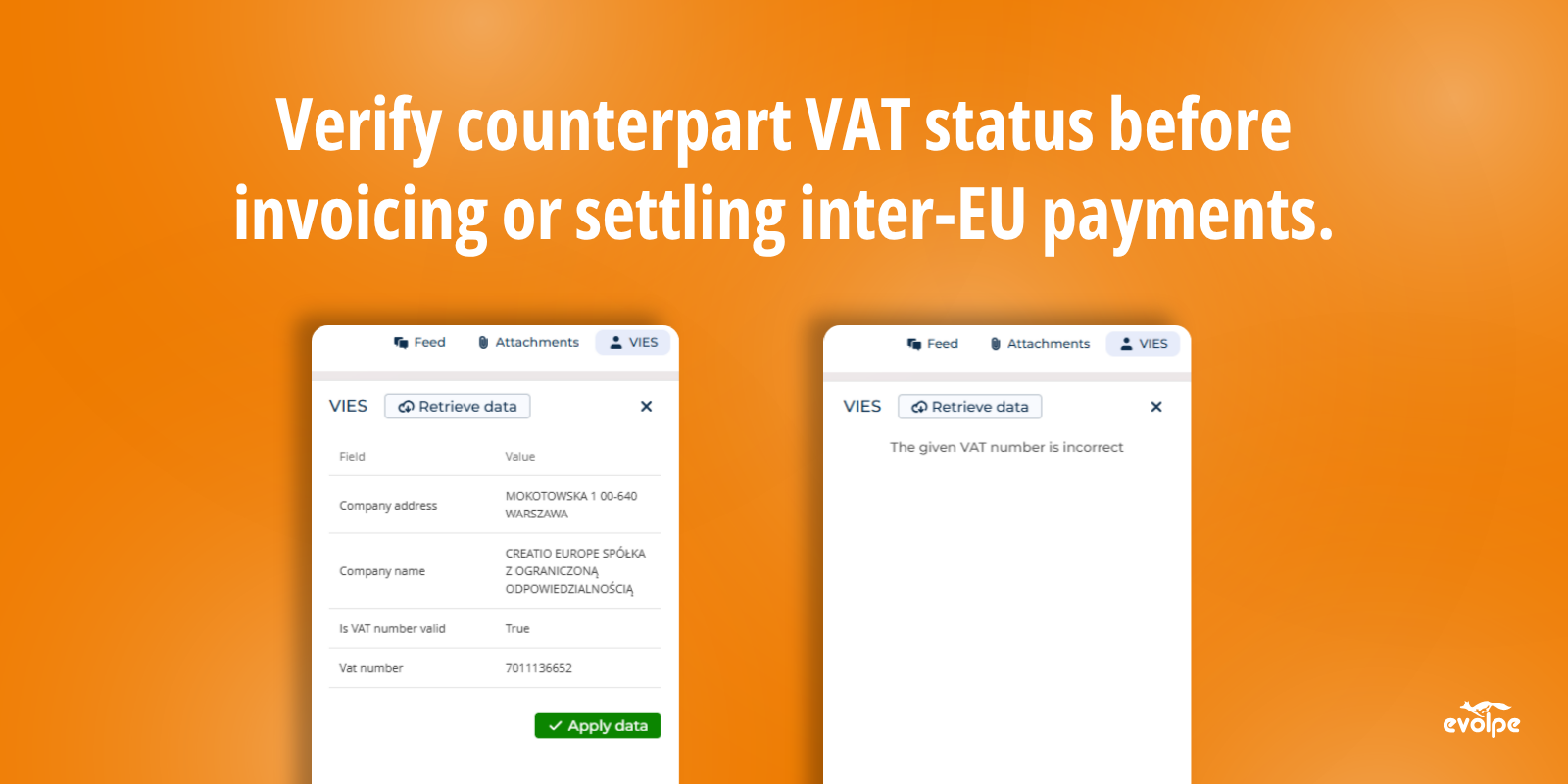
VIES Connector for Creatio enables verification of VAT numbers registered in the European Union directly within CRM sections, such as Accounts. It checks if a company exists under the given VAT number and retrieves contact and tax information, including company name and country. The connector adds a button that, when clicked on a record page, triggers VIES API validation and populates the fields with retrieved data.
It is intended for companies engaged in cross-border transactions within the EU, particularly those working with counterparts from other member states. It is useful for verifying new clients before establishing cooperation, updating data for existing accounts, and ensuring VAT compliance for invoices and inter-EU settlements.
Key Features
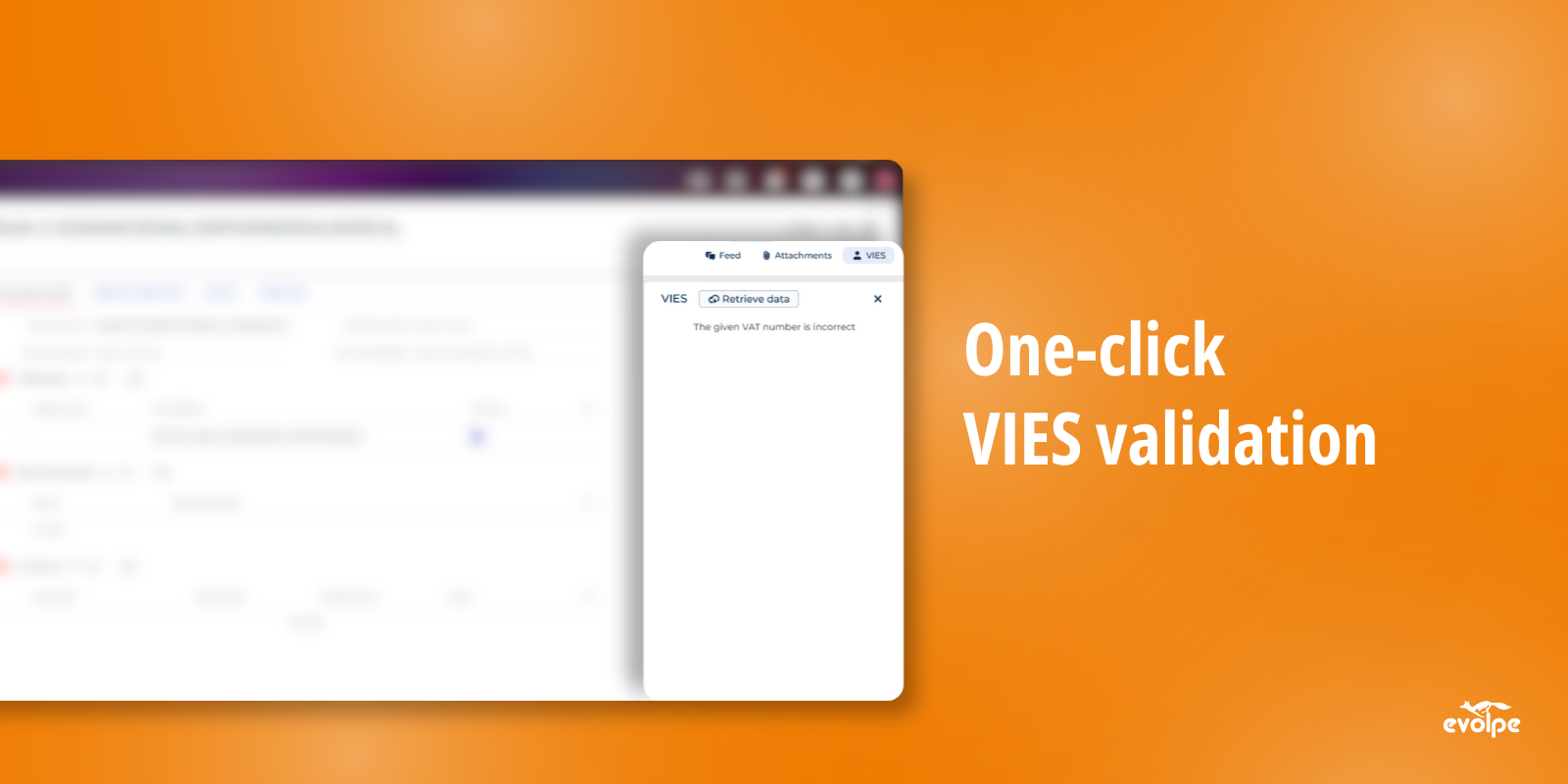
One-click VIES validation
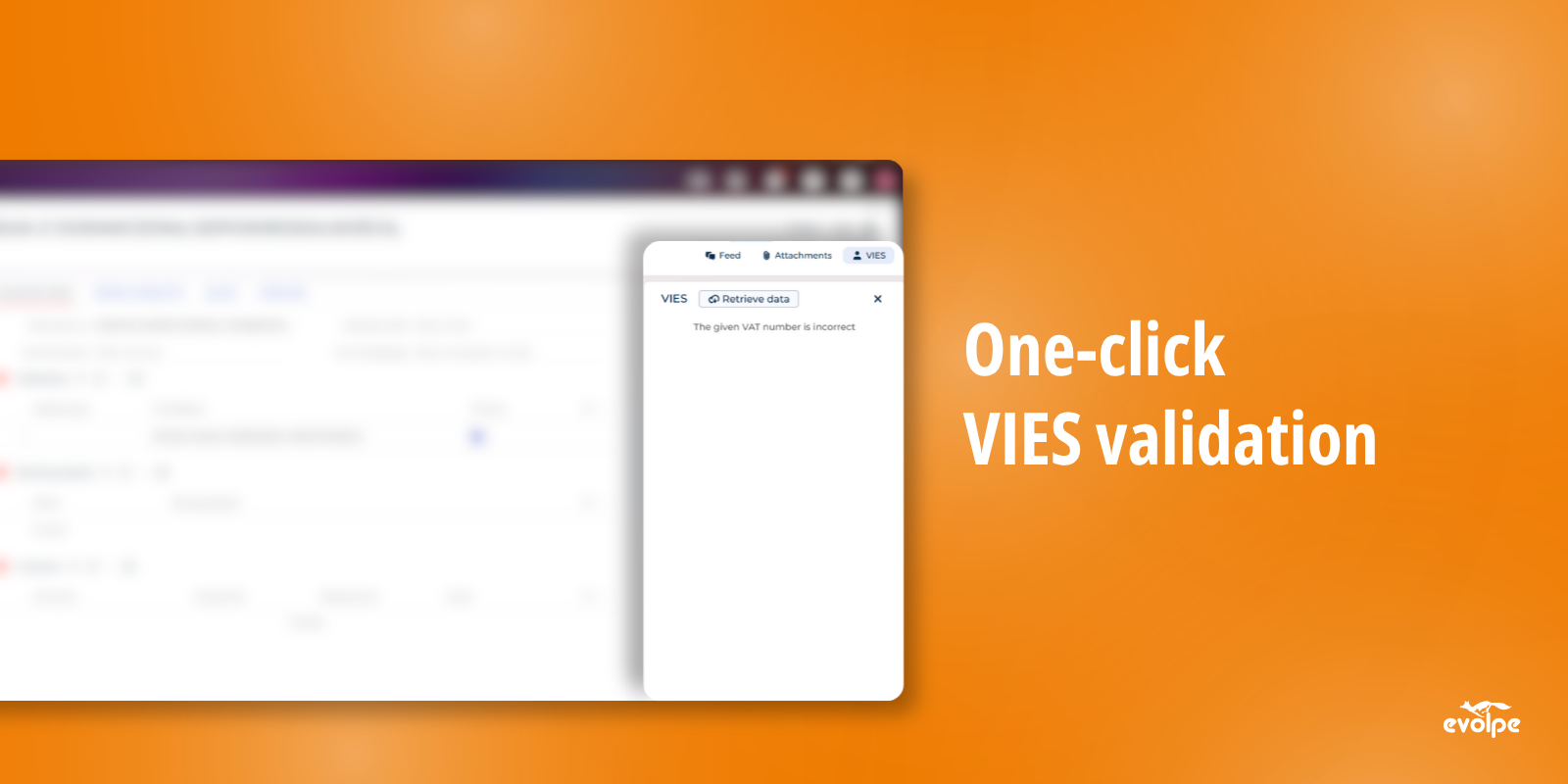
A dedicated button on the record page triggers an authoritative check against the official EU VIES registry. Confirms whether a company exists under the given VAT number — without leaving Creatio.
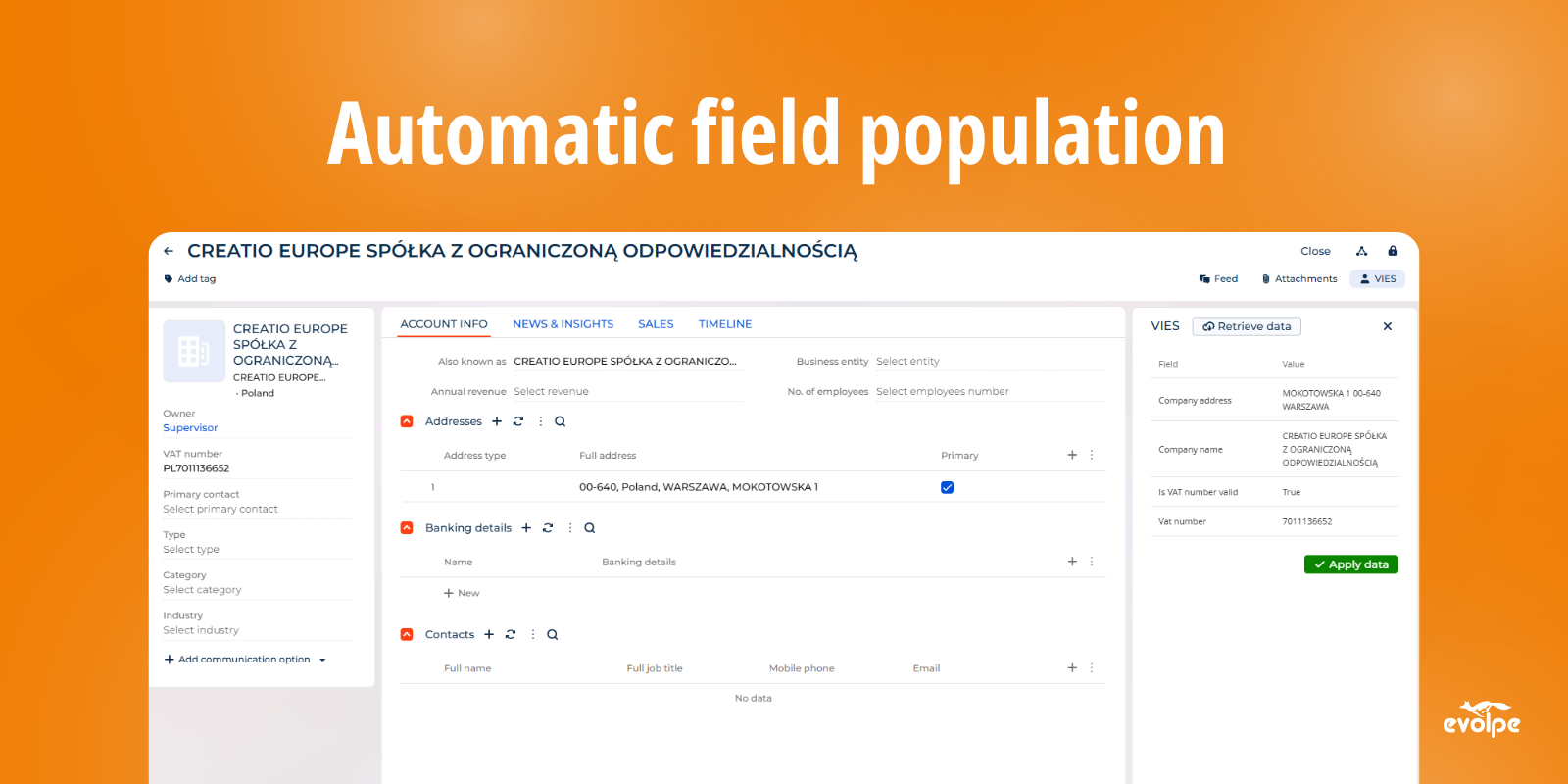
Automatic field population
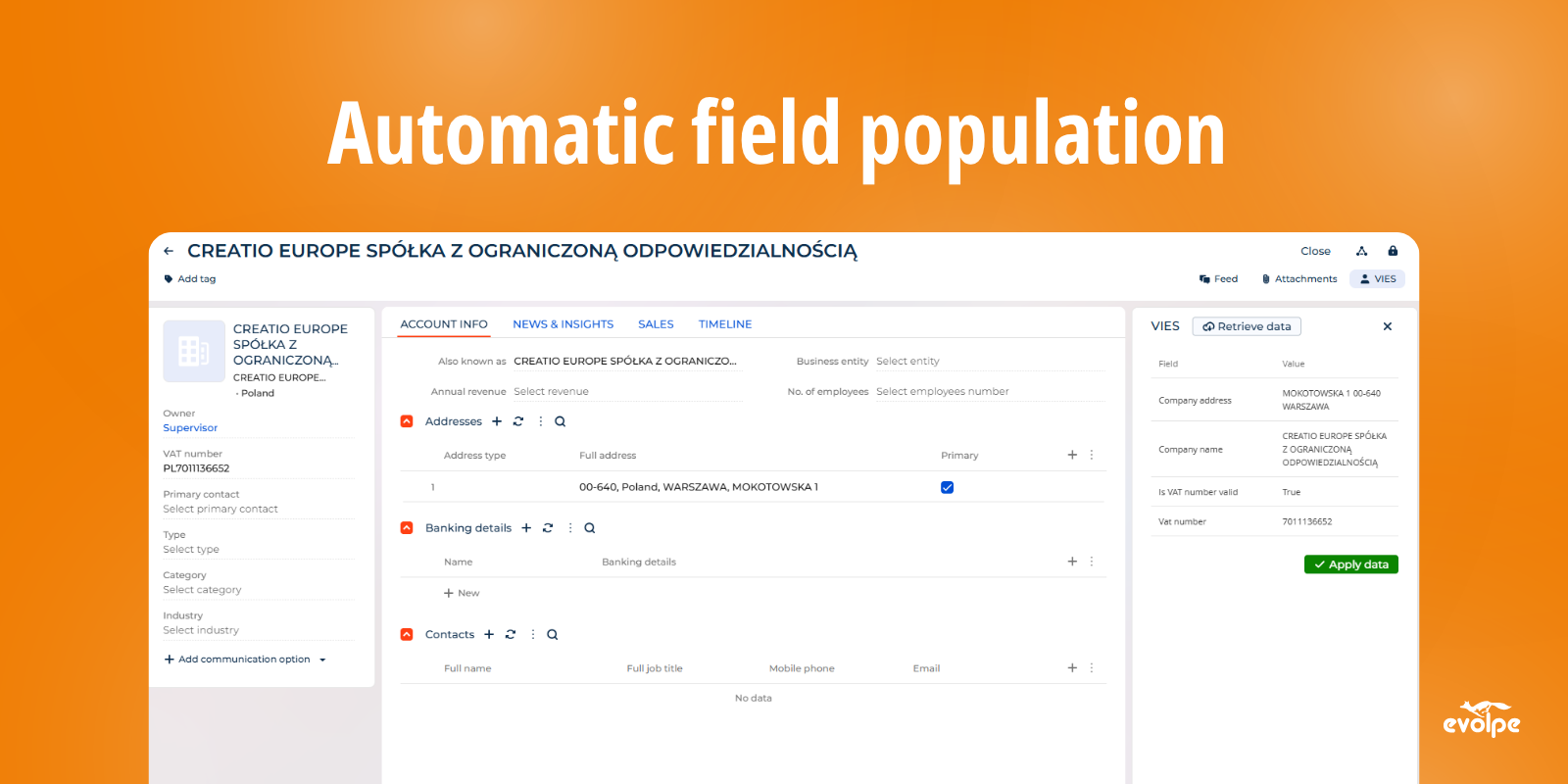
After a successful check, company name and country are written back to configured fields instantly. No manual entry, no copy-pasting — account data is accurate from the first interaction.
VAT compliance for cross-border transactions
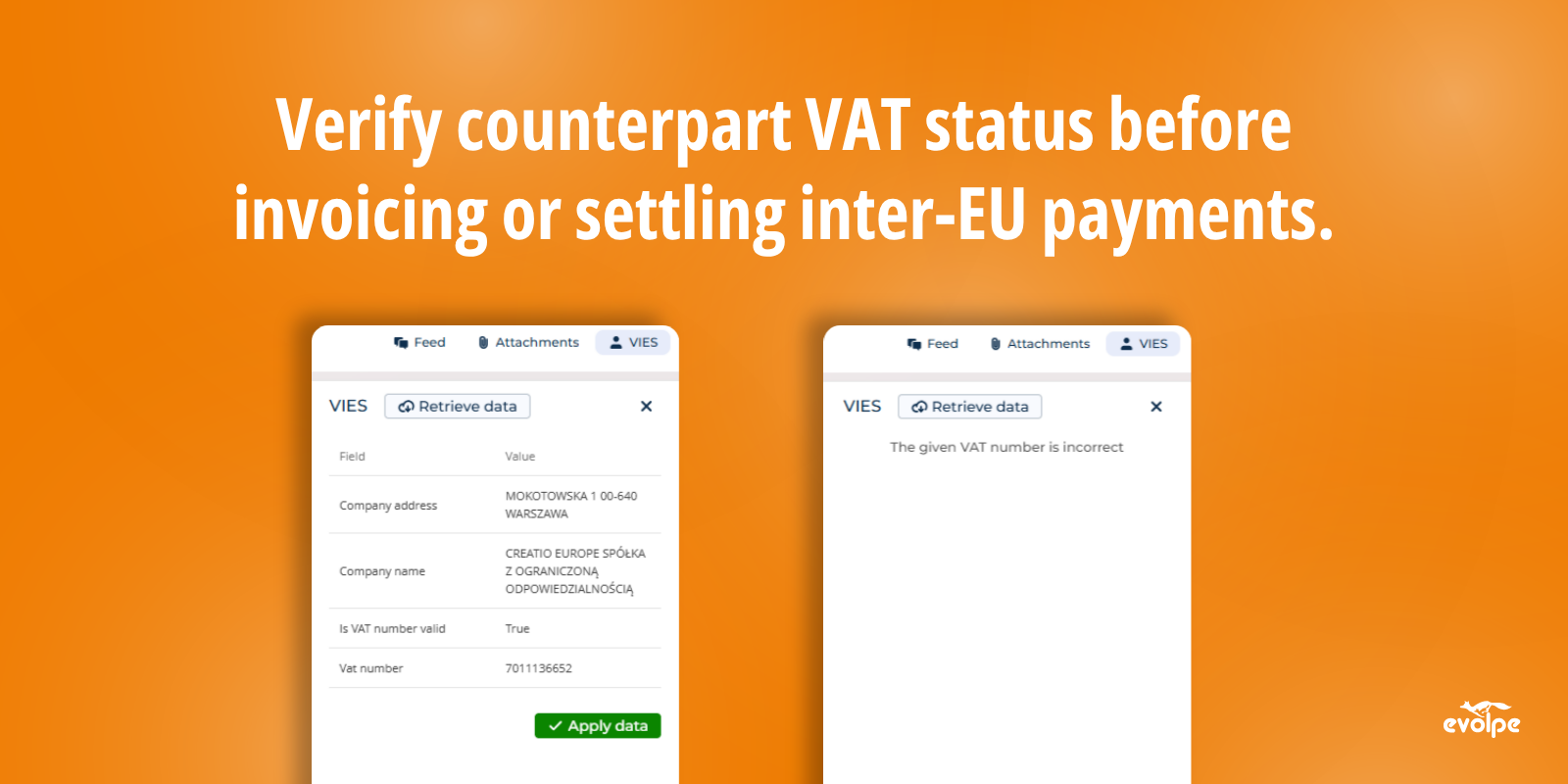
Verify counterpart VAT status before invoicing or settling inter-EU payments. Keeps tax records consistent and reduces the risk of processing transactions with unregistered entities.
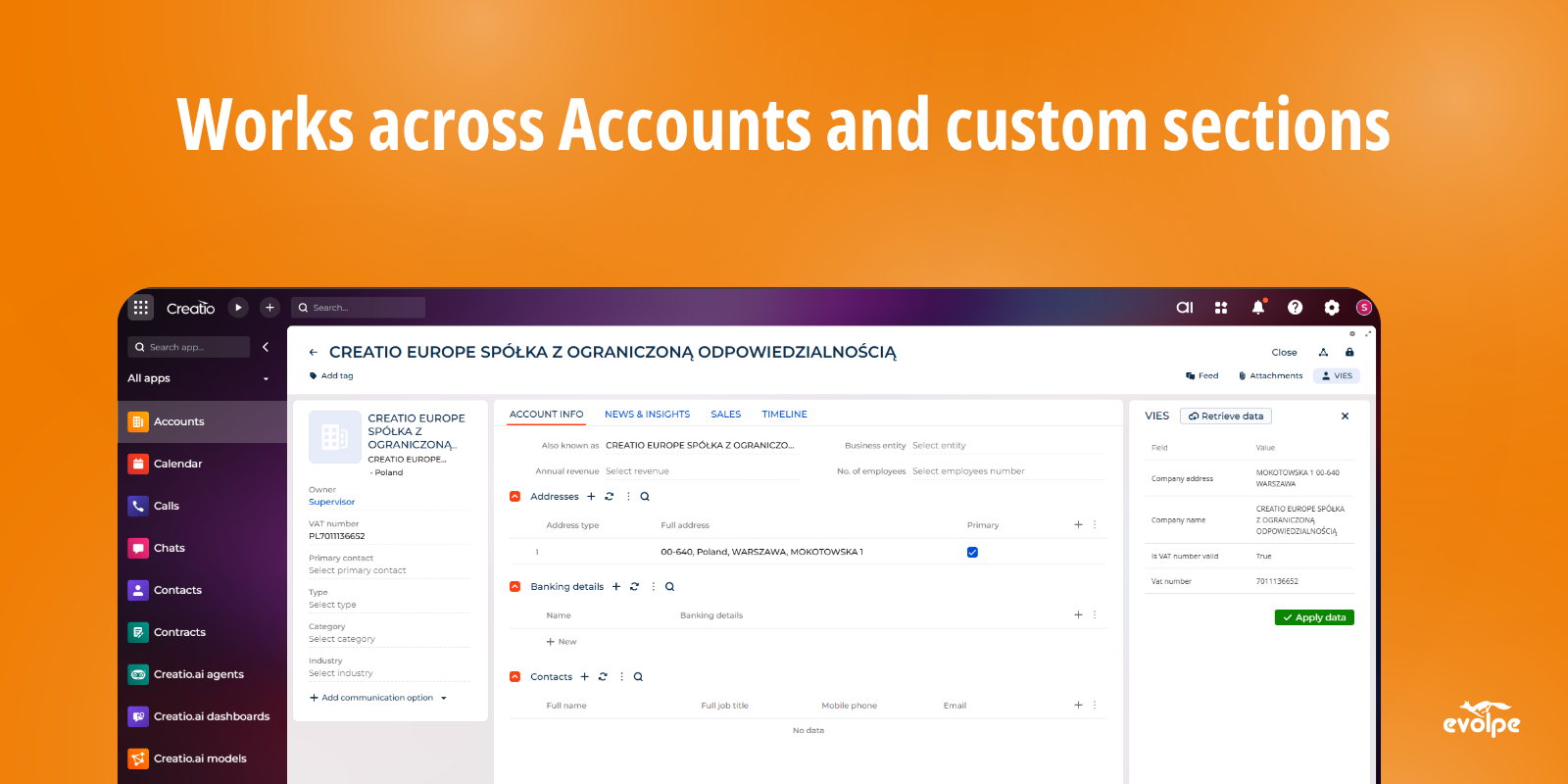
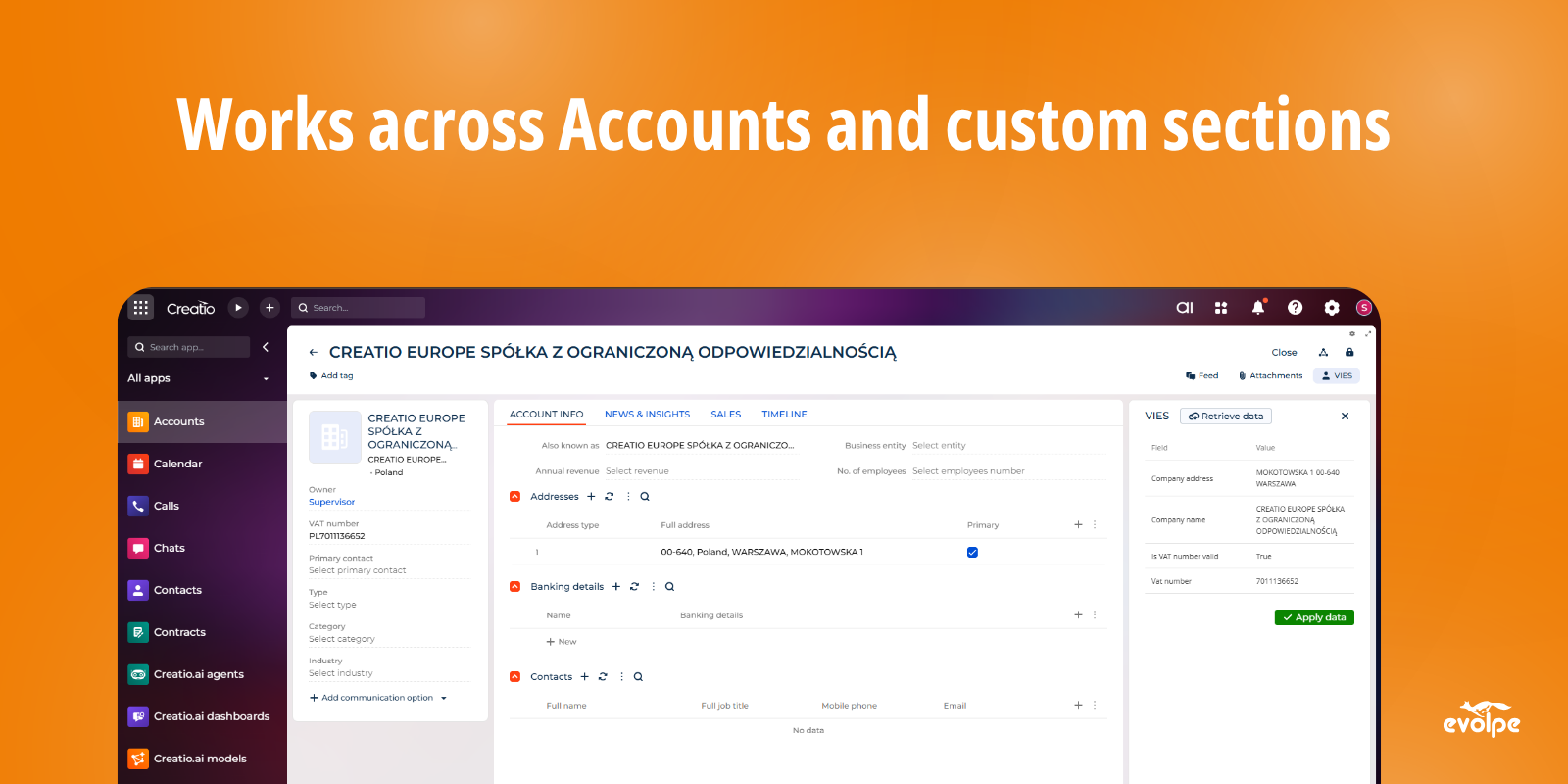
Works across Accounts and custom sections
Available out of the box in the Accounts section and extendable to any custom CRM section. Wherever VAT data is captured in Creatio, the connector can be configured to work there.
Pricing
Monthly
Annual
Standard
$
100.00 / month
billed annually
Terms and Conditions
By installing this product you agree to terms and conditions outlined in the license agreement.
Support
Support is available for this application
Support is provided by the developer within the “Basic” and “Business” packages. Detailed information about the support packages and the support terms can be found on the Creatio website.
Installation
Data sharing
- By installing or downloading the App, you confirm that you agree with sharing your account data (name, email, phone, company and country) with the App Developer as their End User.
- The App Developer will process your data under their privacy policy.
Versions
Versions history
Version
Compatibility
Release date
1.0.0
8.3.0 and up
Manual app installation
- Open the needed app → the Packages tab - download the Markeplace app files.
- Click in the top right → Application Hub
- Click New application. This opens a window.
- Select Install from file and click Select in the window that opens.
- Click Select file on the page of the Marketplace App Installation Wizard and specify the app file path.