


Writer Bot
Overview
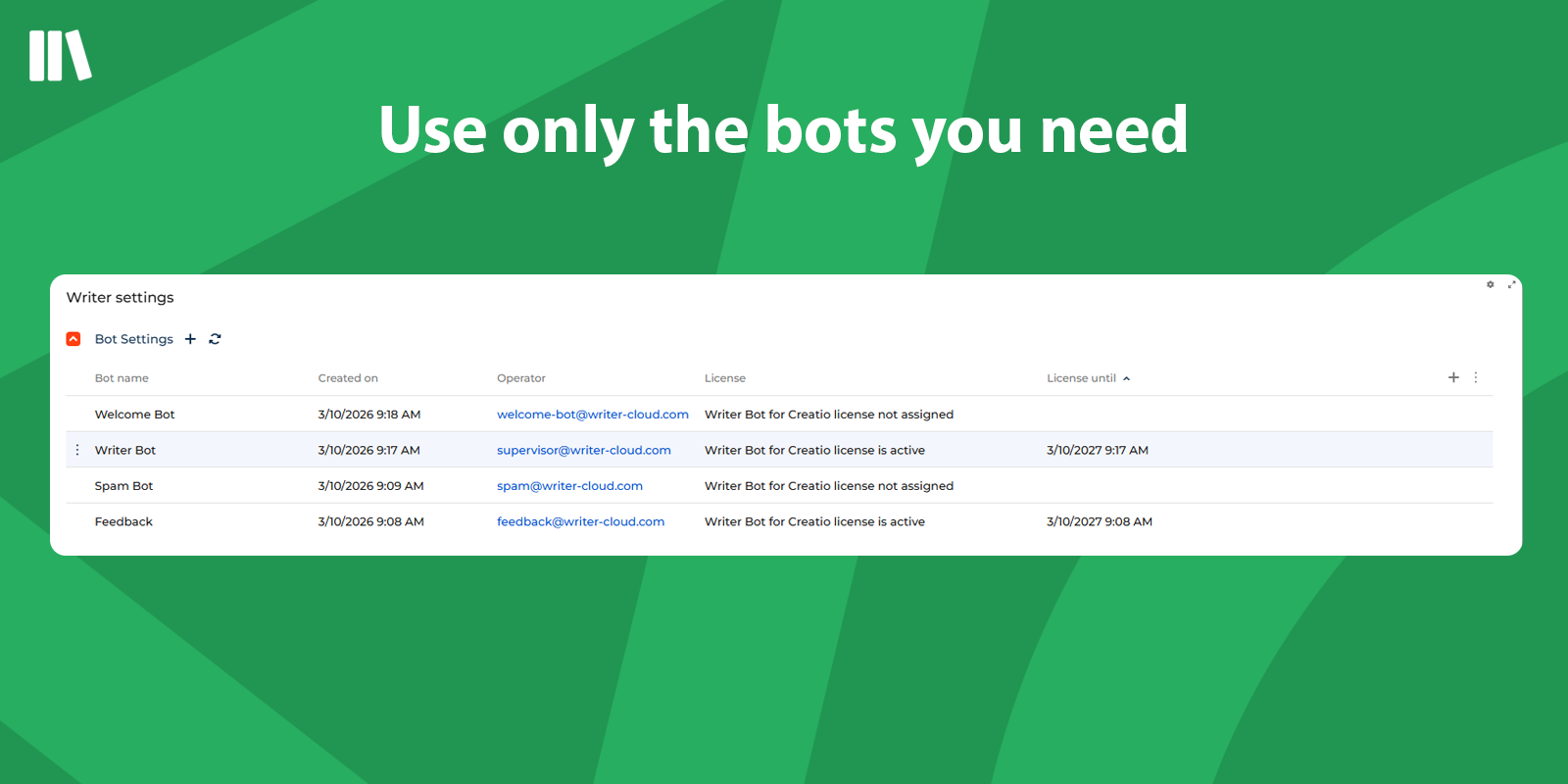
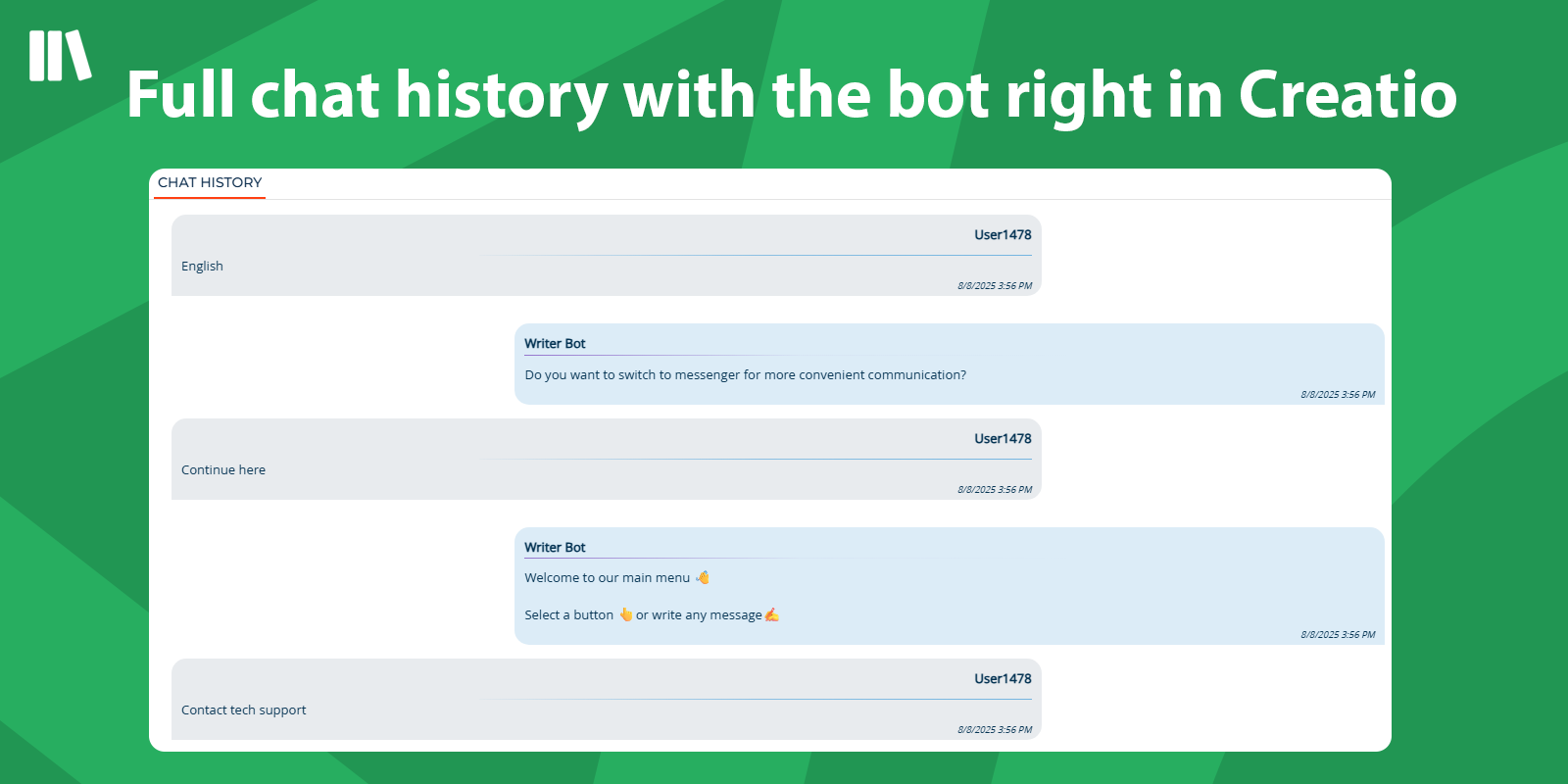
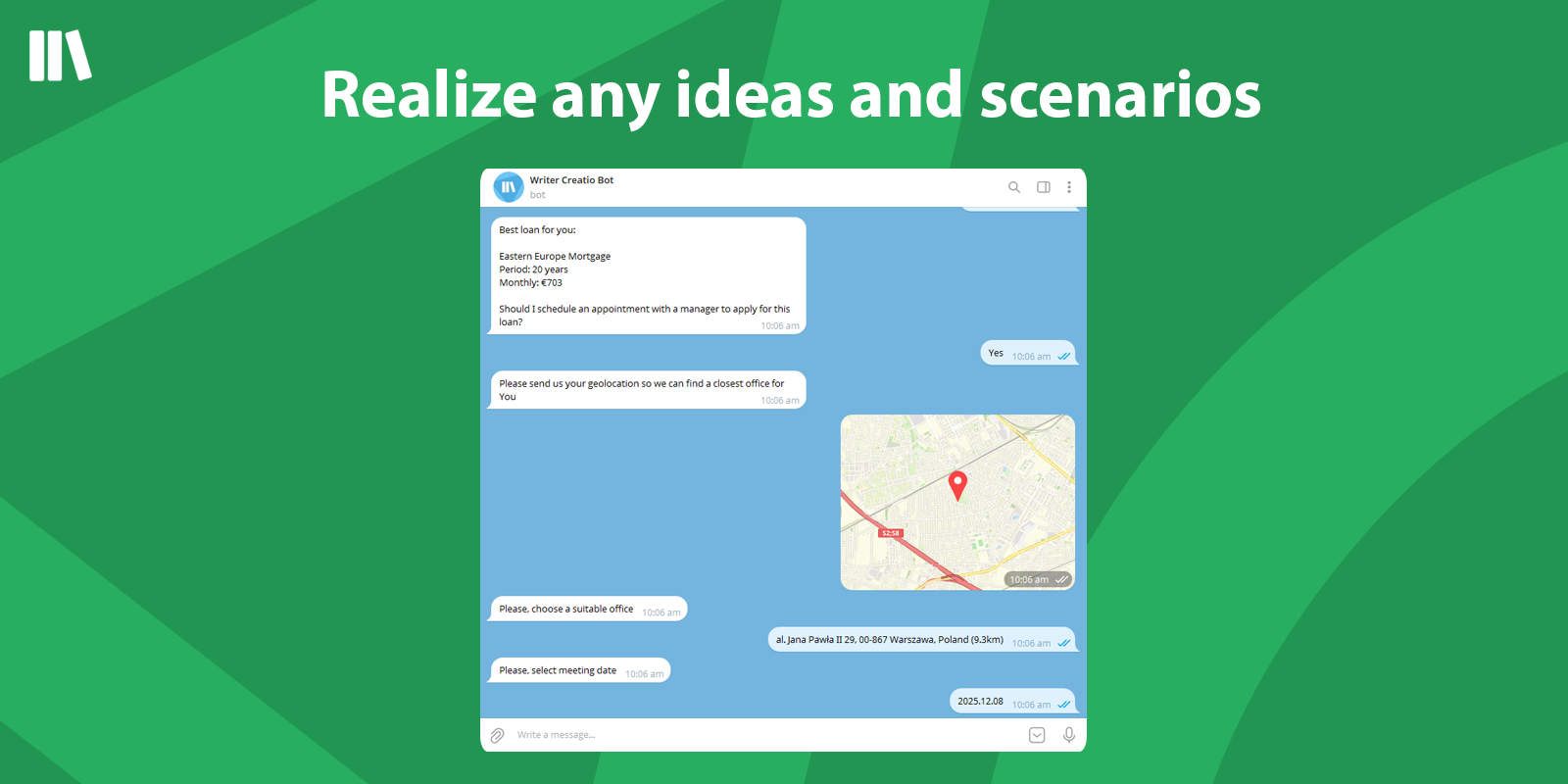
Product overview
Writer Bot - development of your own bots using modern technologies with the possibility of any integrations, unlimited scaling and working in any messenger.
We build intelligent chatbots powered by Natural Language Understanding (NLU) and advanced AI. They don't just scan for keywords — they grasp context and intent to deliver genuinely helpful, human-like conversations. From answering complex questions to guiding sales, our bots provide 24/7 support, boost customer satisfaction, and free your team to focus on what they do best.
Use cases:
Our solution serves to simplify interaction with customers in non-voice communication by implementing a chat bot on the website and any messengers. At the moment, cases have been solved for various business areas:
- Internet provider: Client identification by internal IP / phone number, immediate greeting by name and account balance informing, mailing through messengers
- Banking sector: Client authorization through the global banking ID, possibility to leave an appeal and follow-up activity to the feedback from the client
- Logistics company: Authorization with phone number, ability to track parcels and calculate costs, advanced analytics and service levels through real-time graphs
- Housing and communal services: Receive appeals and complaints with photos and videos attached, start business process to handle it directly from the chat and many others.
Communication channels:
- Website
- Viber
- Telegram
- Mobile apps
Notes:
Writer Bot is an extension of Writer Operator app, which allows you to install and use a bot in your chats to automate processes.
Key Features
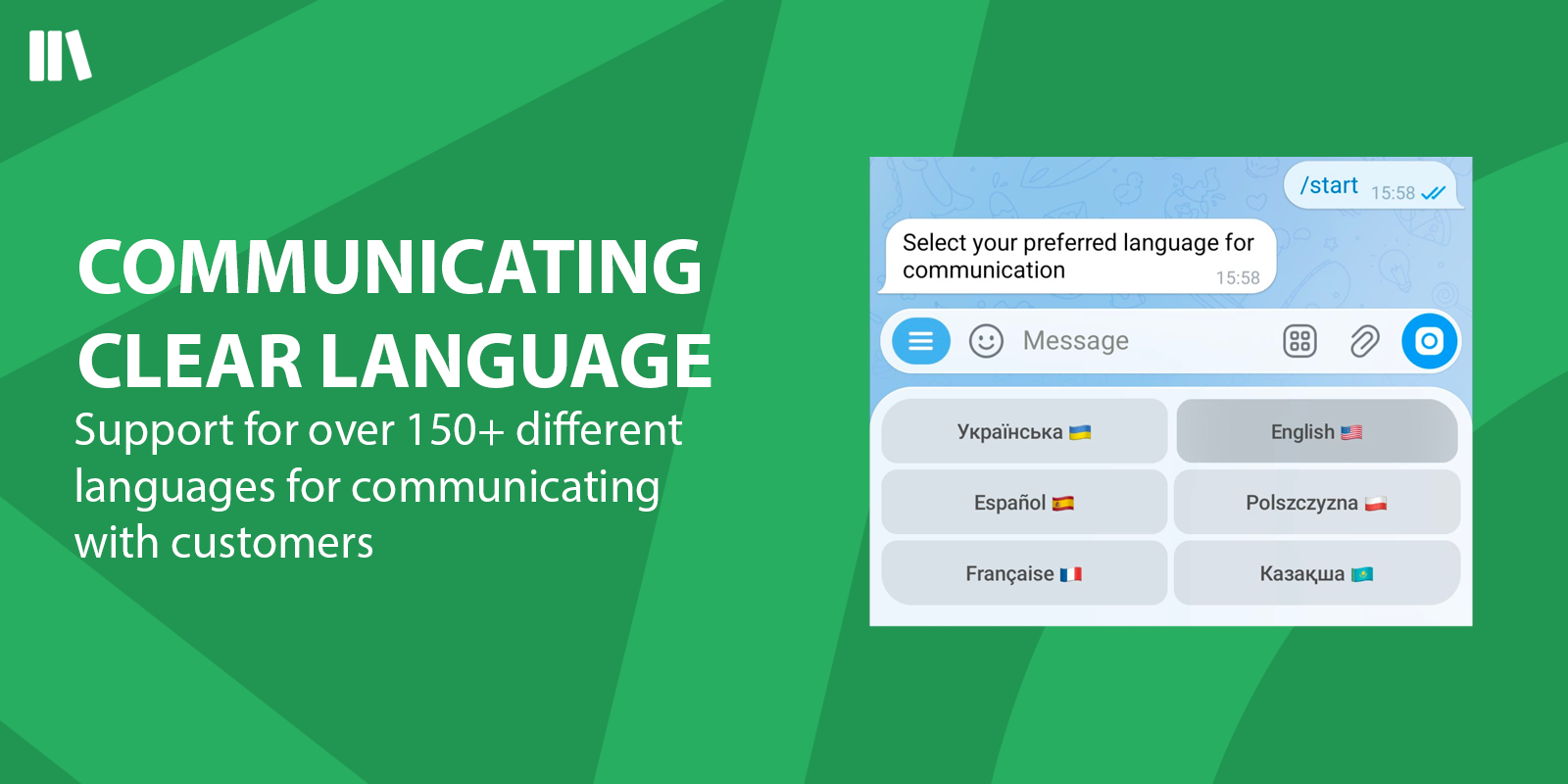
Communicating clear language
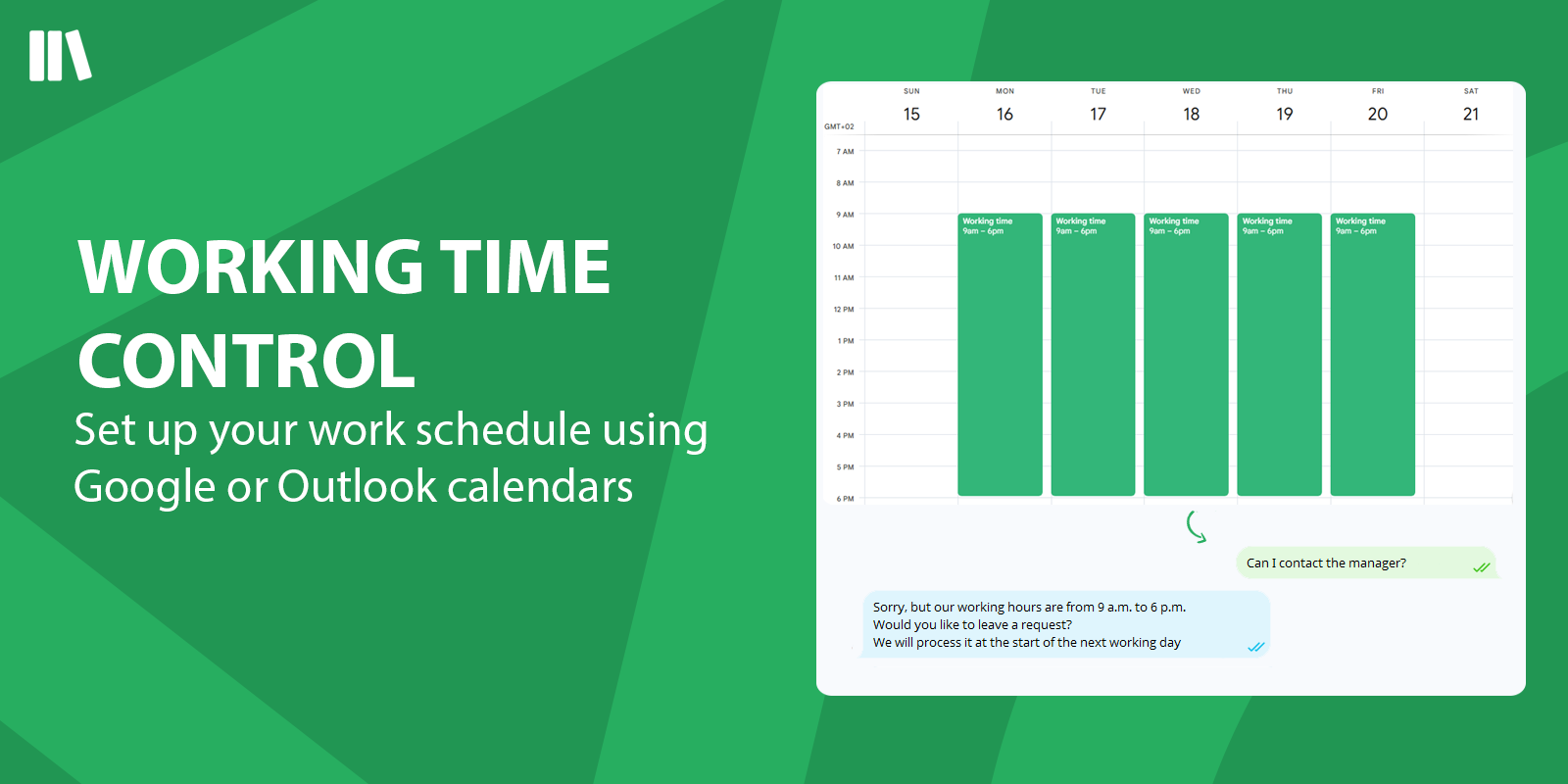
Working time control
Pricing
Includes:
- one structured bot flow
- an unlimited number of scenarios within that flow
Ideal for bots with branching logic, multiple steps, and more advanced conversation paths.
Includes:
- an unlimited number of structured bot flows
Includes one basic bot flow for:
- greeting the user
- transferring the conversation to a manager
This tier is available at no additional cost as part of the already purchased Writer Operator functionality.
Third-party solution. The listed price includes the external subscription. Purchase and payment are processed via Creatio.
Terms and Conditions
Support
Installation
Setup guide
* Before starting the installation of Writer Bot, please install and configure the Writer Operator
1. Install the Writer Bot package into the Creatio system using the "Application Hub"
2. Create a separate Creatio user that will act as a bot
3. Add a "Writer Bot" license to the created user
4. Go to System Designer
5. Open Writer Settings
6. Link Creatio user created in p.3 to the Writer Bot
For installation and setup of a custom bot contact us by email at license@writer-cloud.com
Compatibility notes
First, install the Writer Operator package.
Data sharing
- By installing or downloading the App, you confirm that you agree with sharing your account data (name, email, phone, company and country) with the App Developer as their End User.
- The App Developer will process your data under their privacy policy.
Versions
Versions history
Manual app installation
- Open the needed app → the Packages tab - download the Markeplace app files.
- Click in the top right → Application Hub
- Click New application. This opens a window.
- Select Install from file and click Select in the window that opens.
- Click Select file on the page of the Marketplace App Installation Wizard and specify the app file path.
Reviews
Featured In
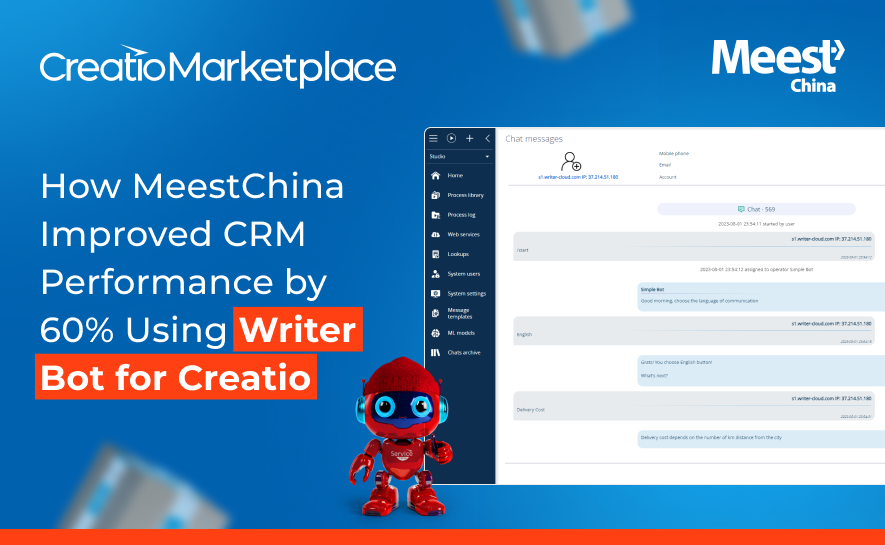
MeestChina turned customer messaging into a single control tower — routing Telegram, Viber, WeChat, and web inquiries into one queue with Writer Bot for Creatio.
Examples of using multiple bots:
1. Auto-response bot
When a customer sends their first message in a text chat channel, the message is processed by the bot. This bot may include multiple branches, scripts, and dialogue paths, but it is still considered a single algorithm.
The customer can perform all actions built into the bot.
2. Feedback bot
This bot is triggered by an event. For example, when a chat is closed by an operator or a customer.