


Zoom Communications connector for Creatio
Overview
Product overview
Zoom Communications connector for Creatio is a single integration that connects Zoom Phone and Zoom Contact Center with Creatio.
Organizations using Zoom for business communications can work with both services through one connector while continuing to use their existing Zoom configuration and administration.
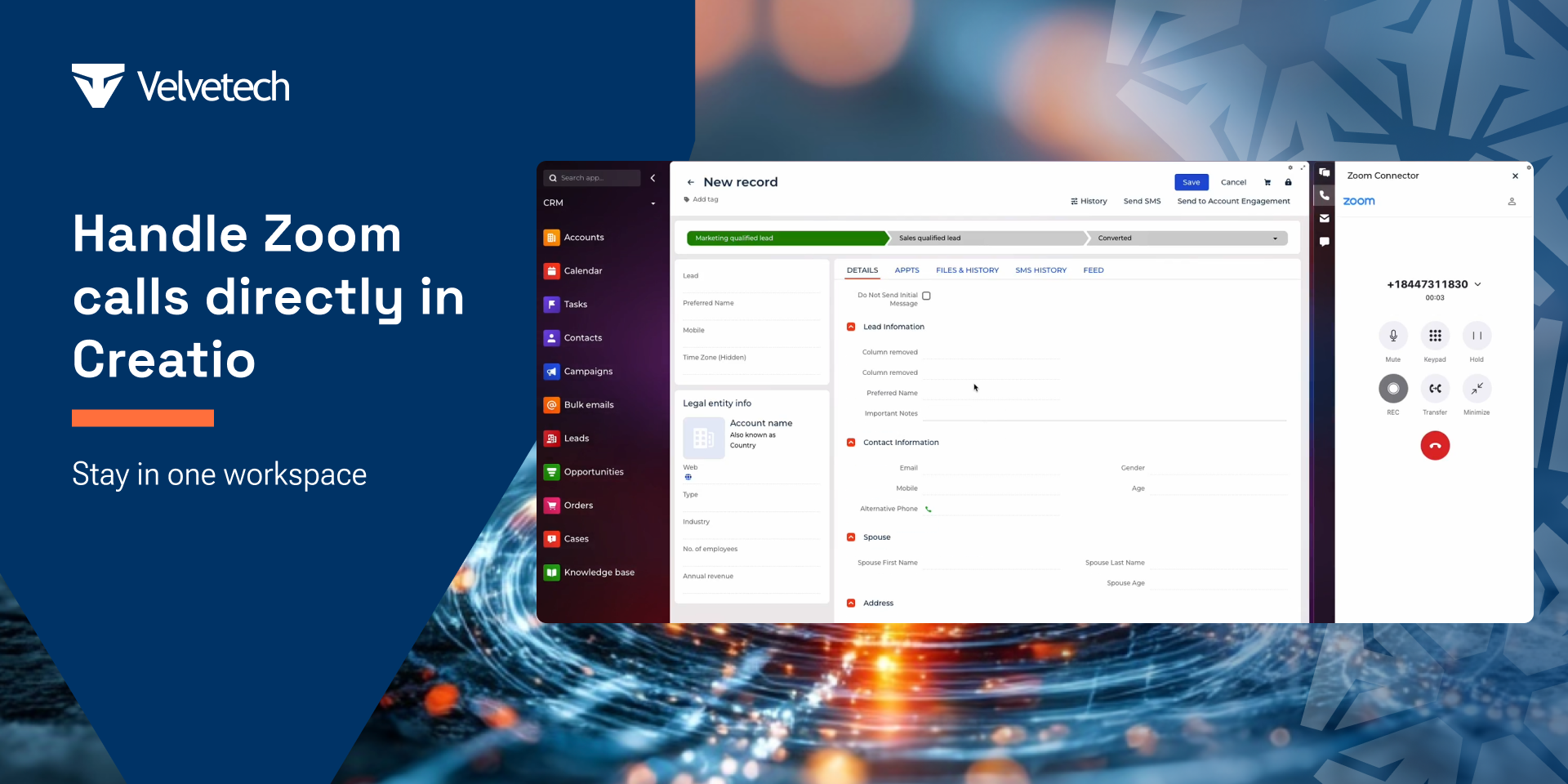
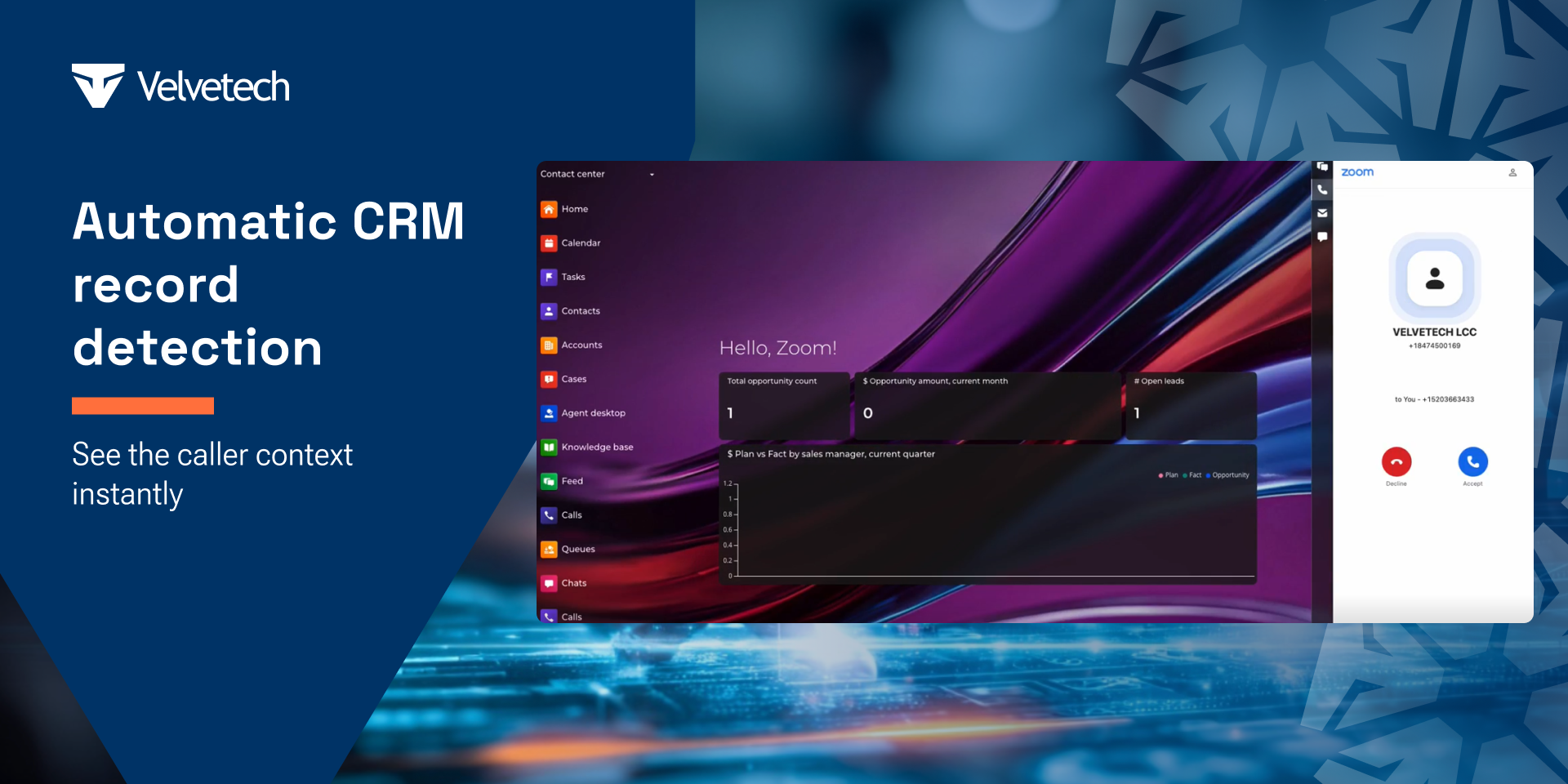
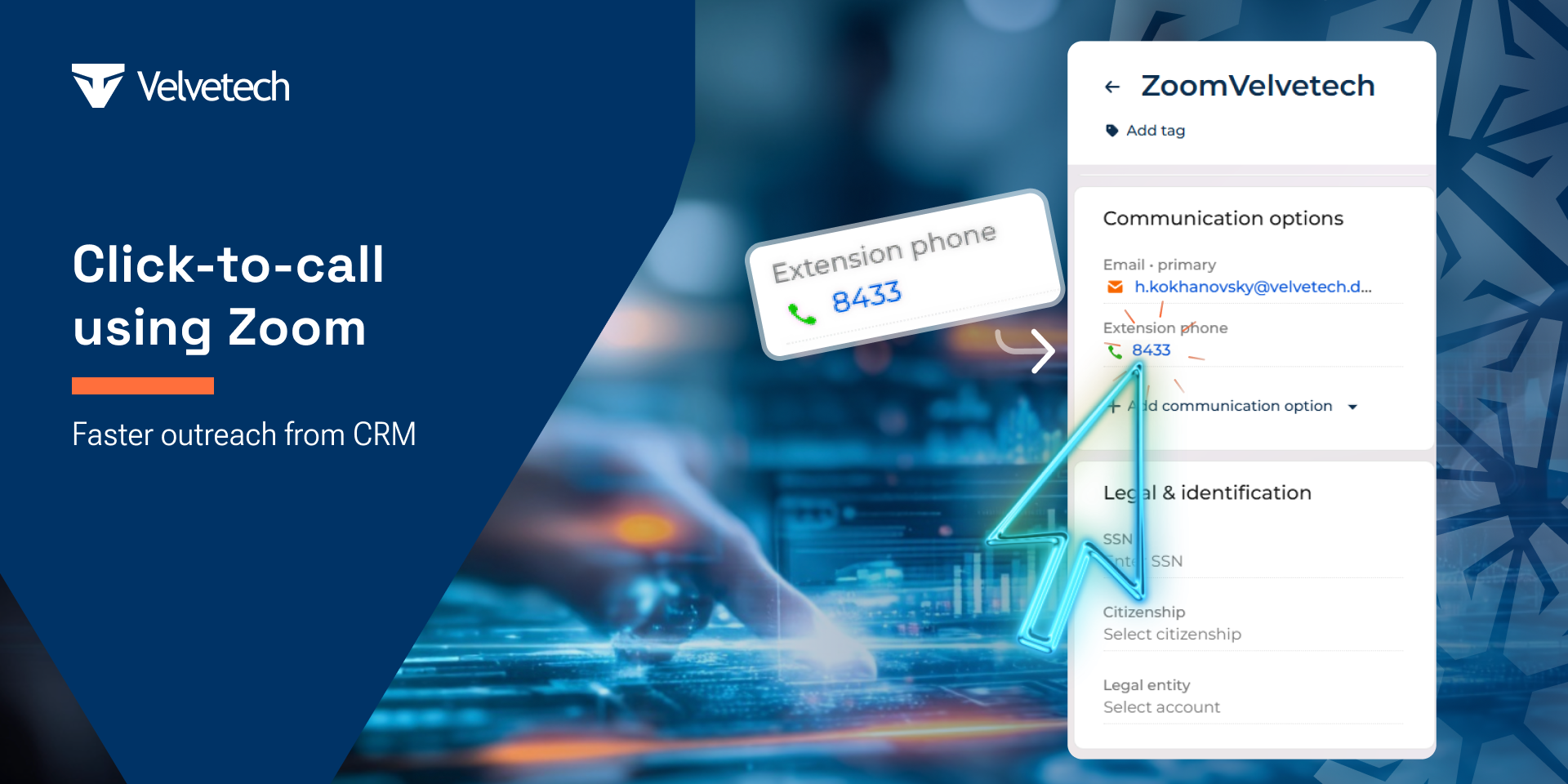
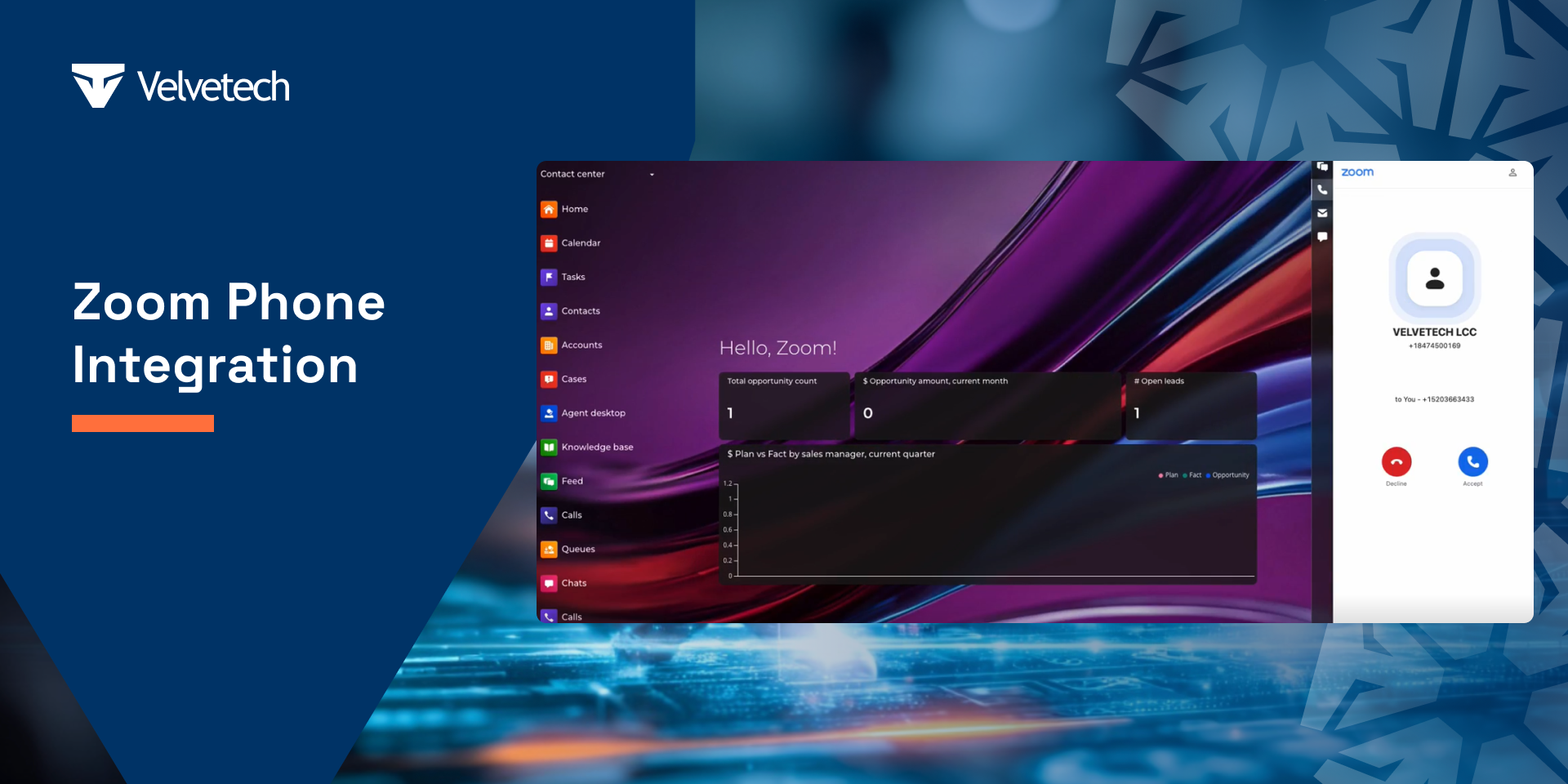
For Zoom Phone, the connector enables users to make and receive calls directly within Creatio, launch calls with a single click, manage active conversations, and keep call activity associated with Contacts and Accounts.
For Zoom Contact Center, the connector synchronizes contact center calls and agent availability with Creatio, helping service teams monitor call activity and agent status while continuing to use Zoom Contact Center for queue management and administration.
By supporting both Zoom communication products in a single integration, the connector simplifies deployment, reduces maintenance, and provides a consistent user experience across sales and customer service teams.
Key Features
Business Calling within Creatio
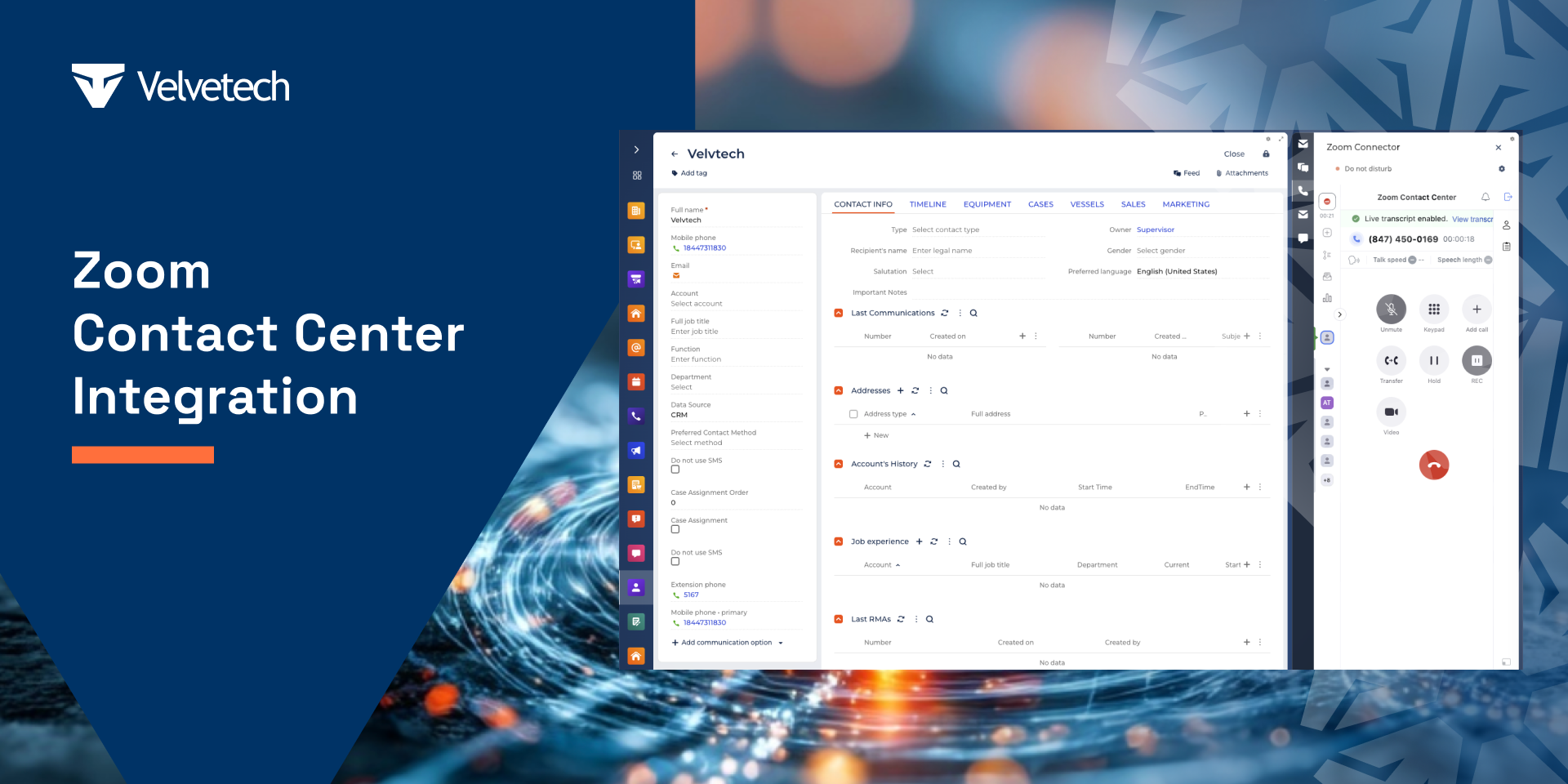
Connected Contact Center Workflows
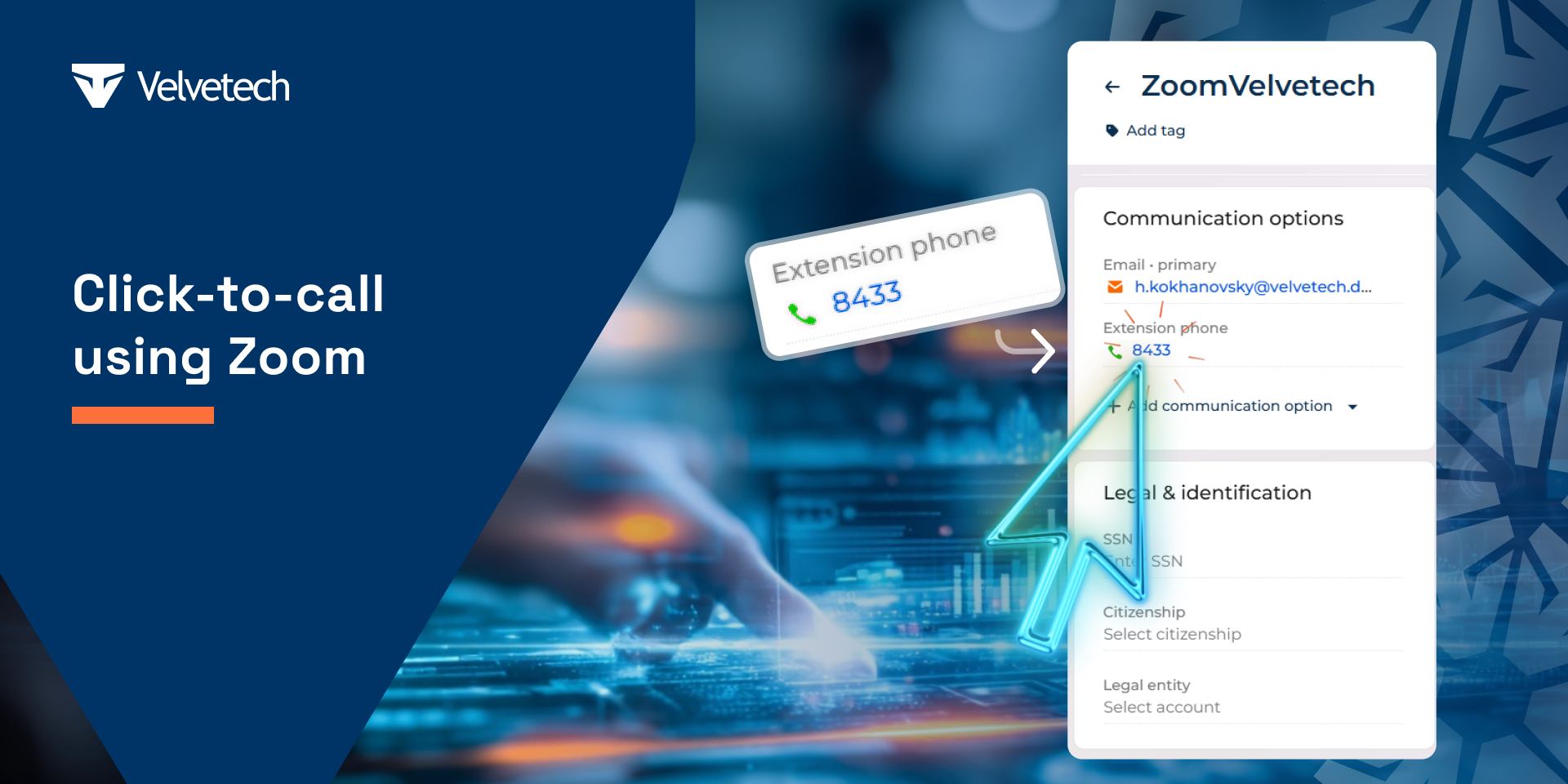
Start Calls with One Click
Pricing
Terms and Conditions
Support
Installation
Resources
Data sharing
- By installing or downloading the App, you confirm that you agree with sharing your account data (name, email, phone, company and country) with the App Developer as their End User.
- The App Developer will process your data under their privacy policy.
Versions
Versions history
Manual app installation
- Open the needed app → the Packages tab - download the Markeplace app files.
- Click in the top right → Application Hub
- Click New application. This opens a window.
- Select Install from file and click Select in the window that opens.
- Click Select file on the page of the Marketplace App Installation Wizard and specify the app file path.