

Confero DocuSign connector for Creatio
DocuSign connector enables Creatio users to digitally sign documents using seamless DocuSign portal integration in Creatio, ensuring authenticity, integrity, and compliance within internal workflows.
Overview
Product overview
Product description
The DocuSign connector allows users to digitally sign documents directly within Creatio using DocuSign portal. Digital signing ensures document authenticity, preserves data integrity, and keeps each file securely linked to its related record in Creatio. The functionality enables users to:
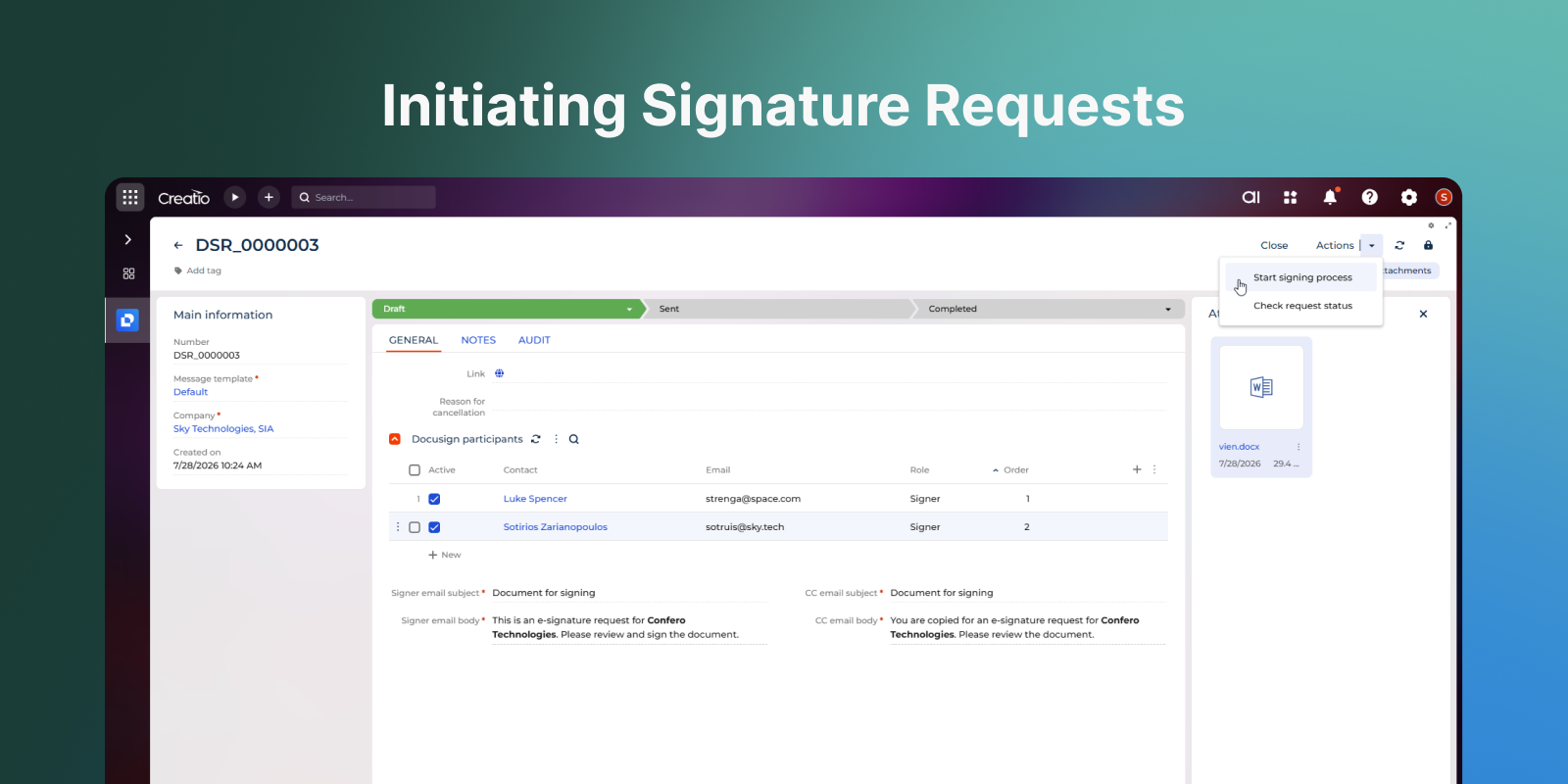
- Initiate signing with one click.
- Use DocuSign portal for signing in line with internal security requirements.
- Track document statuses while signing.
- Customise e-mail templates that are sent during the signing process.
The solution simplifies document signing workflows, accelerates business processes, and helps organisations stay compliant with corporate security standards.
Key Features
Track Requests
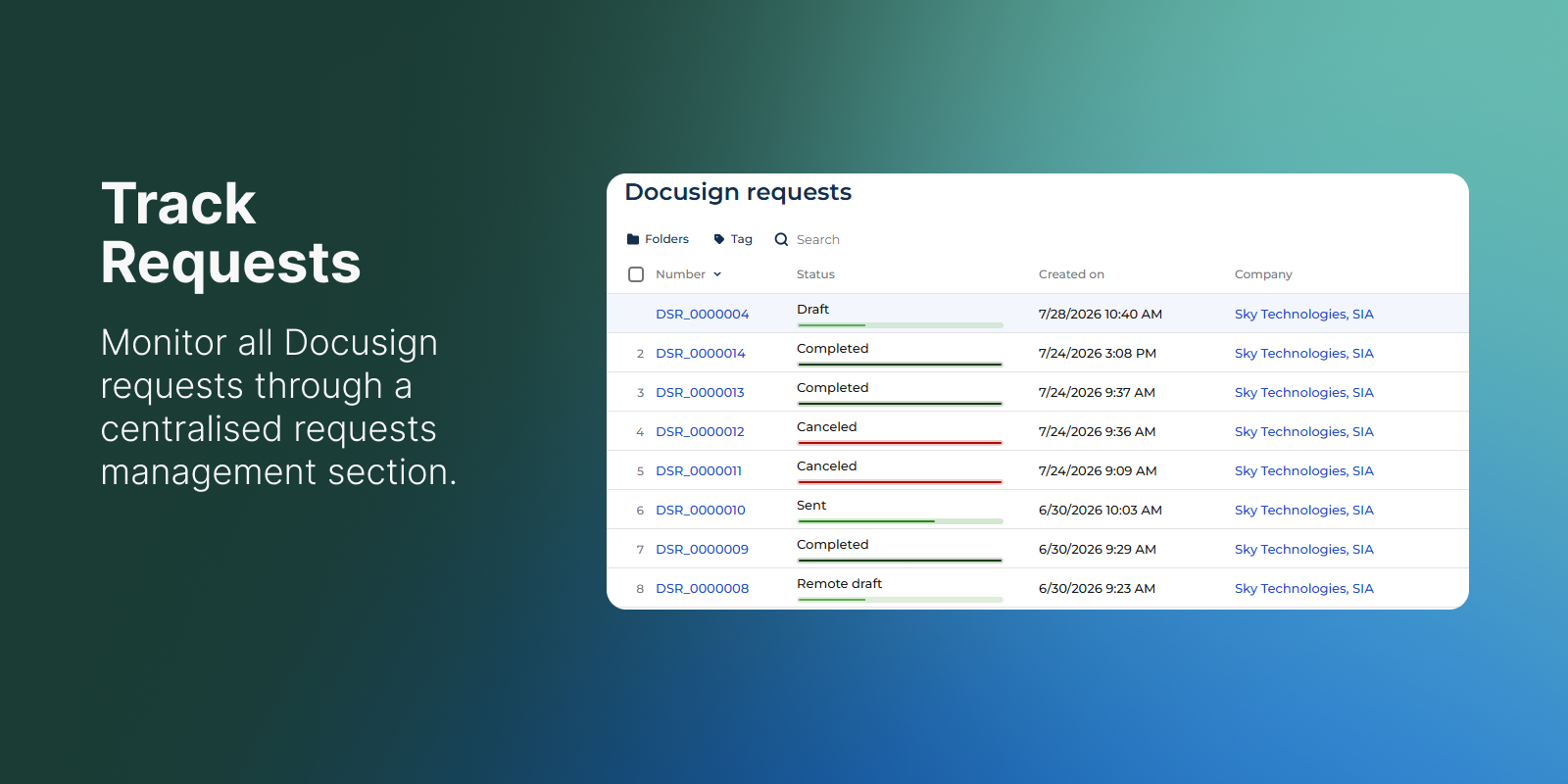
Monitor all activity via a dedicated “DocuSign requests” section, providing a single source of truth for every outgoing envelope.
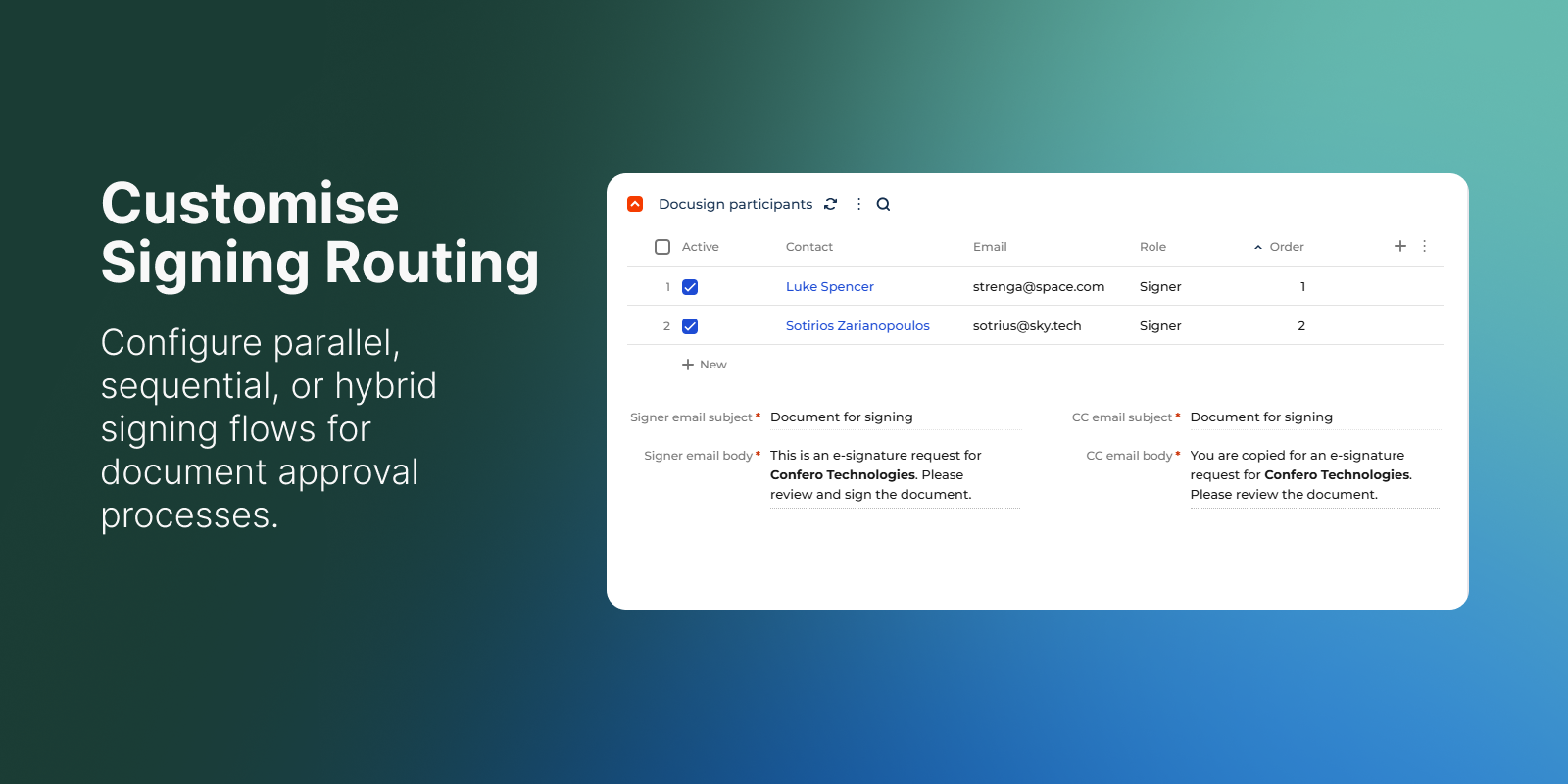
Customise Signing Routing
Configure signing flows to be parallel (everyone signs at once), sequential (one after another), or a hybrid of both, for document approval processes.
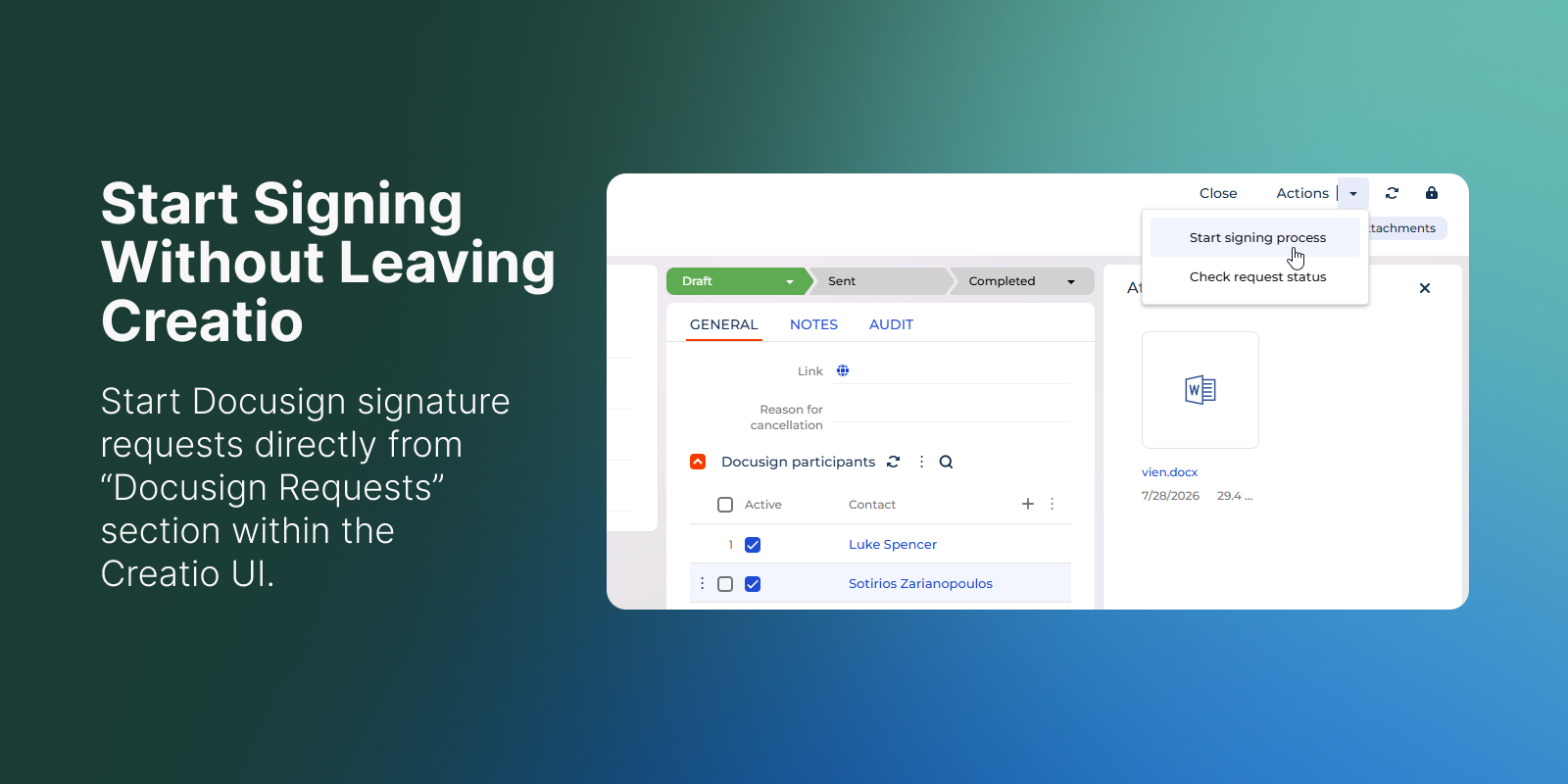
Initiate Signatures
Start DocuSign signature requests directly from the “DocuSign requests” section within the Creatio UI.
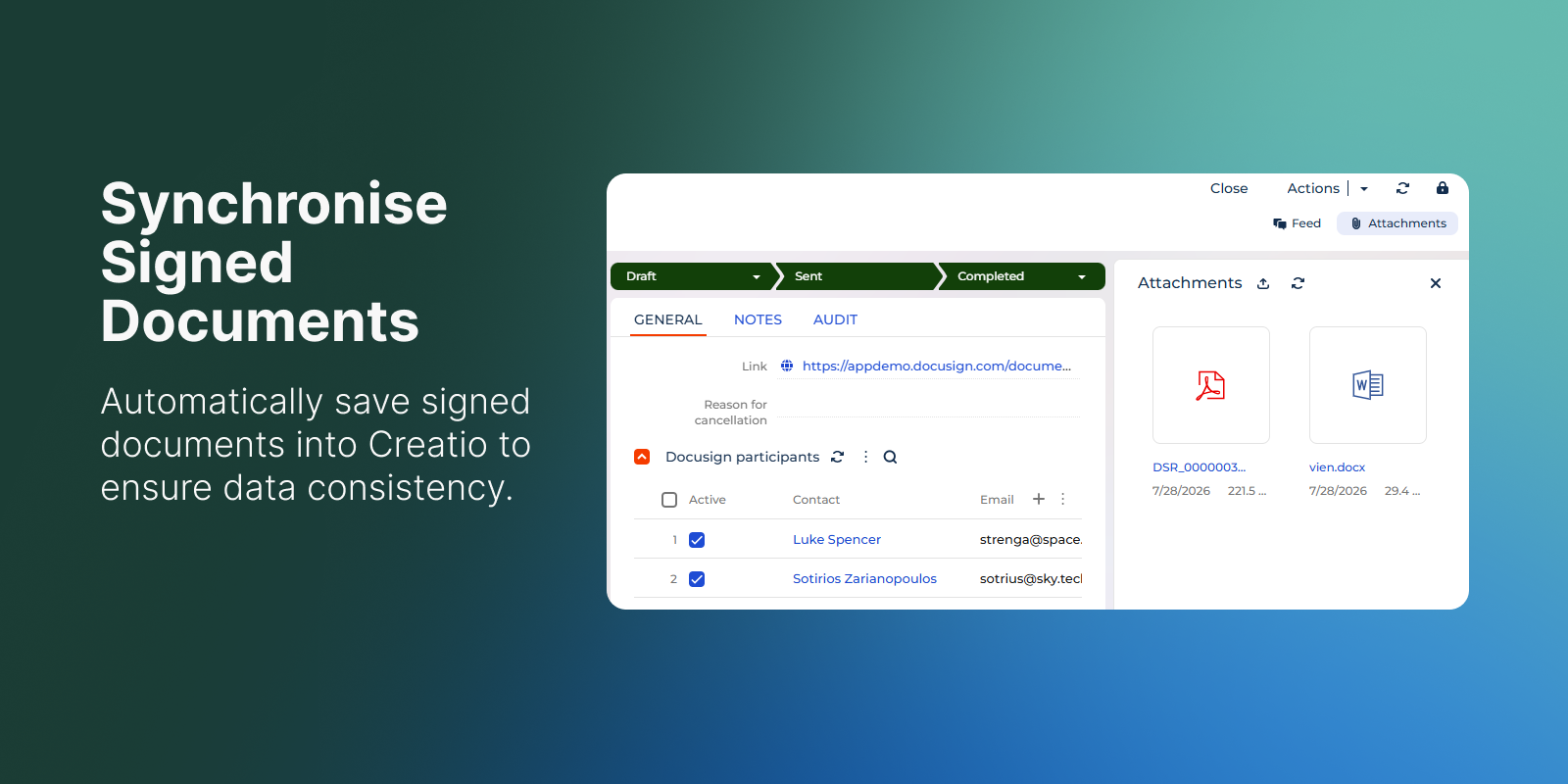
Synchronise Signed Documents
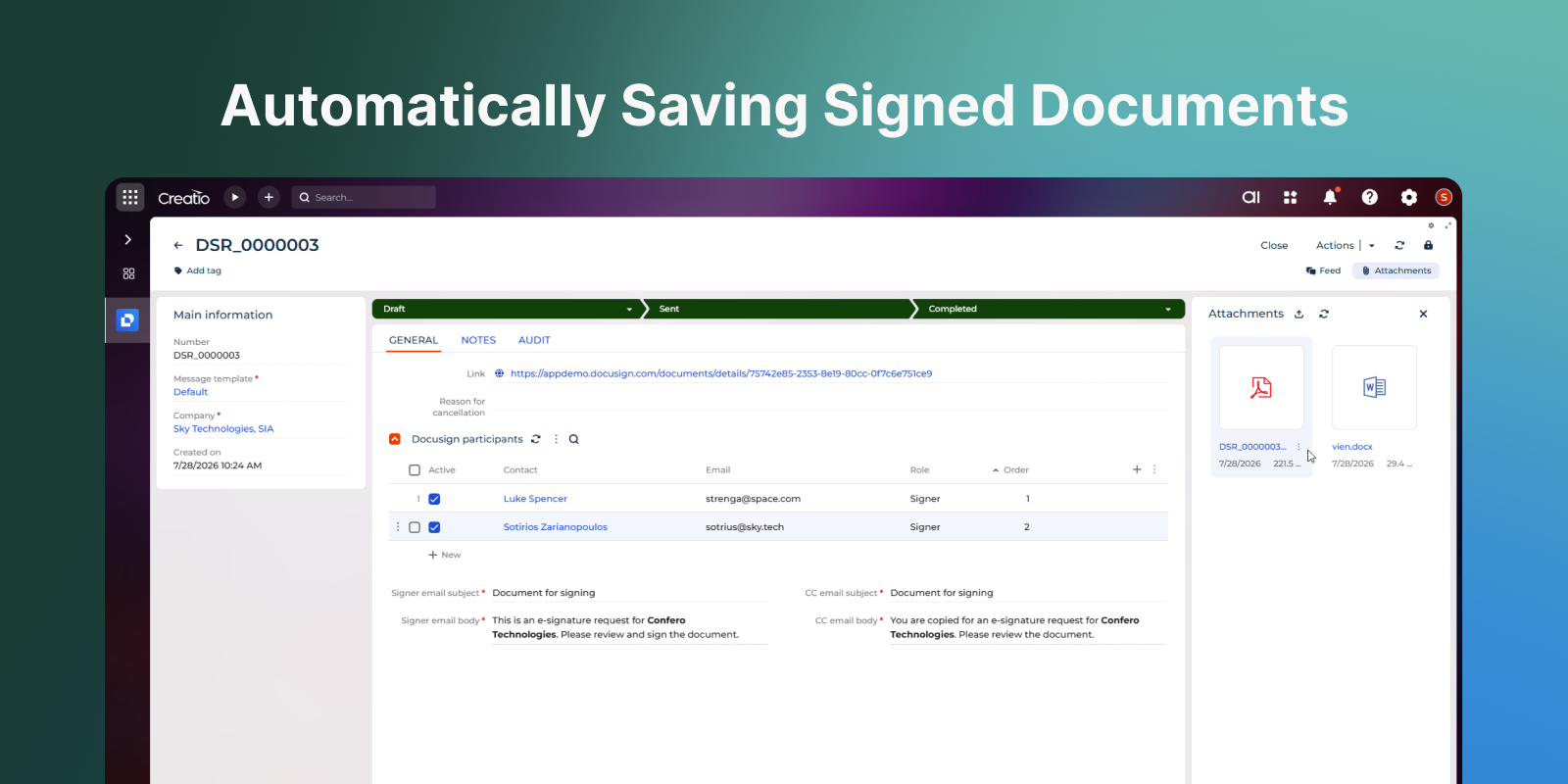
Automatically save completed signed documents back to Creatio and maintain linked signing records.
Pricing
Monthly
Annual
Standard
$
350.00 / month
billed annually
Terms and Conditions
By installing this product you agree to terms and conditions outlined in the license agreement.
Support
Support is available for this application
Support is provided by the developer within the “Basic” and “Business” packages. Detailed information about the support packages and the support terms can be found on the Creatio website.
Installation
Data sharing
- By installing or downloading the App, you confirm that you agree with sharing your account data (name, email, phone, company and country) with the App Developer as their End User.
- The App Developer will process your data under their privacy policy.
Versions
Versions history
Version
Compatibility
Release date
1.0.0
8.2.3 and up
Manual app installation
- Open the needed app → the Packages tab - download the Markeplace app files.
- Click in the top right → Application Hub
- Click New application. This opens a window.
- Select Install from file and click Select in the window that opens.
- Click Select file on the page of the Marketplace App Installation Wizard and specify the app file path.