


Web Chat
Overview
Product overview
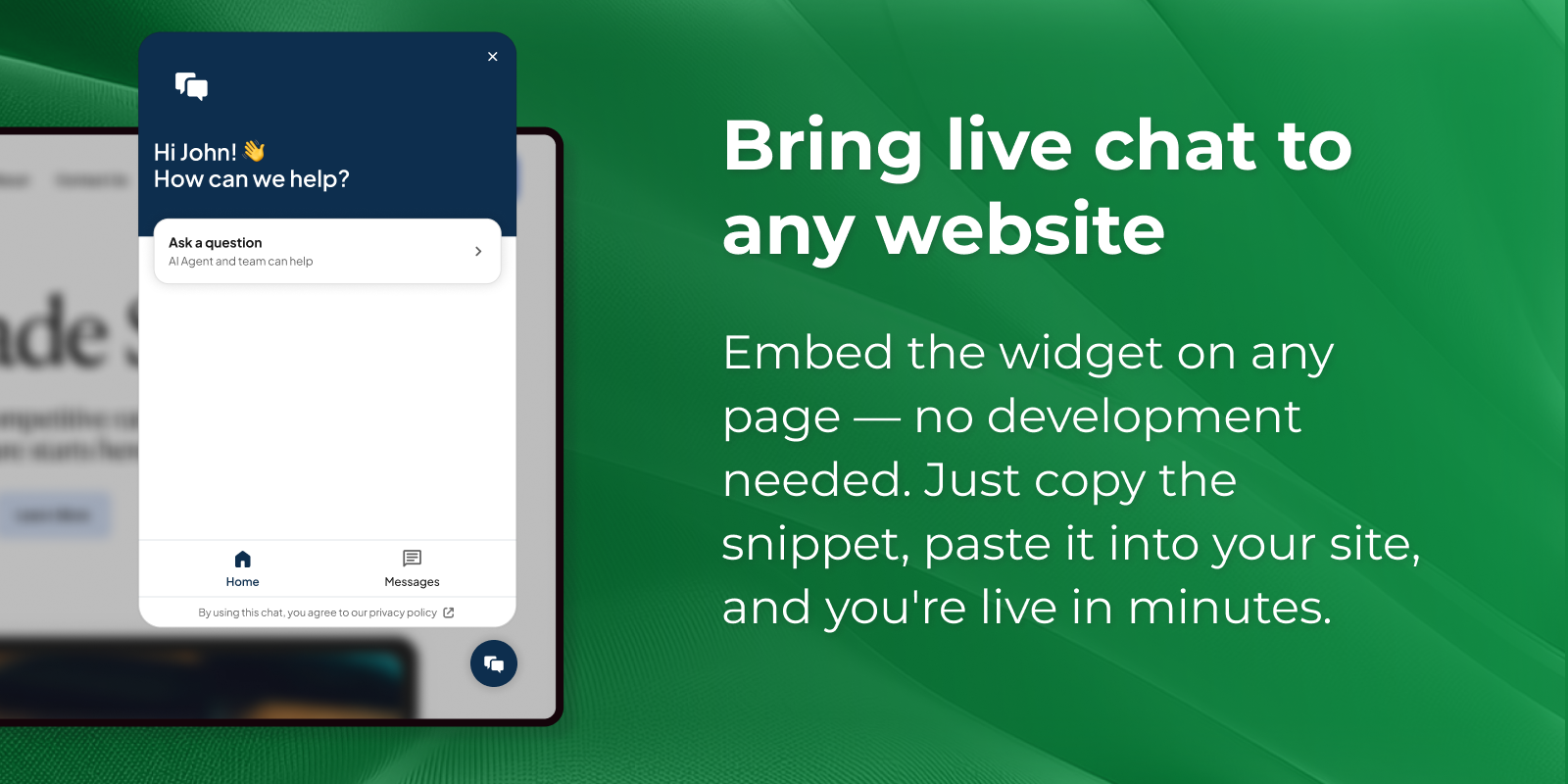
Meet your customers where they already are — on your website. Web Chat lets you add a live chat experience to any page so visitors can reach you the moment they have a question, place a request, or need help. Conversations land right inside Creatio, where your team handles them alongside every other channel — no switching between tools, no missed messages.
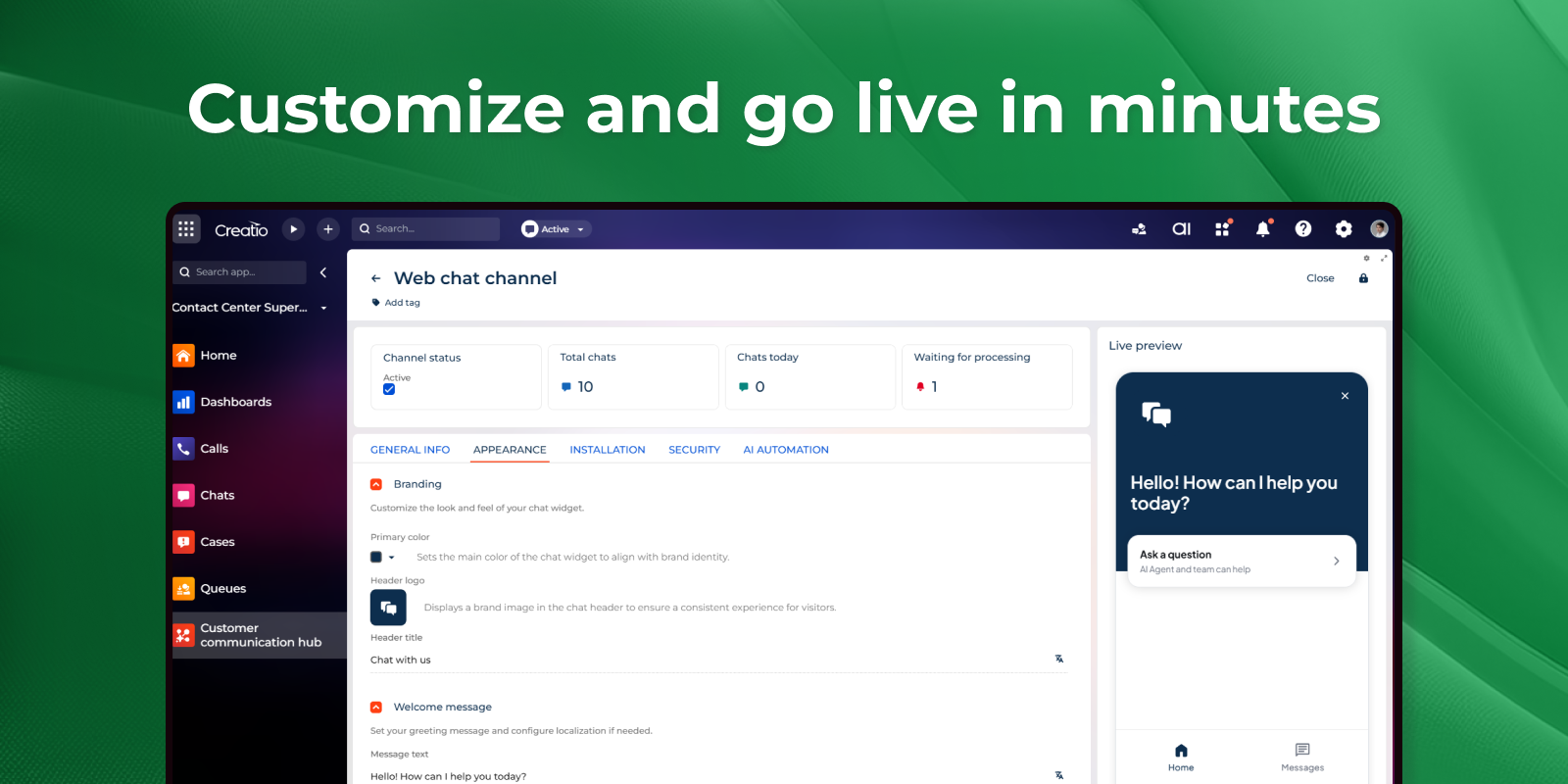
Whether you're capturing new leads, answering pre-sales questions, or supporting existing customers, Web Chat turns your website into an always-available service and engagement channel. Customize the look to match your brand, greet visitors with a friendly welcome message, and route each conversation to the right team automatically.
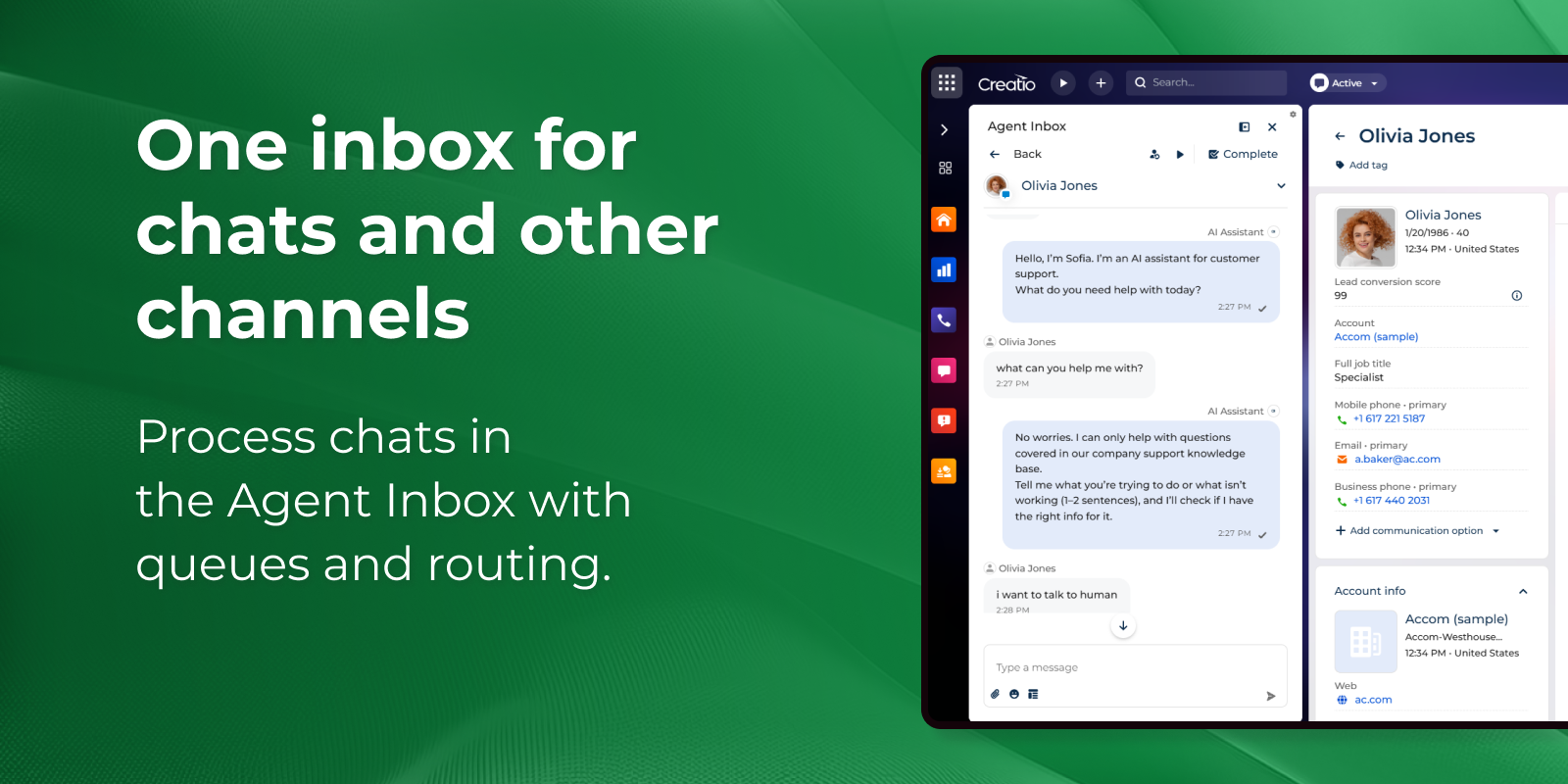
Web Chat works together with two Creatio applications to give you the full experience: install the Contact Center application to process chats in the Agent Inbox with queues and automatic routing, and add the Customer Communication Hub application to automate responses with AI, answer common questions around the clock, and hand off to a human agent whenever a personal touch is needed.
Key Features
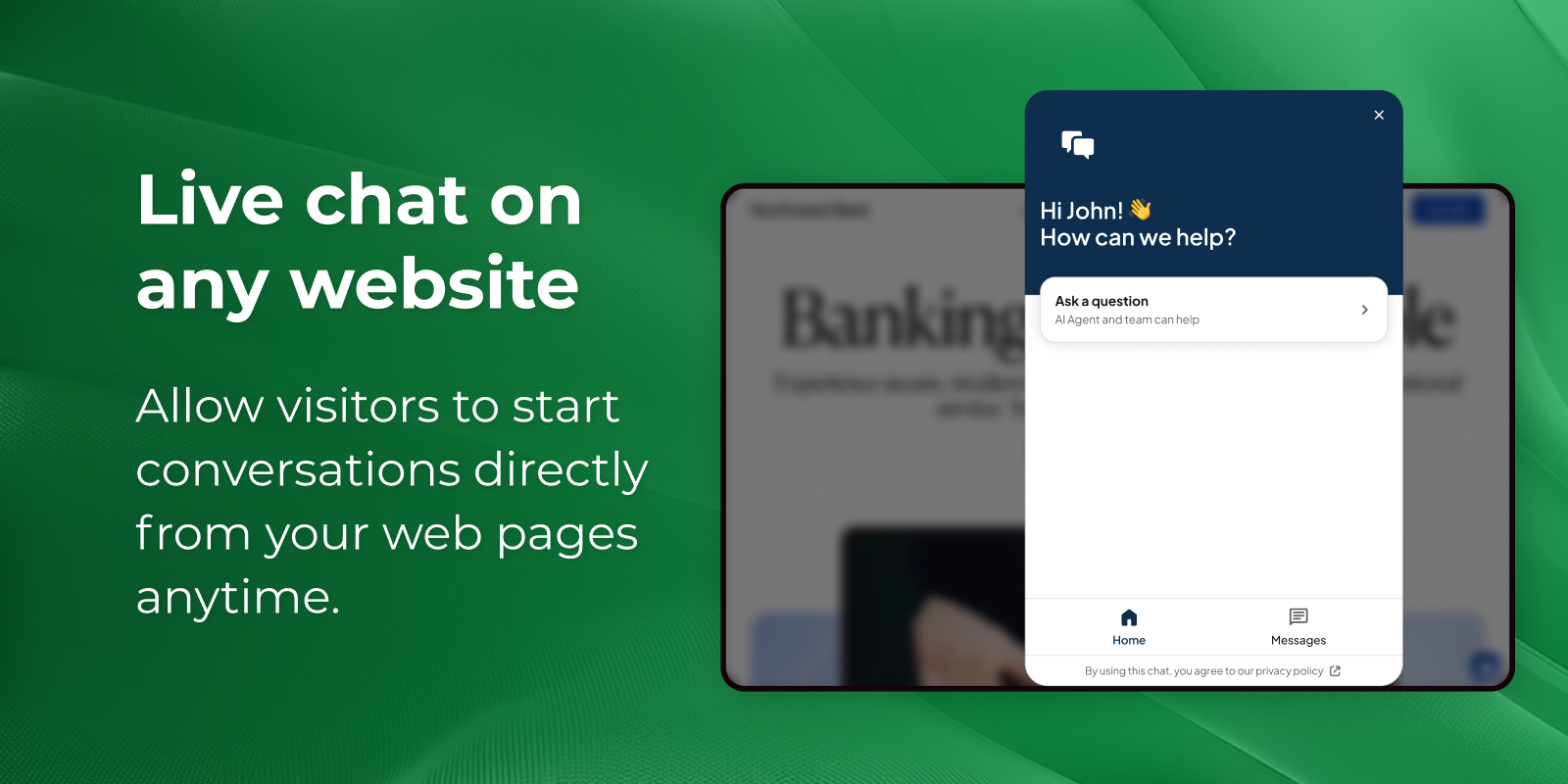
Live chat on any website
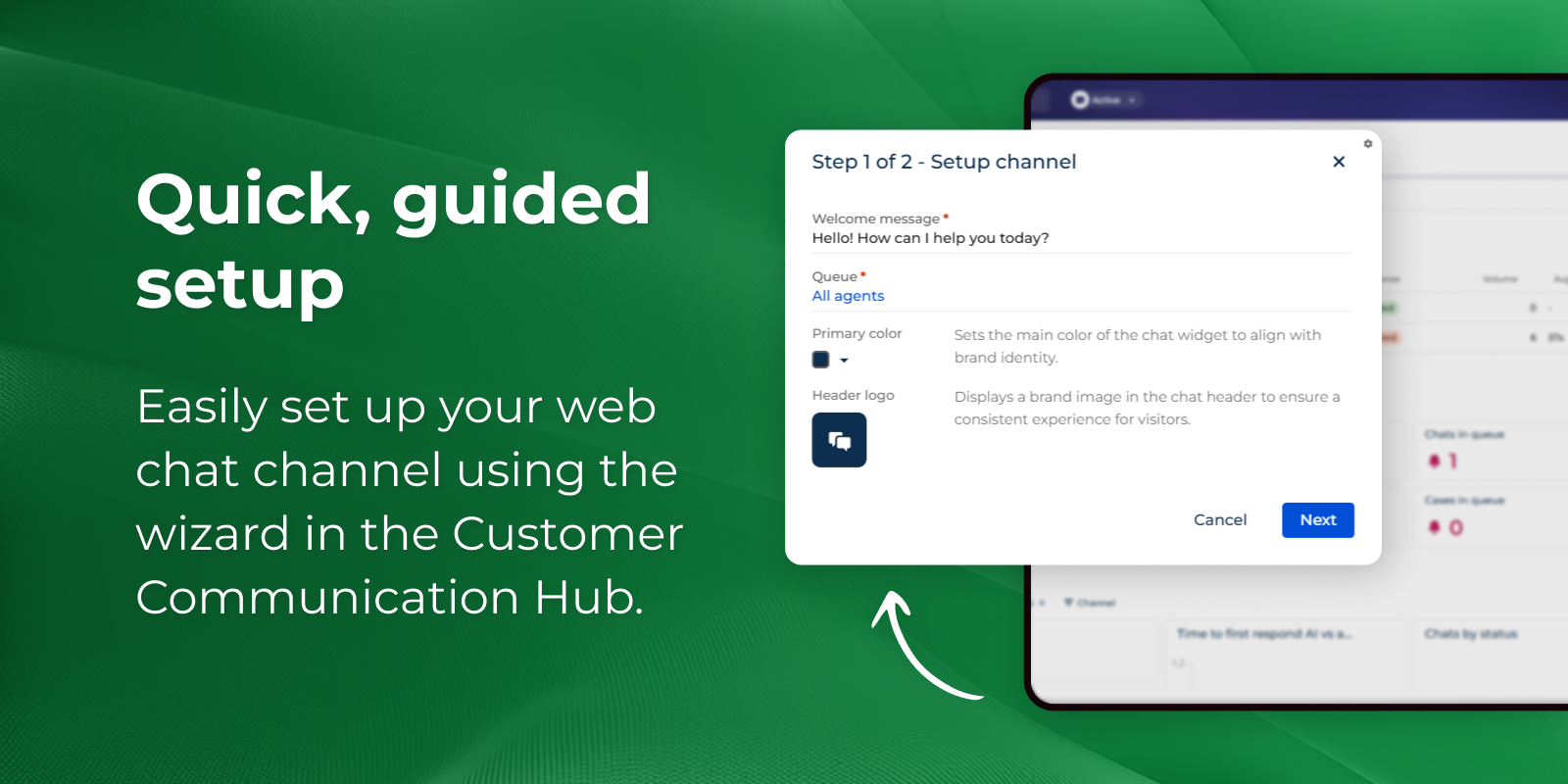
Quick, guided setup
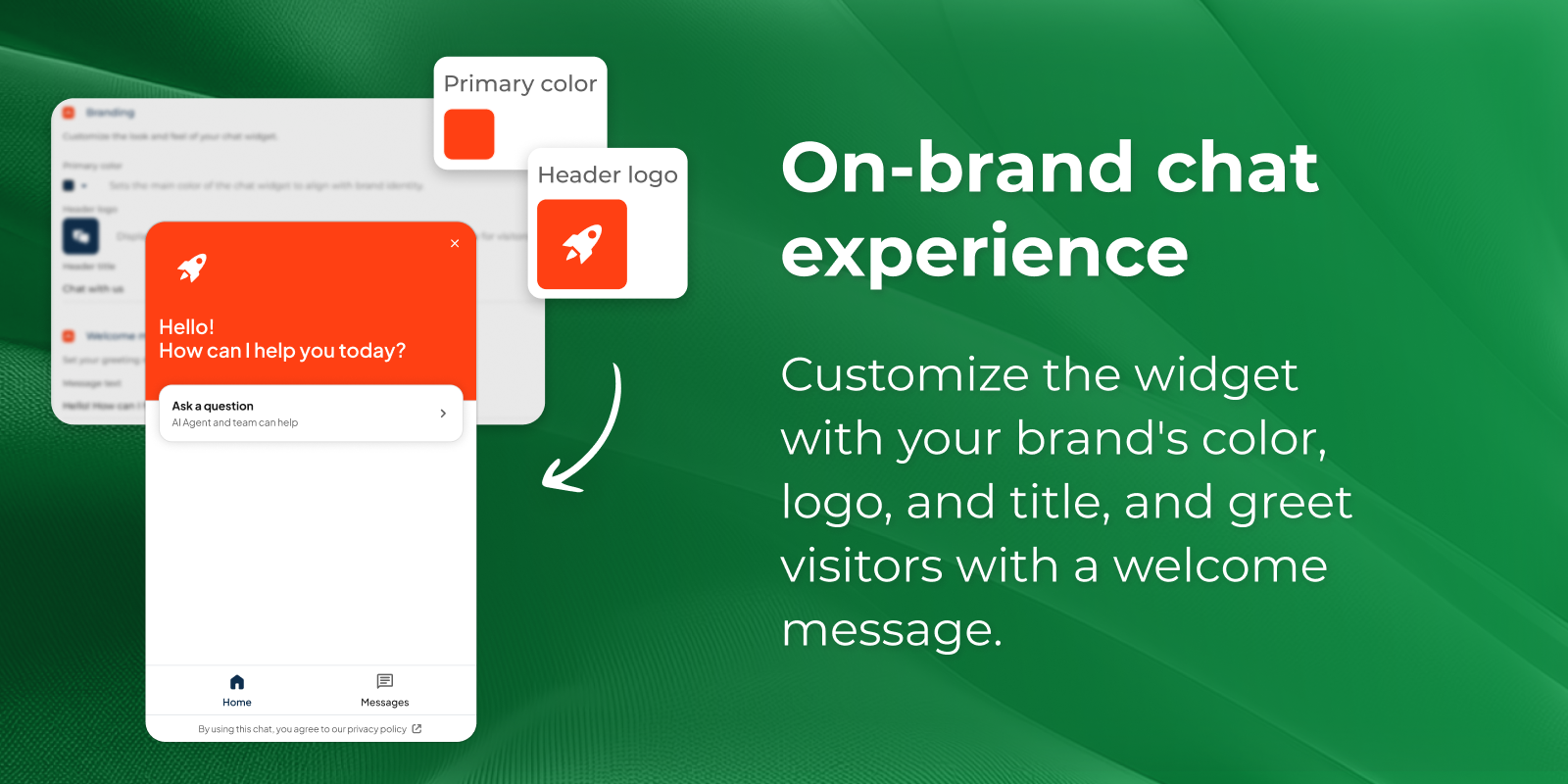
On-brand chat experience
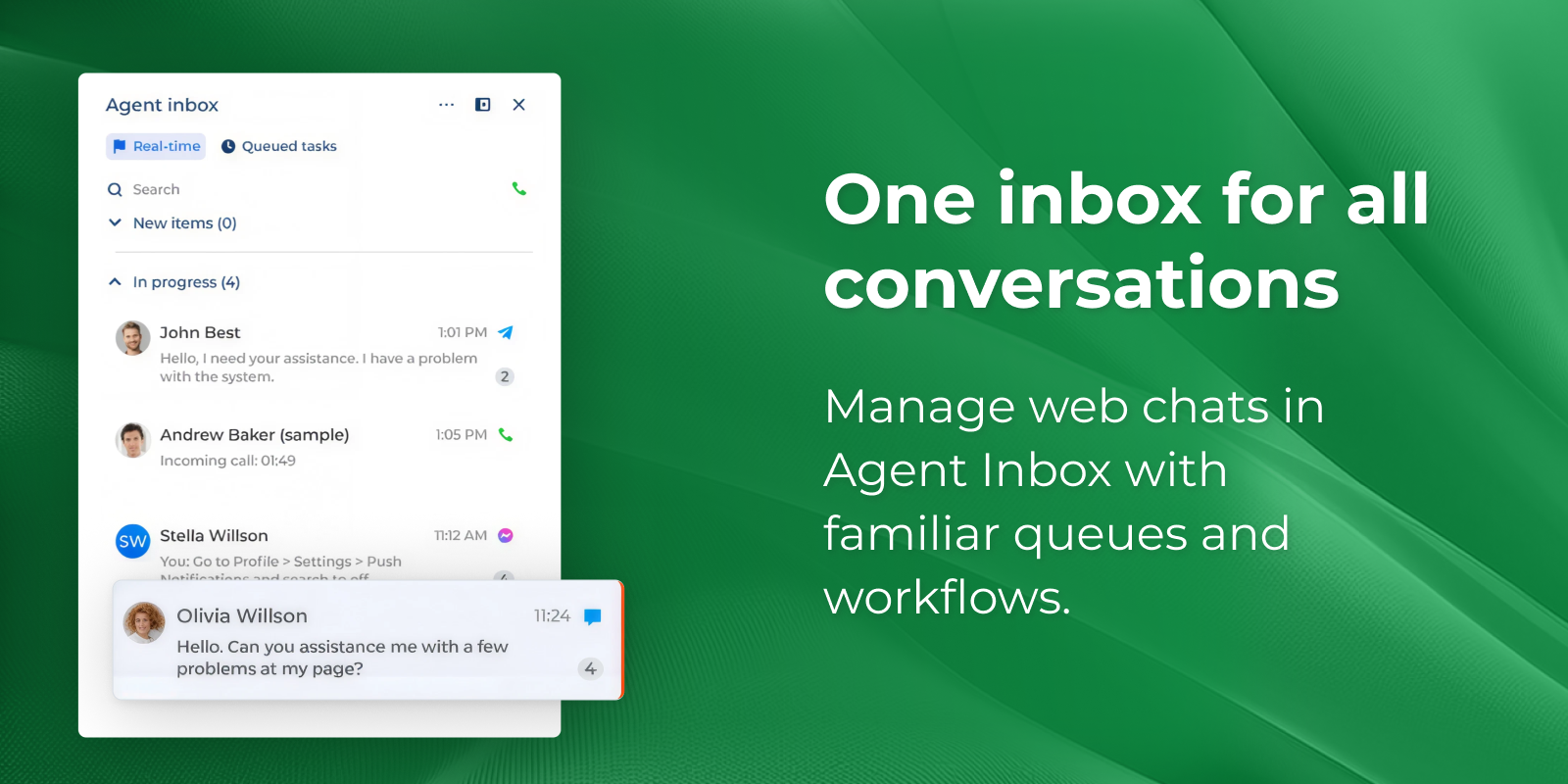
One inbox for every conversation
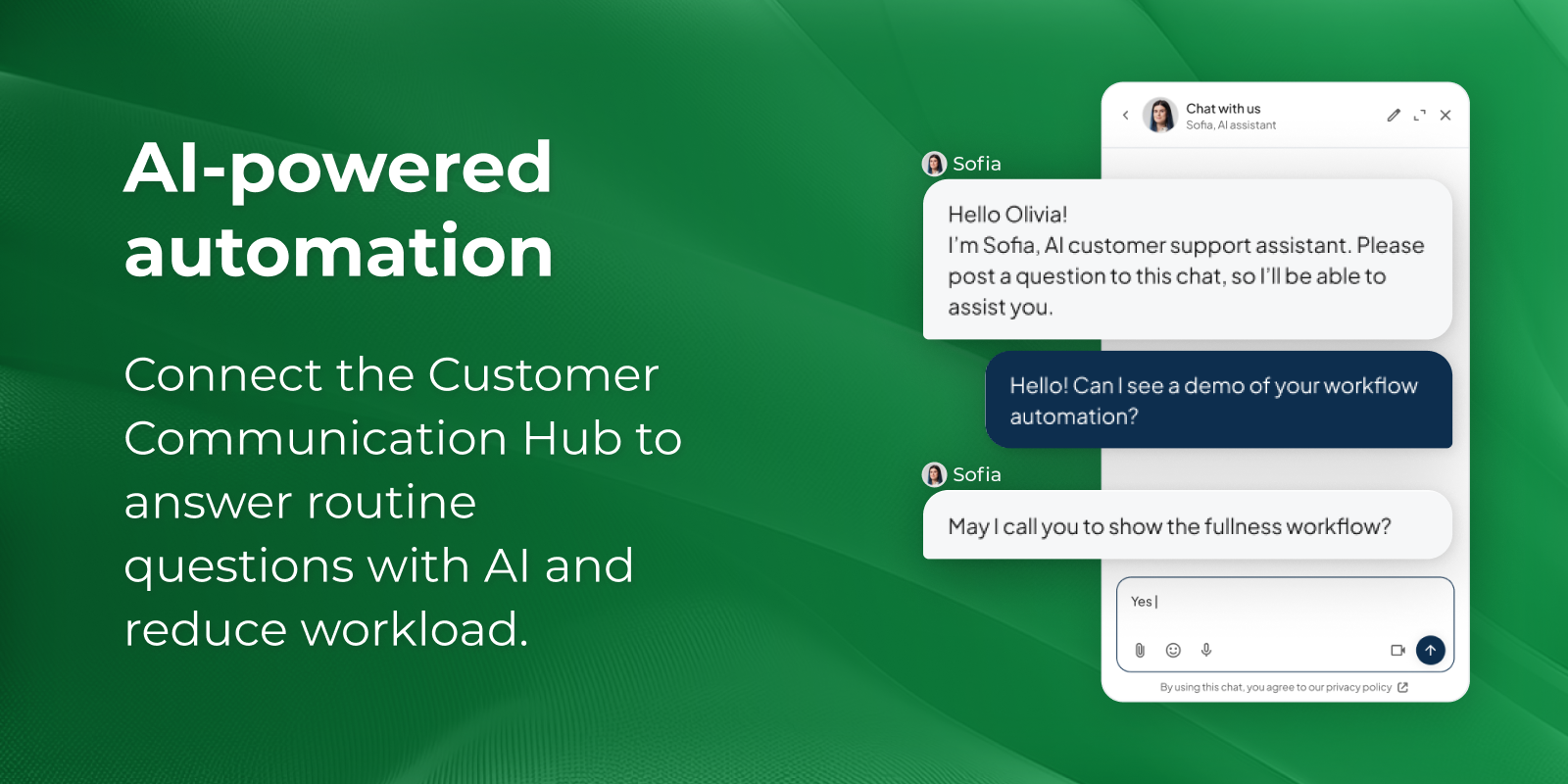
AI-powered automation
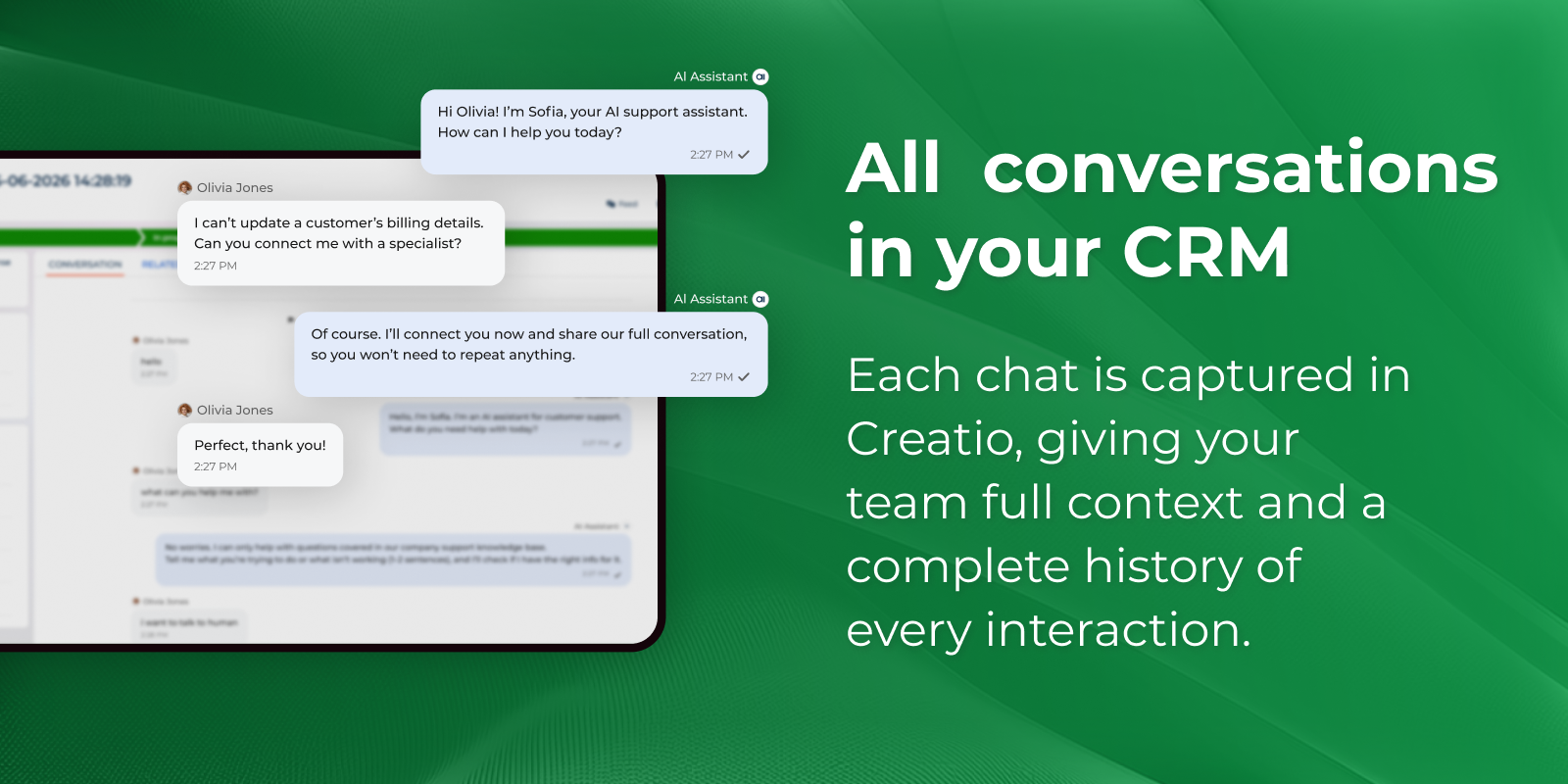
Every conversation in your CRM
Pricing
Terms and Conditions
Support
Installation
Setup guide
- Install the application — Add Web Chat to your Creatio environment from the Marketplace.
- Install the required applications — Add the Contact Center application (agent inbox, queues, routing) and the Customer Communication Hub application (channel setup, AI automation).
- Create your channel — In the Customer Communication Hub section, run the channel creation wizard and add a new Web Chat channel.
- Customize the appearance — On the Appearance tab, set your brand color, header logo, header title, and welcome message.
- (Optional) Enable AI automation — Connect Creatio AI on the AI Automation tab to answer common questions automatically and hand off to an agent when needed.
- Test before going live — Open the channel page, start a test chat in the live preview widget, and confirm it arrives in the Agent Inbox.
- Add the widget to your website — Copy the embed code from the Installation tab and paste it into your website page.
Resources
Data sharing
- By installing or downloading the App, you confirm that you agree with sharing your account data (name, email, phone, company and country) with the App Developer as their End User.
- The App Developer will process your data under their privacy policy.
Versions
Versions history
Manual app installation
- Open the needed app → the Packages tab - download the Markeplace app files.
- Click in the top right → Application Hub
- Click New application. This opens a window.
- Select Install from file and click Select in the window that opens.
- Click Select file on the page of the Marketplace App Installation Wizard and specify the app file path.
Compatibility notes