


WhatsApp Chat Channel
Overview
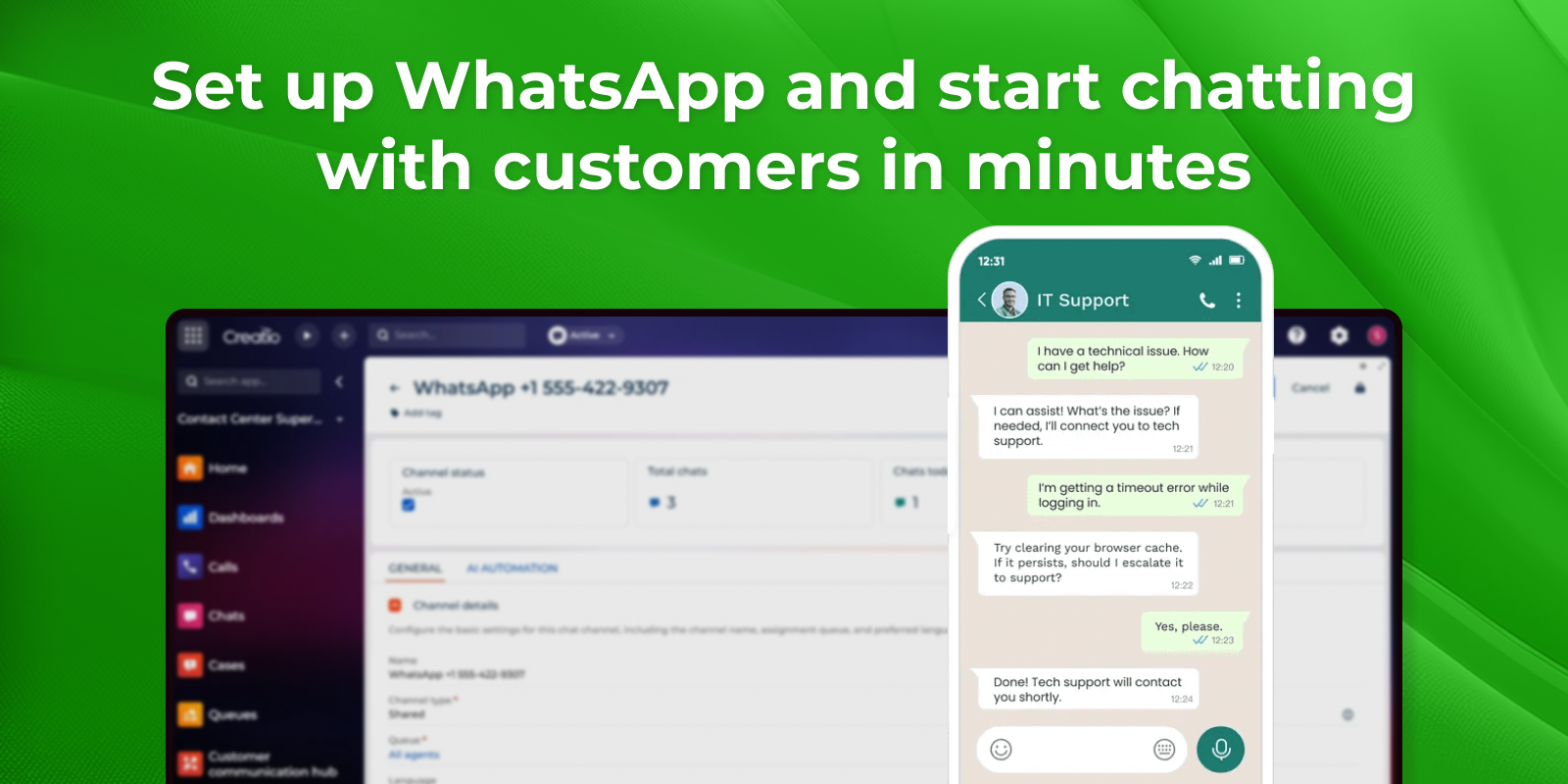
Product overview
Talk to your customers on the messaging app they use every day. WhatsApp Chat Channel connects your WhatsApp Business number to Creatio through the official Meta Cloud API, so conversations flow straight into the platform — received, answered, and managed by your team in Creatio, without switching to a separate app.
Because it connects directly to WhatsApp through Meta, there's no third-party provider or extra subscription in the middle — you connect your own number and start messaging. From there, WhatsApp works like every other chat channel in Creatio: your team handles conversations from one inbox, AI can answer routine questions first, and each chat is routed to the right people.
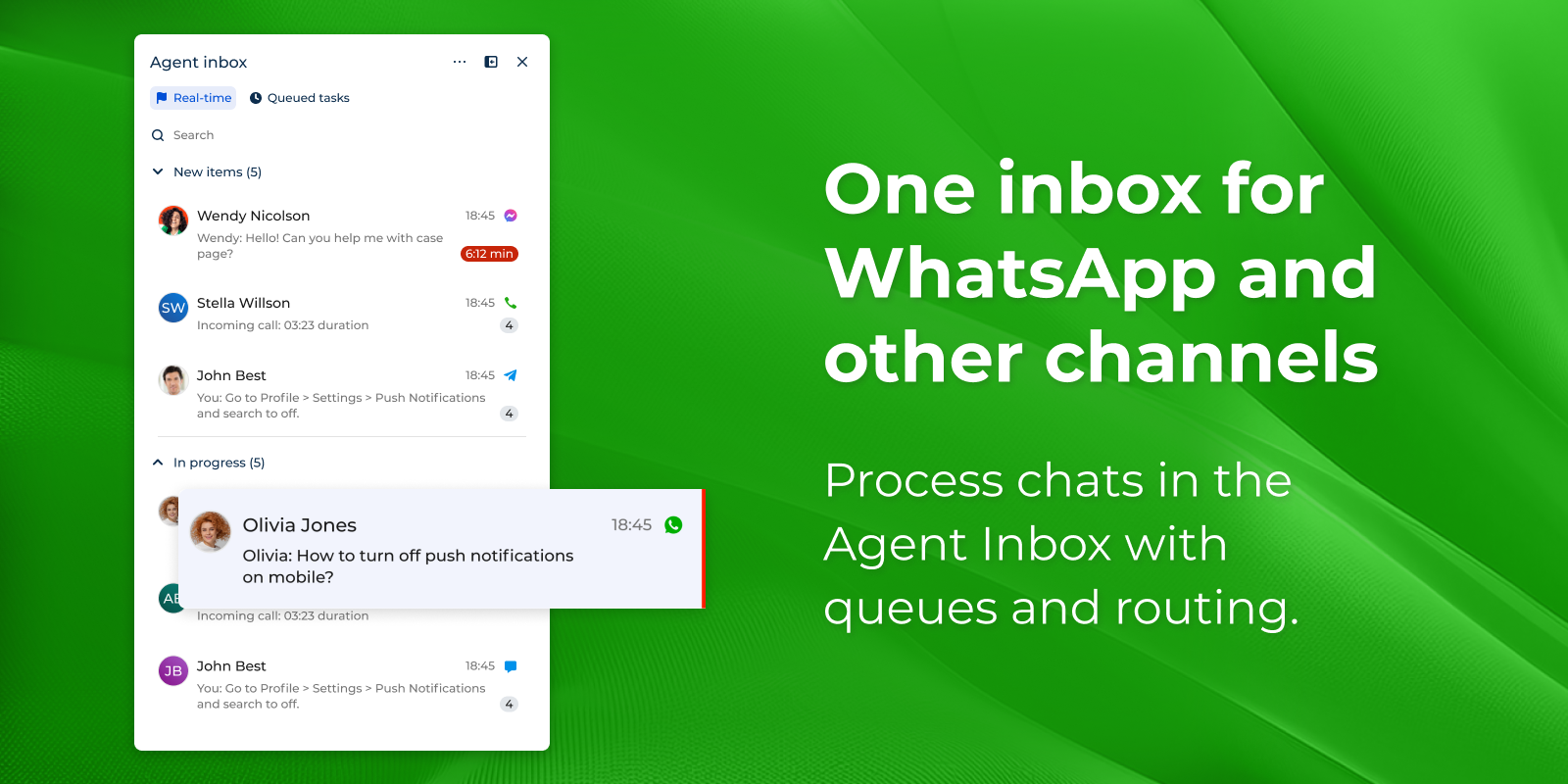
WhatsApp Chat Channel works together with two Creatio applications to give you the full experience: install the Contact Center application to process WhatsApp chats in the Agent Inbox with queues and automatic routing, and add the Customer Communication Hub application to automate responses with AI and hand off to a human agent whenever a personal touch is needed.
Key Features
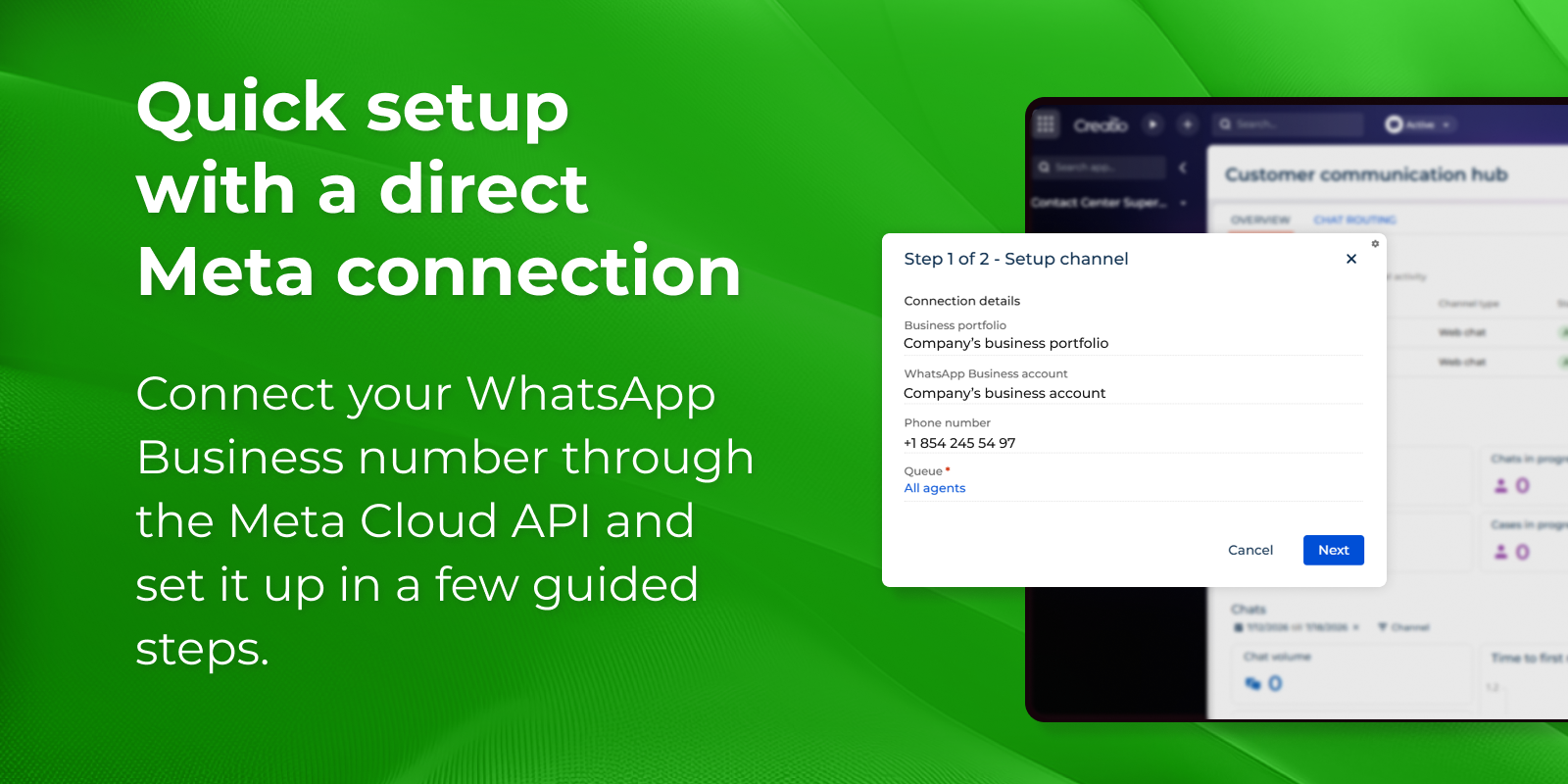
Quick setup with a direct Meta connection
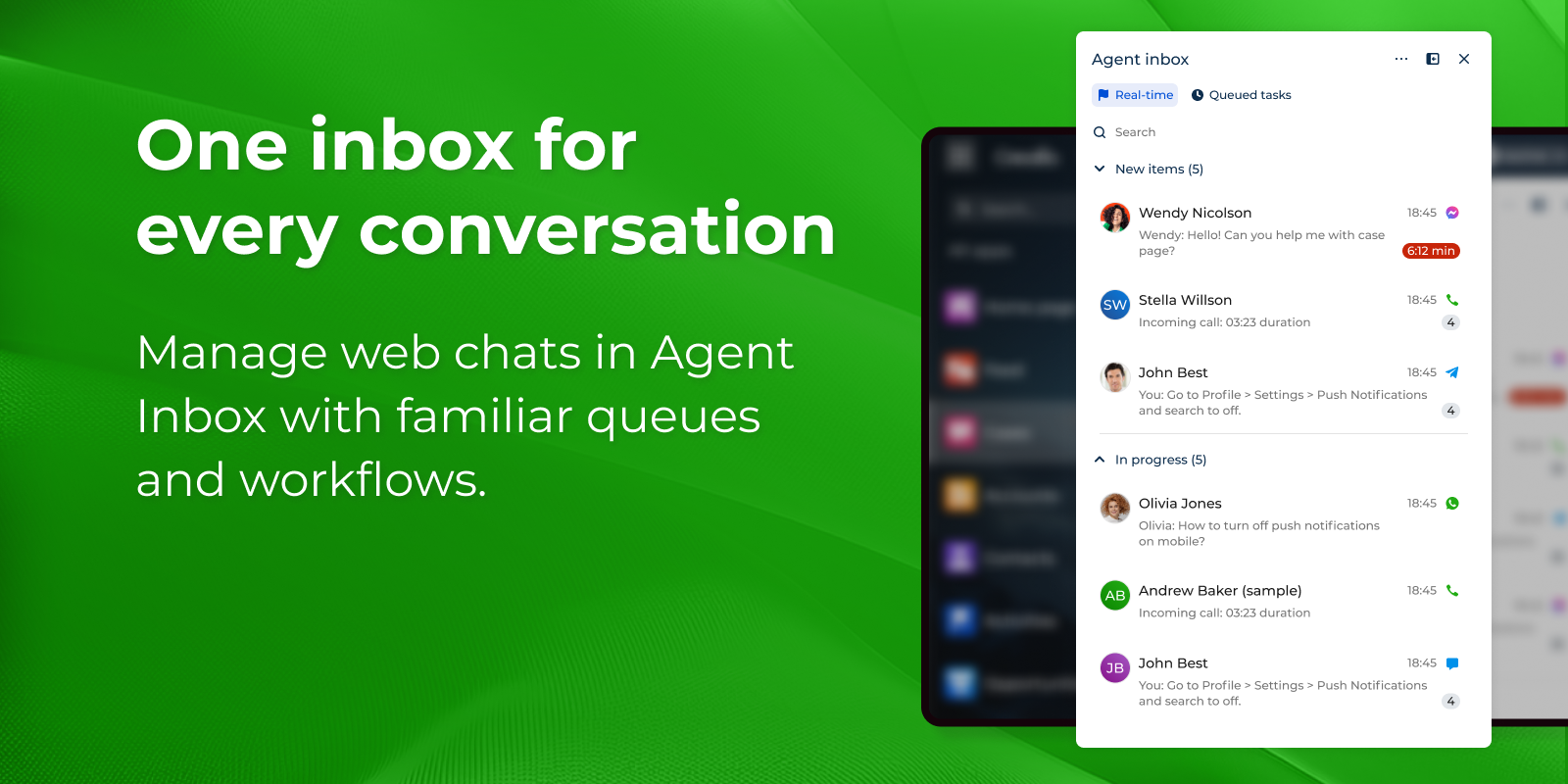
One inbox for every conversation
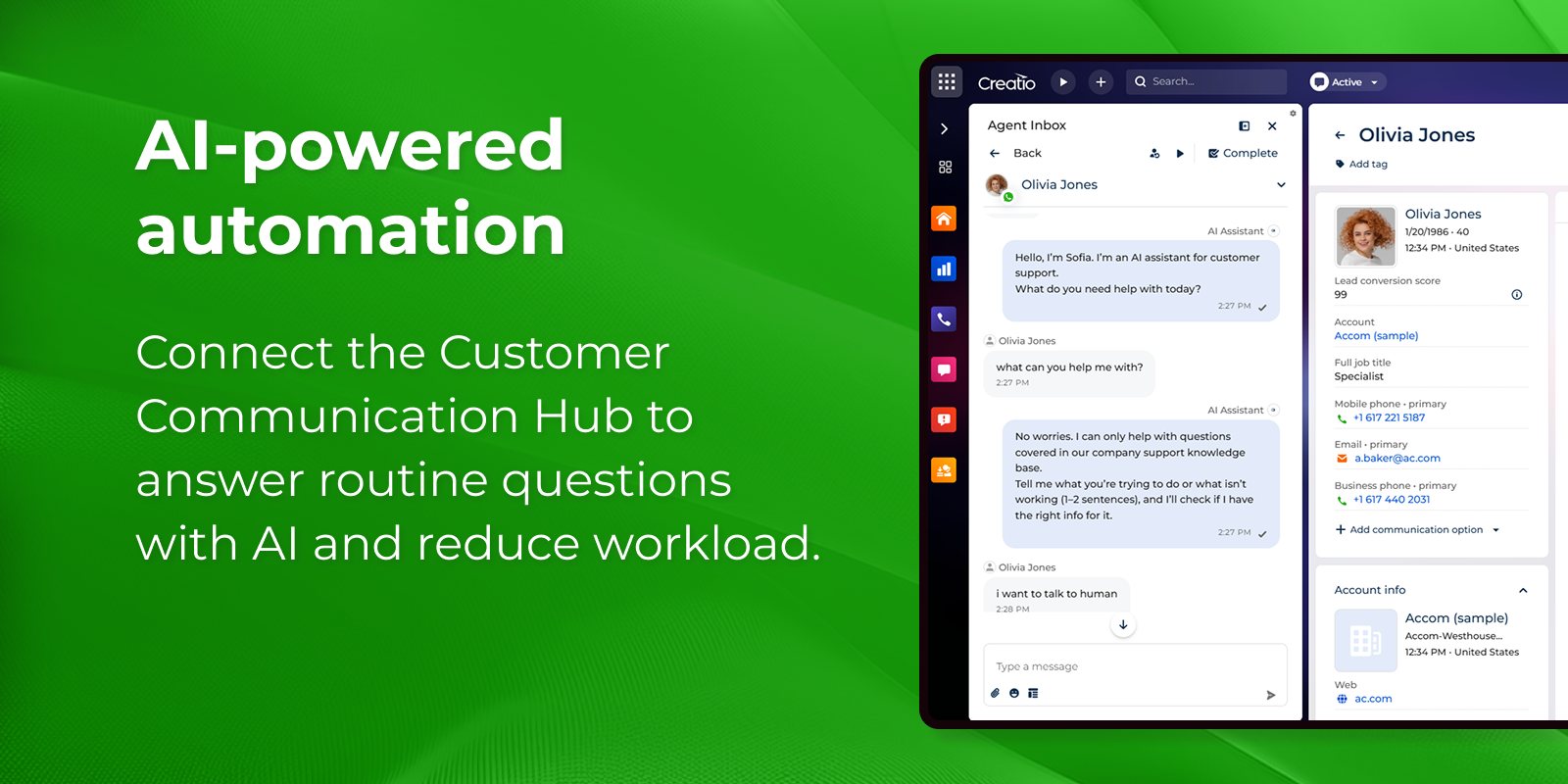
AI-powered automation
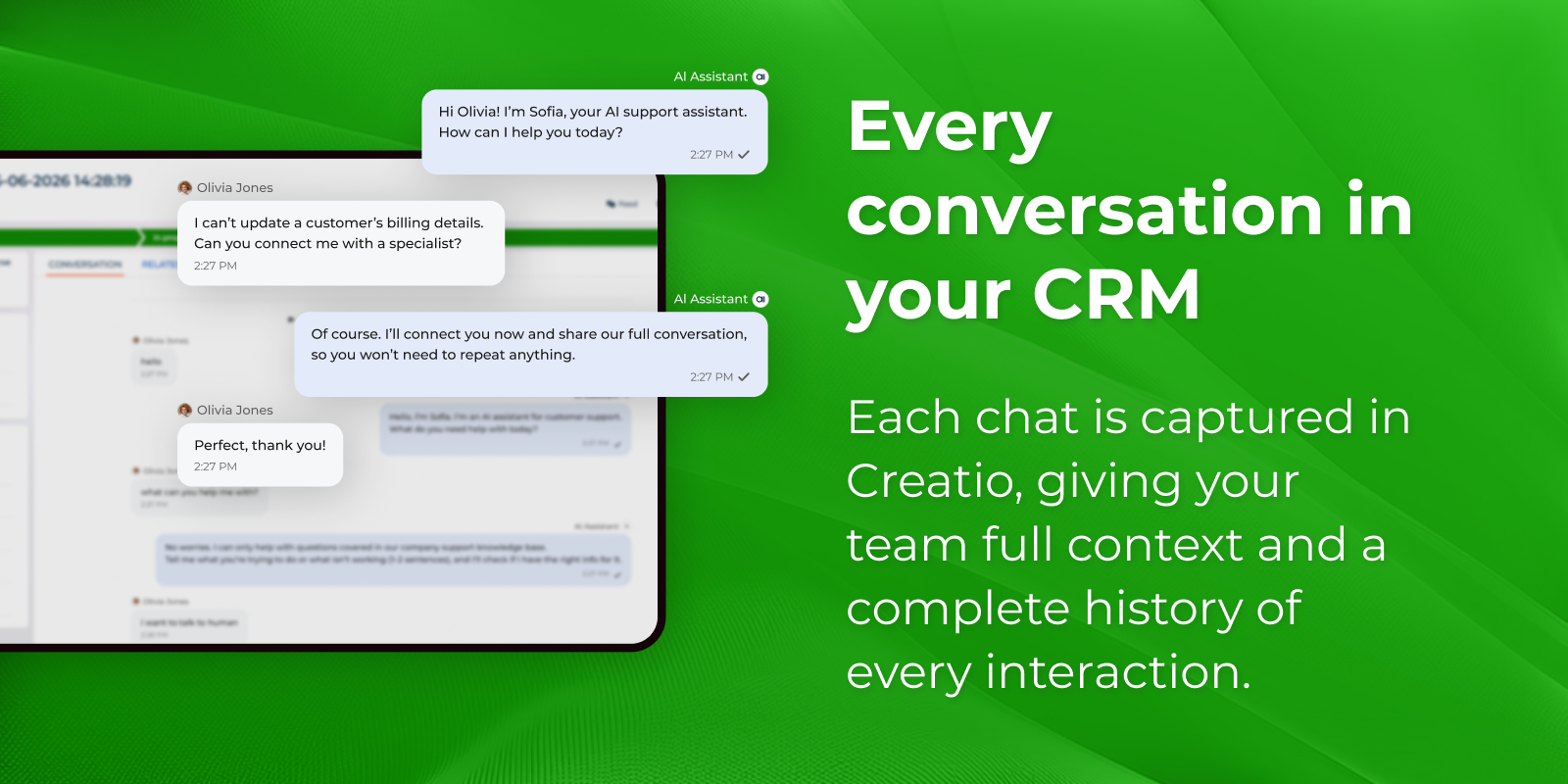
Every conversation in your CRM
Pricing
Terms and Conditions
Support
Installation
Setup guide
- Install the application — Add WhatsApp Chat Channel to your Creatio environment from the Marketplace.
- Install the required applications — Add the Contact Center application (agent inbox, queues, routing) and the Customer Communication Hub application (channel setup, AI automation).
- Create your channel — In the Customer Communication Hub section, run the channel creation wizard, connect your WhatsApp Business account (Meta Cloud API), and add a new WhatsApp channel.
- (Optional) Enable AI automation — Connect Creatio AI on the AI Automation tab to answer common questions automatically and hand off to an agent when needed.
- Test before going live — Open the WhatsApp app, send a message to your connected number, and confirm it arrives in the Agent Inbox.
Data sharing
- By installing or downloading the App, you confirm that you agree with sharing your account data (name, email, phone, company and country) with the App Developer as their End User.
- The App Developer will process your data under their privacy policy.
Versions
Versions history
Manual app installation
- Open the needed app → the Packages tab - download the Markeplace app files.
- Click in the top right → Application Hub
- Click New application. This opens a window.
- Select Install from file and click Select in the window that opens.
- Click Select file on the page of the Marketplace App Installation Wizard and specify the app file path.
Compatibility notes