


Writer NLU
Overview
Product overview
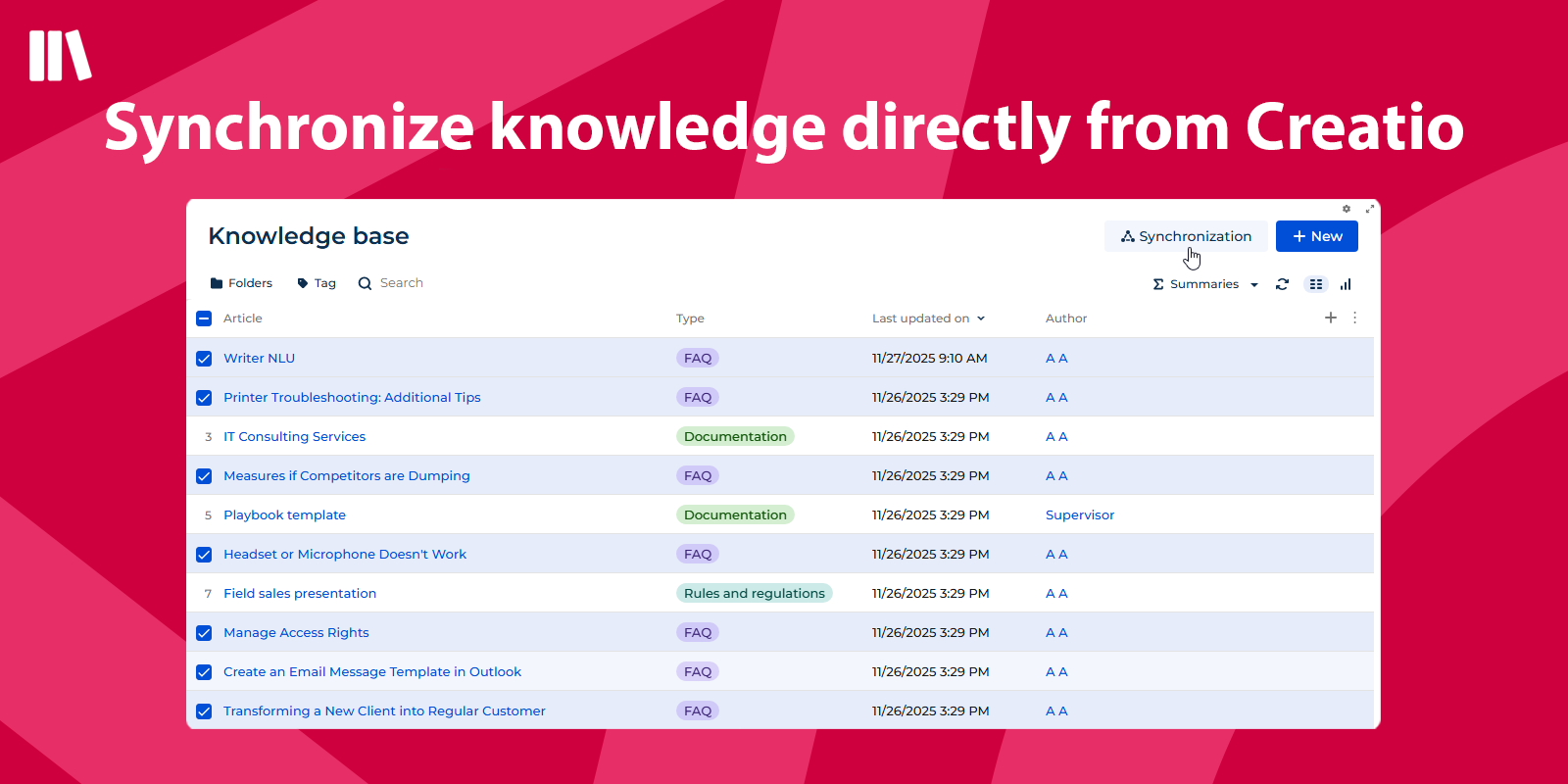
Writer NLU enhances Writer Bot application by enabling seamless transfer of articles from the standard Creatio Knowledge Base section directly into a bot knowledge base.
Business task solved:
Customer support teams often struggle with inconsistent responses, slow query resolution, and outdated knowledge bases. Writer NLU solves this by using advanced NLU to analyze customer queries, suggest pre-approved responses, and train bots to handle routine tasks, ensuring faster, unified, and scalable customer interactions.
Use cases:
- Automate instant answers to frequent customer questions using the knowledge base
- Continuously train and improve the bot's accuracy based on real customer queries
- Keep bot and agent knowledge bases perfectly synchronized from a single source
Notes:
Writer NLU is an extension of the Writer Bot application that allows you to use Knowledge Base into bot.
Key Features
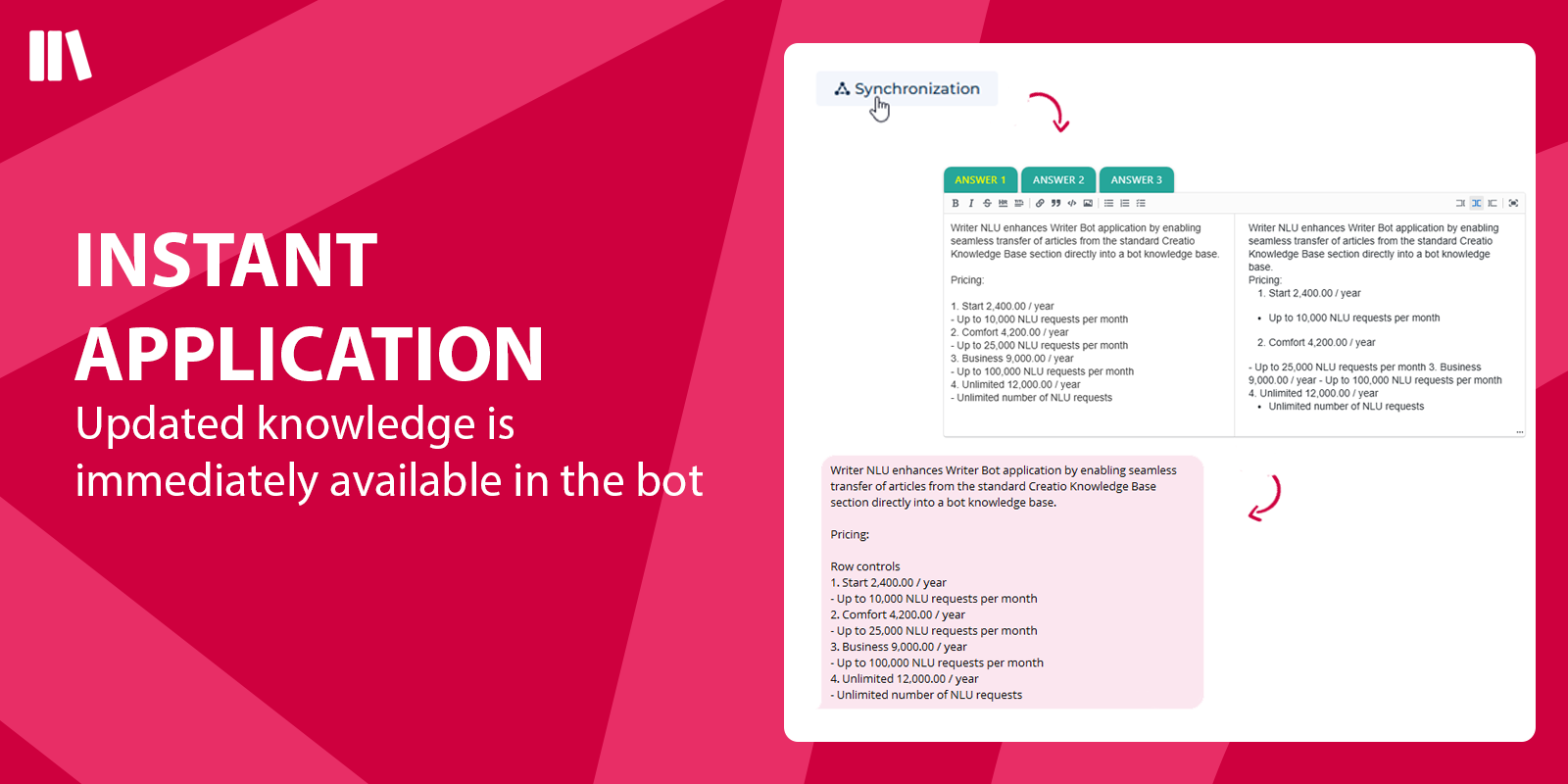
Actual Knowledge Base Available in the Bot
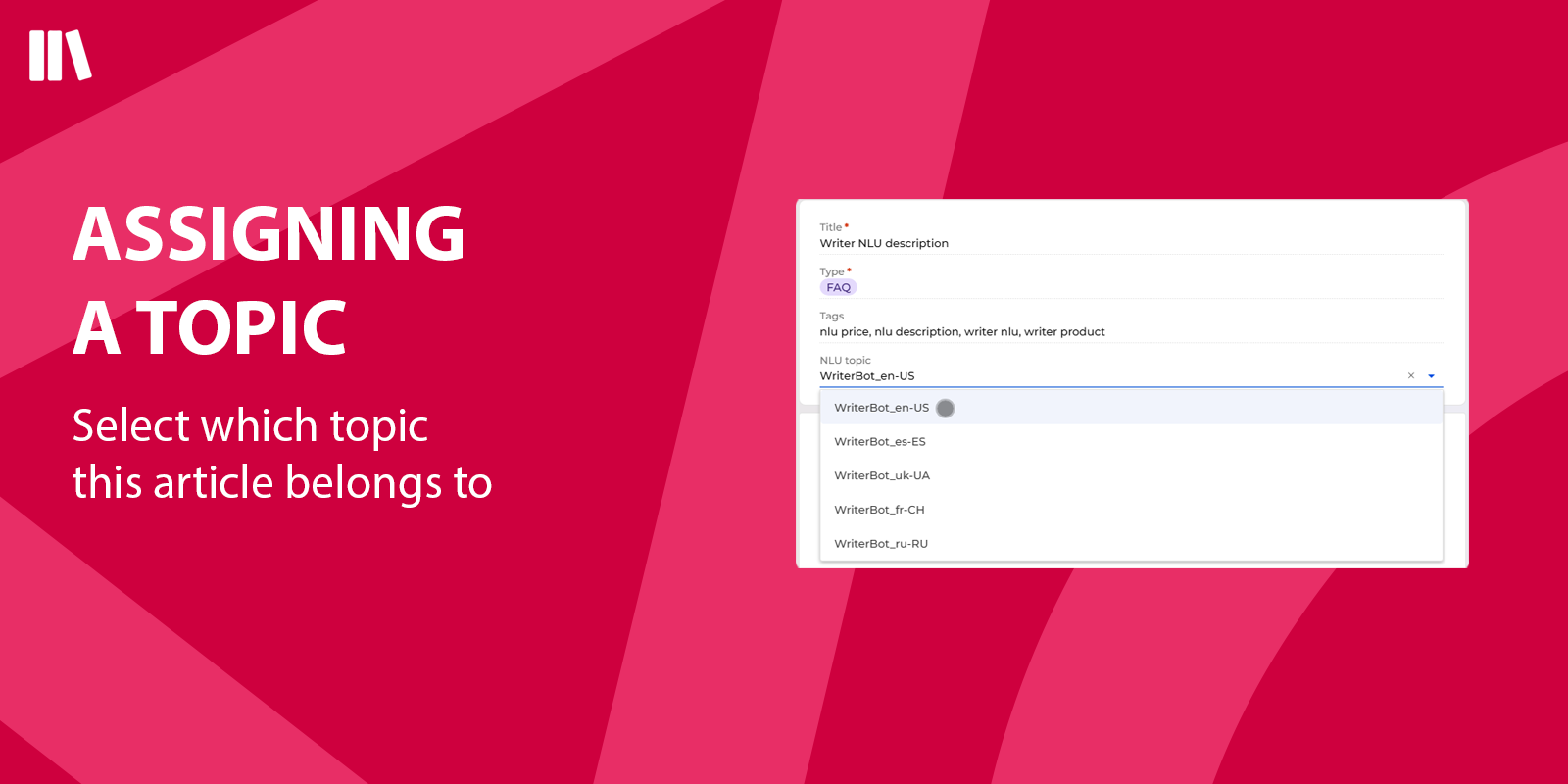
Assigning a Topic
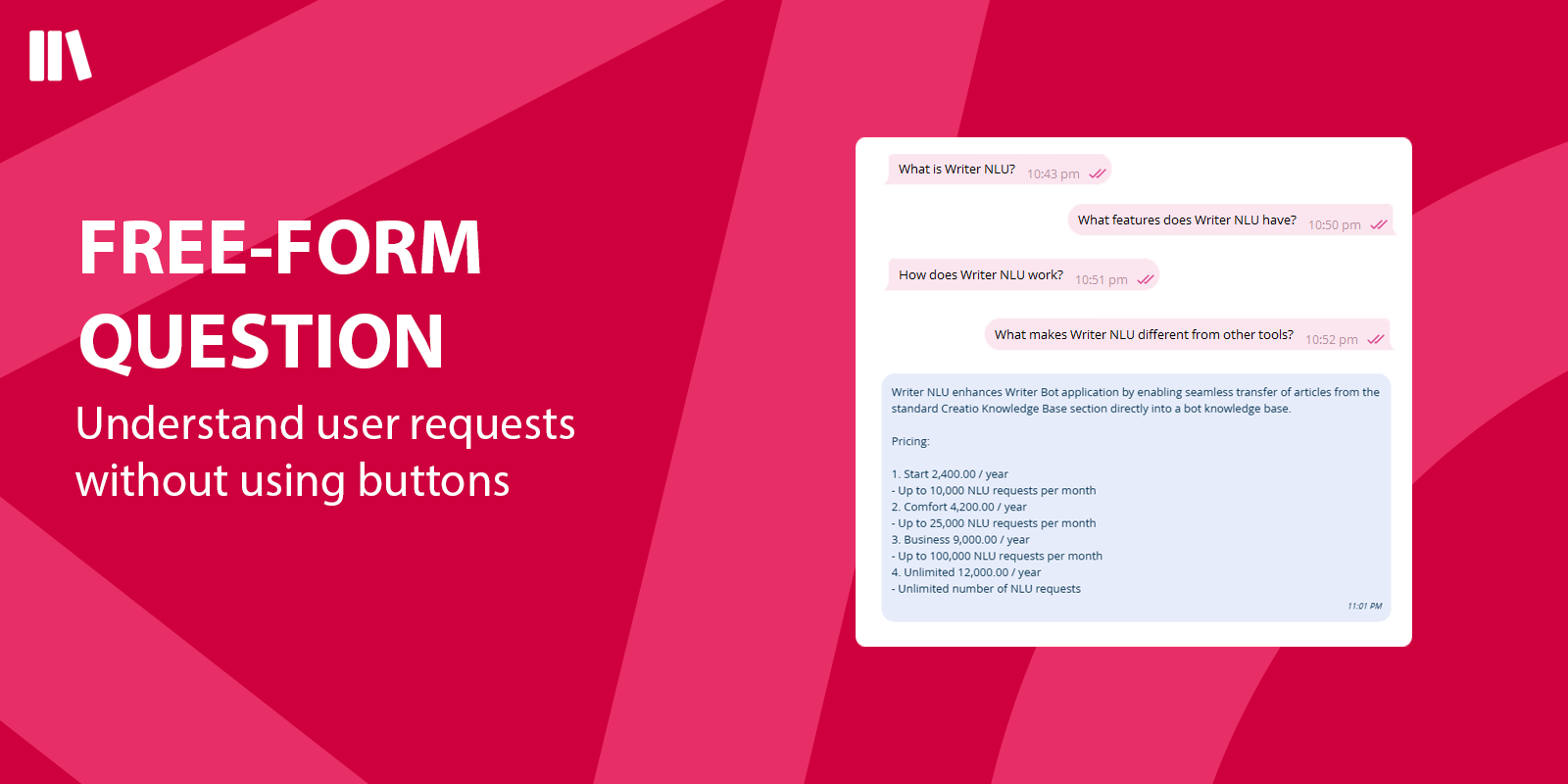
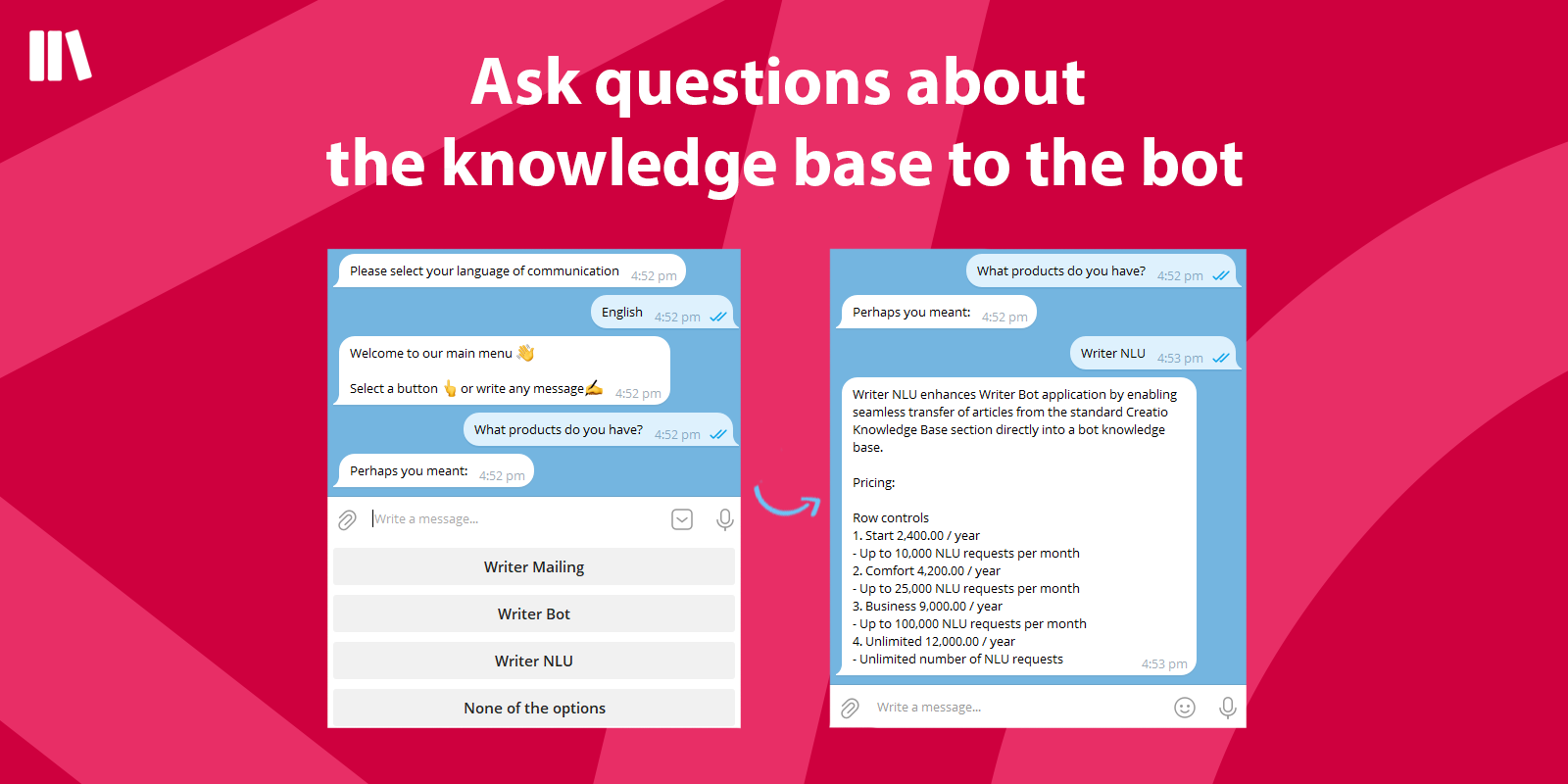
Free-form Question Support in the Bot
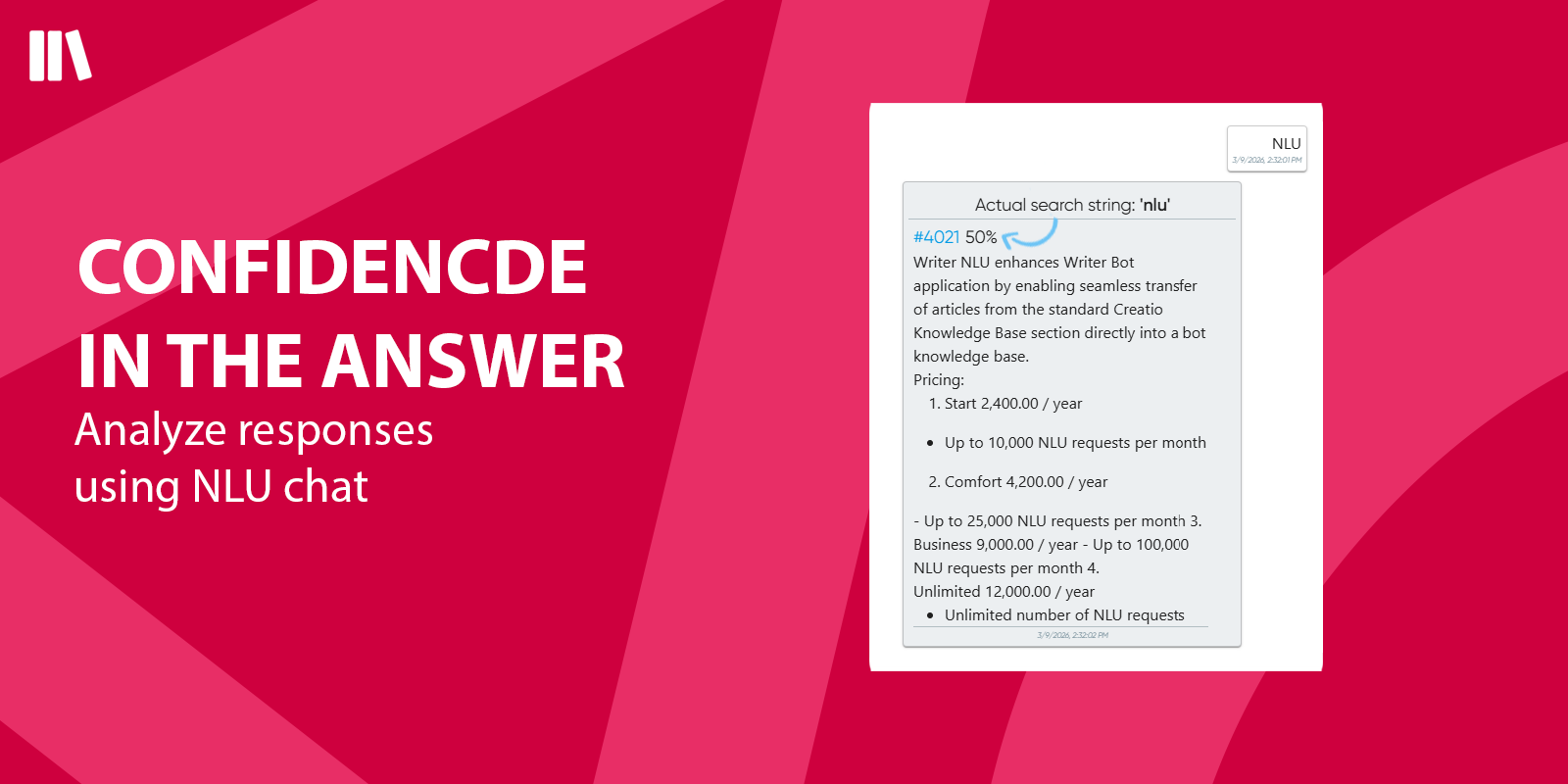
Confidence in the Answer
Pricing
Third-party solution. The listed price includes the external subscription. Purchase and payment are processed via Creatio.
Terms and Conditions
Support
Installation
Setup guide
* Before starting the installation of Writer NLU, please install and configure the Writer Operator and the Writer Bot apps.
- Request the required settings by emailing license@writer-cloud.com
- Install the Writer NLU package into your Creatio system using the "Application Hub"
- Go to System Settings in Creatio
- Select the "Writer NLU" folder
- Edit the following settings:
- Writer api url
- Writer login
- Writer NLU Topic Name
- Writer password
- Use the "Server" value from the email to fill in the Writer api url setting
- Use the "Supervisor login" value from the email to fill in the ITSLogin setting.
- Use the "Supervisor password" value from the email to fill in the ITSPassword setting
- Use the "External Id" value from the email to fill in the Writer NLU Topic Name setting
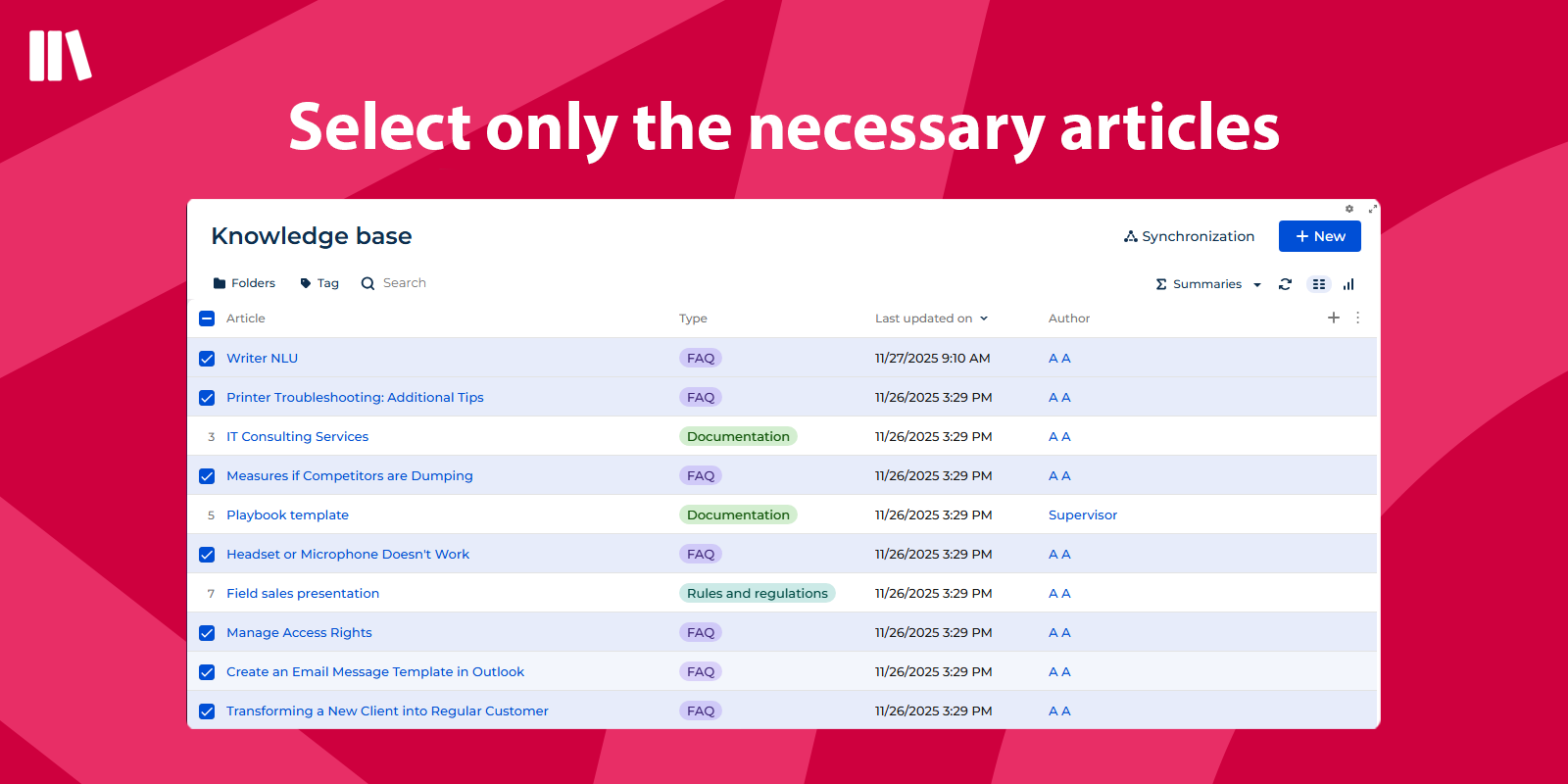
- Use the Knowledge Base section to add articles to the bot
Compatibility notes
Require installation of Writer Bot app first.
Data sharing
- By installing or downloading the App, you confirm that you agree with sharing your account data (name, email, phone, company and country) with the App Developer as their End User.
- The App Developer will process your data under their privacy policy.
Versions
Versions history
Manual app installation
- Open the needed app → the Packages tab - download the Markeplace app files.
- Click in the top right → Application Hub
- Click New application. This opens a window.
- Select Install from file and click Select in the window that opens.
- Click Select file on the page of the Marketplace App Installation Wizard and specify the app file path.
** Unused requests from the previous month do not carry over to the next period.